


Zalith v2 Launcher (1.21.11, 1.20.1) – Best Launcher for Android in 2025
 55,169
 4
4
 October 29, 2025
 ZalithLauncher
Zalith v2 Launcher (1.21.11, 1.20.1) is an open-source launcher designed to run Minecraft: Java Edition on Android devices, the project utilizes PojavLauncher as its core launching engine and features a modern UI built with Jetpack Compose and Material Design 3. It is considered a significant alternative and upgrade compared to PojavLauncher, becoming the best launcher of 2025.
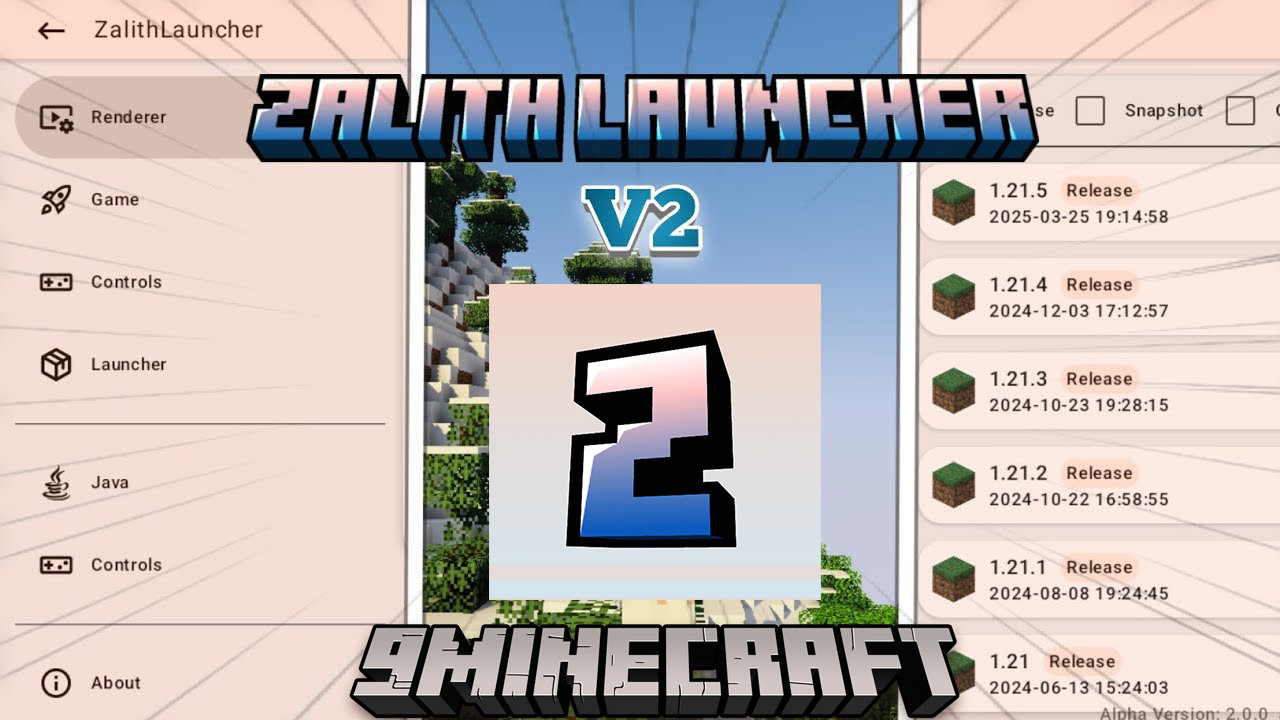
Features:
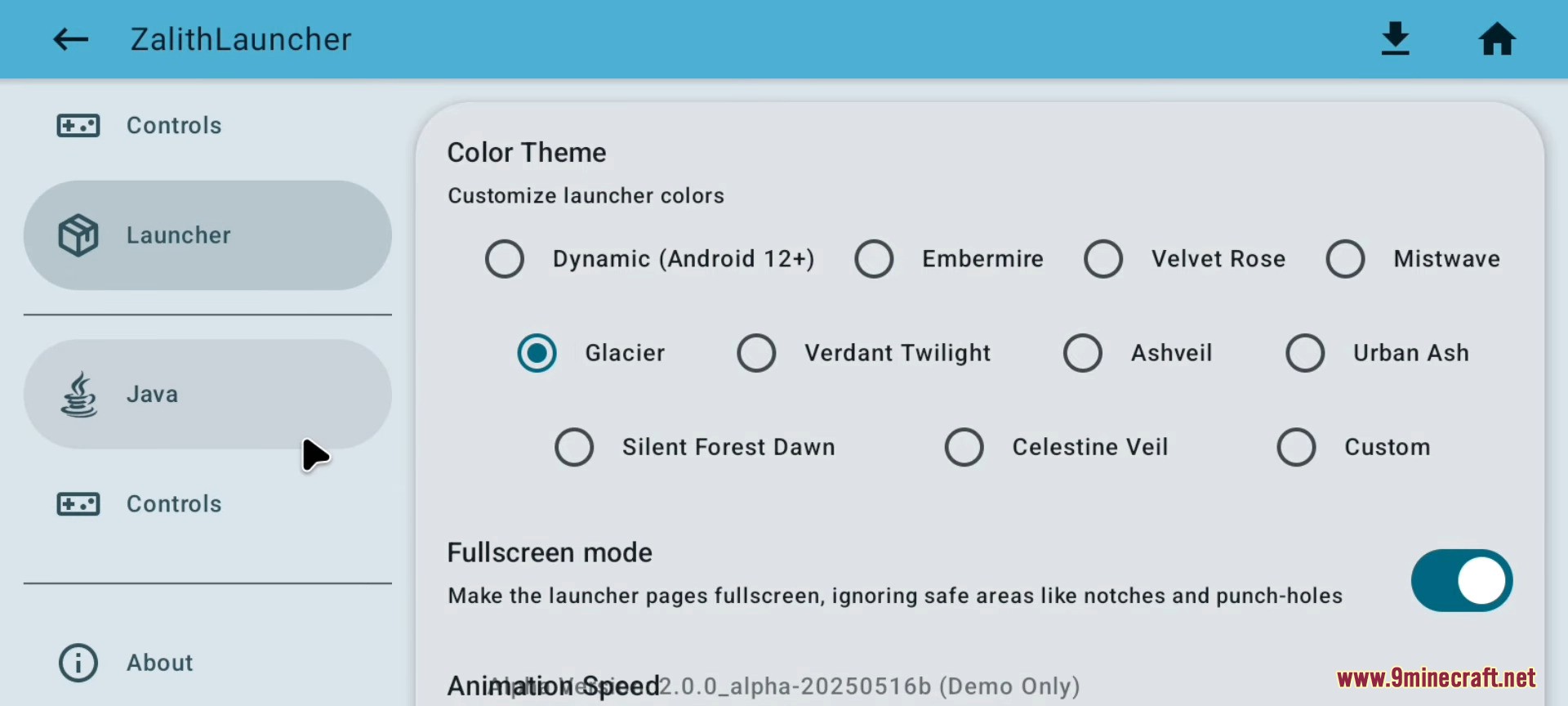
- Core launcher framework (themes, animations, settings, etc.)
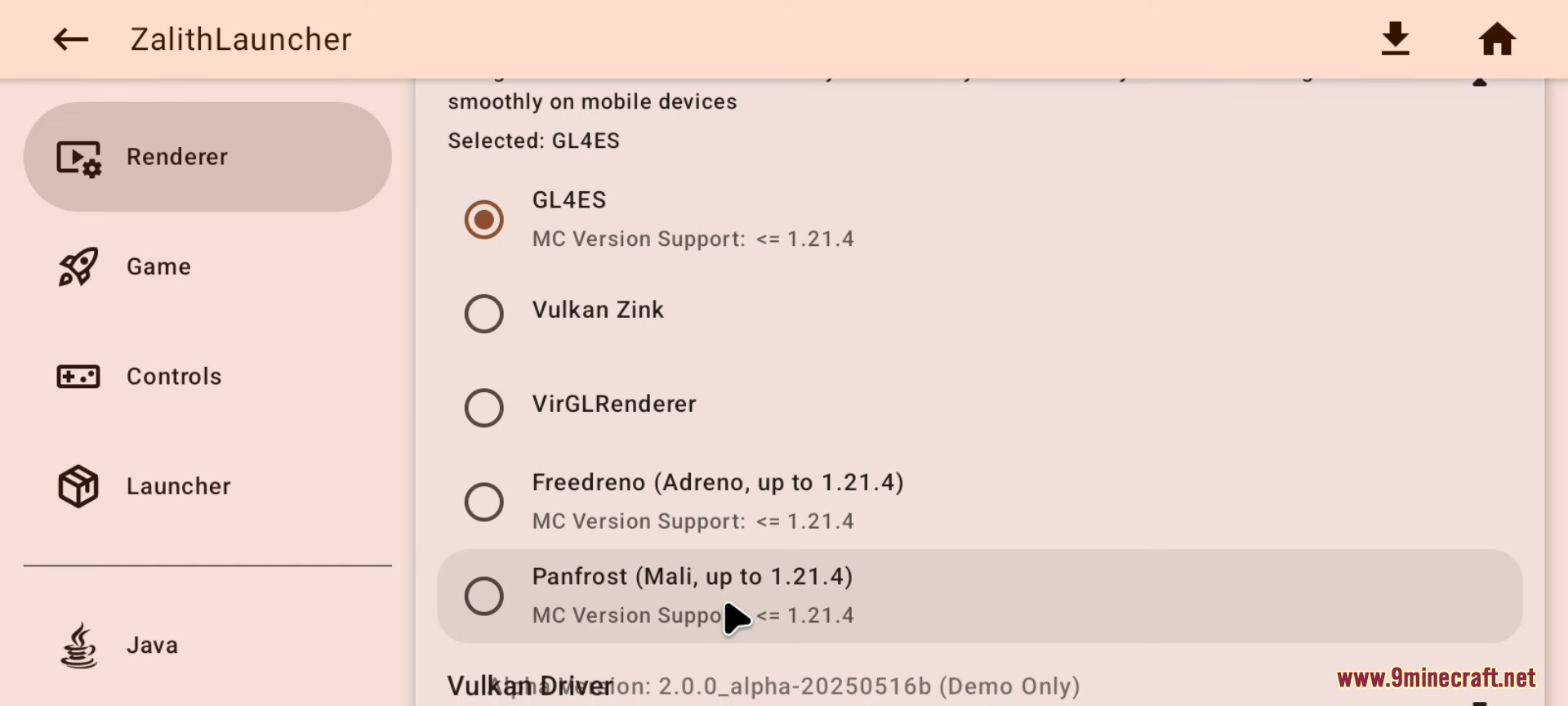
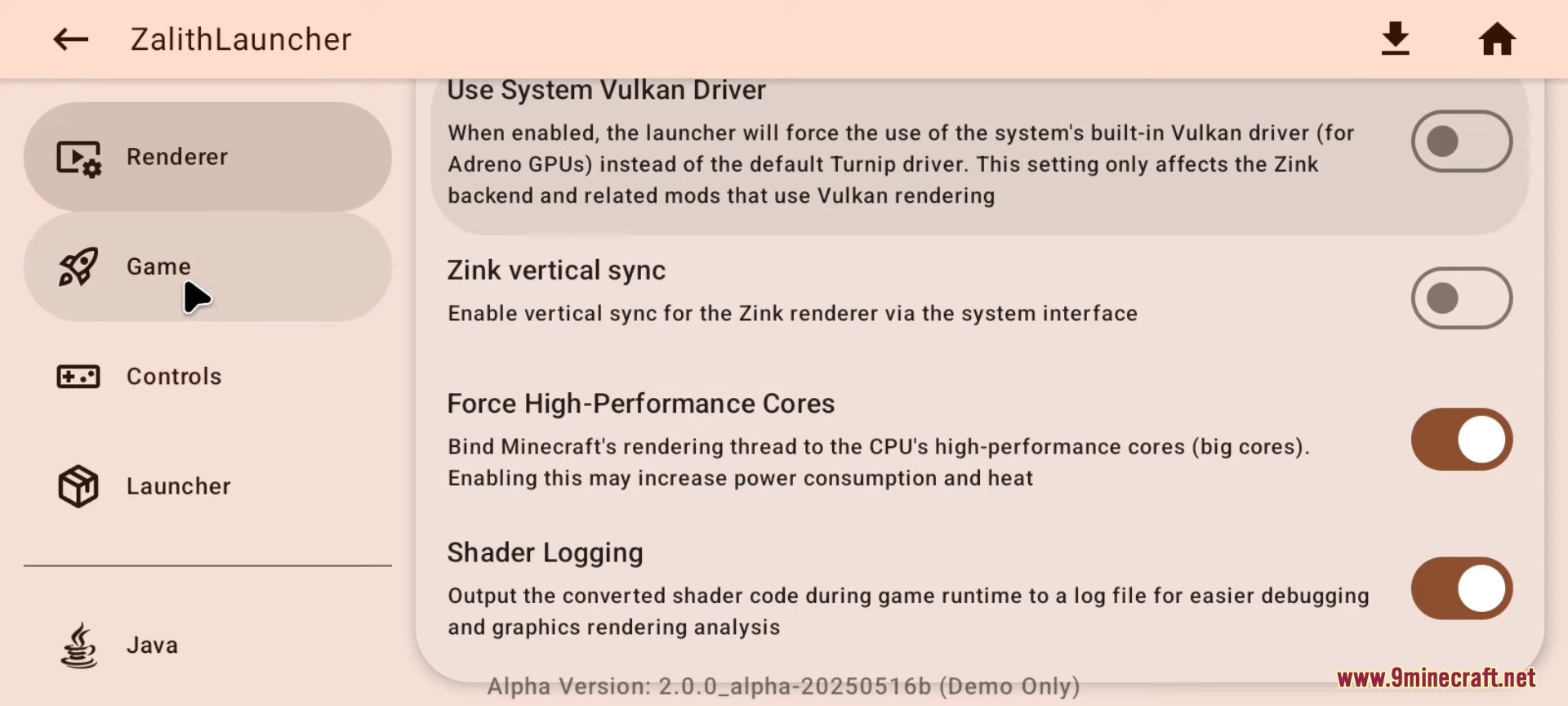
- Game launching and rendering
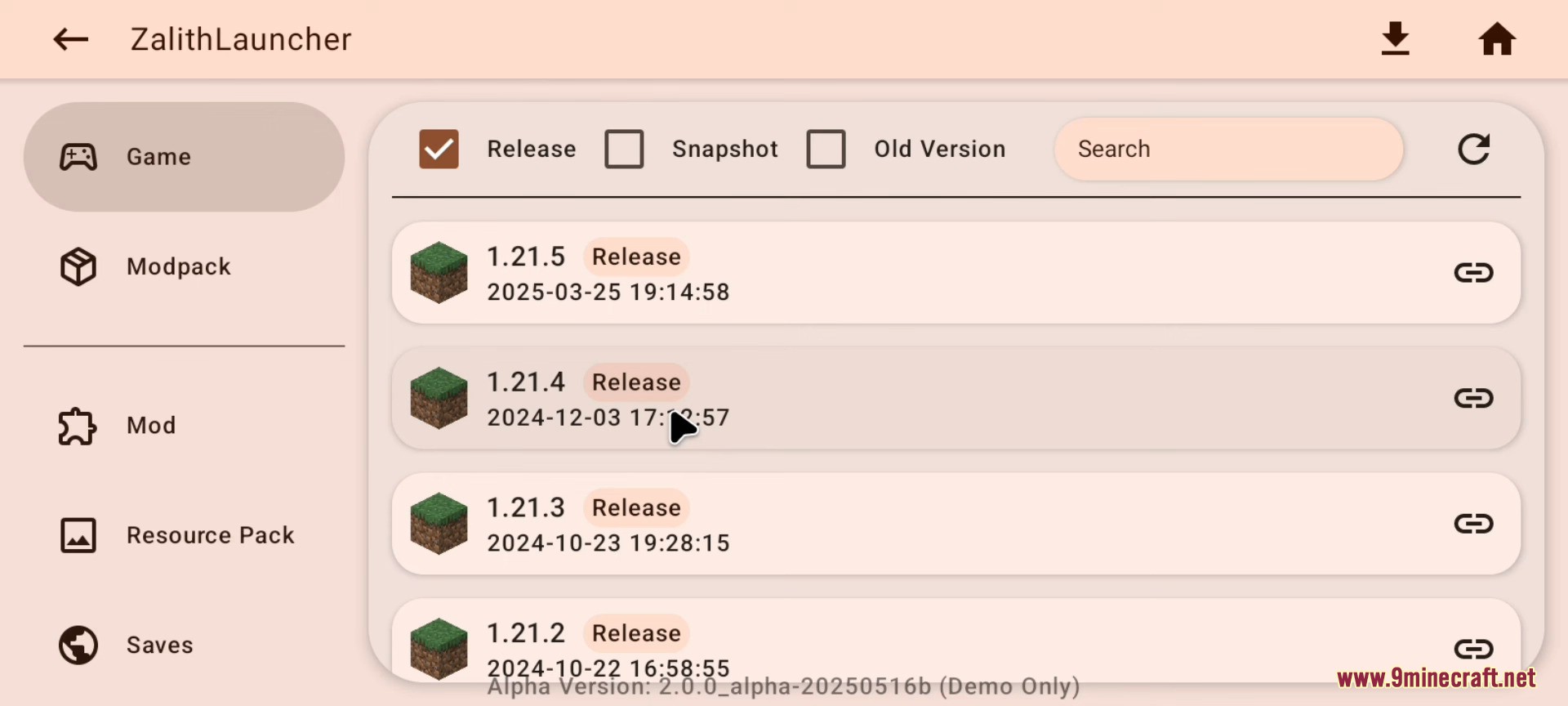
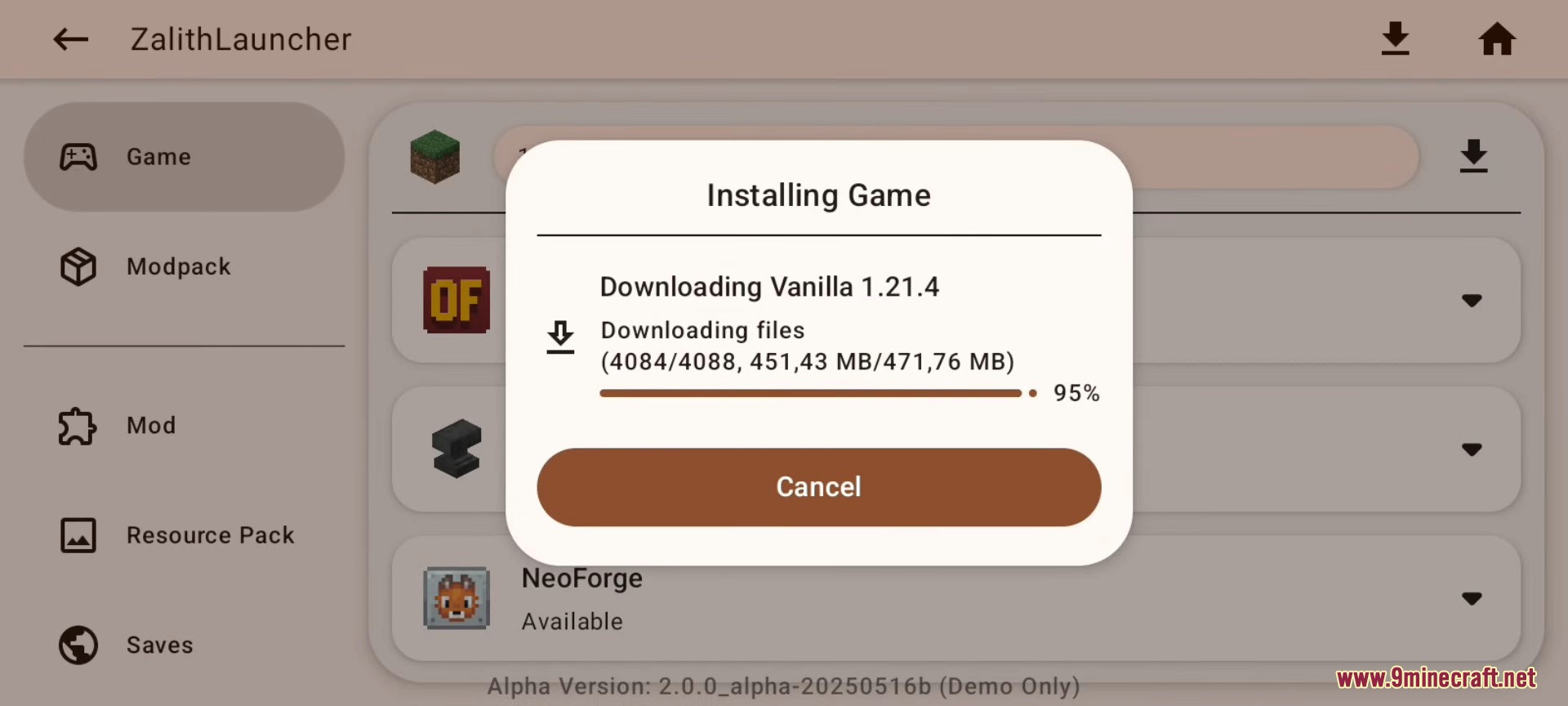
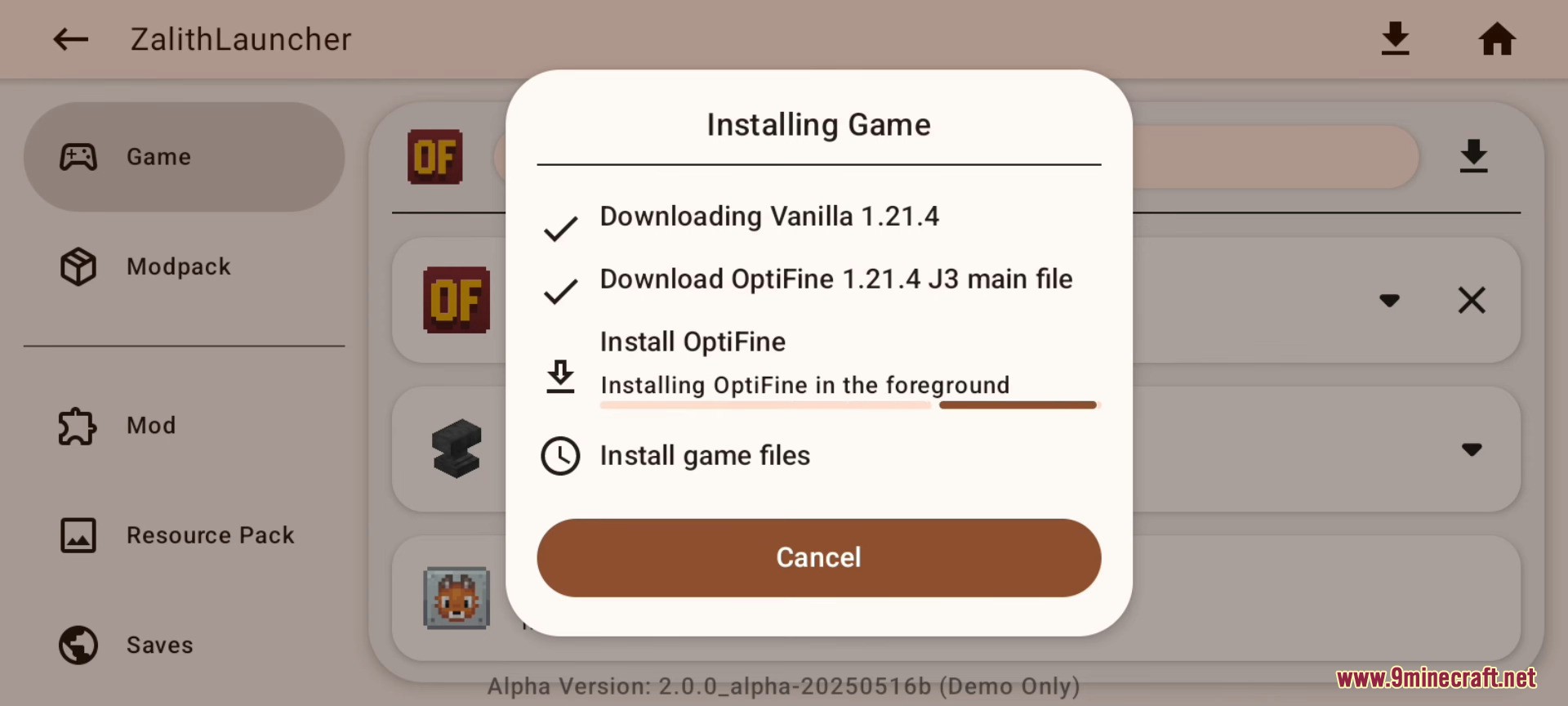
- Game version download and installation
- Control support: virtual mouse pointer / physical mouse & keyboard / gesture control
- Version management: list, overview, and configuration
- Customizable game installation directory
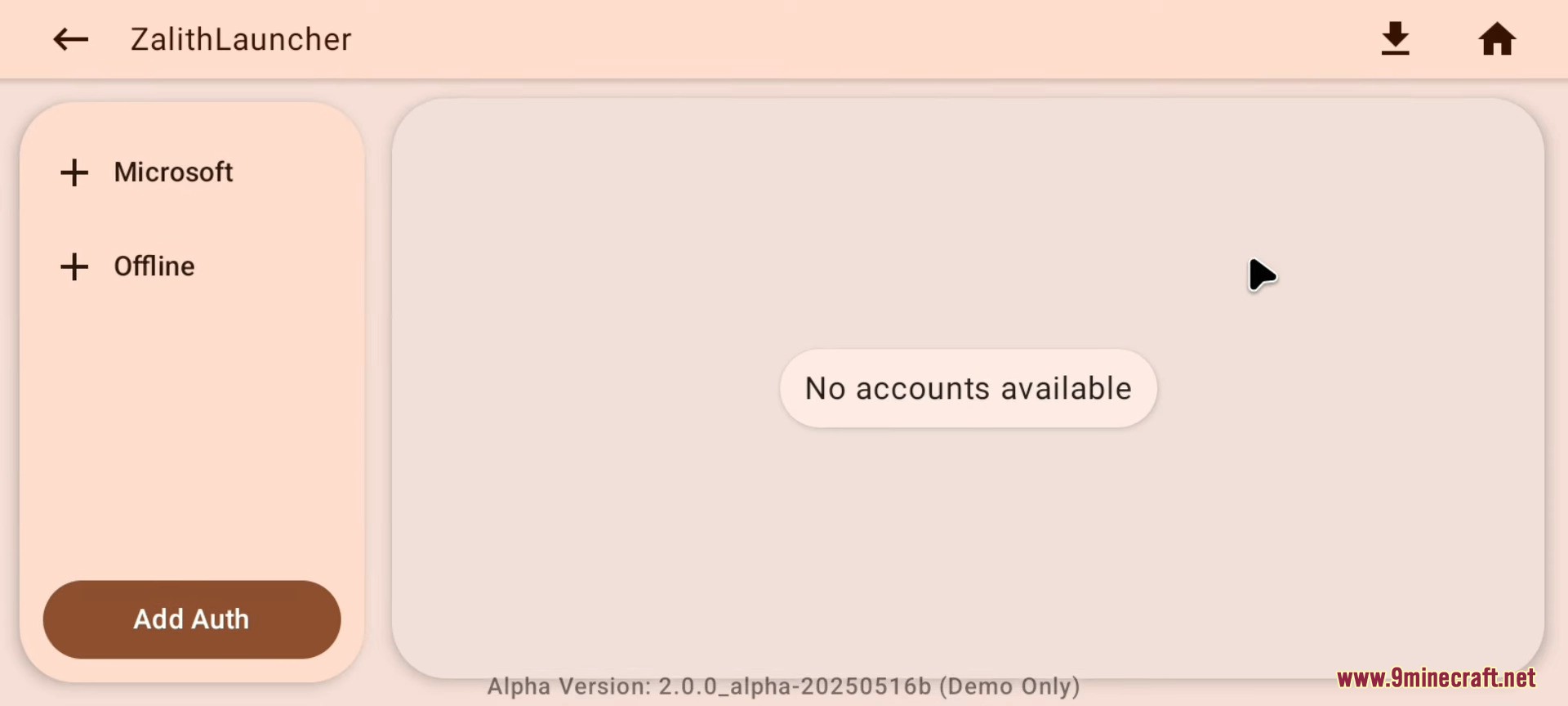
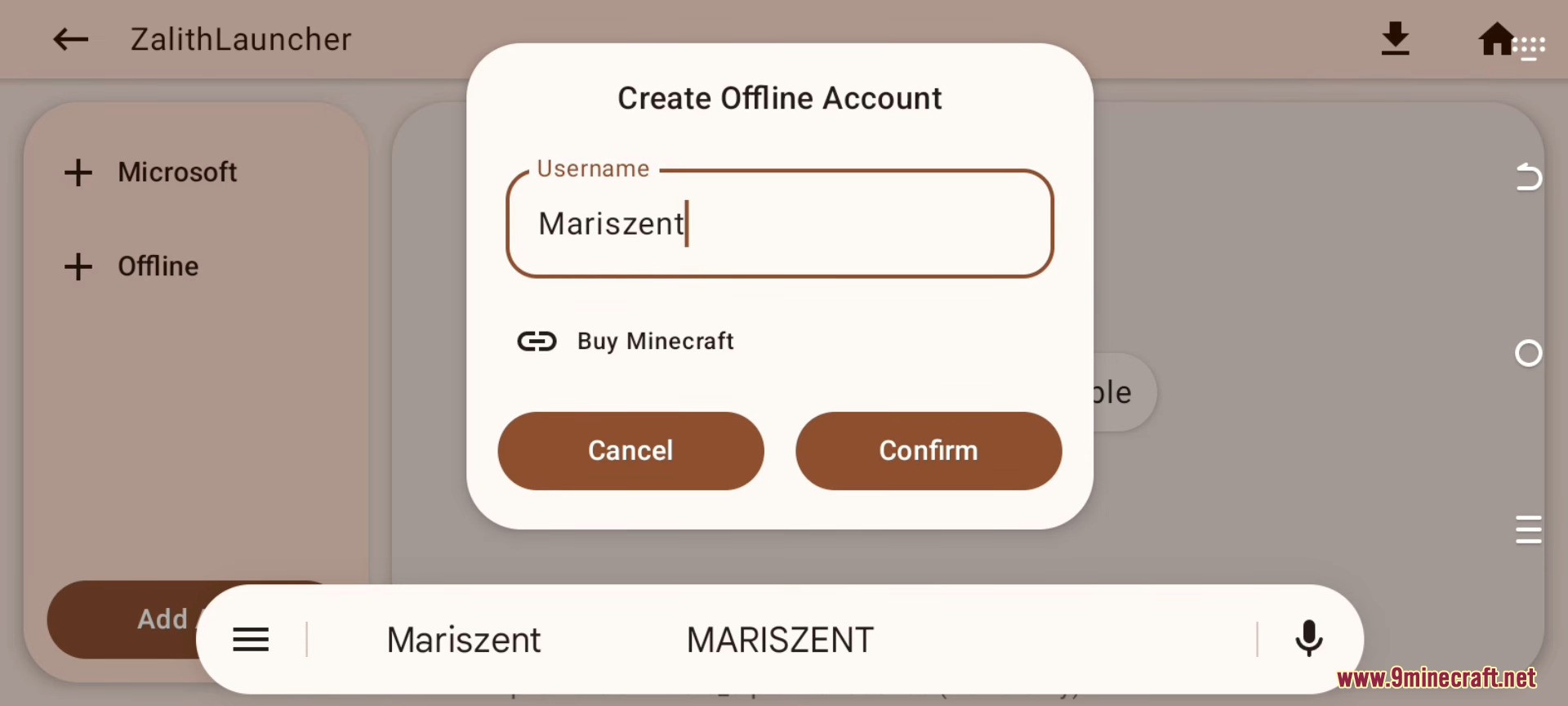
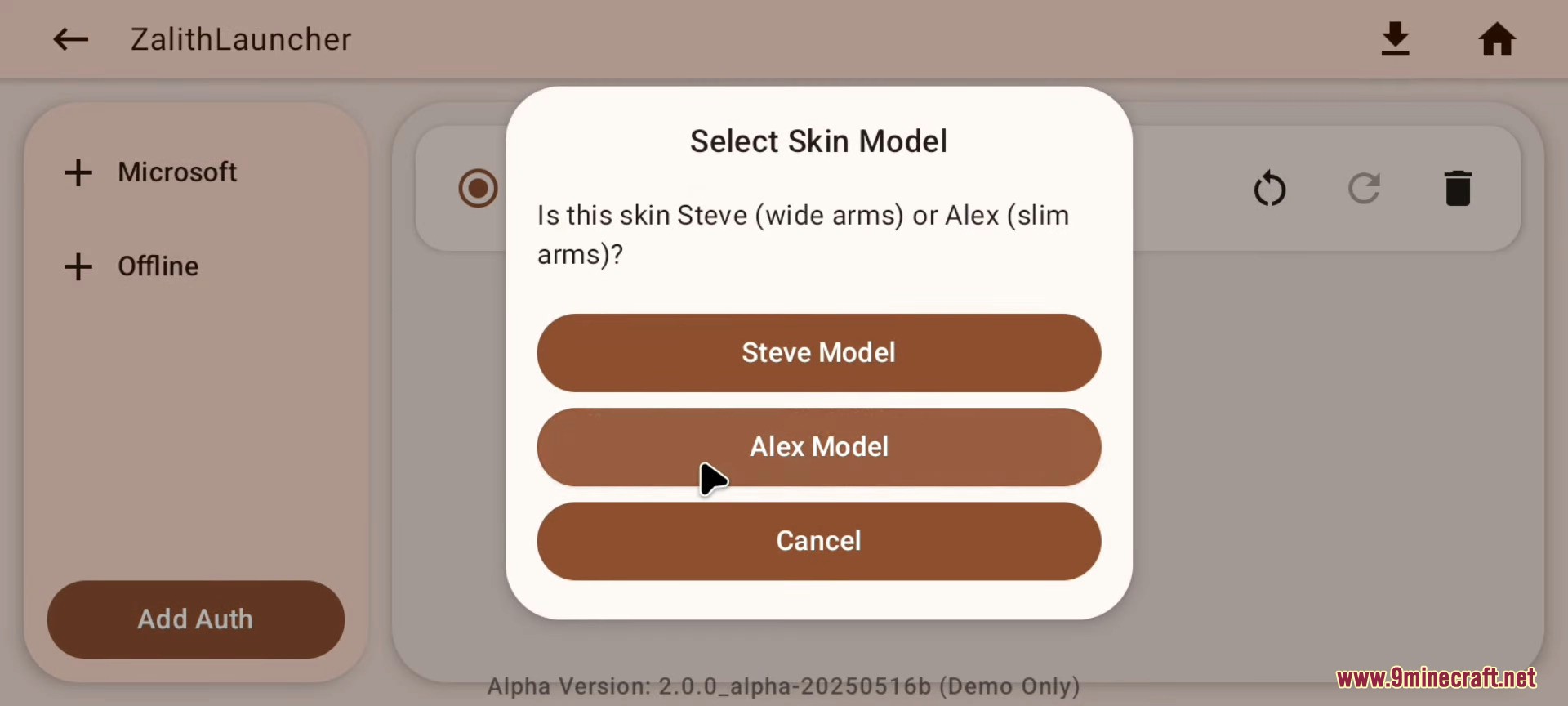
- Account system: Microsoft OAuth login, offline accounts, and authentication server support
- Play Minecraft without requiring a Microsoft account (offline mode)
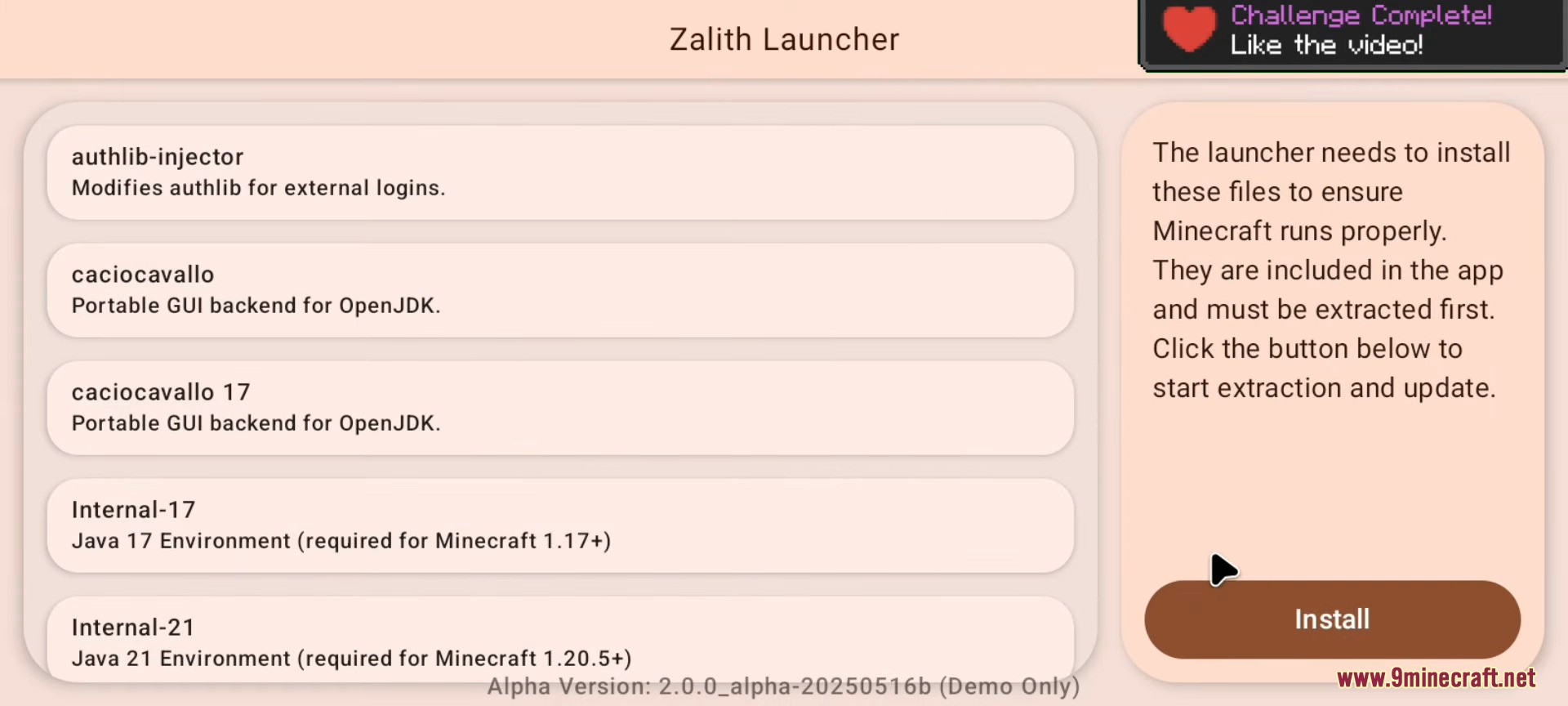
- Java runtime management
- Content managers: UI for managing saves / resource packs
- Full control system (custom layout editor, control profile manager, etc.)
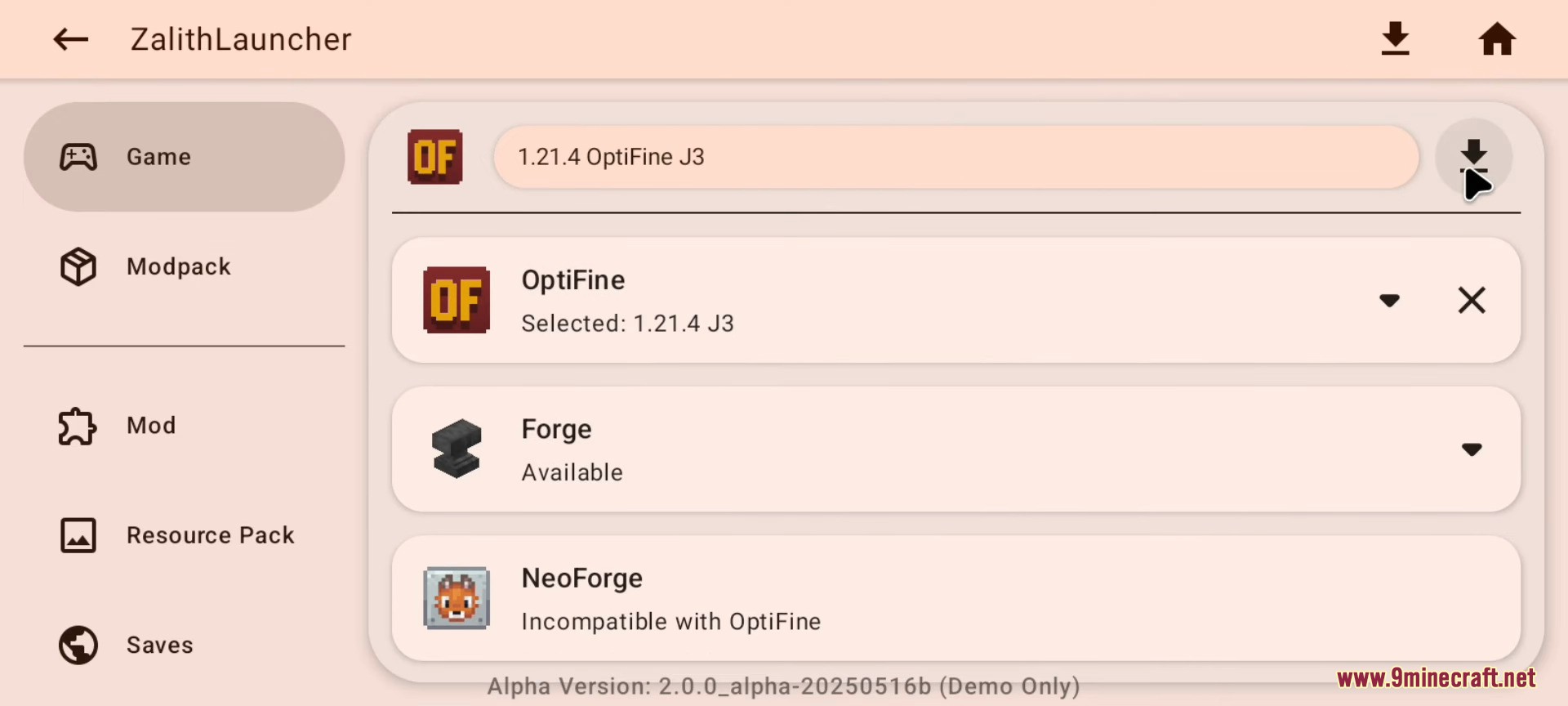
- Game version download extensions:
- Install OptiFine with OptiFabric and Fabric
- Install Fabric with the Fabric API mod
- Install Quilt with the Quilted Fabric API mod
- Modpack download and automatic installation
- Mod download and automatic installation
- Resource pack download and automatic installation
- World save download and installation
- Shader pack download and automatic installation
- Content managers: UI for managing mods / shaders
- Gamepad control support
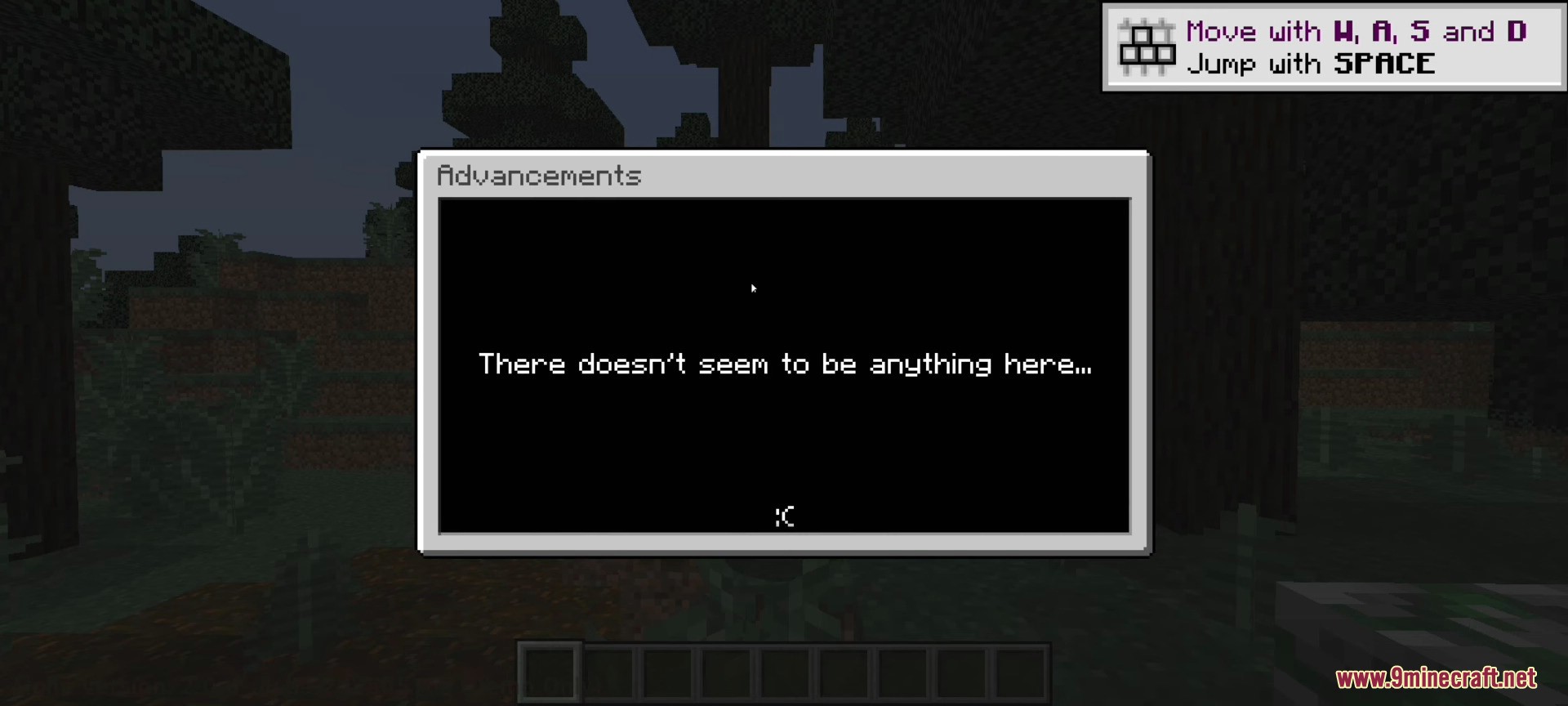
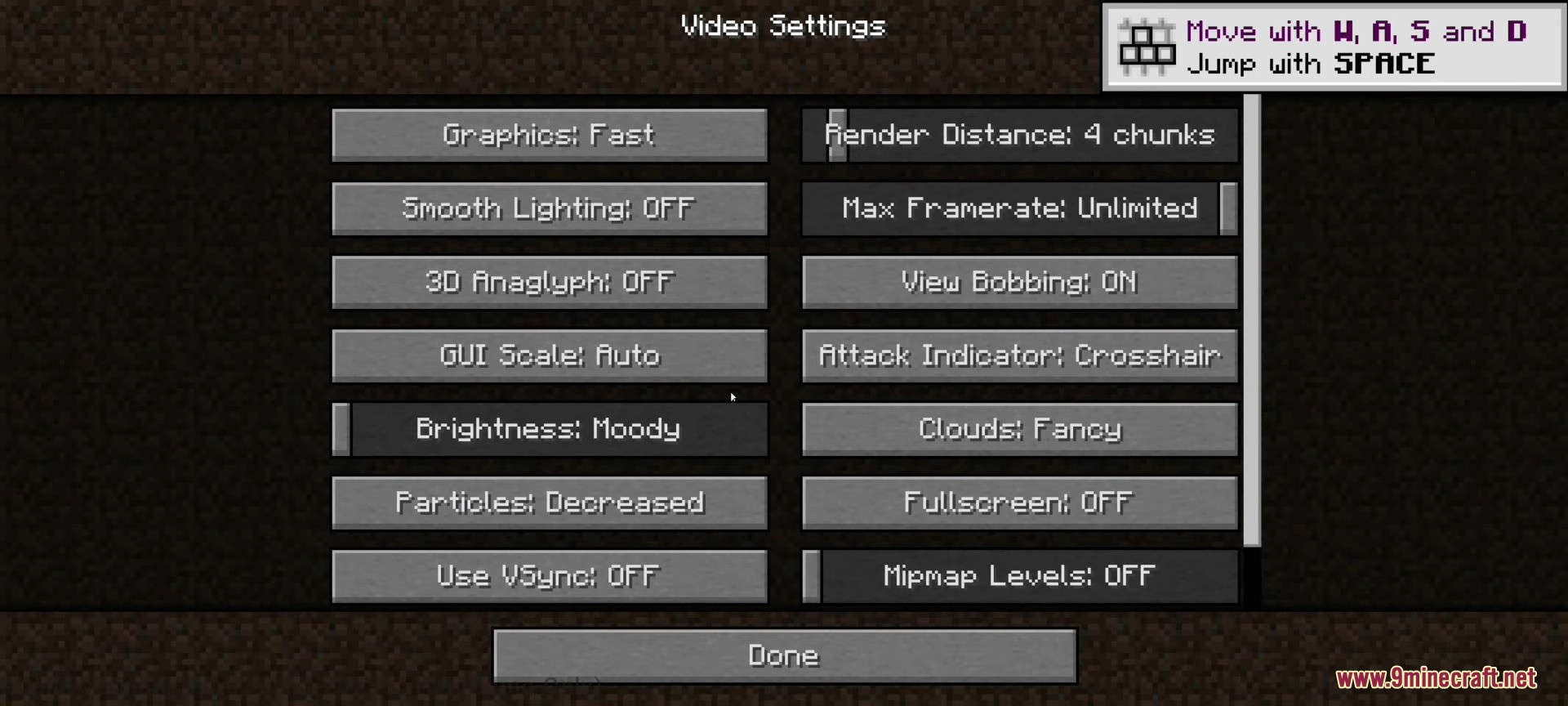
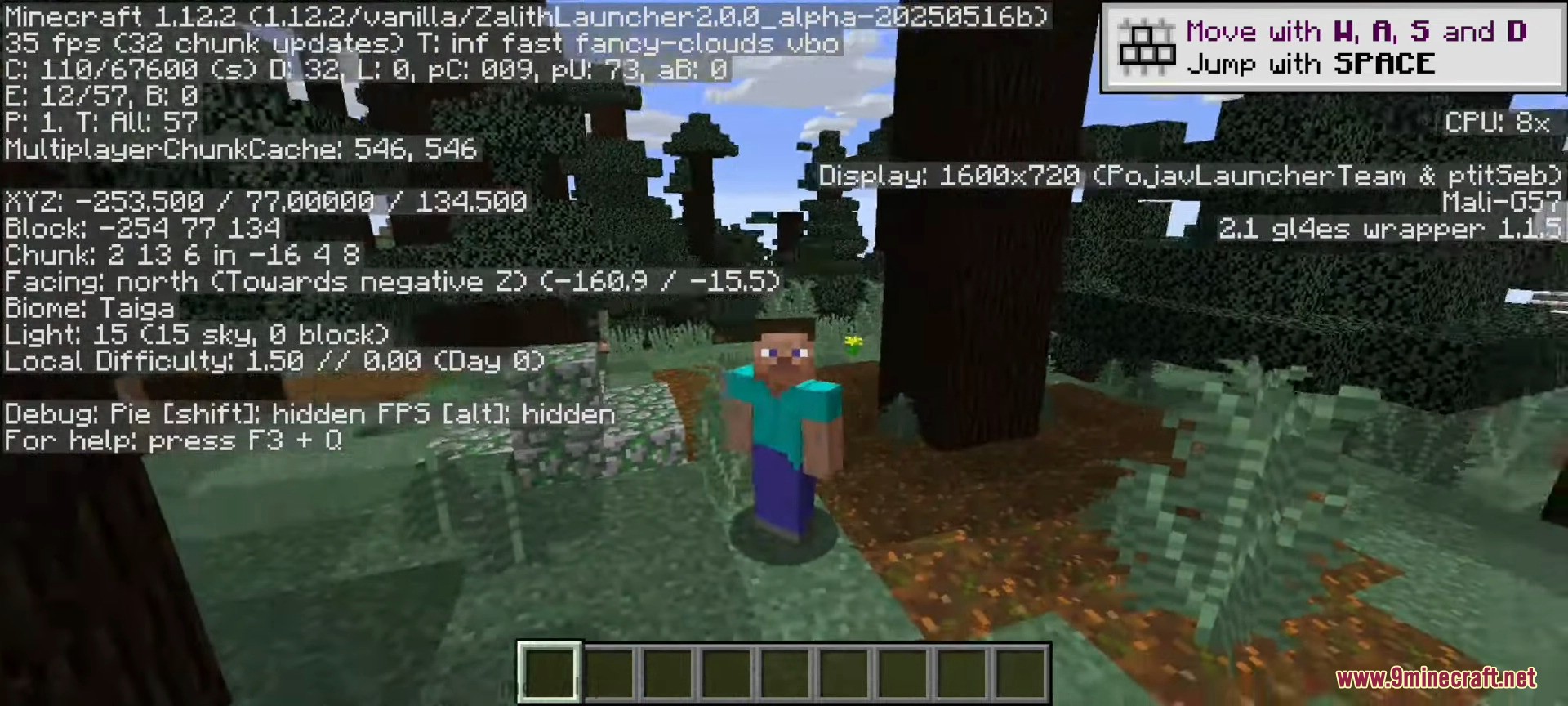
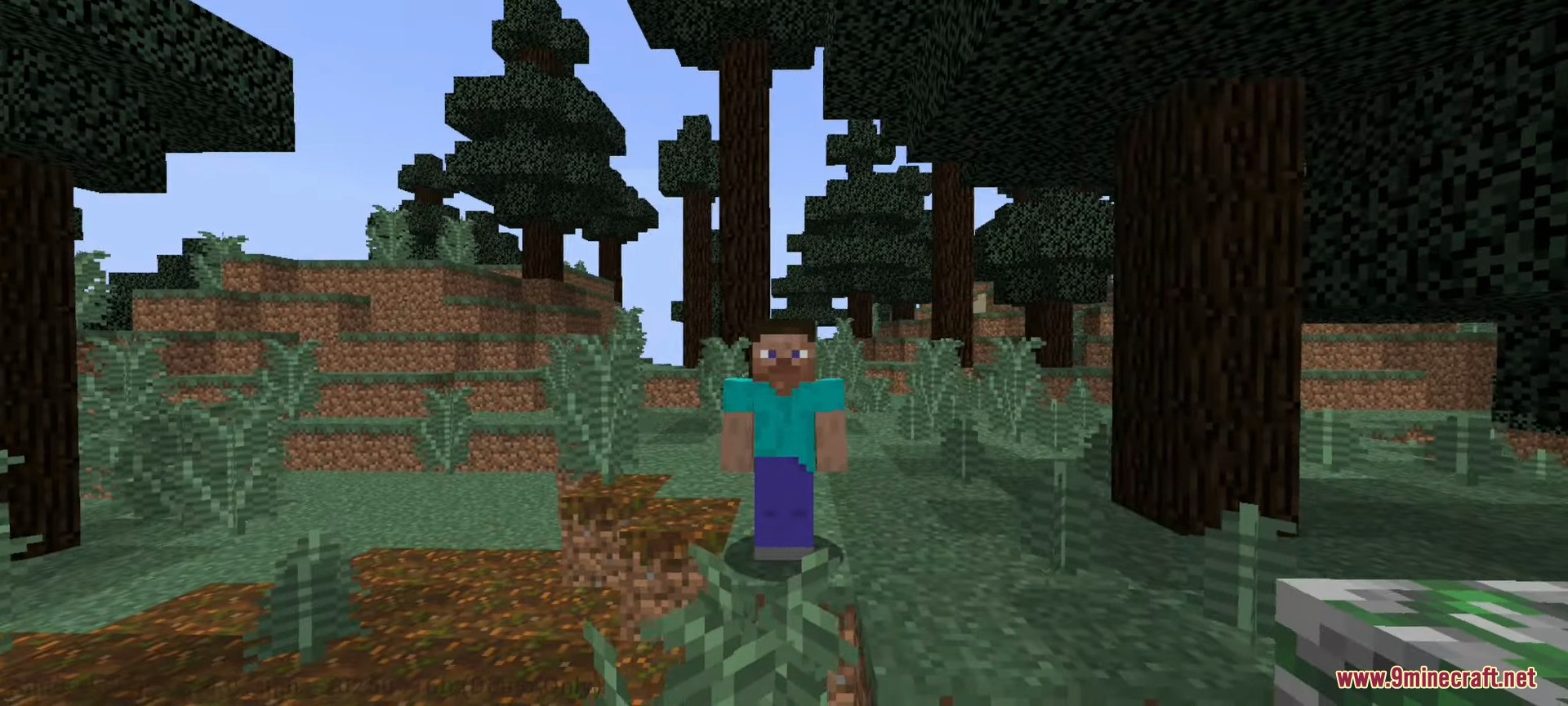
Screenshots:
How to install:
- Download Zalith v2 Launcher APK below.
- Download tools to install APK files like APK Combo, APK Pure, Apk Installer.
- Open the tool and select the Zalith v2 Launcher APK file to install.
- Open the Zalith v2 Launcher, login, and enjoy the game.
Zalith v2 Launcher (1.21.11, 1.20.1) Download Links
For All Versions of Minecraft
All Platforms (Apk file): Download from Server 1 – Download from Server 2
Arm 64bit (Apk file): Download from Server 1 – Download from Server 2
ArmEabi – 32bit (Apk file): Download from Server 1 – Download from Server 2
x86 (32bit) (Apk file): Download from Server 1 – Download from Server 2
x86_64 (64bit) (Apk file): Download from Server 1 – Download from Server 2
Click to rate this post!
[Total: 59 Average: 4.3]
4 Comments
What do you think? Your opinion means a lot — we'd love to hear from you.
You May Also Like



















Hello2
Kwkwhwjwoeke
happy
لم ينزل