
AutoSwitch Mod (26.3, 1.20.1) – Never Open Your Inventory to Change Tools Again
 68,370
 13


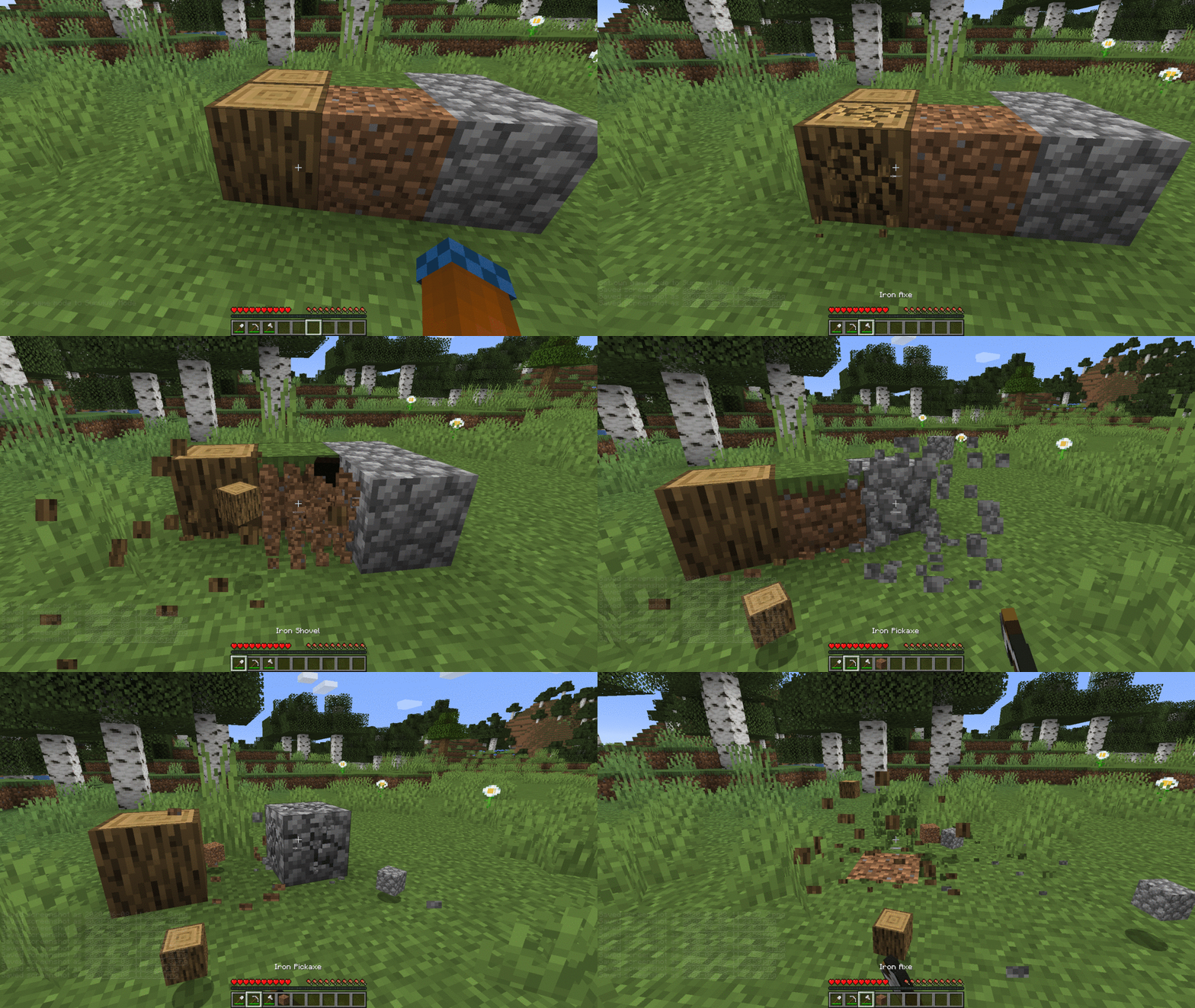
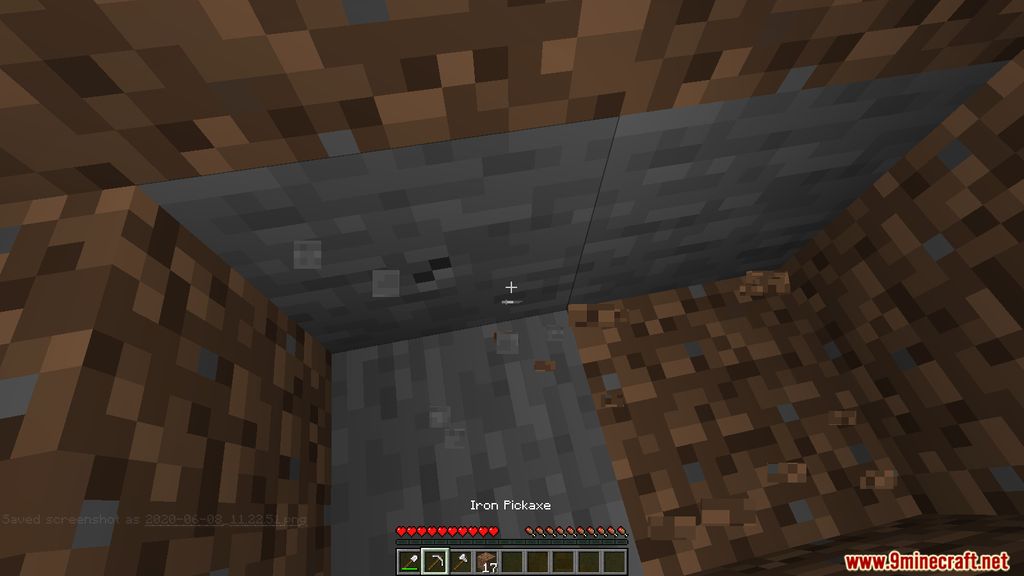
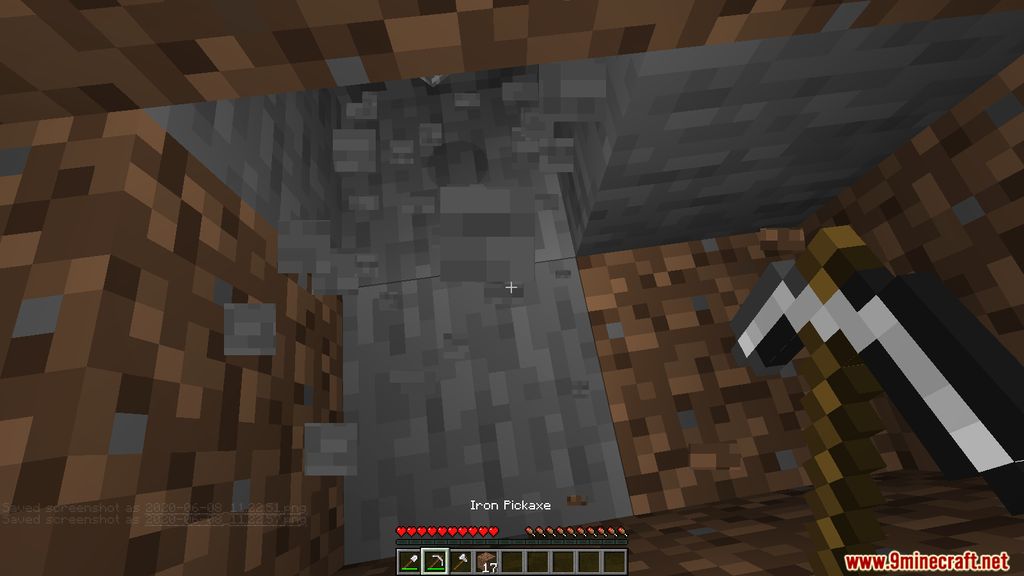
AutoSwitch Mod automatically changes your active tool to the correct one when you attack entities, mine blocks, or interact with the world. It looks at your inventory and picks the best tool based on what you target, including enchantments and block states. You can easily turn the mod on or off in the game by pressing the R key.
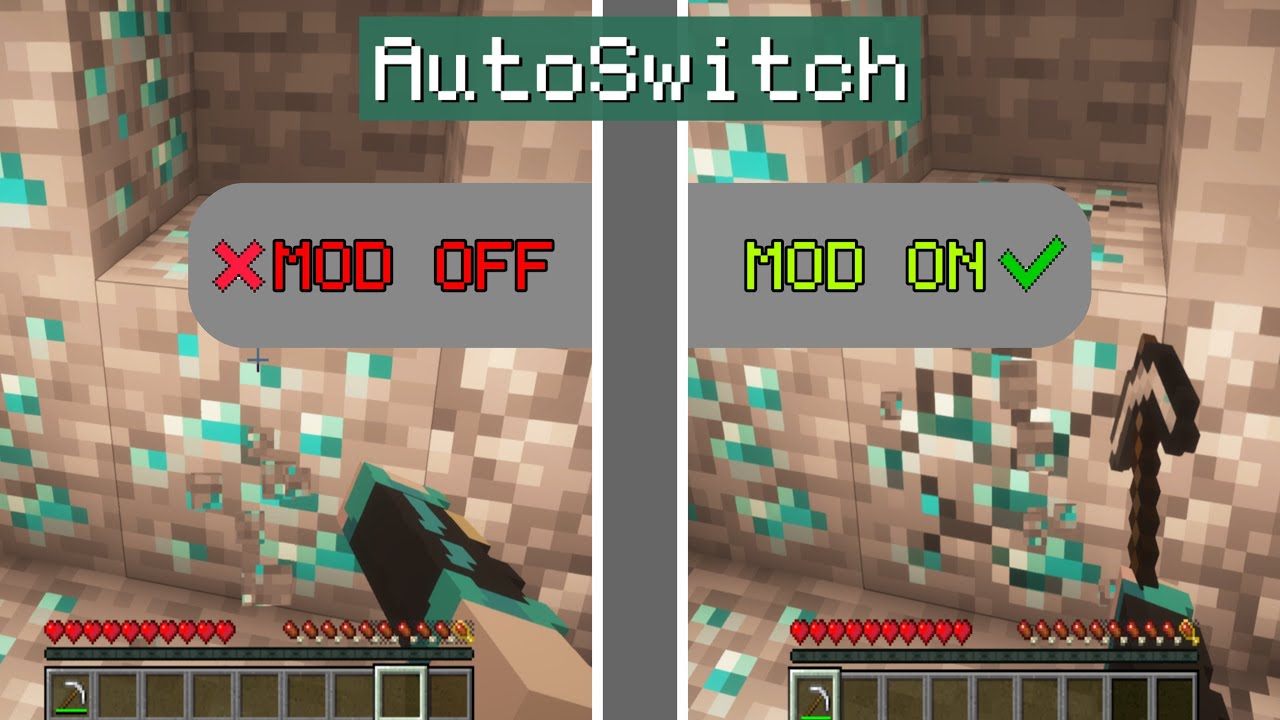
Features:
- Press R to quickly enable or disable the mod during gameplay.
- Automatically switches to the best tool in your inventory when breaking blocks or attacking.
- Considers tool enchantments, block states, and entity equipment when choosing items.
- Uses a customizable HOCON config file named autoswitch.conf to set custom rules and priorities.
- Supports live reloading so saved config changes take effect immediately while the game runs.
How to Use:
- Install the mod along with the required Fabric API in your game environment.
- Open your world and press the R key if you need to toggle the tool-switching feature on or off.
- Locate the
autoswitch.conffile inside theconfigfolder to customize rules and target priorities. - Save any changes to the config file while playing to reload them automatically without restarting the game.
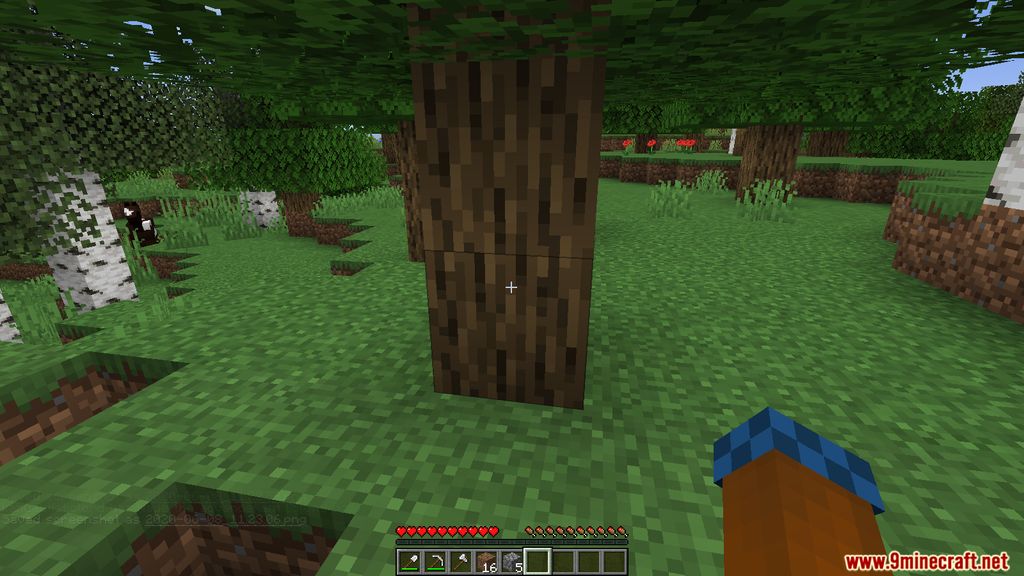
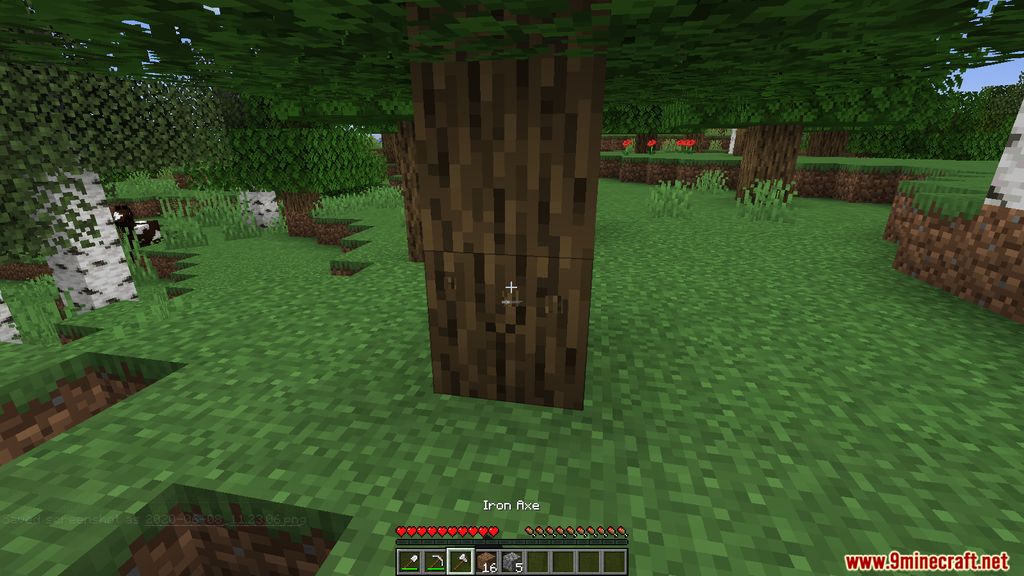
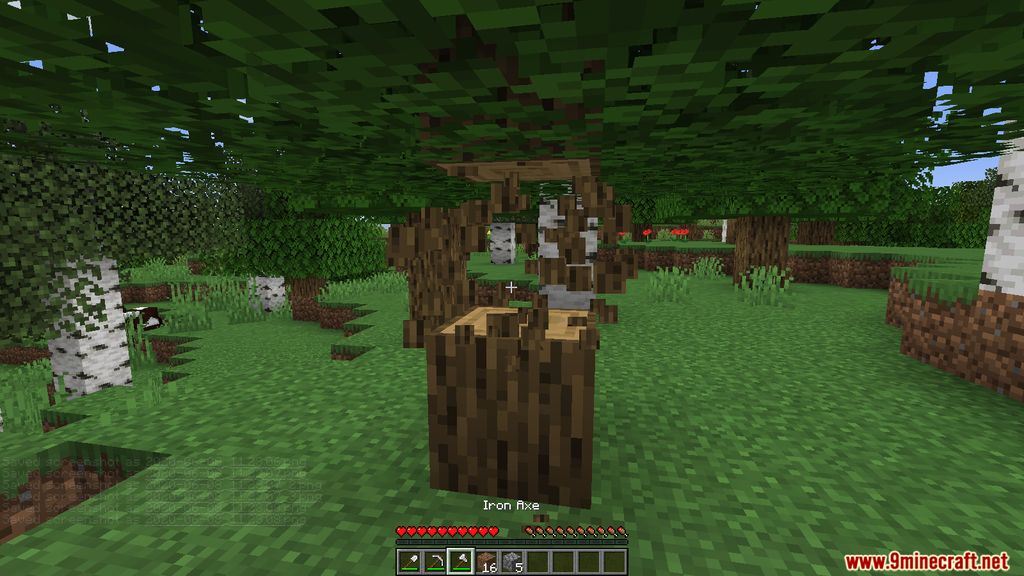
Screenshots:
How to Install:
New to Minecraft? Follow our step-by-step guide to install Mods on your PC.View Guide
Requirements:




AutoSwitch Mod Download Links
For Minecraft 26.3
For Minecraft 26.2
For Minecraft 26.1.2, 26.1.1, 26.1
For Minecraft
1.21.11,
1.21.10,
1.21.9
All Versions Covered
1.21.11
1.21.10
1.21.9
1.21.8
1.21.7
1.21.6
1.21.5
1.21.4
1.21.1
1.21
All Versions Covered
1.21.11
1.21.10
1.21.9
1.21.8
1.21.7
1.21.6
1.21.5
1.21.4
1.21.1
1.21
For Minecraft 1.21.10, 1.21.9
For Minecraft 1.21.8, 1.21.7, 1.21.6
For Minecraft 1.21.5
For Minecraft 1.21.4
For Minecraft 1.21.3, 1.21.2
For Minecraft 1.21.1, 1.21
For Minecraft 1.20.6
For Minecraft 1.20.5
For Minecraft 1.20.4, 1.20.3
For Minecraft 1.20.2
For Minecraft 1.20.1, 1.20
For Minecraft 1.19.4
For Minecraft 1.19.3
For Minecraft 1.19.2
For Minecraft 1.19
For Minecraft 1.18.2
For Minecraft
1.18.1,
1.17.1,
1.17
All Versions Covered
1.18.1
1.17.1
1.17
1.16.5
1.16
All Versions Covered
1.18.1
1.17.1
1.17
1.16.5
1.16
For Minecraft 1.17.1, 1.17, 1.16.5
For Minecraft 1.16.5
Click to rate this post!
[Total: 13 Average: 2.4]
You May Also Like
Picked for this page
 Falling Tree Mod (26.3, 1.20.1) – Making The Trees Fall in One Cut
 Pickle Tweaks Mod (26.1.2, 1.20.1) – Never Break Your Tools Again
 Litematica Printer Mod (26.3, 1.20.1) – Redstone-Aware Fast Block Auto Placement
 Cosmetic Armor Reworked Mod (1.21.11, 1.20.1) – Your Style with Max Armor
 Toro’s Auto Mine Mod (26.3, 1.20.1) – Automatically Mine While Being AFK
 All Arrows Infinity Fix Mod (26.3, 1.21.1) – Using “Infinity” with All Arrows
 Adaptive Performance Tweaks (Bundle) Mod (26.3, 1.20.1) – Support Server Performance
 First Join Message Mod (26.3, 1.20.1) – Custom Welcome Messages
 Reborn Core Mod (26.3, 1.20.1) – Library for Some Tech Mods
 CTD Mint Mod (26.3, 1.20.1) – Simple Minecraft Currency System
 Limitless Banners Mod (1.21.11, 1.20.1) – Increased Banner Pattern Limit
 Shared Health Mod (26.3, 1.20.1) – Linked Player Health System
Most viewed in Mods over the last 7 days
 Ala Industrial Mod (26.3) – Run Electric Power Grids and Automated Factories
 PleasureCraft Mod (26.3, 1.21.1) – Jenny Mod Remake for Fabric
 Jennycraft Mod (26.3, 1.20.1) – Virtual Girlfriend in Minecraft
 Fapcraft Mod (26.3, 1.12.2) – Comprehensive and Detailed Content
 Jenny Mod (Fapcraft) Official Complete Guide – How to use, Tutorial
 BangCraft Mod (1.20.1) – Jenny, Ellie and Elliot
 Fabric Loader (26.3, 1.20.1) – Fabric Installer for All Minecraft Versions
 The Shooting Star Demo Mod (26.3, 1.20.1) – Vaporize Terrain From Orbit
 Meteor Client Mod (26.3, 1.20.1) – Xray, HUD, Fly
 OptiFine HD (26.3, 1.20.1) – Run Faster, FPS Boost, Shaders Support
 Aristois Client Mod (1.21.4, 1.20.1) – World Class Minecraft Utility
 Prestige Client Mod (1.21.11, 1.21.4) – Powerful Ghost Features for Crystal & Sword PvP
More from Mods
 Morrowless Mod (1.21.1) – Defend Your Shelter From Nightmare Creatures
 THE SLOPSTROSITY Mod (1.21.1) – Battle a Ridiculous Slime Boss
 Decoween Mod (1.21.1, 1.20.1) – Transform Ordinary Survival Bases
 Simply Light 9minecraft Mod (26.3) – Decorate Builds Without Torches
 Alex’s Caves Continued Mod (26.3, 1.20.1) – Conquer Six Massive Underground
 Anvil Uses Mod (26.3, 1.20.1) – Track Item Anvil Usage
 Animal Info Mod (26.3, 1.21.11) – Quick Stats For Your Animals
 Timber Tales Dynamic Tree System Mod (26.3, 1.20.1) – Watch Entire Trees Topple
 Gabou’s Libs Mod (26.3, 1.20.1) – Keep Custom Weather and Survival Mods Stable
 /Sit Mod (26.3, 1.21.1) – Make The Player Sit Down
 Arcane Redstone Dial Mod (26.3, 1.20.1) – Trigger Commands and Shortcuts
 The Graveyard Mod (26.3, 1.20.1) – Cemeteries in Minecraft

This post has no comments yet. Be the first — your comment will appear here.