Enhanced Visuals Mod (1.21.4, 1.20.1) – More Realistic Minecraft
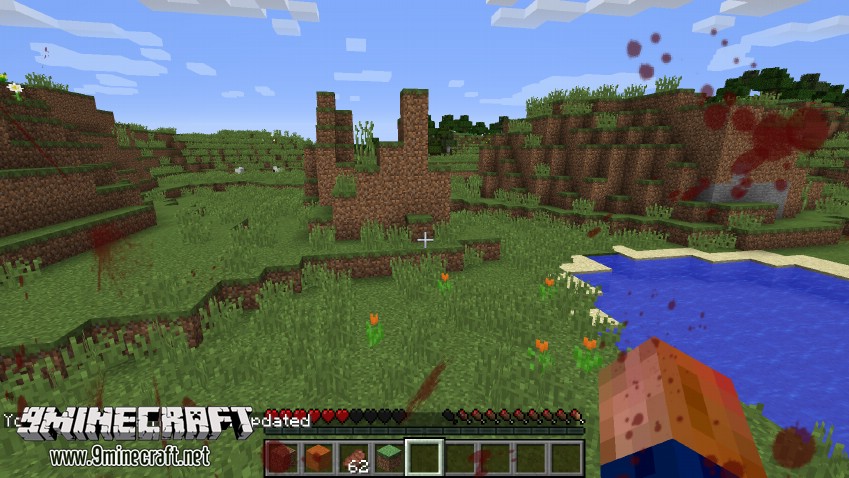
Enhanced Visuals Mod (1.21.4, 1.20.1) makes Minecraft more visually appealing when certain events occur, such as being under a potion’s effects, or looking at an Enderman.
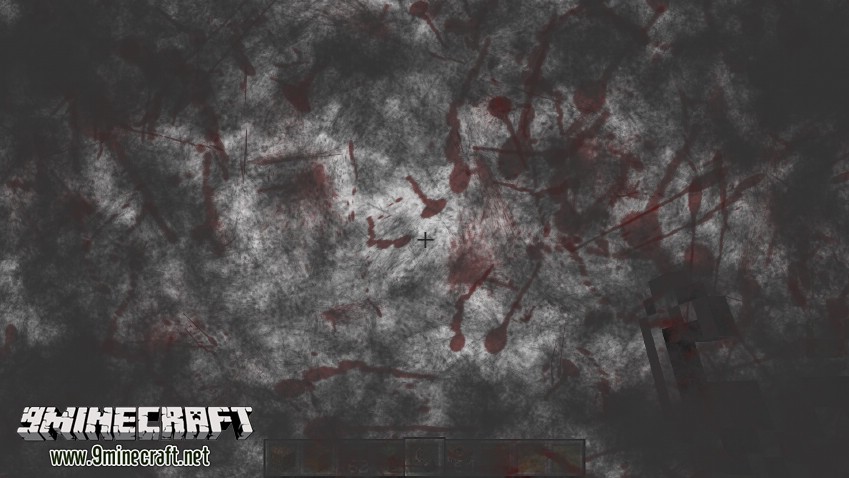
Minecraft has gotten quite tasteless when it came to the visual aspect of the game. Whenever you get hit my a mob, all that happens is you getting knocked back and losing some health. This doesn’t really add atmosphere to the game at all. On top of that, Endermen are supposed to resemble Slender Man, correct? Then how come, whenever you look at them, your screen never turns to static?
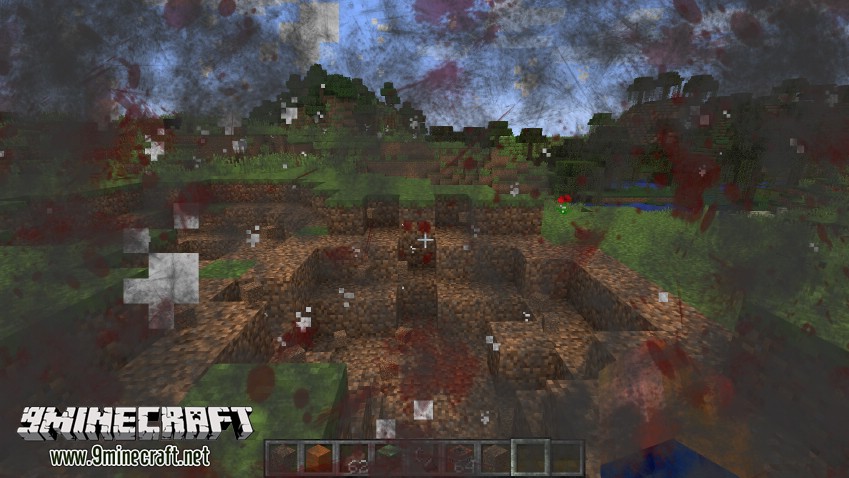
That’s where this mod comes in to fix all of those problems. The Enhanced Visuals Mod is a mod that aims to add several visual effects based on what is happening to your player, essentially adding to the atmosphere of the game. For example, when you are at a really low health, your screen will pulse red everywhere, signalling that you are about to get slain. Another example would be when you are under a potion’s effects, such as poison. When you get struck by a poison potion, your screen will pulse a swampy green.
Screenshots:
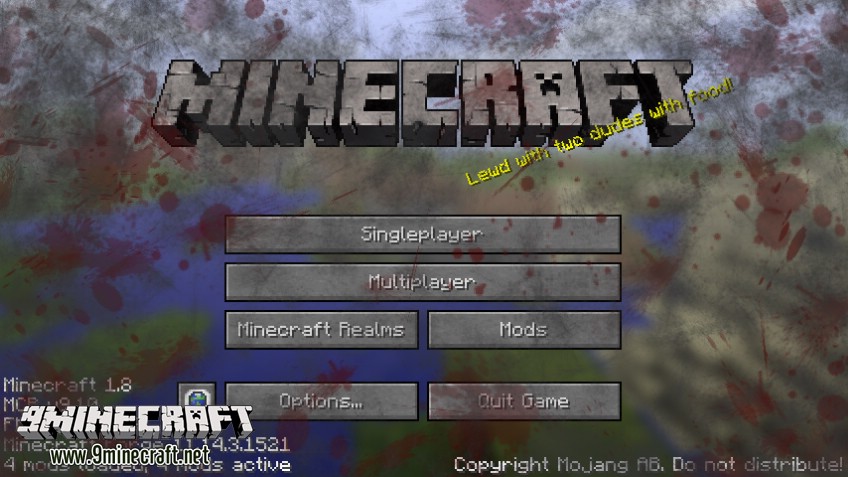
Animations:
Nice Slendy….
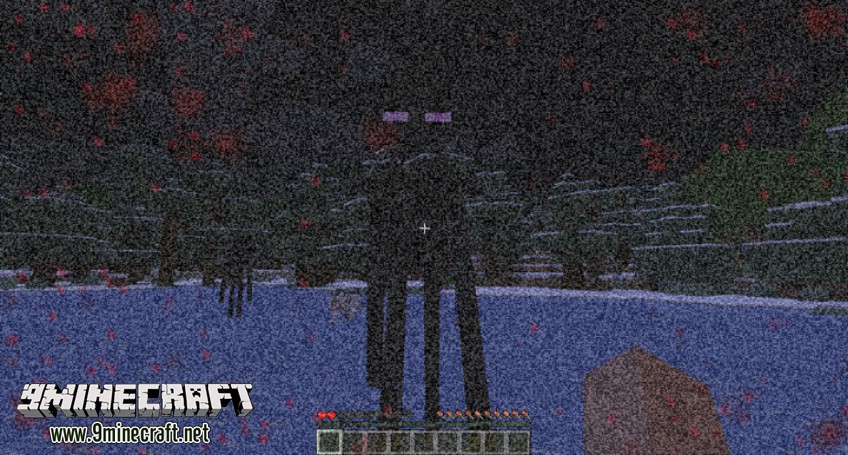
Splats:
Blood Splatter on enemy contact and when you attack mobs/players/animals with weapons:
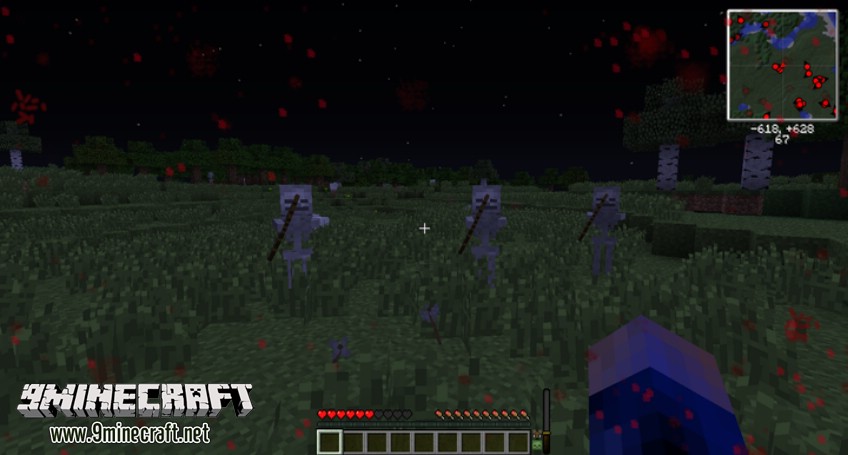
Water splashes:
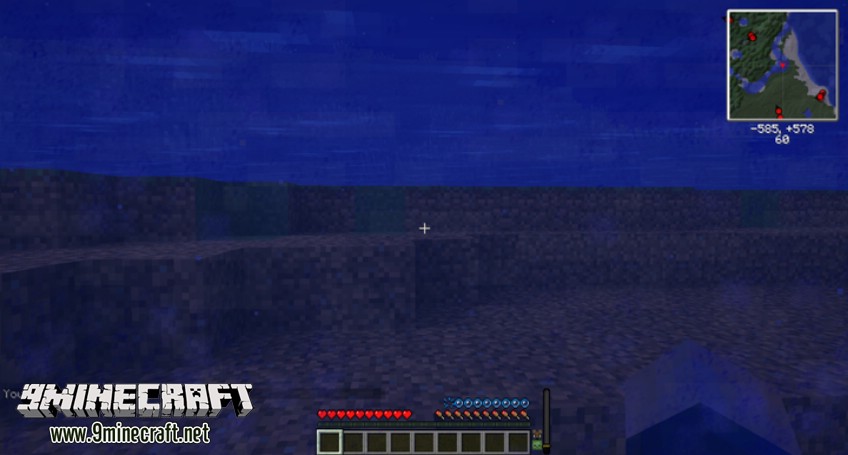
Burn marks:
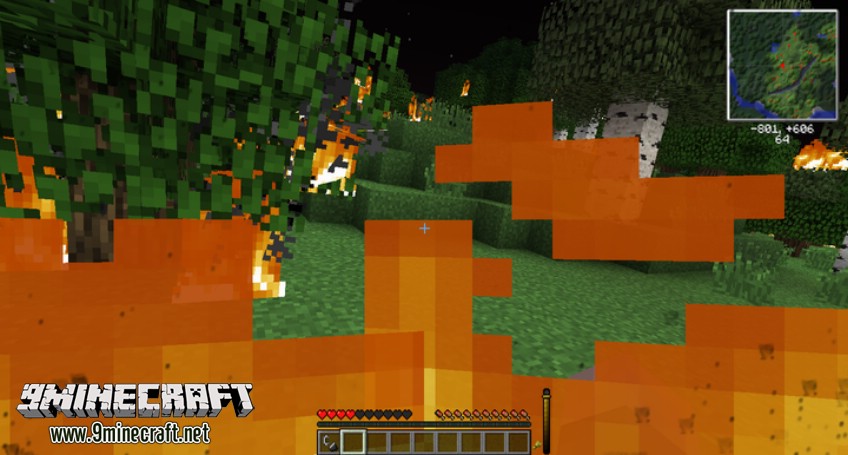
Sand and Snow Splats
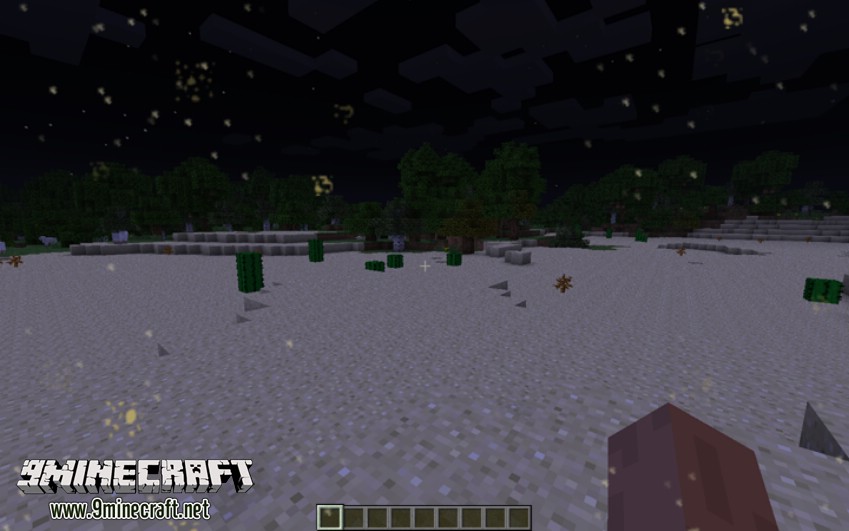
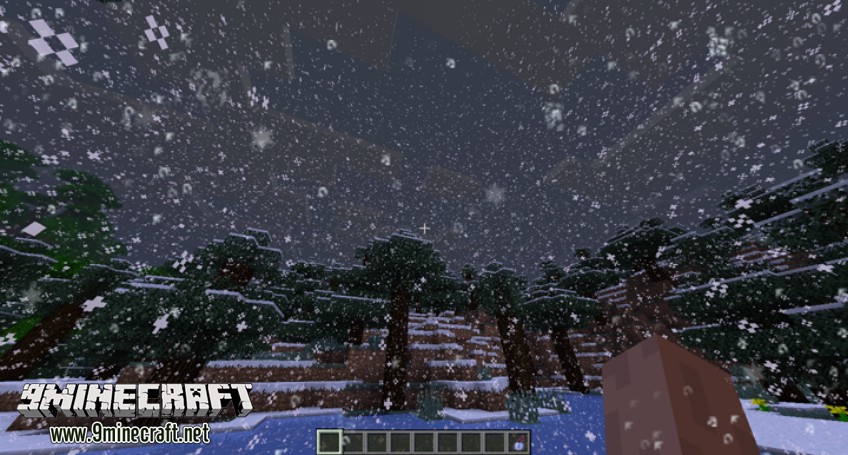
Overlays:
Potion Splashing(OMG SO PRETTY)
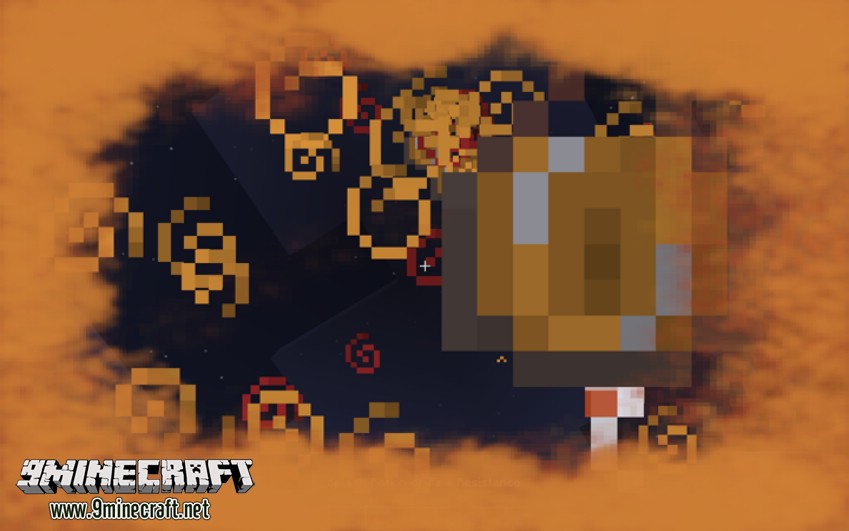
Low health overlay:
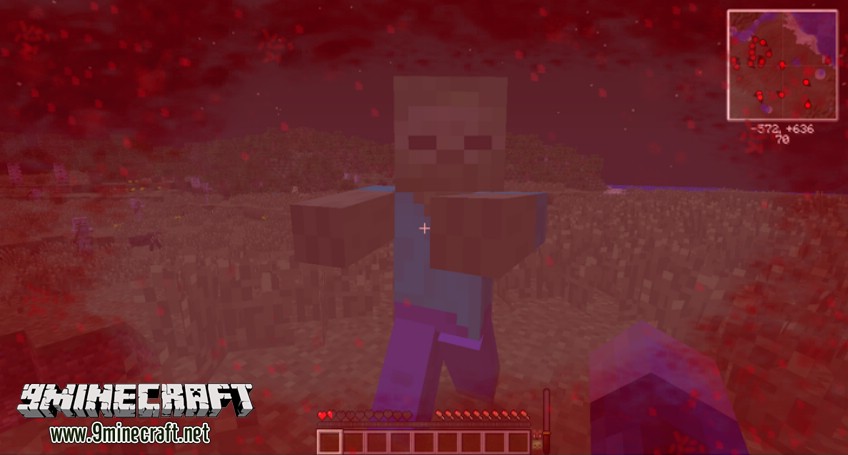
Burn overlay when in lava (in survival, works best with diamond armor):
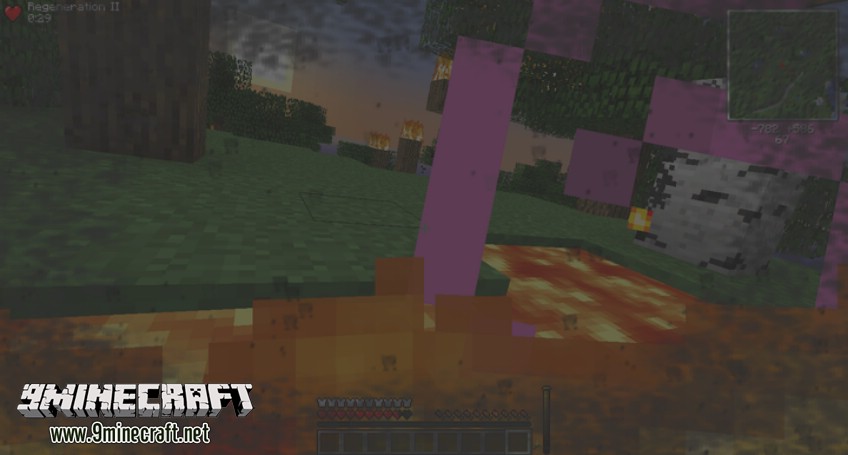
Requires:
How to install:
How To Download & Install Mods with Minecraft Forge
How To Download & Install Fabric Mods
Don’t miss out today’s latest Minecraft Mods
Enhanced Visuals Mod (1.21.4, 1.20.1) Download Links
Other Versions:
For Minecraft 1.7.10
Forge version: Download from Server 1
For Minecraft 1.12.2
Forge version: Download from Server 1 – Download from Server 2
For Minecraft 1.15.2
Forge version: Download from Server 1 – Download from Server 2
For Minecraft 1.16.5
Forge version: Download from Server 1 – Download from Server 2
For Minecraft 1.17.1
Forge version: Download from Server 1 – Download from Server 2
For Minecraft 1.18.1
Forge version: Download from Server 1 – Download from Server 2
For Minecraft 1.18.2
Forge version: Download from Server 1 – Download from Server 2
Fabric version: Download from Server 1 – Download from Server 2
For Minecraft 1.19
Forge version: Download from Server 1
Fabric version: Download from Server 1
For Minecraft 1.19.1
Forge version: Download from Server 1
Fabric version: Download from Server 1
For Minecraft 1.19.2
Forge version: Download from Server 1 – Download from Server 2
Fabric version: Download from Server 1 – Download from Server 2
For Minecraft 1.19.3
Forge version: Download from Server 1 – Download from Server 2
Fabric version: Download from Server 1 – Download from Server 2
For Minecraft 1.19.4
Forge version: Download from Server 1 – Download from Server 2
Fabric version: Download from Server 1 – Download from Server 2
For Minecraft 1.20.1, 1.20
Forge version: Download from Server 1 – Download from Server 2
Fabric version: Download from Server 1 – Download from Server 2
For Minecraft 1.20.2
Forge version: Download from Server 1 – Download from Server 2
Fabric version: Download from Server 1 – Download from Server 2
For Minecraft 1.20.4
Forge version: Download from Server 1 – Download from Server 2
Fabric version: Download from Server 1 – Download from Server 2
NeoForge version: Download from Server 1 – Download from Server 2
For Minecraft 1.20.6
NeoForge version: Download from Server 1 – Download from Server 2
Fabric version: Download from Server 1 – Download from Server 2
For Minecraft 1.21.1, 1.21
NeoForge version: Download from Server 1 – Download from Server 2
Fabric version: Download from Server 1 – Download from Server 2
For Minecraft 1.21.4
NeoForge version: Download from Server 1 – Download from Server 2
Fabric version: Download from Server 1 – Download from Server 2
Tags:
YOU MAY ALSO LIKE...