


Flux Script Architect Mod (26.1.2, 1.20.1) – Edit Recipes and Loot Tables
 1
1
 0
0

🌐 Read this article in your language! Choose your preferred language below.
Or pick the one you like:
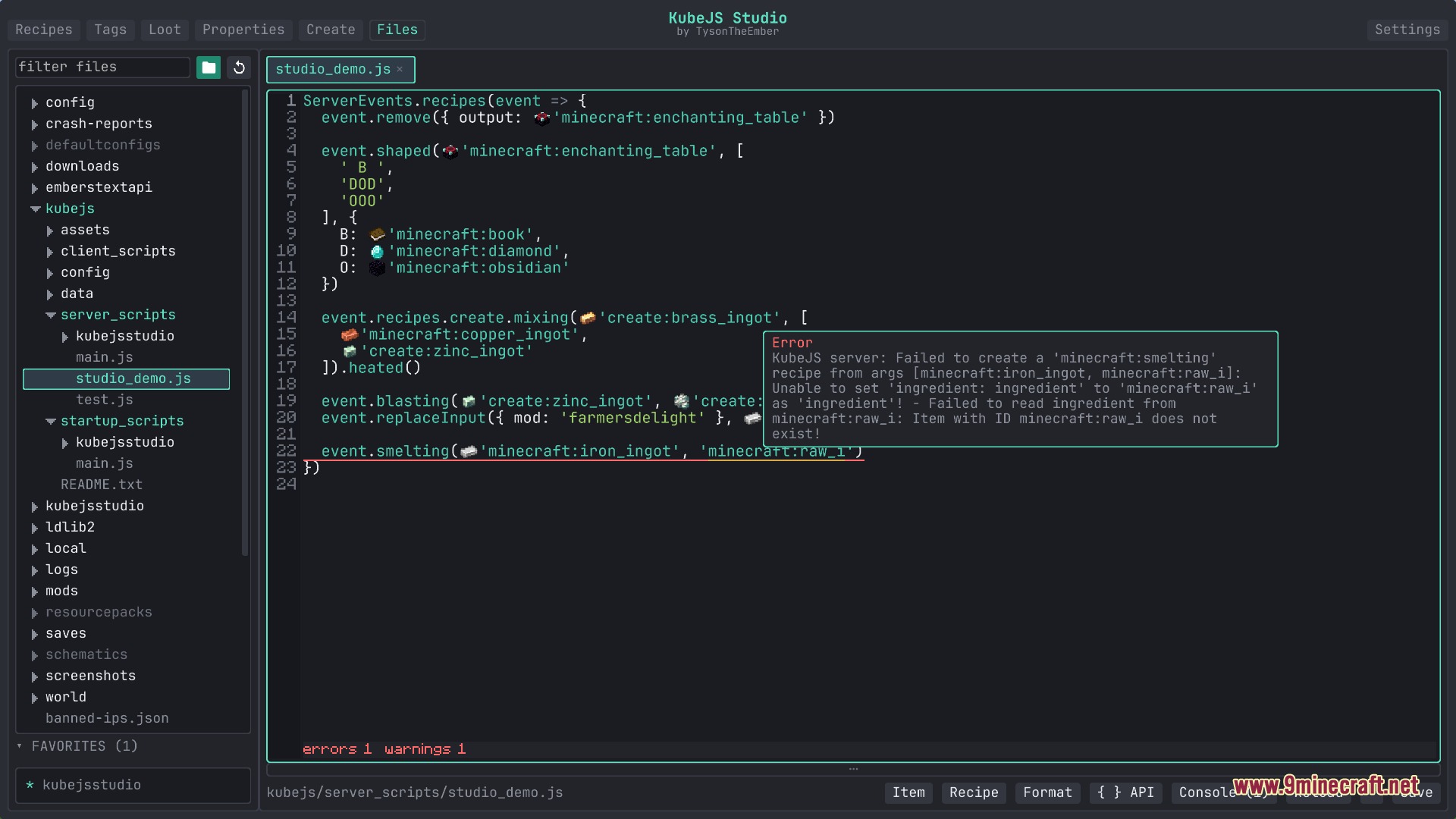
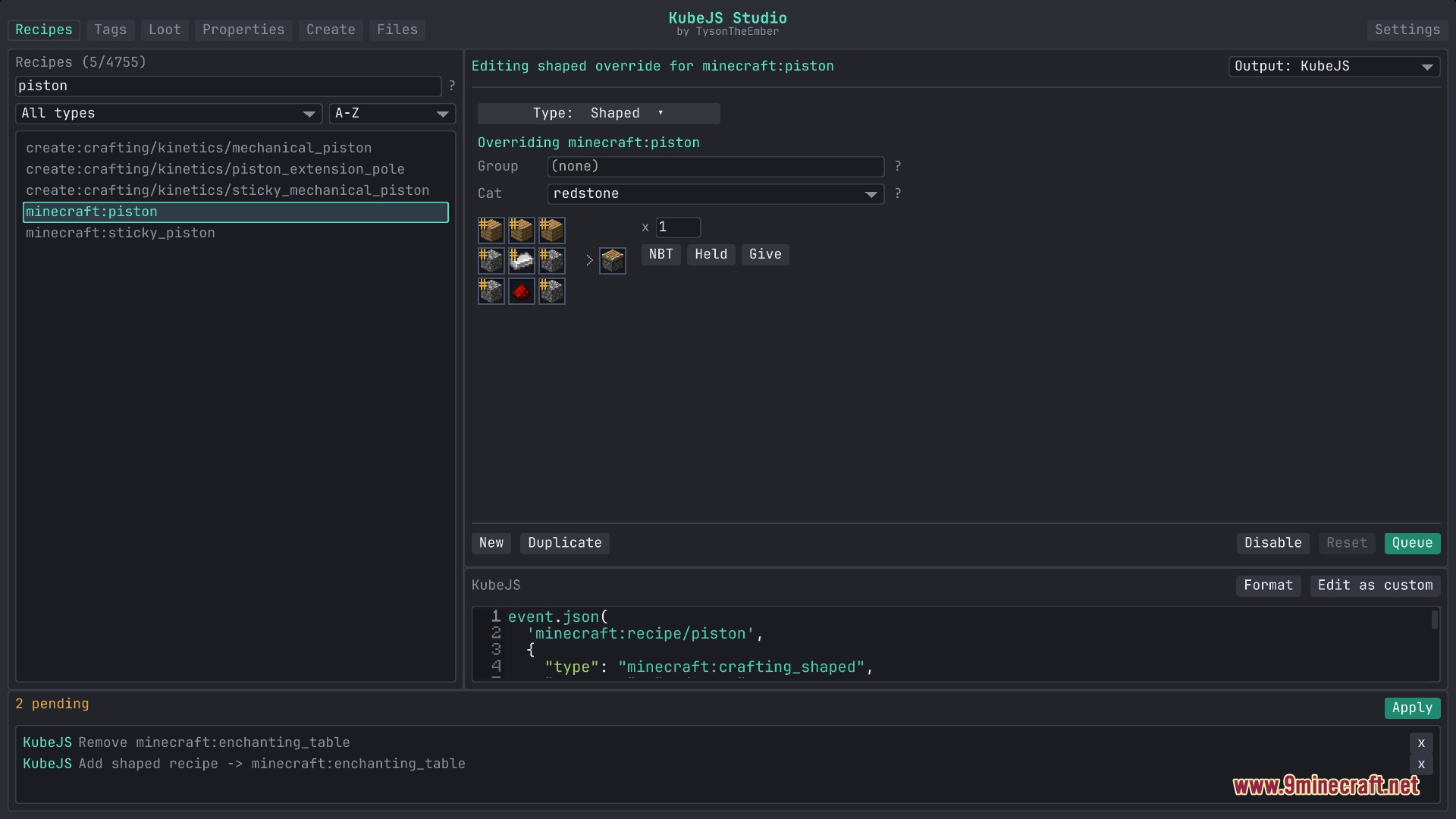
Flux Script Architect Mod adds an in-game visual workspace and script editor for KubeJS. It lets players edit recipes, item tags, loot tables, and block stats right inside Minecraft. The mod also includes a built-in code editor with instant word completion and error checks. All edits save directly as clean script files in your game folder.
Features:
- Opens an in-game studio with visual tools and a direct text editor for your game scripts.
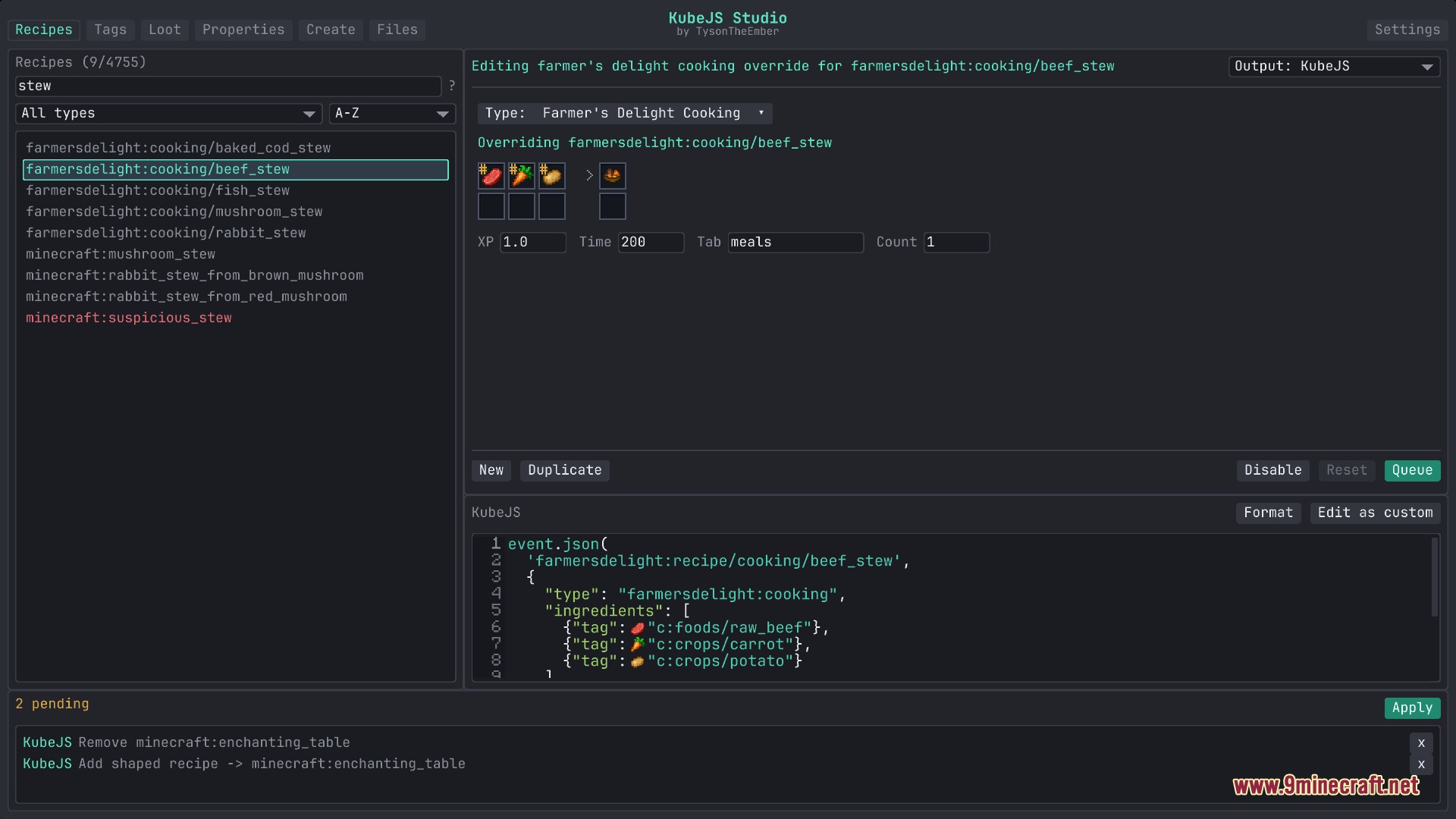
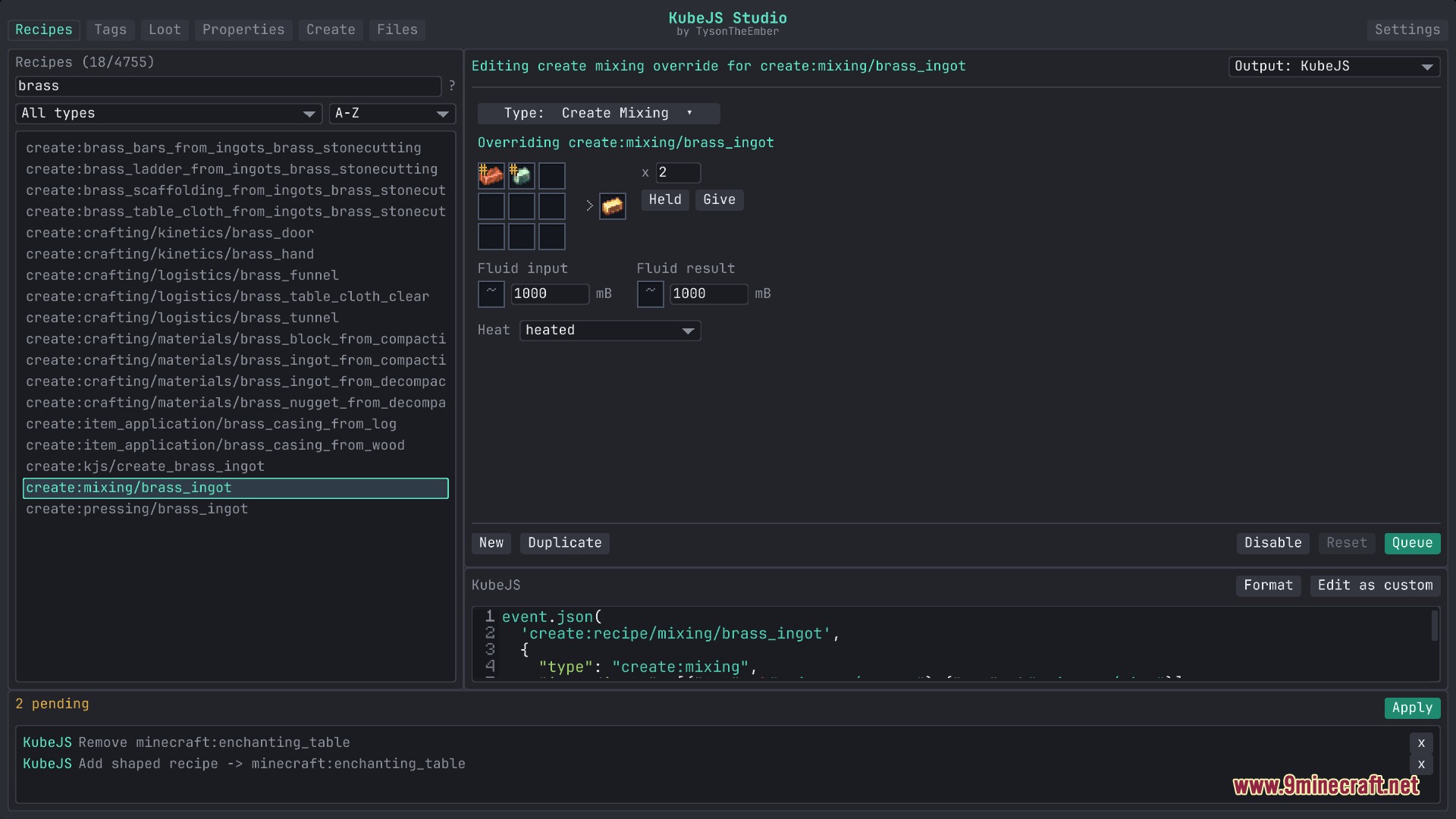
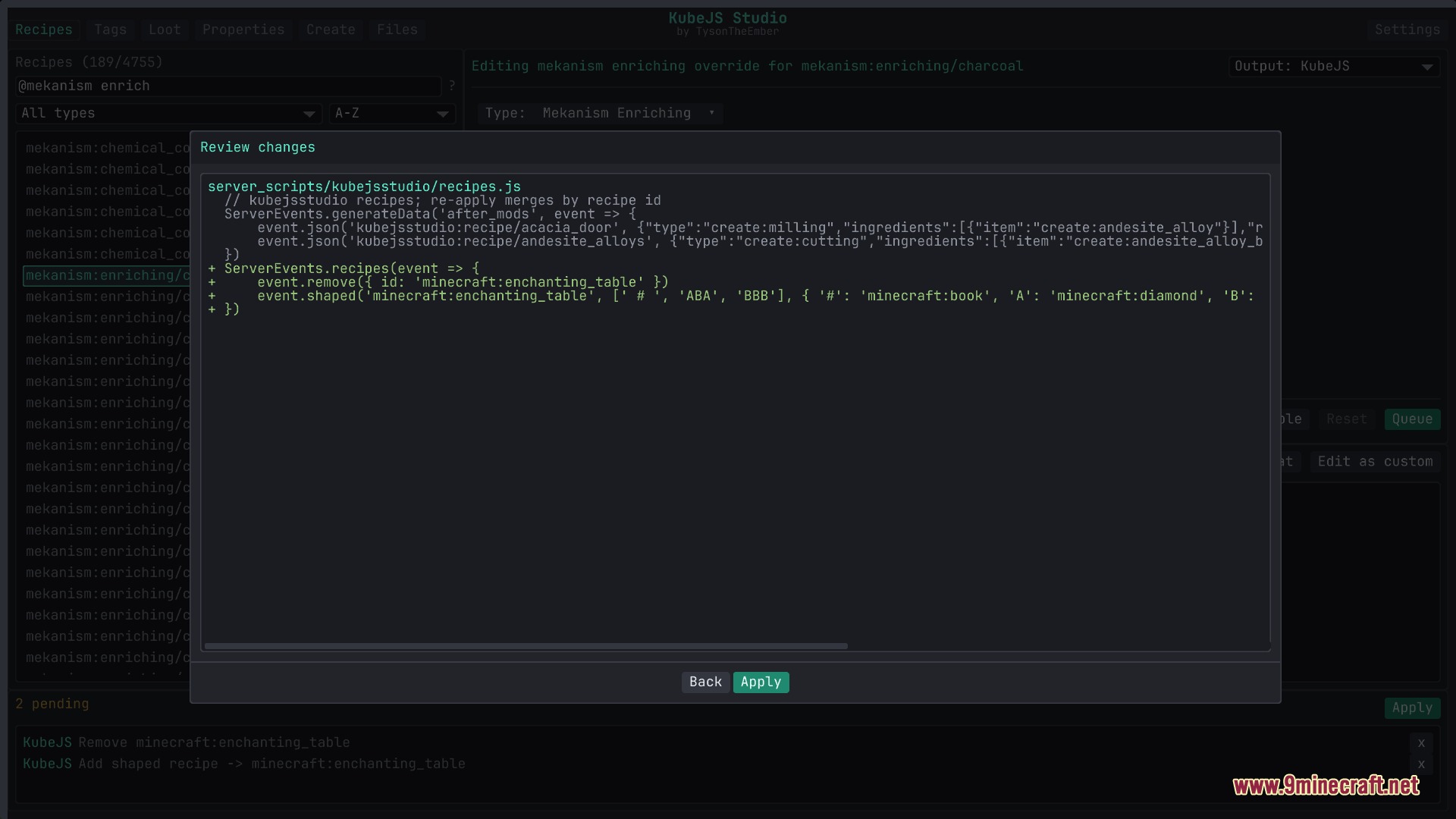
- Lets you create, adjust, or remove recipes for vanilla blocks, Create machines, and cooking pots.
- Provides quick tag tools to add or remove items, blocks, and fluids from game tags.
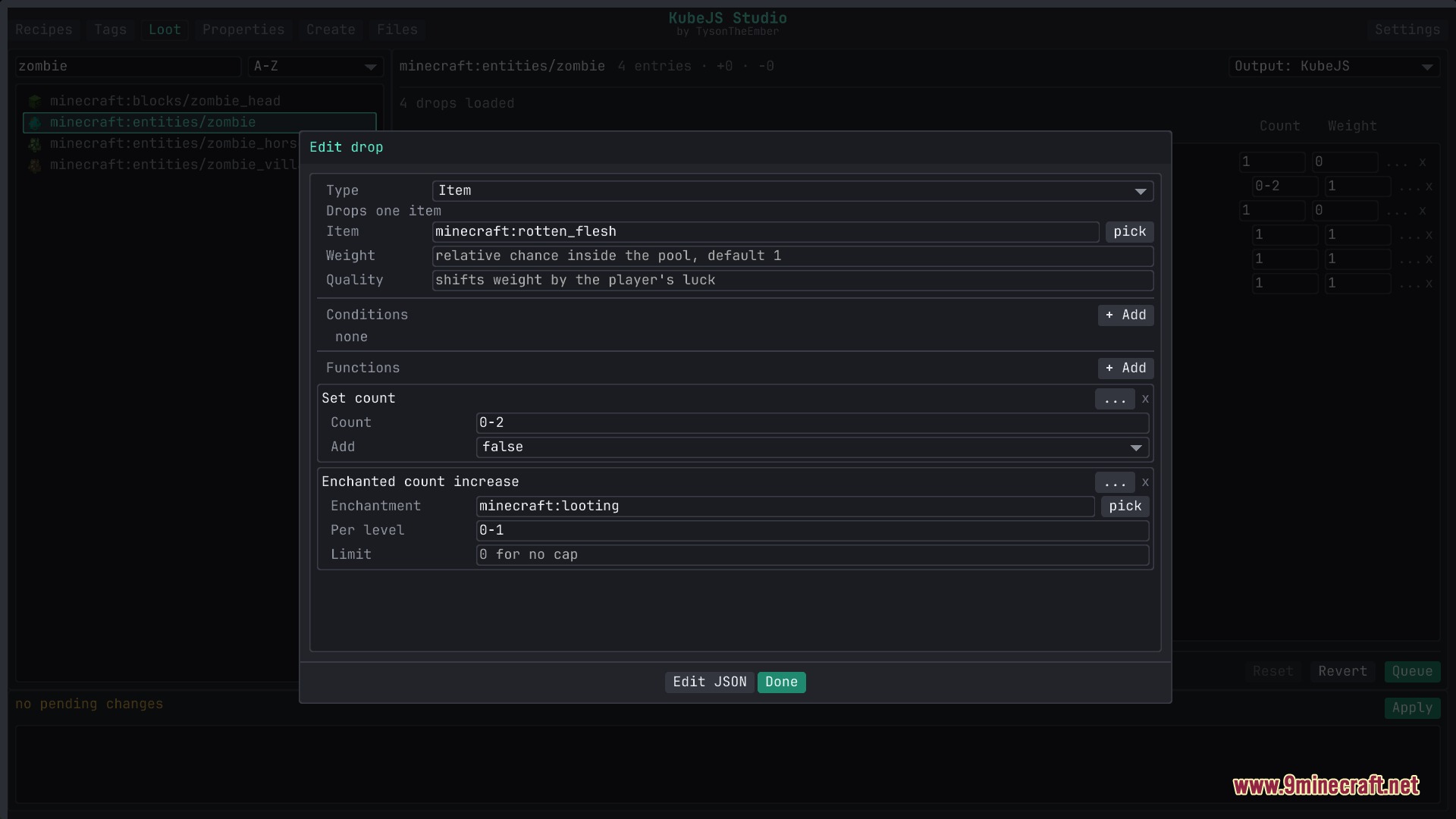
- Builds custom loot tables with simple forms for drop rates, conditions, and tool requirements.
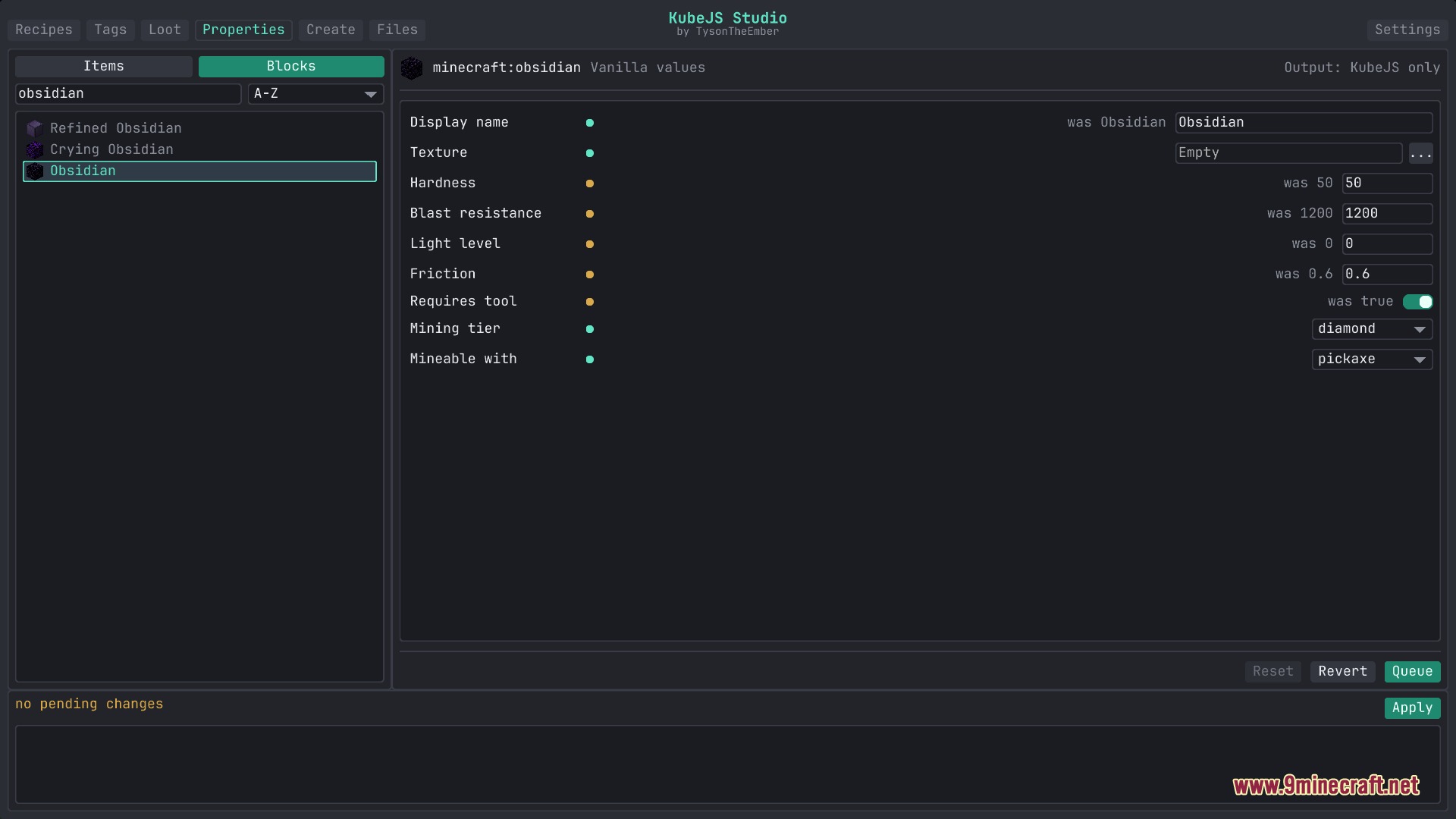
- Adjusts item durability, stack sizes, block hardness, light levels, and mining tools.
- Creates new custom items, blocks, tools, armor, and fluids without writing startup files by hand.
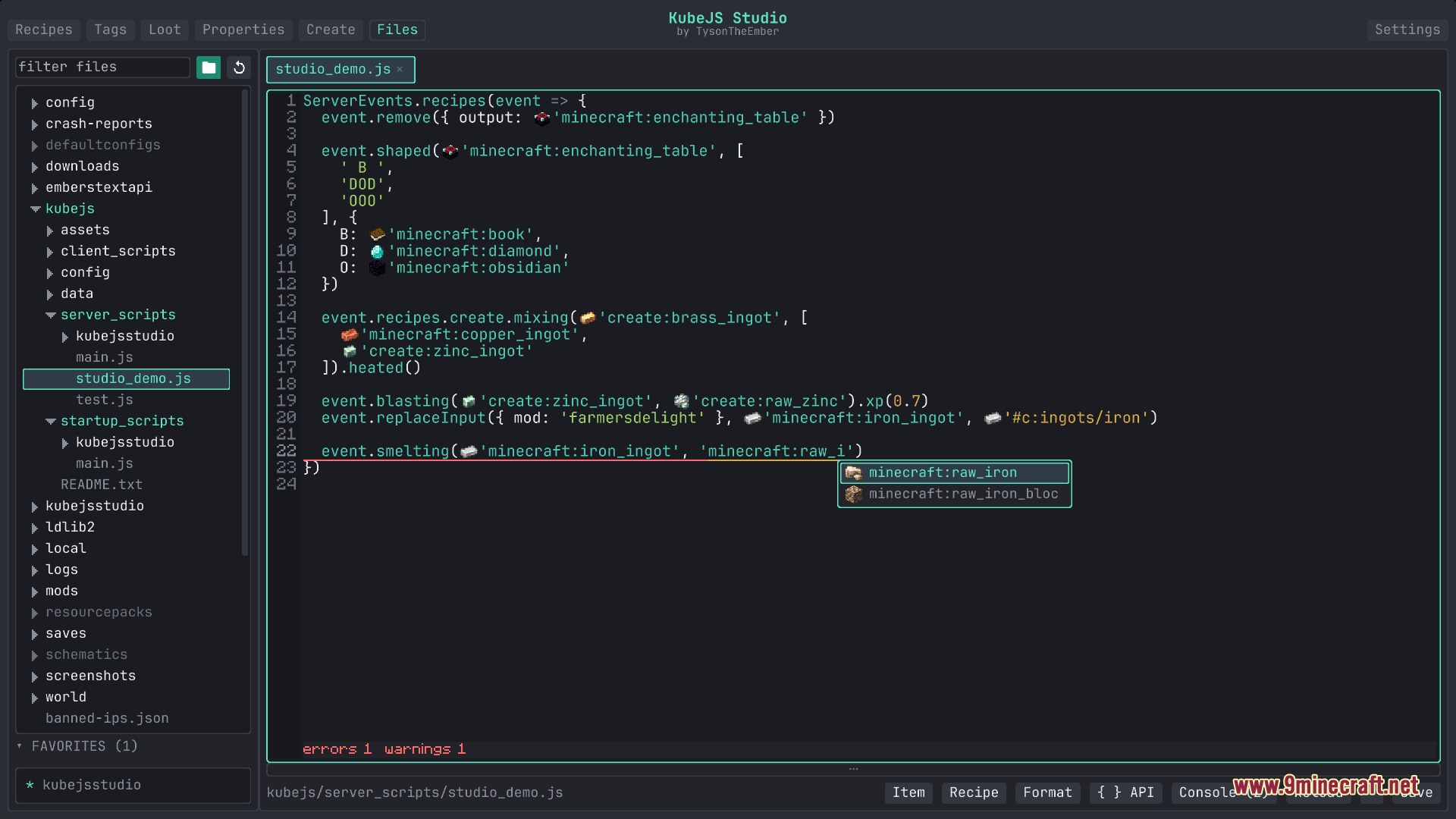
- Shows live autocompletion and hover documentation inside the built-in code editor.
- Highlights code errors and warns about missing tags or wrong item names as you type.
- Saves clean files directly into the kubejs folder without extra export steps.
How to Use:
- Press K in-game to open the main studio interface.
- Pick a tab to change recipes, tags, loot tables, properties, or custom content.
- Fill in the visual slots and fields or switch to the Files tab to write script code directly.
- Review your staged changes and save them straight to the game files.
Screenshots:
How to Install:
New to Minecraft? Follow our step-by-step guide to install Mods on your PC.View Guide
Requirements:
 NeoForge Required
 Minecraft Forge Required
Just Enough Items (JEI) Required
 Distraction Free Recipes Mod Required
 KubeJS Library Required
 Kotlin for Forge Mod Required
Flux Script Architect Mod Download Links
For Minecraft 26.1.2, 26.1.1, 26.1
For Minecraft 1.21.1, 1.21
For Minecraft 1.20.1, 1.20
Click to rate this post!
[Total: 0 Average: 0]
You May Also Like


This post has no comments yet. Be the first — your comment will appear here.