


Flux Core Command Mod (1.21.1, 1.20.1) – Control Complex Create Factories
 3
3
 0
0

🌐 Read this article in your language! Choose your preferred language below.
Or pick the one you like:
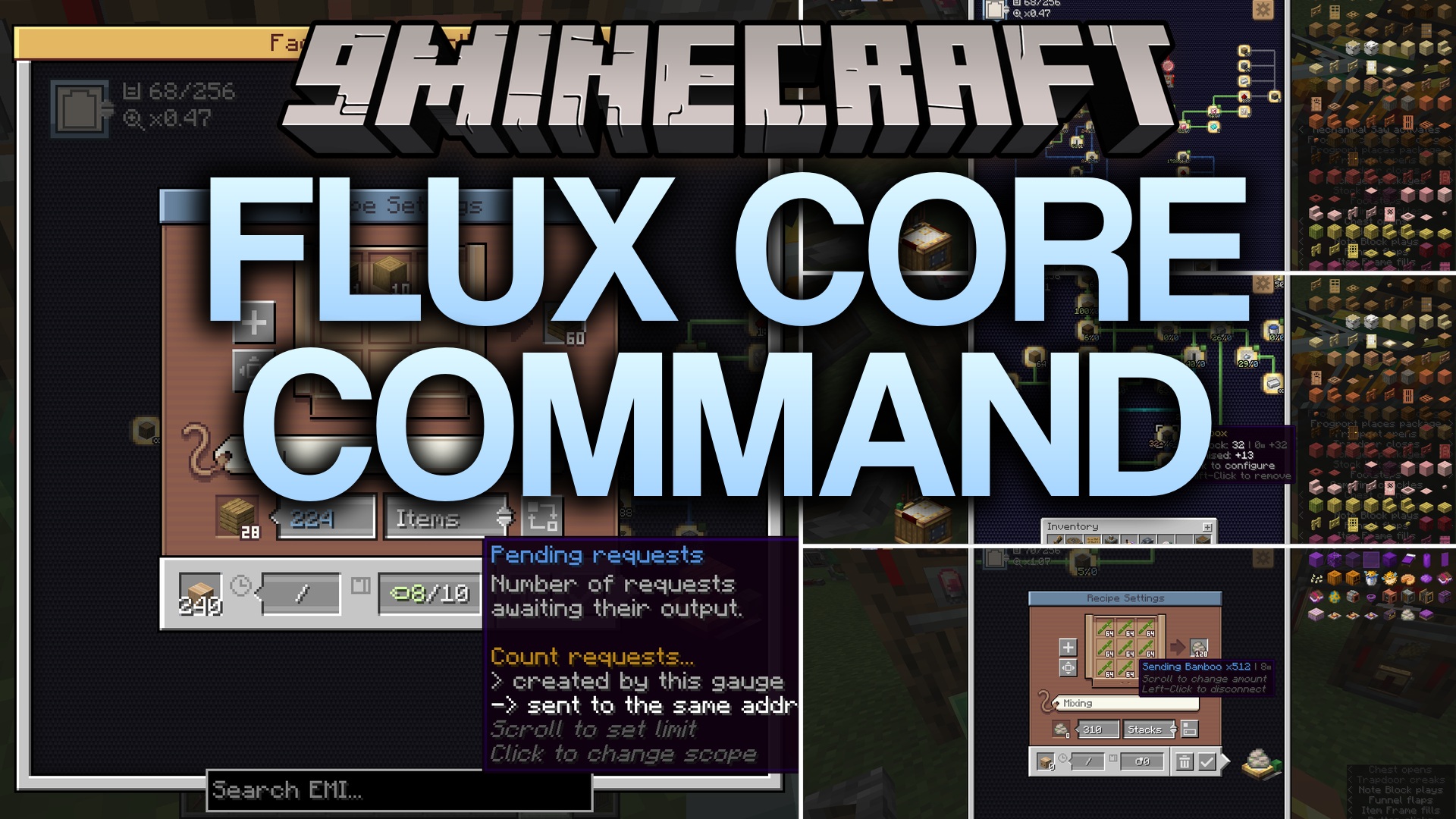
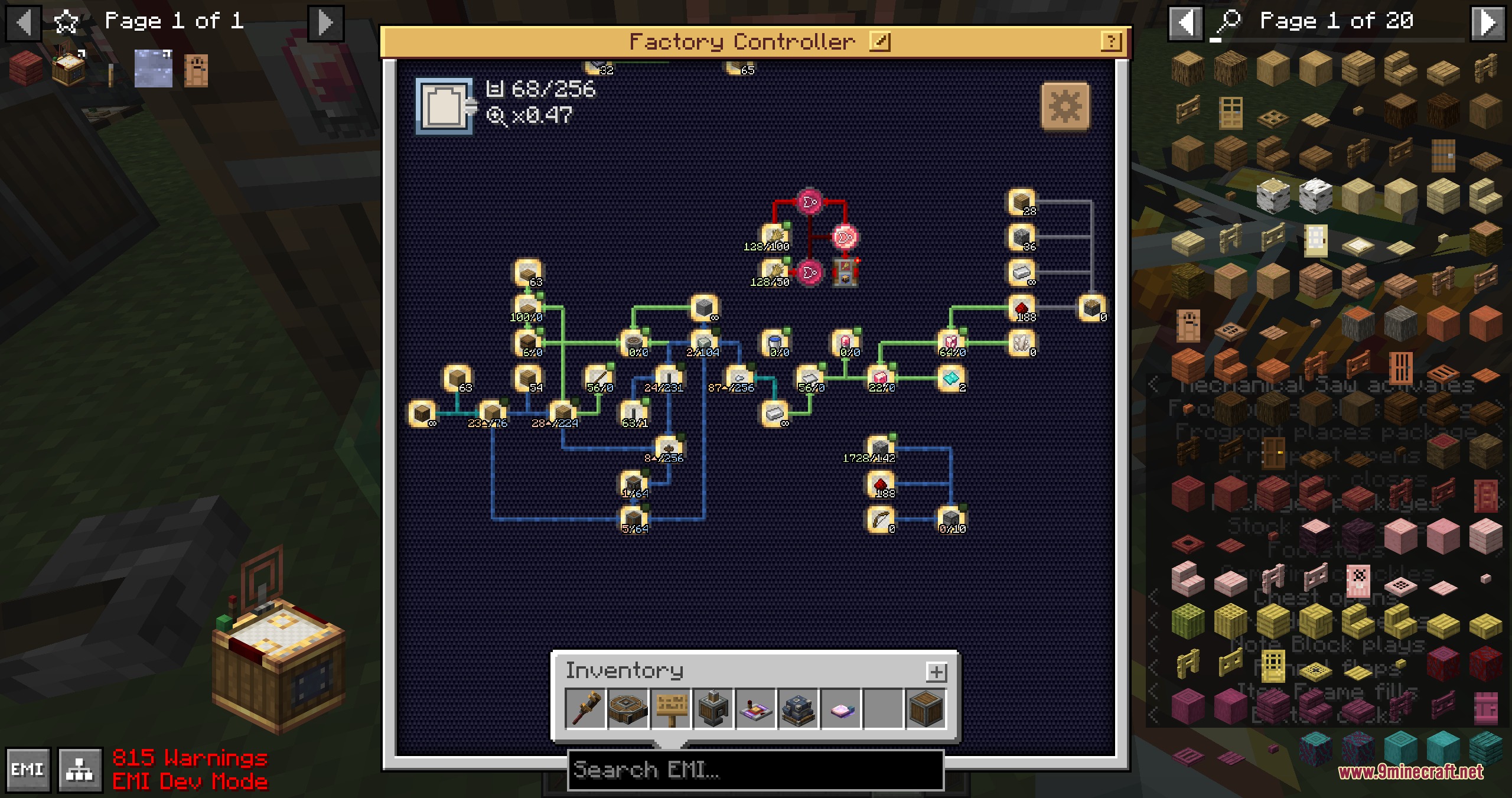
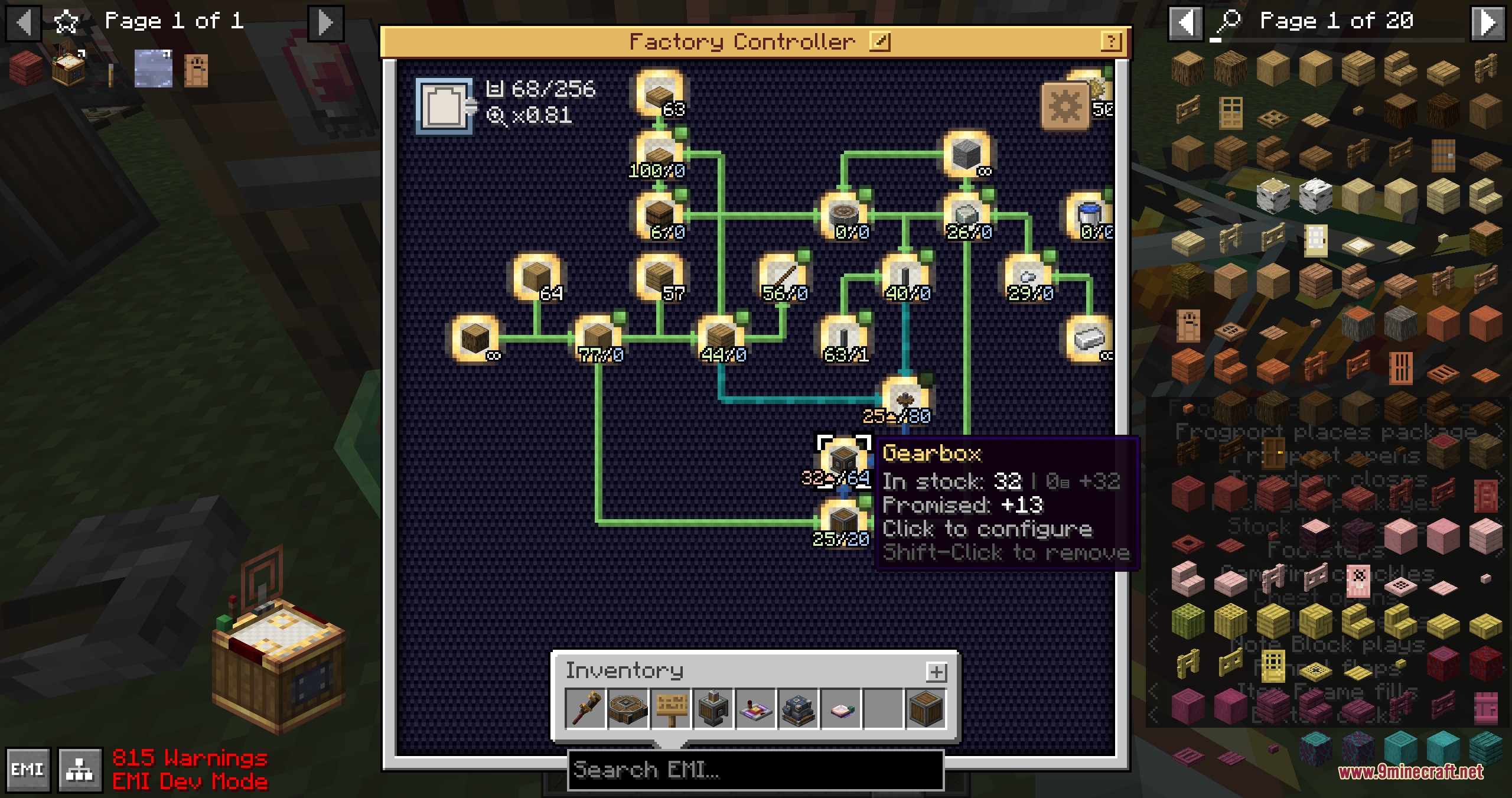
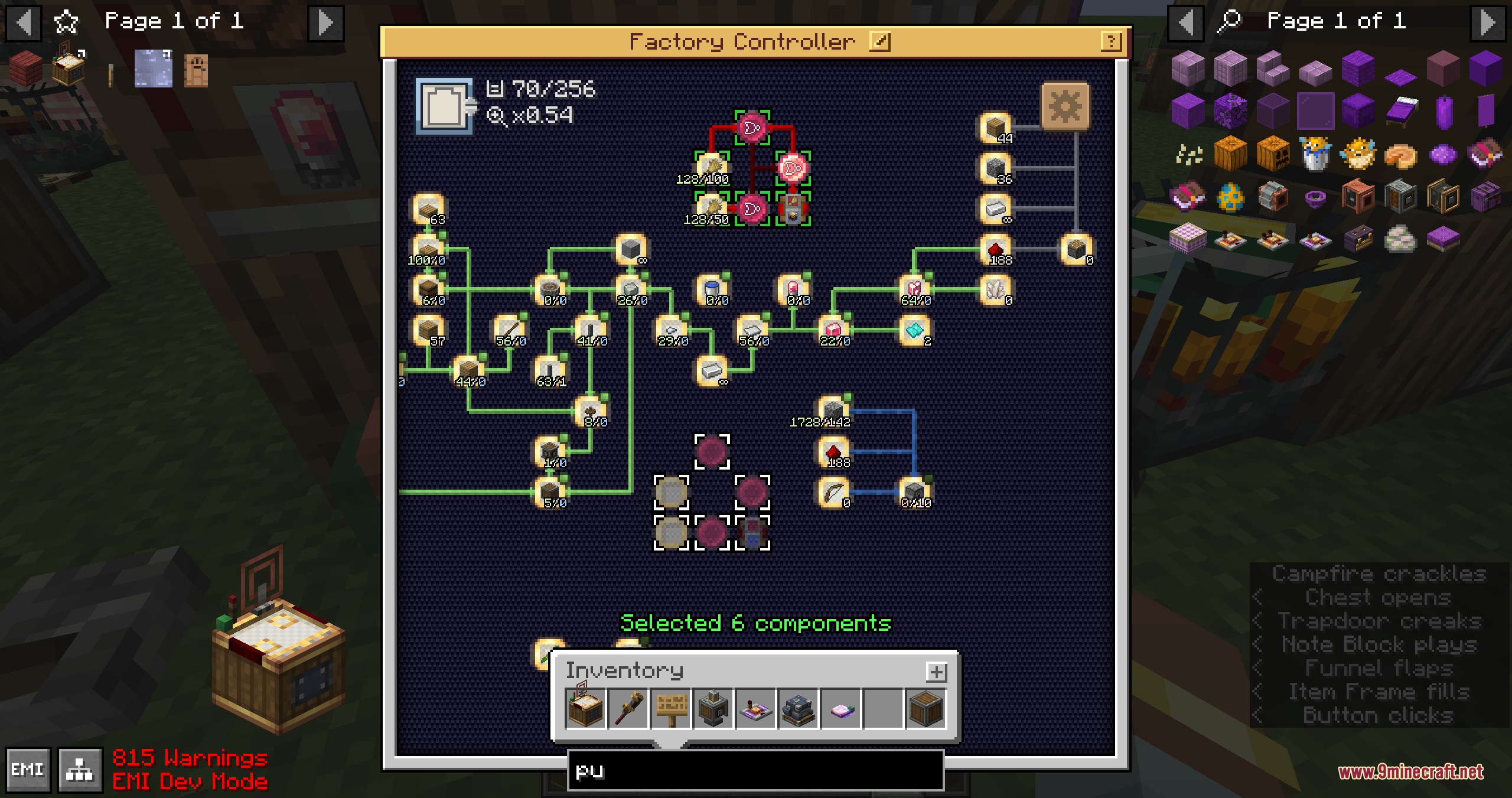
Flux Core Command Mod adds a centralized factory controller dashboard for Create. It turns giant walls of factory gauges into a clean virtual screen inside a single block. You can manage your production lines, adjust item requests, and link redstone signals without running long wires across your base. This mod keeps your factory clean and organized while giving you deeper control over your logistics network.
Features:
- Places factory gauges inside a single controller block to replace huge walls of gauges.
- Allows you to select, drag, and move multiple components inside the virtual interface.
- Lets you save your gauge setups into blueprints for quick placement elsewhere.
- Shows item count labels for all placed gauges at the same time.
- Disables every connected gauge at once using an external redstone signal.
- Lets you change the bending paths of connection arrows between components.
- Connects with display links to show factory data on display boards.
- Imports existing physical gauge walls directly into the virtual controller screen.
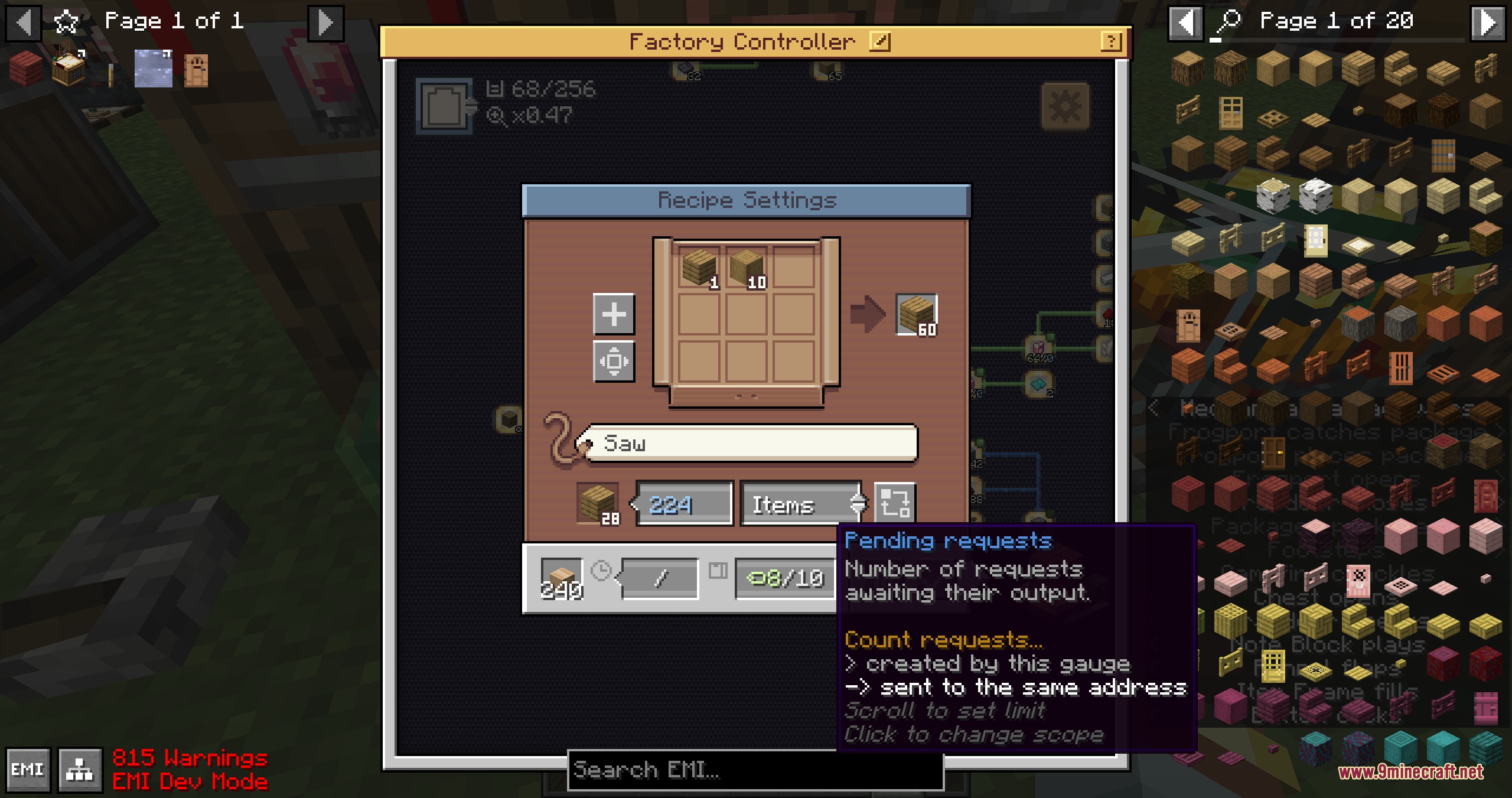
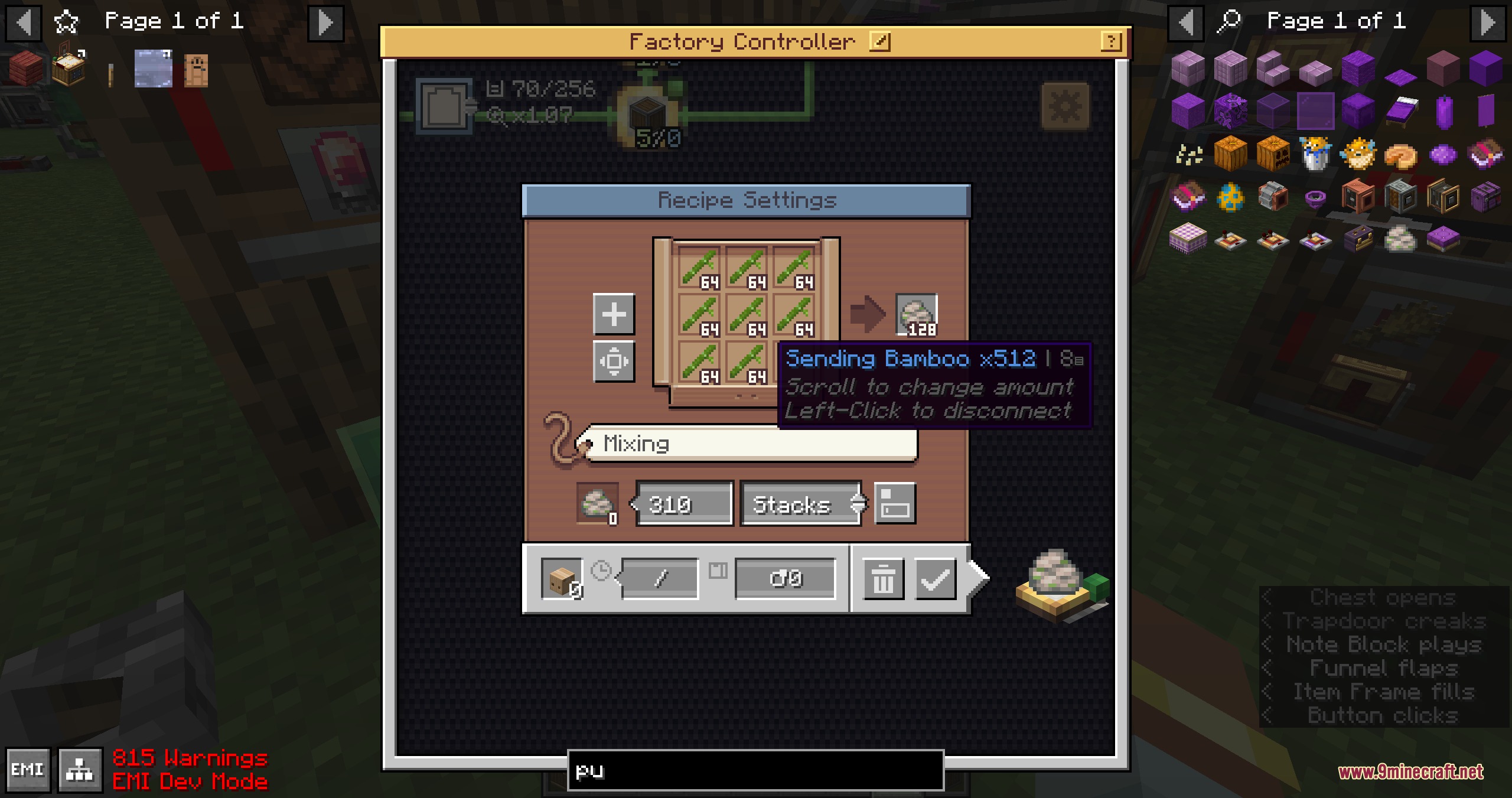
- Allows more than one stack of ingredients and up to nine stacks of outputs per gauge.
- Expands mechanical crafting grid setups up to a ten by ten area.
- Requests crafting ingredients in batches of up to 64 items.
- Lets you ignore item NBT data when setting up recipes.
- Produces items on demand to stop extra intermediate items from filling your chests.
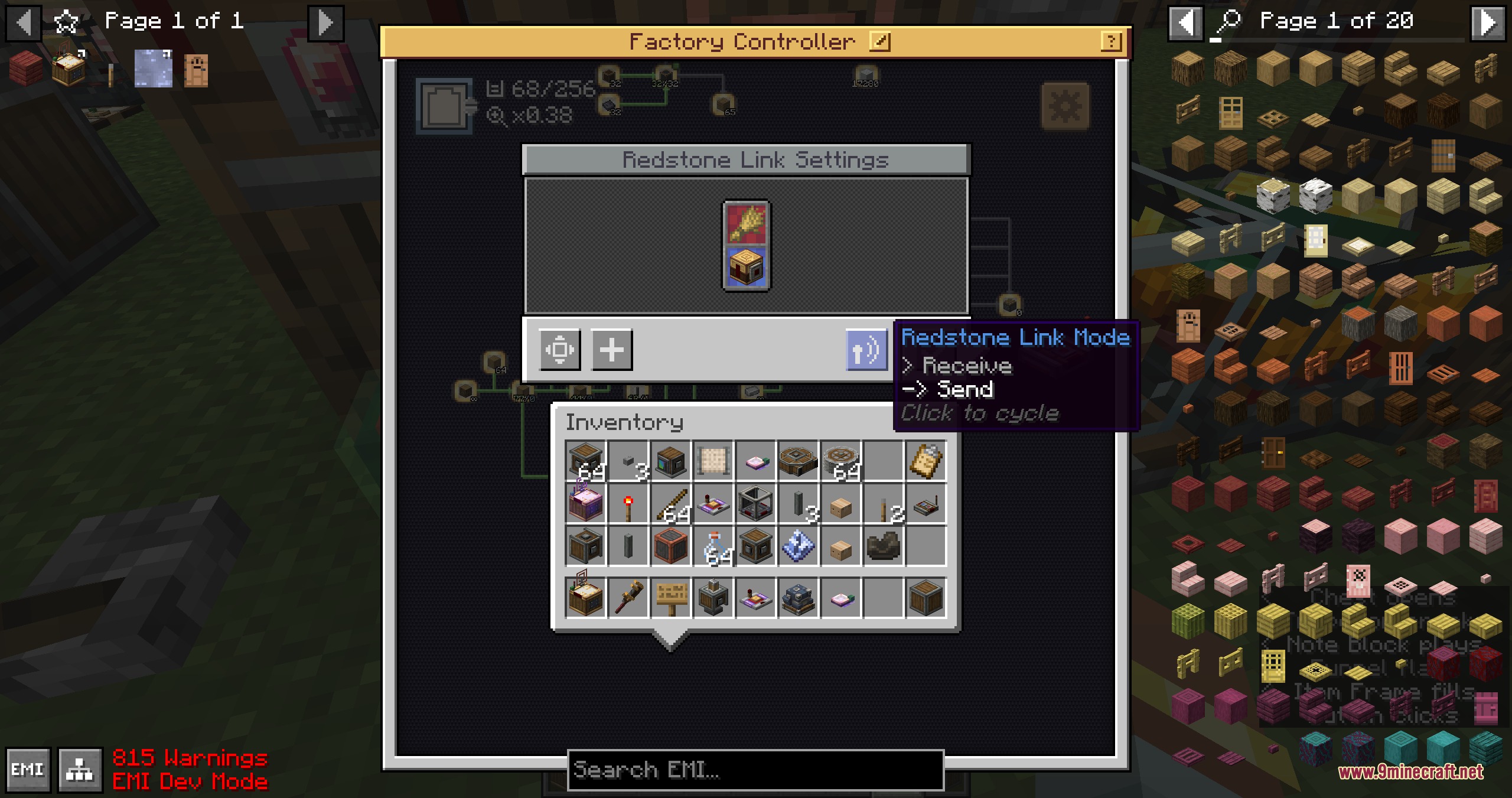
- Places Redstone Links and Electron Tubes inside the dashboard to handle logic gate signals.
Dashboard Capabilities:
- Network selector lets you tune new gauges to active networks right away.
- Multi-select mode lets you delete or reposition groups of parts quickly.
- Custom arrow pathing helps keep connection lines tidy inside complex layouts.
Advanced Crafting and Logistics:
- Batch crafting pulls multiple sets of ingredients at once when stock is ready.
- Follow demand mode triggers item creation only when current stock runs low.
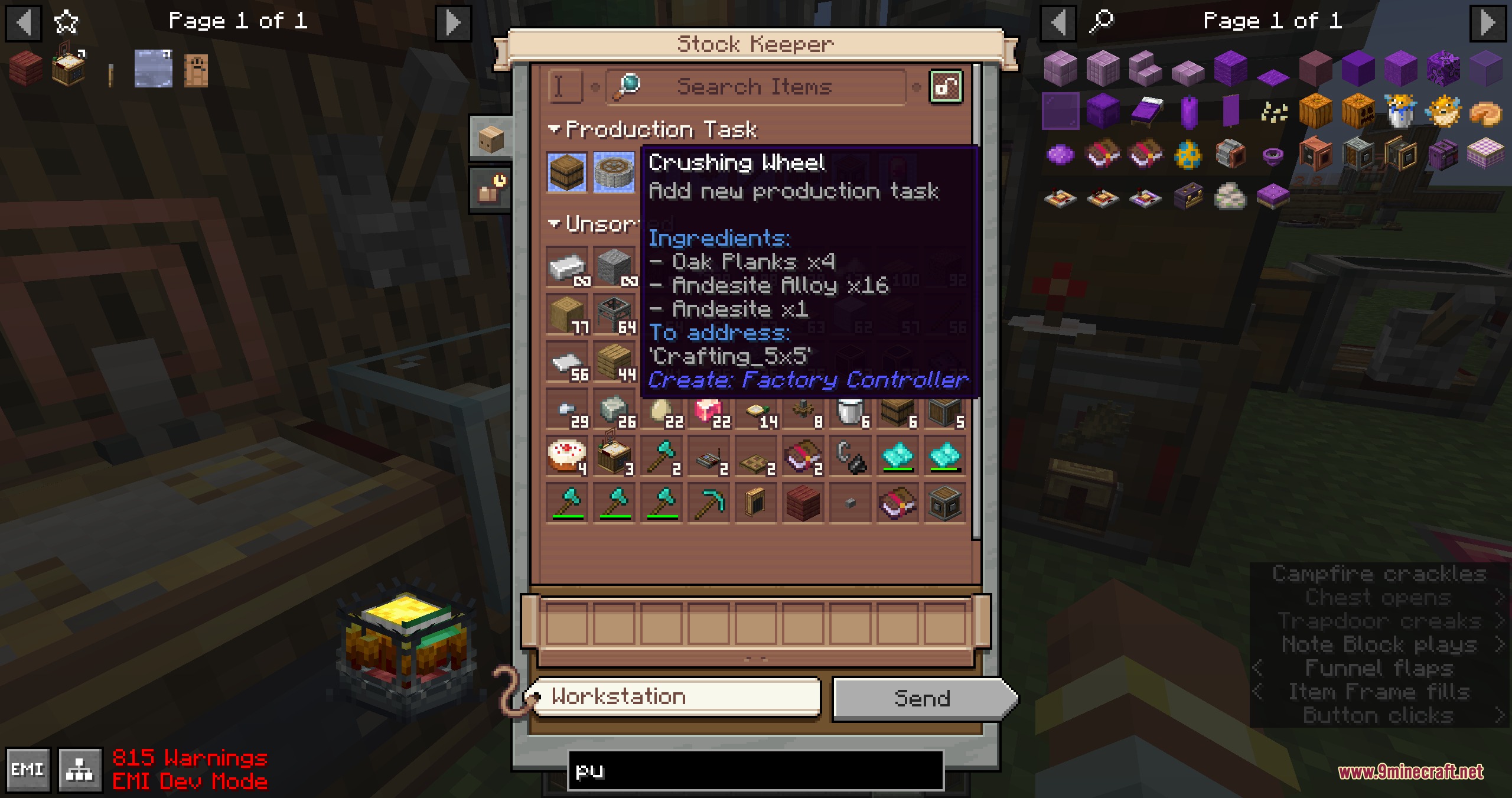
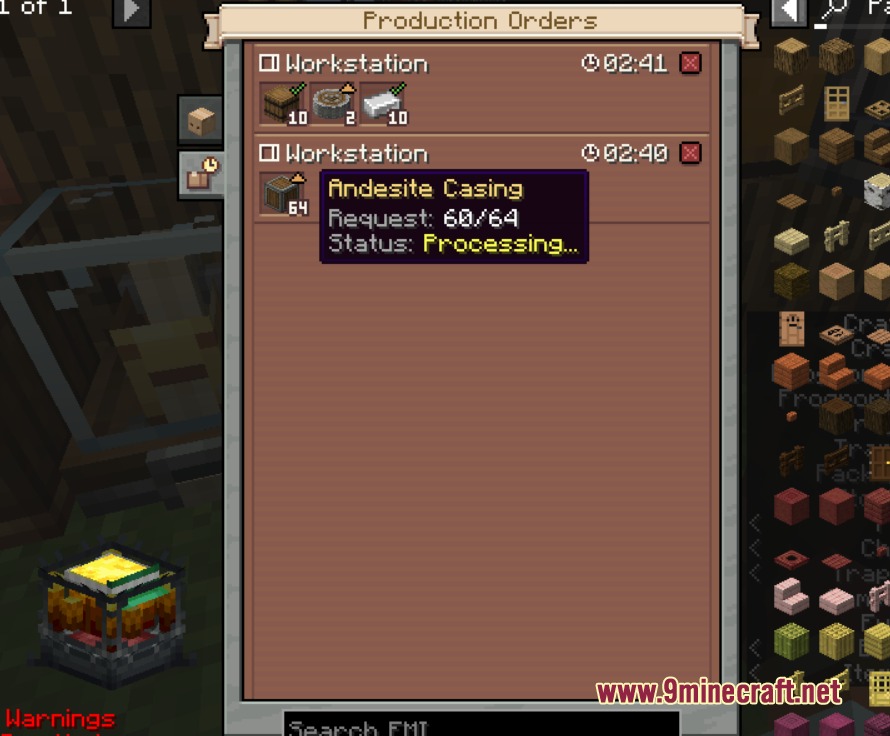
- Manual order mode lets you send production jobs through the stock keeper interface.
- Promise limits prevent gauges from creating too many pending delivery requests.
How to Use:
- Place a factory controller block in your factory setup.
- Right-click the factory controller block to open the virtual dashboard screen.
- Place your factory gauges, redstone links, or electron tubes onto the grid.
- Hold Ctrl and drag the mouse cursor to select and move multiple components at once.
- Connect your gauges to configure recipe inputs, outputs, and delivery networks.
Screenshots:
How to Install:
New to Minecraft? Follow our step-by-step guide to install Mods on your PC.View Guide
Requirements:


Flux Core Command Mod Download Links
For Minecraft 1.21.1, 1.21
For Minecraft 1.20.1, 1.20
Click to rate this post!
[Total: 0 Average: 0]
You May Also Like





This post has no comments yet. Be the first — your comment will appear here.