


Bounty Weaver Mod (26.1.2, 1.20.1) – Scavenge Restocking Loot Crates
 0
0
 0
0

“`json
{
“title”: “Bounty Weaver Mod”,
“subtitle”: “Loot Custom Containers Across Your World”,
“content”: ”
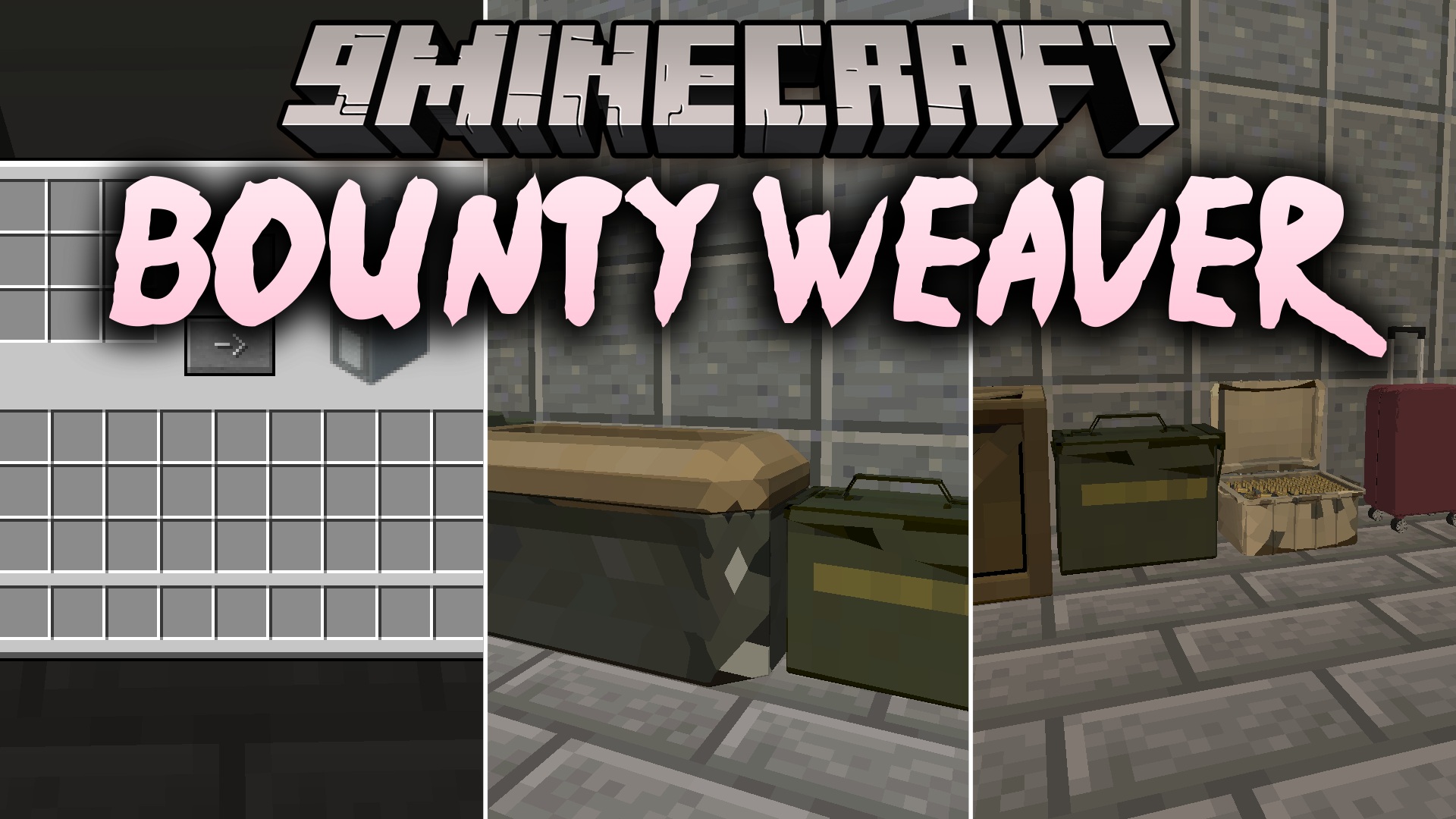
Bounty Weaver Mod brings customizable loot containers and storage boxes into Minecraft to encourage exploration and item grinding. Items spawn inside these special containers when placed or generated in the world, and they restock randomly over time. You can customize the loot tables, item count ranges, and NBT tags for each container type through a simple config file.
Features:
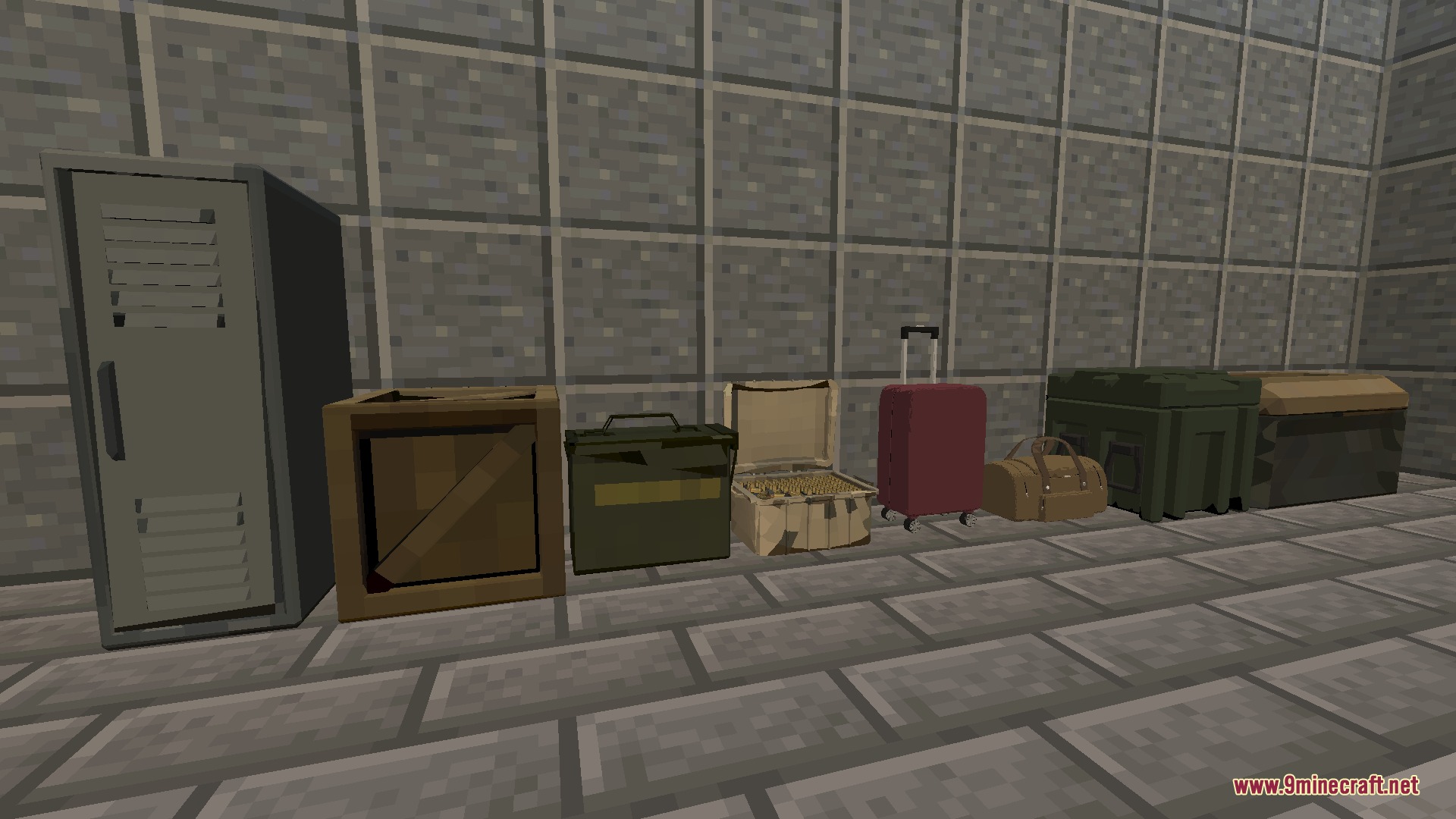
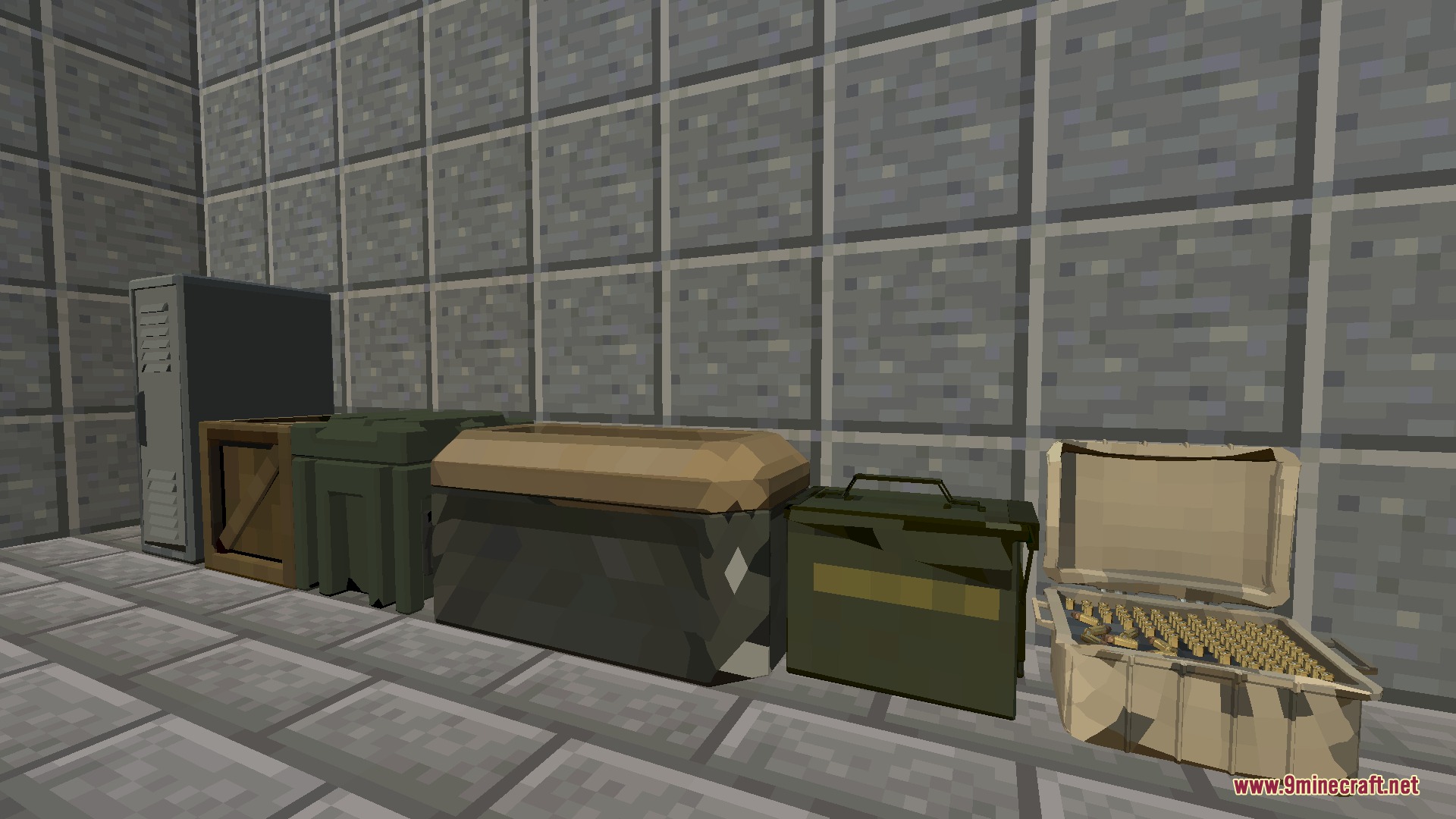
- Adds themed containers including lockers, military boxes, ammo cases, crates, metal chests, suitcases, and dufflebags.
- Spawns random loot inside containers as soon as they generate in the world or get placed down.
- Restocks stored items periodically to give you a reason to revisit old structures.
- Works with custom item IDs and NBT tags to support ammo and gear from other mods.
- Allows precise control over the minimum and maximum item quantities for every storage unit.
- Includes a debug gamerule to quickly test and inspect loot generation commands in real time.
Container Types:
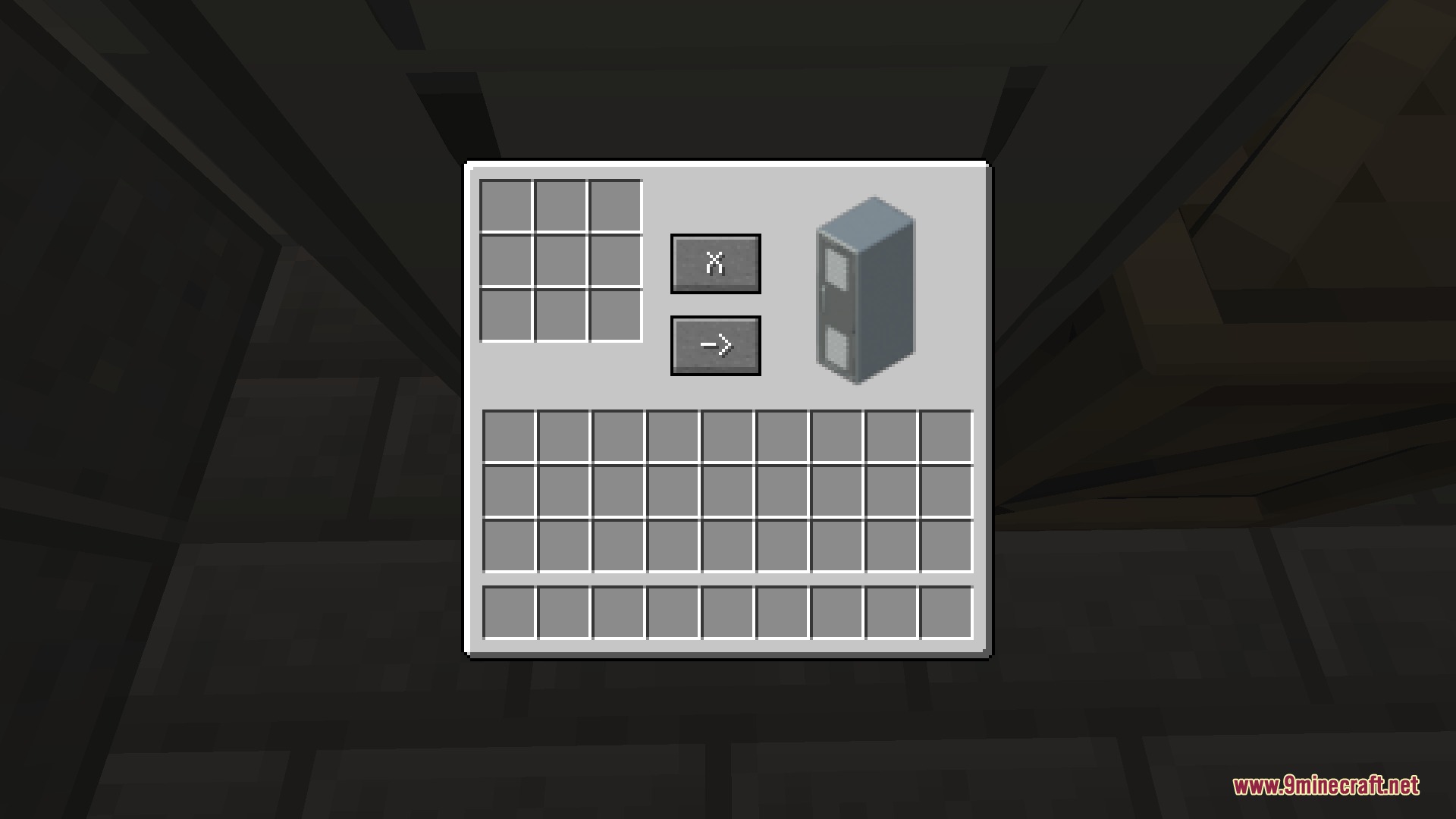
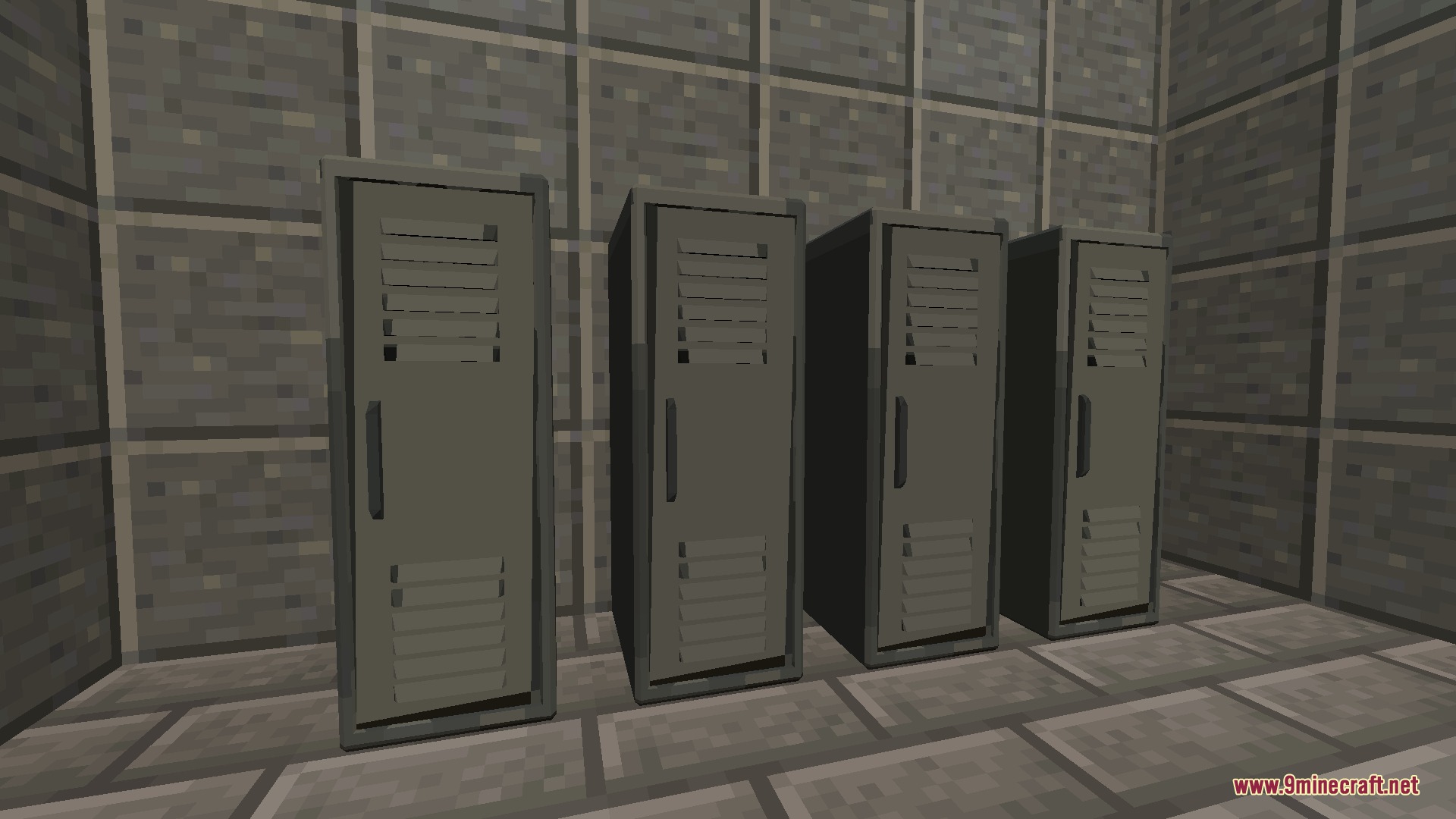
- Lockers: tall metal storage units that hold basic crafting items like ingots and coal.
- Military Boxes: tactical supply crates suited for weapon drops and valuable equipment.
- Ammo Boxes and Cases: compact containers tailored to store arrows and custom ammunition.
- Crates and Metal Chests: heavy-duty boxes holding mixed survival resources, ingots, and gems.
- Suitcases and Dufflebags: light bags filled with food items, leather, and paper.
Commands:
/gamerule lootstockDebug: toggles generator debug messages in the chat when placing a container.
Configuration:
Adjust item pools and drop limits inside the lootstock.toml file located in your config folder:
[locker]
	#items to restock in lockers
	item1 = "minecraft:copper_ingot"
	item2 = "minecraft:gunpowder"
	item3 = "minecraft:iron_ingot"
	item4 = "minecraft:coal"
	item5 = ""
	#locker item tag
	item1tag = ""
	item2tag = ""
	item3tag = ""
	item4tag = ""
	item5tag = ""
	#item count range: 0.0 - 64.0
	min = 0.0
	max = 4.0
[military_box]
#items to restock in military boxes
item1 = “minecraft:copper_ingot”
item2 = “minecraft:gunpowder”
item3 = “minecraft:iron_ingot”
item4 = “minecraft:coal”
item5 = “”
#military box item tag
item1tag = “”
item2tag = “”
item3tag = “”
item4tag = “”
item5tag = “”
#item count range: 0.0 – 64.0
min = 0.0
max = 1.0
[ammo_box]
#items to restock in ammo boxes
item1 = “minecraft:copper_ingot”
item2 = “minecraft:gunpowder”
item3 = “minecraft:iron_ingot”
item4 = “minecraft:arrow”
item5 = “”
#ammo box item tag
item1tag = “”
item2tag = “”
item3tag = “”
item4tag = “”
item5tag = “”
#item count range: 0.0 – 64.0
min = 0.0
max = 16.0
“,
“excerpt”: “Bounty Weaver Mod brings customizable loot containers and boxes that restock items randomly to encourage resource grinding across your Minecraft world.”,
“focus_keyword”: “Bounty Weaver Mod”,
“dependencies”: [],
“tags”: [
“Storage and Inventory Mods”,
“Adventure & RPG Mods”,
“Decoration & Furniture Mods”,
“Building & Structure Mods”,
“Ore and Resource Mods”,
“Gun Mods”,
“Tool & Utility Mods”,
“Server Utility Mods”
],
“captions”: [
“Inside view of a locker container holding generated survival items”,
“Collection of different loot boxes and storage containers in the world”,
“Various metal boxes and wooden crates placed side by side”,
“Rows of tall metal lockers placed along the wall”
]
}
“`
Screenshots:
How to Install:
New to Minecraft? Follow our step-by-step guide to install Mods on your PC.View Guide
Requirements:


Bounty Weaver Mod Download Links
For Minecraft 26.1.2, 26.1.1, 26.1
For Minecraft 1.21.1, 1.21
For Minecraft 1.20.1, 1.20
For Minecraft 1.19.2
For Minecraft 1.18.2
You May Also Like







This post has no comments yet. Be the first — your comment will appear here.