


Mapwriter 2 Mod (1.12.2, 1.11.2) – Always Find Your Way Back Home
 12,461
 0
0

🌐 Read this article in your language! Choose your preferred language below.
Or pick the one you like:
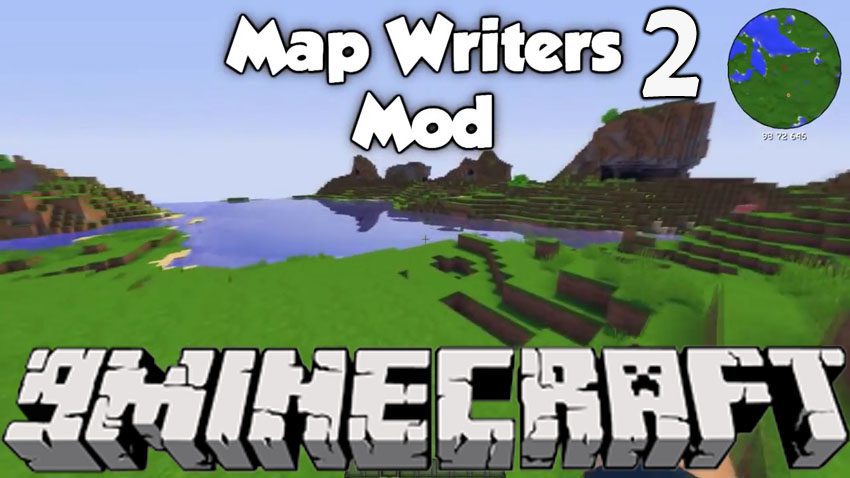
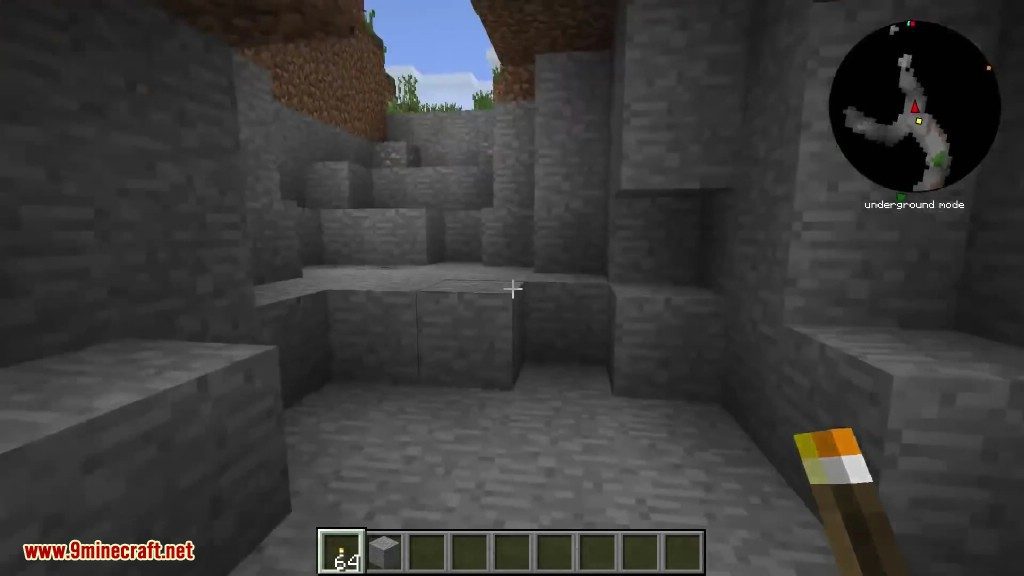
Mapwriter 2 Mod adds a helpful minimap to your game, letting you see the world around you. It includes a full-screen map where you can set waypoints by right-clicking, pan by dragging, and zoom using the mouse wheel. This mod also has a special underground mode that shows air, water, and lava to help you navigate caves.
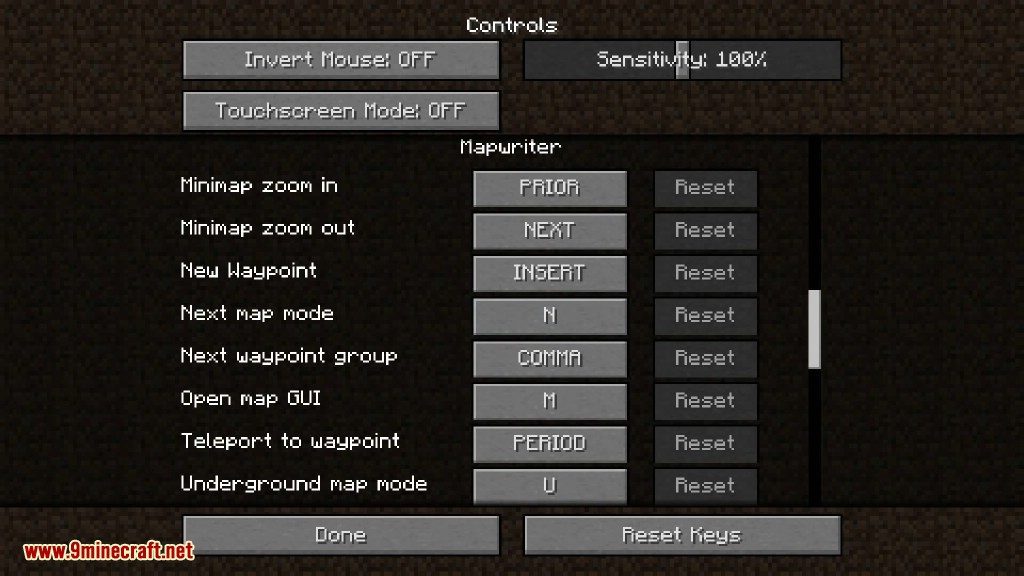
In Game Key Bindings:
- ‘n’ toggles mini-map between normal, hidden, and underground.
- ‘m’ opens/closes the interactive map GUI.
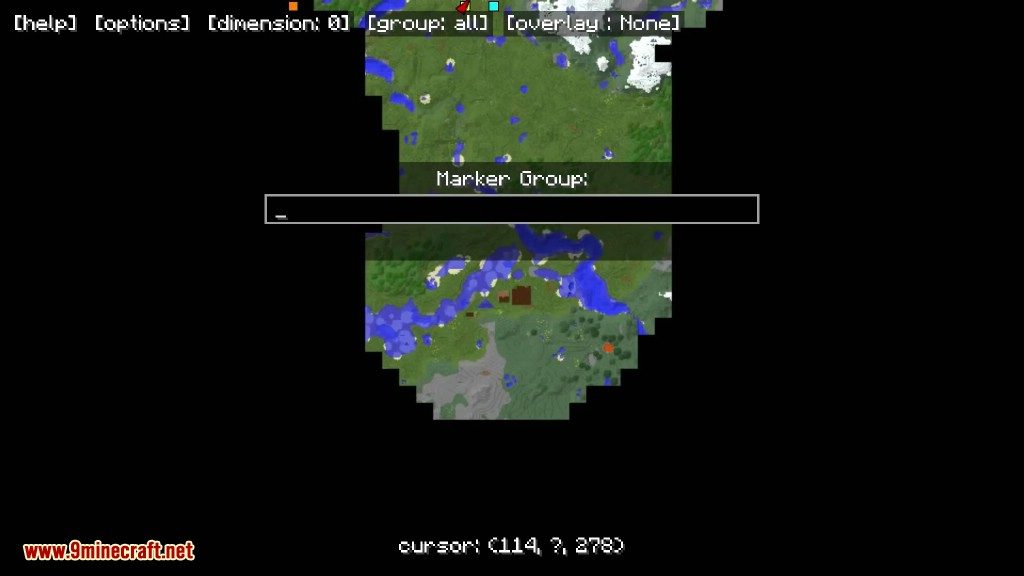
- ‘,’ toggles which marker group is shown.
- ‘.’ teleports to nearest visible marker in the direction you are facing.
- ‘page up’ zooms out.
- ‘page down’ zooms in.
Features:
- Adds a minimap that works in both singleplayer and multiplayer.
- Works entirely on the client-side, so servers don’t need to have it installed.
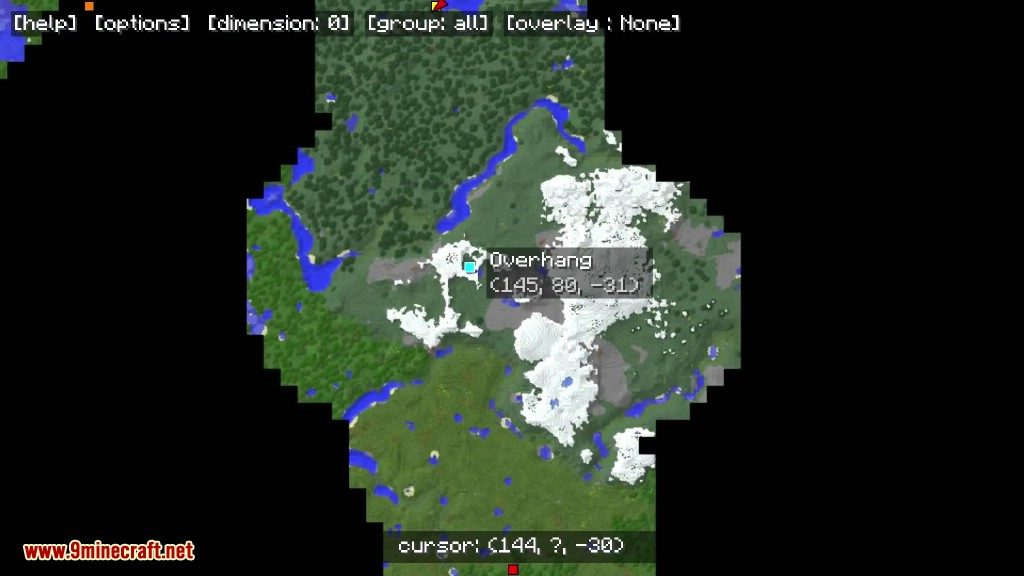
- Saves all the areas you explore, allowing you to view them later by scrolling or zooming.
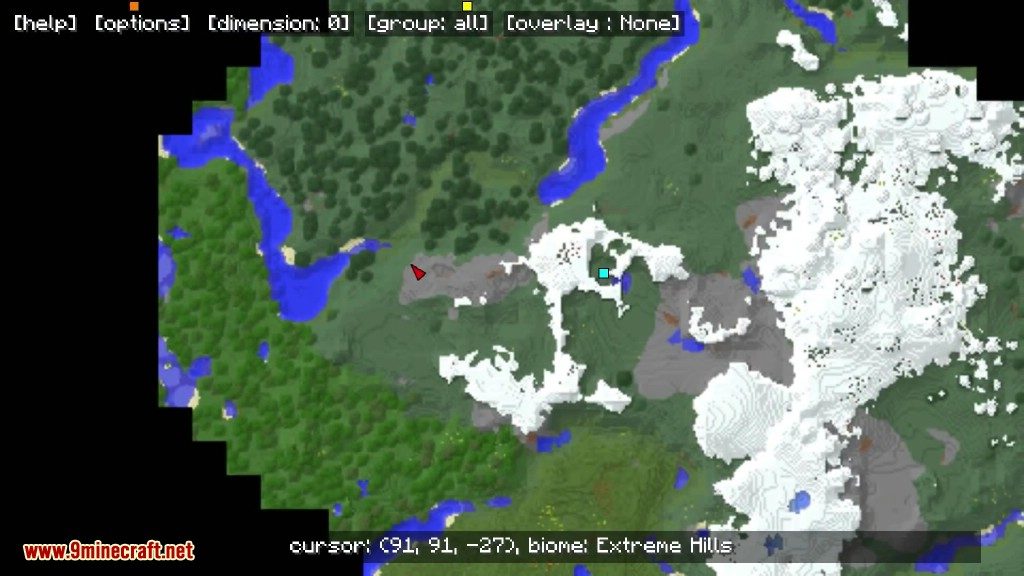
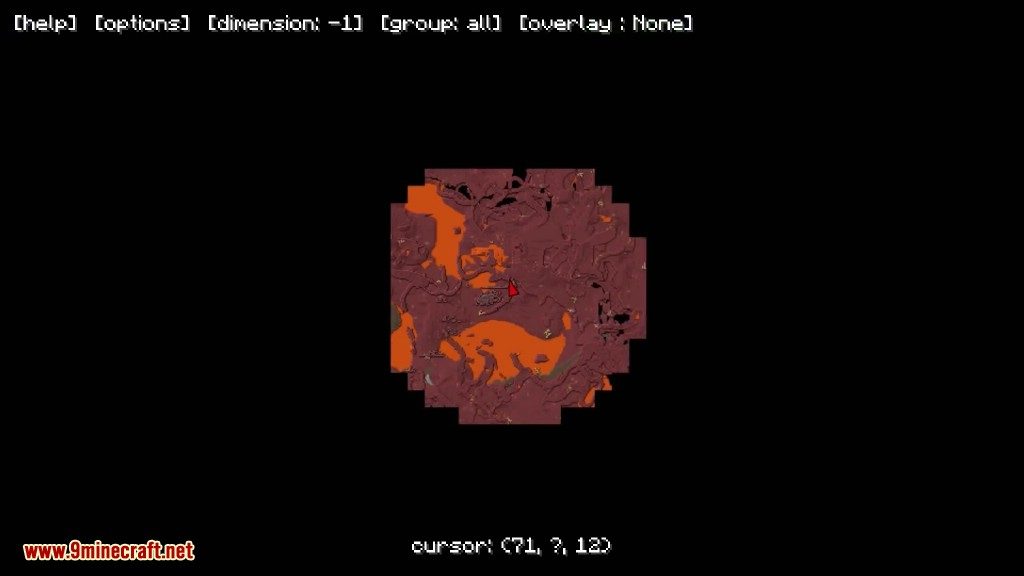
- Open a full-screen map to set waypoints, pan around, and zoom with the mouse wheel.
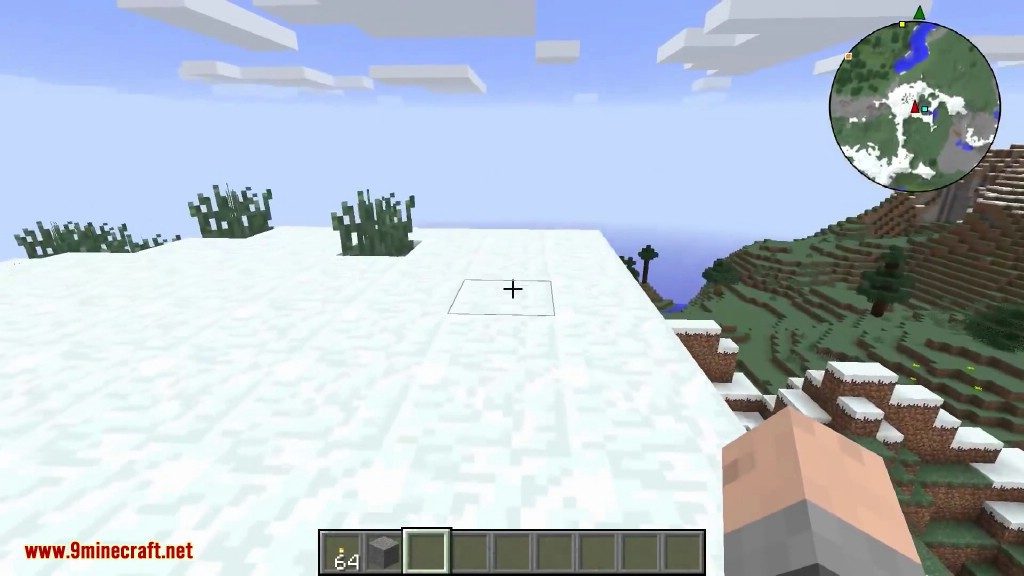
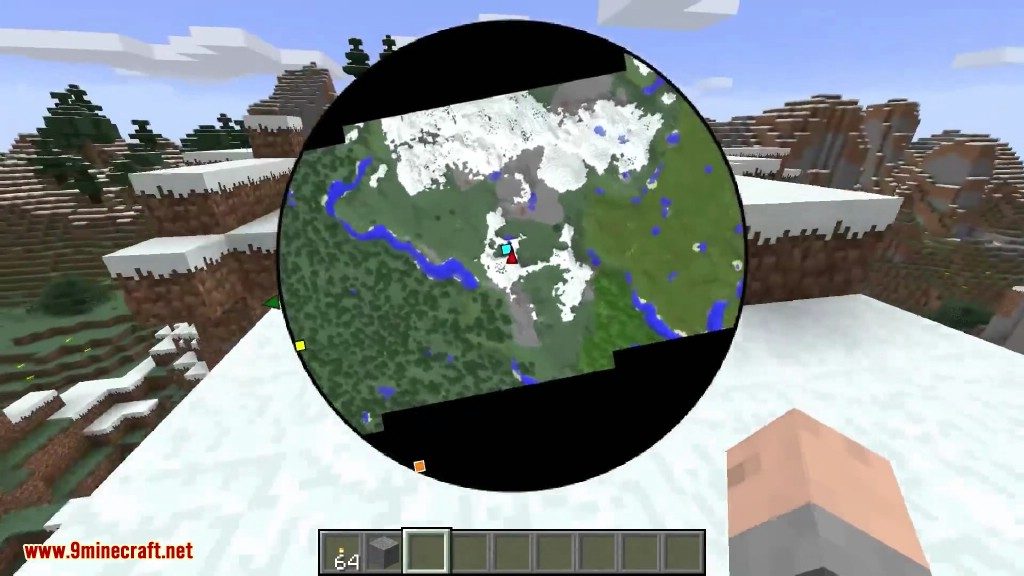
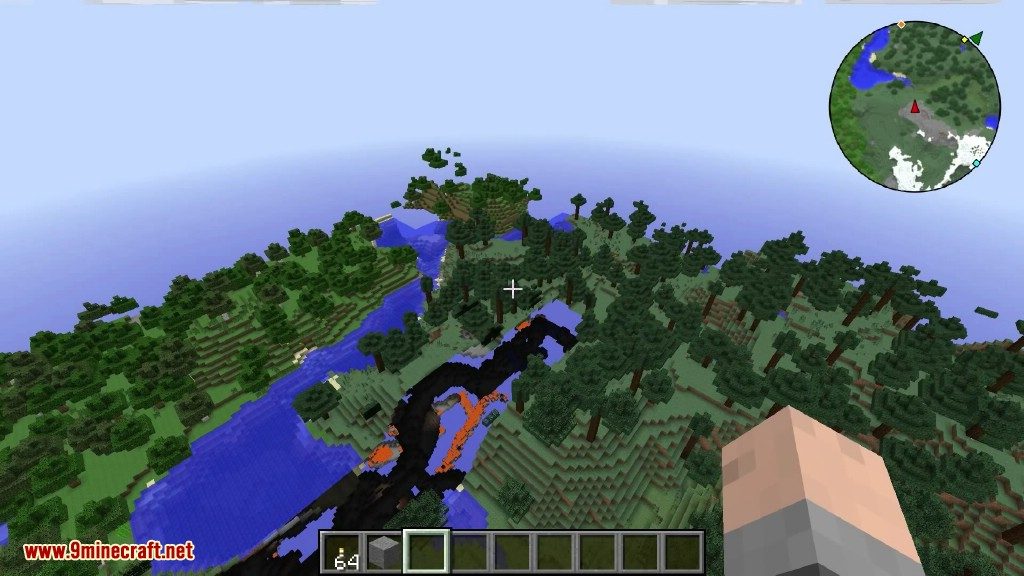
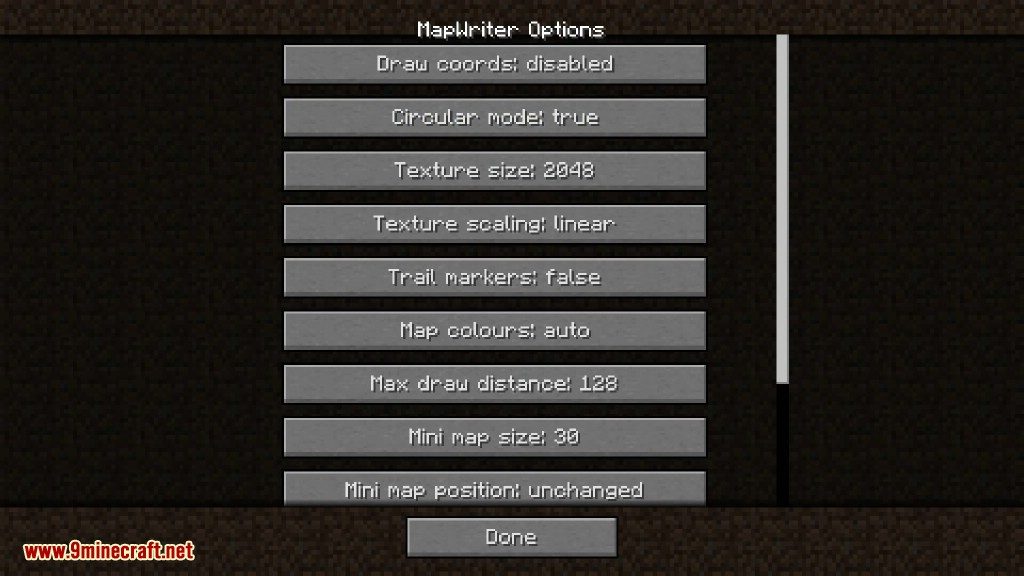
- Offers a rotating circular minimap mode that can be turned on in the options.
- Automatically generates block colors from their textures.
- Supports custom texture packs and blocks added by other mods.
- Displays biomes with their appropriate colors on the map.
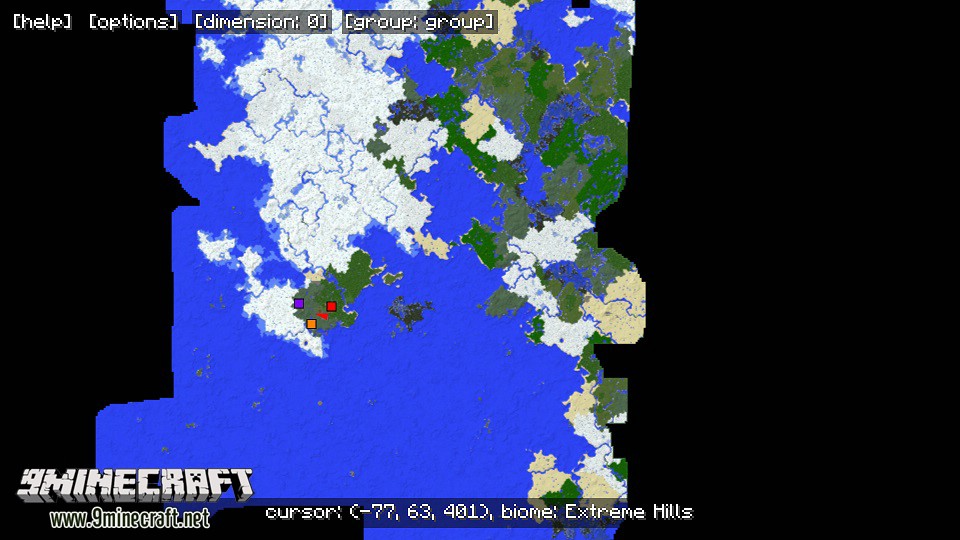
- Lets you export the entire explored map as a single PNG image.
- Shows your correct Overworld coordinates on the minimap when you are in the Nether.
- Features an underground map mode to make exploring caves easier.
- Allows you to configure all block colors to your liking.
How to Use:
- Press ‘M’ to open or close the full-screen map GUI.
- Press ‘N’ to cycle the minimap between normal, hidden, and underground modes.
- Use ‘Page Up’ to zoom out and ‘Page Down’ to zoom in.
- Press ‘,’ to switch between different groups of markers.
- Press ‘.’ to teleport to the nearest visible marker in the direction you are facing.
Screenshots:
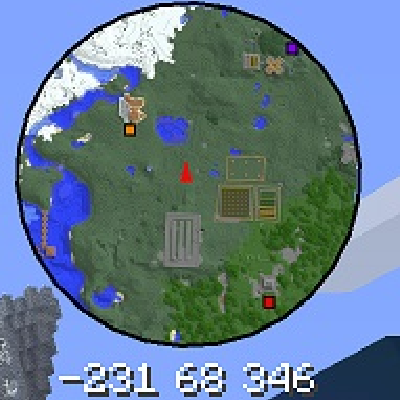
In game mini map mode (circular map mode enabled in map GUI options menu)
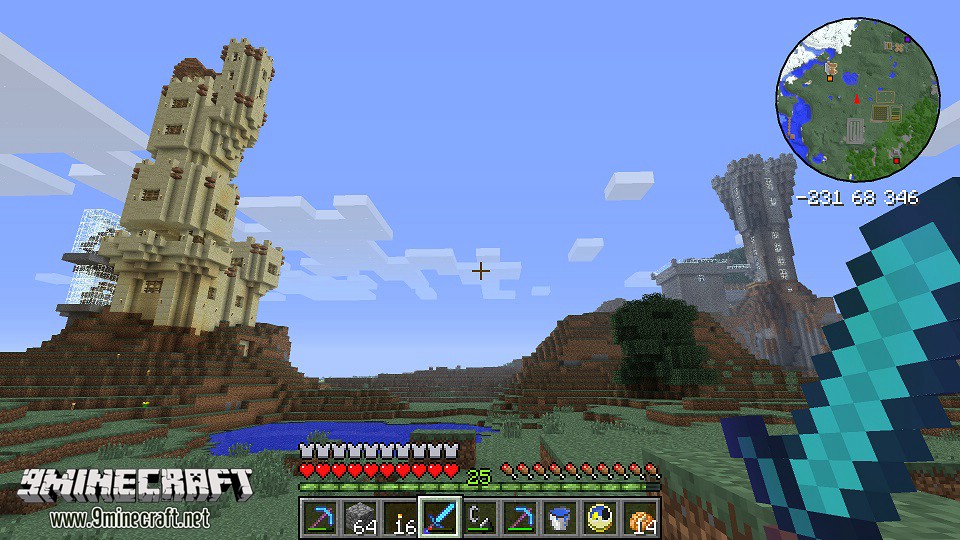
In game full screen GUI.
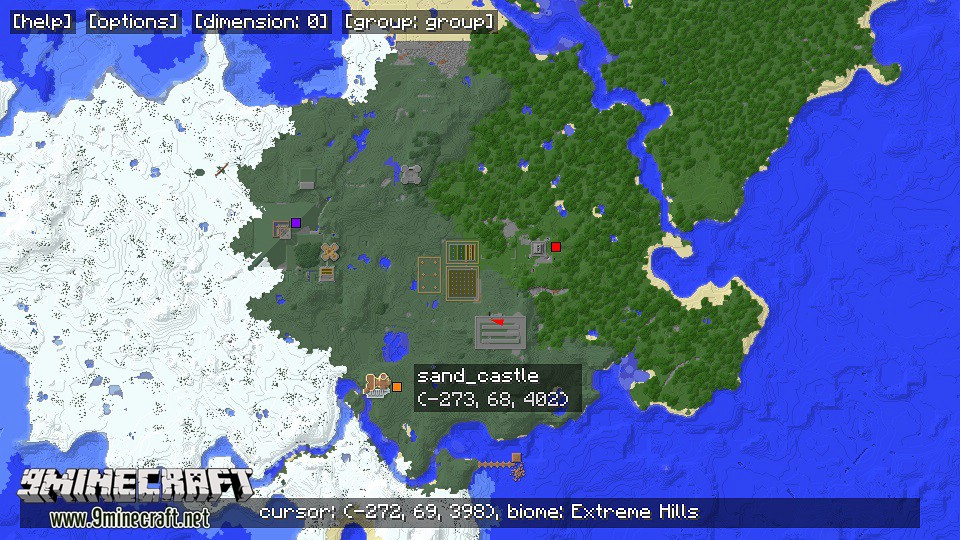
Zooming out to see the world.
How to Install:
New to Minecraft? Follow our step-by-step guide to install Mods on your PC.View Guide
Mapwriter 2 Mod Download Links
For Minecraft 1.7.10
For Minecraft 1.8.0
For Minecraft 1.8.9
For Minecraft 1.9.0
For Minecraft 1.9.4
For Minecraft 1.10.2
For Minecraft 1.11
For Minecraft 1.11.2
For Minecraft 1.12.1, 1.12
For Minecraft 1.12.2
Click to rate this post!
[Total: 5 Average: 3.2]
You May Also Like













This post has no comments yet. Be the first — your comment will appear here.