


Prism Shell Framework Mod (1.21.1, 1.20.1) – Build Custom Shapes with Any Block
 0
0
 0
0

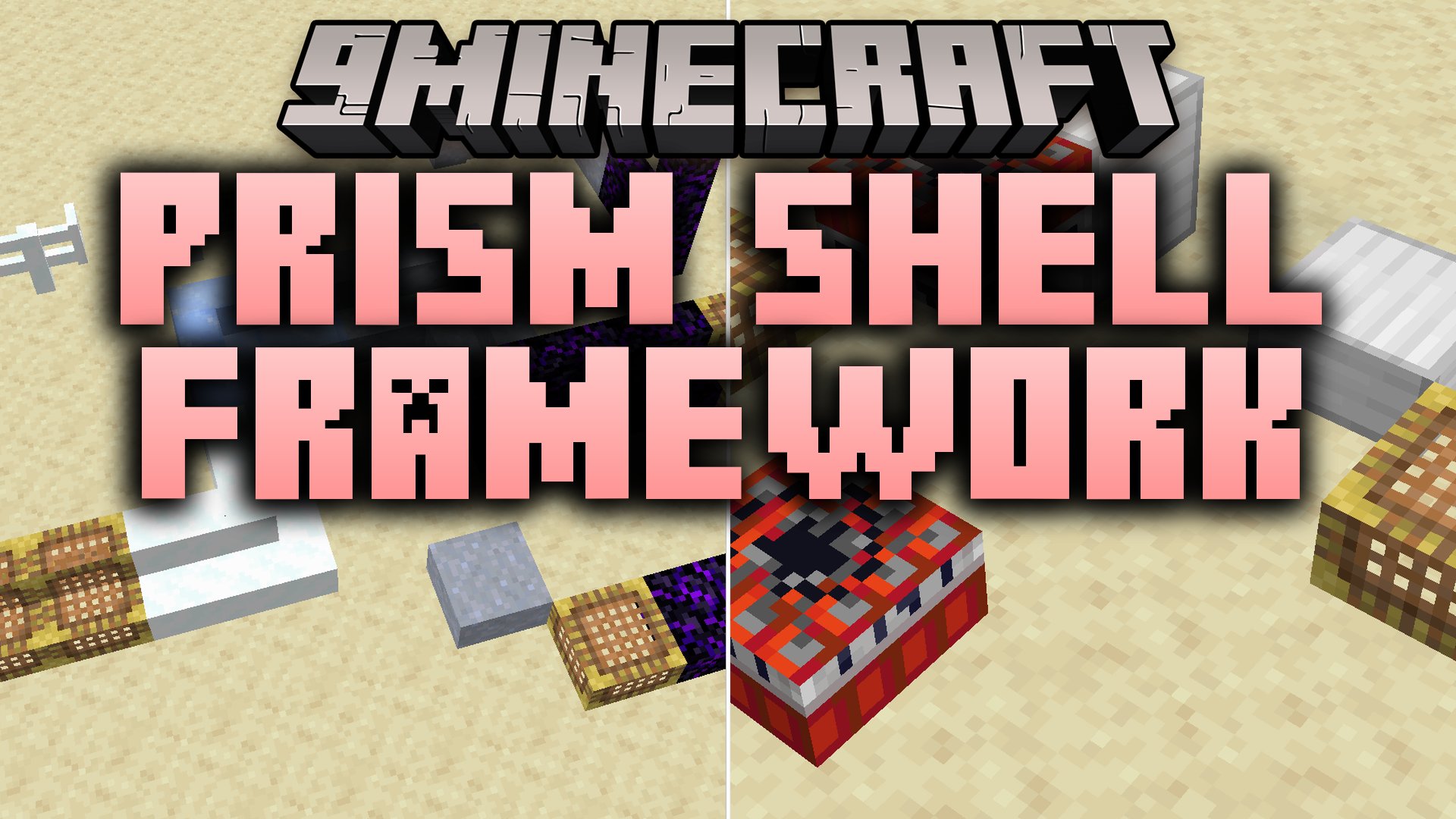
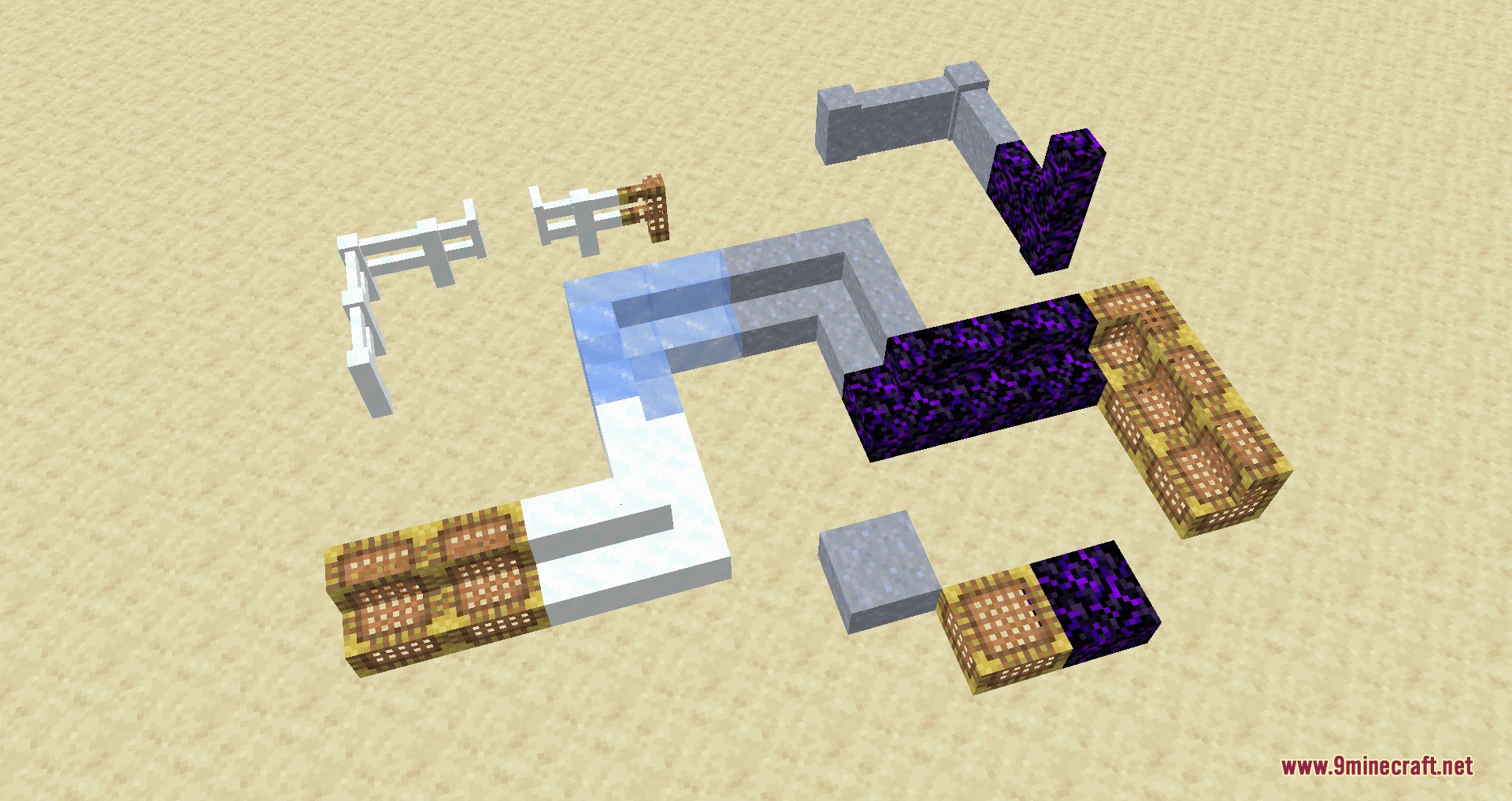
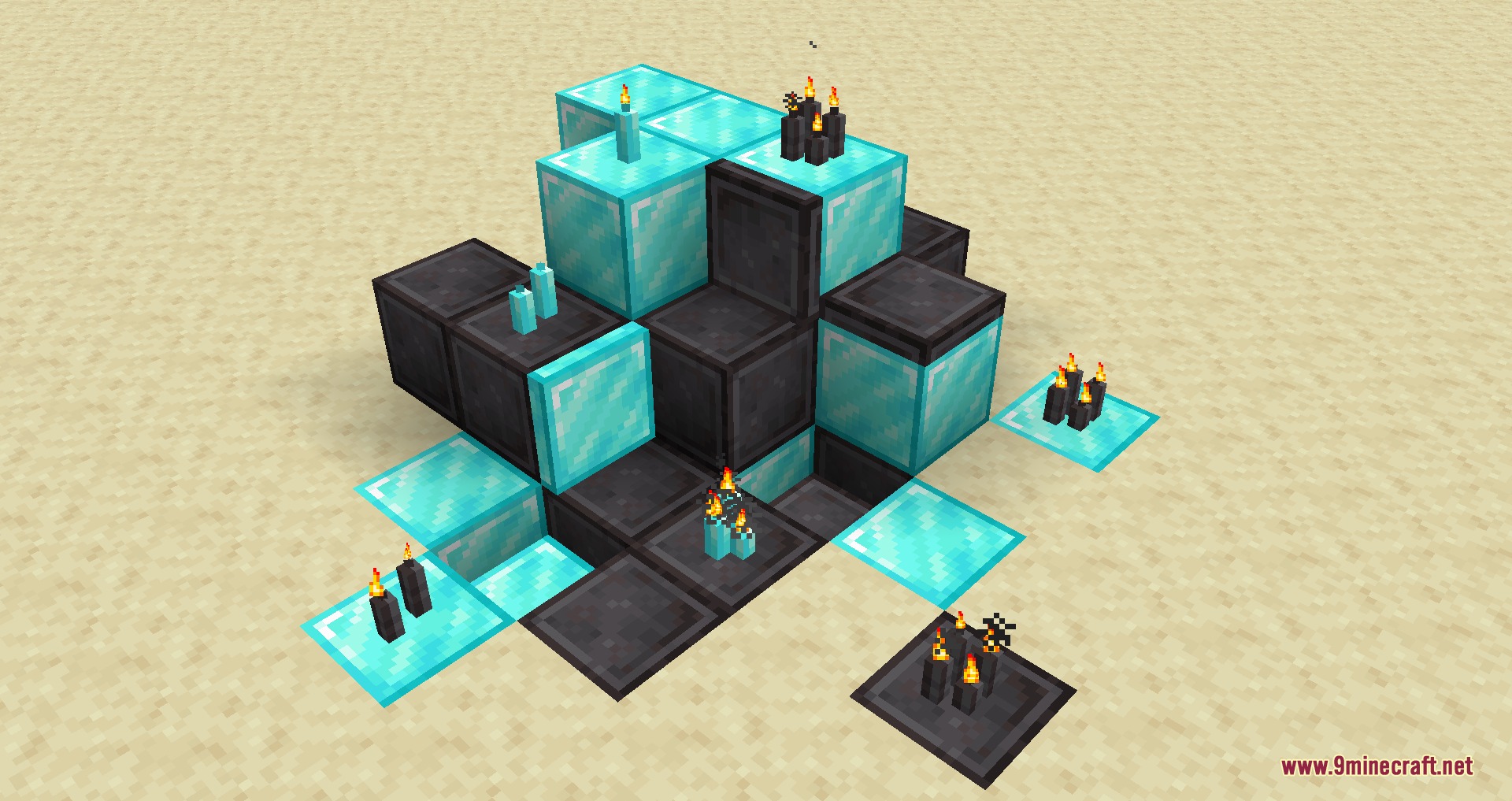
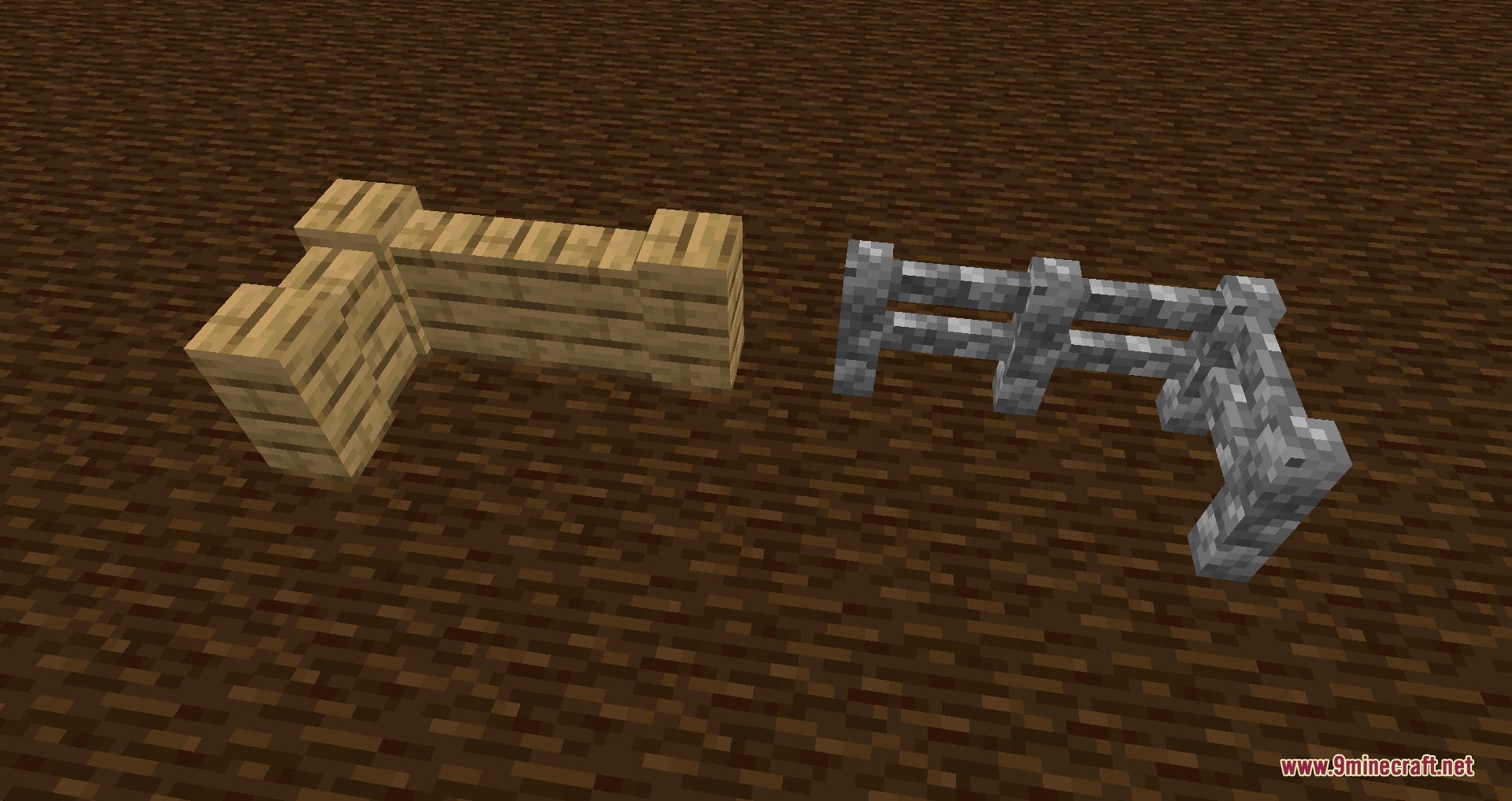
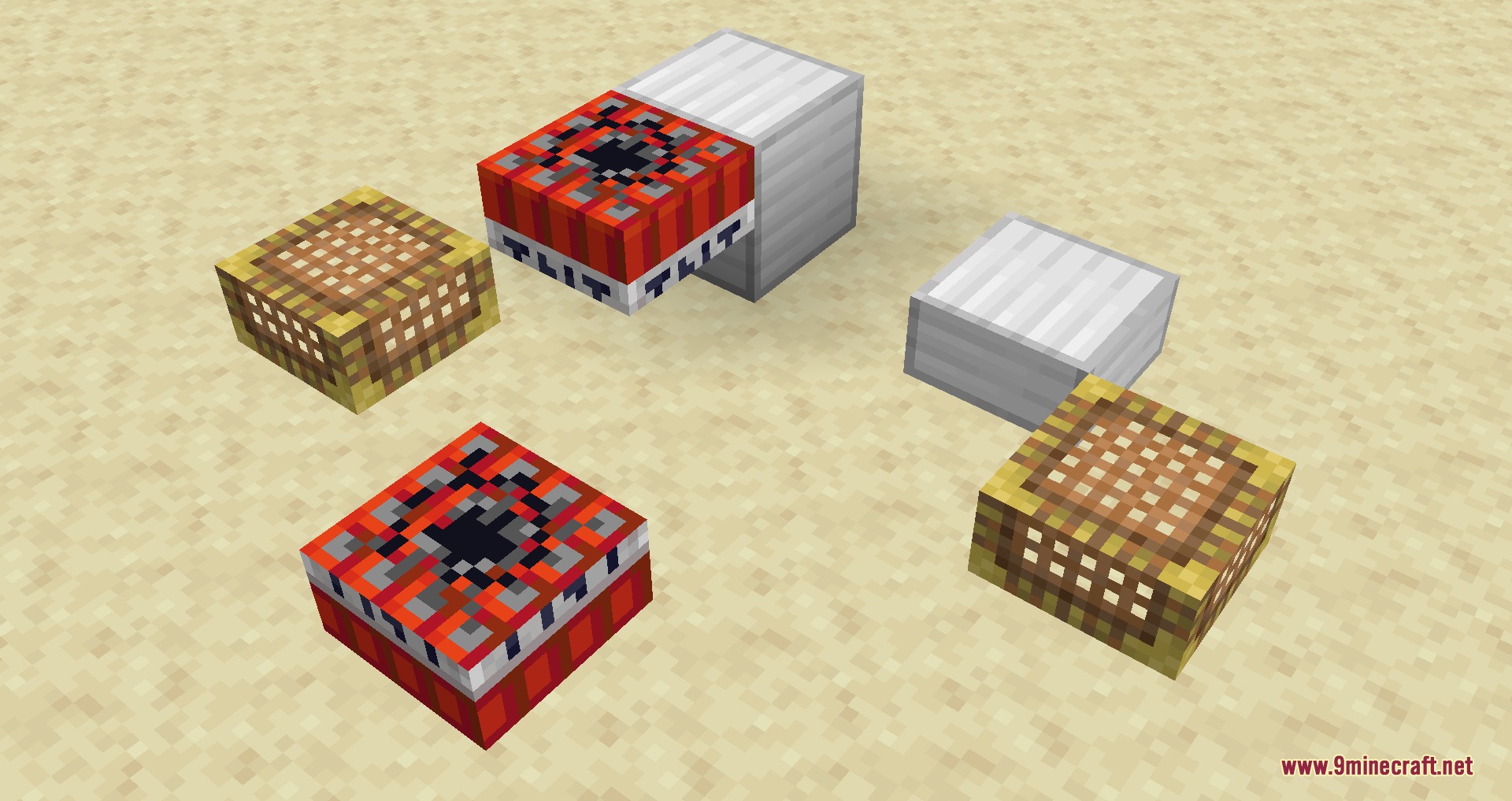
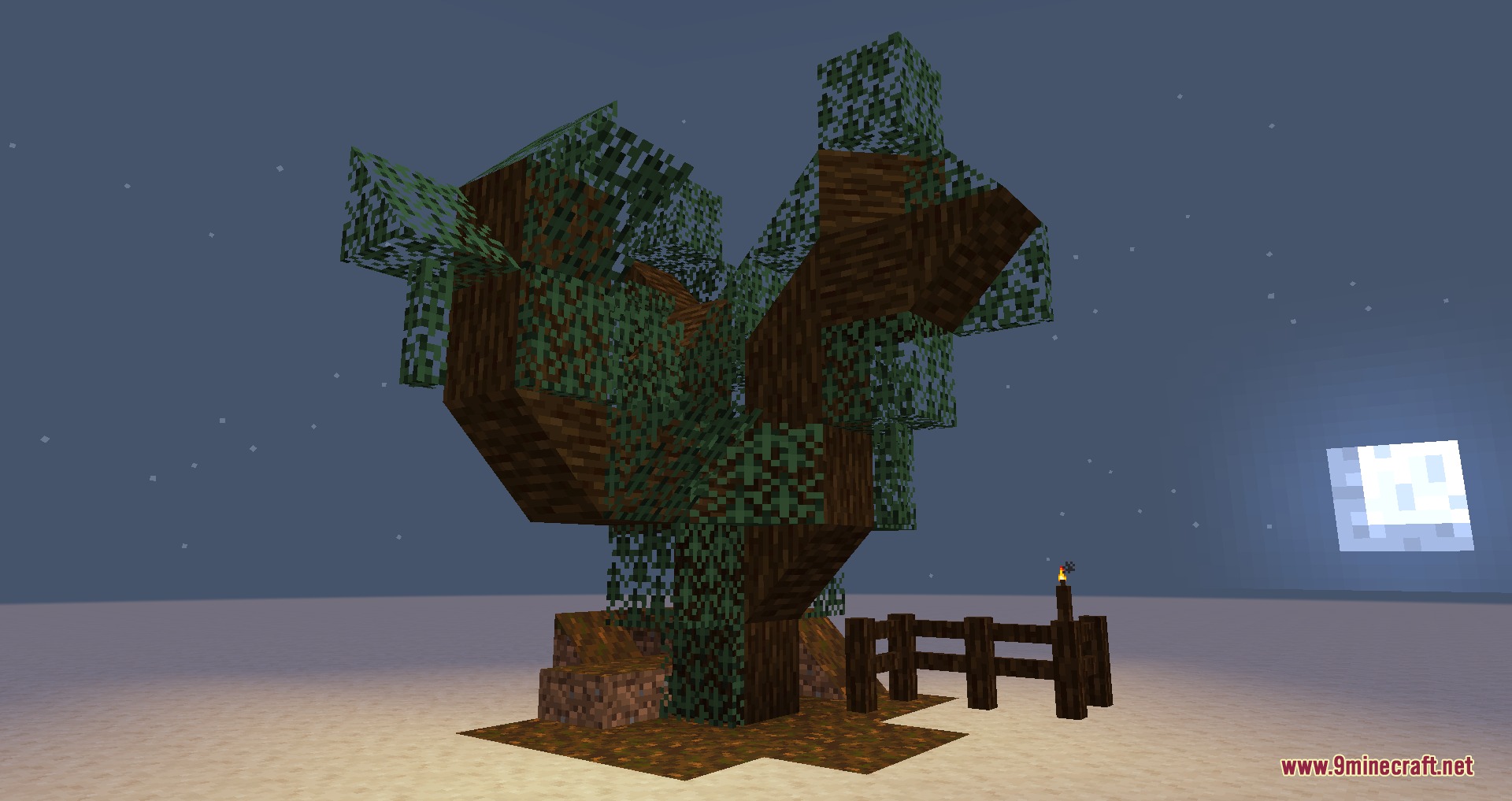
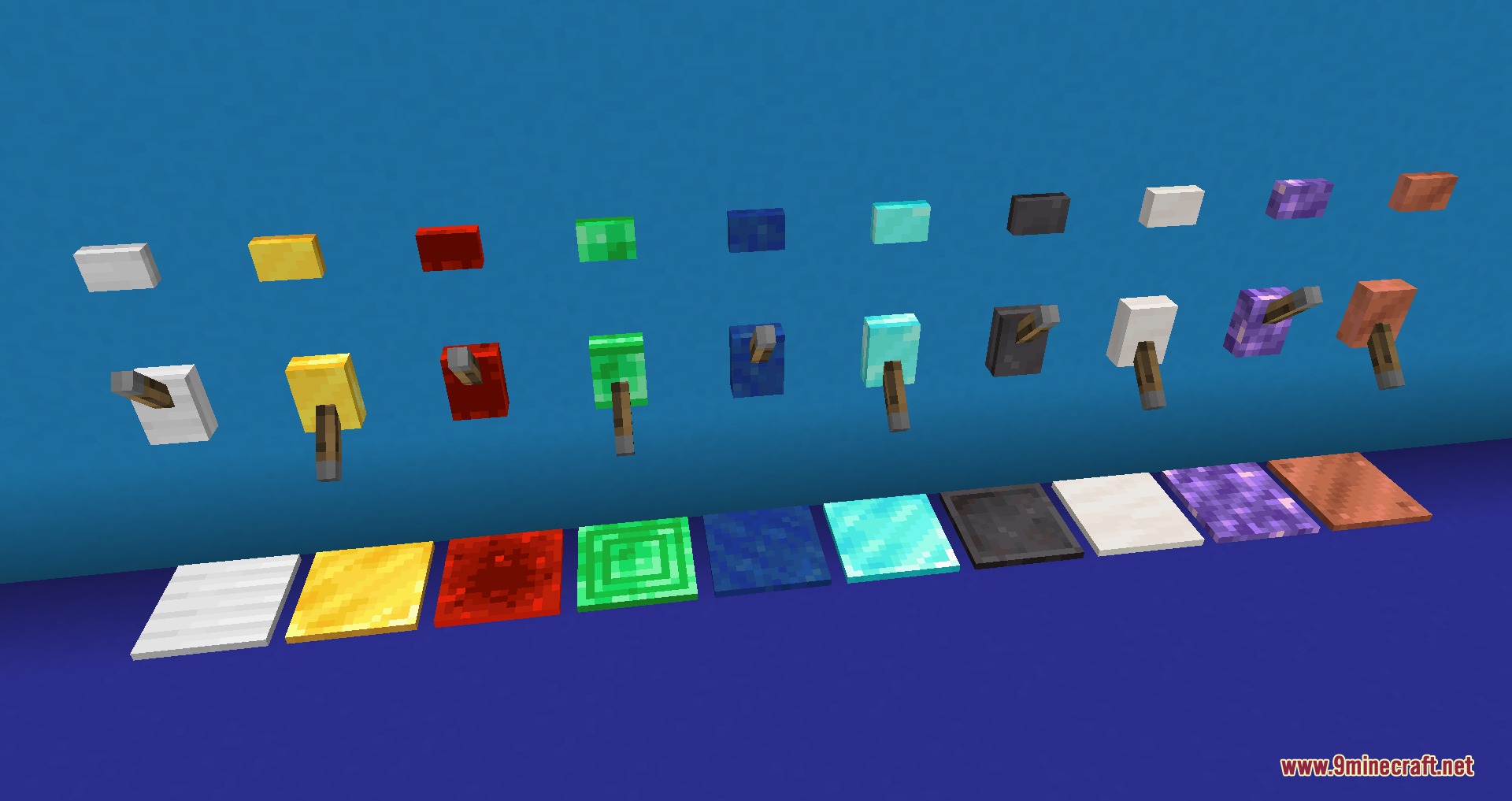
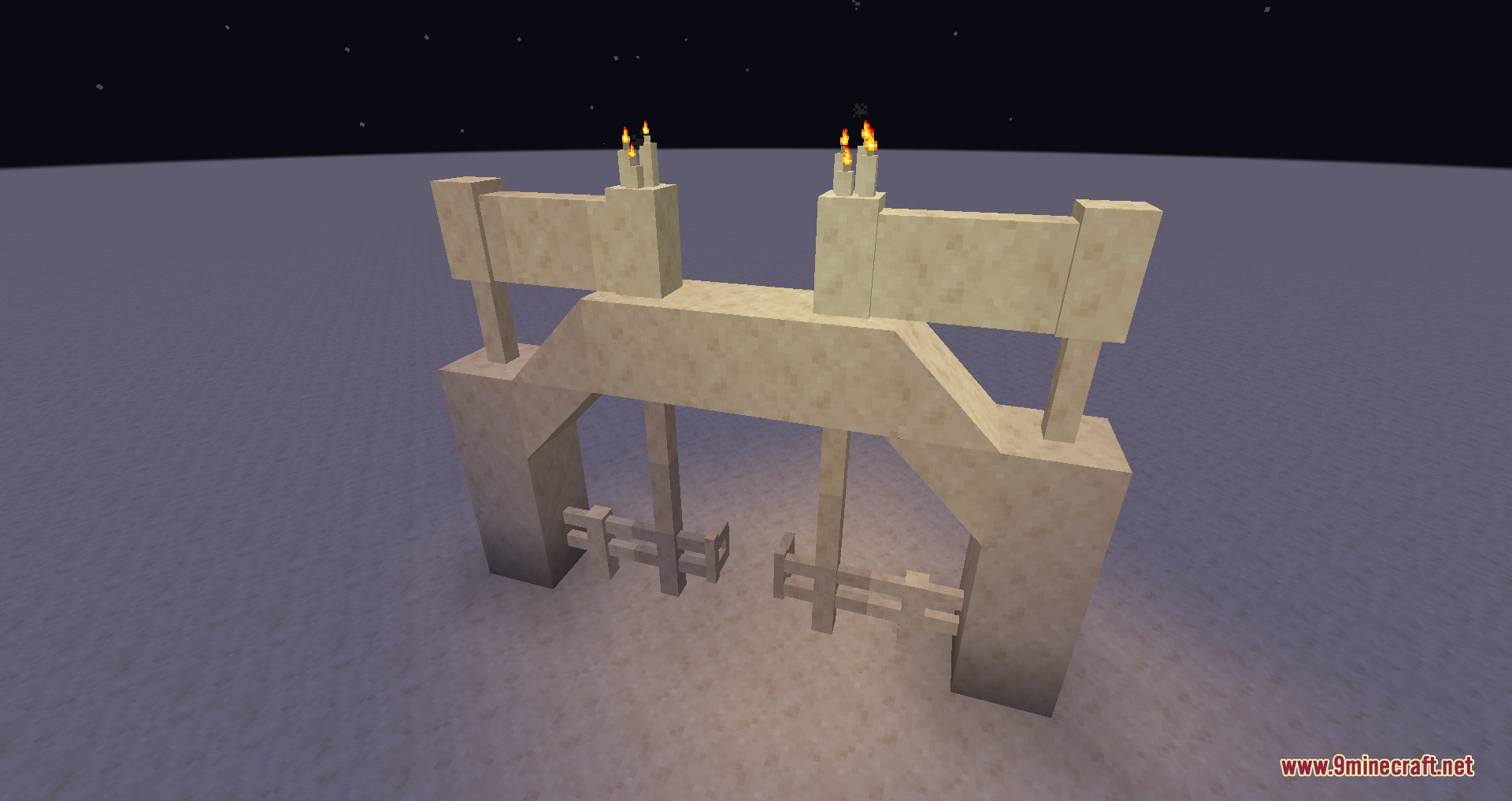
Prism Shell Framework Mod adds retexturable blocks to help you build custom shapes with any block texture in your world. You place down a template shape and right-click it with any full-size block to apply its texture. The mod lets you shape fences, walls, stairs, slabs, trapdoors, levers, buttons, candles, and TNT. It also includes special item interactions to add light, emit redstone power, or turn blocks non-solid.
Features:
- Apply any full-size block texture to placed template shapes by right-clicking them.
- Create customized fences, walls, stairs, slabs, trapdoors, levers, buttons, candles, and TNT.
- Right-click with Glowstone Dust to make any template block emit light.
- Right-click with a Redstone Torch to turn the template into an active redstone power source.
- Right-click with a Popped Chorus Fruit to make the block non-solid so you can walk through it.
- Supports connected textures from mods that implement standard block appearance methods.
How to Use:
- Place any template block or shape in your world.
- Hold any full-size block and right-click the template to change its appearance.
- Right-click the block with Glowstone Dust to make it glow.
- Right-click the block with a Redstone Torch to provide redstone power.
- Right-click the block with a Popped Chorus Fruit to walk through it.
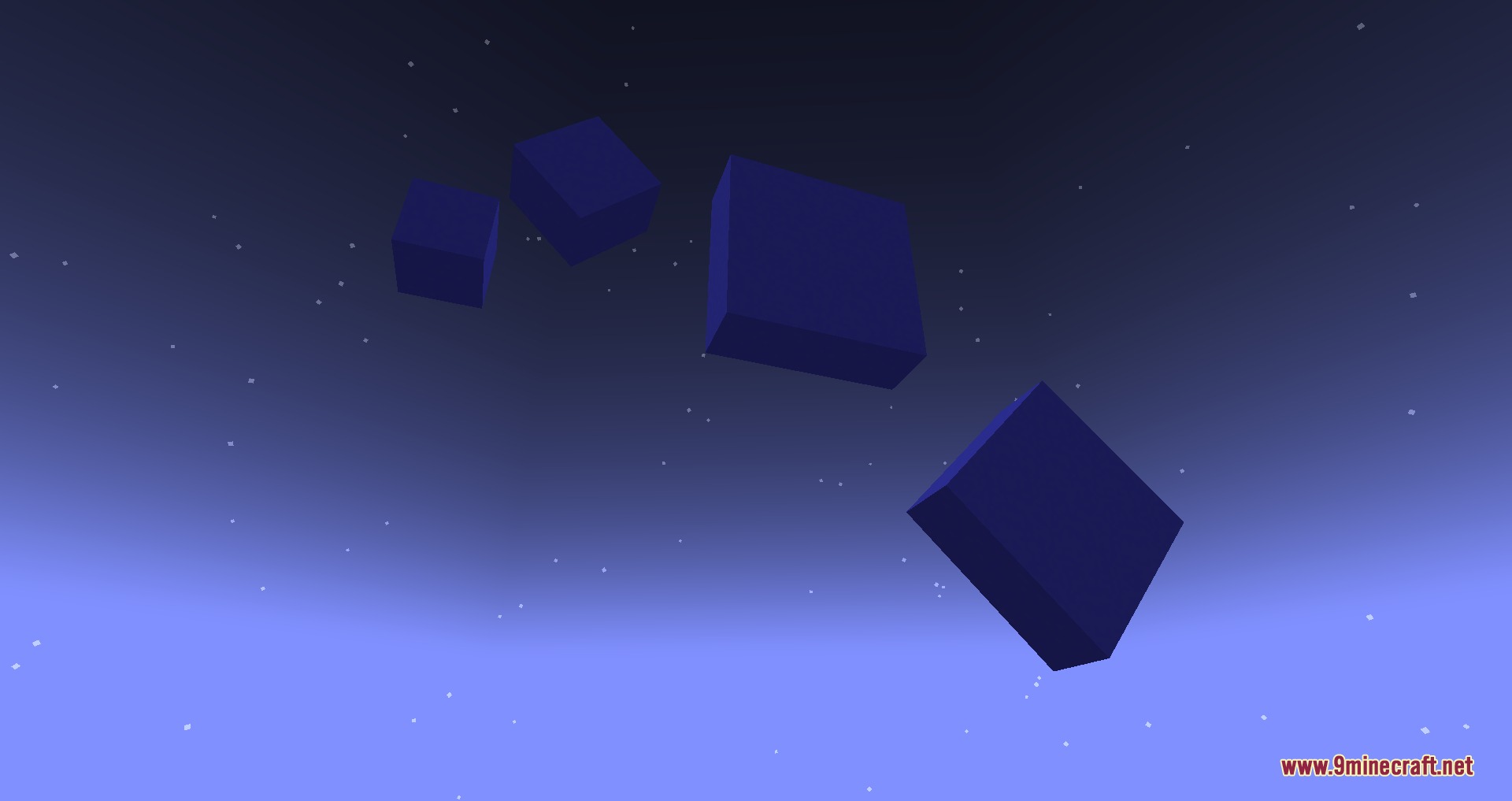
Screenshots:
How to Install:
New to Minecraft? Follow our step-by-step guide to install Mods on your PC.View Guide
Requirements:


Prism Shell Framework Mod Download Links
For Minecraft 1.21.1, 1.21
For Minecraft 1.20.1, 1.20
Click to rate this post!
[Total: 0 Average: 0]
You May Also Like


This post has no comments yet. Be the first — your comment will appear here.