


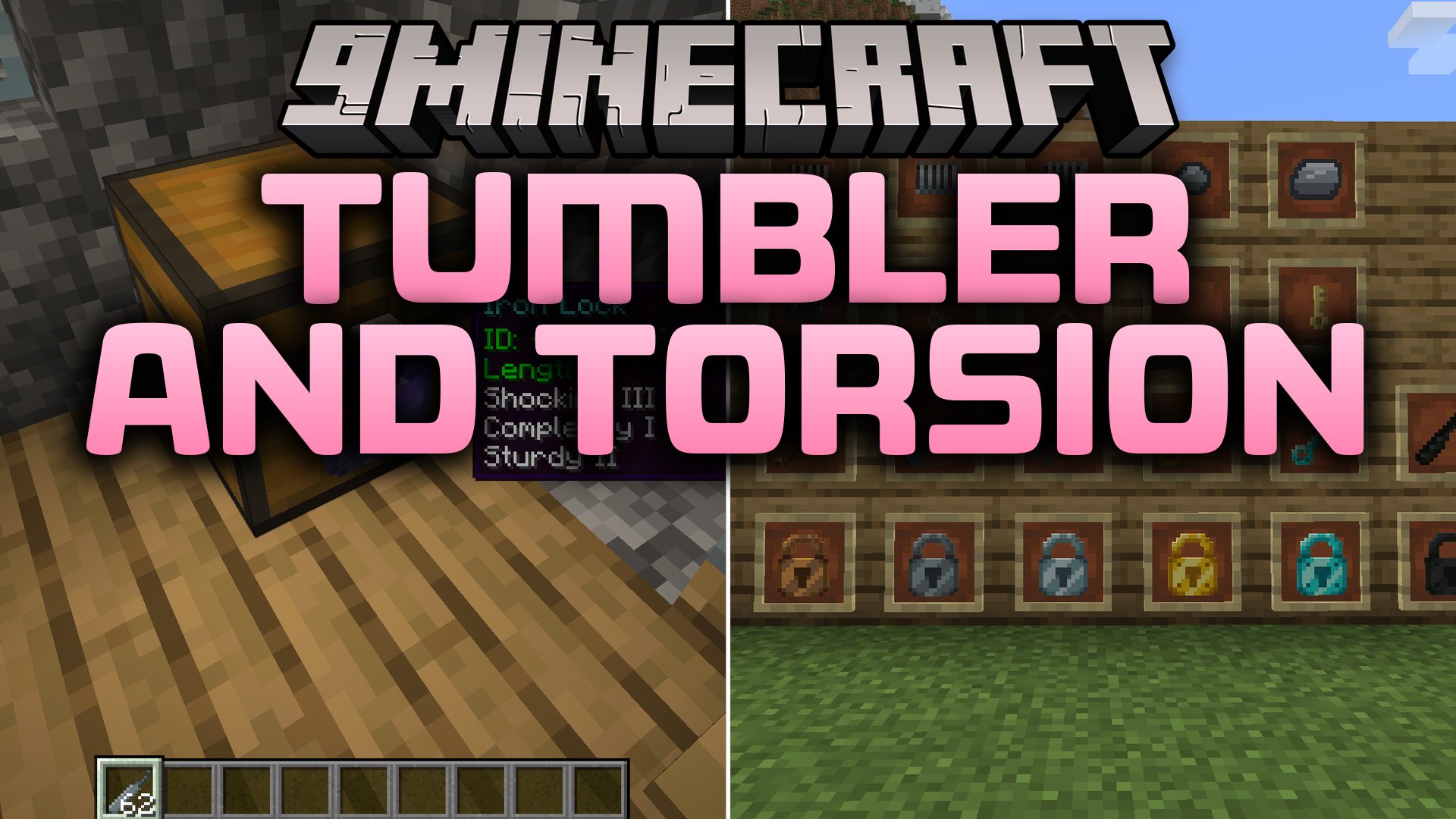
Tumbler and Torsion Mod (1.21.1, 1.20.1) – Protect Your Chests and Pick Any Lock
 0
0
 0
0

Tumbler and Torsion Mod brings a physical locking and lock-picking system to your blocks. It lets you secure chests, doors, furnaces, and even modded containers with multi-tier locks and matching keys. You can also pick locks using lock picks in an interactive minigame or protect your valuables with special lock enchantments.
Features:
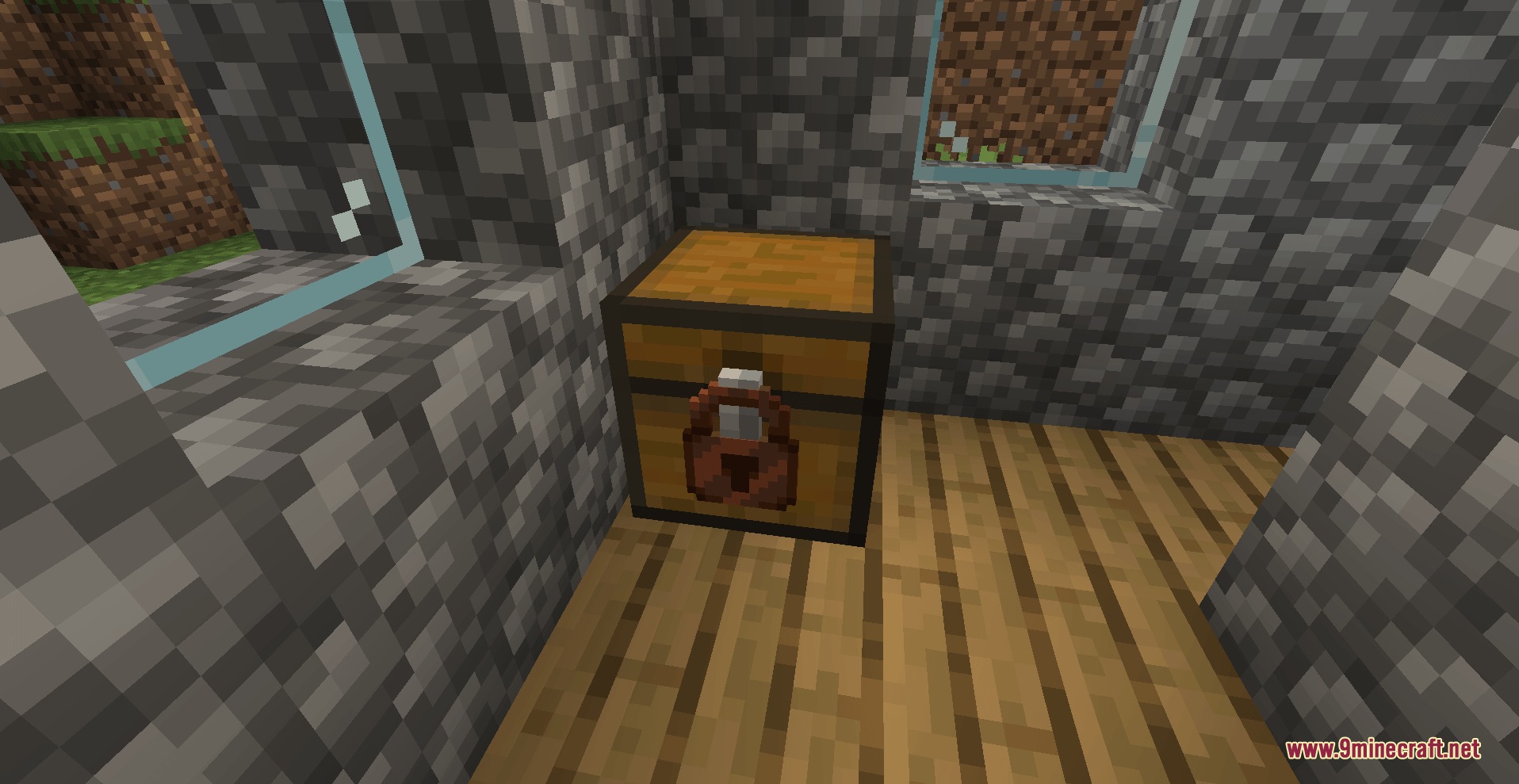
- Locks any block in the world including chests, doors, trapdoors, furnaces, hoppers, and modded containers.
- Allows a single lock to cover multiple adjacent blocks at once.
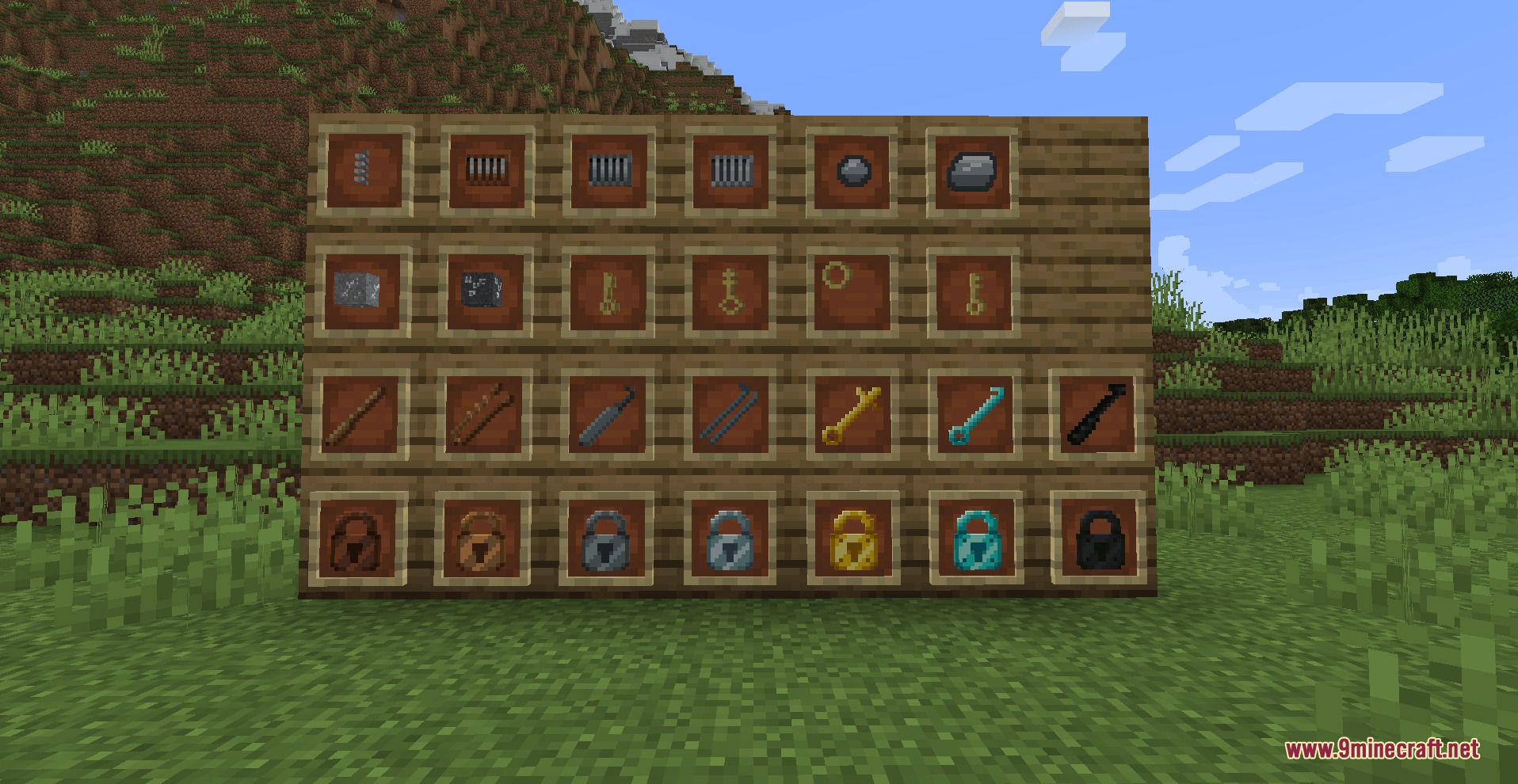
- Adds seven default tiers of locks and lock picks ranging from wood to netherite.
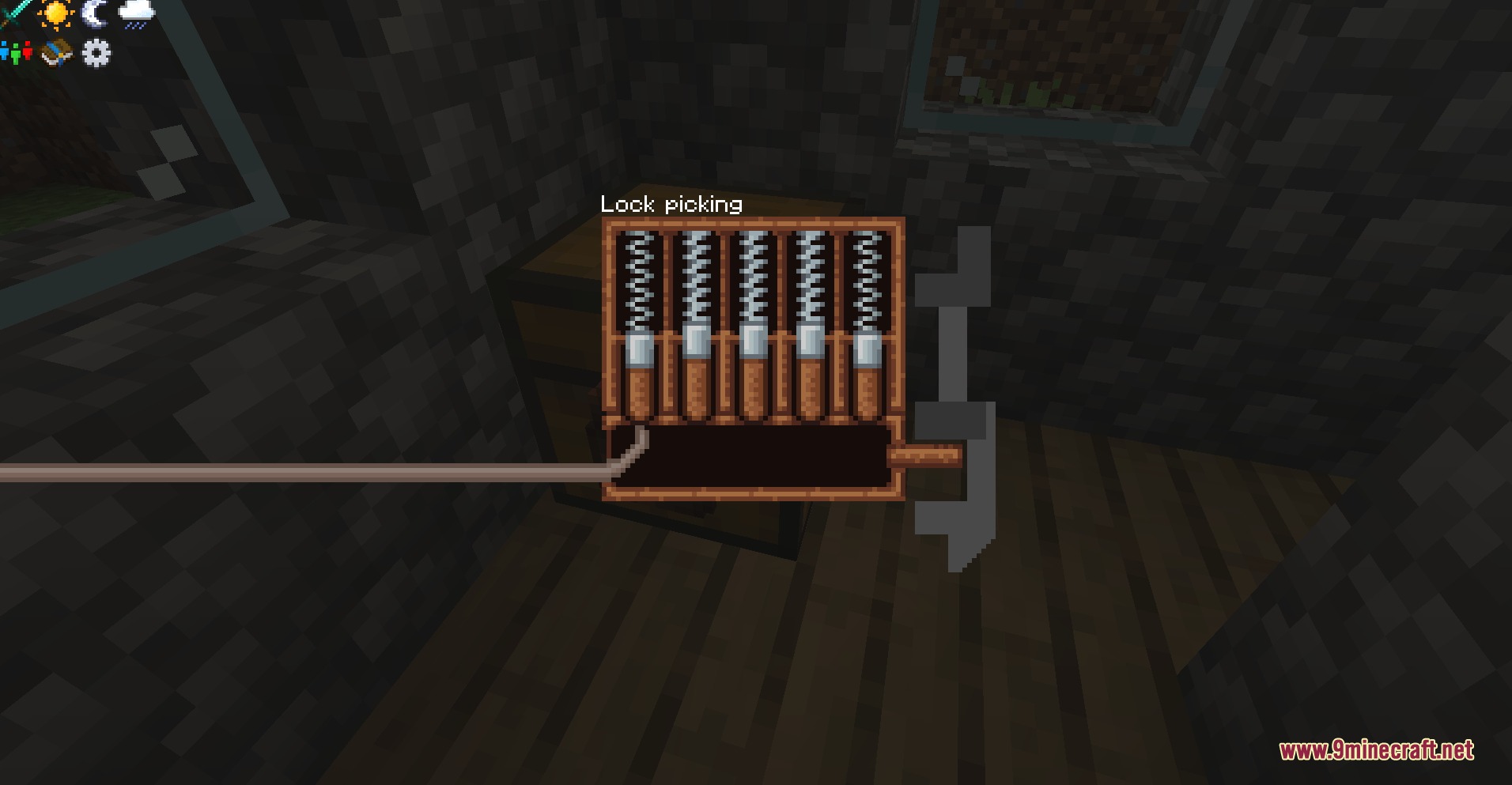
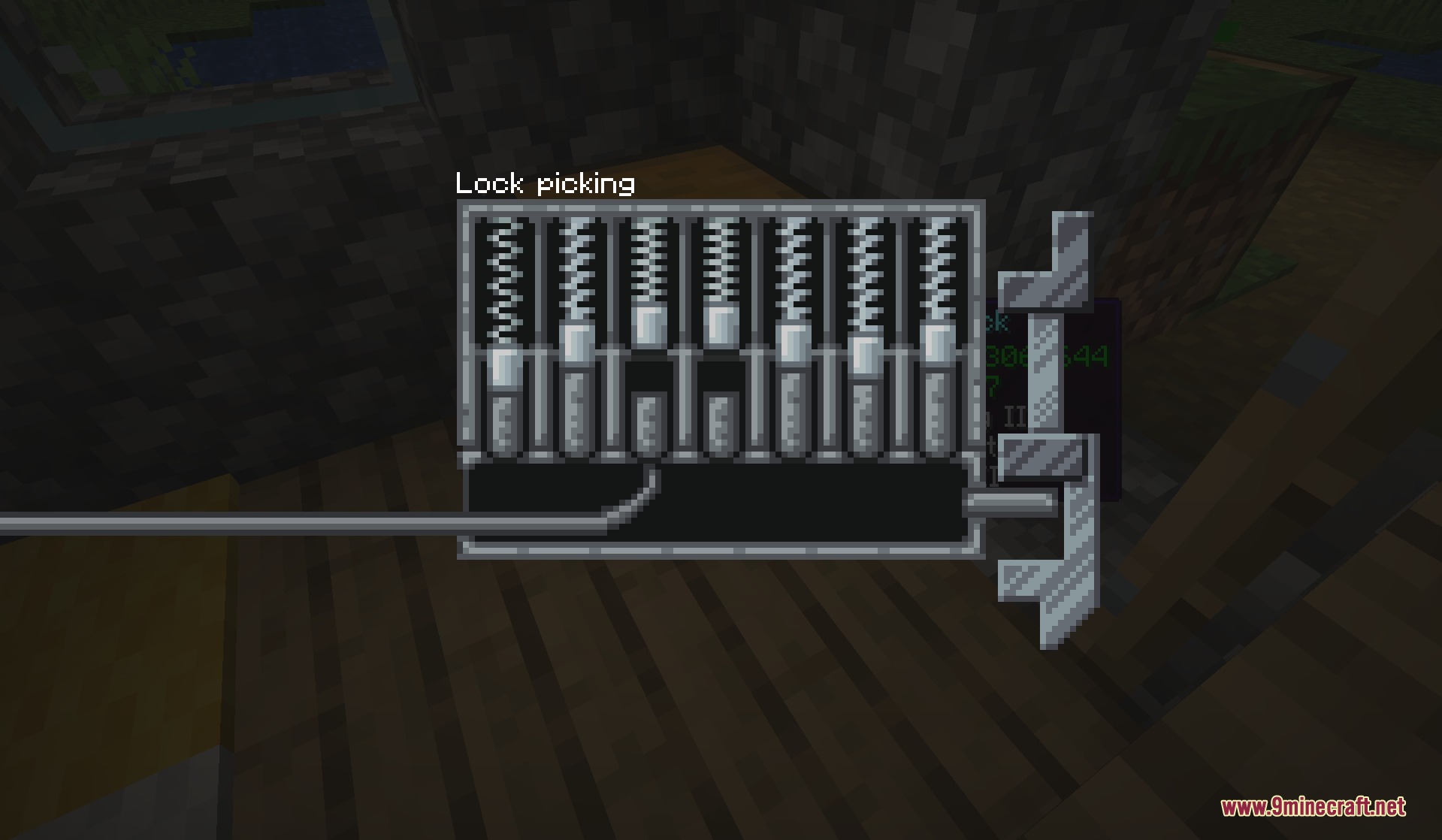
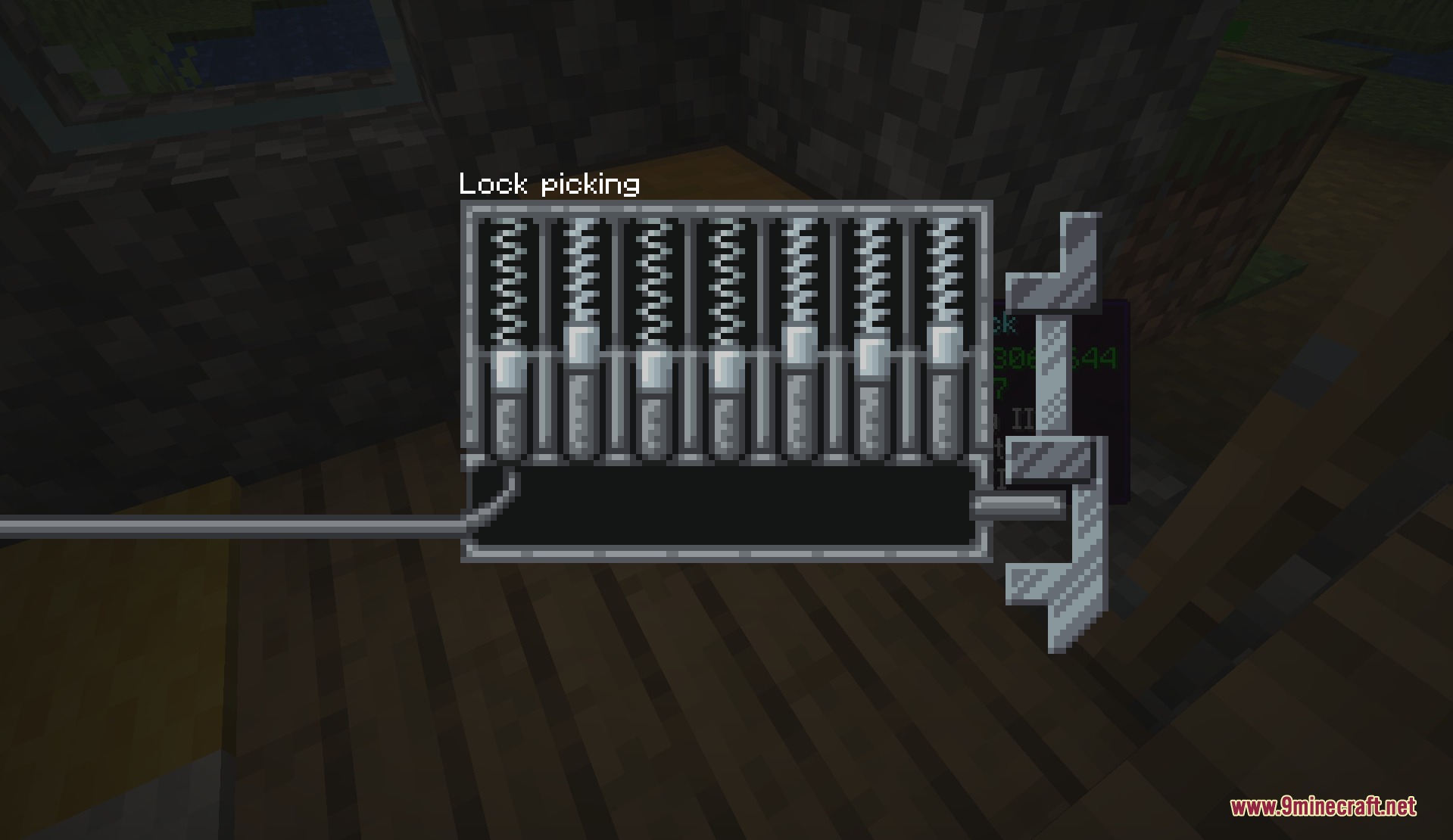
- Features a pin-matching lock picking minigame where every guess tests your tool durability.
- Lets lock picks stack up to 64 items while only damaging one pick at a time during attempts.
- Introduces Key Blanks that pair with locks before placement to create unique working keys.
- Includes Key Rings to store multiple keys in one inventory slot.
- Provides a Master Key that bypasses every placed lock.
- Allows full customization of lock and pick stats through data-driven JSON files.
Lock Tiers:
- Wood: 5 pins, high enchantability, basic explosion resistance.
- Copper: 6 pins with moderate explosion resistance.
- Gold Plated: 6 pins with highest enchantability.
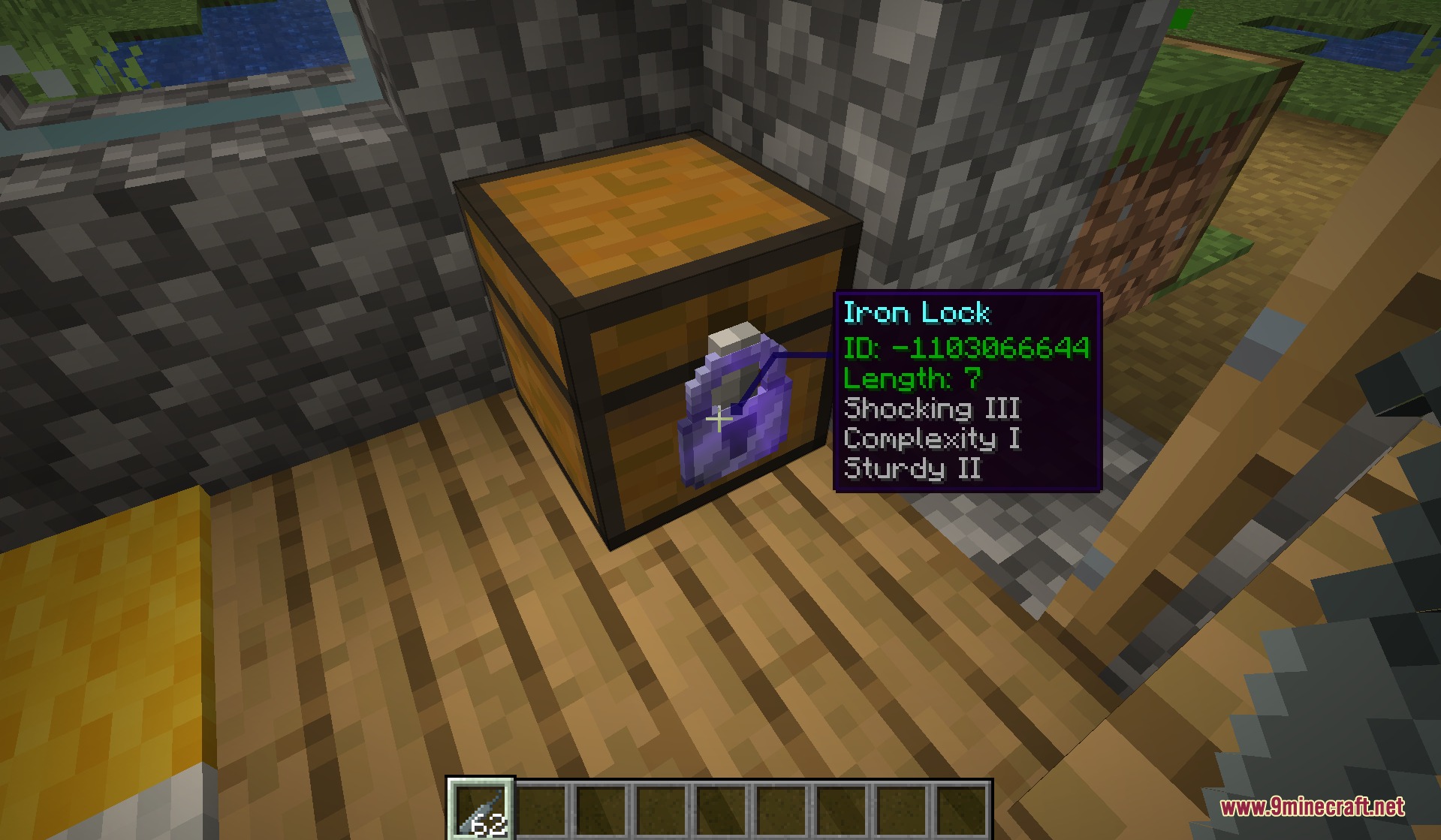
- Iron: 7 pins with solid durability wear against standard picks.
- Steel: 9 pins with strong blast resistance.
- Diamond Plated: 11 pins with heavy blast resistance and high pick wear.
- Netherite: 14 pins, immune to fire and lava, with maximum blast resistance.
Lock Enchantments:
- Shocking: zaps players who fail lock picking attempts.
- Sturdy: increases durability damage dealt to picking tools on wrong guesses.
- Complexity: prevents lower-tier lock picks from attempting the lock.
- Silent: removes the rattle sound when unauthorized players try to open the block.
- Auto-Pick: grants a chance to open instantly without the minigame.
- Reinforced: boosts the explosion resistance of the lock.
How to Use:
- Craft a Key Blank and your chosen lock.
- Combine the Key Blank and the lock in any crafting grid before placing the lock.
- Take the returned lock and the newly cut Key.
- Place the lock onto your chest, door, or container to secure it.
- Craft your Key with another Key Blank if you want to make spare copies.
- Hold a lock pick and interact with a locked block to attempt picking its pins.
Screenshots:
How to Install:
New to Minecraft? Follow our step-by-step guide to install Mods on your PC.View Guide
Requirements:


Tumbler and Torsion Mod Download Links
For Minecraft 1.21.1, 1.21
For Minecraft 1.20.1, 1.20
Click to rate this post!
[Total: 0 Average: 0]
You May Also Like









This post has no comments yet. Be the first — your comment will appear here.