


Native Vein Stripper Mod (1.21.11, 1.20.1) – Mine Whole Ore Veins Without
 0
0
 0
0

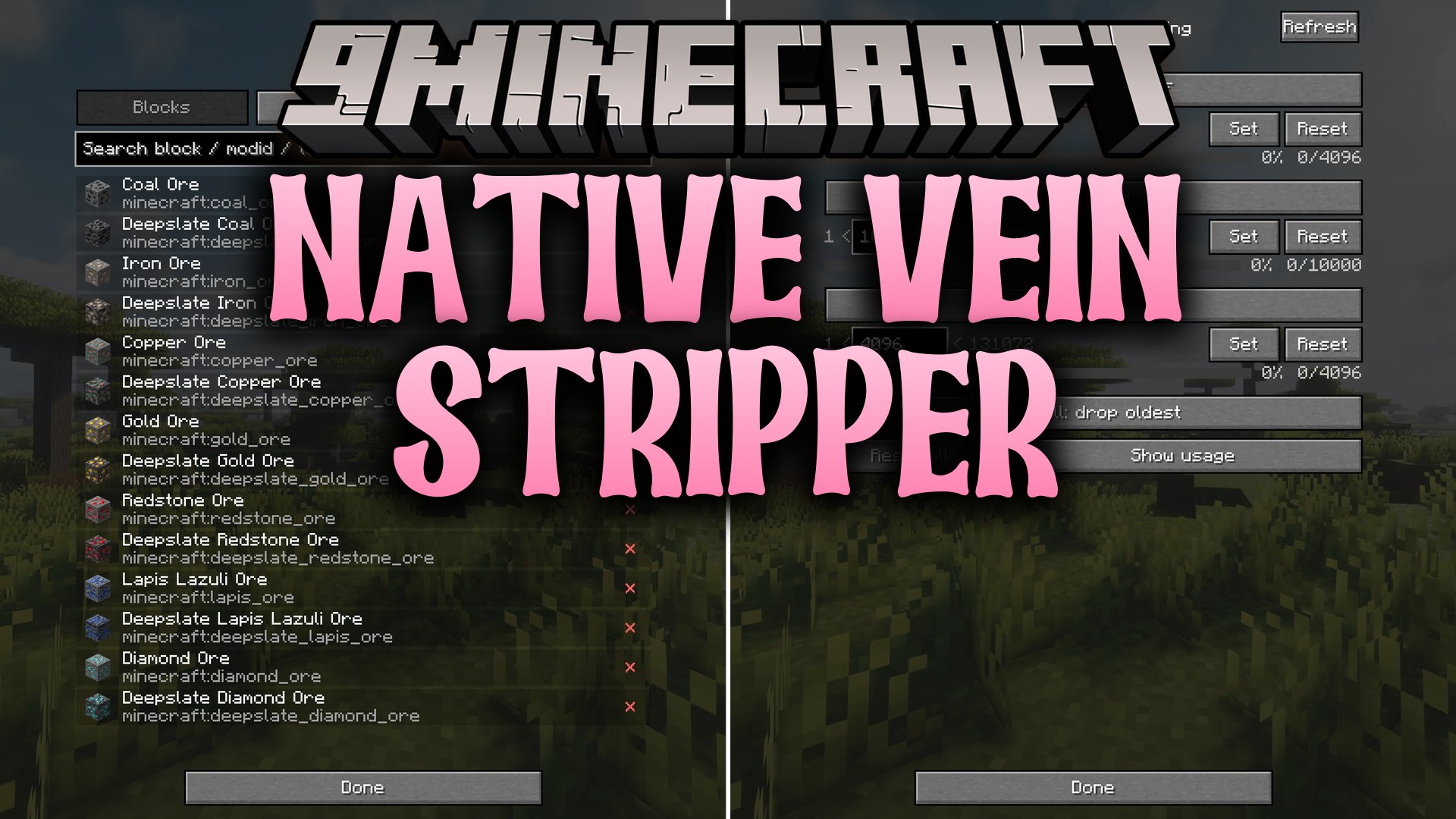
Native Vein Stripper Mod brings smart chain harvesting to ores, trees, and ground terrain in your world. It remembers the blocks you place by hand so bulk mining never breaks your house, pathways, or wooden roofs. You can adjust every setting inside a simple pause menu without editing config files.
Features:
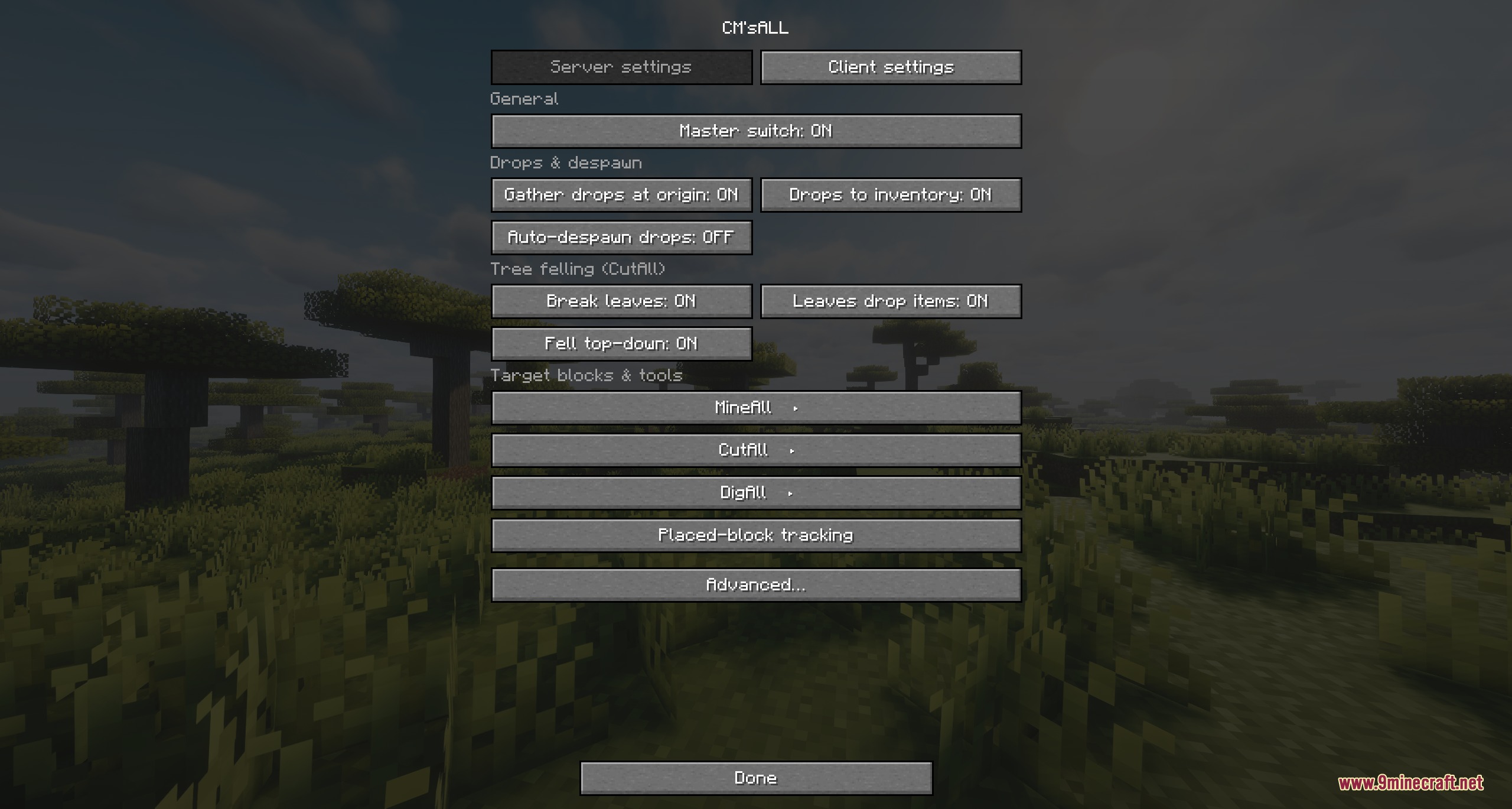
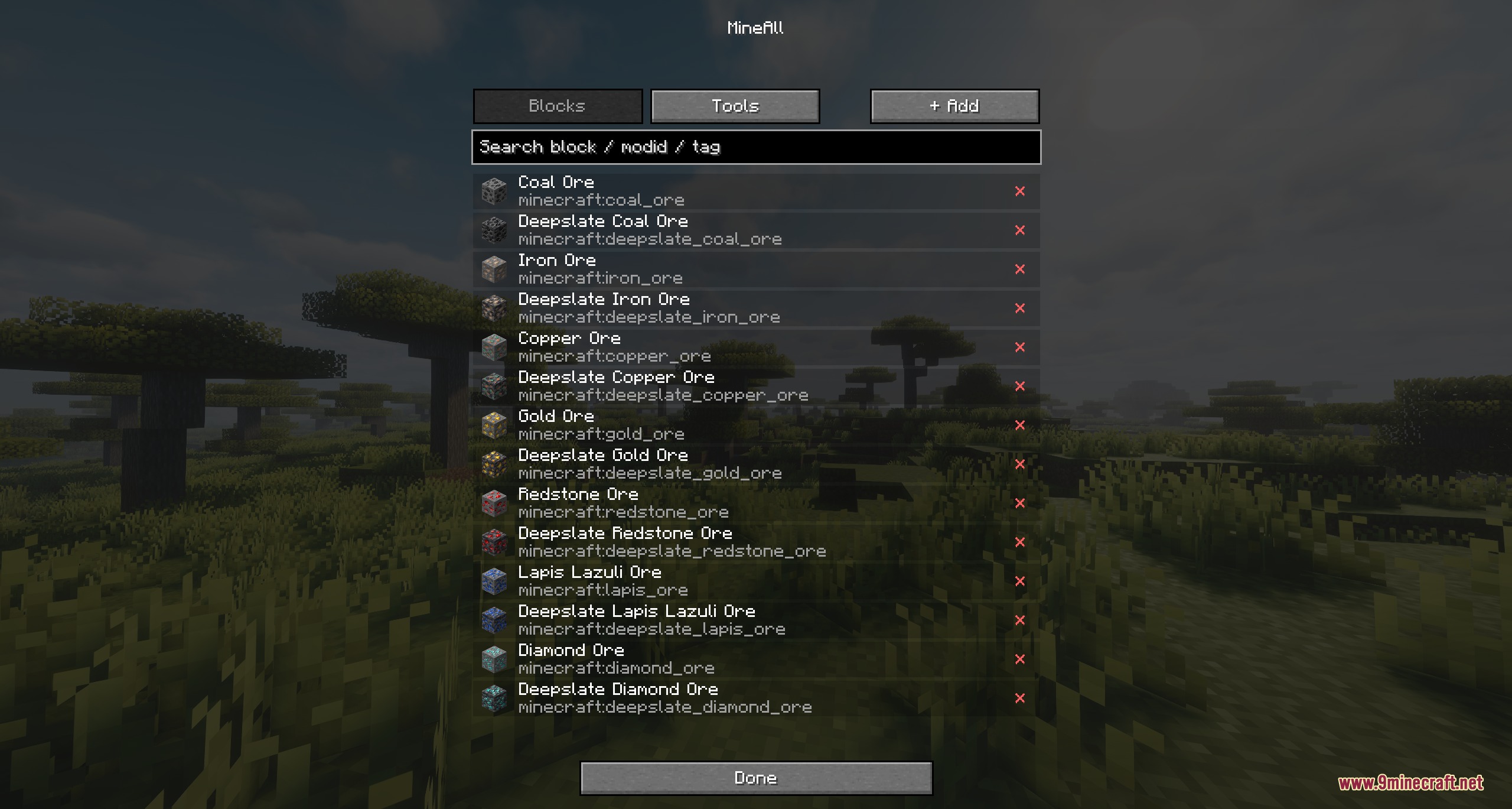
- Three Mining Modes: MineAll targets matching ores, CutAll fells whole trees or nether fungi, and DigAll clears large patches of dirt, sand, and gravel.
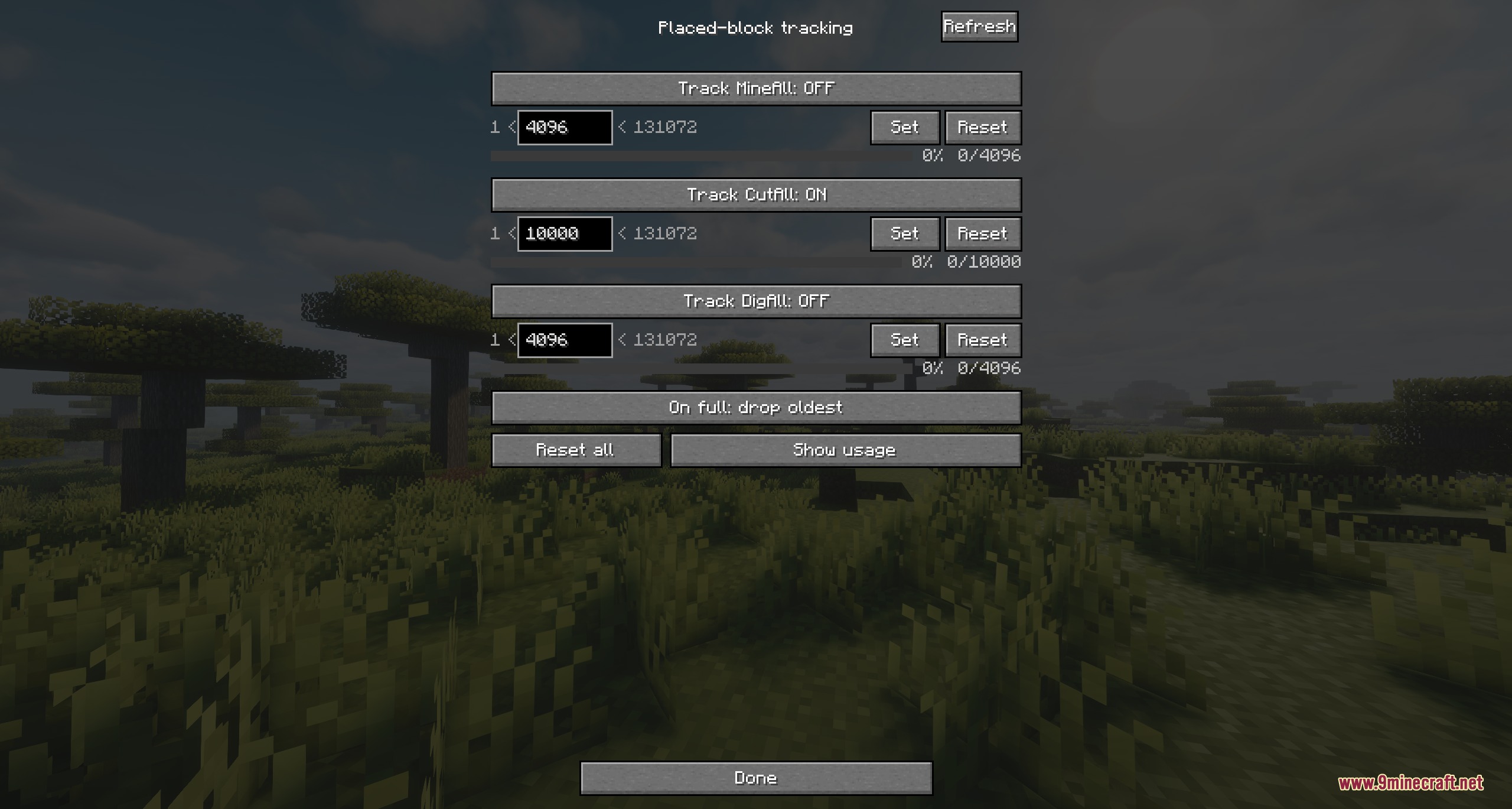
- Build Protection: Remembers the exact coordinates of player-placed blocks and skips them during bulk harvests.
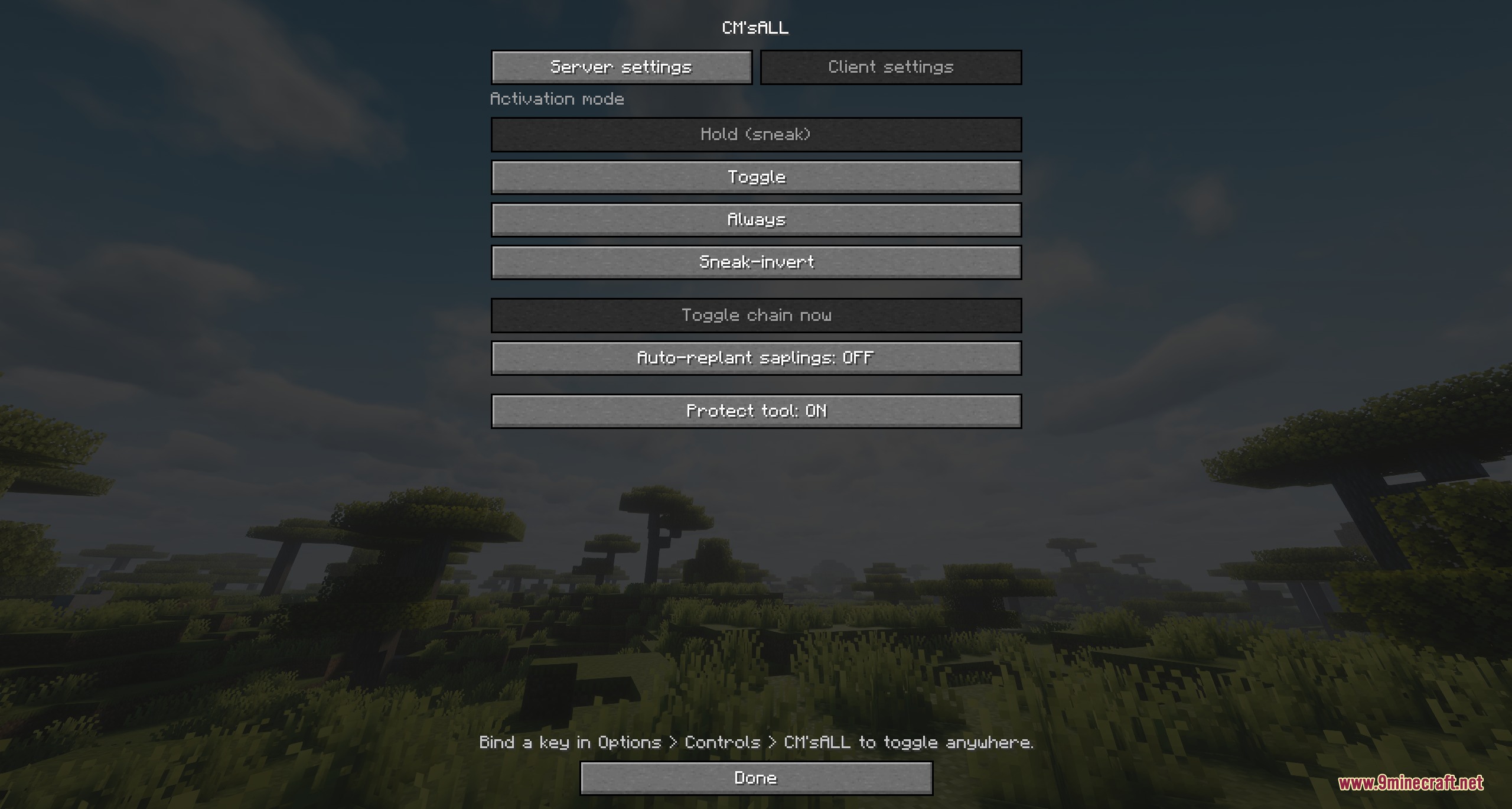
- Protects tools by stopping the harvest before your pickaxe or axe runs out of durability.
- Players can choose their own trigger style using hold, toggle, always on, or sneak-invert.
- Replants saplings automatically on the ground after a tree falls.
- Gathers drops at the broken block or puts items directly into your inventory.
- Protects spawners and End portal frames from accidental breaks through a built-in denylist.
- Splits large block chains across multiple ticks to keep server performance smooth.
- Works cleanly alongside land claim mods and area protection systems.
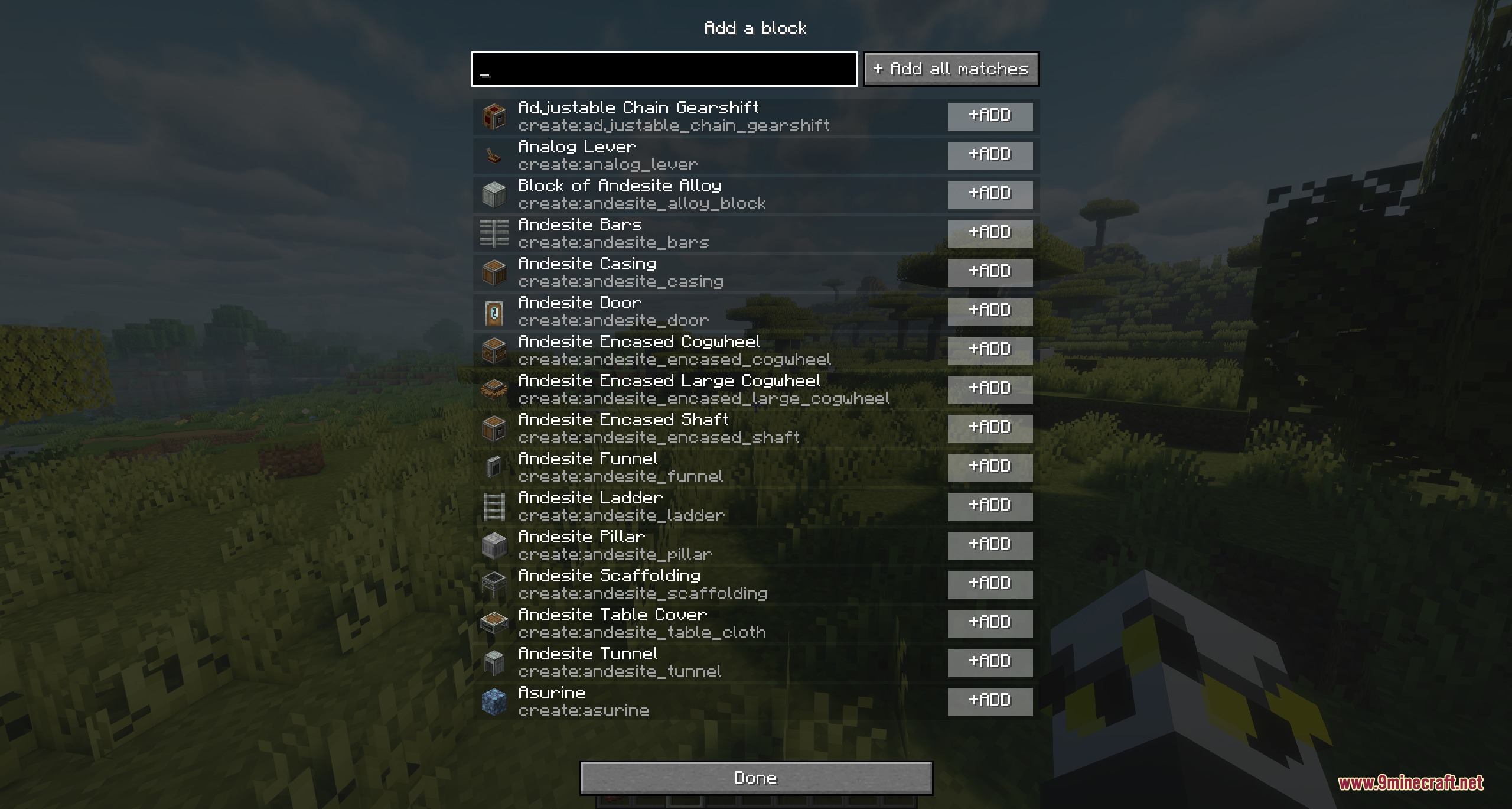
- Allows quick block additions or removals through a pause menu GUI.
Commands:
/cmsall status: shows your current harvesting preferences./cmsall mode: changes how you trigger bulk harvesting./cmsall toggle: switches chain harvesting on or off./cmsall replant: toggles auto-replanting saplings after cutting trees./cmsall protect: toggles skipping your own placed blocks./cmsall enable: acts as the master switch for server operators./cmsall reload: reloads the server configuration file./cmsall <id>: adds or removes items and blocks from harvest lists./cmsall track: manages placed-block tracking settings.
How to Use:
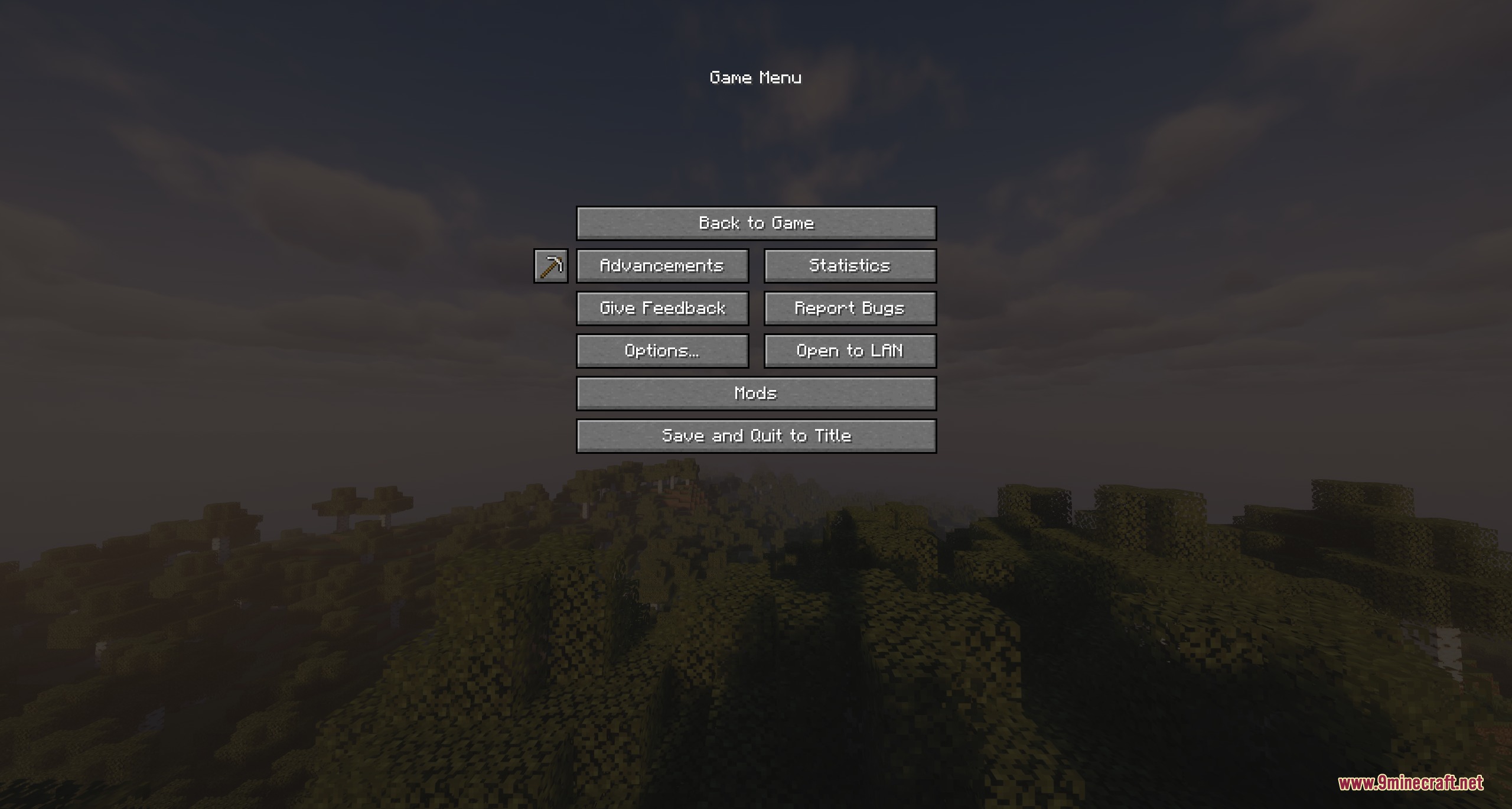
- Press Esc in-game to open the pause screen.
- Click the Iron pickaxe icon next to the advancements button to open the settings window.
- Select your preferred activation mode such as sneak or toggle.
- Bind the toggle key under Options → Controls if you want a dedicated hotkey.
- Equip the proper tool and break an ore, log, or gravel block to trigger bulk harvesting.
Screenshots:
How to Install:
New to Minecraft? Follow our step-by-step guide to install Mods on your PC.View Guide
Requirements:
 NeoForge Required
 Fabric Loader Required
 Fabric API Required
 Minecraft Forge Required
Architectury API Required
Native Vein Stripper Mod Download Links
For Minecraft
1.21.11,
1.21.10,
1.21.9
All Versions Covered
1.21.11
1.21.10
1.21.9
1.21.8
1.21.7
1.21.6
1.21.5
1.21.4
1.21.1
1.21
All Versions Covered
1.21.11
1.21.10
1.21.9
1.21.8
1.21.7
1.21.6
1.21.5
1.21.4
1.21.1
1.21
For Minecraft 1.21.1, 1.21
For Minecraft 1.20.1, 1.20
For Minecraft 1.16.5
For Minecraft 1.12.2
Click to rate this post!
[Total: 0 Average: 0]
You May Also Like







This post has no comments yet. Be the first — your comment will appear here.