


Realism Enhanced Visuals Shader (26.x) – Volumetric God Rays and PBR Lighting
 0
0
 0
0

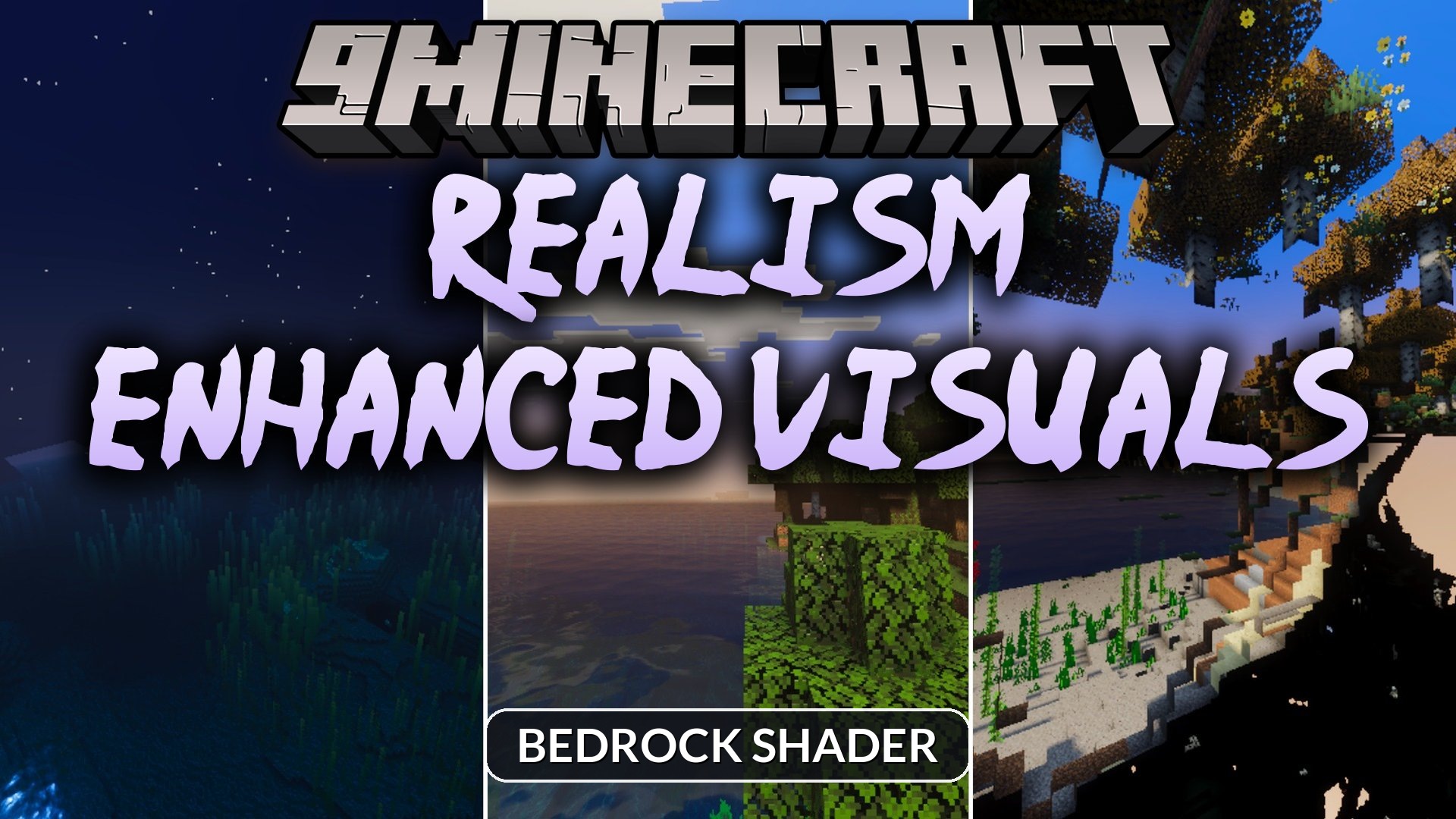
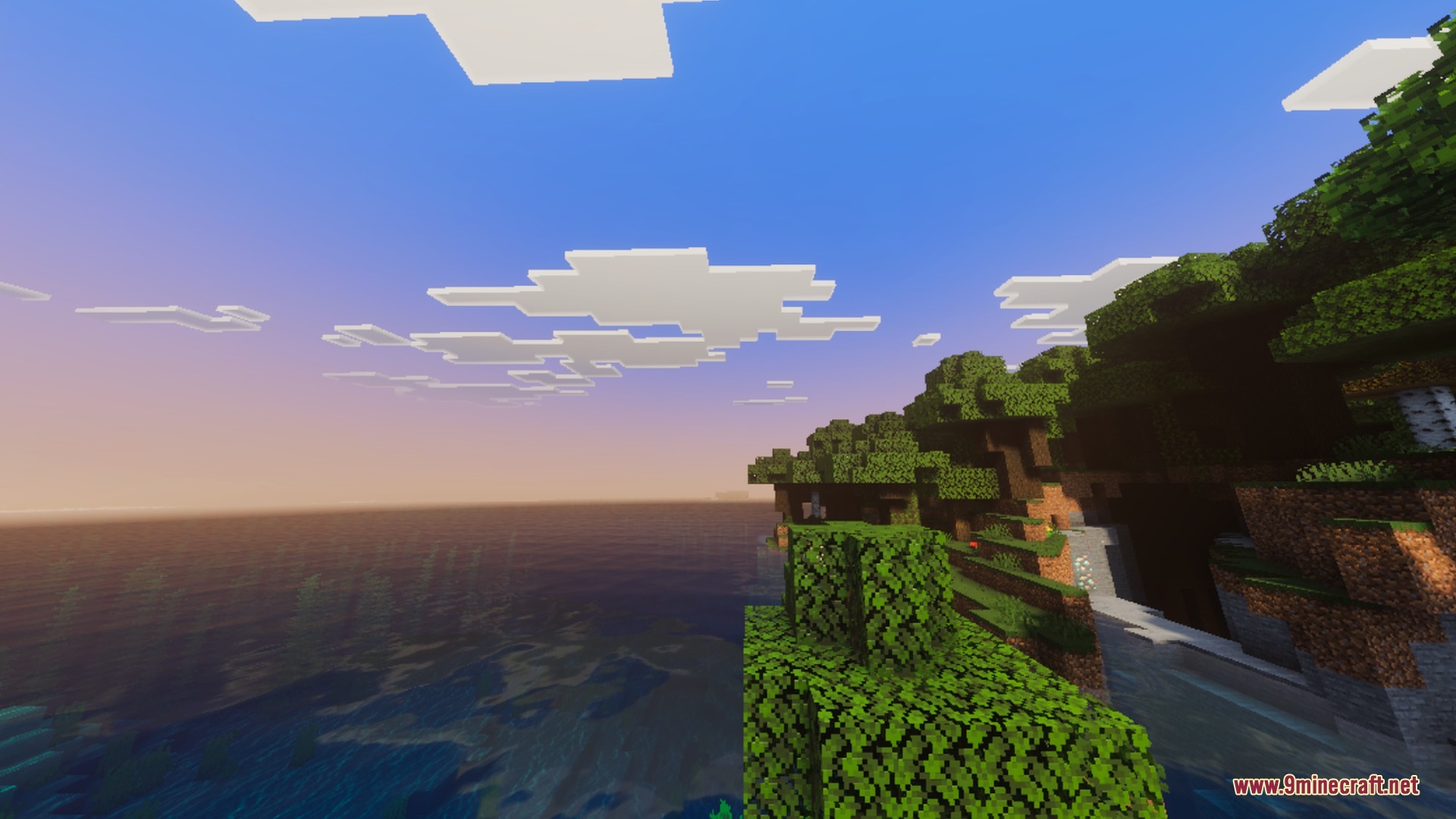
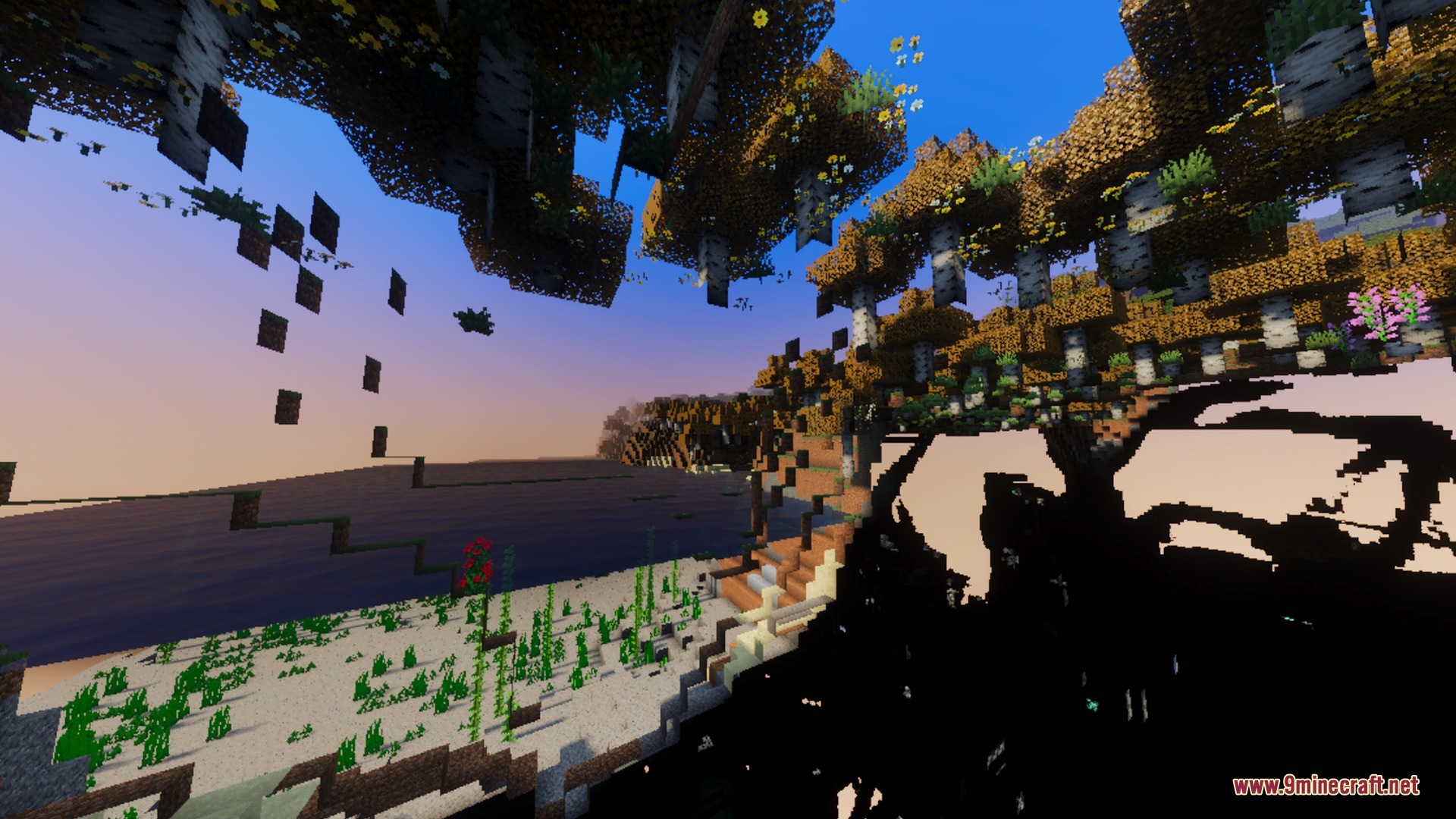
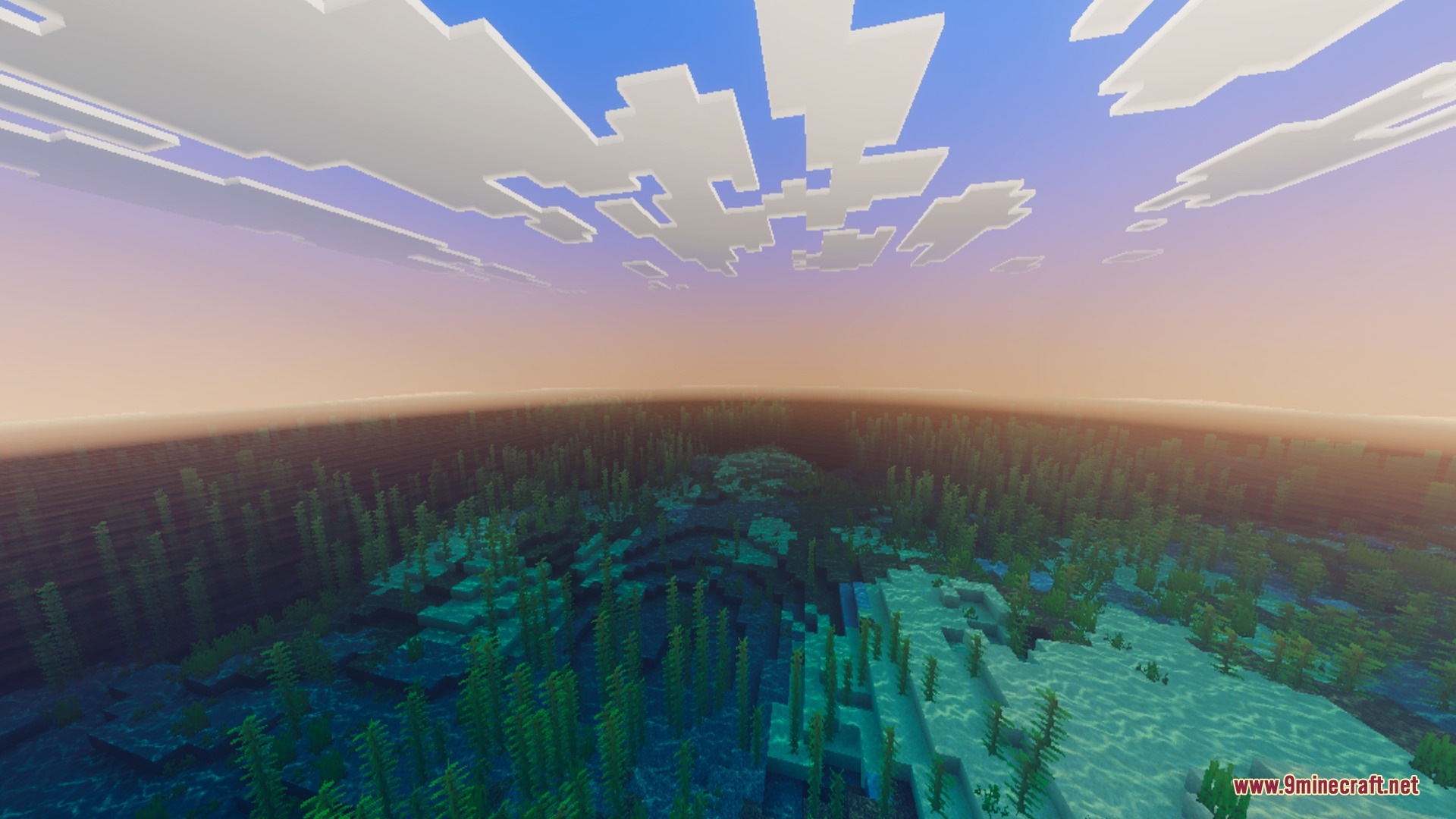
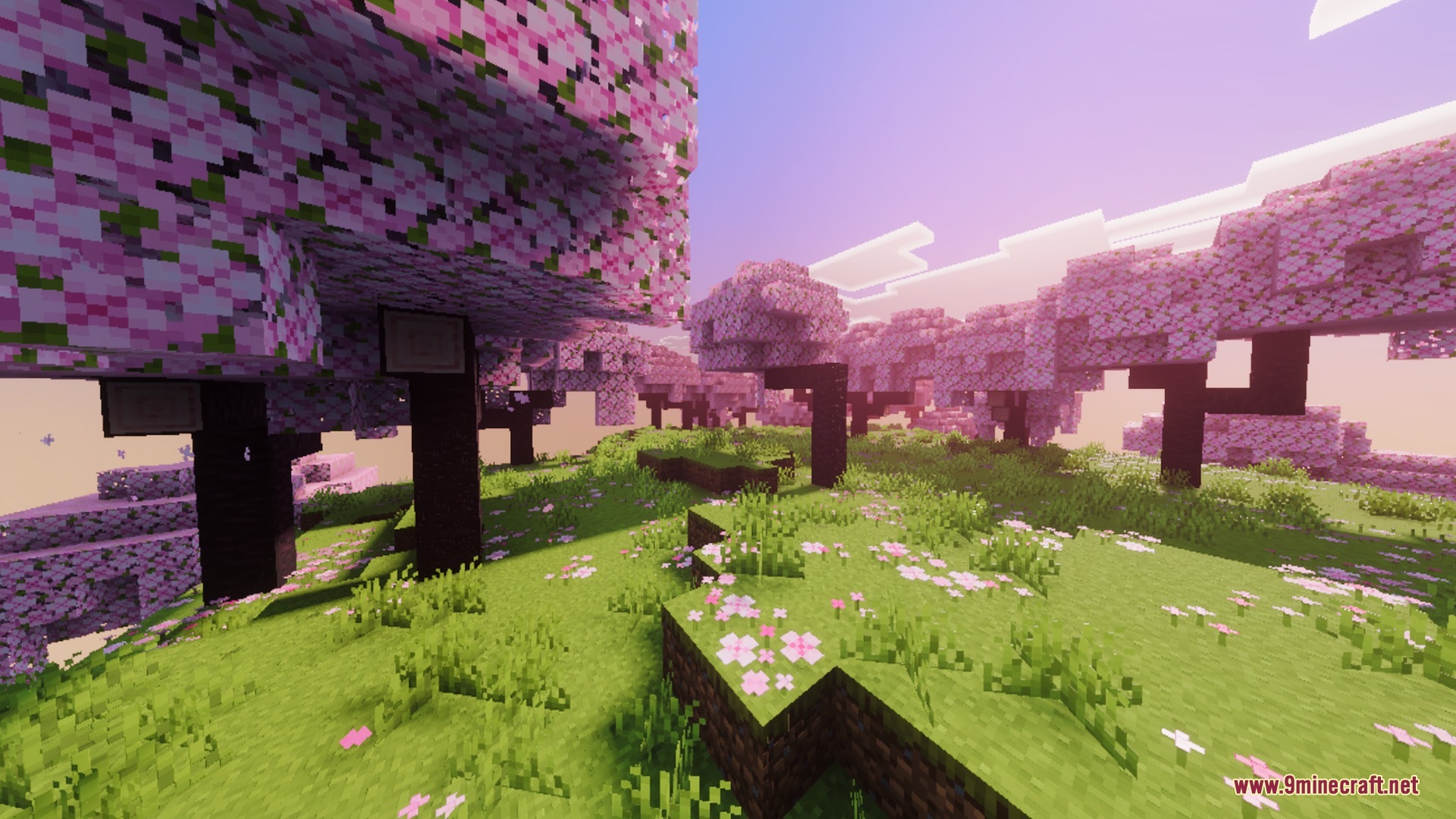
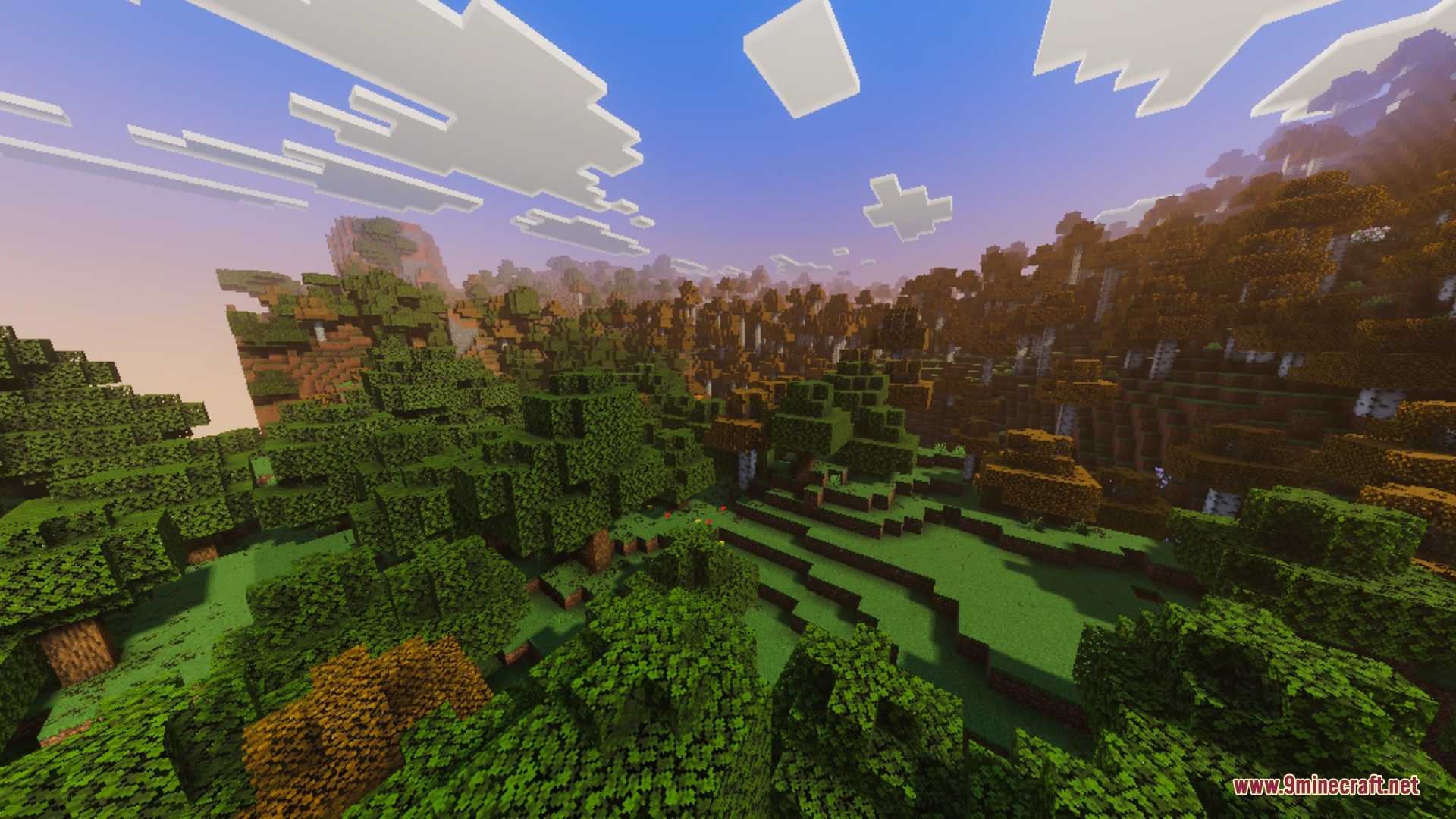
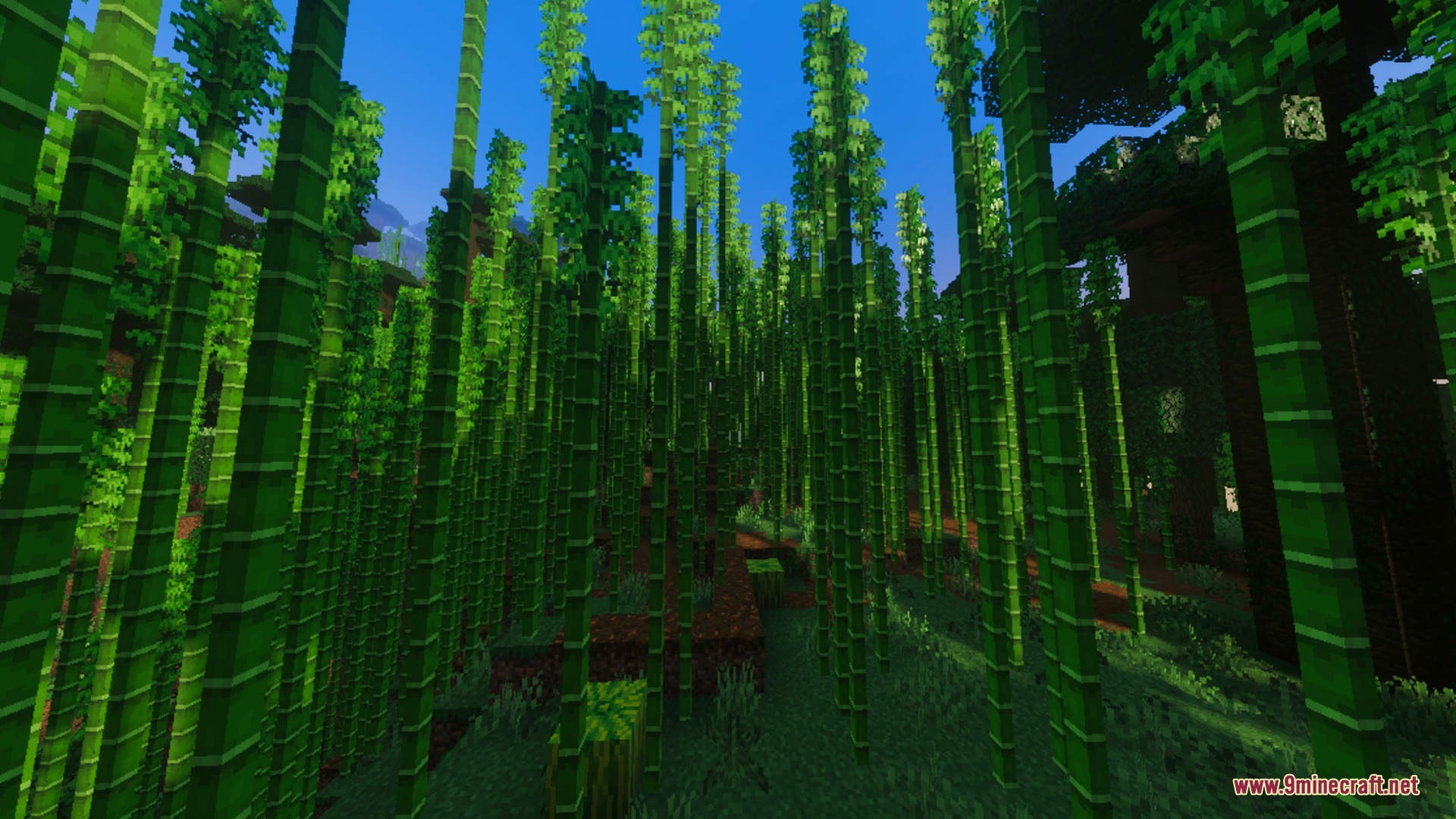
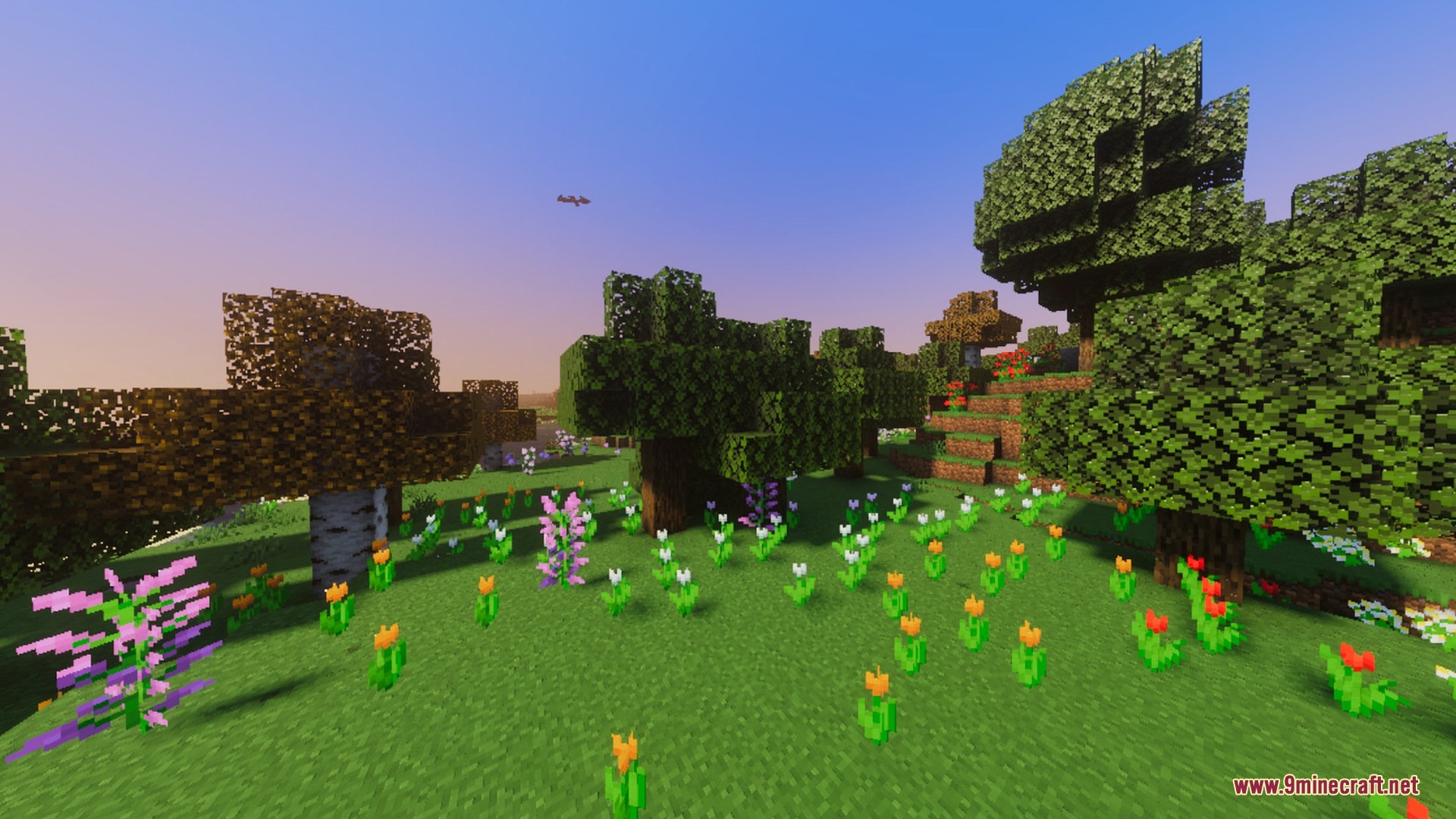
Realism Enhanced Visuals upgrades your Bedrock worlds with custom atmosphere and detailed environment lighting. It adds warm god rays piercing through tree leaves, hand-crafted day-to-night skies, and tailored fog for every biome. The shader also introduces lively ambient particles like butterflies, falling leaves, and northern lights.
Features:
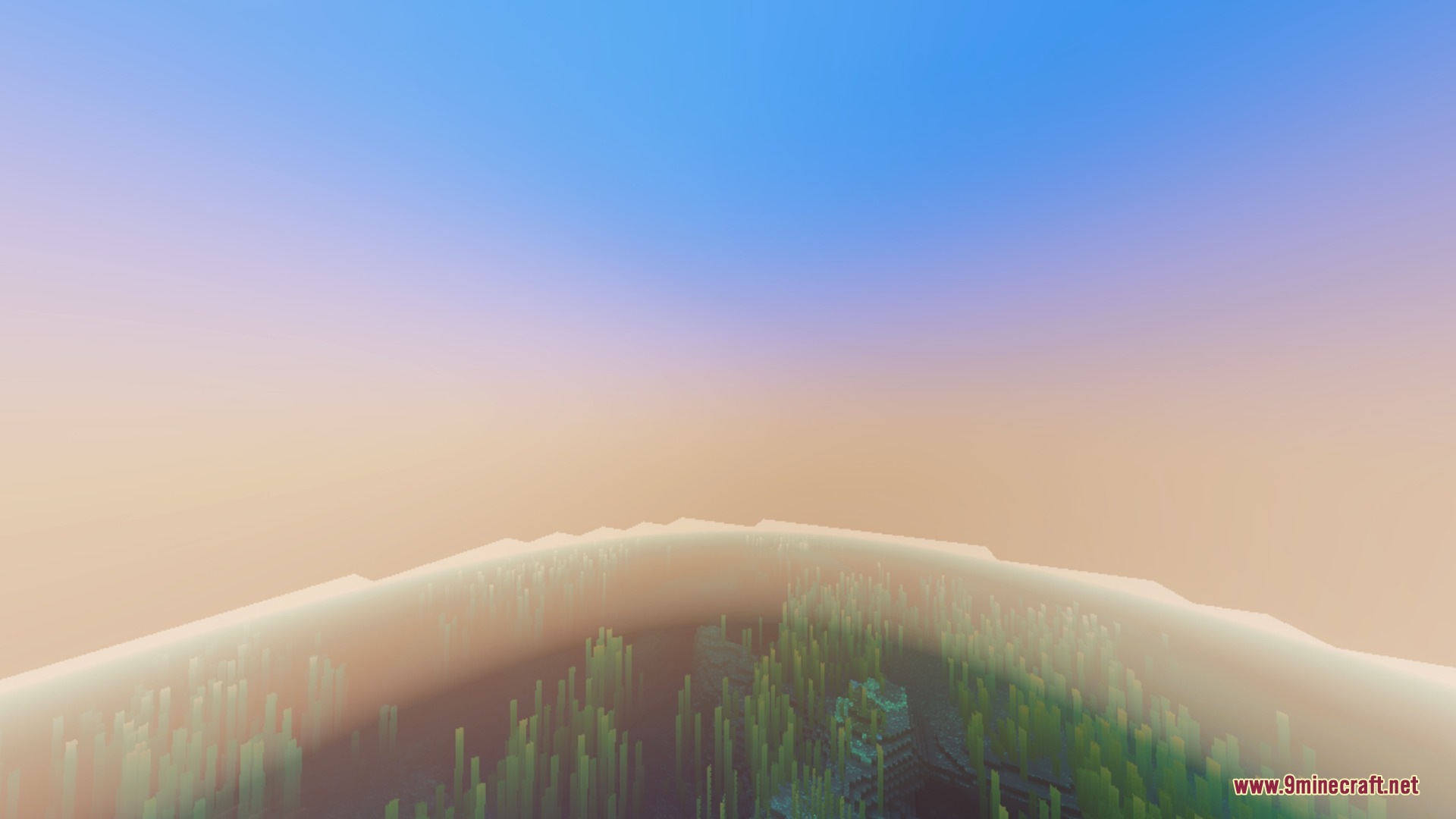
- Custom fog, lighting, and color grading for every biome.
- Warm volumetric god rays shining through tree canopies.
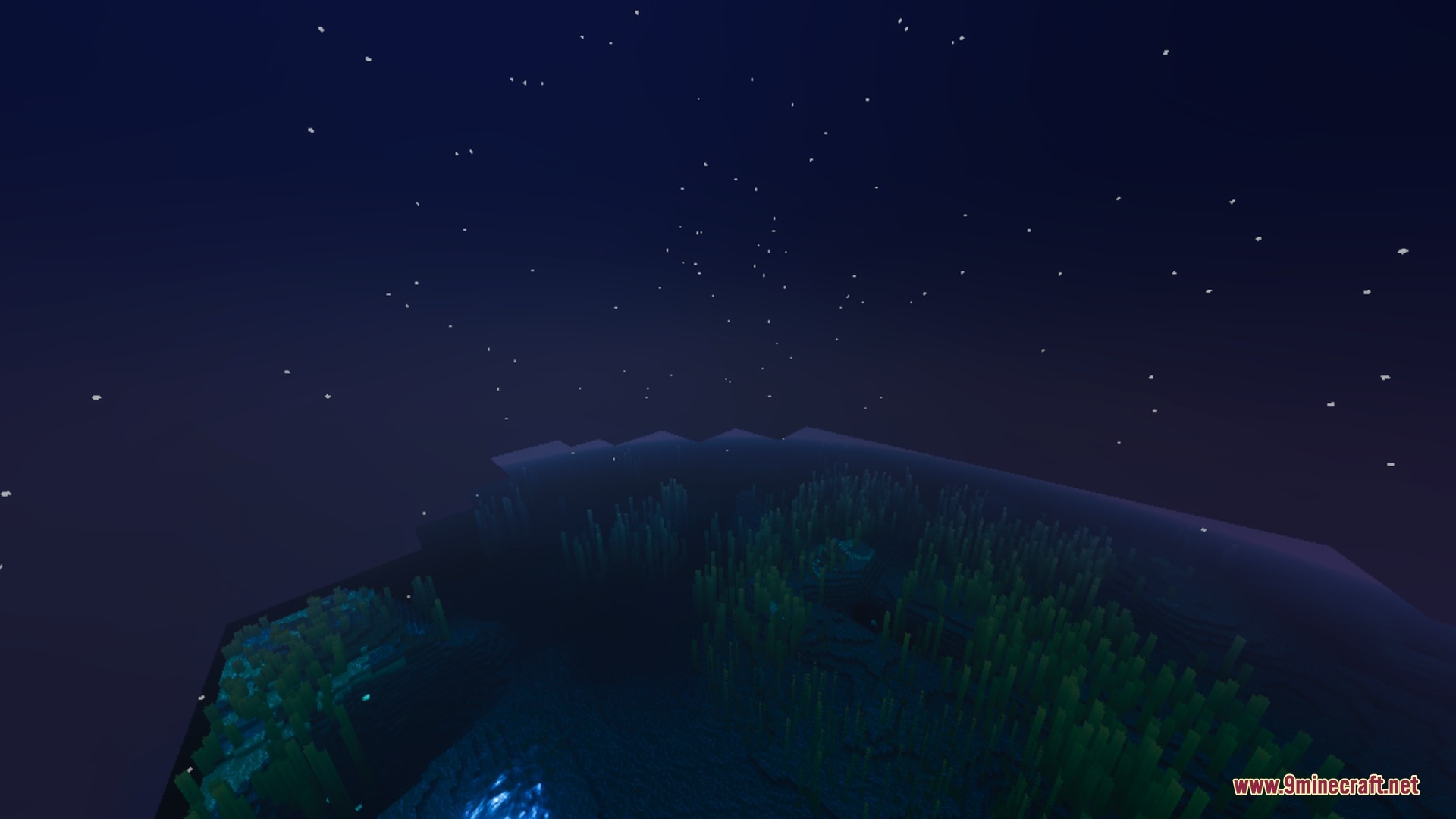
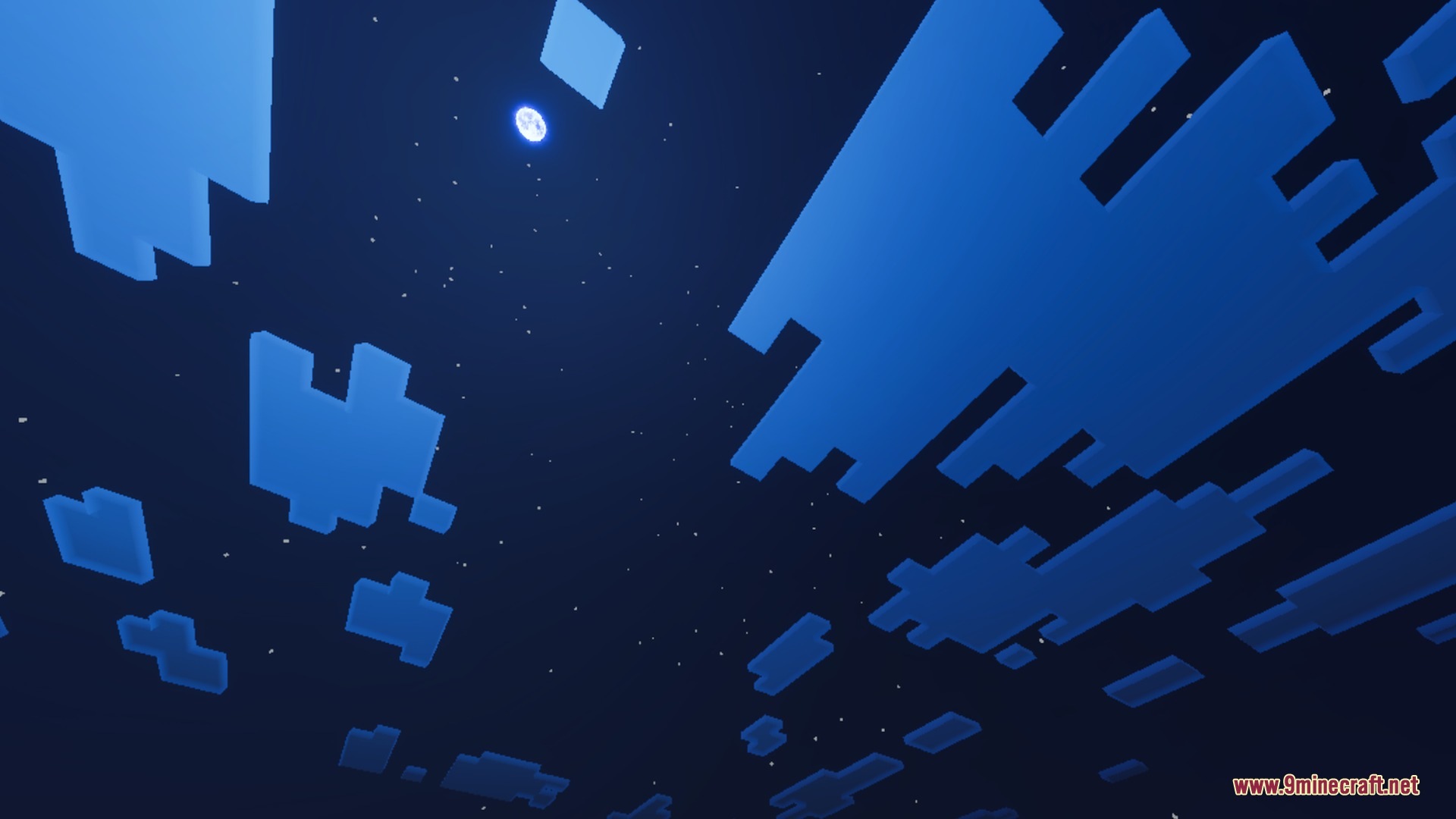
- Detailed skies transitioning smoothly from dawn to midnight.
- Ambient particles including butterflies, leaves, and shooting stars.
- Full PBR texture support with colored lighting effects.
Screenshots:
Motion:
How to Install:
New to Minecraft PE? Follow our step-by-step guide to install Shaders on your Mobile.View Guide
Realism Enhanced Visuals Shader Download Links
For MCPE/Bedrock 26.x
Click to rate this post!
[Total: 0 Average: 0]
You May Also Like

This post has no comments yet. Be the first — your comment will appear here.