


Precise Connection Stats Mod (26.2) – Track Exact Server Ping for Every Player
 0
0
 0
0

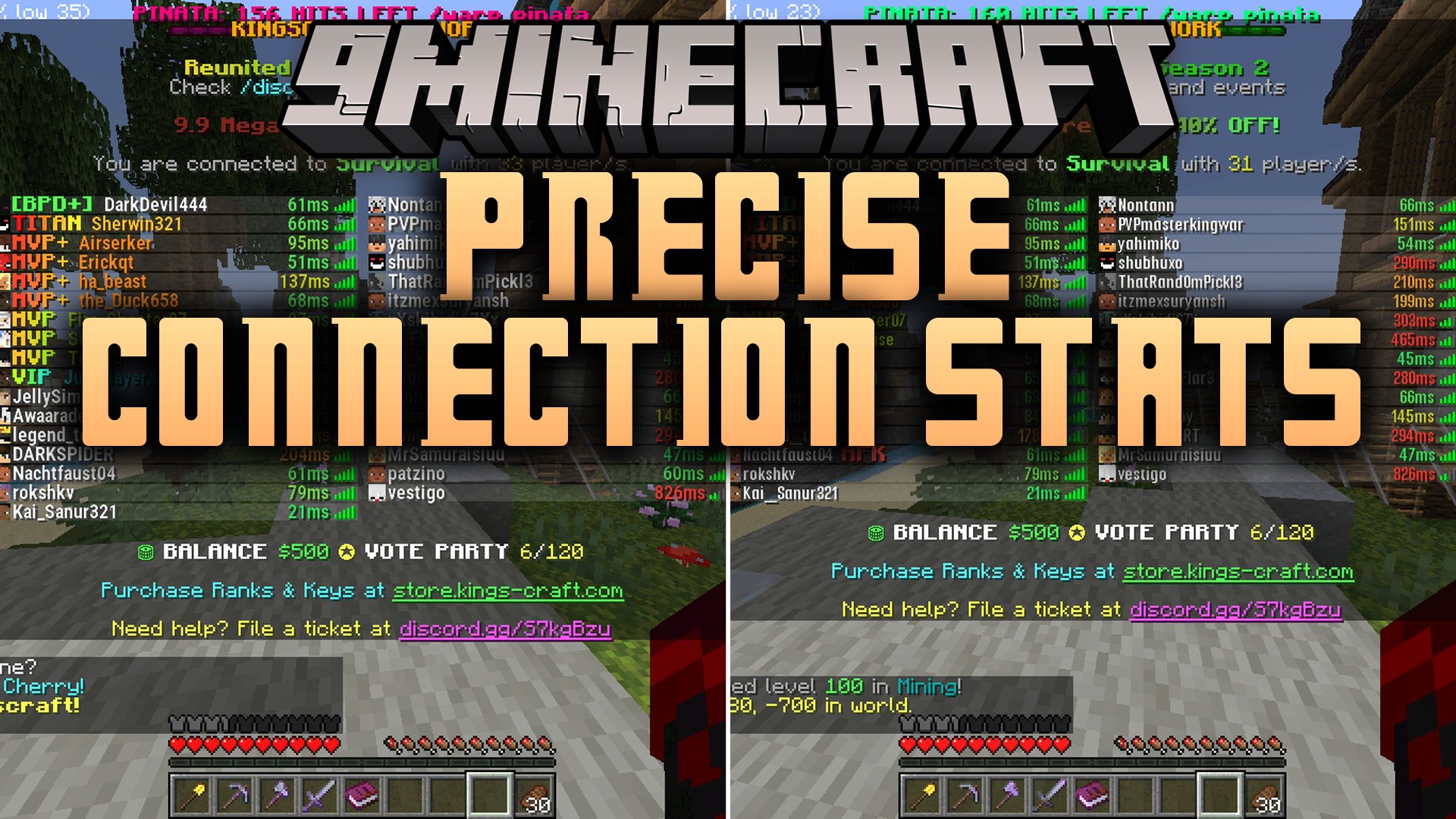
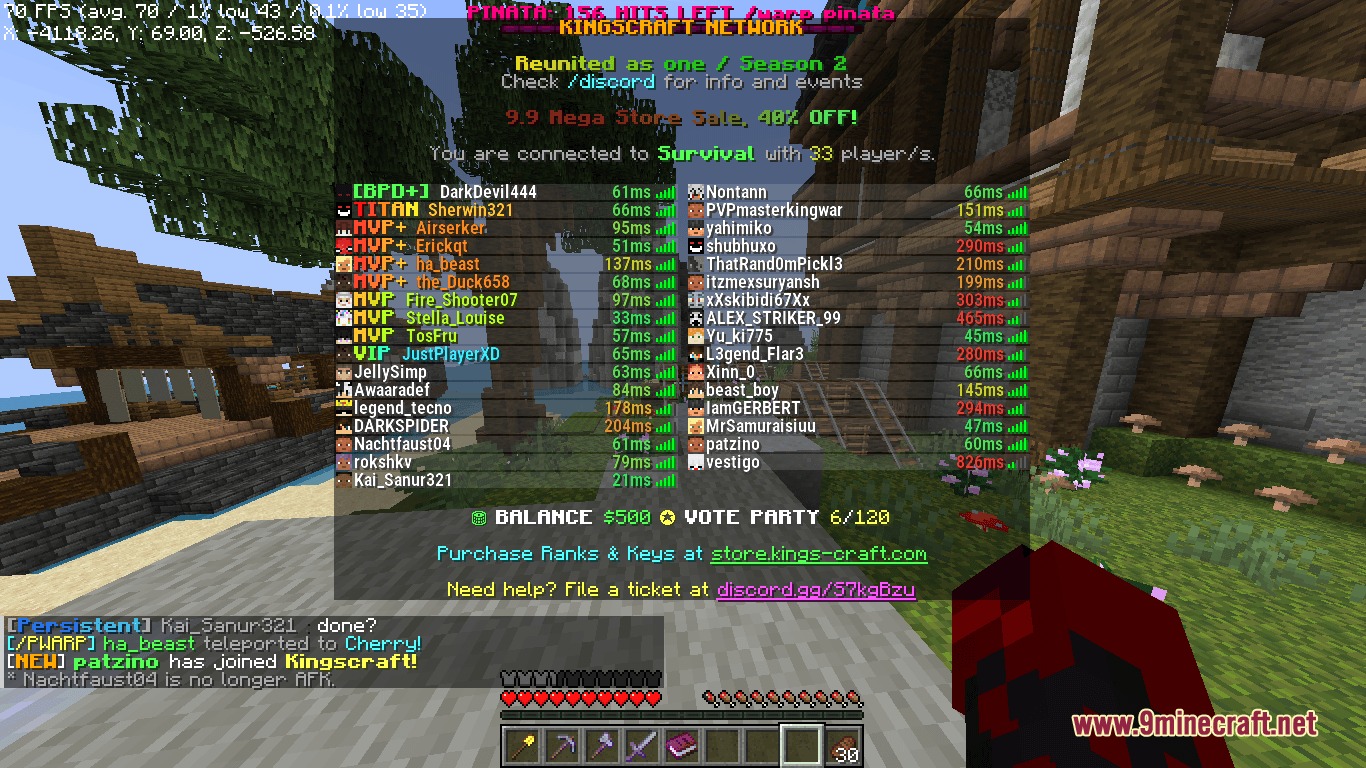
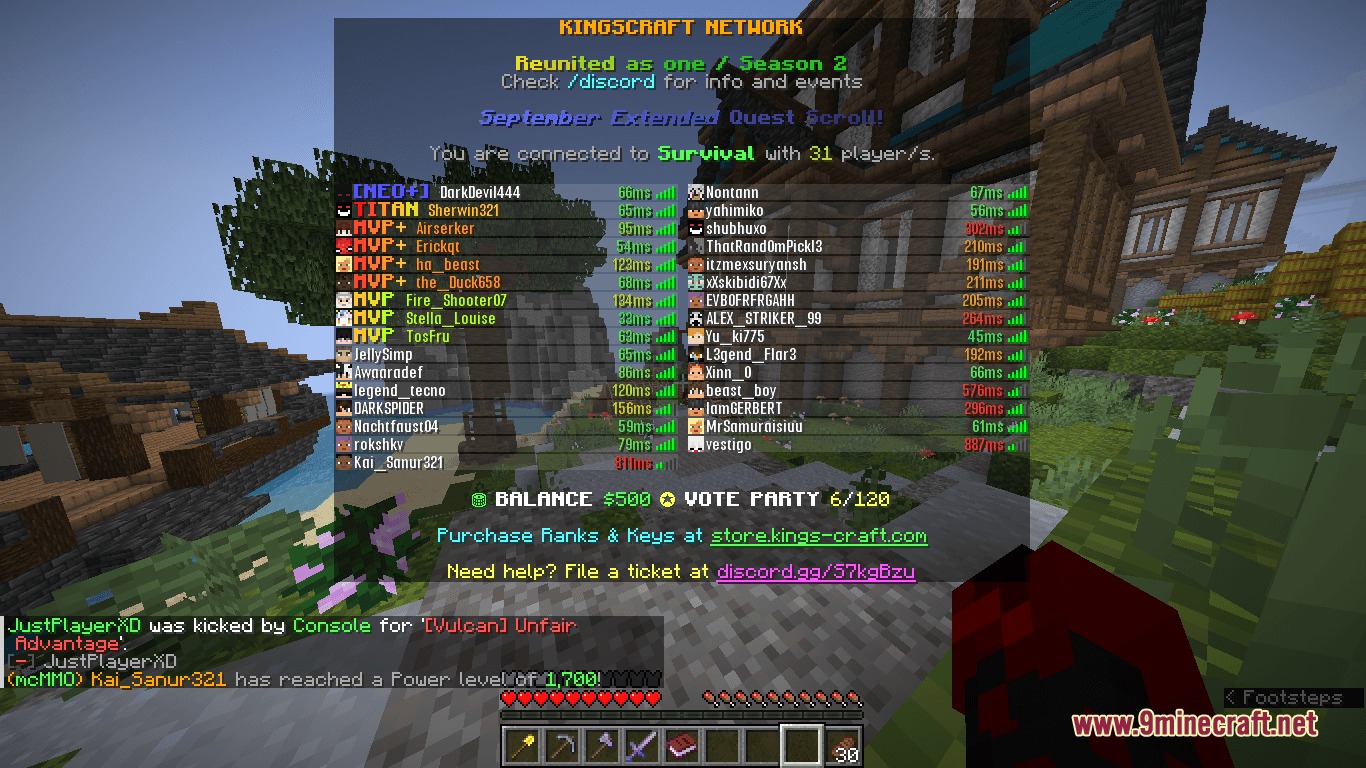
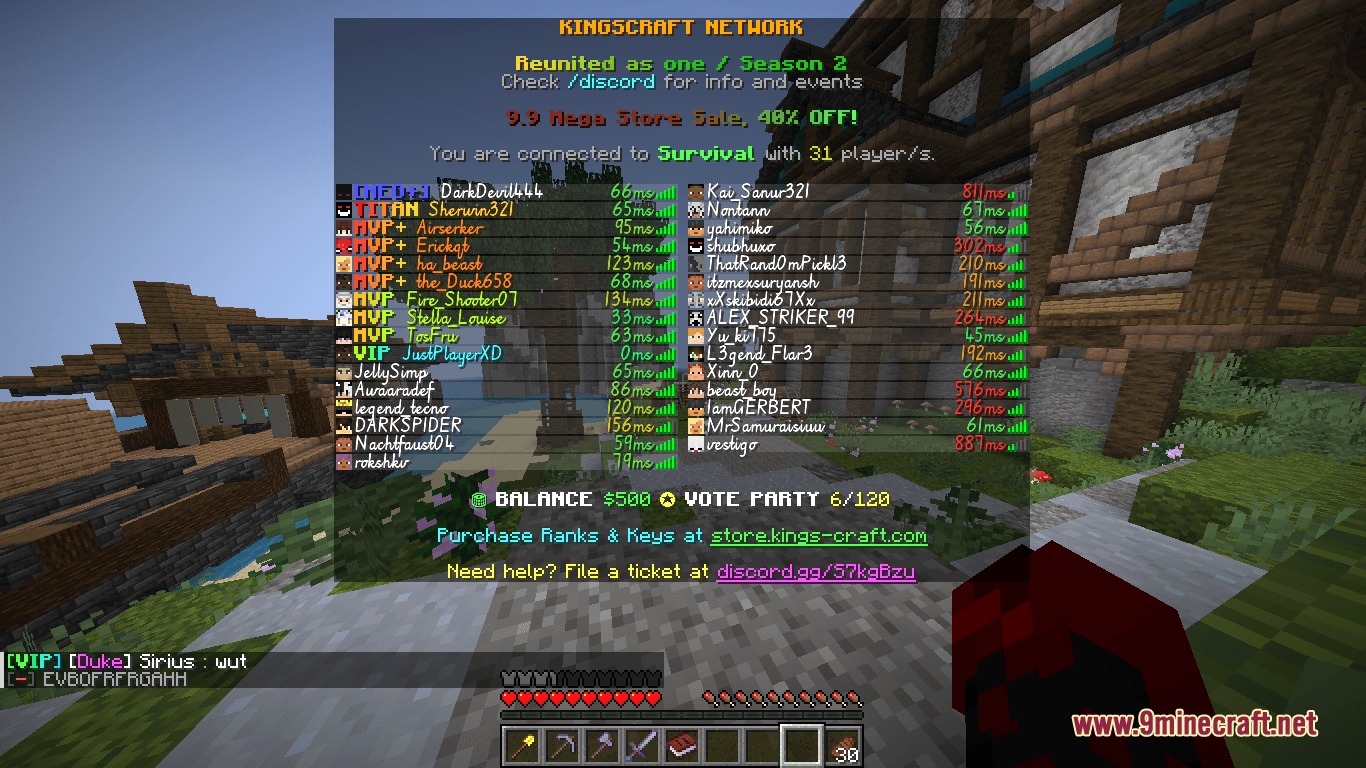
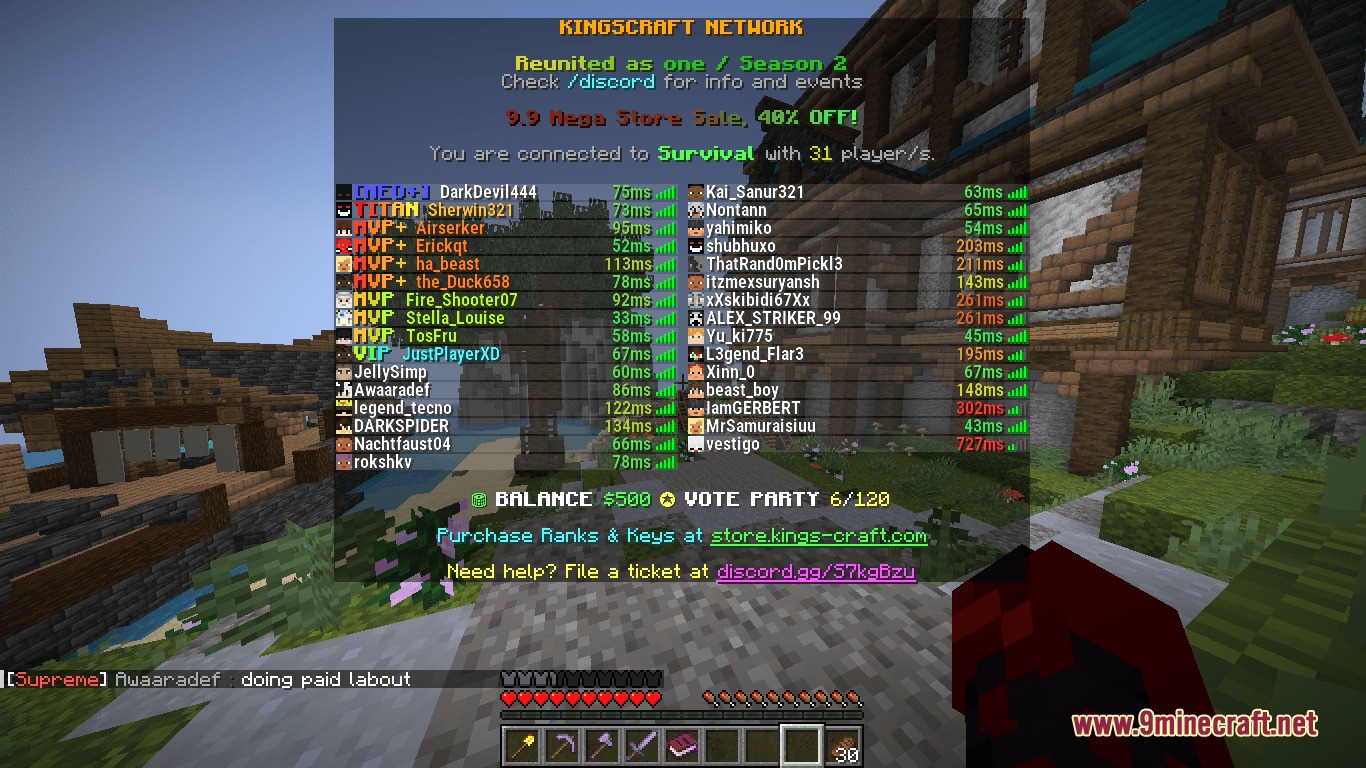
Precise Connection Stats Mod replaces the standard ping bars in the player tab list with clear numerical values. It shows your exact connection speed in milliseconds next to every player name. The mod works completely on the client side, so you can join any vanilla multiplayer server and check latency numbers right away. It also adds handy cosmetic options like custom fonts, player heads, and top-of-list self placement.
Features:
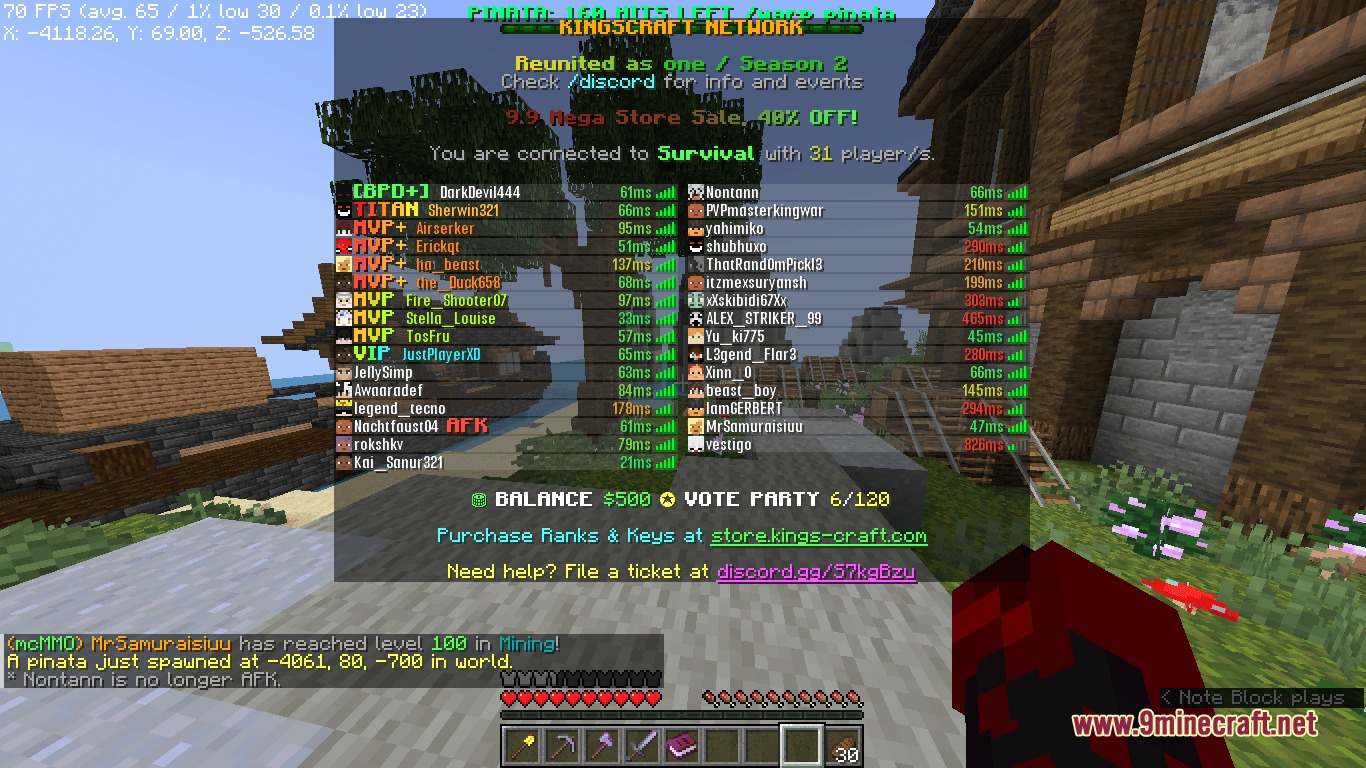
- Shows real-time millisecond ping numbers directly on the player tab list.
- Changes ping text colors automatically based on connection latency.
- Lets you keep or hide the default vanilla ping bars alongside numerical values.
- Displays player skin heads next to names in the tab menu.
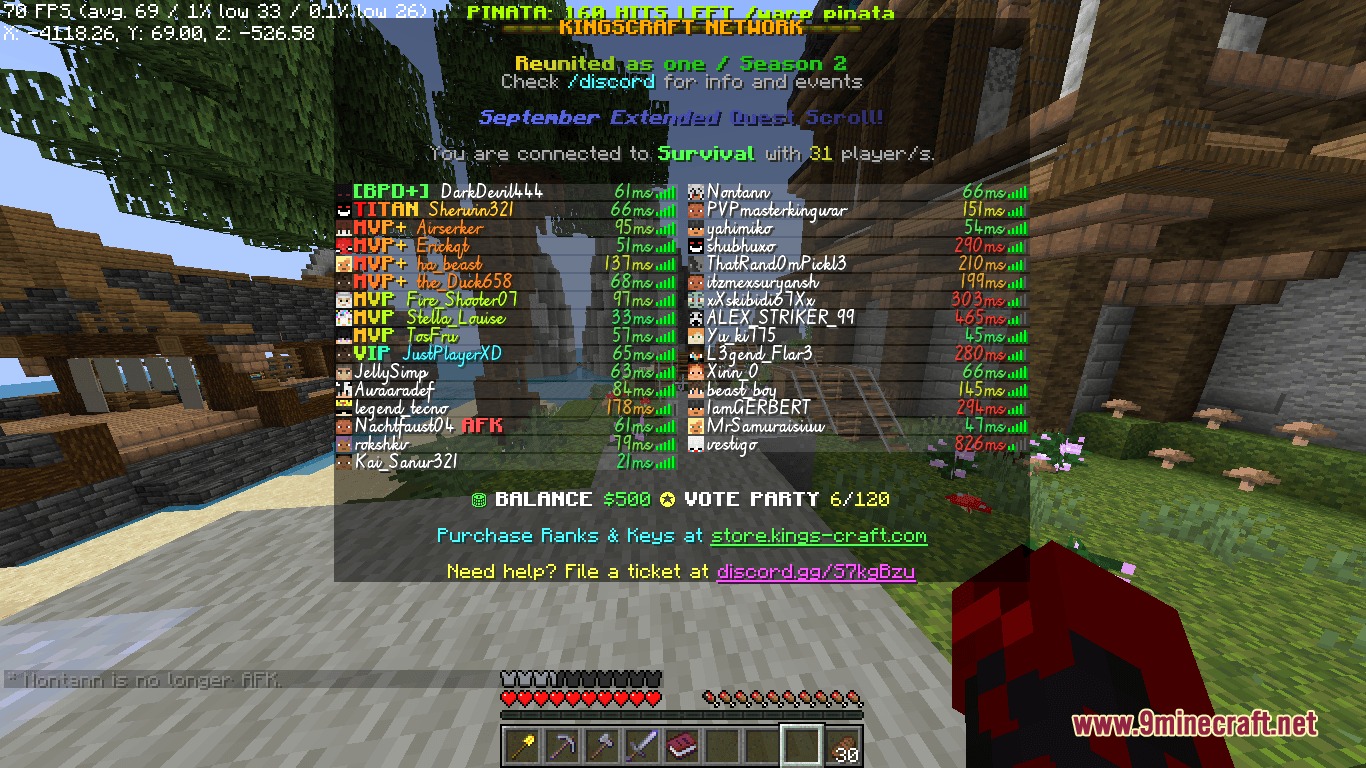
- Supports custom fonts specifically for tab list player names and ping counters.
- Pins your own name to the very top of the tab list for quick viewing.
- Adds optional client-side custom tags in front of your name.
- Works on vanilla servers without requiring any server-side installation.
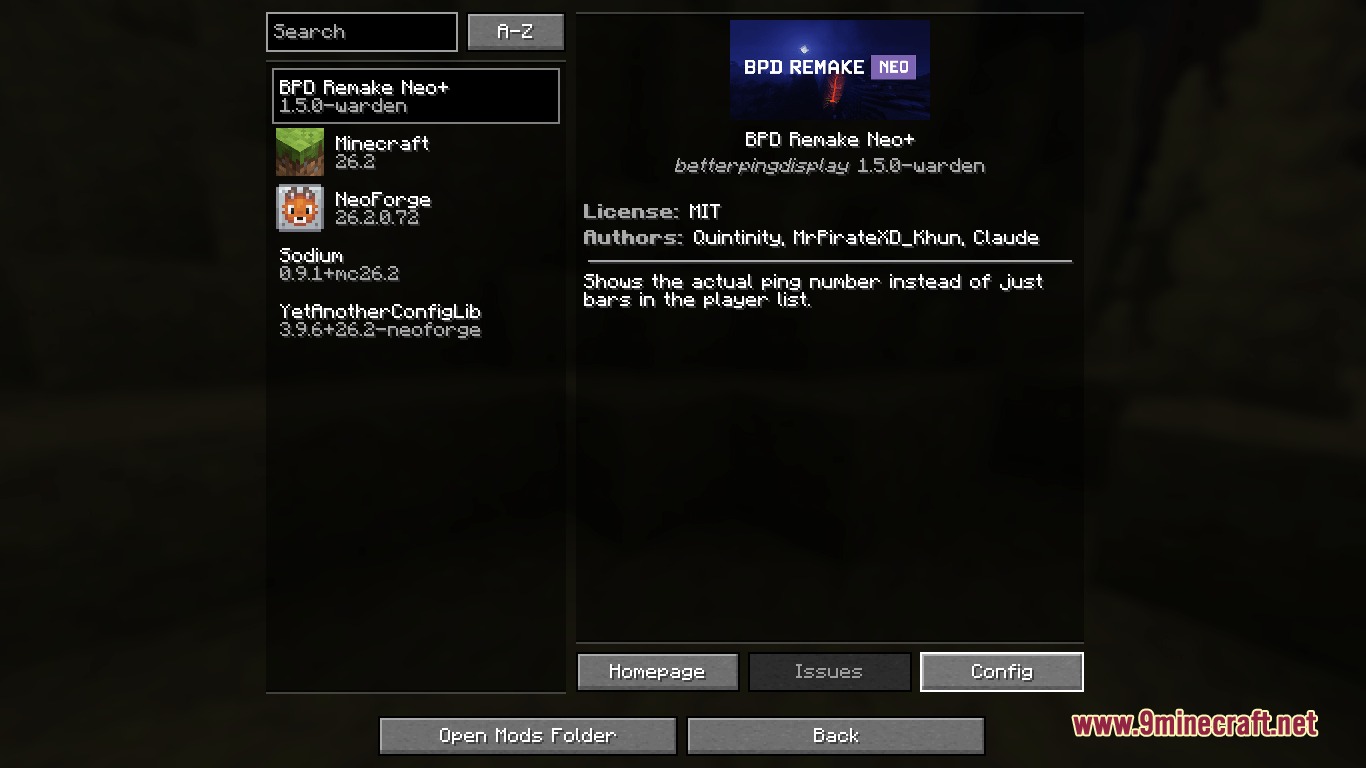
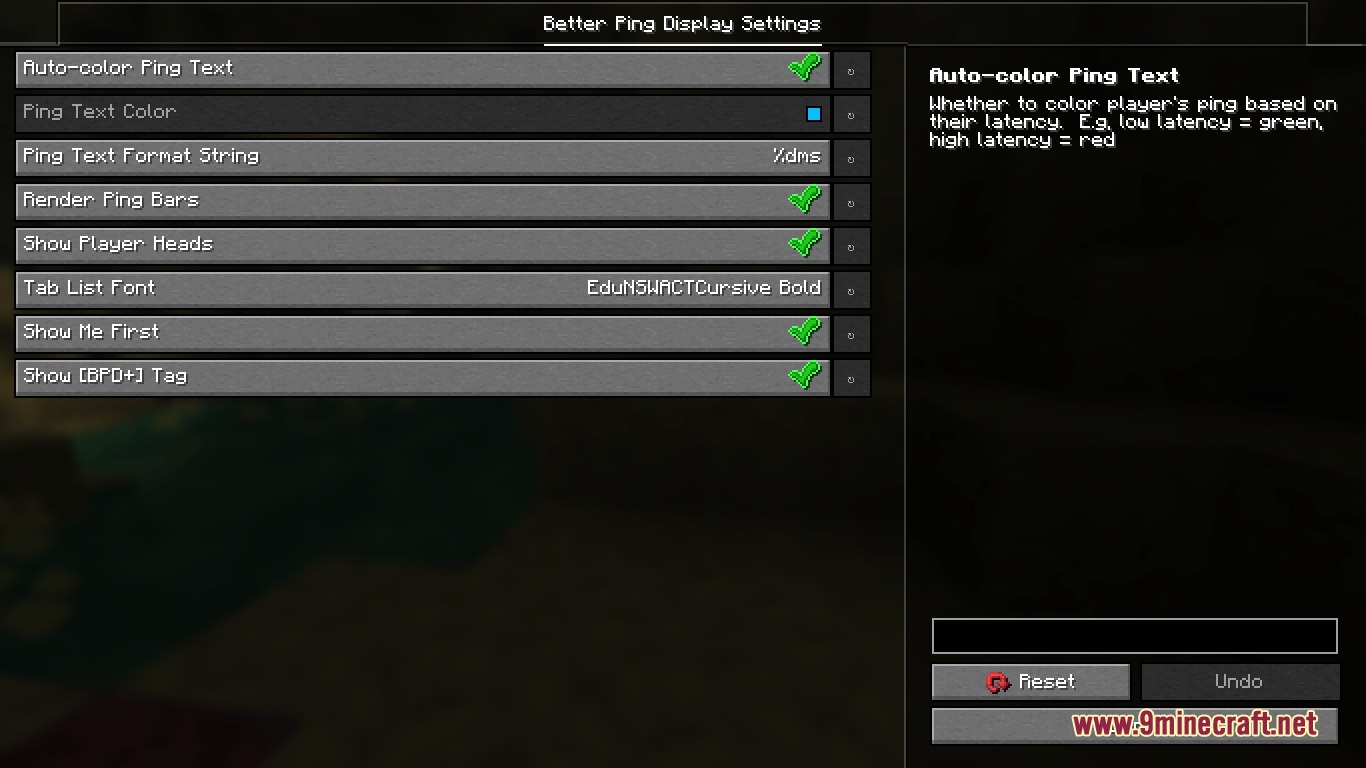
- Integrates an in-game settings screen when optional menu libraries are present.
Configuration:
autoColorPingText: switches ping text color based on how high or low player latency is.renderPingBars: controls whether the standard vanilla ping icon bars still appear.pingTextColor: sets a fixed hex color code for ping numbers when automatic coloring is disabled.pingTextFormatString: sets the text layout for the ping display using standard format codes.showPlayersHead: toggles player skin heads next to names in the tab list.tabFont: selects a custom font style for names and ping values in the player list.prioritizeSelfInTabList: moves your own player name to the top of the tab screen.showSelfPrefix: toggles custom client-side tags like [BPD+] in front of your name.
How to Use:
- Hold the Tab key in-game to view the player list with numerical ping values.
- Open the
betterpingdisplay.jsonfile in your config folder to change display settings. - Adjust colors, formats, or font settings to match your personal preference.
- Save the file and rejoin a server to see your updated player list style.
Screenshots:
How to Install:
New to Minecraft? Follow our step-by-step guide to install Mods on your PC.View Guide



Precise Connection Stats Mod Download Links
For Minecraft 26.2
Click to rate this post!
[Total: 0 Average: 0]
You May Also Like








This post has no comments yet. Be the first — your comment will appear here.