
Fast Bone Meal Farm Fixed Now It Gives Bone Meal Credits Kreeperman1 Schematic (1.21.x) – Efficient
 62
 0


Fast Bone Meal Farm Fixed Now It Gives Bone Meal Credits Kreeperman1 Schematic provides a working version of a popular moss-based resource generator. This build fixes a common hopper issue that stopped the machine from producing items. It gives you a steady supply of bone meal for your crops and trees. You can easily import this design into your world using a schematic tool. The small size makes it fit into almost any base layout without taking up too much room.
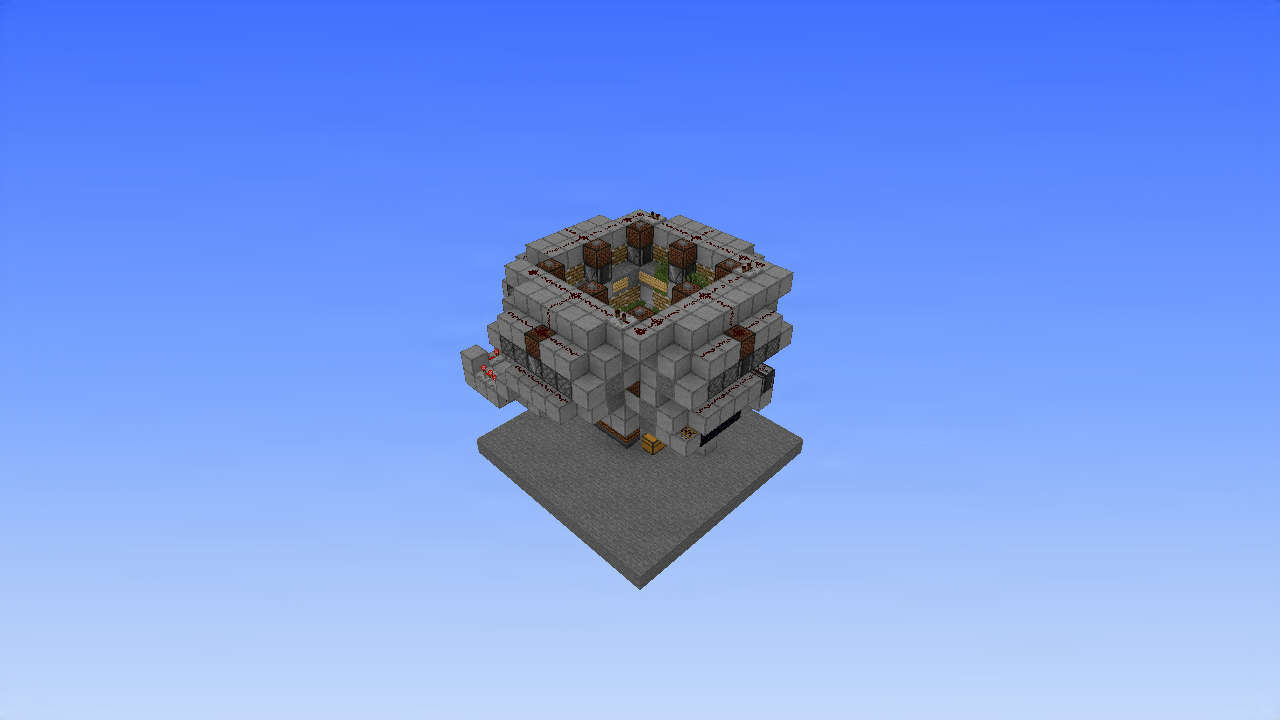
3D Preview & Editor:
Materials
30 types · 957 blocks
| Smooth Stone | 261 | Stone | 258 | Redstone Wire | 85 | |||
| Piston | 79 | Lava | 42 | Observer | 28 | |||
| Moss Block | 26 | Hopper | 25 | Stone Stairs | 25 | |||
| Note Block | 23 | Oak Wall Sign | 20 | Repeater | 11 | |||
| Composter | 11 | Obsidian | 11 | Stone Button | 8 | |||
| Short Grass | 6 | Honey Block | 5 | Water | 5 | |||
| Comparator | 4 | Dropper | 4 | Powered Rail | 4 | |||
| Moss Carpet | 4 | Redstone Wall Torch | 3 | Chest | 2 | |||
| Azalea | 2 | Barrel | 1 | Dispenser | 1 | |||
| Cobblestone Wall | 1 | Lever | 1 | Flowering Azalea | 1 |
How to place this schematic
.litematic This is a Litematica schematic. You place it with the Litematica mod, which shows the build as a ghost overlay you fill in.
| 1 | Install Litematica (plus MaLiLib) for your Minecraft version. |
| 2 | Put the .litematic file in .minecraft/schematics. |
| 3 | In game press M → Load Schematics, pick the file, then Load. |
| 4 | Position the ghost preview, then build it by hand — or turn on Easy Place to place blocks straight from your hotbar. |
Features:
- Fixed Hopper System: Corrects the placement of hoppers so items flow into chests instead of getting stuck.
- Compact 13x13x13 dimensions allow the farm to fit inside small rooms or underground bases.
- Uses a moss block cycle to create a fast and renewable resource loop.
- Requires 957 total blocks to build the entire structure from start to finish.
- Works with Minecraft version 1.21.x to ensure compatibility with modern blocks.
- Generates extra bone meal automatically while the machine is running.
Schematic Specs:
 Minecraft1.21.x
 Dimensions13×13×13
 Total Blocks957
How to Play:
- Download the Litematic file and place it in your schematics folder.
- Open your schematic tool in Minecraft and select this farm layout to see the ghost blocks.
- Place the moss block carefully in the center to make sure the farm starts working correctly.
- Add a small amount of bone meal to the system to start the initial growth cycle.
- Collect the extra bone meal from the output chests as the farm runs.
Fast Bone Meal Farm Fixed Now It Gives Bone Meal Credits Kreeperman1 Schematic Download Links
For Minecraft 1.21.x
Click to rate this post!
[Total: 0 Average: 0]
You May Also Like
Picked for this page
 5 Module Overworld Basalt Farm with Auto Smelter for Donutsmp Schematic (1.21.x) – Automatic Overwor
 Blue Eyes White Dragon Schematic (1.19.x) – Giant Yu-Gi-Oh Dragon Build For Vanilla
 Automatic Kelp Farm V3 by 1fachJonaz Schematic (1.21.x) – Efficient Redstone Build for Automatic Kel
 Underground House Beneath Hot Springs Schematic (1.21.x) – Hidden Base With Secret Cave Entrance
 Tridnat Farm Schematic (1.21.x) – Giant Lake Farm Structure Build
 Zamek Boskie Buty Schematic (1.21.x) – Massive Dark Castle Litematic Build
 Kanye West Graduation Bear Schematic (1.21.x) – Classic Album Mascot Pixel Art Build
 Cozy Spruce Log House Schematic (1.21.x) – Medium Survival Starter Build For Java
 Stone House 1 Schematic (1.20.x) – Simple Stone House Build For Your World
 Max Gear Schematic (1.21.x) – Fully Enchanted Netherite Armor And Weapons Chest
 Small Heavy Core Shrine Litematica Schematic (1.21.x) – Compact Temple Build For Vanilla Worlds
 Birch Tree Farm Schematic (1.20.x) – Simple Manual Birch Wood Farm Build
Most viewed in Schematics over the last 7 days
 Fastest Bonemeal Farm Donut Smp Schematic (1.21.x) – Fast Redstone Bonemeal Farm Build
 64 Module Cobblestone Farm Schematic (1.21.x) – Massive Automated Stone Gathering Build
 KelpFarmV9.9 Schematic (1.21.x) – Compact And Simple Seaweed Farm Build
 Gold Farm Schematic (1.21.x) – Automatic Nether Roof Gold Farm
 Villager Trading Hall Schematic (1.21.x) – Modern Shop Build For 48 Villagers
 Bamboo Farm Schematic (1.21.x) – Small Automated Redstone Bamboo Farm
 Best Railgun Tp Trap on Donutsmp Schematic (1.21.x) – Unescapable Multiplayer Redstone Trap Build
 Minutes End Base Before Spoke Null End Video Schematic (1.21.x) – Giant Unstable SMP End Base Schema
 36 Module Cobble Farm 18m per Hour Donut SMP Schematic (1.21.x) – Massive Automated Stone Generator
 Bamboss V2 800k Bamboo per Hour Schematic (1.21.x) – High Speed Automated Bamboo Farm Schematic
 Donut Smp Stash and Regear Schematic (1.21.x) – Large Storage And Regear Room Build
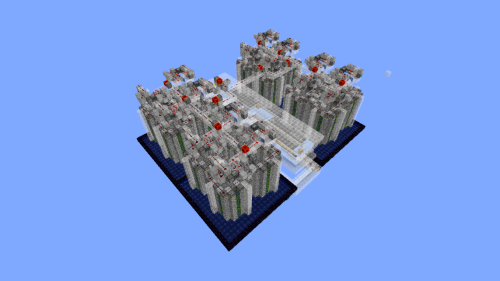 Cobble Farm 50m per Hour Donut SMP Schematic – High Yield Cobblestone Generator Build
More from Schematics
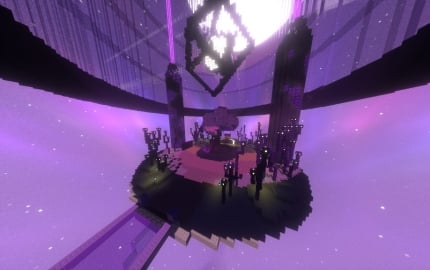 End Spawn Schematic (1.21.x) – Clean Minimalist End Themed Server Spawn Hub
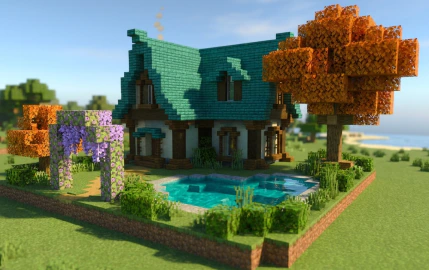 Medieval Courtyard Cottage Schematic (1.21.x) – Beautiful Medieval Home with Private Courtyard
 Book Inquiry 3d Schematic (1.19.x) – Epic 3D Fantasy Book Build for RPG Worlds
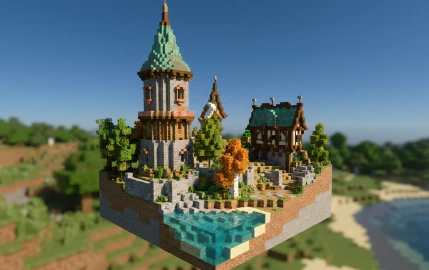 Medieval Twin Towers Estate Schematic (1.21.x) – Grand Medieval Estate With Tall Teal Towers
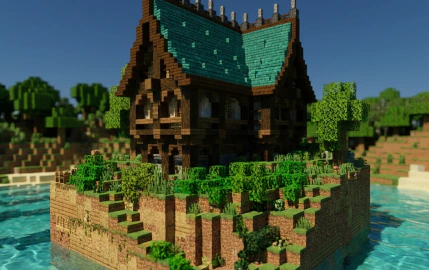 Medieval Hillside Manor Schematic (1.21.x) – Detailed Dark Timber Medieval Manor Schematic
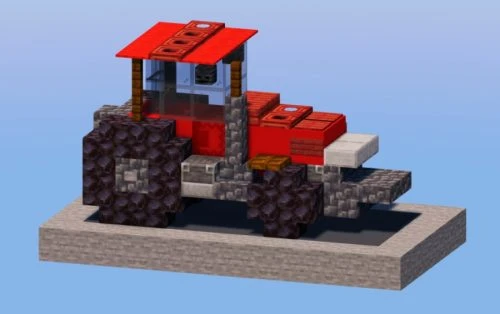 Red Tractor Schematic (1.21.x) – Detailed Farming Vehicle for Modern Cities
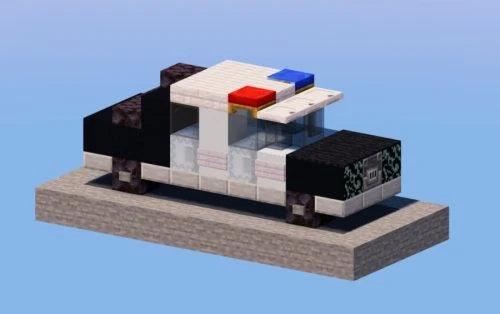 Policecar Schematic (1.21.x) – Modern Police Vehicle For City Roads
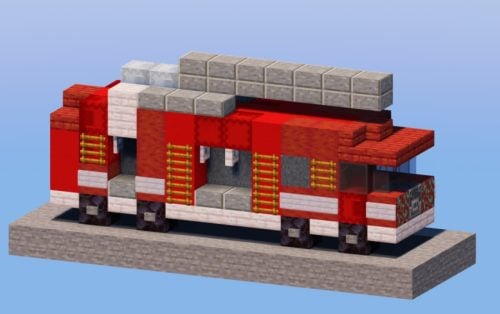 Fire Truck Schematic (1.21.x) – Build A Realistic Modern Fire Truck
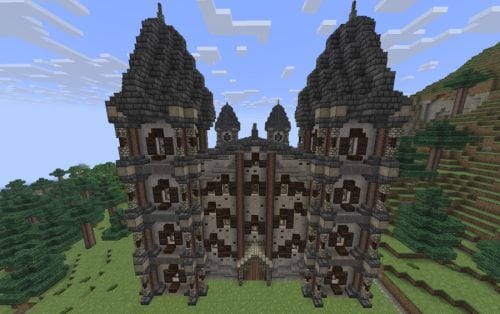 Big Warehouse Schematic (1.21.x) – Massive Medieval Storage Building for Survival
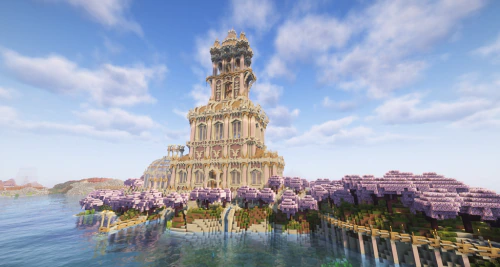 Suncrest Spire Schematic (1.21.x) – Massive Ancient Desert Survival Base Build
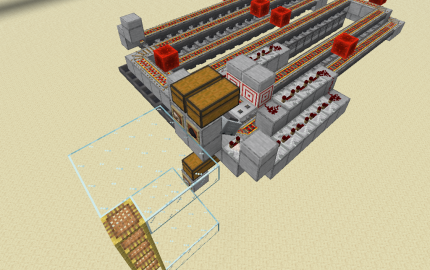 Super Smelter 64 Furnaces V1 Schematic (1.21.x) – Fast Minecart Smelting System for One Chunk
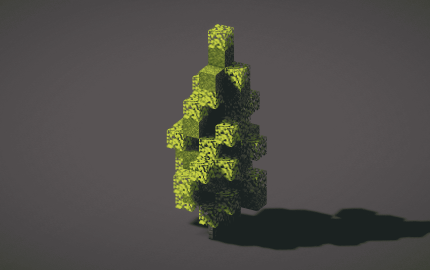 Small Tree Schematic (1.21.x) – Clean and Detailed Mini Tree Build

This post has no comments yet. Be the first — your comment will appear here.