
Neo Texture Pack (26+, 1.21) – Smooth 16x Combat Visuals
 44
 0

Neo Texture Pack transforms the look of Minecraft Bedrock with a built-in RenderDragon shader, a custom sky, and smooth 16x textures for blocks, items, mobs, and the UI. This pack puts helpful info on your screen, including an FPS counter, a player health indicator, and item durability percentages. It also displays food hunger and saturation points with their effects, plus tools for trading, brewing, and quick crafting. Colorful menus, compact and quick settings, and a clear bottom chat make the game easier to use. You also get new particles, biome color changes, 10 custom sounds including a Java-style hit sound, and two subpacks for Normal Mode and PvP Mode.
Requirements:
- MCPE/Bedrock 1.21.40 – 1.21.111
all 22 versions
1.21.111, 1.21.101, 1.21.100, 1.21.94, 1.21.93, 1.21.92, 1.21.90, 1.21.82, 1.21.81, 1.21.80, 1.21.73, 1.21.72, 1.21.71, 1.21.70, 1.21.61, 1.21.60, 1.21.51, 1.21.50, 1.21.44, 1.21.43, 1.21.41, 1.21.40
- RenderDragon shader (not a plain texture pack)

Features:
- Built-in RenderDragon Shader: Runs as a full RenderDragon shader instead of a plain texture pack, adding a custom sky and biome color changes while keeping gameplay lag-free.
- Two Subpack Modes: Lets you switch between Normal Mode and PvP Mode to match the way you play.
- Smooth 16x Textures: Gives blocks, items, mobs, and the UI a clean 16x look along with brand new particles.
- Adds colorful menus and custom menu splashes to brighten up your game screens.
- Includes compact settings, quick settings, a clear bottom chat, and helpful chat tweaks.
- Shows an FPS counter, a player health indicator, and item durability percentages right on your screen.
- Displays food hunger and saturation points along with their effects so you can see what each food item does.
- Provides a trading helper, brewing guides, and quick crafting tools to speed up everyday tasks.
- Brings 10 custom sounds to your game, including a Java-style hit sound.
How to Install:
New to Minecraft PE? Follow our step-by-step guide to install Shaders on your Mobile.View Guide
Screenshots:


For MCPE/Bedrock 1.21+
Which shader mod loader do you primarily use?
19 responses · See the full results →
You May Also Like
Picked for this page
 NRRDS Shader (1.26+) – Support Render Dragon
 Glow Trims Texture Pack (26.x, 1.21) – MCPE/Bedrock
 Newb X Blissful (26+) – MCPE/Bedrock Shader
 Frisk Visual Shade (26+) – MCPE/Bedrock Shader
 Auralis Visuals (26+, 1.21) – MCPE/Bedrock Shader
 Lunar Shader (26+) – MCPE/Bedrock Shader
 Ultra Vibrant Visuals for Vibrant Visuals (26+, 1.21) – MCPE/Bedrock Shader
 Custom Skies/Cubemaps (26+, 1.21) – MCPE/Bedrock Texture Pack
 MONSTER SHADER (26+) – MCPE/Bedrock Shader
 Creepypasta Shader (26+) – MCPE/Bedrock Shader
 Item Rarity Viewer (26+, 1.21) – MCPE/Bedrock Texture Pack
 BL SHADER (26+) – MCPE/Bedrock Shader
Most viewed in Shaders over the last 7 days
 Mirai Shader (1.26+) – Sharp Water Reflections and Volumetric Clouds
 Best Minecraft PE Shader for 1.26+ – Realistic and Lightweight For Low-End Devices
 Newb X Iterationt Shader (1.26+) – Black Hole Skybox And Stylized Clouds
 Better Render Dragon (1.26+) – Add Shaders Back To Minecraft
 Newb X RTX Shader (1.26+) – Support RenderDragon
 MLYX Shader (1.21.50+) – MCPE/Bedrock
 Solar Shader (1.26+) – Support BetterRenderDragon
 Auren Visuals Shader (26.x) – Warm PBR Lighting and Reflective Water
 BSL X Improvement Shader (1.21.31+) – MCPE/Bedrock
 Dark Fantasy Visuals (26+, 1.21) – MCPE/Bedrock Shader
 Newb X Dawn Shader (1.26+) – RenderDragon, All Devices
 YSSBE Shader (1.21, 1.20) – Shader Cinematic for RenderDragon
More from Shaders
 Realism Enhanced Visuals Shader (26.x) – Volumetric God Rays and PBR Lighting
 Vibrant Rt Visuals Shader (26.x) – RTX-Style Lighting and 3D Clouds for Bedrock
 HORROR HILL VISUAL Shader (26.x, 1.21) – Volumetric Fog and Desaturated Tones
 G-Flow Visuals Shader (26.x, 1.21) – Cinematic God Rays and Water on Mobile
 F1 & F3 BUTTON – Windows Update Shader (26.x) – Java Debug Screen and HUD
 Newb X ZACRAFT Shader (26.x) – Cinematic Lighting and Rich Colors on Bedrock
 BSLD Shaders (26.x, 1.21) – Full PBR Reflections and Animated Water Caustics
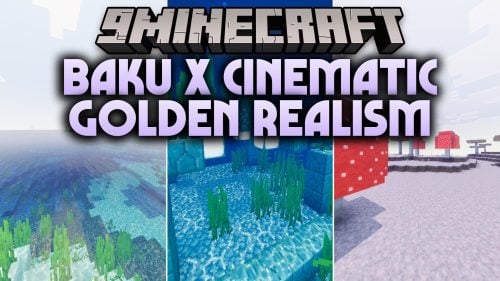 Baku X Cinematic Golden Realism Shader (26.x, 1.21) – Volumetric Haze
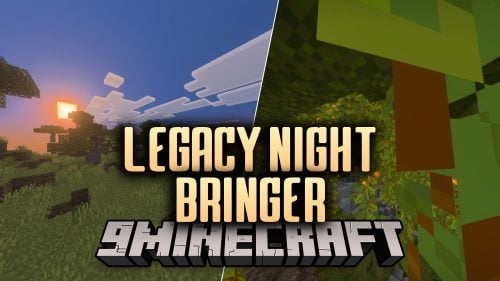 LEGACY NIGHT BRINGER Shader (26.x, 1.21) – Luminous Lighting with Custom
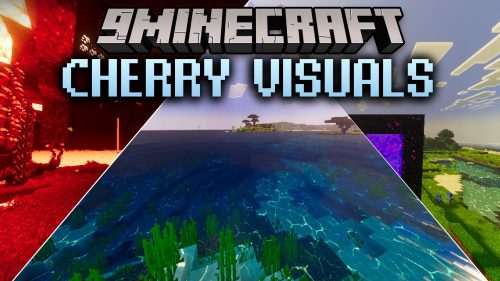 Cherry Visuals Shader (26.x) – Vivid Pink Color Grading and Night Auroras
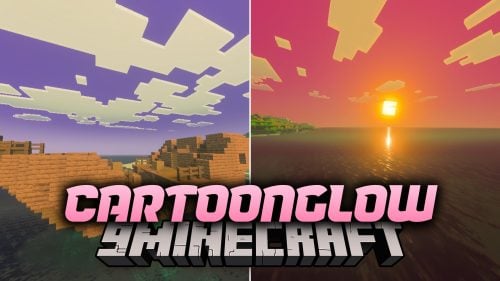 CartoonGlow Shaders (26.x, 1.21) – Pastel Fantasy Skies and Glowing Water
 Mary Visual (26+) – MCPE/Bedrock Shader

This post has no comments yet. Be the first — your comment will appear here.