


F1 & F3 BUTTON – Windows Update Shader (26.x) – Java Debug Screen and HUD
 0
0
 0
0

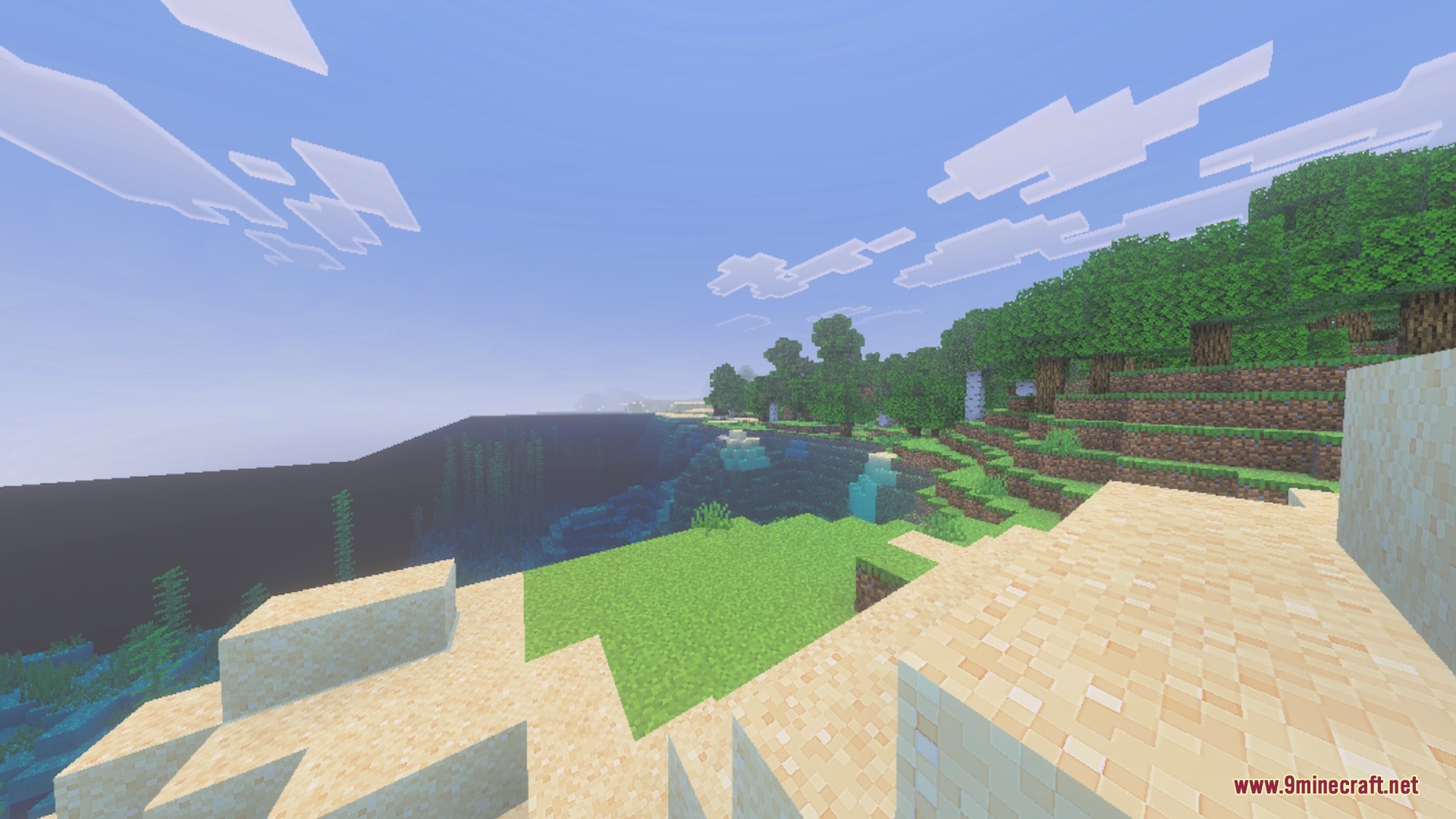
F1 & F3 BUTTON brings Java-like screen toggles to Minecraft Bedrock. You can hide your full HUD instantly for clean screenshots or view real-time world details with a clear background overlay. This shader pack helps you monitor your game stats and capture cinematic views without extra clutter.
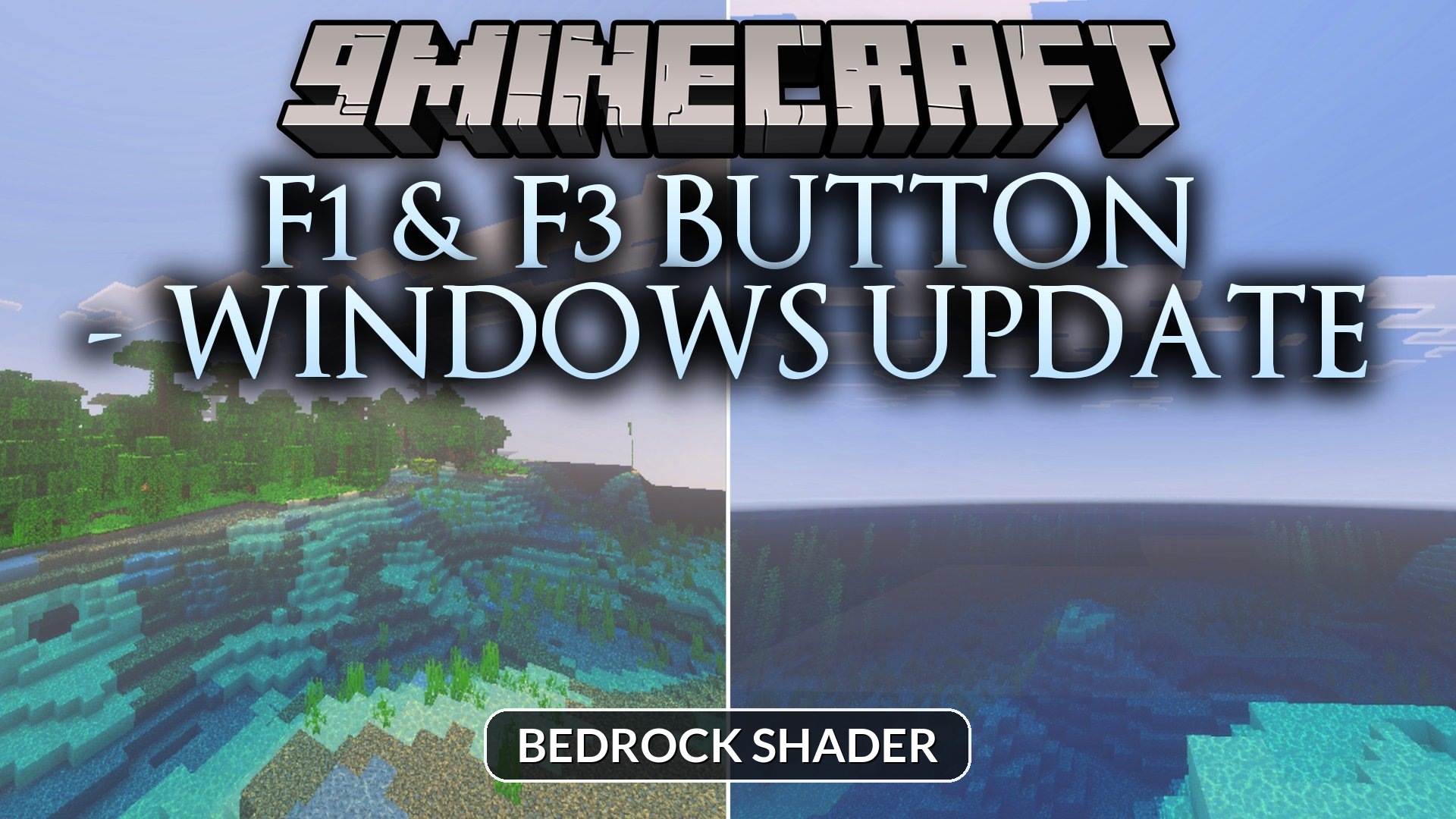
Features:
- Toggle your entire HUD off instantly for cinematic screenshots.
- View real-time coordinates, chunk positions, and dimension details on screen.
- Track your current FPS and days played with a clean overlay.
- Monitor your inventory capacity and available slots at any moment.
- Check active game mode and input device information easily.
Screenshots:
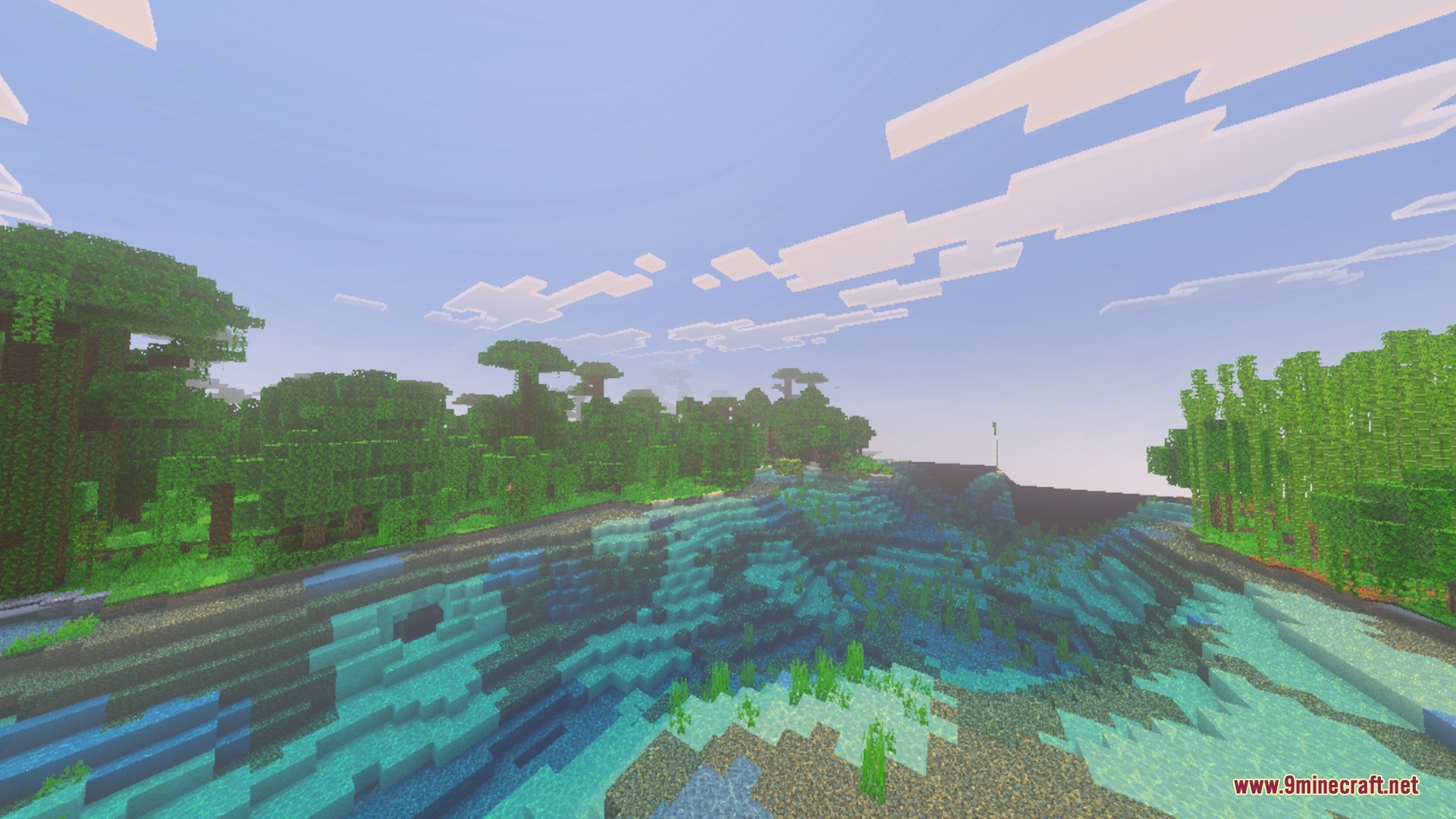
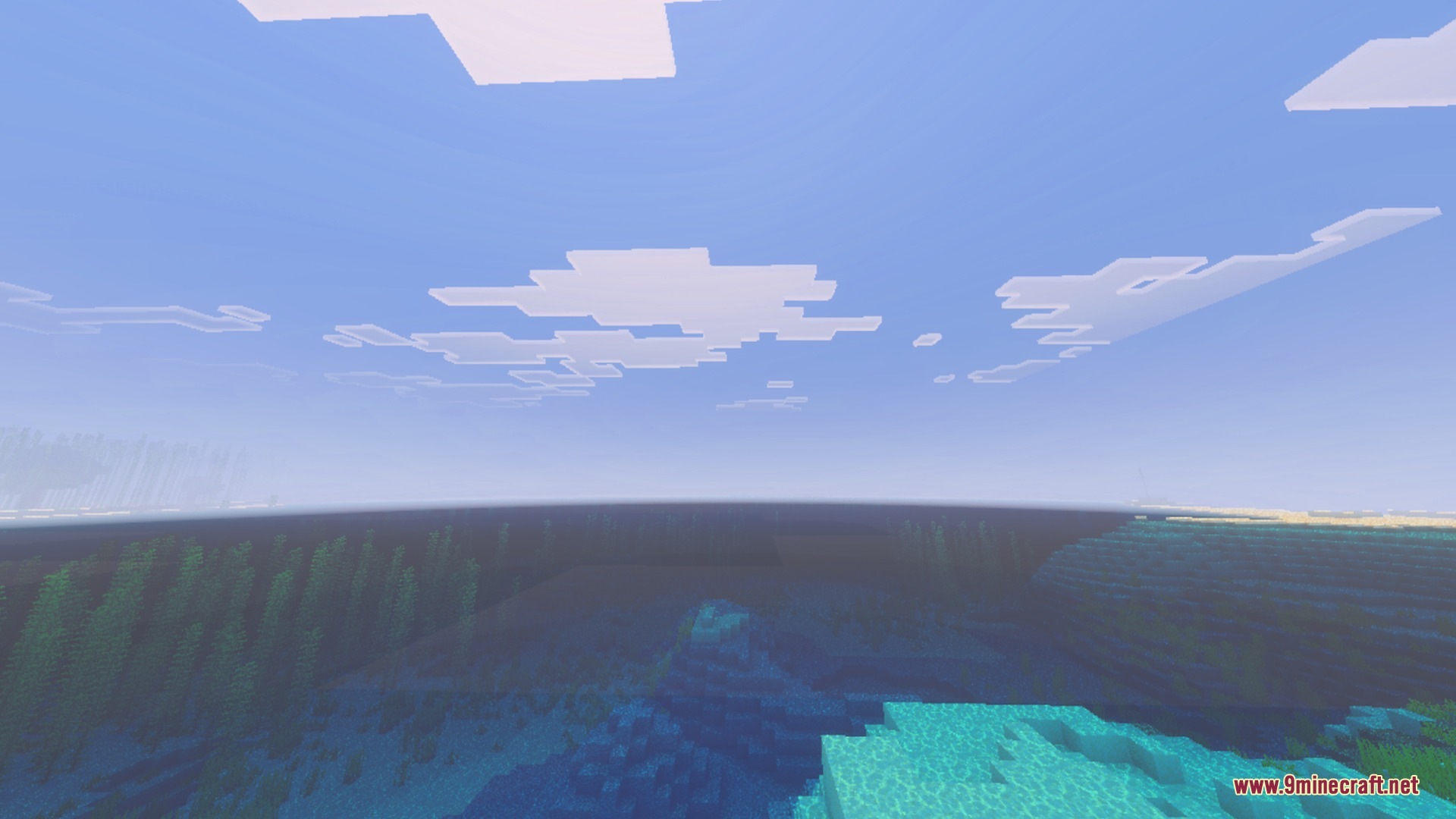
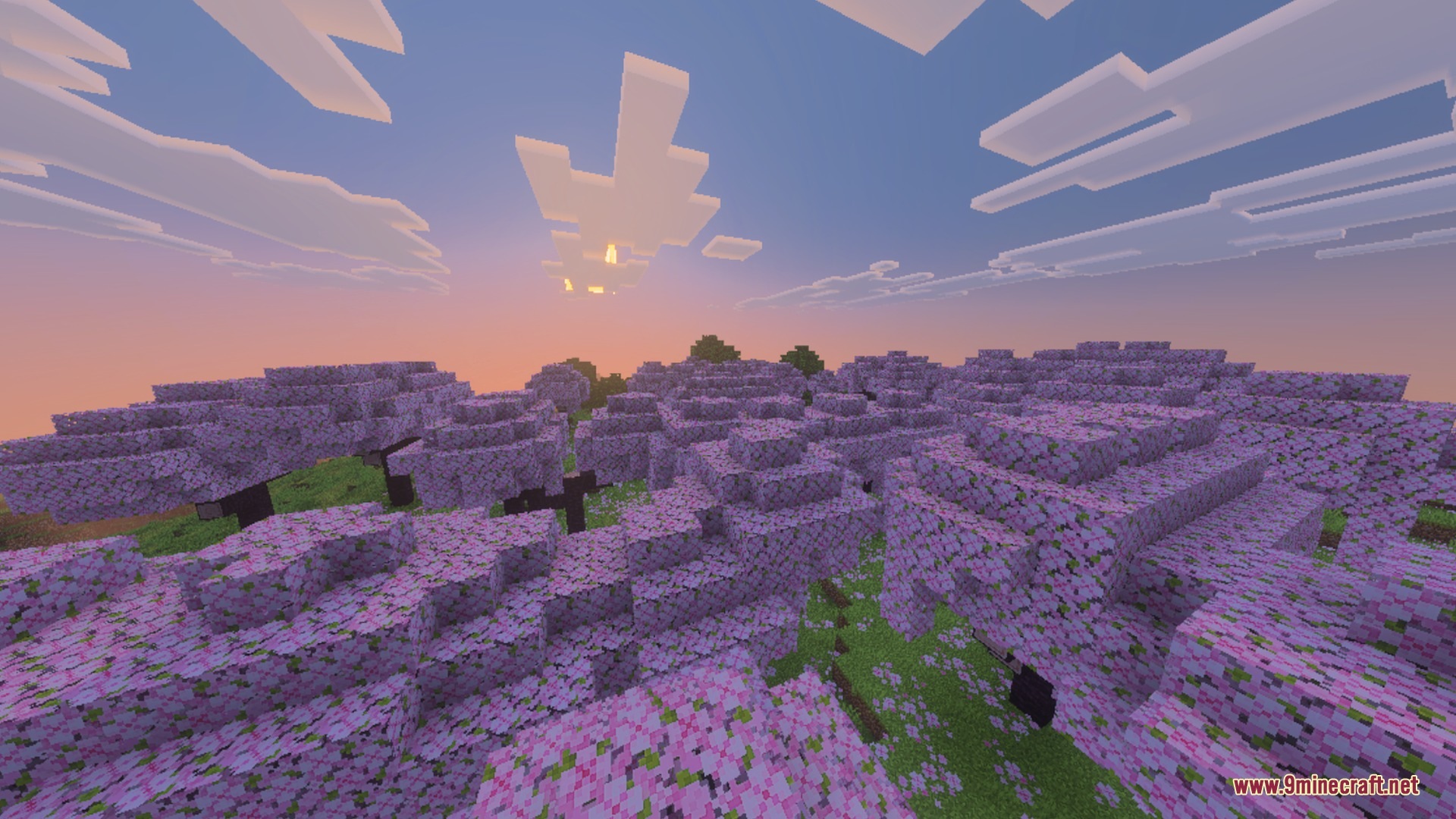
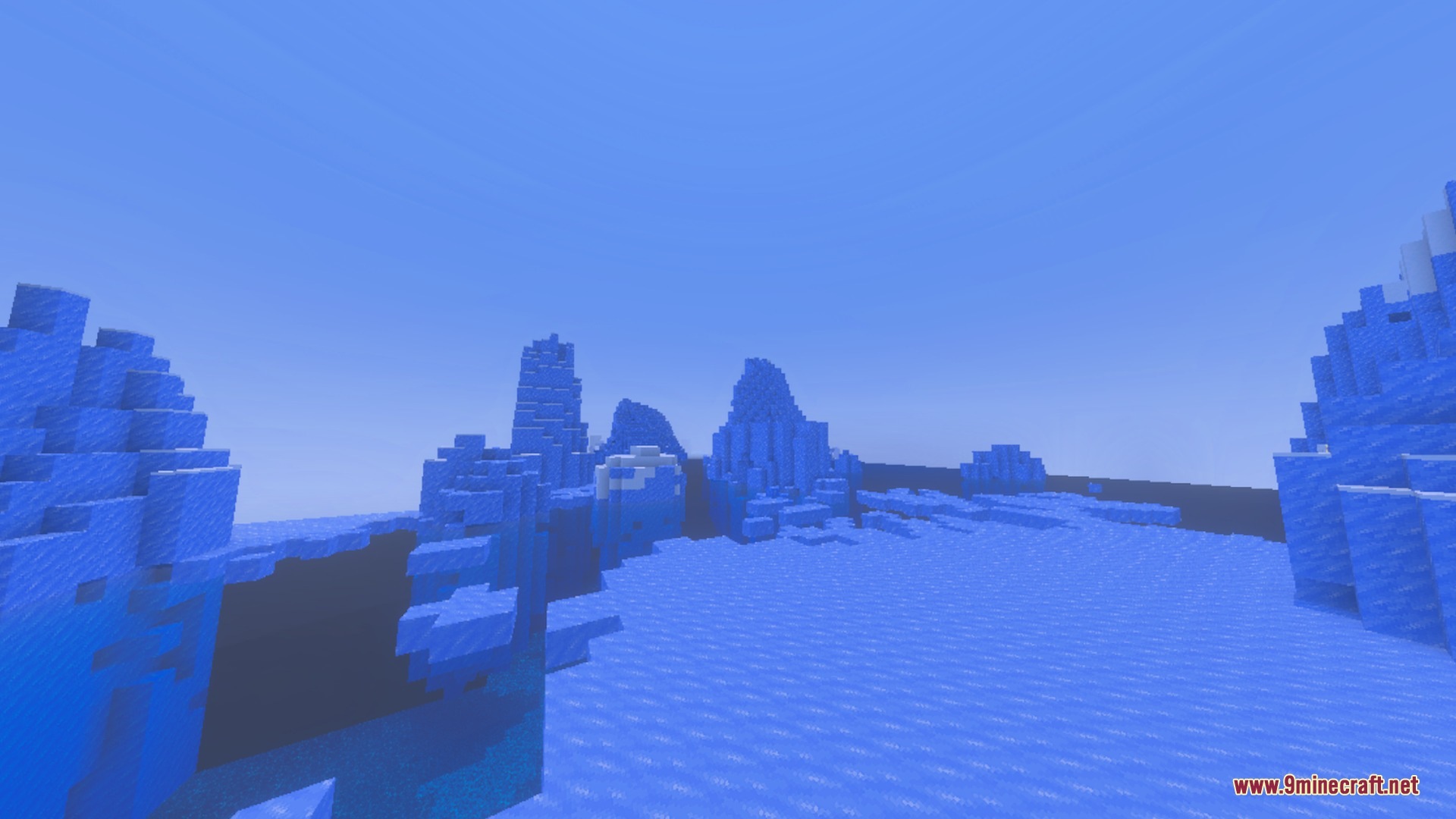
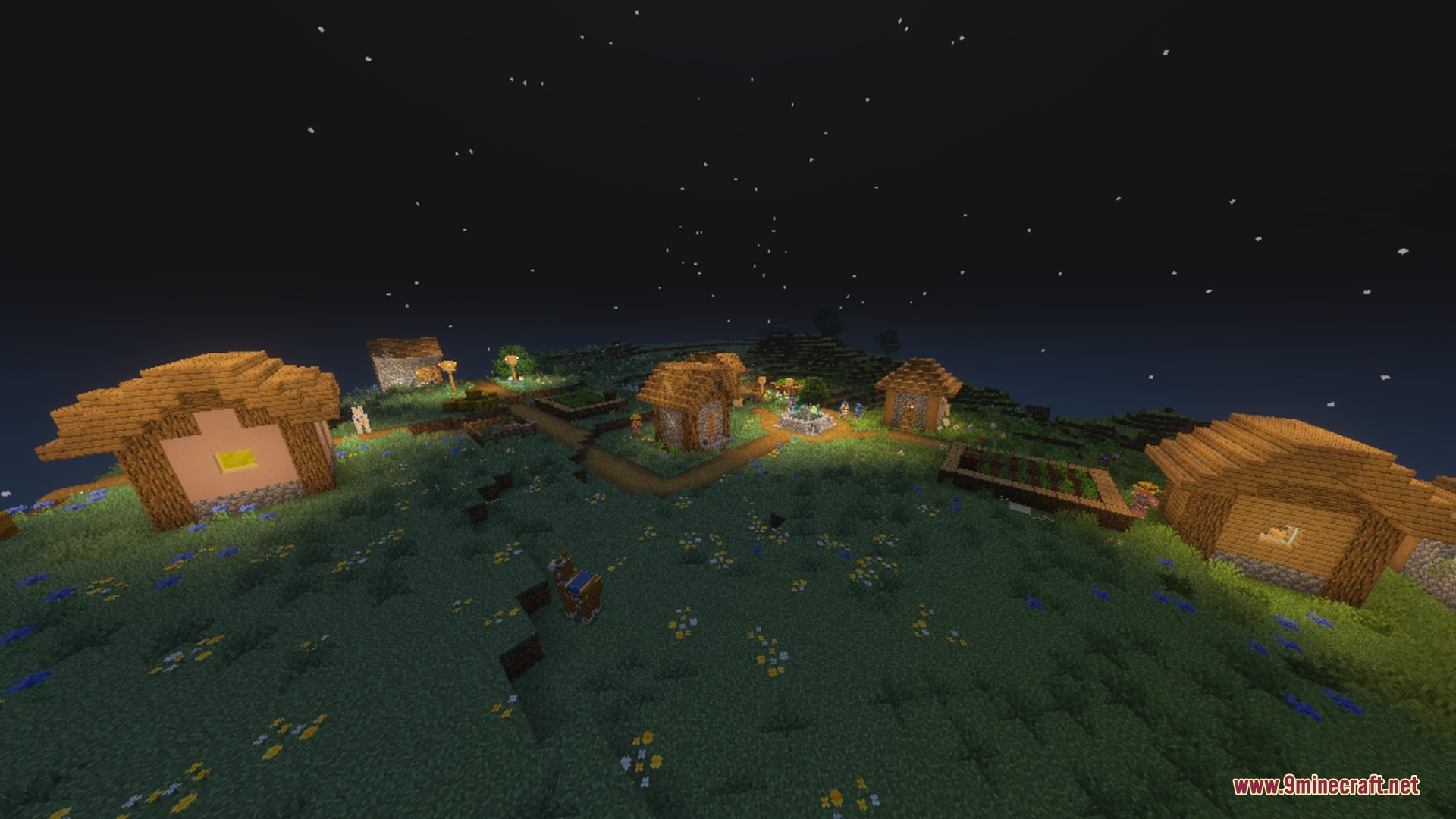

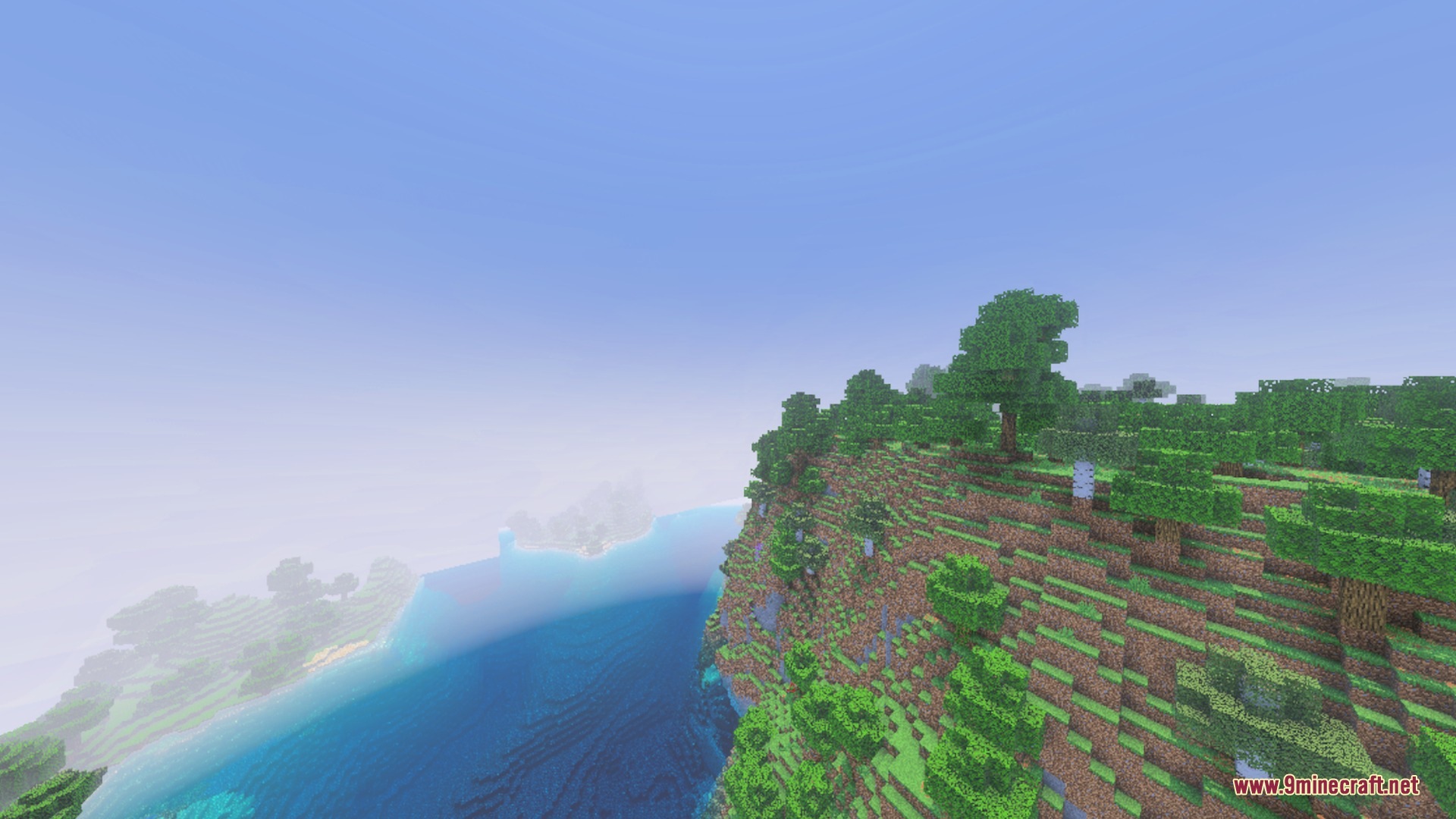
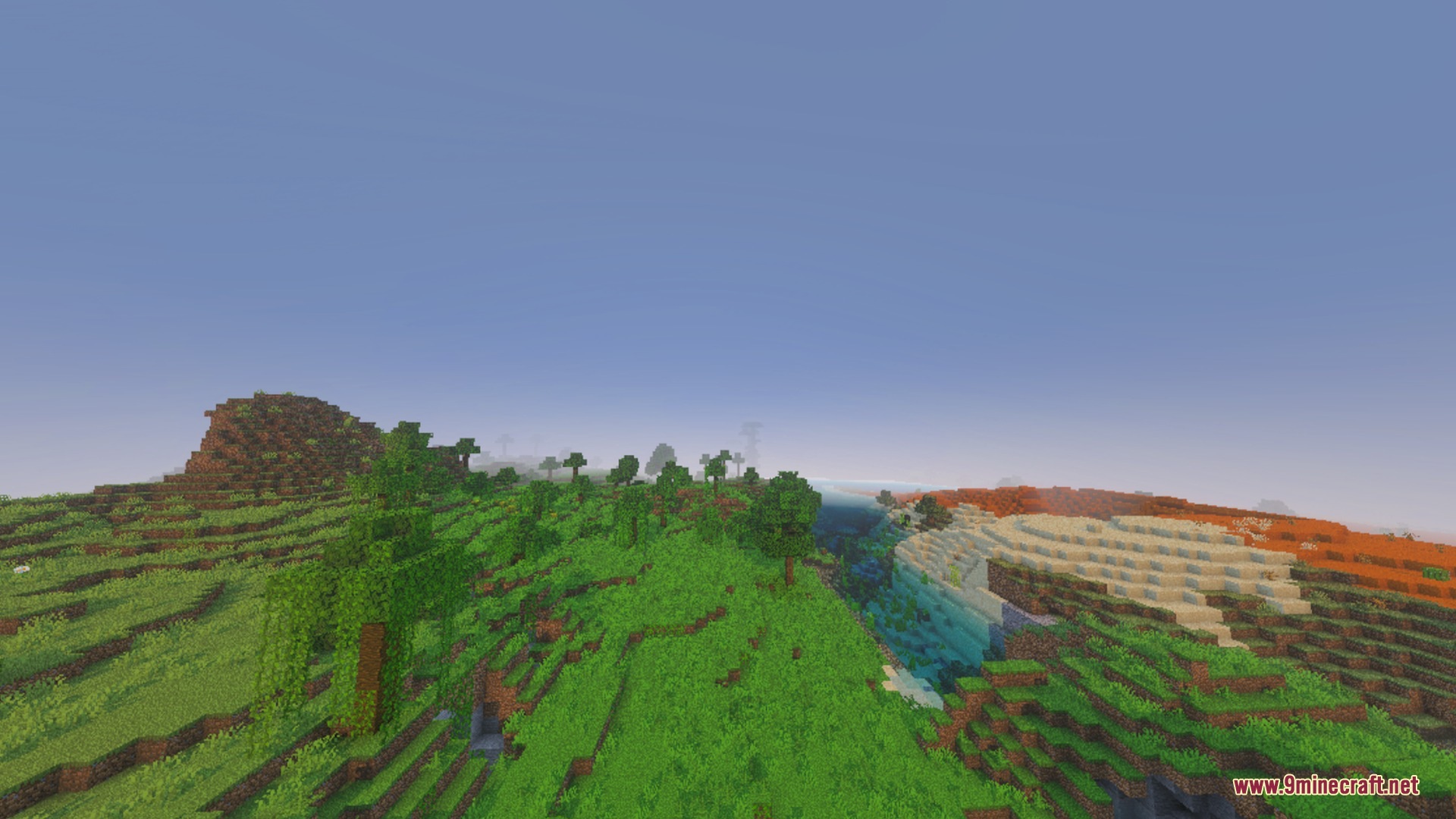

Motion:
How to Install:
New to Minecraft PE? Follow our step-by-step guide to install Shaders on your Mobile.View Guide
F1 & F3 BUTTON Download Links
For MCPE/Bedrock 26.x
Click to rate this post!
[Total: 0 Average: 0]
You May Also Like








This post has no comments yet. Be the first — your comment will appear here.