
PvP Manager 9minecraft Plugin (26.3) – Control Combat Logging, Newbie Protection and PvP Toggles
 27
 0

PvP Manager 9minecraft Plugin controls player combat on your server and stops combat logging during fights. It stops players from running away to safe zones when tagged and gives beginners starter protection so they stay safe. The plugin also lets server staff turn combat on or off globally or world by world to keep gameplay fair for everyone.
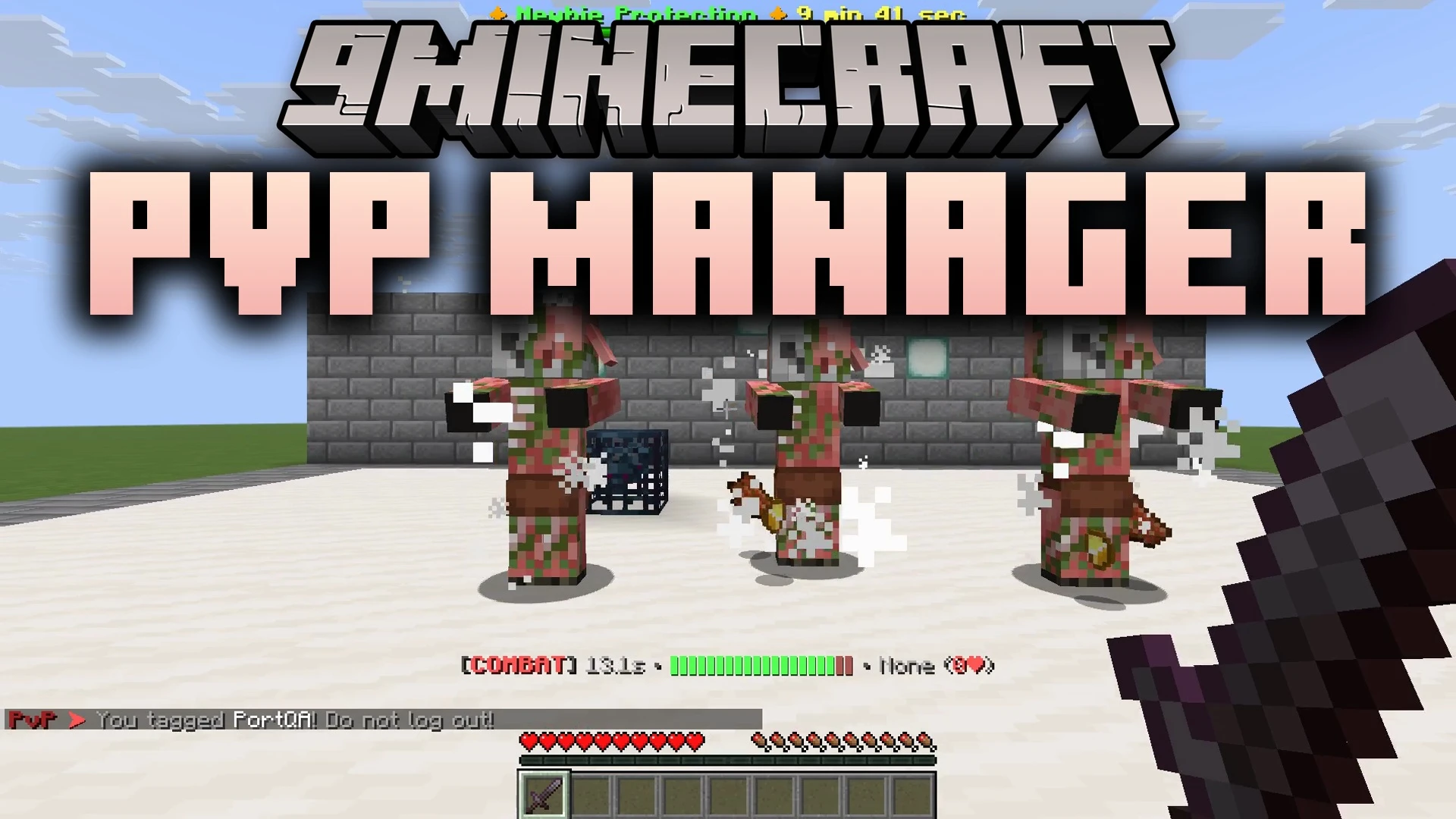
Features:
- Stops players from disconnecting during combat with custom punishment settings.
- Lets players and staff toggle combat status individually or across entire worlds.
- Disables flight, creative mode, disguises, and invisibility as soon as combat starts.
- Gives new players temporary protection when they first join the world.
- Offers respawn protection so players cannot be attacked right after dying.
- Prevents players from running into safe zones while tagged in battle.
- Stops kill abuse by limiting how many times someone can farm the same player.
- Blocks commands, block placement, and ender pearl throws while in combat.
- Transfers item drops directly to the killer after a fight.
- Shows blood particle effects when hits connect.
- Allows instant healing with auto soup mechanics.
PvP Manager 9minecraft Plugin – Video Showcase
Commands:
/pvp [player]: Toggles player combat mode on or off./pvpstatus [player]: Checks the combat status of yourself or another user./pvptag [player] [seconds]: Combat tags a target for a set duration or checks your remaining battle time./newbie [disable|add|checktime|remove]: Manages or checks newbie protection time./pvplist: Lists the combat state of online or offline players./pvpoverride: Bypasses combat restrictions to attack anywhere./untag [player]: Removes the combat tag from a target./pvpglobal: Toggles player combat across the entire server./pmr reload: Reloads the plugin settings and files./pmr worlds: Opens an interactive menu to adjust combat settings per world.
How to Use:
- Type
/pvpto turn your personal combat status on or off if the server allows it. - Attack another player or receive a hit to trigger combat tag mode.
- Keep track of your battle timer by entering
/pvptagin the chat. - Wait for the combat timer to expire before trying to use blocked teleport commands or safe zones.
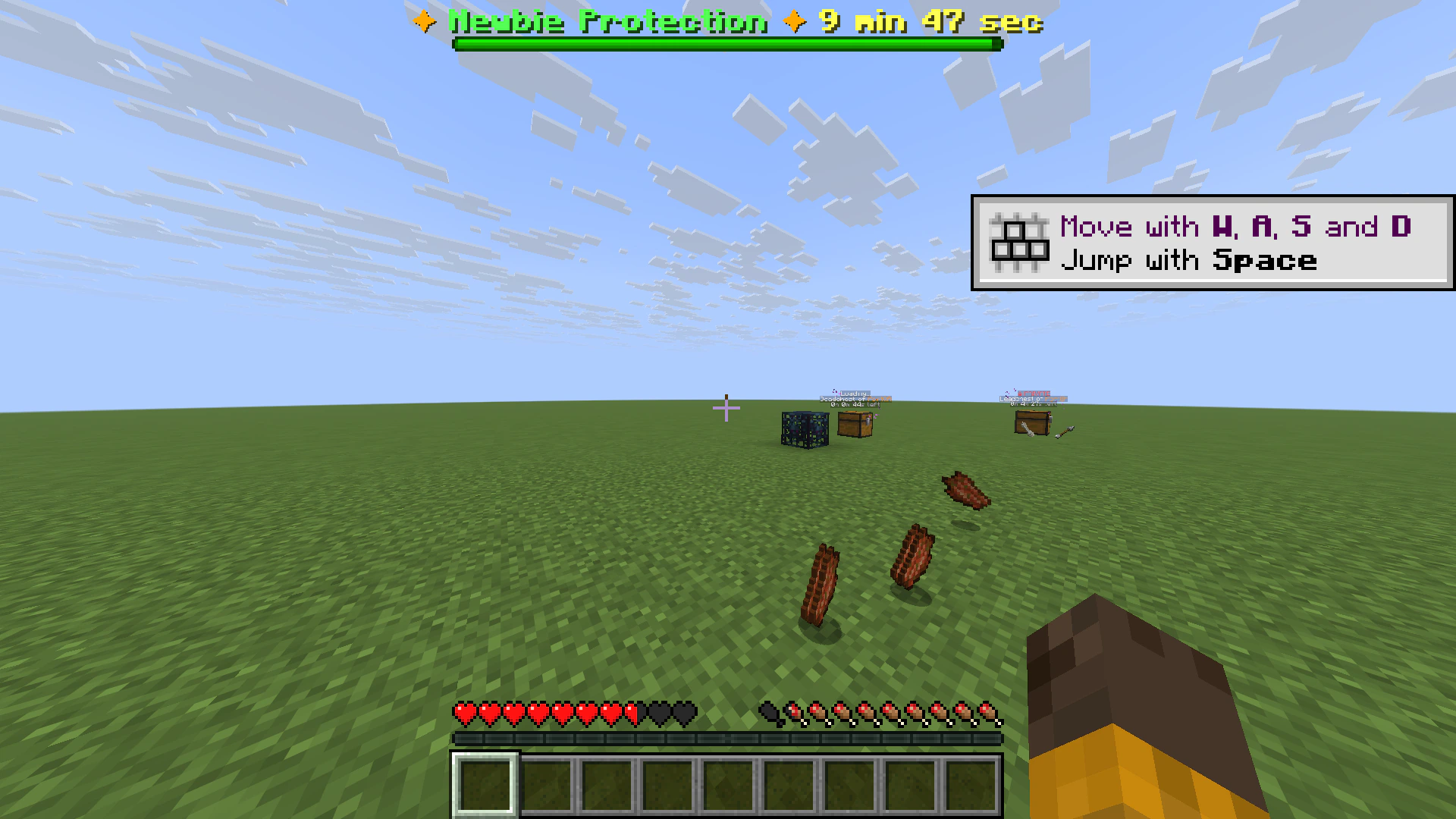
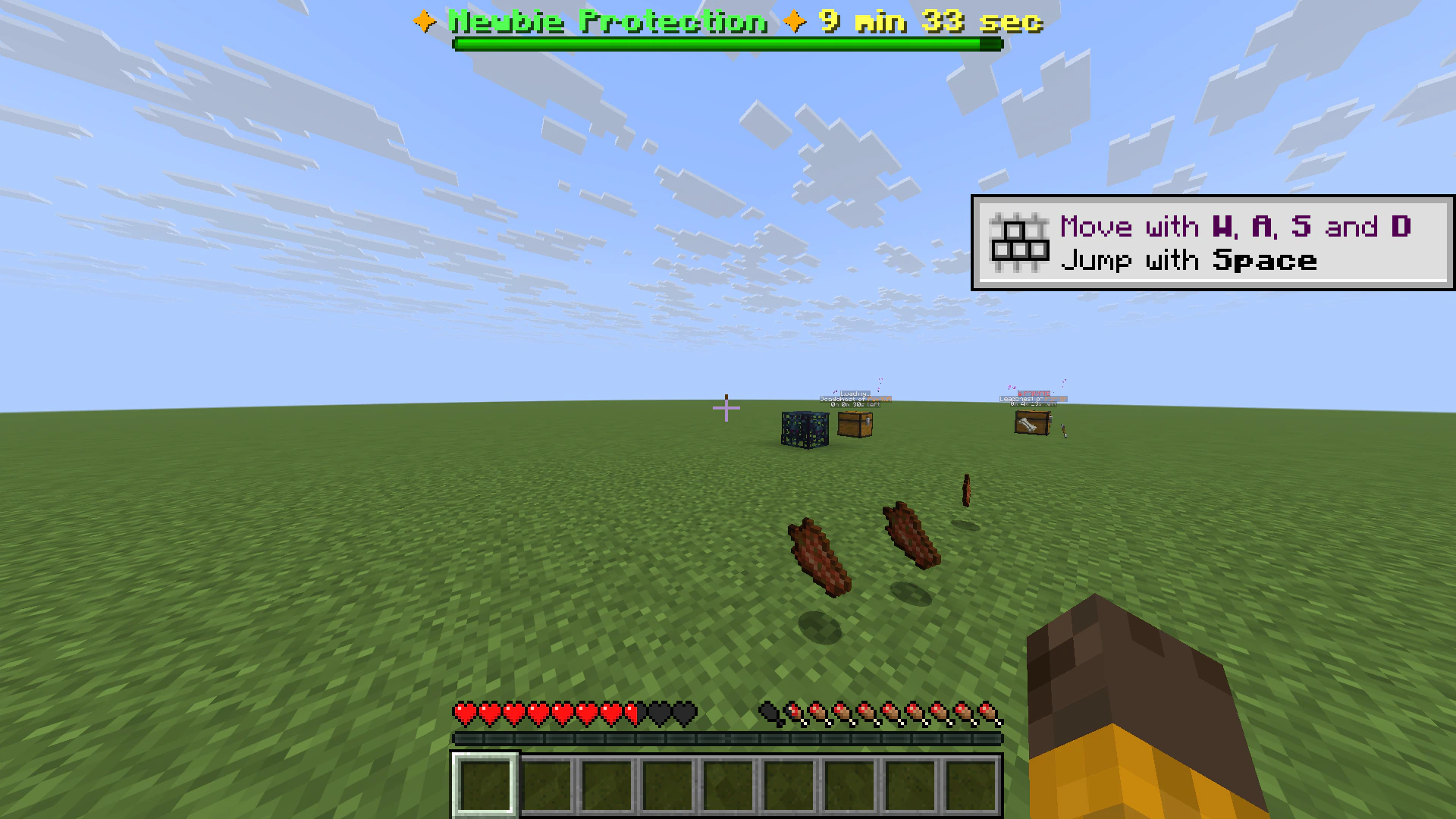
Screenshots:
How to Install:
New to Minecraft? Follow our step-by-step guide to install Plugins on your PC.View Guide
PvP Manager 9minecraft Plugin Download Links
For Minecraft 26.3
Click to rate this post!
[Total: 0 Average: 0]
You May Also Like
Picked for this page
 Grim Anticheat Plugin (26.3, 1.20.1) – Realtime Cheat Detection Plugin
 Daily Rewards Plus Plugin (1.21.11, 1.20.1) – Customizable Daily Login Rewards
 Limit Spawns Plugin (1.12.2) – No More Lag Spikes From Crowded Mobs
 Moonlit Performance Enhancement Module Plugin (1.20.6, 1.20.1) – Smooth Gameplay And Server Enhancements
 Vanguard Realm Bounds Plugin (26.2, 1.20.1) – Give Players Safe Land
 Essentials 9minecraft Plugin (26.3) – The Core Command Set Almost Every Server Runs
 Dead Chest 9minecraft Plugin (26.3) – Keep Your Items in a Chest When You Die
 Silk Spawners 9minecraft Plugin (26.3) – Mine and Place Mob Spawners Without Losing Them
 World Guard Region Protect Plugin (26.2, 1.20.1) – Keep Server Hubs Safe
 Advanced Set Spawn Plugin (26.2, 1.20.1) – Welcome New Players to a Safe
 J Manhunt Plugin (26.3, 26.1.2) – Run Intense Hunter Chases
 Crafters Staff Plugin (1.21.11, 1.21.1) – Catch Rule Breakers Without Ruining
Most viewed in Plugins over the last 7 days
 Dynmap 9minecraft Plugin (26.3) – A Live Google-Maps-Style View of Your Whole Server
 Vulcan Anti Cheat Plugin (1.21.8, 1.20.1) – A Powerful Shield Against Cheating
 Citizens Plugin (1.21.10, 1.20.1) – The Best NPC Plugin
 Displaymotion Plugin (1.21.4) – Amaze Players with Custom Animations and No Client Mods
 Citizens2 Plugin (1.21.8, 1.20.1) – Craft Unique NPCs
 MMOItems Premium Plugin (1.21.8, 1.20.1) – Create Stunning Custom Items
 Ultimate Donut SMP Plugin (26.3, 1.20.1) – Build Teams Trade Goods
 WorldEdit Plugin (1.21.11, 1.20.1) – Easy In-Game Minecraft Map Editor
 MythicCrucible Plugin (1.21.8, 1.20.1) – Addon for MythicMobs
 MythicMobs Premium Plugin (1.21.9, 1.20.1) – Craft Epic Custom Mobs And Bosses
 Vehicles Plus Plugin (1.21.11, 1.20.1) – Realistic Vehicle Plugin
 Fish Rework Fishing Plugin (26.3, 1.21.1) – Turn Simple Fishing
More from Plugins
 Simple Vein Enchants Plugin (26.3, 26.1.2) – Skip Repetitive Grinding
 Economy Gui Plugin (26.3, 1.20.1) – Keep Server Wealth Visible and Fair
 Minecraft Prometheus Exporter Plugin (1.16) – Catch Server Lag Before Players Feel It
 Mythic Weapons Ultimate Plugin (26.3, 1.21.1) – Turn Survival Fights
 Ownership Tracker Plugin (1.21.11) – Expose Gear Thieves and Keep Player Loot
 Mail Box Plugin (26.3, 1.21.1) – Exchange Letters and Deliver Gifts
 Silky Spawners X by Sir Meliodas Plugin (26.3, 1.21.11)
 Simple Voice Chat Voice Physics Plugin (26.3, 1.20.1)
 Disable Mob Griefing Plugin (26.3, 1.20.1) – Protect Builds Without Breaking
 Token Smp Season2 Plugin (1.21.11, 1.21.1) – Collect Mob Tokens and Battle
 Smiley Player Trader Plugin (26.3, 1.20.1) – Trade Face to Face Without Clunky
 Stellaria Plugin (26.2) – Chart Custom Constellations Together Under One Sky

This post has no comments yet. Be the first — your comment will appear here.