


Vanguard Realm Bounds Plugin (26.2, 1.20.1) – Give Players Safe Land
 0
0
 0
0

Vanguard Realm Bounds Plugin protects player land and stops griefing on multiplayer servers. It gives players simple tools to claim areas, assign trusted roles to friends, and toggle custom rules like PvP or explosion protection. All claims stay saved across server restarts without needing extra database setups.
Features:
- Lets players claim custom plots using a selection wand or coordinate commands.
- Includes a role system with Owner, Co-Owner, Member, and Guest ranks.
- Blocks TNT explosions, Creeper blasts, fire spread, and lava griefing inside claims.
- Prevents Endermen from picking up and moving blocks away from builds.
- Lets claim owners toggle specific flags for PvP, chests, doors, redstone, and entry.
- Shows border particles in the game world so players see exact claim limits.
- Saves all claim information directly to YAML files on the server.
- Works with PlaceholderAPI to show claim names and roles in scoreboards and tab lists.
Commands:
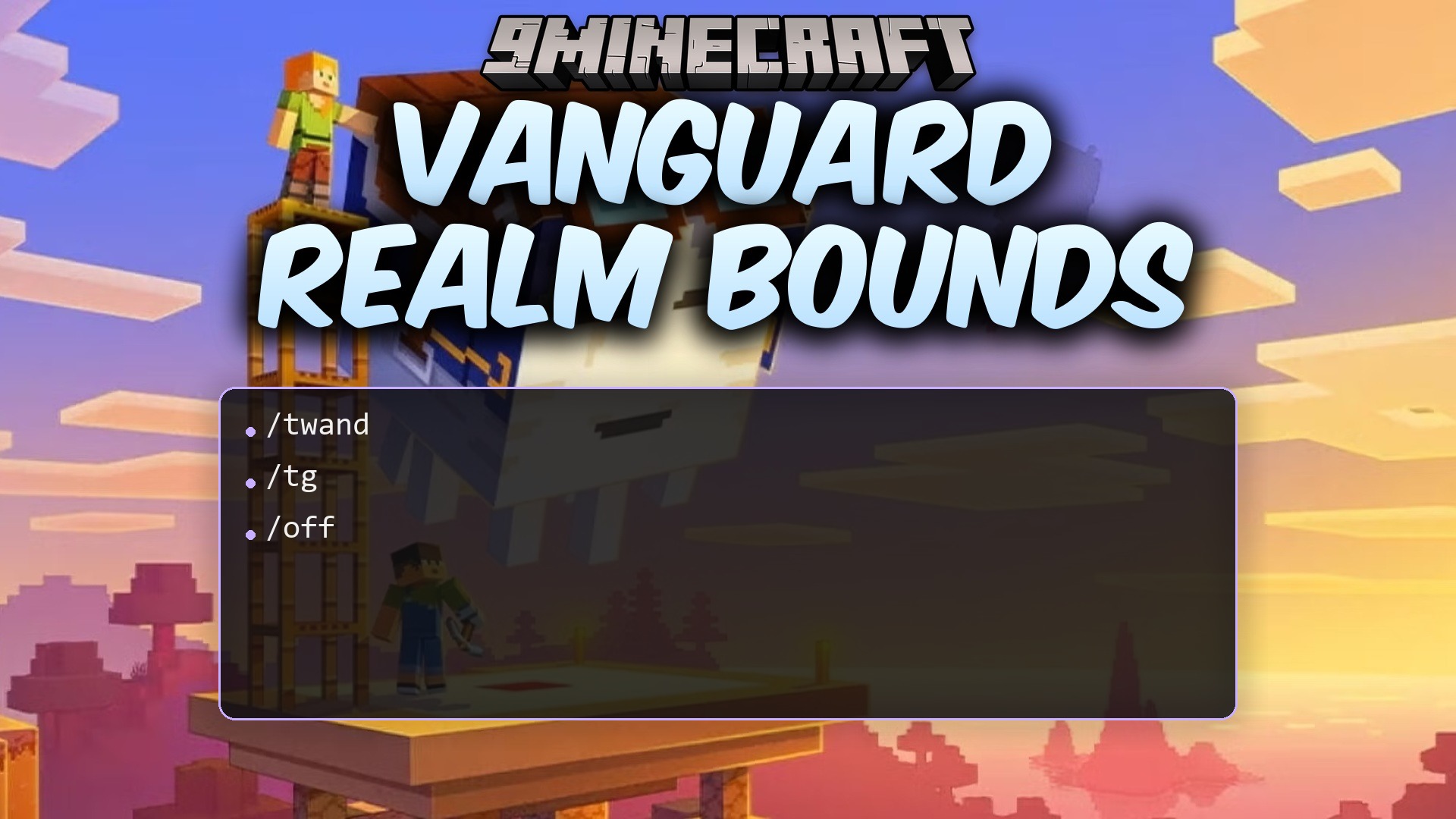
/twand: Gives you the wand item to select land corners./tg tpos1: Sets the first corner position of your claim./tg tpos2: Sets the second corner position of your claim./tg create <name>: Creates a new protected territory with your chosen name./tg flag <territory> <flag> [on/off]: Changes a protection rule setting for a territory.
Configuration:
settings:
  language: "en"
  max-territories-per-player: 5

  min-size: 10
  max-size: 1000

  particles-enabled: true

flags:
  build: false
  pvp: false
  fire: false
  lava: false
  water: false
  piston: false
  explosions: false
  enderman: false
  chest: false
  door: false
  redstone: false
  enter: true
How to Use:
- Type
/twandin chat to receive the territory selection wand. - Left-click a block to mark the first corner of your build area.
- Right-click a block to mark the opposite corner of your build area.
- Type
/tg create <name>to save your newly protected land. - Use
/tg flag <territory> <flag> [on/off]to control settings like PvP or container access.
How to Install:
New to Minecraft? Follow our step-by-step guide to install Plugins on your PC.View Guide
Vanguard Realm Bounds Plugin Download Links
For Minecraft
26.2,
26.1.2,
26.1.1
All Versions Covered
26.2
26.1.2
26.1.1
26.1
1.21.11
1.21.10
1.21.9
1.21.8
1.21.7
1.21.6
1.21.5
1.21.4
1.21.3
1.21.2
1.21.1
1.21
1.20.6
1.20.5
1.20.4
1.20.3
1.20.2
1.20.1
1.20
1.19.4
1.19.3
1.19.2
1.19.1
1.19
1.18.2
1.18.1
1.18
1.17
1.16
1.15
1.14
1.13
1.12
All Versions Covered
26.2
26.1.2
26.1.1
26.1
1.21.11
1.21.10
1.21.9
1.21.8
1.21.7
1.21.6
1.21.5
1.21.4
1.21.3
1.21.2
1.21.1
1.21
1.20.6
1.20.5
1.20.4
1.20.3
1.20.2
1.20.1
1.20
1.19.4
1.19.3
1.19.2
1.19.1
1.19
1.18.2
1.18.1
1.18
1.17
1.16
1.15
1.14
1.13
1.12
Click to rate this post!
[Total: 0 Average: 0]
You May Also Like

This post has no comments yet. Be the first — your comment will appear here.