
Survival Home Schematic (1.21.x) – Spacious Empty House For Survival Players
 39
 0


Survival Home Schematic provides a large, empty house for your survival world. This schematic gives you a sturdy building with plenty of room to store items and set up your base. It comes with no inside decorations so you can design the rooms exactly how you want. The build fits well into any forest or plains biome. It uses common blocks that are easy to find while playing.

3D Preview & Editor:
How to place this schematic
.litematic This is a Litematica schematic. You place it with the Litematica mod, which shows the build as a ghost overlay you fill in.
| 1 | Install Litematica (plus MaLiLib) for your Minecraft version. |
| 2 | Put the .litematic file in .minecraft/schematics. |
| 3 | In game press M → Load Schematics, pick the file, then Load. |
| 4 | Position the ghost preview, then build it by hand — or turn on Easy Place to place blocks straight from your hotbar. |
About this build
| 1 | Download the LITEMATIC file to your computer. |
| 2 | Open your Minecraft world and load the file using the Litematica mod. |
| 3 | Choose the spot where you want to build the home. |
| 4 | Follow the schematic layout to place all 2,278 blocks in the correct spots. |
Features:
- Offers a large open floor plan that you can decorate with your own furniture and chests.
- Measures 17 blocks wide, 19 blocks long, and 19 blocks high for a medium-sized footprint.
- Uses a total of 2,278 blocks to create a solid and safe living space.
- Works with Minecraft version 1.21.x and newer versions.
- Looks great when paired with the John Smith Legacy resource pack for a classic look.
Schematic Specs:
 Minecraft1.21.x
 Dimensions17×19×19
 Total Blocks2,278
 Top Blocks Used
Dirt 377Birch Slab 329Diorite 255Grass Block 254Deepslate Brick Stairs 194
Screenshots:


Survival Home Schematic Download Links
For Minecraft 1.21.x
Click to rate this post!
[Total: 0 Average: 0]
You May Also Like
Picked for this page
 Pokémon Temple Arena Japanese Litematica Schematic (1.21.x) – Large Asian Fortress With Fighting Rin
 The Damocles Schematic (1.21.x) – Giant Futuristic Space Station Build
 Oozing Slime Farm Snow Farm Schematic (1.21.x) – Compact Combined Slime And Snow Farm Build
 Tall Cherry Tree Schematic (1.21.x) – A Tall Custom Cherry Blossom Build
 Mini Freddy Pizzeria Schematic (1.21.x) – A Small FNAF Restaurant Build For Your World
 2×2 Flush Seamless Piston Door Schematic (1.21.x) – Hidden Redstone Entrance For Your Base
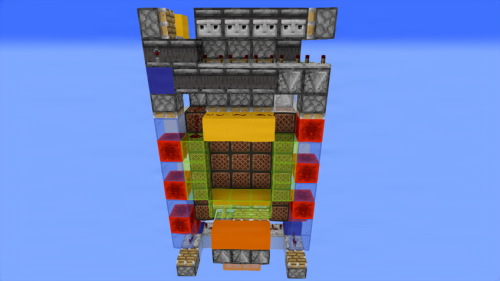 3×3 Full Frame Noteblock Bud Door Schematic (1.21.x) – 3×3 Redstone Door Controlled By Noteblocks
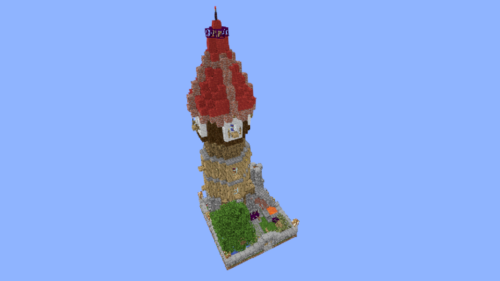 Blacksmith Tower Schematic (1.20.x) – Tall Vanilla Building Blueprint For Villages
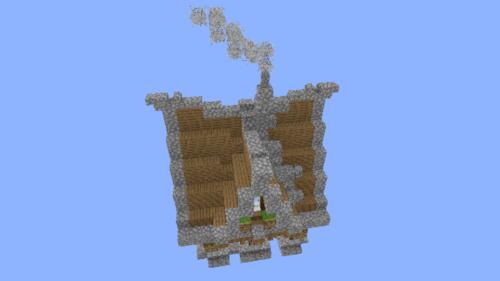 Small House 6 Schematic (1.20.x) – A Compact Vanilla House Build For Survival
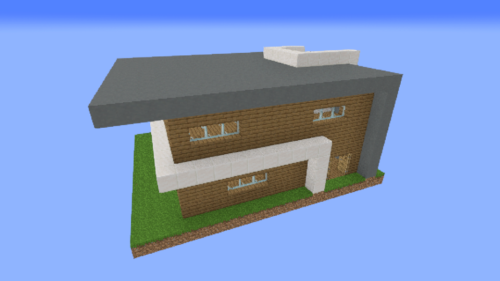 Small House 11 Schematic (1.20.x) – Tall And Compact Vanilla Home Build
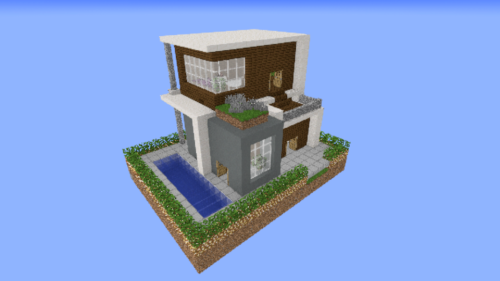 Small House 9 Schematic (1.20.x) – Compact Vanilla House Build Schematic
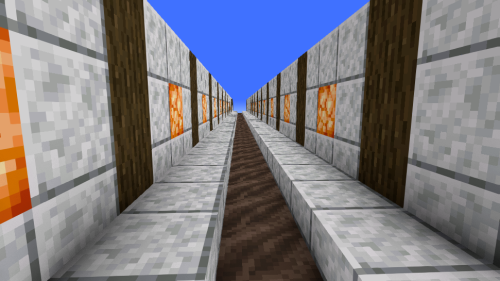 Diorite Tunnel Schematic (1.19.x) – A Simple Diorite Nether Hub Tunnel Build
Most viewed in Schematics over the last 7 days
 Fastest Bonemeal Farm Donut Smp Schematic (1.21.x) – Fast Redstone Bonemeal Farm Build
 64 Module Cobblestone Farm Schematic (1.21.x) – Massive Automated Stone Gathering Build
 KelpFarmV9.9 Schematic (1.21.x) – Compact And Simple Seaweed Farm Build
 Gold Farm Schematic (1.21.x) – Automatic Nether Roof Gold Farm
 Villager Trading Hall Schematic (1.21.x) – Modern Shop Build For 48 Villagers
 Bamboo Farm Schematic (1.21.x) – Small Automated Redstone Bamboo Farm
 Best Railgun Tp Trap on Donutsmp Schematic (1.21.x) – Unescapable Multiplayer Redstone Trap Build
 Minutes End Base Before Spoke Null End Video Schematic (1.21.x) – Giant Unstable SMP End Base Schema
 Bamboss V2 800k Bamboo per Hour Schematic (1.21.x) – High Speed Automated Bamboo Farm Schematic
 36 Module Cobble Farm 18m per Hour Donut SMP Schematic (1.21.x) – Massive Automated Stone Generator
 Donut Smp Stash and Regear Schematic (1.21.x) – Large Storage And Regear Room Build
 Unstable SMP S Bomer Schematic (1.21.x) – Large Bomber Machine Build For Worlds
More from Schematics
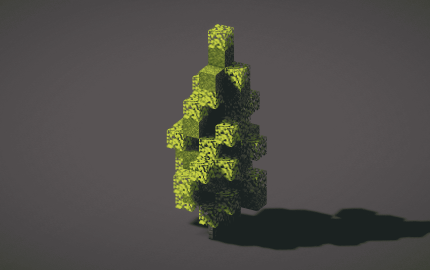 Small Tree Schematic (1.21.x) – Clean and Detailed Mini Tree Build
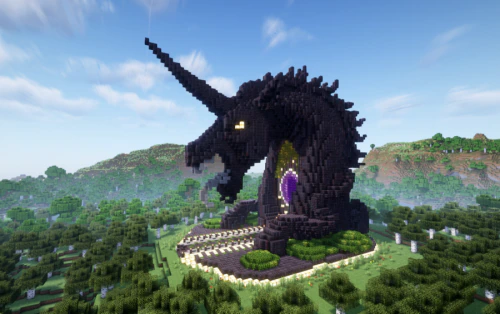 Minecraft Dark Unicorn Nether Portal Statue V03 Free Schem Schematic (1.19.x) – Giant Dark Unicorn N
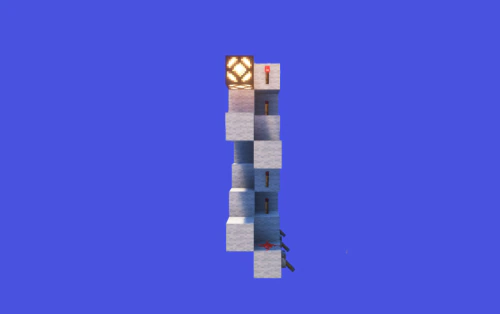 Ultra Compact Full Adder 2 Blocks Deep Using Only Redstone Torches and Dust 6x8x2 Schematic (1.21.x)
 Cargo Ship Free Schematic (1.21.x) – Detailed Cargo Ships for Harbor Builds
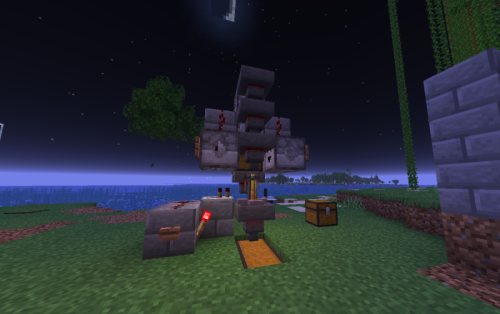 Firstqualified’s Pot Farm Schematic (1.21.x) – Compact Redstone Potion Brewing System
 SpicyT 1 Year Cake Schematic (1.21.x) – A Giant Spicy Birthday Cake Statue
 Free Neomarinus TheVividSeaDragon Schematic (1.19.x) – Massive Blue and Pink Sea Dragon Build
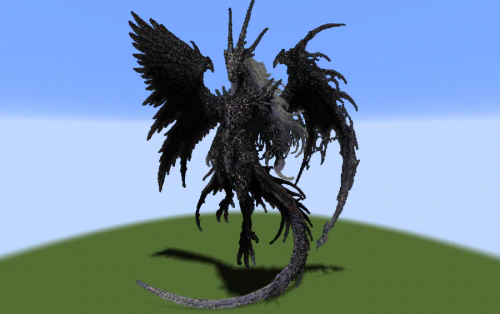 Free Noctiseraph the Fallen Twin Winged Dragon Schematic (1.19.x) – Massive Dark Fantasy Dragon Stat
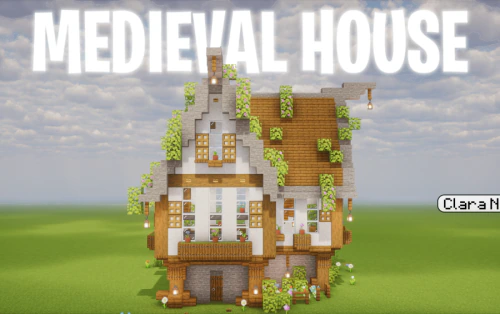 Medieval House Free Schematic (1.21.x) – Classic Medieval Survival Home Building Plan
 Ultra Compact Full Adder V1.2 Schematic (1.21.x) – Tiny Redstone Logic Gate Schematic
 Minecraft Shenron Dragon Statue Free Schem Schematic (1.19.x) – Massive Dragon Ball Statue Build Sch
 Pale White Mansion Schematic (1.21.x) – Victorian Gothic Manor For Your World

This post has no comments yet. Be the first — your comment will appear here.