
Moderation Plus Plugin (26.2, 1.21.1) – Ban Troublemakers with Lightning
 4
 0

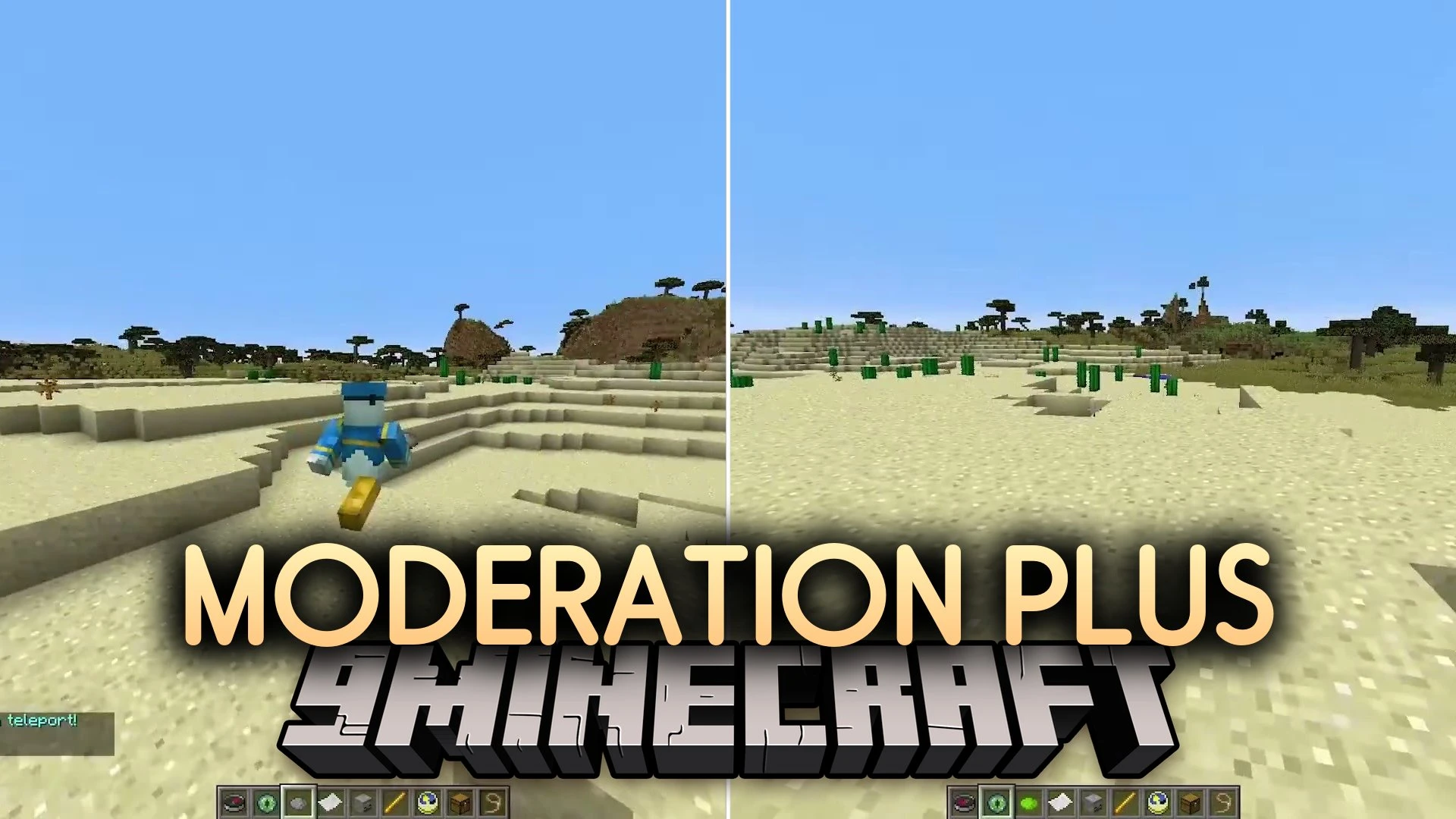
Moderation Plus Plugin manages player punishments on small Minecraft servers and private communities. This lightweight tool gives staff simple commands to ban, mute, kick, and teleport to players without extra bloat. It includes an interactive history menu, an epic ban animation with lightning and explosions, and a safety prompt to stop accidental self-punishments. Because it works best for lower player counts, it fits private survival worlds rather than huge public networks.
Features:
- Epic Ban Animation: Punishes online rule-breakers with a special visual sequence that includes levitation, particle effects, lightning strikes, and explosions.
- Interactive History GUI: Displays a visual menu of past punishments sorted by category, where staff can view detailed records or delete old entries.
- Self-Punishment Protection: Prevents accidents by showing a safety prompt in chat that requires a click confirmation if you target yourself with a punishment.
- Lets staff teleport to offline players or check their last known locations in the world.
- Saves data using your choice of local SQLite, MySQL database, YAML, or JSON storage formats.
- Includes automatic tab-completion for commands that recognizes both online and known offline players.
- Ships with English (
en.yml) and French (fr.yml) language files, plus editable chat messages and kick screens.
Commands:
/mod: runs the main moderation command./ban: permanently bans a player from the server./tempban: temporarily bans a player for a set time./kick: kicks a player off the server./mute: permanently mutes a player in chat./tempmute: temporarily mutes a player in chat./unban: removes an active ban from a player./unmute: removes an active mute from a player./history: opens the interactive GUI to view or delete a player’s punishment records./tp: teleports you to an online player or to an offline player’s last known spot.
Screenshots:


How to Install:
New to Minecraft? Follow our step-by-step guide to install Plugins on your PC.View Guide
Moderation Plus Plugin Download Links
For Minecraft
26.2,
1.21.11,
1.21.10
All Versions Covered
26.2
1.21.11
1.21.10
1.21.9
1.21.8
1.21.7
1.21.6
1.21.5
1.21.4
1.21.3
1.21.2
1.21.1
1.21
All Versions Covered
26.2
1.21.11
1.21.10
1.21.9
1.21.8
1.21.7
1.21.6
1.21.5
1.21.4
1.21.3
1.21.2
1.21.1
1.21
Click to rate this post!
[Total: 0 Average: 0]
You May Also Like
Picked for this page
 BuildPaste Plugin (26.3, 1.20.1) – Populate Empty Worlds with Shared Creations
 Hrda Nick Plugin (26.2, 1.21.1) – Play Incognito with Matching Names and Skins
 Wormhole X Treme Plugin (26.3, 1.20.1) – Link Server Bases Instantly
 L Claim Plugin (26.3, 1.20.1) – Build Protected Towns and Trade Peacefully
 Set Homes Two Plugin (26.2, 1.20.1) – Give Players a Safe Way Back
 Advanced Set Spawn Plugin (26.2, 1.20.1) – Welcome New Players to a Safe
 Chunk Carts Plugin (26.2, 1.21.1) – Send Items Across the Map Without Following
 Vote Ban Plugin (26.2, 1.20.1) – Let Players Vote Out Trolls When Staff
 Donut TPA Teleport Requests Plugin (26.3, 1.21.1) – Fast Friend Teleports
 R Authorization Plugin (26.2, 1.20.1) – Stop Account Thieves From Ruining
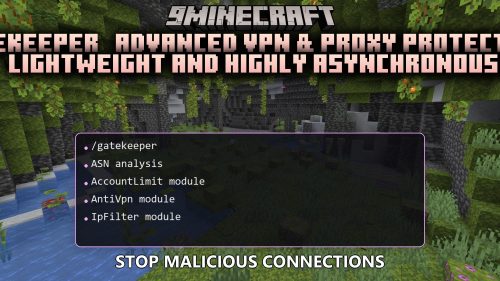 Gatekeeper Advanced VPN & PROXY Protection Lightweight and Highly Asynchronous Plugin (26.2, 1.20.1)
 Tr Discord Sync Plugin (1.21.11, 1.20.1) – Link Accounts, Sync Roles
Most viewed in Plugins over the last 7 days
 WorldEdit Plugin (1.21.11, 1.20.1) – Easy In-Game Minecraft Map Editor
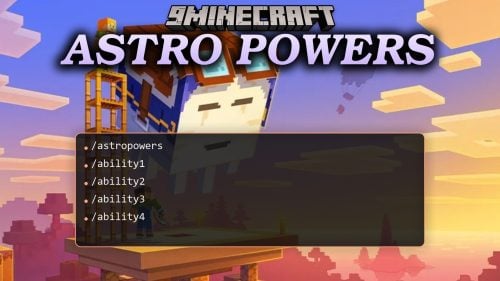 Astro Powers Plugin (26.3, 1.21.1) – Unlockable Superpowers Spark Intense
 Lightning on Death Plugin (26.3, 1.21.1) – Every Death Gets a Dramatic Thunder
 Ultimate Donut SMP Plugin (26.2, 1.21.11) – Everything Players Need to Trade
 Citizens Plugin (1.21.10, 1.20.1) – Talk to Living Characters
 MCStat Plugin (1.20.4, 1.13) – Track Active Playtime and Spot Lag Before Players Quit
 Totem of Null Plugin (26.3, 1.21.1) – Prank Your Friends By Sending Them
 CustomAliases Plugin (1.20) – Turn Long Server Commands Into Quick Chat Shortcuts
 Multiverse Netherportals Plugin (26.3, 1.20.1) – Fixes Portal Links Across Worlds
 Genius Shop Plugin (26.2, 1.21.1) – A Busy Marketplace Where Players Trade
 Dynmap 9minecraft Plugin (26.3) – A Live Google-Maps-Style View of Your Whole Server
 Christmas Season Plugin (26.3, 1.21.11) – Turn Worlds Into Snowy Wonderlands
More from Plugins
 Universal Chat Link Plugin (26.3) – Talk with In-Game Friends From Any Group
 Tunnel Craft Plugin (26.3, 1.21.1) – Host Multiplayer Worlds Without Port
 Siddy’s Simple Plugin (26.3, 1.21.11) – Shops, Warps, Bounties, and Kits All
 Secure Chest Plugin (26.2, 1.21.11) – Keep Your Loot Safe From Thiefs
 Chat Items Show Items Inventory & Ender Chest in Chat Plugin (26.3, 1.20.1)
 Orbital Strike Cannons Plugin (26.3, 1.21.1) – Unleash Unstable SMP Laser
 Mob Senses Mobs Hear Sound Guns Light & Voice Chat Plugin (26.3, 1.20.1)
 The Upgrader Plugin (26.3, 1.21.1) – Risk Extra Gear for Better Rewards
 Vacuum Hopper Plugin (26.3, 1.20.1) – Collect Loose Items Without Messy Water
 Servidor Prest Plugin (1.21.11) – Active Minigame Hubs with BedWars
 Souverainete Plugin (26.2, 1.21.1) – Bring Towns Alive with Smart AI Villagers
 Crystal Practice Bot Plugin (26.2, 1.21.11) – Train Crystal Combos

This post has no comments yet. Be the first — your comment will appear here.