
Tunnel Craft Plugin (26.3, 1.21.1) – Host Multiplayer Worlds Without Port
 1
 0

Tunnel Craft Plugin lets you host a Minecraft server or share a LAN world without opening router ports or needing a public IP address. This plugin routes network traffic through a WebSocket relay network so friends can join from anywhere. Each server gets its own permanent address to share with other players. All joining players must also install a matching Fabric or NeoForge client version to connect, because vanilla clients cannot use this custom tunneling protocol.

Features:
- No Port Forwarding: Lets you host servers and LAN worlds without changing router settings or exposing a public IP address.
- Permanent Server Address: Gives your server a fixed, easy-to-share address like
plpx-abc123that players enter in their server list. - Extra Port Forwarding: Allows Premium users to forward extra TCP and UDP ports for tools that need separate connections, such as Simple Voice Chat.
- Works across Bukkit, Paper, Purpur, and Spigot servers, as well as Fabric and NeoForge platforms.
- Routes traffic through a dedicated relay network so your home network stays private.
- Requires all joining players to run the matching client version on Fabric or NeoForge.
Comparison with e4mc:
| Feature | This Plugin | e4mc |
|---|---|---|
| Main use case | LAN worlds and dedicated servers | Sharing a singleplayer LAN world |
| Port forwarding required | No | No |
| Public IP required | No | No |
| Host platforms | Fabric, NeoForge, Bukkit, Paper, Purpur, Spigot | Fabric, Forge, NeoForge, Quilt |
| Dedicated server plugin | Yes | No |
| Required on joining clients | Yes | No |
| Vanilla clients allowed | No | Yes |
| Address type | Permanent address | Temporary public domain per LAN session |
| Extra TCP and UDP forwarding | Premium | Not listed |
Commands:
/tunnelcraft show: displays the connection address when sharing a singleplayer world to LAN.
How to Use:
- Start your dedicated server and copy the connection address shown in the server console.
- For singleplayer worlds, open the world to LAN and type
/tunnelcraft showto get your address. - Make sure every friend who wants to join has the matching Fabric or NeoForge client version installed.
- Share the address with your friends so they can add it to their multiplayer server list and join.
Screenshots:

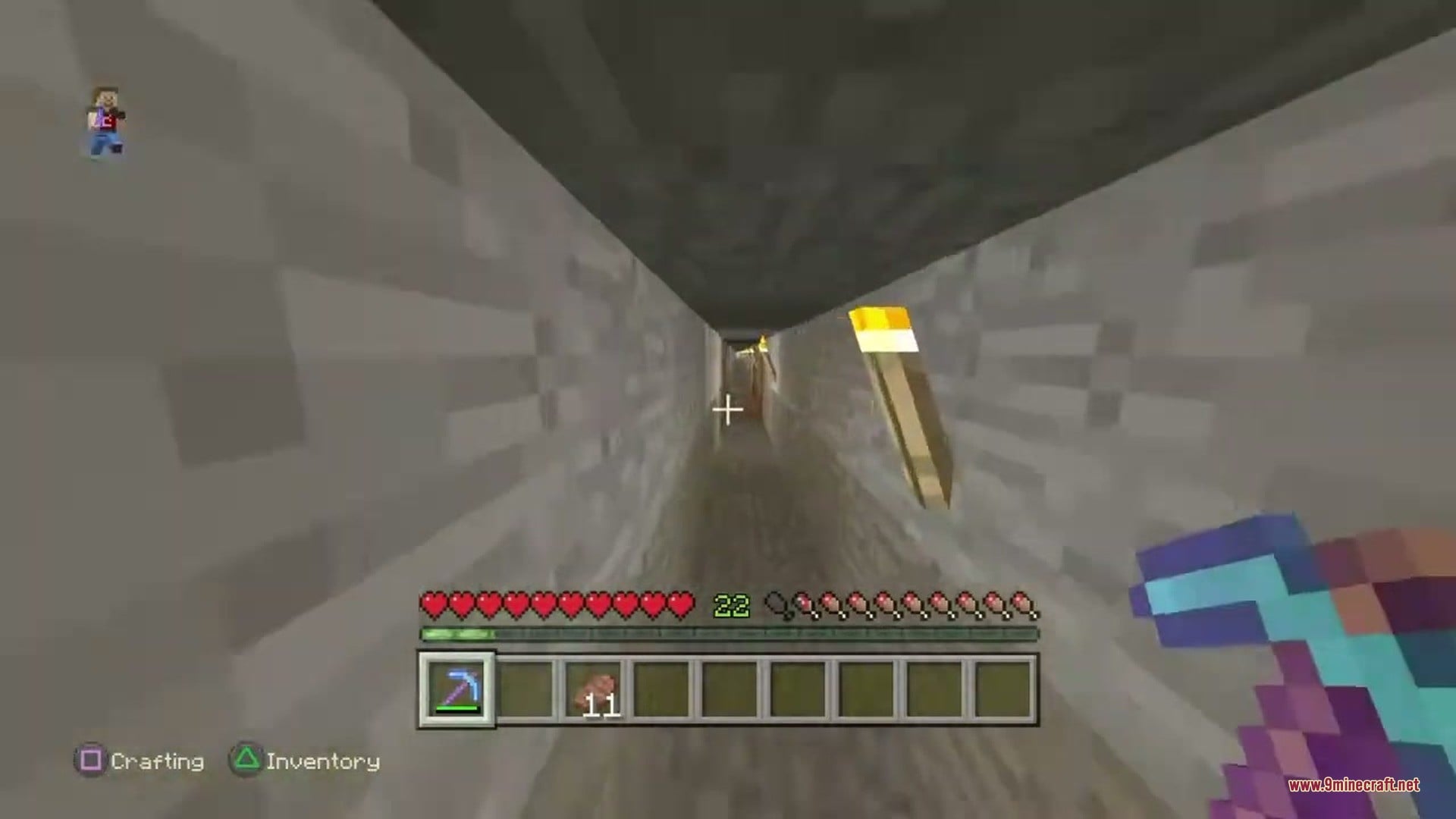


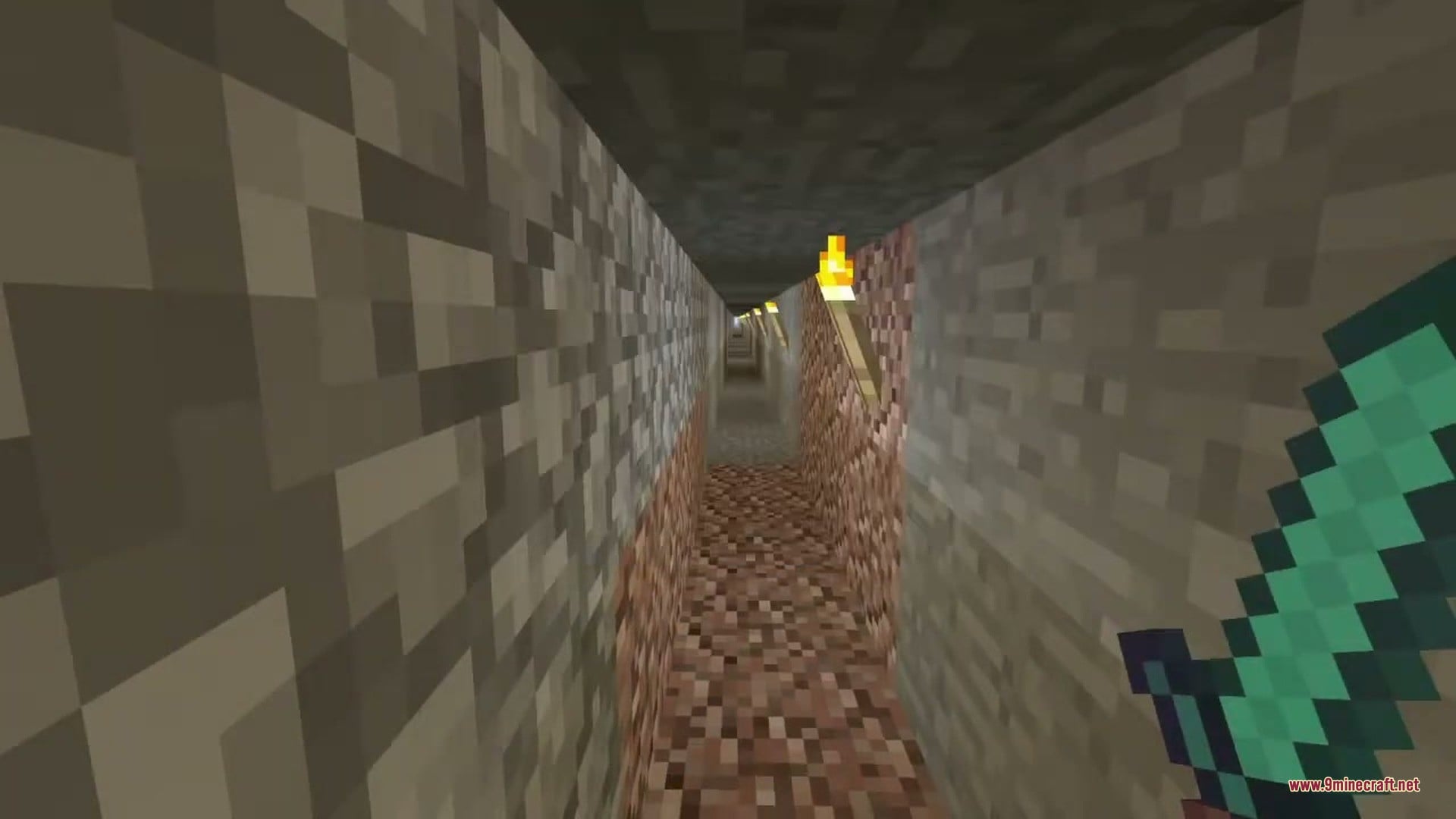
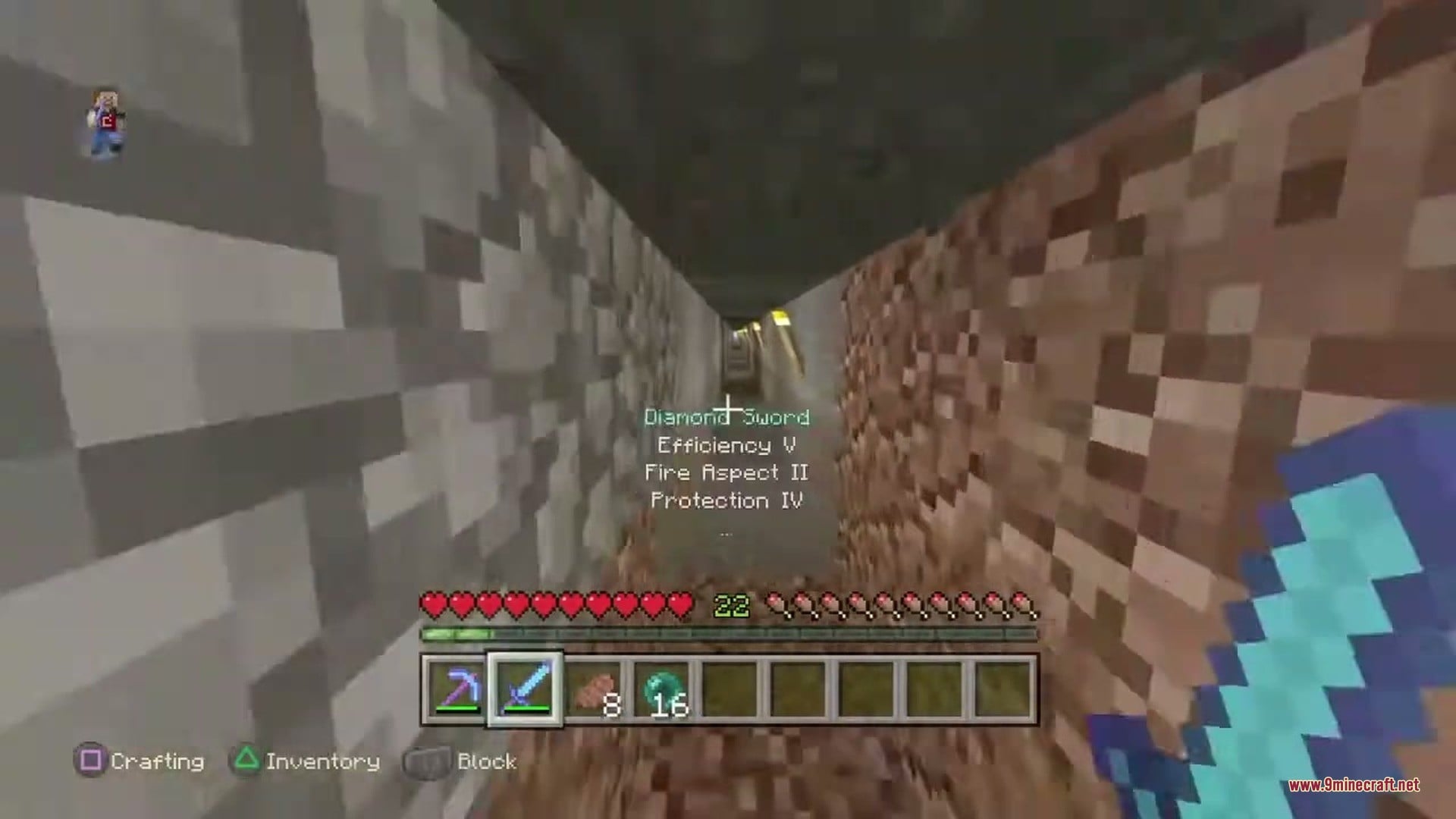
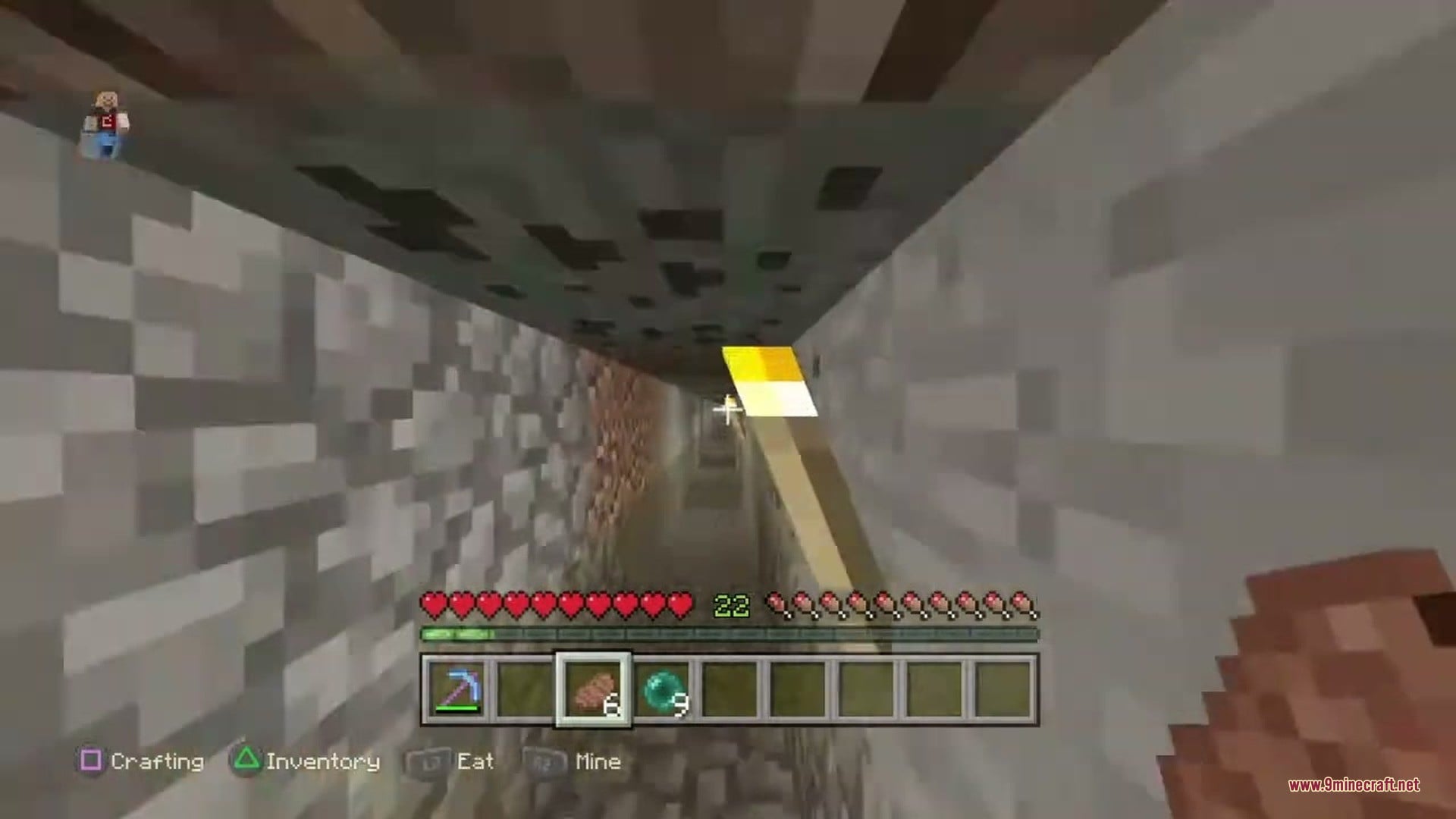
How to Install:
New to Minecraft? Follow our step-by-step guide to install Plugins on your PC.View Guide
Tunnel Craft Plugin Download Links
For Minecraft 26.3
For Minecraft
26.2,
26.1.2,
26.1.1
All Versions Covered
26.2
26.1.2
26.1.1
26.1
All Versions Covered
26.2
26.1.2
26.1.1
26.1
For Minecraft 26.1.2, 26.1.1, 26.1
For Minecraft
1.21.11,
1.21.10,
1.21.9
All Versions Covered
1.21.11
1.21.10
1.21.9
1.21.8
1.21.7
1.21.6
1.21.5
1.21.4
1.21.3
1.21.2
1.21.1
1.21
All Versions Covered
1.21.11
1.21.10
1.21.9
1.21.8
1.21.7
1.21.6
1.21.5
1.21.4
1.21.3
1.21.2
1.21.1
1.21
For Minecraft 1.21.1, 1.21
Click to rate this post!
[Total: 0 Average: 0]
You May Also Like
Picked for this page
 Grim Anticheat Plugin (26.3, 1.20.1) – Stop Hackers Without False Lag Bans
 Multiverse Portals Plugin (26.3, 1.20.1) – Create Custom Teleportation Portals
 Vantage Point Nexus Plugin (26.2, 1.20.1) – Share Bases and Teleport Home
 Guestpath Secure Bridge Plugin (26.2, 1.20.1) – Welcome Offline Friends
 Casino Core Plugin (26.2, 1.21.1) – Turn Your Spawn Into a Casino Players Love
 Mclogs Mclo.gs Plugin (26.2, 1.21.1) – Solve Server Crashes Before Players
 Emotify Plugin (26.3, 1.21.1) – Share Animated Emojis Without Typing in Chat
 Super Shop Plugin (26.2, 1.21.1) – Put the Server Economy in Player Hands
 Ax Vaults Plugin (26.2, 1.20.1) – Stop Losing Valuable Items on Long Mining
 Ax Sellwands Plugin (26.2, 1.20.1) – Sell Full Chests Without Leaving Your Base
 AirMap Plugin (26.3) – Explore Your Server World Live Inside Any Web Browser
 Banhamer Plugin (26.3, 1.20.1) – Turn Server Rivalries Into High-Stakes Rescue
Most viewed in Plugins over the last 7 days
 WorldEdit Plugin (1.21.11, 1.20.1) – Easy In-Game Minecraft Map Editor
 Ultimate Donut SMP Plugin (26.2, 1.21.11) – Everything Players Need to Trade
 Citizens Plugin (1.21.10, 1.20.1) – Bring Custom NPCs to Life
 Economy Shop Sell Plugin (26.3, 1.21.1) – Turn Extra Loot Into Cash
 Dynmap 9minecraft Plugin (26.3) – A Live Google-Maps-Style View of Your Whole Server
 Oraxen Plugin (1.21.11, 1.20.1) – Transform Your Ideas into Custom Items And Blocks
 Challenges Plugin Like Basti GHG Plugin (26.3, 1.21.1)
 FakePlayerPlus Plugin (1.21.11) – Keep Mob Farms Running Around the Clock
 ImageOnMapReborn Plugin (1.20) – Turn Every Wall Into a Custom Art Gallery
 Multiverse Netherportals Plugin (26.3, 1.20.1) – Fixes Portal Links Across Worlds
 Swift Survival Teleports Plugin (1.21.11, 1.21.1) – Instant Travel That Keeps
 Mls Network Plugin (1.16) – Keep PvP Battles Fair So Skill Always Wins
More from Plugins
 NewSky Plugin (1.21) – Grow Your Skyblock Network Without Crowding One Server
 SX Item Plugin (1.13) – Custom Gear and Mob Drops Players Actually Want to Chase
 AzLink Plugin (1.13) – Show Votes, Shop Goals and Top Buyers Right in Game
 Tebex Minecraft Plugin (1.13) – Players Get Their Purchases Without Waiting
 CnUsername Plugin (1.13) – Let Players with Chinese Names Join Your Server
 AfyBroker Plugin (1.19, 1.12.2) – Link Every Server So Your Network Feels Like One World
 SiegeWar Plugin (1.19) – Weekend Sieges Where Nations and Towns Fight for Glory
 ThJumpPads Plugin (1.8.8) – Launch Players Across Your Hub with One Step
 ScalaPluginLoader Plugin (1.13) – Bring Scala-Made Plugins to Your Players
 Zmusic Plugin (1.13) – Fill Your Server with Songs Players Pick Themselves
 CustomCrafting Plugin (26.3, 1.20.1) – Build Custom Recipes for Every Player
 Go Paint Advanced Plugin (26.3, 1.21.11) – Let Builders Paint Custom Landscapes

This post has no comments yet. Be the first — your comment will appear here.