


Hrda Nick Plugin (26.2, 1.21.1) – Play Incognito with Matching Names and Skins

 0
0 

Hrda Nick Plugin lets you change your player name and character skin at the same time. It helps players disguise themselves on the server with working chat names, tab list entries, and commands. You can pick custom names or generate random disguise combinations with ease. The plugin also lets server staff look up real player identities whenever needed.
Features:
- Changes both your nickname and matching skin at the exact same moment.
- Generates random names by combining prefixes, words, and suffixes.
- Keeps disguised names working properly inside tab completion and chat.
- Works with other server commands like teleporting directly to disguised names.
- Tracks nicked players in a simple list so staff can find real usernames.
Commands:
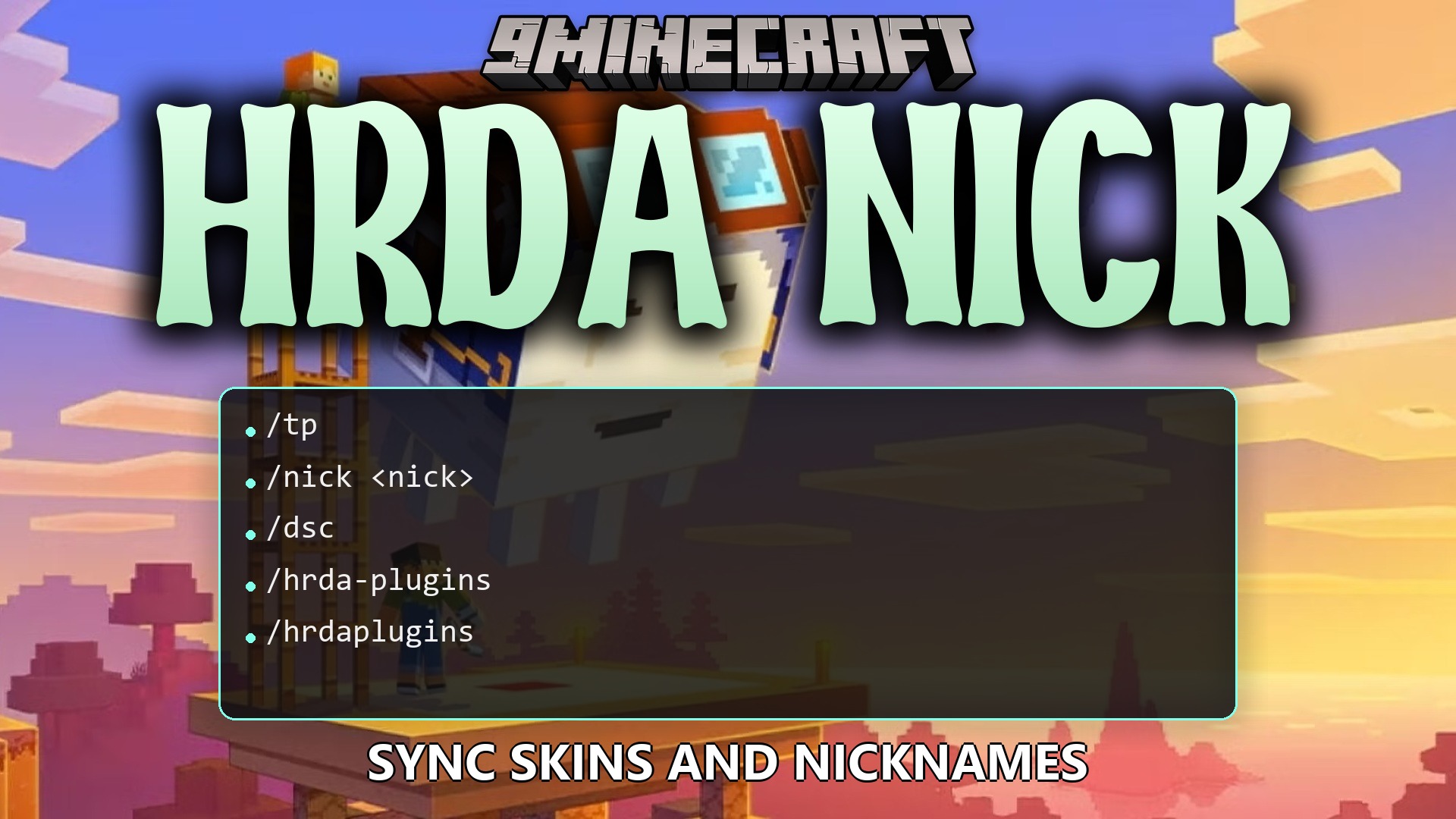
/nick <nick>: Sets a new nickname and matching skin for yourself./nick random <player or @a>: Gives a random nickname and skin to a player or everyone./nick reset <player or @a>: Clears a nickname and returns to the normal name./nick set <player> <nick>: Assigns a specific nickname and skin to another player./nick list: Shows a list of all players currently using a nickname./nick reload: Reloads the plugin configuration files./nick resetall: Removes all active nicknames from the server records./nick whois <player>: Reveals the original username of a disguised player.
Configuration:
hrdanick.use: Allows using basic disguise commands like changing and resetting your own nick.hrdanick.admin: Grants access to manage other players’ names, list nicked users, and reload settings.%hrdanick_nick%: Shows the current nickname of the player in supported chat, scoreboard, and tab plugins.%hrdanick_skin%: Displays the name of the player profile from which the skin is used.
How to Use:
- Type
/nick <newname>in chat to change both your username and skin. - Use
/nick random <player>if you want a quick randomly generated disguise. - Run
/nick whois <player>to check the true username behind any disguised player. - Type
/nick resetwhenever you want to return to your normal name and original skin.
How to Install:
New to Minecraft? Follow our step-by-step guide to install Plugins on your PC.View Guide
Requirements:
SkinsRestorer Required
HrdaAPI Required
Hrda Nick Plugin Download Links
For Minecraft
26.2,
26.1.2,
26.1.1
All Versions Covered
26.2
26.1.2
26.1.1
26.1
1.21.11
1.21.10
1.21.9
1.21.8
1.21.7
1.21.6
1.21.5
1.21.4
1.21.3
1.21.2
1.21.1
1.21
All Versions Covered
26.2
26.1.2
26.1.1
26.1
1.21.11
1.21.10
1.21.9
1.21.8
1.21.7
1.21.6
1.21.5
1.21.4
1.21.3
1.21.2
1.21.1
1.21
Click to rate this post!
[Total: 0 Average: 0]
You May Also Like
Picked for this page
 ValhallaMMO Plugin (26.1.2, 1.20.1) – Bukkit, Spigot, Paper
 Grim Anticheat Plugin (26.2, 1.20.1) – Realtime Cheat Detection Plugin
 Player’s Head Drop Plugin (26.2, 1.21.1) – Turn PvP Rivalries Into Collectible
 Enhanced Enchants Plugin (26.2, 1.20.1) – Forge Overpowered Gear on Anvils
 Donut Orders Plugin (26.2, 1.20.1) – Trade Items Safely Without Building Chest
 Inventory Stacks Plugin (26.2, 1.20.1) – Stack Potions and Weapons
 Luck Perms Plugin (26.3, 1.20.1) – Keep Your Server Fair with Clear Player Ranks
 Vote Ban Plugin (26.2, 1.20.1) – Let Players Vote Out Trolls When Staff
 Maria Craft Plugin (26.2, 1.20.1) – Fast Travel and Fun Spleef Breaks
 Blue Map Web Chat Plugin (26.2, 1.21.1) – Keep Your Community Talking Outside
 Ax Inventory Restore Plugin (26.2, 1.20.1) – Return Lost Gear and Keep Players
 Gatekeeper Advanced VPN & PROXY Protection Lightweight and Highly Asynchronous Plugin (26.2, 1.20.1)
Most viewed in Plugins over the last 7 days
 Cozy Survival Essentials Plugin (26.3, 1.21.1) – Make Survival Stress-Free
 WorldEdit Plugin (1.21.11, 1.20.1) – Easy In-Game Minecraft Map Editor
 Citizens Plugin (1.21.10, 1.20.1) – The Best NPC Plugin
 Multiverse Netherportals Plugin (26.3, 1.20.1) – Fixes Portal Links Across Worlds
 Simple Voice Radio Plugin (26.3, 1.20.1) – Broadcast Music and Chat
 Dynmap 9minecraft Plugin (26.3) – A Live Google-Maps-Style View of Your Whole Server
 Emotecraft Plugin (26.3, 1.21.1) – Express Yourself With Emotes
 Ultimate Donut SMP Plugin (26.2, 1.21.11) – Everything Players Need to Trade
 LiteBans Plugin (1.21.8, 1.20.1) – Keep Your Server Fair With Advanced Ban Tools
 Swift Survival Teleports Plugin (1.21.11, 1.21.1) – Instant Travel That Keeps
 ModelEngine Plugin (1.21.8, 1.20.1) – Ultimate Entity Model Manager
 MythicCrucible Plugin (1.21.8, 1.20.1) – Addon for MythicMobs
More from Plugins
 Fish Rework Fishing Plugin (26.2, 1.21.1) – Turn Simple Fishing Into Thrilling
 Build Paste 9minecraft Plugin (26.3) – Paste Ready-Made Builds Straight Into Your World
 PvP Manager 9minecraft Plugin (26.3) – Control Combat Logging, Newbie Protection and PvP Toggles
 Essentials 9minecraft Plugin (26.3) – The Core Command Set Almost Every Server Runs
 Silk Spawners 9minecraft Plugin (26.3) – Mine and Place Mob Spawners Without Losing Them
 Dead Chest 9minecraft Plugin (26.3) – Keep Your Items in a Chest When You Die
 Parkour Pro Lite Create Awesome Parkours in Minutes Plugin (26.3, 1.20.1)
 Altarsmp by Dnmanpo Plugin (26.1.2, 1.21.1) – Forge Legendary Weapons
 Omichall’s PVP Plugin (26.3, 1.21.1) – Fair Combat, Player Bounties
 Bliss SMP Plugin (1.21.4) – Turn Survival Into Competitive Gem Battles
 Go Paint Advanced Plugin (26.2, 1.21.11) – Let Builders Paint Custom Landscapes
 Chronos Backups Plugin (26.3, 1.20.1) – Keep Server Builds Safe Without Lagging

This post has no comments yet. Be the first — your comment will appear here.