
MVV Model – Brings Munich A-Wagen Subway Trains to Minecraft Transit Railway

 0


MVV Model adds the A-Wagen train from the Munich U-Bahn for Minecraft Transit Railway (MTR). This Munich Verkehrsverbund resource pack brings a custom 3D subway vehicle into your rail network. It includes 1 Blockbench source model and 2 texture files so players can ride, view, or edit the train directly.

Features:
- Munich U-Bahn A-Wagen: Adds the classic A-Wagen underground train from the Munich Verkehrsverbund (MVV) network to Minecraft Transit Railway.
- Custom Train Assets: Packs 2 dedicated texture files that give the subway car its authentic exterior and interior appearance.
- Includes 1 Blockbench source model file inside the pack folders for players who want to inspect or edit the train geometry in Blockbench.
How to Use:
- Make sure Minecraft Transit Railway (MTR) is installed, then place this pack into your resourcepacks folder.
- Open the game menu, go to Resource Packs, and move the Munich Verkehrsverbund Pack to the active side.
- Load into a world and build a railway line and a train depot using blocks from Minecraft Transit Railway.
- Open the depot settings menu and select the Munich U-Bahn A-Wagen from the vehicle list to assign it to your route.
- Wait at a station platform along the active route to watch the A-Wagen pull in with its custom 3D body and textures.
Requirements:
- Blockbench, only if you want to edit the included source models
Screenshots:


MVV Model Download Links
Click to rate this post!
[Total: 0 Average: 0]
QUICK MINECRAFT SURVEY · ONE TAP
Mods & Modpacks
How do you usually discover new mods to try out?
4 responses · See the full results →
You May Also Like
Picked for this page
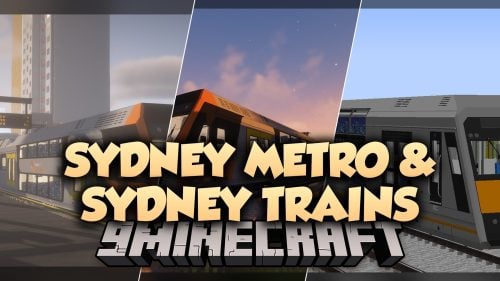 Sydney Metro & Sydney Trains Model – Brings Australian Rail Transit to MTR4
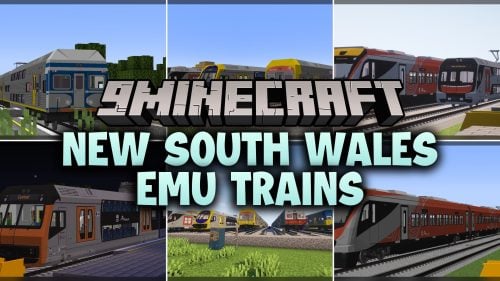 New South Wales EMU Trains Model – Adds Australian Electric Trains to MTR4
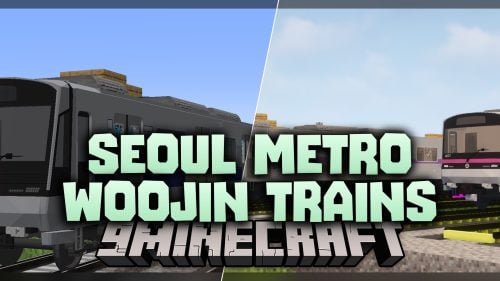 Seoul Metro Woojin Trains Model – Brings Modern Korean Subway Cars
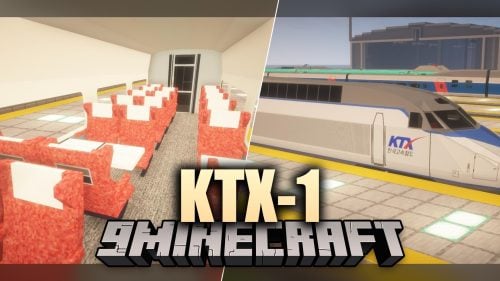 KTX-1 Model – Brings Custom Passenger Trains to Your MTR4 Railway Network
 VDL Citea LLE-120 Model – Brings Custom Transit Buses to MTR Roads
 MTR Austrian Express Collection 1 Model – Brings Detailed Austrian Trains
 Southwestern Railway Class 455 Pack For MTR Model – Adds Custom Passenger Trains
 THSR 700T Model – Brings Taiwan High-Speed Rail Trains to Railway Networks
 ETR 470 Model – Brings Classic European Trains to Custom Transit Railways
 S-Bahn Model – Brings German Urban Commuter Trains to MTR4 Railways
 STAR21 Model – Brings the Class 952 Shinkansen Bullet Train to MTR4 Tracks
 South East Asian Trains Model – Brings Regional SRT Trains to MTR4 Rail Networks
Most viewed in Models over the last 7 days
 Jenny Mod Skin Pack Mega Collection – 310+ Characters
 The Most Complete Collection of Jenny Mod Resources – Models, Animations, Structures,…
 Albedo Rework Jenny Mod Model
 750 Models Addon for Yes Steve Model Mod
 Power Model – Custom Girl for PleasureCraft Mod
 Galath Rework Model – Custom Girl for PleasureCraft Mod
 Femboy Ellie Rework Jenny Mod Model
 Ram Model – Custom Girl for PleasureCraft Mod
 Pomni Jenny Mod Model
 100+ Custom Animations For Jenny Mod
 Halloween Pack Jenny Mod Model – Transforms Companions with Spooky Costumes
 Ellie Rework Jenny Mod Model
More from Models
 Mickey Joe’s CIT Namables Model – Unlocks Custom Spin-Off Gear at Anvils
 Ark’s Flowering Crops Model – Adds 3D Blooming Flowers and Animated Plants
 Alsthom TFS Model – Brings Classic French Tramways to MTR Transit Networks
 Nibble Bits Model – Brings 3D Shapes to Plants, Lanterns, and Utility Blocks
 French Buses Model – Brings Realistic European City Transit Vehicles to Roads
 IVR – Brings Detailed HD Passenger Trains to Your Minecraft Transit Railway
 NS DDM DD-AR DDZ For MTR Model – Adds Dutch Double-Decker Passenger Trains
 Rimuru Tempest’s Sword Model – Unleashes Animated 3D Anime Slime Blades
 Grimdark Battlepack Model – Equips Pirate, Samurai, and Viking 3D Gear
 Bushy Leaves Textures Model – Brings Fuller 3D Foliage to Vanilla Trees
 Trampack Redux Model – Brings Editable Custom Trams to Modern City Railways
 British Rail Class 142 Pacer Model – Brings Classic British Trains to Railways

This post has no comments yet. Be the first — your comment will appear here.