


Davincis Vessels Mod (1.12.2, 1.10.2) – Turn Your House Into a Ship
 15,897
 0
0

Davincis Vessels Mod lets you turn your buildings into real, moving vehicles. You can transform almost any structure into a ship that sails on water or an airship that flies through the sky. If you’ve ever wanted to actually use that pirate ship you built or fly your giant sky island, this mod is for you.
Features:
- Turn any structure into a vehicle by placing and using a Helm block.
- Make your creations fly by adding enough Balloons to lift them into the air.
- Increase the speed of your ships with Engines that run on fuel like coal or wood.
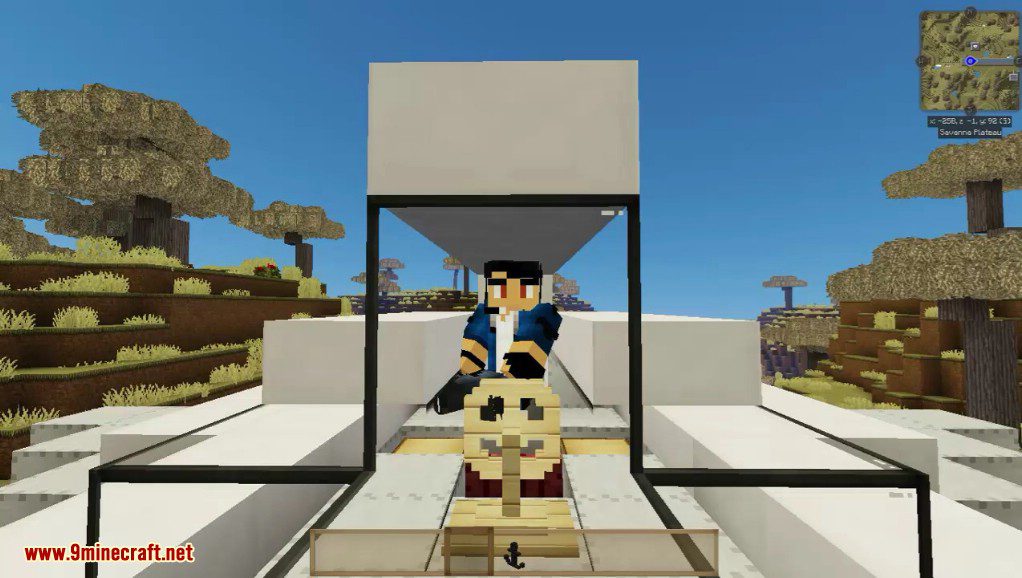
- Add Seats to your vessel so other players can ride along with you.
- Use Anchors to dock your ship at a specific location, making it snap into place.
- Build with Floater blocks to make your ship float more easily on water.
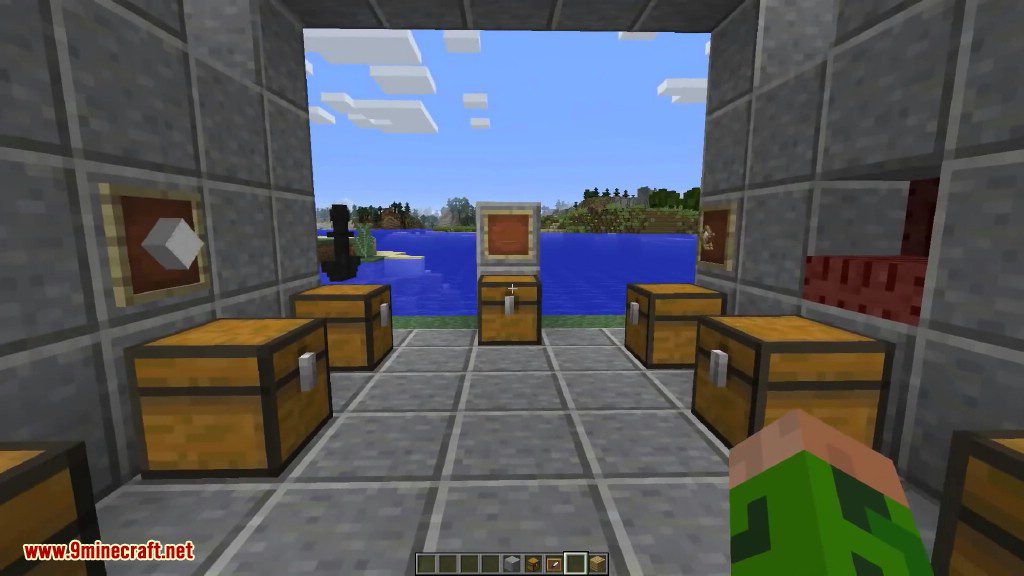
- Bring your pets and other mobs along for the ride by securing them in Crates.
- Build ships with different materials to affect their density and how they float.
- Construct massive vessels up to a default limit of 2048 blocks.
- Use Buffer blocks to build docks that your ship won’t pick up when it assembles.
How to Use:
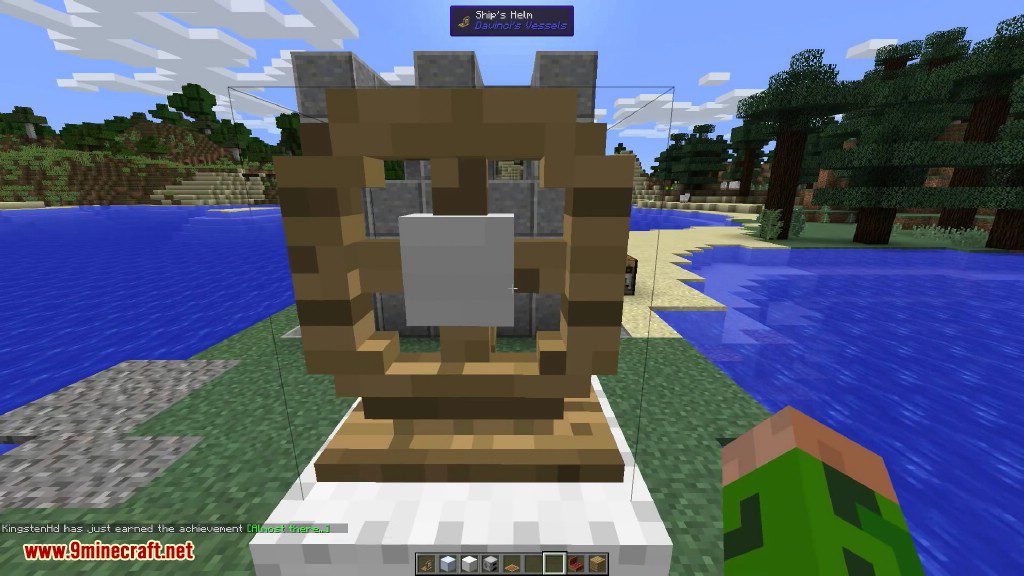
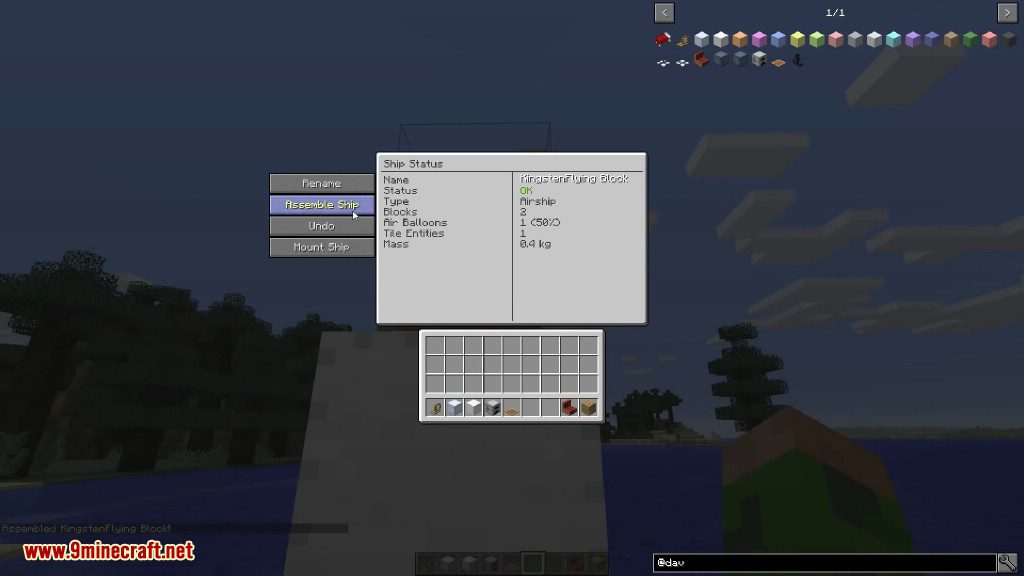
- To turn your structure into a ship, place a Helm block on it. Right-click the Helm to assemble and mount your new vehicle.
- Once mounted, you can control the ship. To disassemble it and turn it back into blocks, press the ship GUI key (K by default).
- To use an anchor, place one on the ground and right-click it. Place another on your ship and Shift + Right-click it. Finally, right-click the ship’s anchor to link them for docking.
- To bring a mob with you, use a lead to place it on top of a Crate block. The mob will be locked in place. Right-click the crate or give it a redstone signal to release the mob.
Crafting Recipes:
Blocks Helm
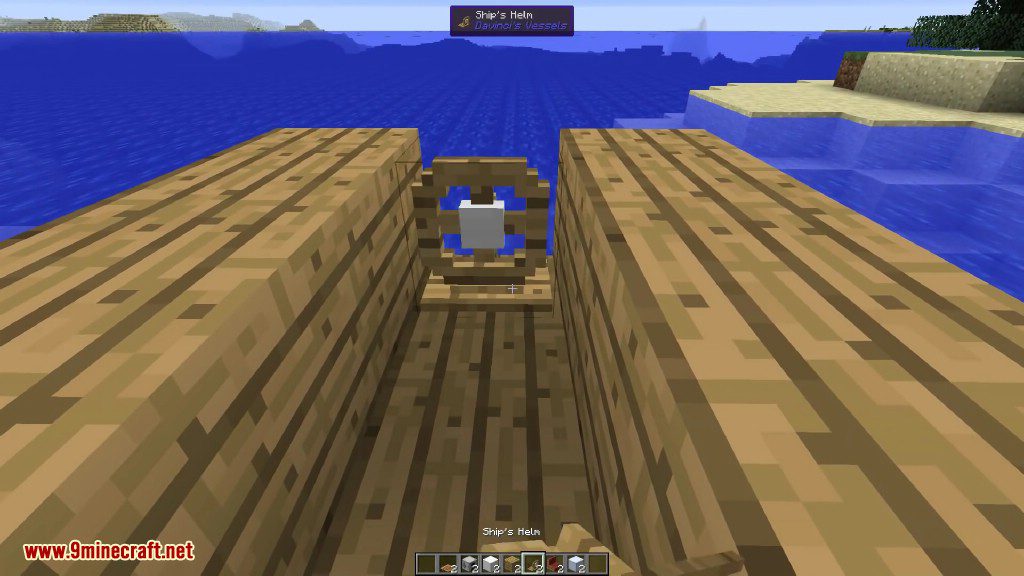
The helm is required for any type of ship, simply place a helm on a standalone structure, right click assemble and mount! Once this is done you can control the ship, when you’re done you can press the ship gui Key (Default K) and disassemble.

Blocks Balloon
The balloon is made of wool and string. If you want a different color use dye. You must change the color before you turn it into a balloon.

Blocks Floater
Functions like a normal block of wood except it has a different density, using this in your ship construction lets it float more easily.

Blocks Seat
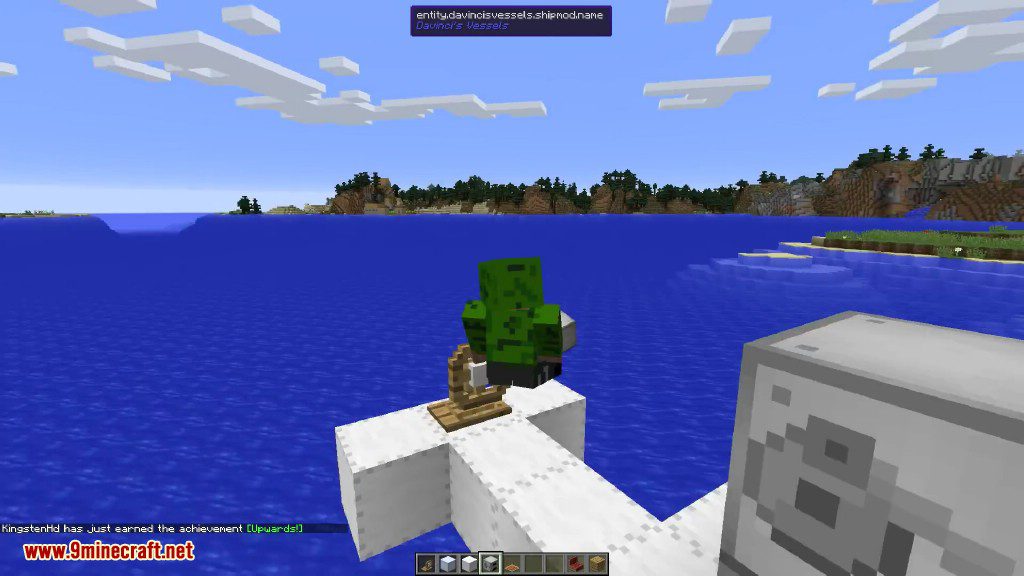
If you add a seat to your ship, other players can right click the ship to be assigned and mounted to a seat after assembly.

Blocks Anchor
Used if you need to anchor to a point consistently. Do it in this order:
- place one anchor on the ground an set it as ground-anchor (RIGHT CLICK)
- place the second anchor on your ship and set it as ships-anchor (SHIFT RIGHT CLICK)
- then activate the anchor-setup at the ships-anchor (RIGHT CLICK on it (no shift))
You can read in the chat, that the position was saved.
Both anchors will align on top of each other with ONE BLOCK of space. If you align within range (about 20 blocks) of the anchor, the ship will snap to the position of the ground anchor!
Hints to avoid game crashes:
If you move your ship, the Archimedes Ships Mod Plus creates a mobile entity, which is wrapped into an invisible four-side box. The edges of this box are the outermost (last) blocks on each side. Make sure that the ships-anchor-block is the deepest block on the bottom of your ship!!!
If it is not the deepest, the ship will try to align with the ground-anchor with exactly one block of space. The ground-anchor penetrates the four-side box. That is impossible because you cant fly through a mountain. This crashes the game.

Blocks Crate
If you want to take your dog on your ship with you this is the way, use a lead to carry a mob on top of the crate and it’ll lock right into place. To release the mob apply a redstone signal to the crate or right click the crate.

Blocks Engine
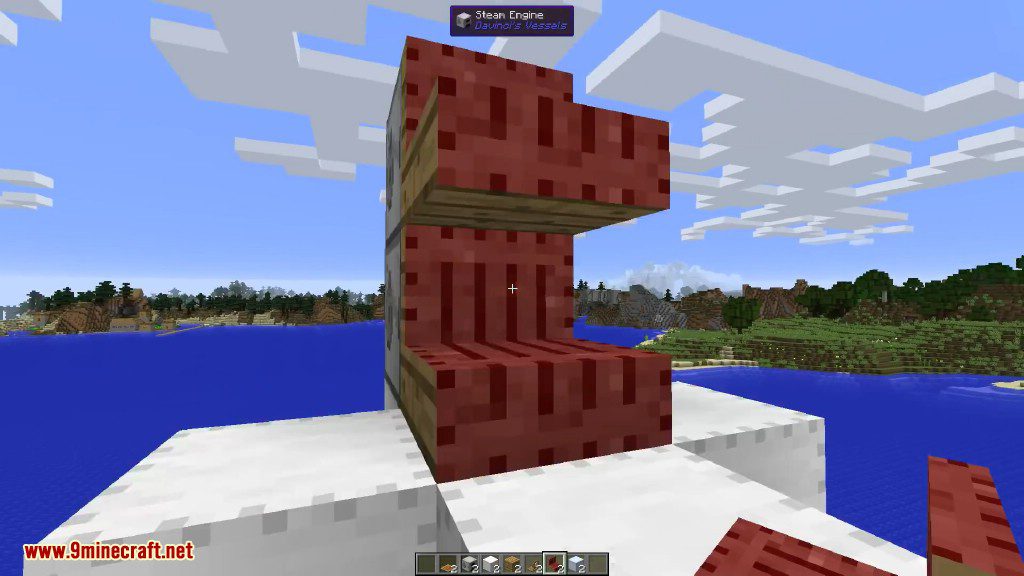
Engines are used to increase the speed of your ship, each time you add an engine to a ship the speed will increase. They require a fuel source like coal or wood to function.

Blocks Buffer
The buffer is a block that’s excluded from the ship’s list of constructable blocks, like dirt or sand. It will never be included in a ship build even if it’s touching! This makes it useful for building docks and berths for your ships.
Use in conjunction with Anchor Points so that your ship aligns with them when docking.

Blocks StickyBuffer
The sticky buffer is the opposite of the shore buffer; it is included as part of the ship during assembly. To craft it, use a shore buffer and a slime ball.

Ship Characteristics:
As you may or may not know, ships can have different characteristics based on how you build them! This gives a brief explanation of characteristics of your ship.
Ship Density
Based on the blocks you use to create your ship, it will sink lower, or sink less! For example, a ship made of iron blocks will sink more than a block made of wood. This is based on the block’s material (Iron = Metal, Wooden Planks = Wood), you can of course configure this to make things more or less dense to your desire!
Balloon Count
If you make a ship and want it to fly you need balloons, by default 40% of your ship needs to be balloons! As per usual you can change this in the config and just make all ships fly with no balloons at all!
Flood Fill Survivability
Did you make a submarine but it would submerge, odds are you didn’t quite do it right.
Screenshots:


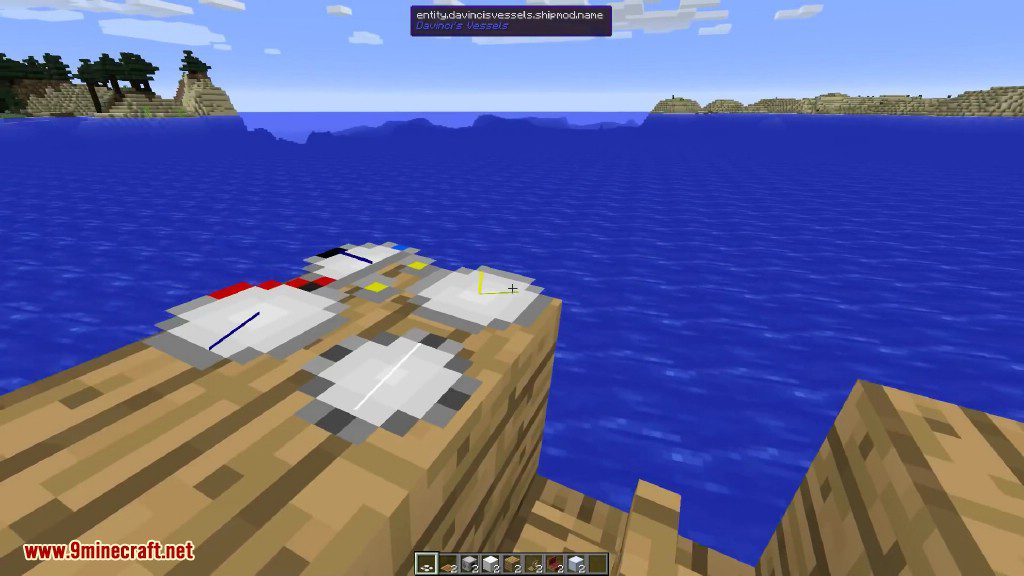
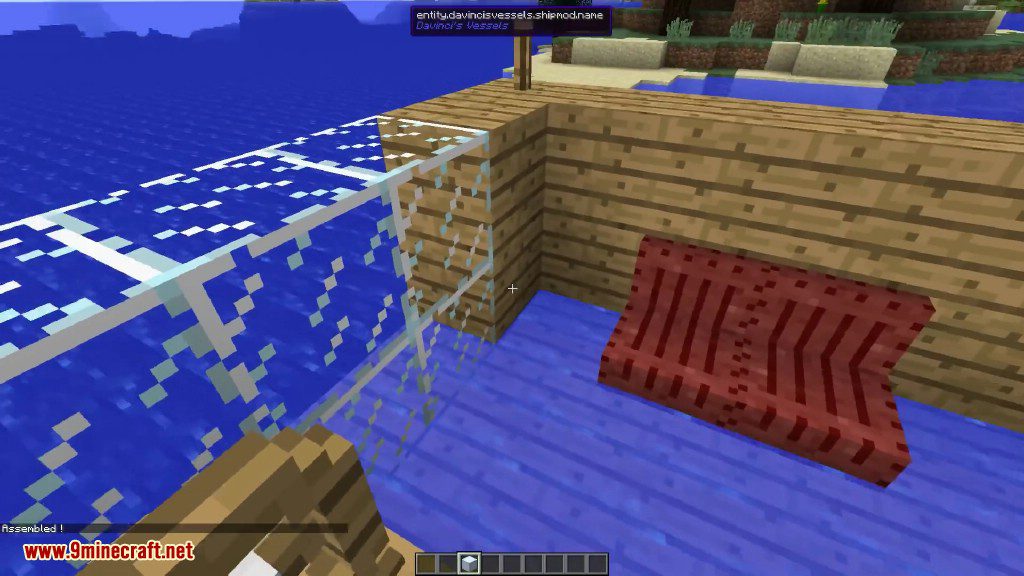
How to Install:
New to Minecraft? Follow our step-by-step guide to install Mods on your PC.View Guide

Davincis Vessels Mod Download Links
For Minecraft 1.7.10
For Minecraft 1.8.9
For Minecraft 1.10.2
For Minecraft 1.12.1, 1.12
For Minecraft 1.12.2
You May Also Like














This post has no comments yet. Be the first — your comment will appear here.