


Bonfires Mod (1.21.4, 1.20.1) – Safe Havens for Exploring
 4,321
4,321
 0
0


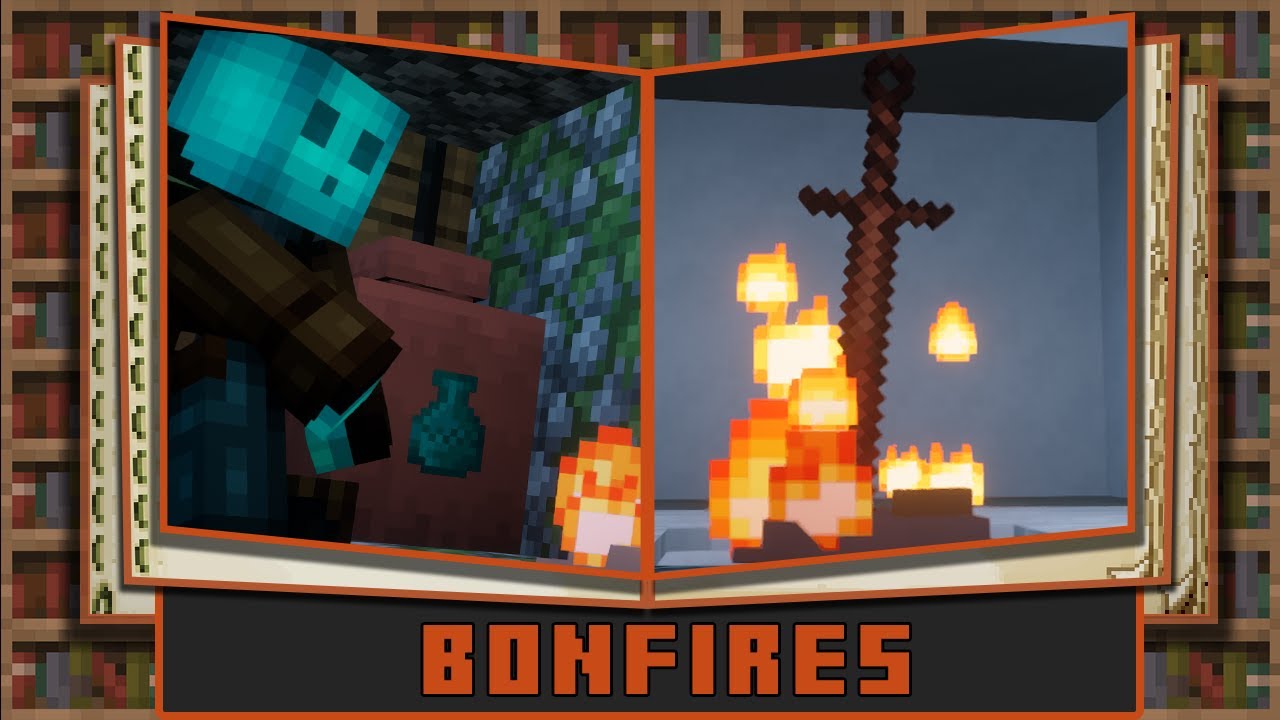
Bonfires Mod brings checkpoints from the Dark Souls games into Minecraft. These bonfires act as fast travel points that let you teleport between any two you have created, even across different dimensions. Using a bonfire also heals you and sets your new spawn point. The mod includes other useful items like the Estus Flask, a healing potion that refills at bonfires, and the Coiled Sword, which can be used as a weapon that sets mobs on fire. You also get items like the Homeward Bone to quickly return to your spawn.
Features:
- Create and name bonfires to use as checkpoints and fast travel points.
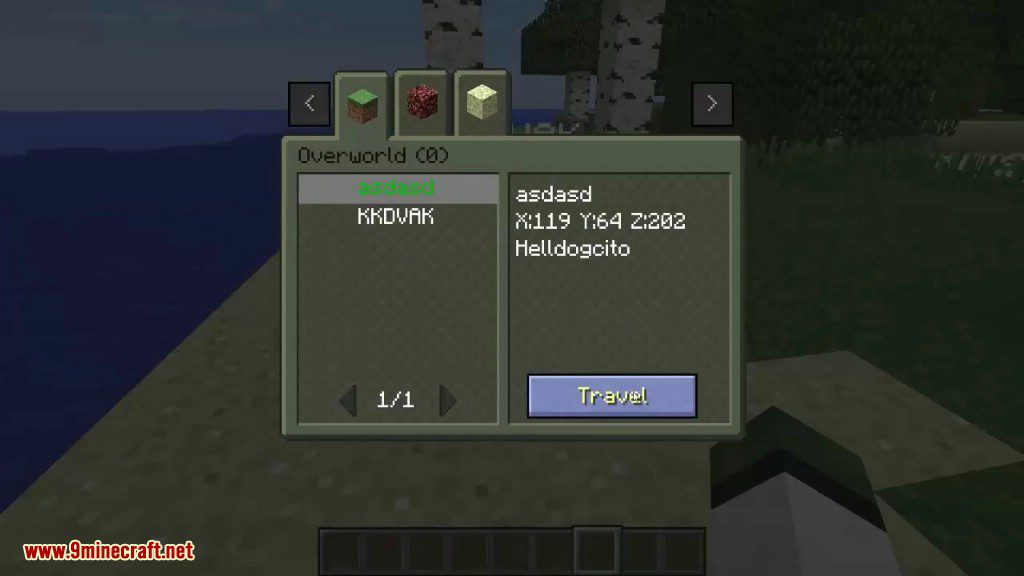
- Teleport between any lit bonfire, even if it’s in a different dimension.
- Resting at a bonfire heals you and sets your spawn location.
- Craft the Estus Flask, a reusable healing potion that recharges when you use a bonfire.
- Use the Coiled Sword to create bonfires or as a weapon that ignites enemies.
- Find Homeward Bones and Coiled Sword Fragments to instantly return to your spawn point.
- Reinforce your weapons and tools at a bonfire to increase their damage.
- Make your Estus Flasks stronger so they heal more health.
- Set bonfires to private, hiding them from other players on the travel list.
How to Use:
- To unlock the mod’s recipes and advancements, you first need to be defeated by a mob.
- Craft a Pile of Bone and Ash and a Coiled Sword.
- Place the Pile of Bone and Ash on the ground.
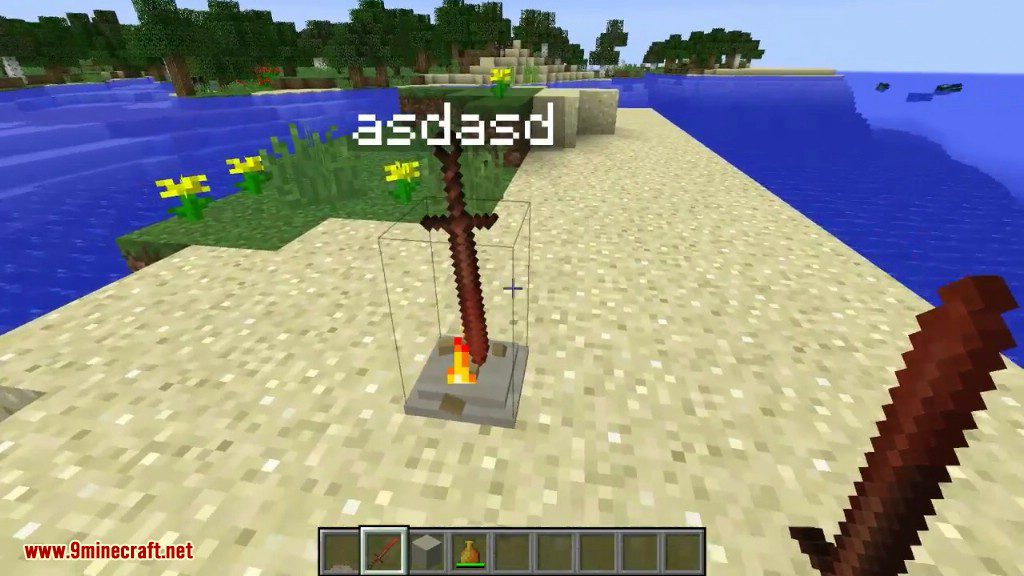
- Right-click the pile with the Coiled Sword to create the bonfire structure.
- Right-click the new bonfire to light it. You will then be able to give it a name.
Commands:
There are two admin commands available:
/bonfires [filter] [parameter]: Shows a list of bonfires in the world. The list can be filtered to show all bonfires, or only those in a specific dimension, with a certain name, by a specific owner, or within a certain radius./travel [UUID]: Instantly teleports you to the bonfire that matches the given UUID. You can find a bonfire’s UUID by using the /bonfires command.
Crafting Recipes:
You can see all these recipes inside the recipe book.
To create a bonfire you need 2 items. A Pile of Bone and Ash and a Coiled Sword.
The Pile of Bone and Ash can be crafted like so, you can leave the top row empty and use the bottom row instead:
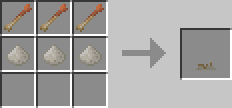
The items in the top are homeward bones. These are used to return to your spawn point but are consumed on use. Your spawn point is stored per dimension.
The items in the bottom are Piles of Ash which have a chance to drop from mobs when burnt to death.
Homeward Bones are crafted like so, this recipe is shapeless:
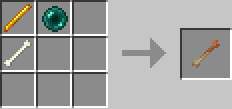
The Coiled Sword can be crafted like so:
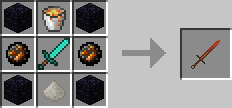
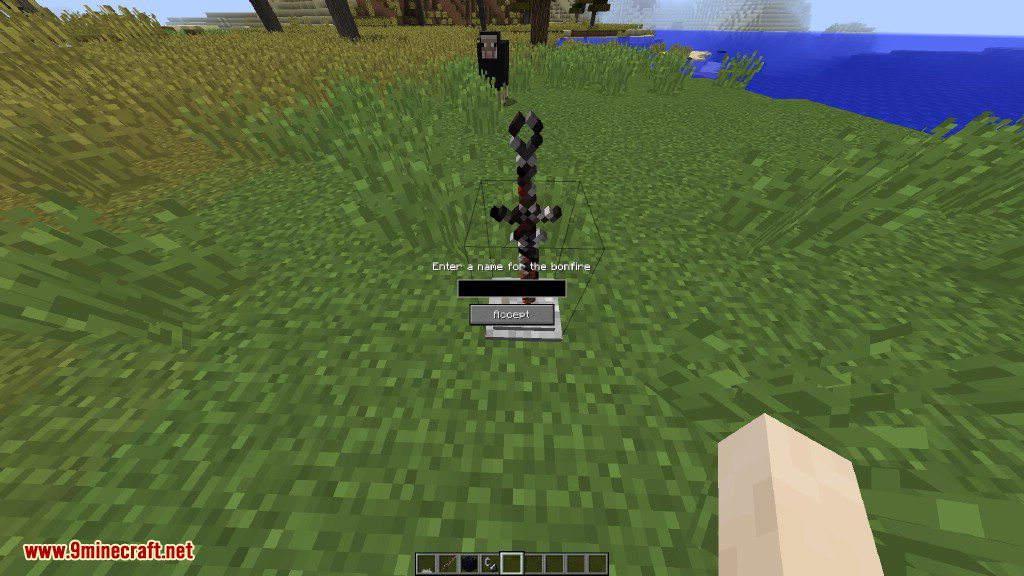
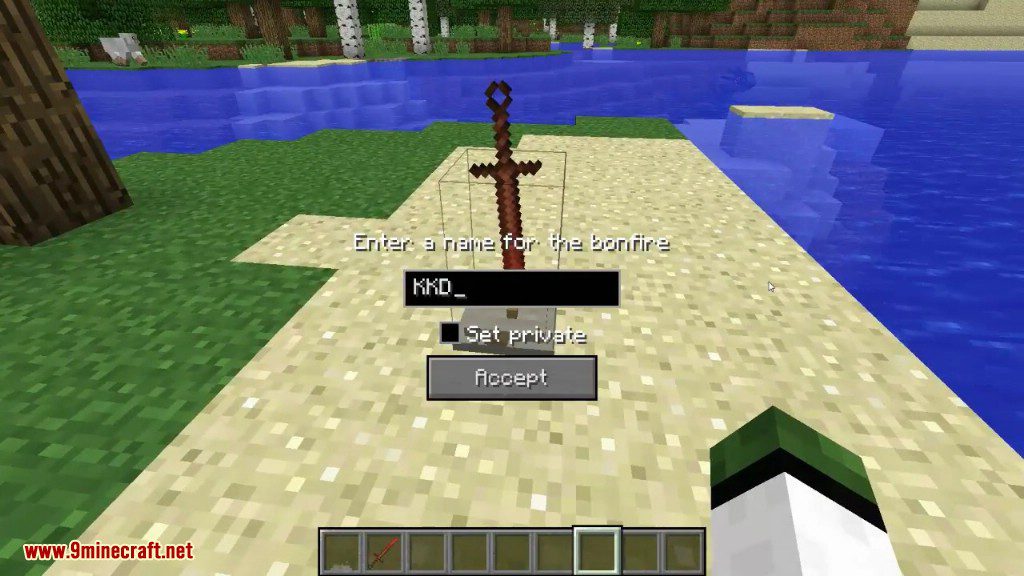
Once you have both place the Pile of Bone and Ash on the ground and then right click it with the Coiled Sword. This will place the coiled sword on the pile creating a bonfire. Now to light the bonfire you simply right click the bonfire which will then allow you to name the bonfire. When naming the bonfire there is also the option to set the bonfire as private which will hide the bonfire from other players so they can’t travel to it but can travel from it.
However, since bonfires are like teleporters they are only really useful if you make 2 of them.
If you destroy a bonfire it will drop a Coiled Sword Fragment which acts just like the Homeward Bone but is not consumed. It can also be used to create a Coiled Sword for less materials, this recipe is shapeless.
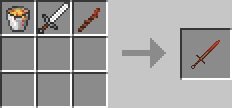
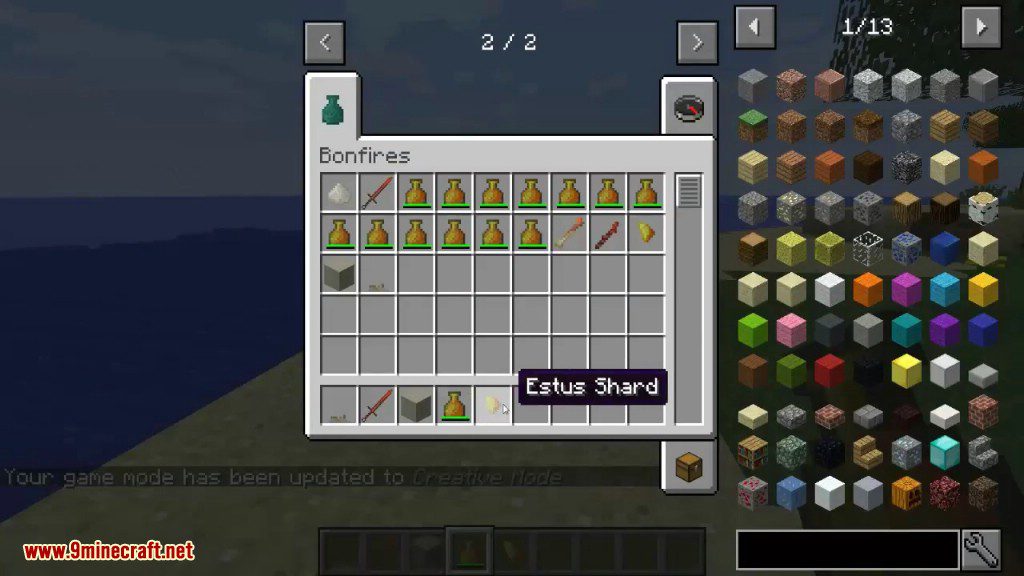
The Estus Flask when crafted has 3 uses which can be increased using Estus Shards. To reinforce the Estus Flask simply right click while holding an Estus Shard with the Estus Flask in your inventory. Drinking the Estus Flask will heal 3 hearts.
The Estus Flask is crafted like so, this recipe is shapeless:
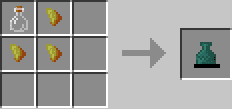
And Estus Shards are crafted like so, this recipe is shapeless:
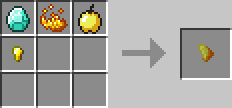
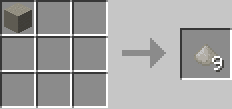
Lastly Ash Blocks can be crafted which act exactly like sand, this recipe is actually also shapeless but there’s no way to tell that!
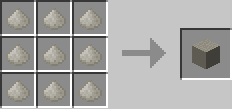
And of course a block will create 9 Piles of Ash, this recipe is shapeless
Screenshots:
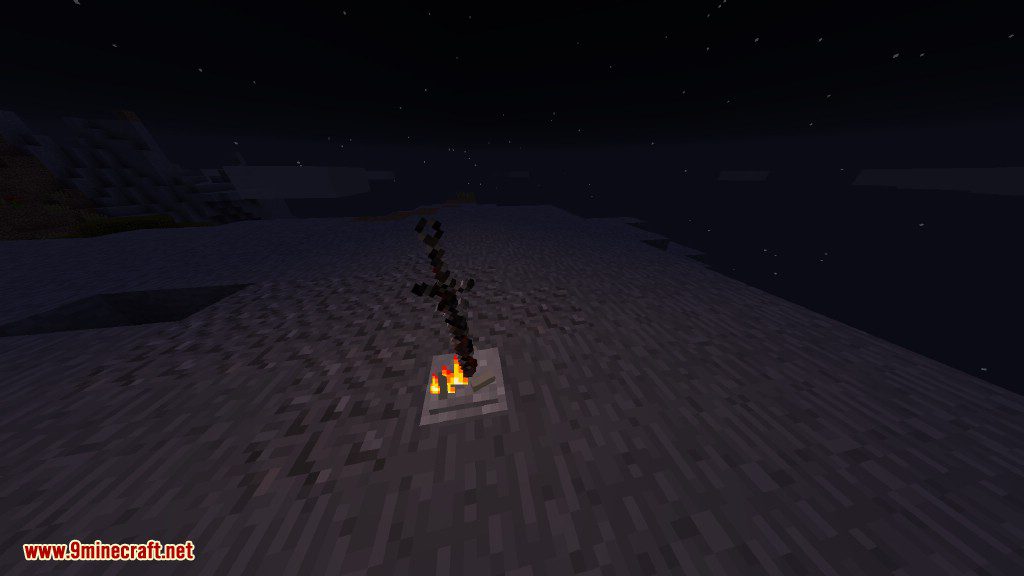
Lit Bonfire
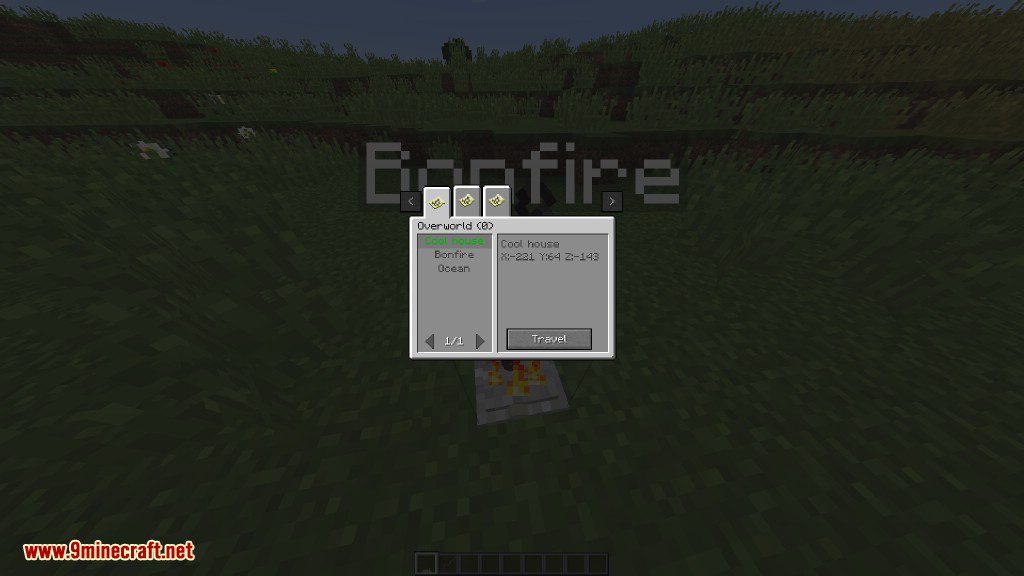
Overworld bonfires
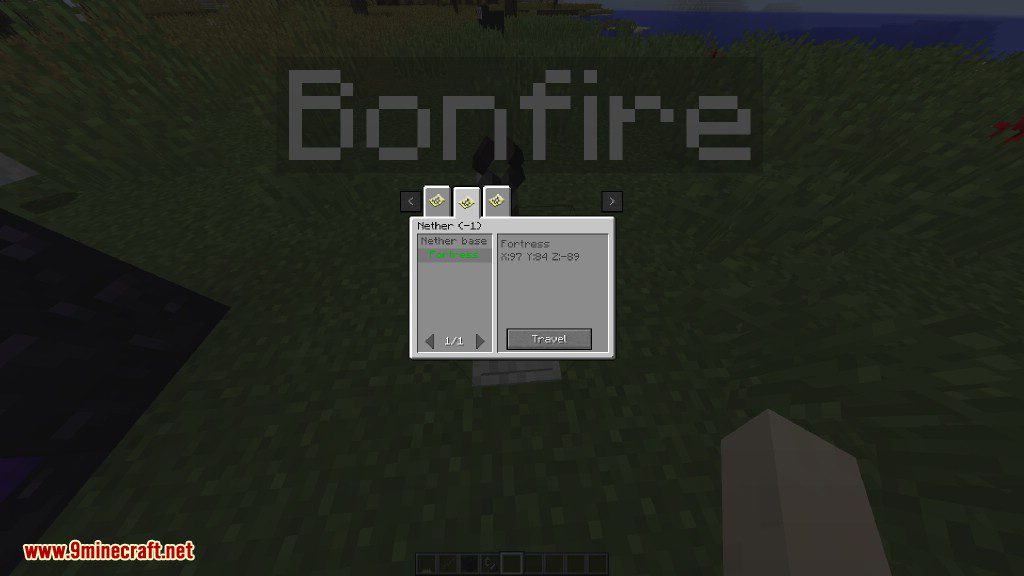
Nether bonfires
Creating a bonfire
How to Install:
New to Minecraft? Follow our step-by-step guide to install Mods on your PC.View Guide
Bonfires Mod Download Links
For Minecraft 1.10.2
Forge version: Download from Server 2
For Minecraft 1.12.1, 1.12
Forge version: Download from Server 2
For Minecraft 1.12.2
Forge version: Download from Server 1
For Minecraft 1.18.2
Forge version: Download from Server 1
For Minecraft 1.19.2
Forge version: Download from Server 1
For Minecraft 1.19.4
Forge version: Download from Server 1 – Download from Server 2
For Minecraft 1.20
Forge version: Download from Server 1 – Download from Server 2
For Minecraft 1.20.1
Forge version: Download from Server 1 – Download from Server 2
For Minecraft 1.20.2
Forge version: Download from Server 1 – Download from Server 2
For Minecraft 1.20.4
Forge version: Download from Server 1 – Download from Server 2
NeoForge version: Download from Server 1 – Download from Server 2
Fabric version: Download from Server 1 – Download from Server 2
For Minecraft 1.20.6
NeoForge version: Download from Server 1 – Download from Server 2
Fabric version: Download from Server 1 – Download from Server 2
For Minecraft 1.21.1, 1.21
NeoForge version: Download from Server 1 – Download from Server 2
Fabric version: Download from Server 1 – Download from Server 2
For Minecraft 1.21.4
NeoForge version: Download from Server 1 – Download from Server 2
Fabric version: Download from Server 1 – Download from Server 2
You May Also Like



This post has no comments yet. Be the first — your comment will appear here.