


Mob Sunscreen Mod (26.2, 1.20.1) – Prevent Mobs from Burning in Sunlight

 0
0 

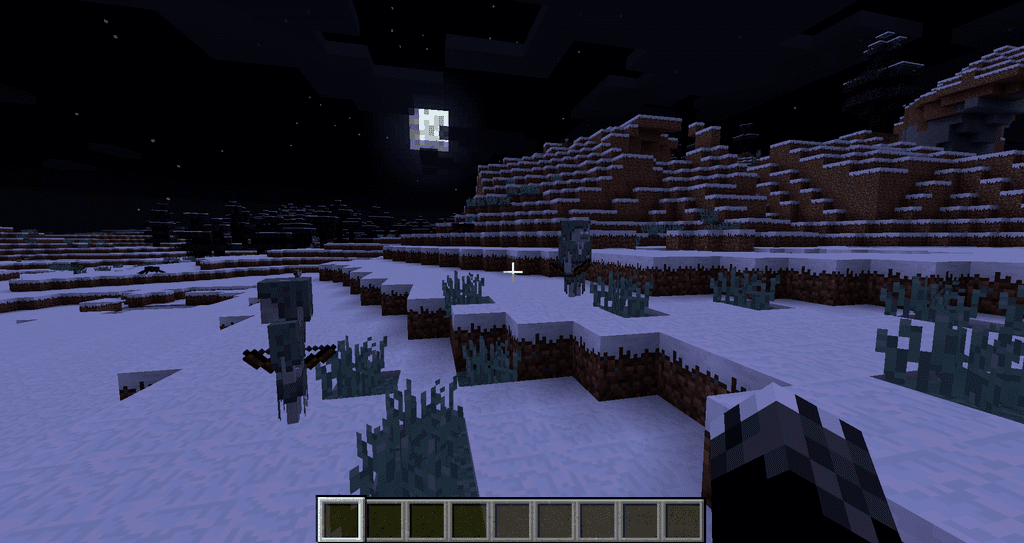
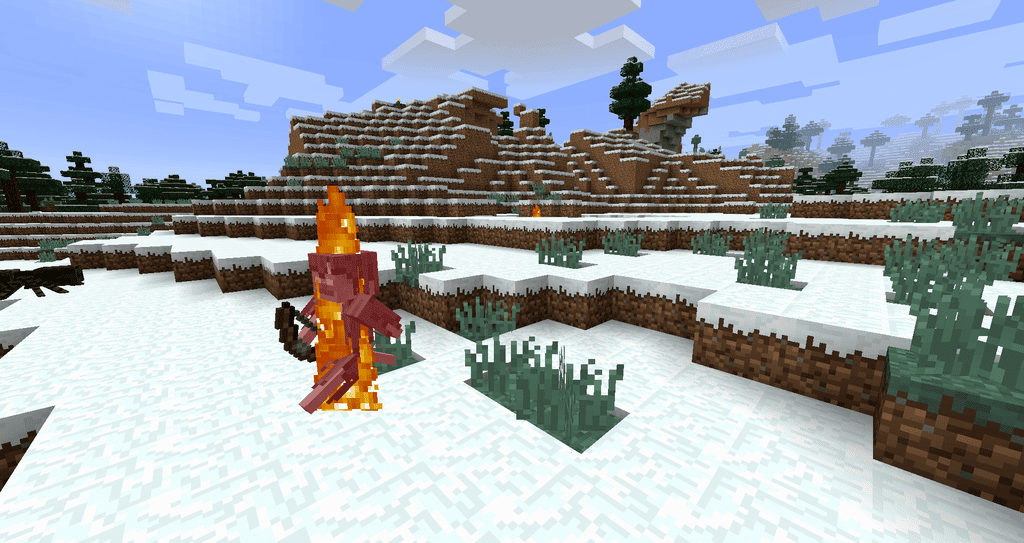
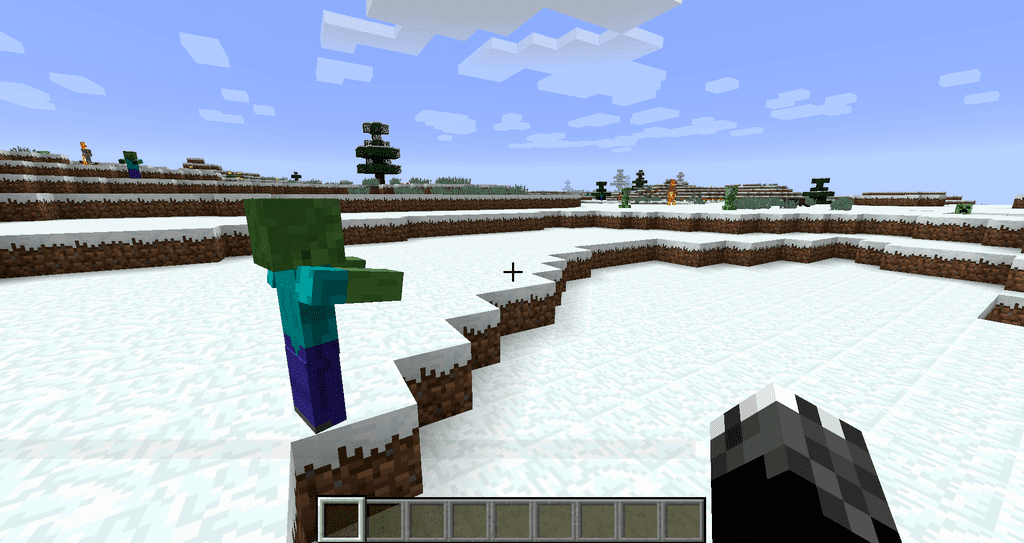
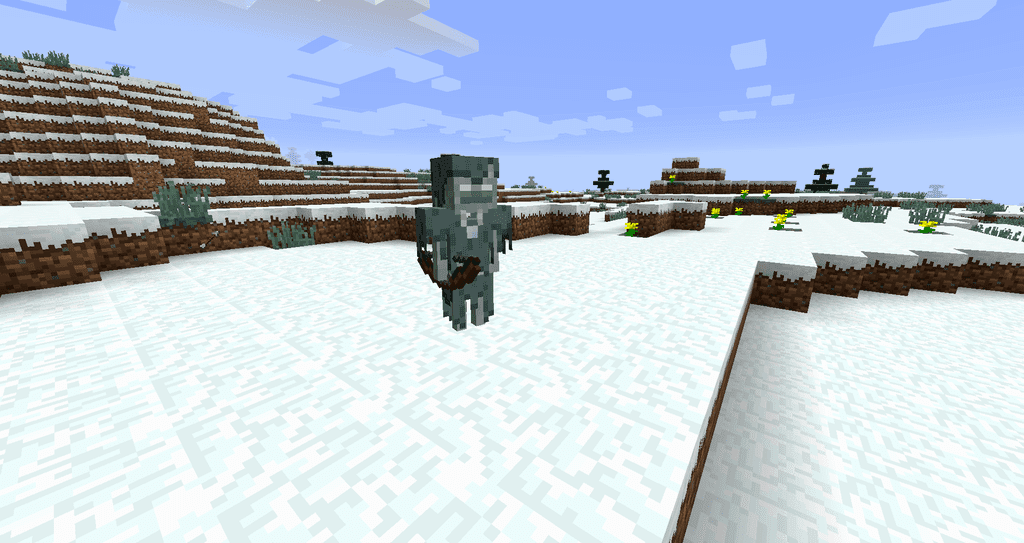
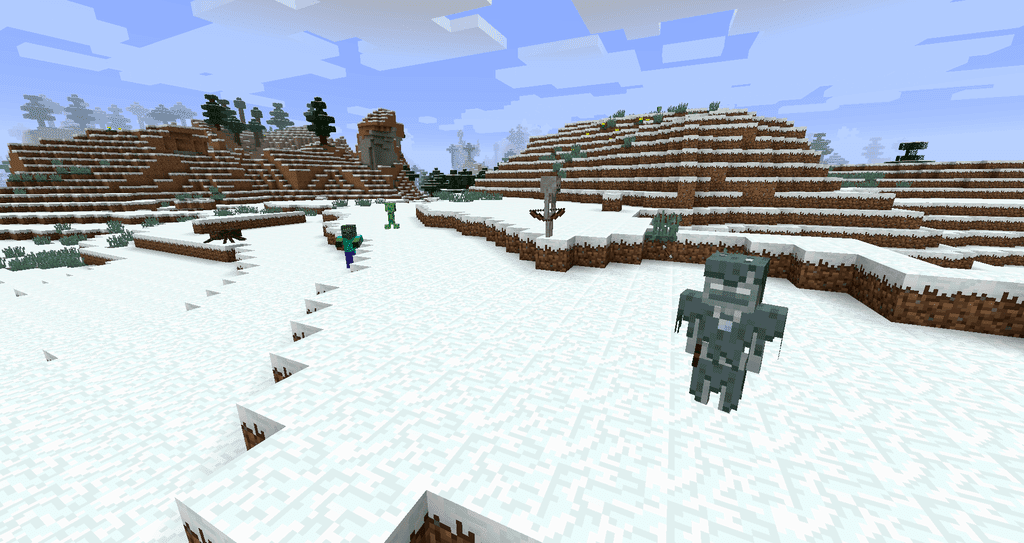
Mob Sunscreen Mod stops mobs from catching fire when daylight reaches them, and it works on creatures added by other mods as well as the vanilla ones. Nothing is protected until you say so: you list the mobs you want shielded in the config file, either one at a time or a whole mod at once. That makes it a useful tool for keeping a zombie exhibit alive, running a mob arena in daylight, or making the overworld a little harsher by leaving skeletons out of the list.
Features:
- Any mob you list stops burning in sunlight, including mobs that come from other mods.
- Protection is opt in, so the game behaves exactly like vanilla until you add entries yourself.
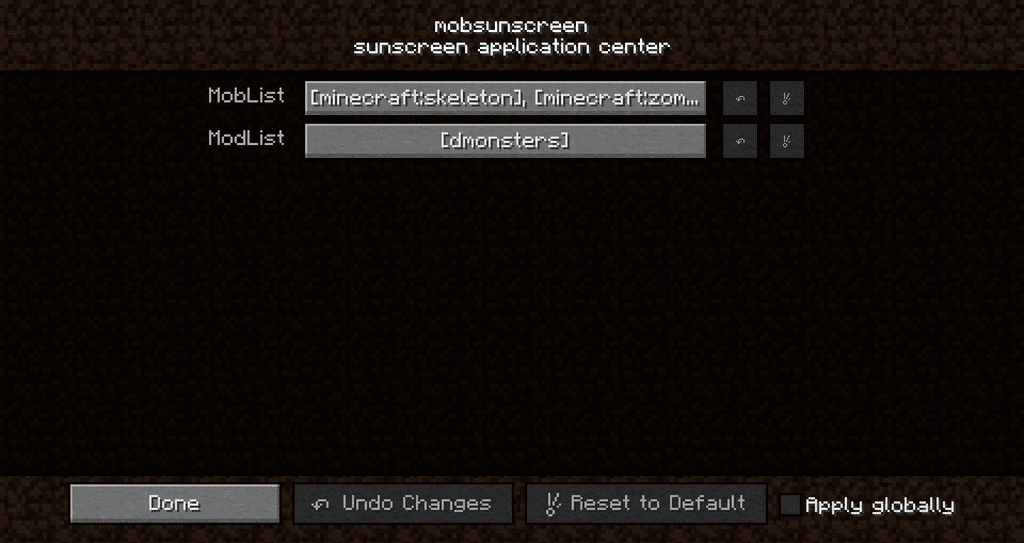
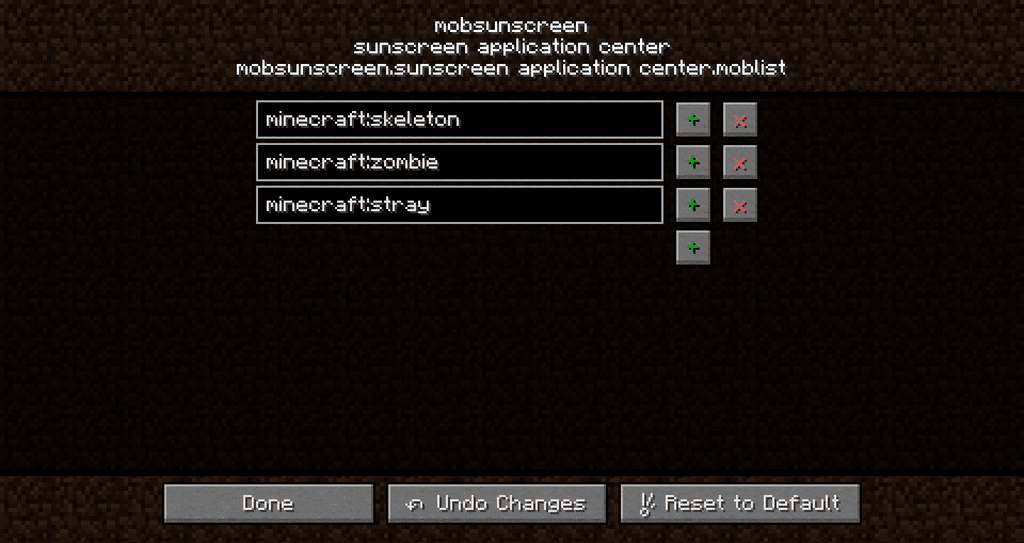
- Mobs are named by their resource location, in the form
modid:mobname, which avoids clashes between mods. - A whole mod can be covered at once by giving just its mod id instead of listing every creature.
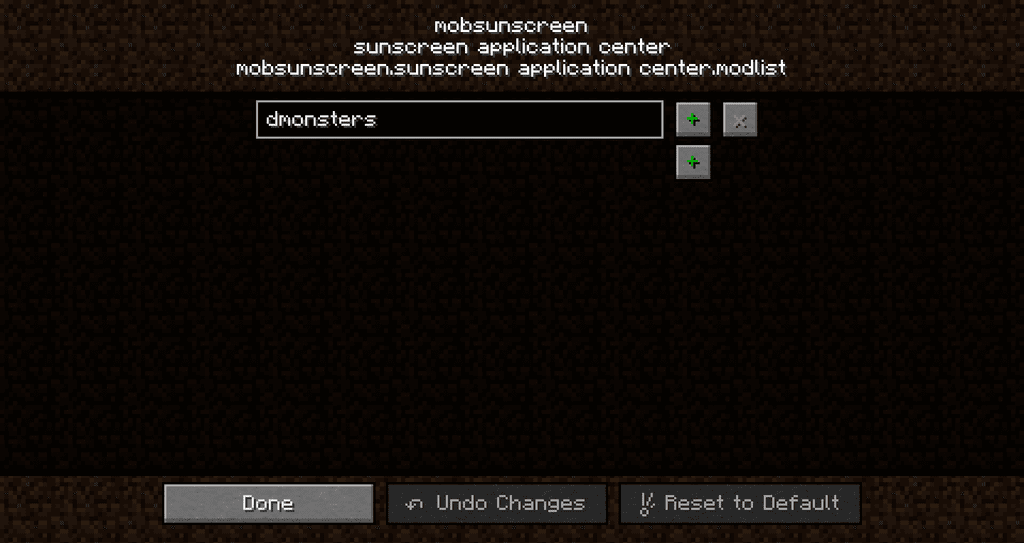
- The shipped config file already contains a worked example of both styles, so there is no guesswork.
- From version 3.0.0 the mod only needs to be on the server, and clients can join without it.
- Fabric, Forge and NeoForge builds are all available, with Fabric also needing Fabric API and Cloth Config.
- Modpacks may include it without asking for permission.
How to Use:
- Install Forge or NeoForge, or Fabric together with Fabric API and Cloth Config.
- Drop the mod jar into
.minecraft/modsand start the game once so the config file is written. - Press
F3andHtogether to turn on the extended tooltips. - Open the creative menu and hover a spawn egg. The tooltip now shows the resource location you need.
- Add that name to the config file, or add just the part before the colon to cover the whole mod.
- Restart the game or the server. The mobs you listed now walk through daylight without burning.
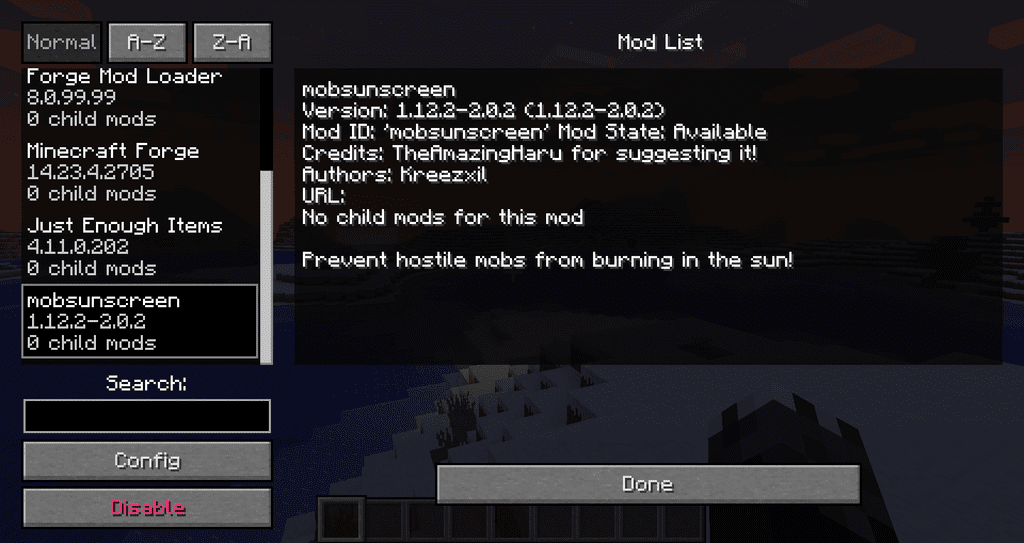
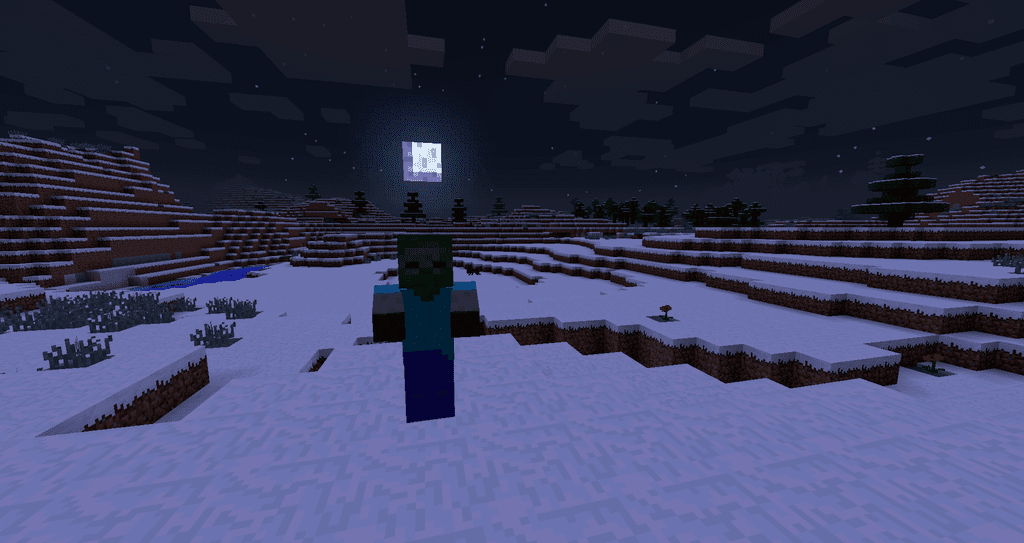
Screenshots:
How to Install:
New to Minecraft? Follow our step-by-step guide to install Mods on your PC.View Guide
Requirements:





Mob Sunscreen Mod Download Links
For Minecraft 26.2
For Minecraft 26.1.2, 26.1.1, 26.1
For Minecraft 1.21.11
For Minecraft 1.21.10
For Minecraft 1.21.5
For Minecraft 1.21.4
For Minecraft 1.21.1, 1.21
For Minecraft 1.20.4
For Minecraft 1.20.2
For Minecraft 1.20.1, 1.20
For Minecraft 1.19.4
For Minecraft 1.19.3
For Minecraft 1.19.2
For Minecraft 1.19
For Minecraft 1.18.2, 1.18.1, 1.18
For Minecraft 1.17.1
For Minecraft 1.16.5
For Minecraft 1.15.2
For Minecraft 1.12.2
Click to rate this post!
[Total: 1 Average: 5]
You May Also Like



This post has no comments yet. Be the first — your comment will appear here.