
Advancements Enlarger Mod (1.20.1, 1.19.2) – Browse Milestones on a Wide Screen

 0


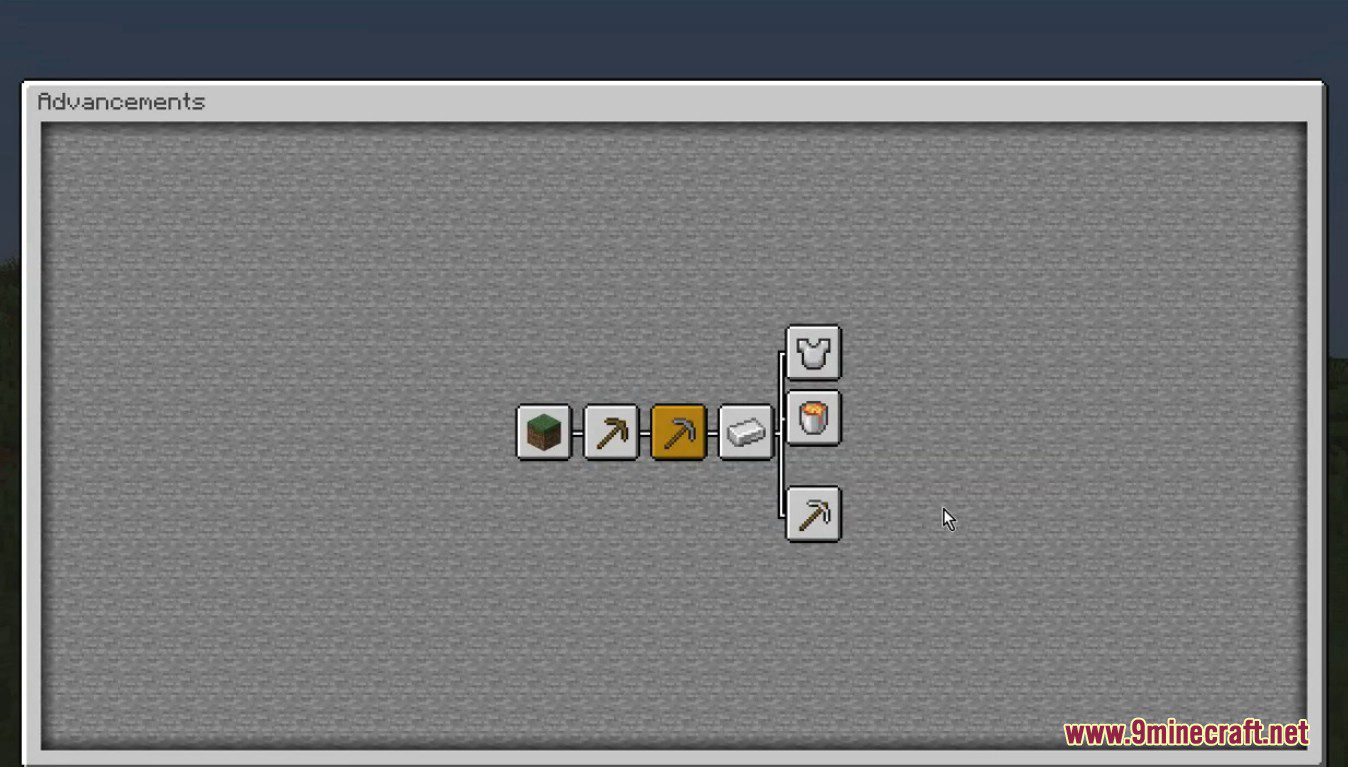
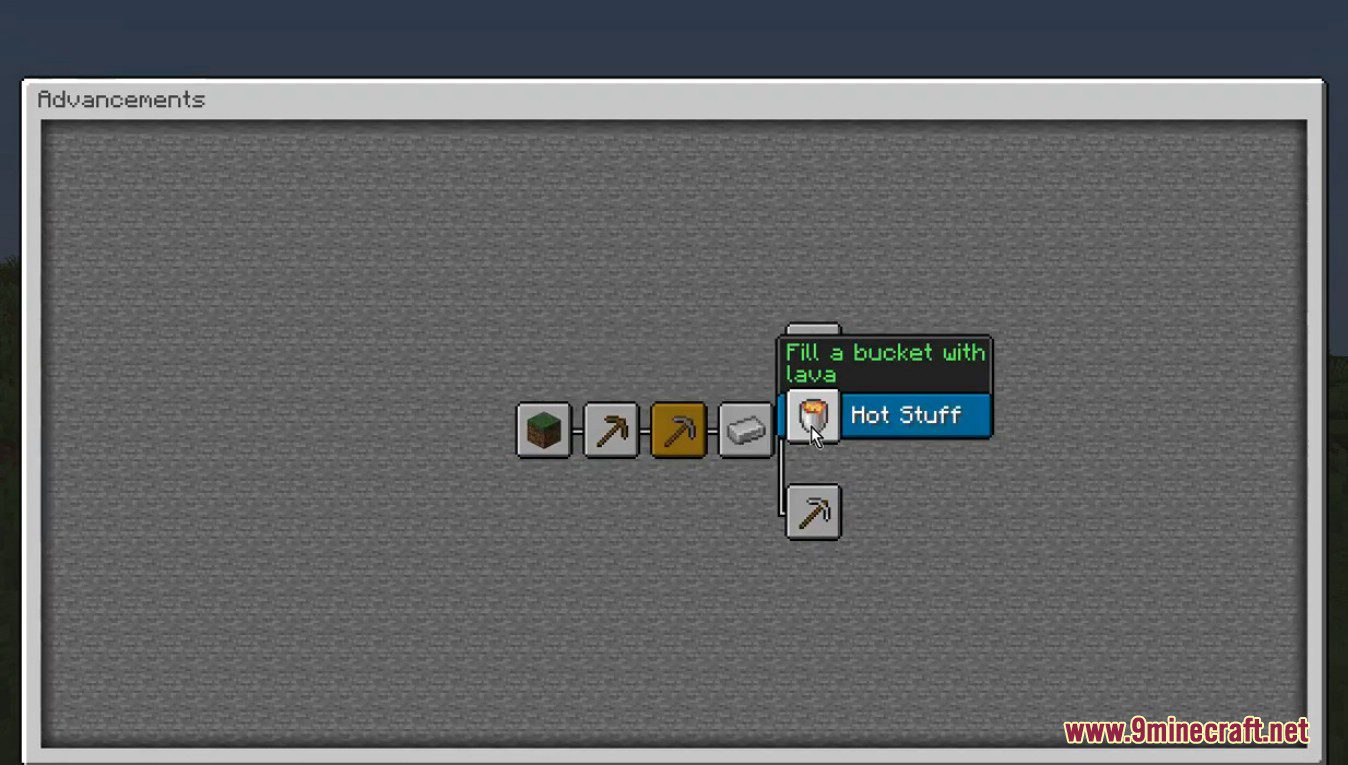
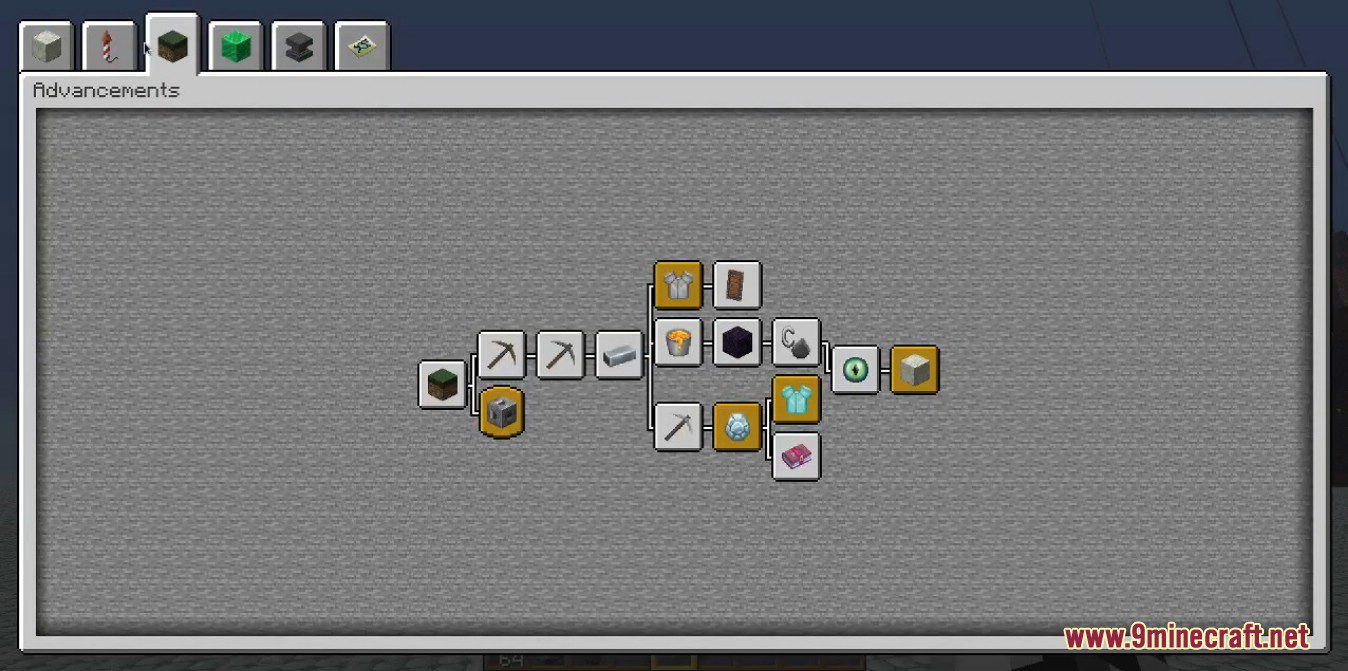
Advancements Enlarger Mod expands the vanilla advancement menu so you get a bigger view instead of the small, fixed default window. It also adapts the menu theme when you use Roughly Enough Items, including support for its dark theme. This mod requires Fabric API to work.
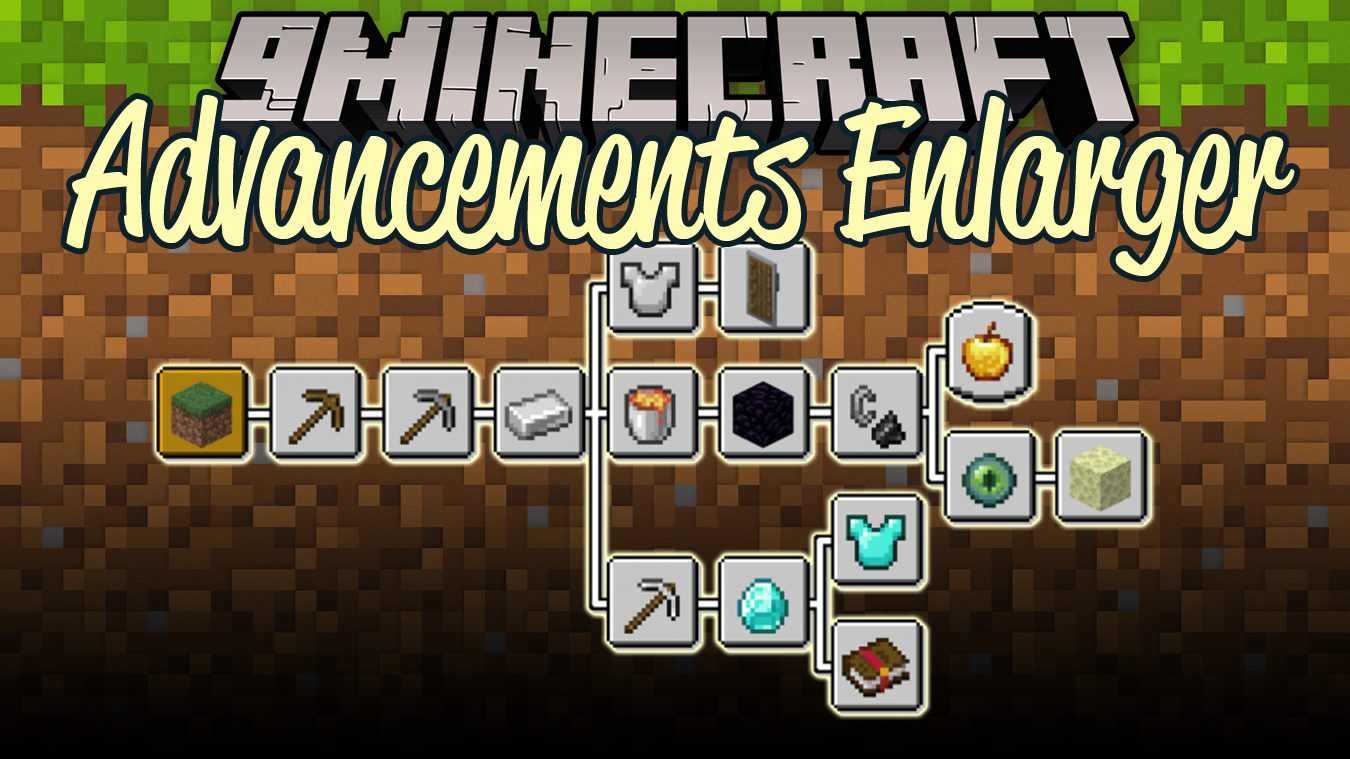
Features:
- Makes the advancement menu window bigger instead of keeping the small, fixed vanilla size.
- Matches the menu theme automatically when Roughly Enough Items is installed.
- Lets you turn on a dark theme through the Roughly Enough Items config menu.
How to Use:
- Open the advancement menu in the game like normal to view your advancements in a bigger window.
- Open the Roughly Enough Items config menu and turn on the dark theme option if you have REI installed and want a dark menu theme.
Screenshots:
How to Install:
New to Minecraft? Follow our step-by-step guide to install Mods on your PC.View Guide
Advancements Enlarger Mod Download Links
For Minecraft 1.20.1, 1.20
Fabric/Quilt version: Download from Server 1 – Download from Server 2
For Minecraft 1.19.4
Fabric version: Download from Server 1 – Download from Server 2
For Minecraft 1.19.3
Fabric version: Download from Server 1 – Download from Server 2
For Minecraft 1.19.2
Fabric version: Download from Server 1 – Download from Server 2
For Minecraft 1.18.2, 1.18.1, 1.17.1
Fabric version: Download from Server 1
For Minecraft 1.16.5
Fabric version: Download from Server 1
For Minecraft 1.15.2
Fabric version: Download from Server 1
What is your biggest frustration when playing with mods?
22 responses · See the full results →
You May Also Like
Picked for this page
 Cloud Boots Mod (26.3, 1.20.1) – Jump Super High
 Tesseract Mod (26.3, 1.20.1) – Transporting Items Easily
 Bigger Sponge Absorption Radius Mod (26.3, 1.20.1) – Expanded Absorption Radius
 Harder Branch Mining Mod (1.21.11, 1.20.1) – Harder Digging and Deeper Exhaustion
 Immersive Vehicles Trin Part Pack Mod (26.1.2, 1.20.1) – The Trims Of Freedom
 BlueMap Mod (26.3, 1.20.1) – Explore Your World In 3D
 Unloaded Activity Mod (26.3, 1.20.1) – Persistent Farming And Smelting
 Crash Exploit Fixer Mod (26.3, 1.20.1) – Keep Your Server Running Smoothly
 WITS Mod (26.3, 1.20.1) – Instantly ID Any Structure
 SpecSpoof Mod (26.3, 1.20.1) – Edit F3 Screen Content
 Ruins of Growsseth Mod (1.21.11, 1.21.1) – New Structures, Quests, Smart NPC
 ALL Death Messages Mod (26.3, 1.20.1) – Enable Death Message For All Entities
Most viewed in Mods over the last 7 days
 Ala Industrial Mod (26.3) – Run Electric Power Grids and Automated Factories
 PleasureCraft Mod (26.3, 1.21.1) – Jenny Mod Remake for Fabric
 Jennycraft Mod (26.3, 1.20.1) – Virtual Girlfriend in Minecraft
 Fapcraft Mod (26.3, 1.12.2) – Comprehensive and Detailed Content
 Jenny Mod (Fapcraft) Official Complete Guide – How to use, Tutorial
 BangCraft Mod (1.20.1) – Jenny, Ellie and Elliot
 Fabric Loader (26.3, 1.20.1) – Fabric Installer for All Minecraft Versions
 Meteor Client Mod (26.3, 1.20.1) – Xray, HUD, Fly
 OptiFine HD (26.3, 1.20.1) – Run Faster, FPS Boost, Shaders Support
 The Shooting Star Demo Mod (26.3, 1.20.1) – Vaporize Terrain From Orbit
 SchnurriTV Mod (1.12.2) – Characters and Features
 Aristois Client Mod (1.21.4, 1.20.1) – World Class Minecraft Utility
More from Mods
 Load My Tags 9minecraft Mod (26.3) – Mix Mods Without Breaking Recipes
 Kambrik 9minecraft Mod (26.3) – Run Kotlin Mods Without Game Lag
 Fast Paintings 9minecraft Mod (26.3, 26.2) – Place Wall Art Exactly Where You Want It
 Bonsai Trees 9minecraft Mod (26.3, 26.2) – Automate Wood Farming in Tiny Pots
 Enhanced Block Entities 9minecraft Mod (26.3) – Build Lag-Free Storage Rooms
 Better Nether 9minecraft Mod (26.3, 26.2) – Survive Forever in the Nether
 BCLib 9minecraft Mod (26.3, 26.2) – Power Custom Nether and End Overhauls
 ForgedLoaderAPI Mod (1.19.2, 1.18.2) – Bring Ported Fabric Creations
 Shield System Mod (1.21.1) – Tank Heavy Monster Hits Without Losing Hearts
 Shin’s Tensura Race Models Mod (1.19.2) – Play As Unique 3D Anime Race
 Offgrid Mod (26.3, 1.20.1) – Furnish Compact Interiors Without Strict Grid
 Tempest Almanac Iron’s Spells ‘n Spellbooks Mod (1.21.1, 1.20.1)

This post has no comments yet. Be the first — your comment will appear here.