
Alloy Forgery Mod (1.21.10, 1.20.1) – Multiply Ore Yields in Multiblock Smelters
 35,461
 0


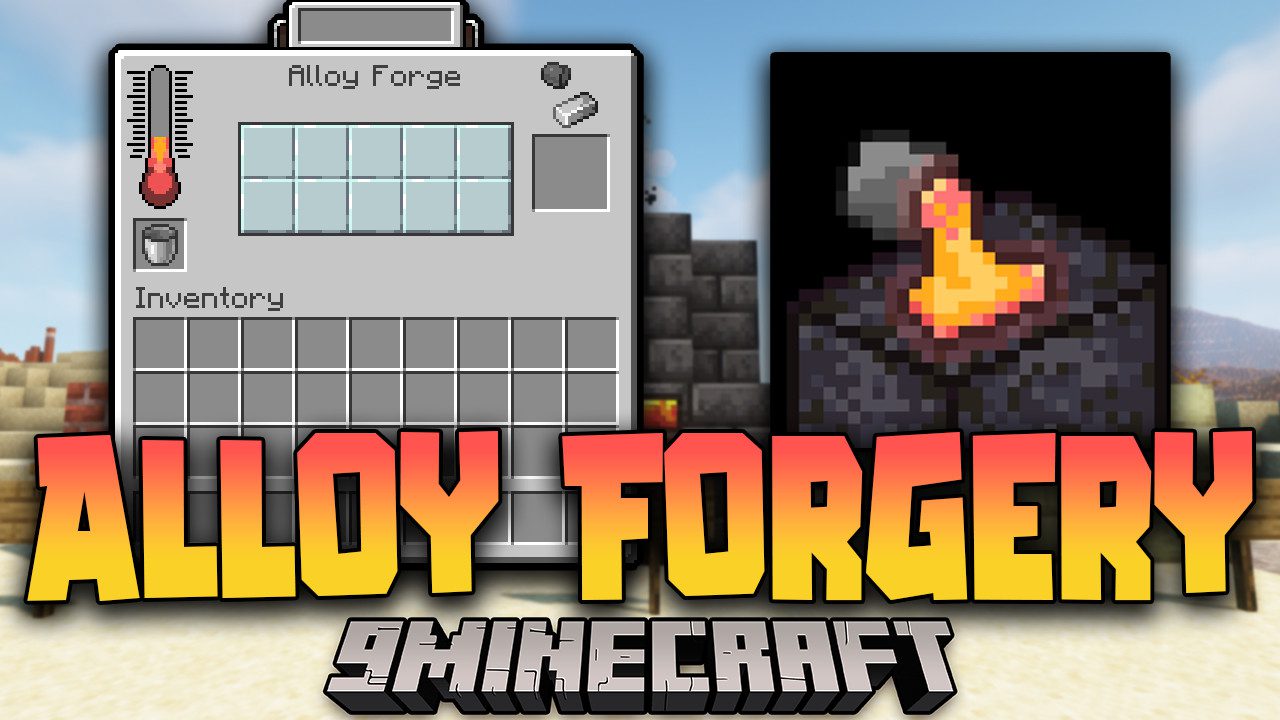
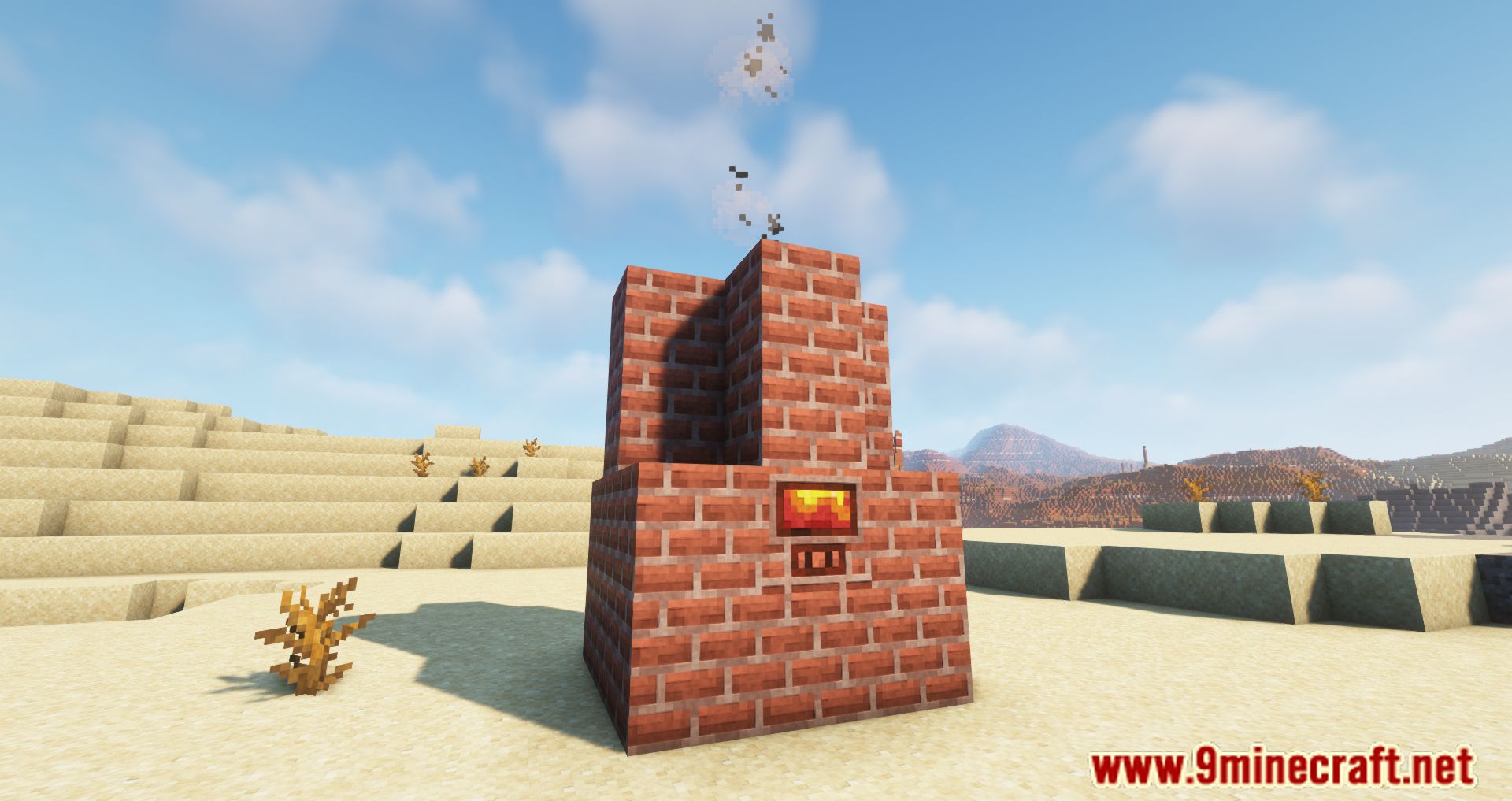
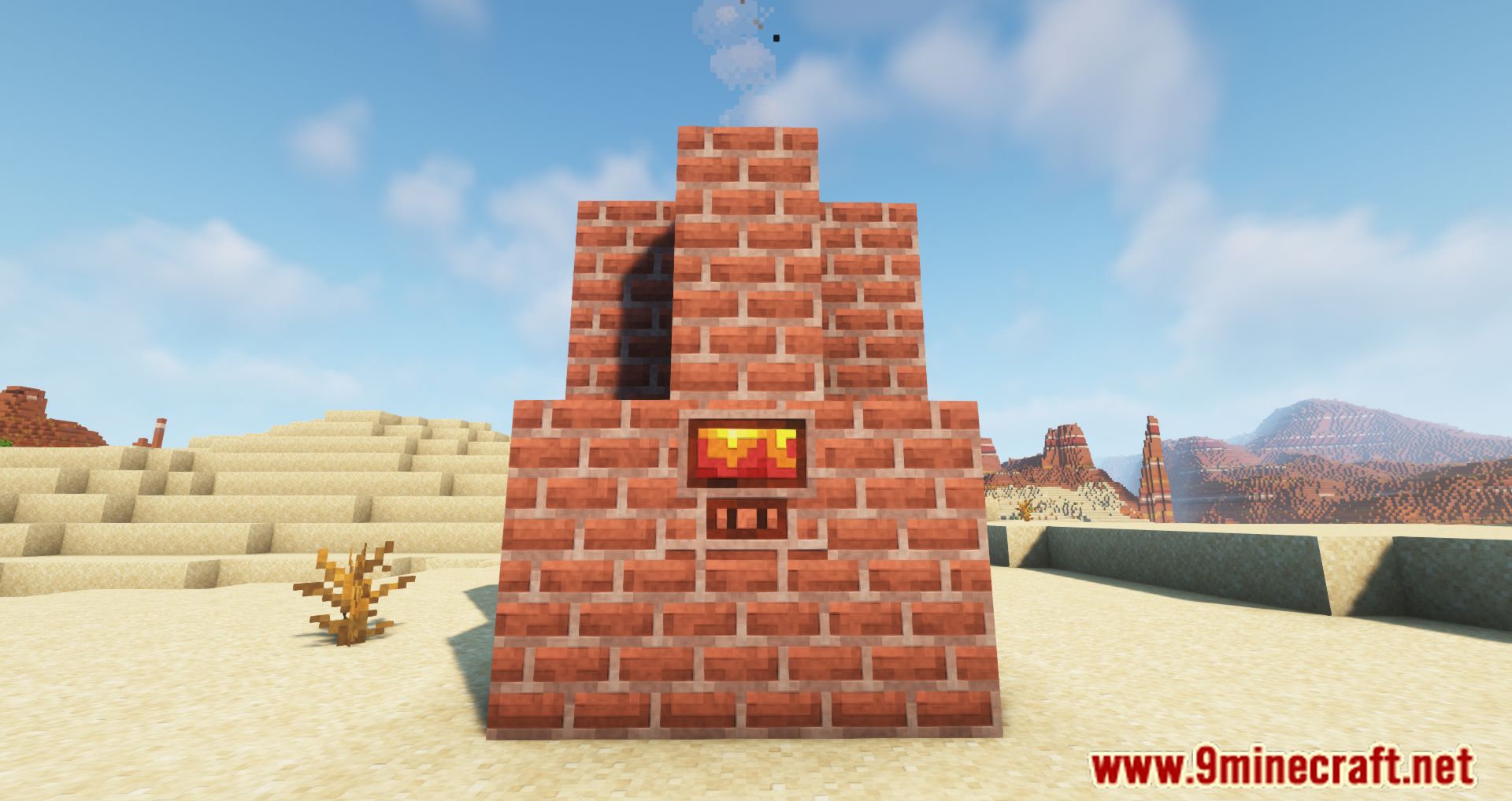
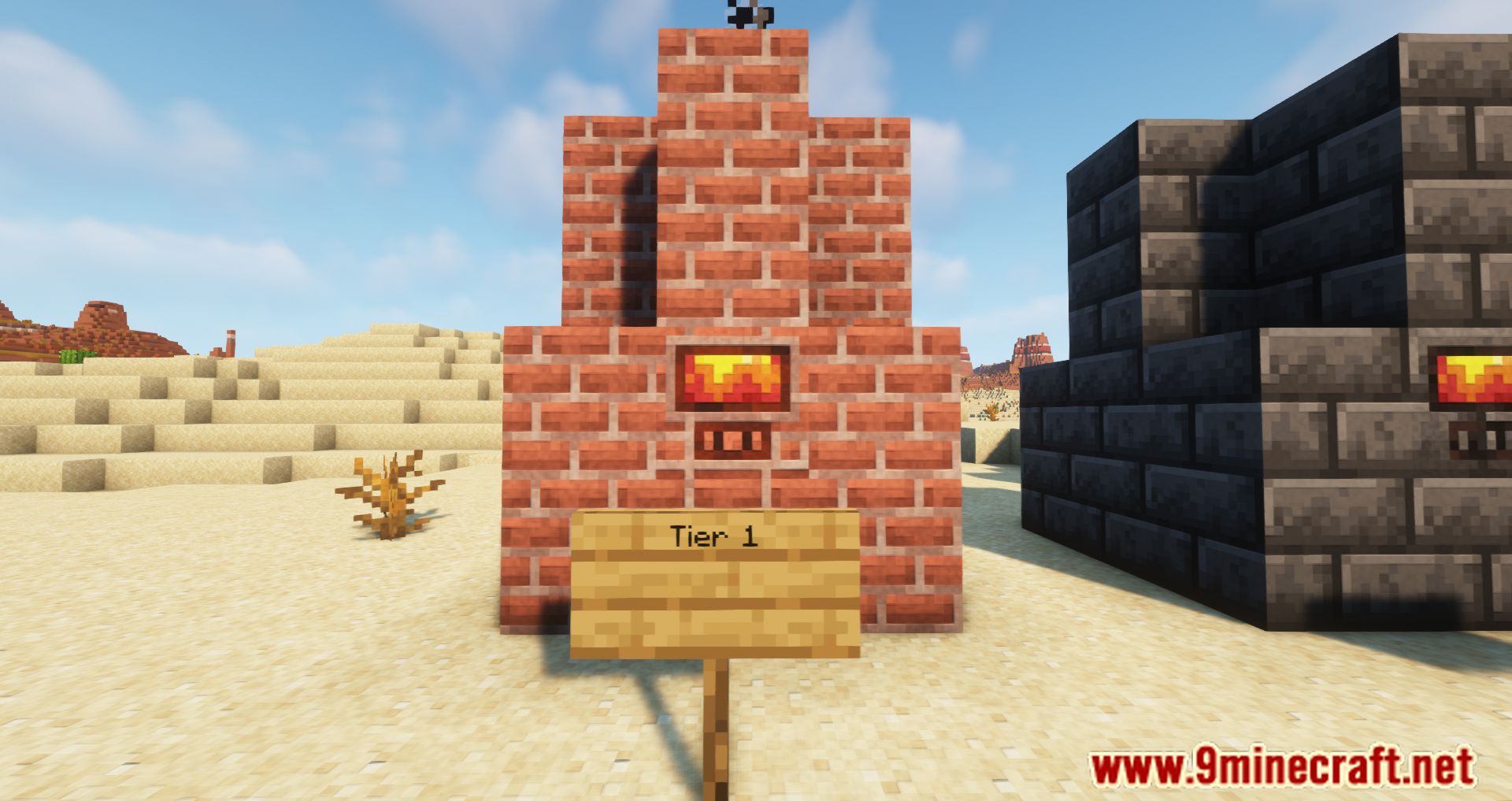
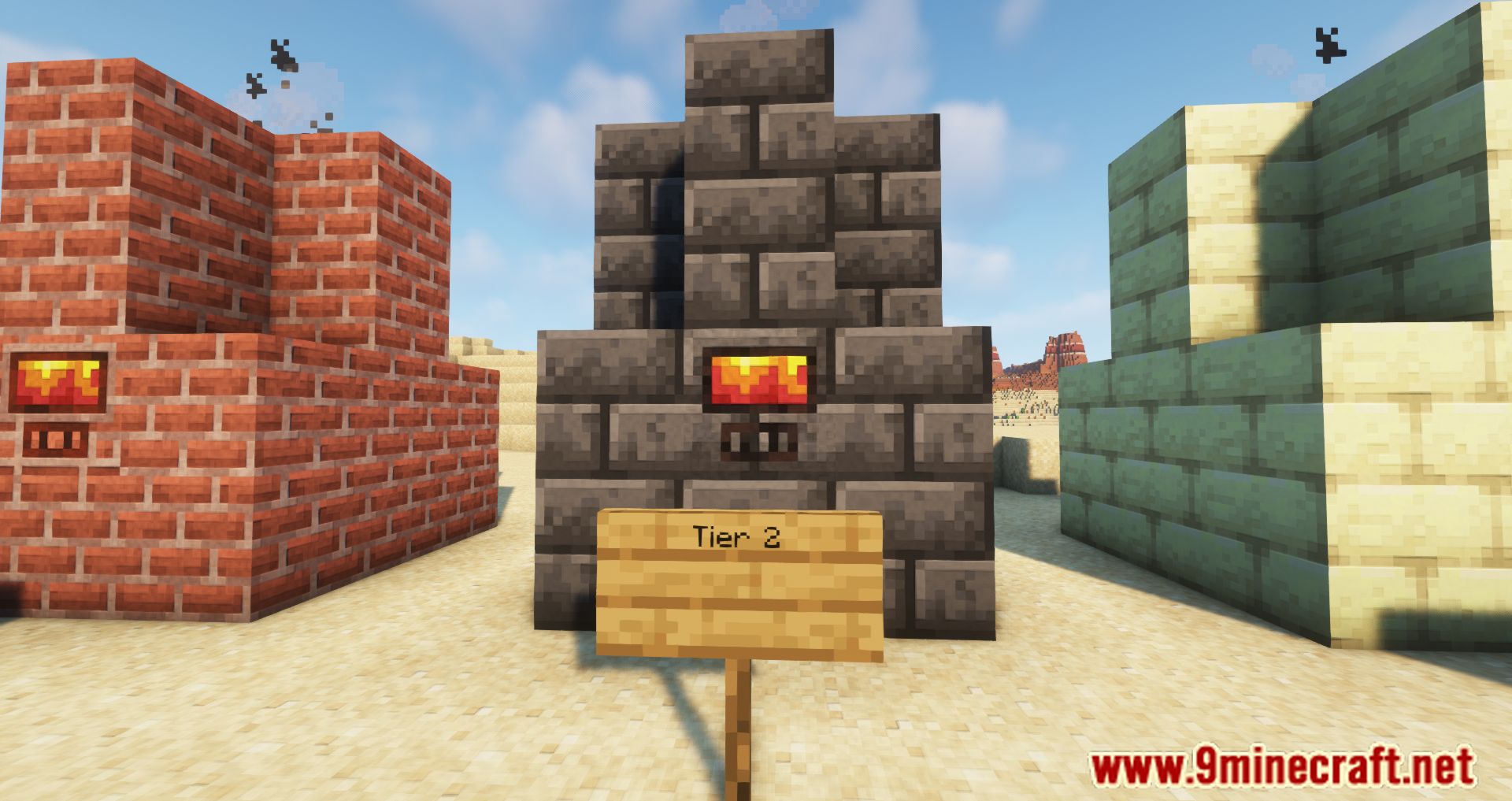
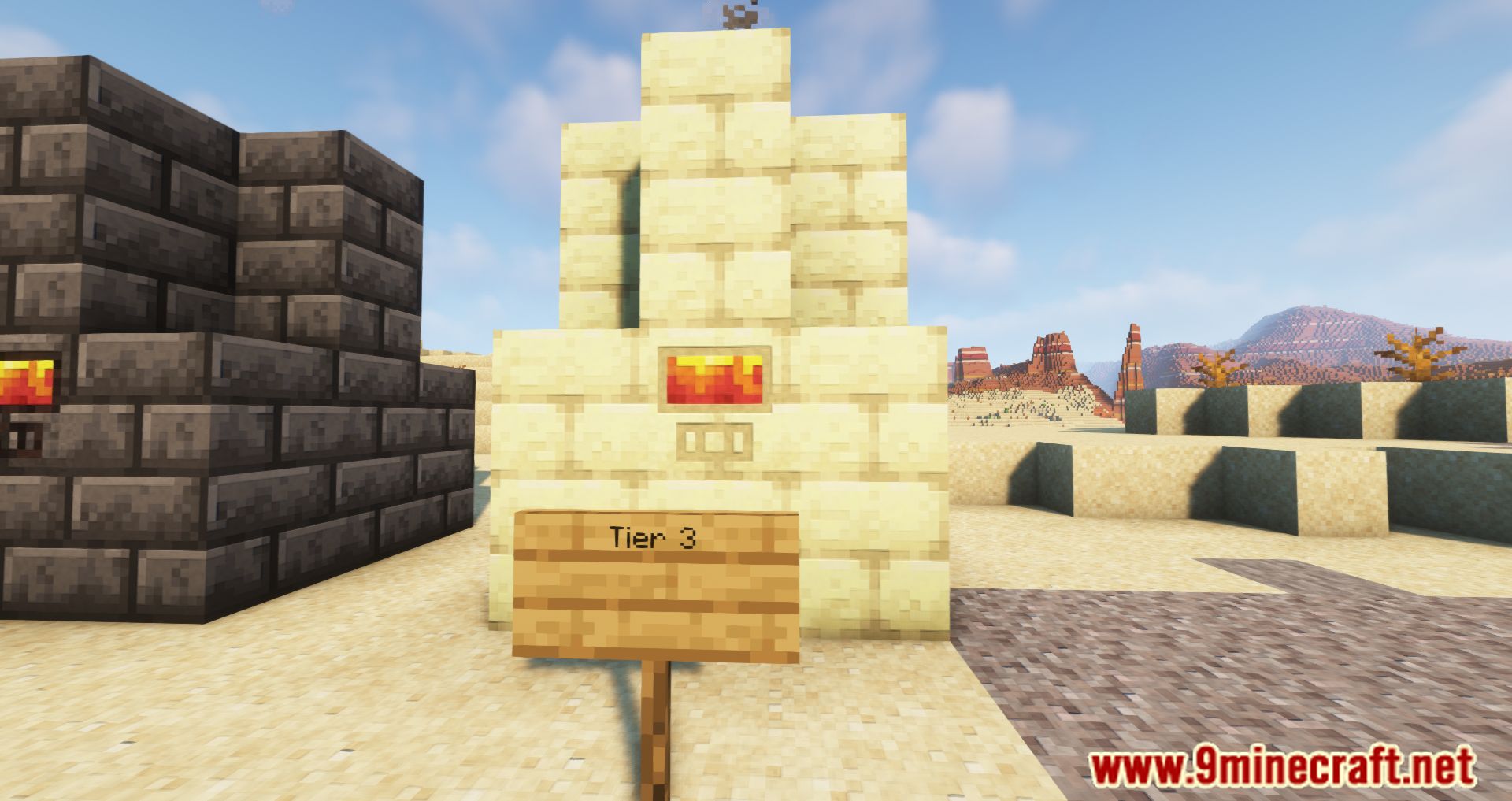
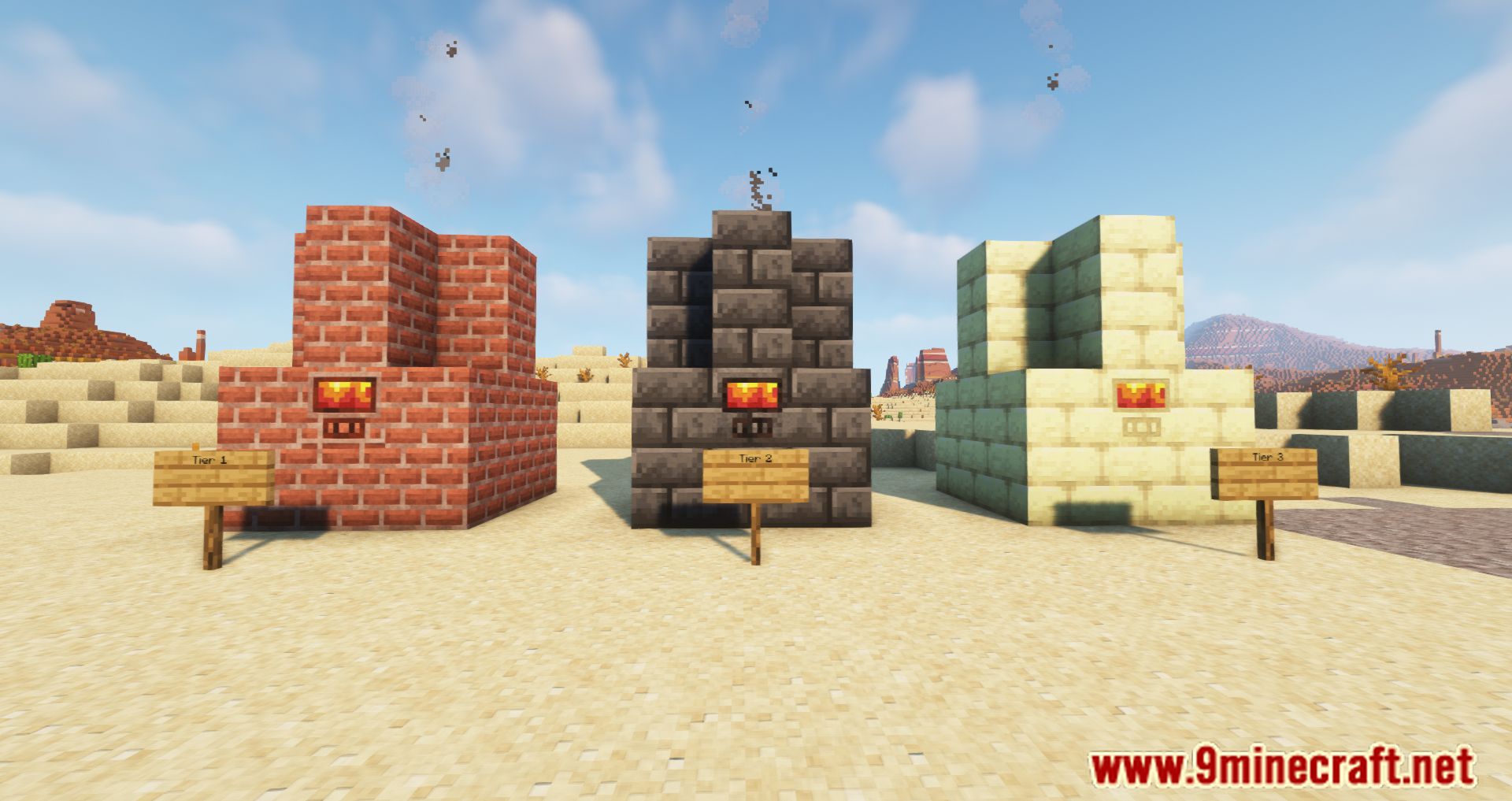
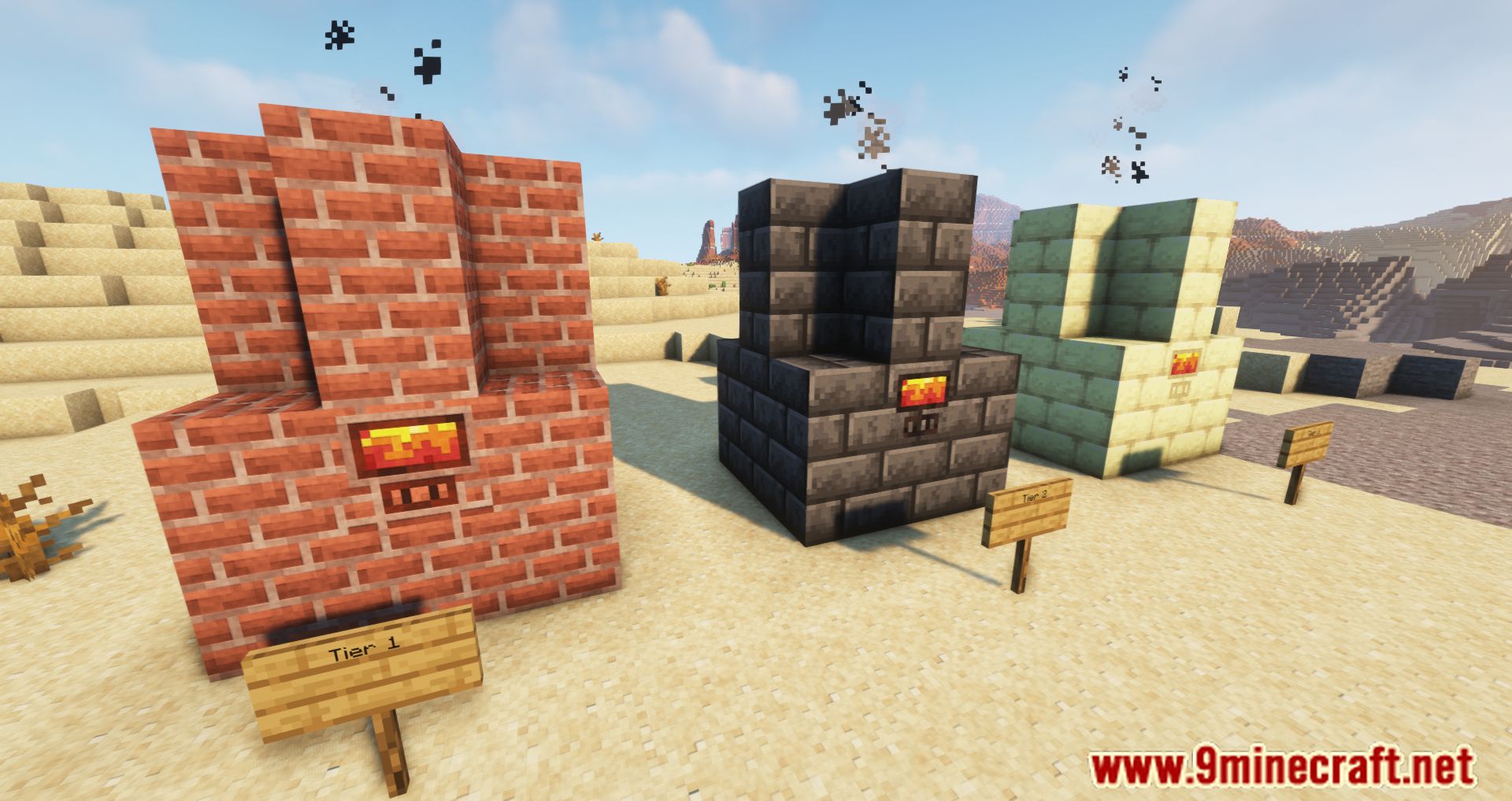
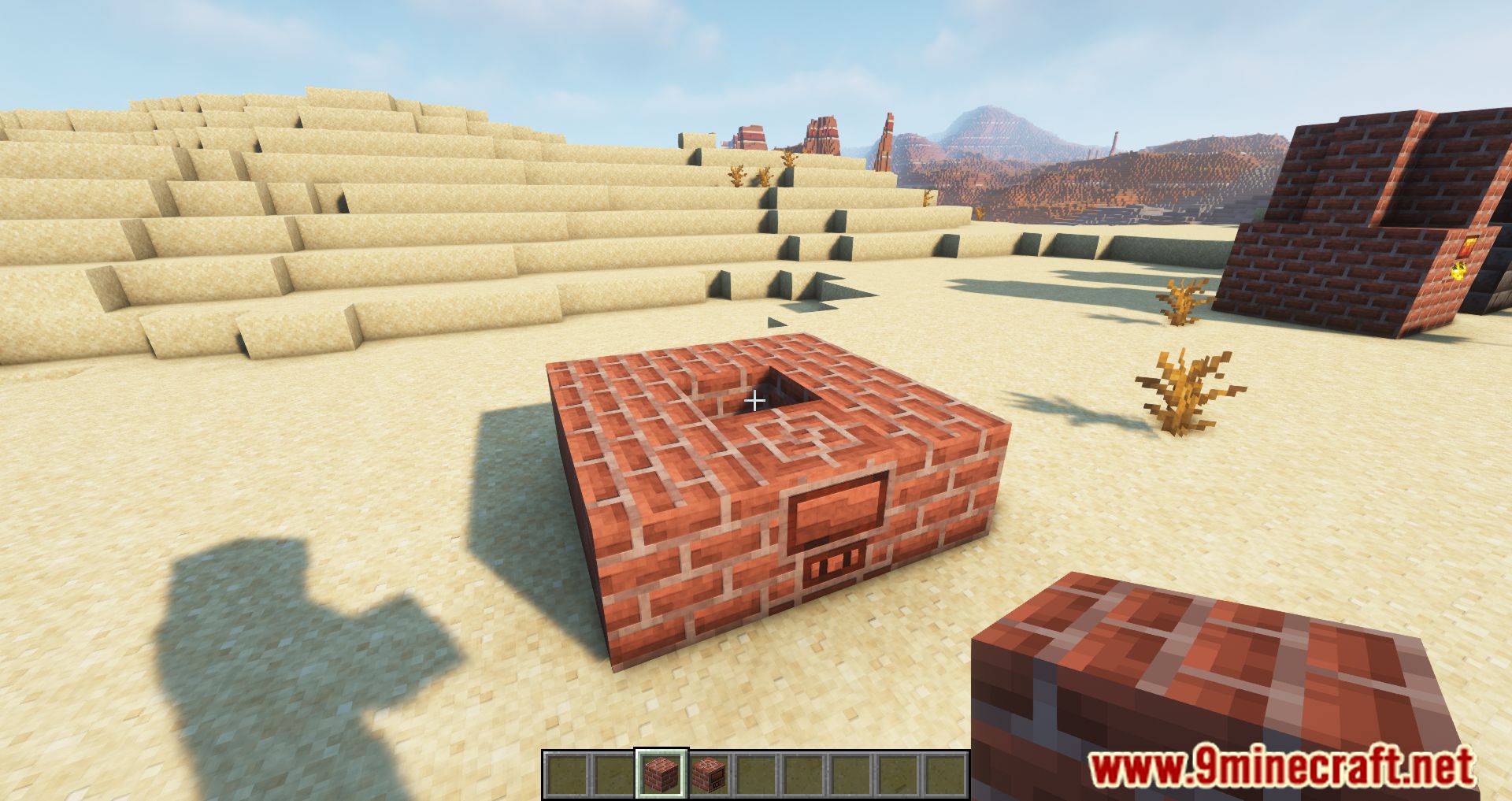
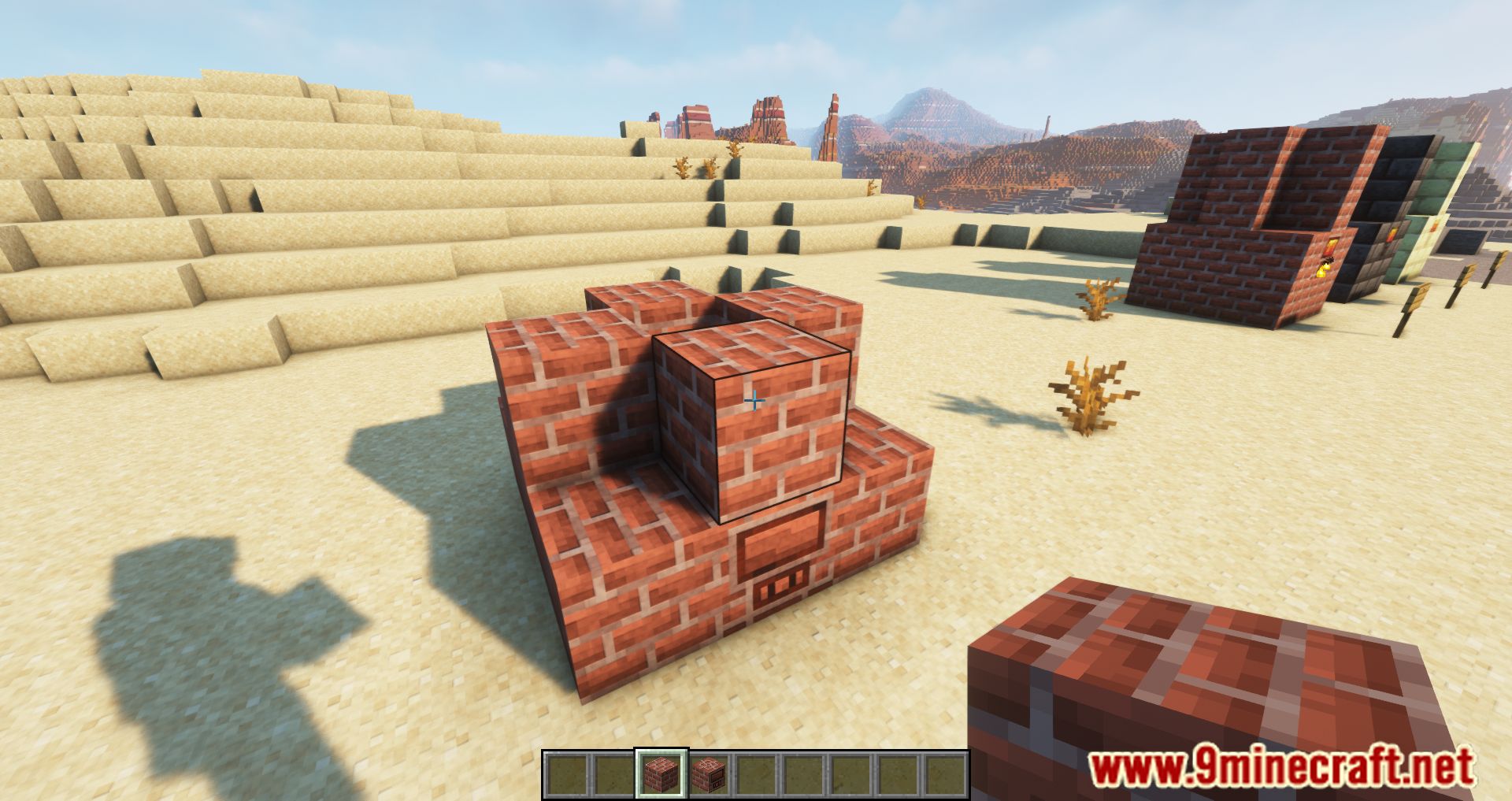
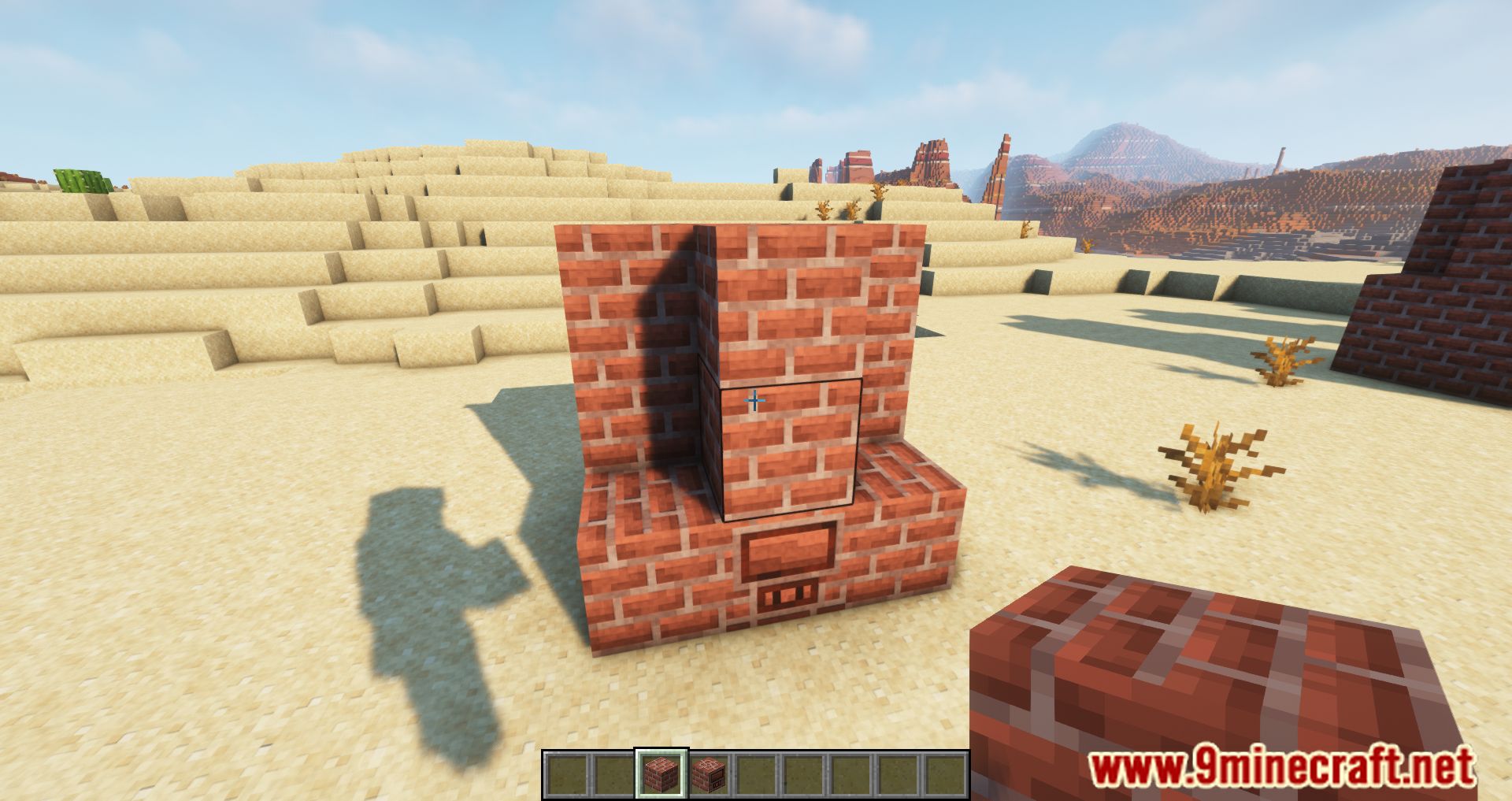
Alloy Forgery Mod adds a multi-block smelter called the Alloy Forge to Minecraft. It helps you get more ingots from your ores and smelt materials faster than a regular furnace. This mod comes with three default forge tiers made from different stone-like blocks, each with its own fuel capacity and smelting speed. Everything runs on a data-driven setup, so custom forges and recipes work through mod-datapacks or global config files.
Features:
- Adds a multi-block smelter called the Alloy Forge that increases ore yield and speeds up smelting.
- Includes three default forge tiers made from different stone-like materials, each offering its own fuel capacity and smelting speed.
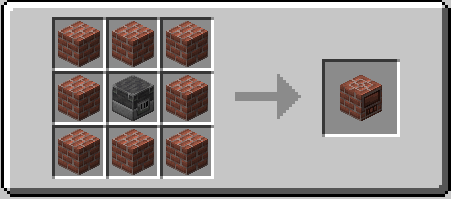
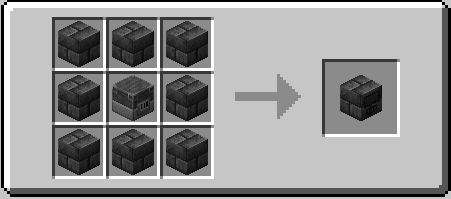
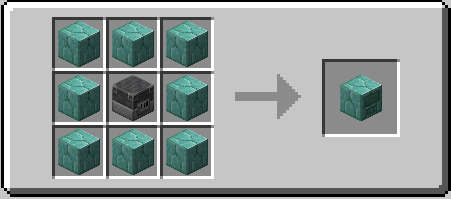
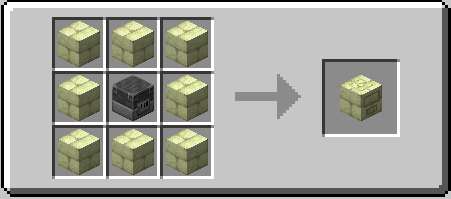
- Uses the same crafting pattern for every furnace controller, placing a blast furnace in the center with an outer ring of eight matching blocks such as bricks, deepslate, polished blackstone bricks, prismarine, or end stone bricks.
- Requires a furnace controller paired with a multi-block structure made from any combination of blocks that the forge type supports.
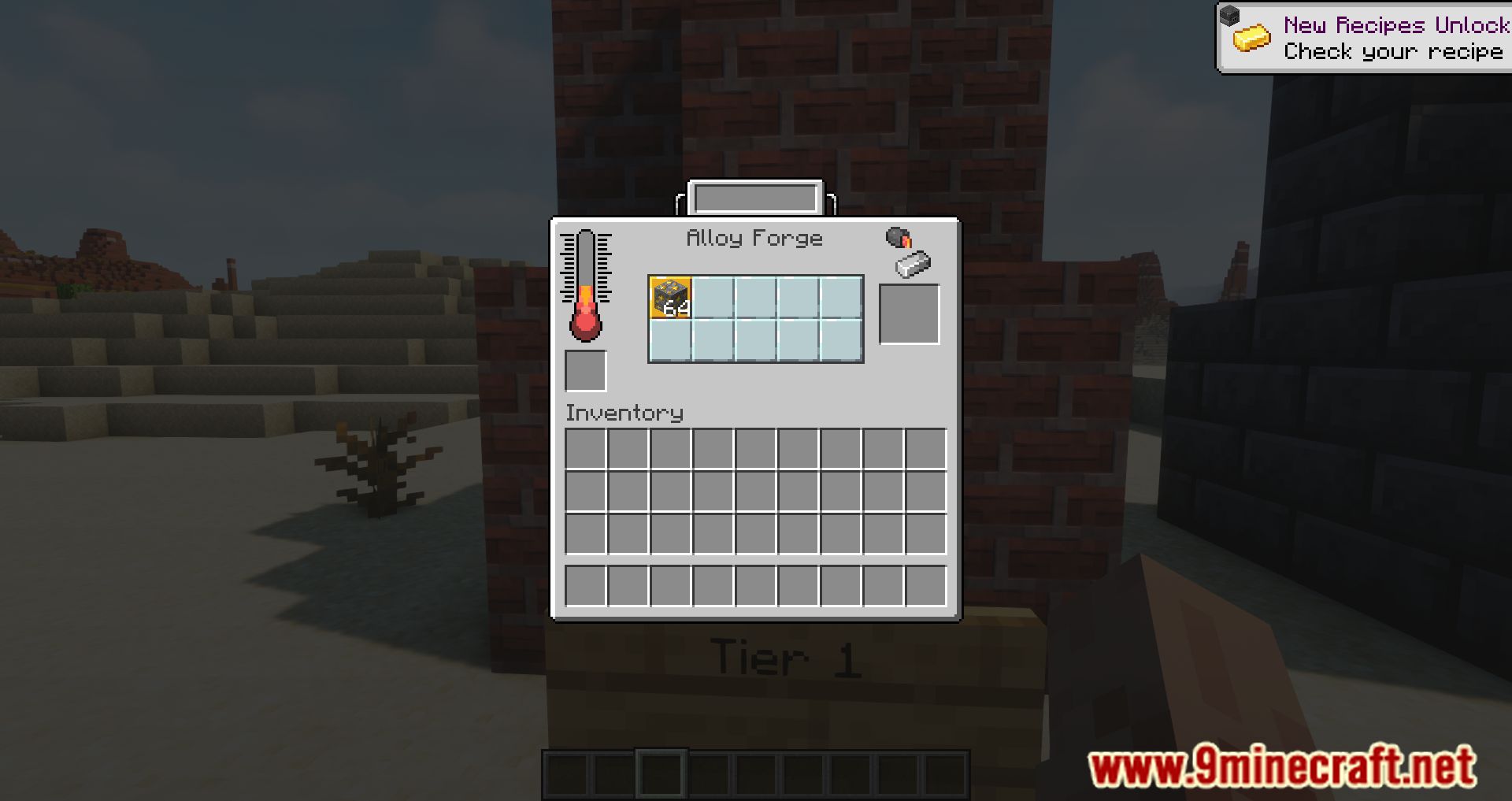
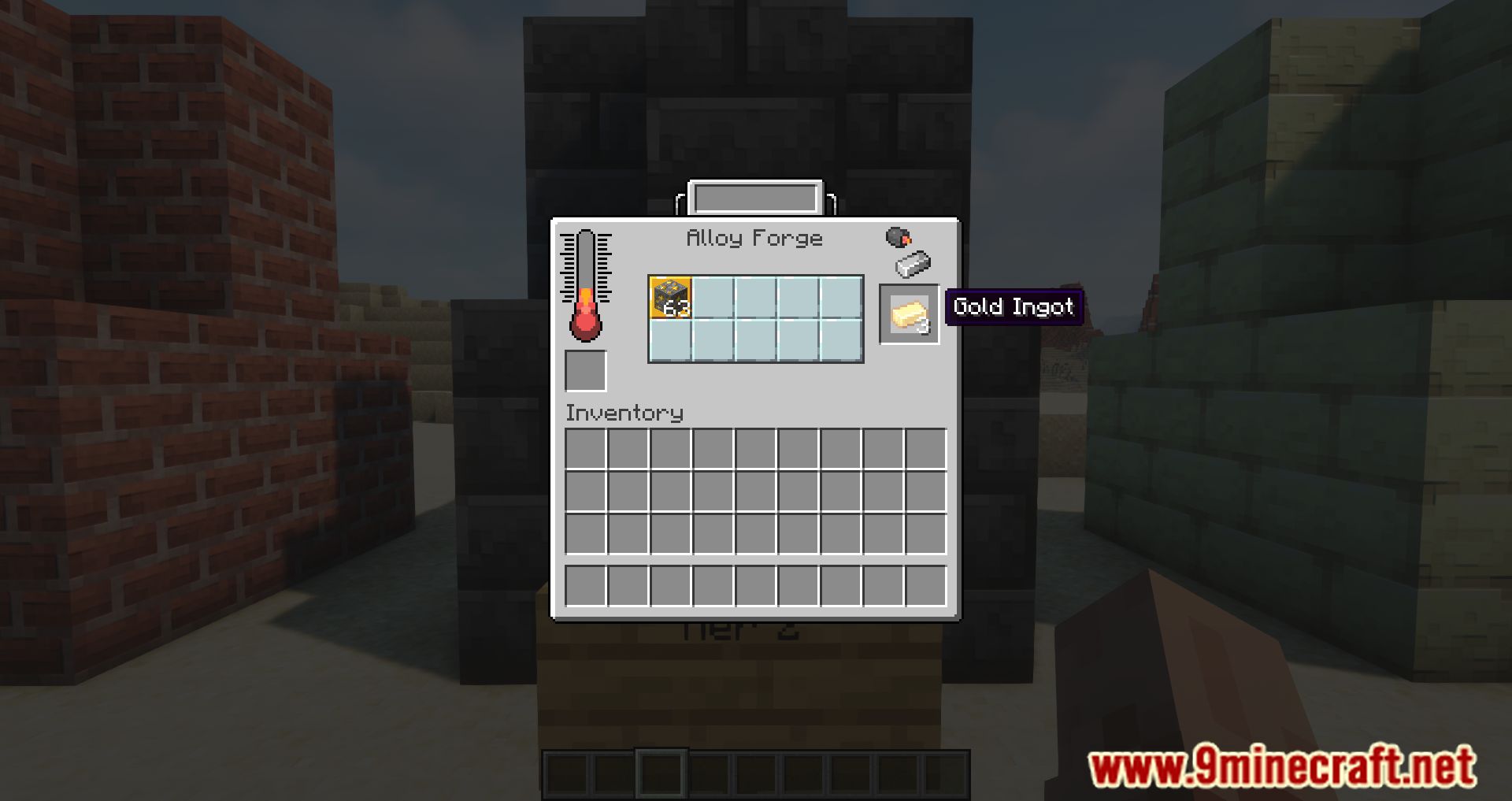
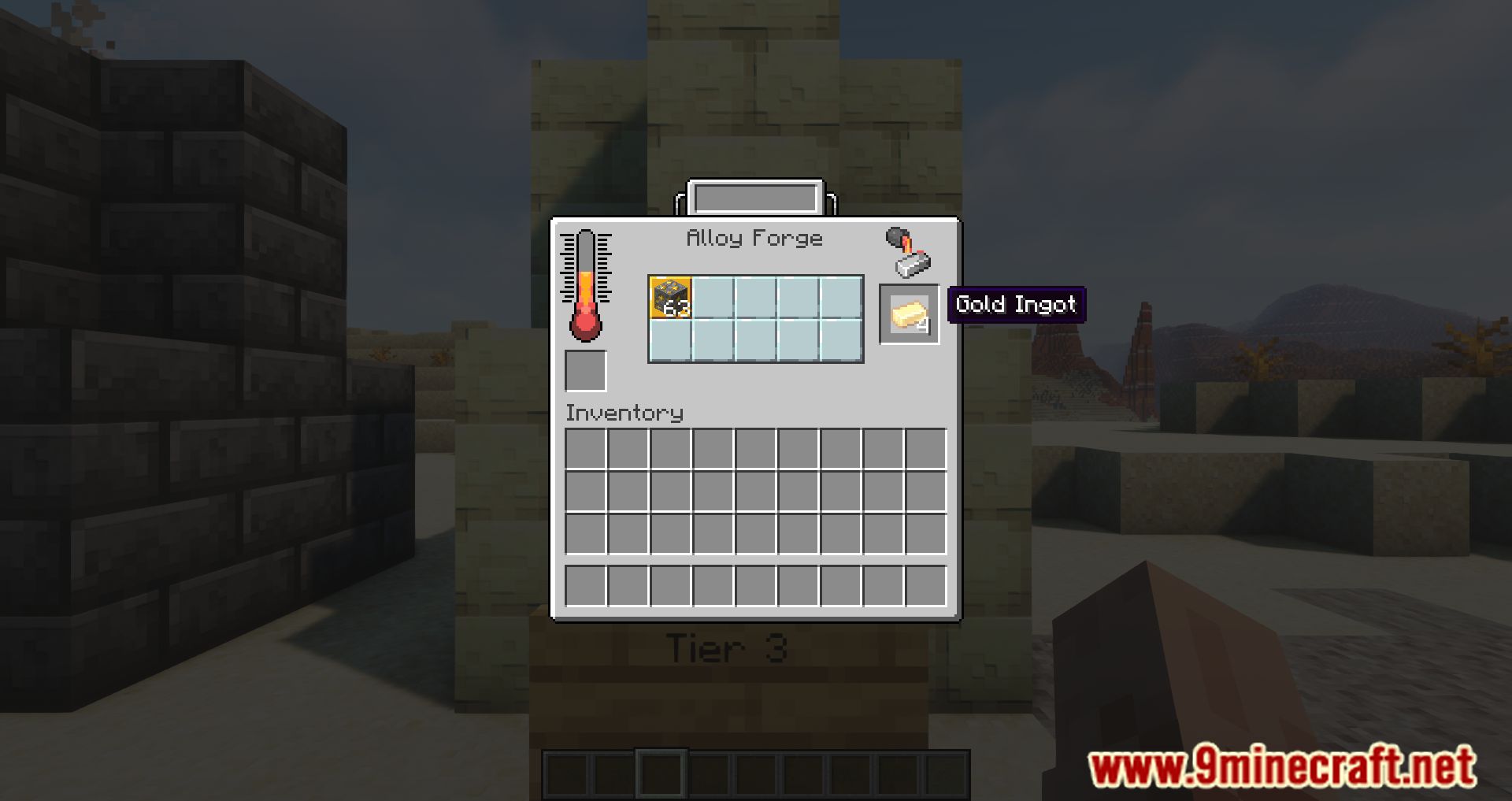
- Provides a simple smelting menu that shows temperature, fuel, input slots, and output items so you can load multiple resources or combine different materials.
- Supports a data-driven setup so new forge types and custom recipes can be added through mod-datapacks or global config files for modpacks and other mods.
How to Use:
- Craft a furnace controller by placing a blast furnace in the center and surrounding it with an outer ring of eight matching blocks, such as bricks, deepslate, polished blackstone bricks, prismarine, or end stone bricks.
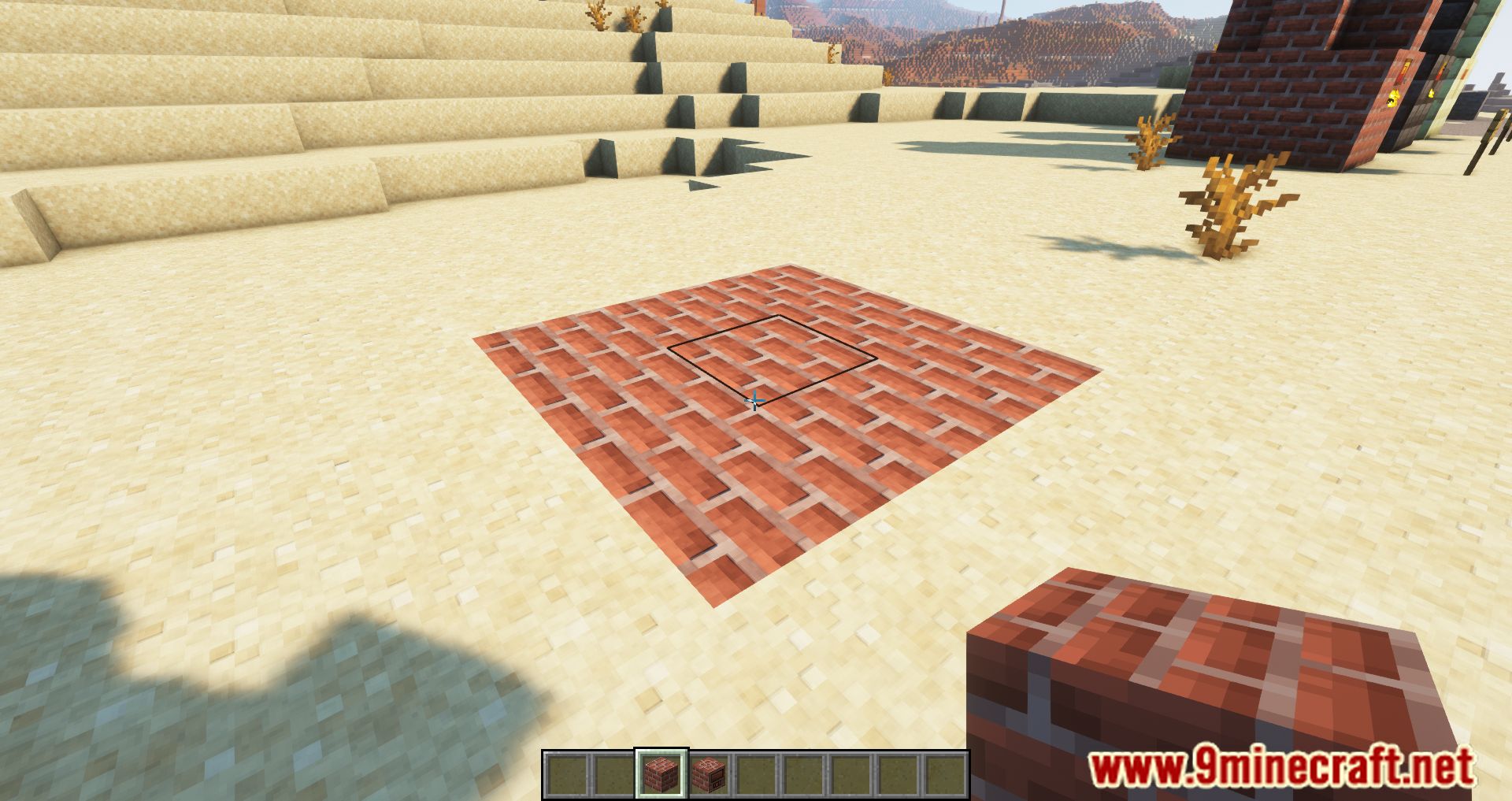
- Build the multi-block forge structure around or beneath the controller using any combination of blocks that match your controller type so the Alloy Forge forms.
- Interact with the furnace controller block to open the forge smelting menu and view the temperature, fuel, and item slots.
- Add fuel and raw ores or materials into the slots to start smelting, then collect your finished ingots or alloys from the output area.
Crafting Recipes:
Screenshots:
How to Install:
New to Minecraft? Follow our step-by-step guide to install Mods on your PC.View Guide
Requirements:



Alloy Forgery Mod Download Links
For Minecraft 1.16.5
Fabric version: Download from Server 1
For Minecraft 1.17.1
Fabric version: Download from Server 1
For Minecraft 1.18.1
Fabric version: Download from Server 1
For Minecraft 1.18.2
Fabric version: Download from Server 1
For Minecraft 1.19
Fabric version: Download from Server 1
For Minecraft 1.19.2
Fabric version: Download from Server 1 – Download from Server 2
For Minecraft 1.19.3
Fabric version: Download from Server 1 – Download from Server 2
For Minecraft 1.19.4
Fabric/Quilt version: Download from Server 1 – Download from Server 2
For Minecraft 1.20.1, 1.20
Fabric/Quilt version: Download from Server 1 – Download from Server 2
For Minecraft 1.20.4
Fabric version: Download from Server 1 – Download from Server 2
For Minecraft 1.21.1, 1.21
Fabric version: Download from Server 1 – Download from Server 2
For Minecraft 1.21.4
NeoForge version: Download from Server 1 – Download from Server 2
Fabric version: Download from Server 1 – Download from Server 2
For Minecraft 1.21.10
NeoForge version: Download from Server 1 – Download from Server 2
Fabric version: Download from Server 1 – Download from Server 2
You May Also Like
Picked for this page
 Iron Chests Mod (26.3, 1.20.1) – Finally Organize Your Loot
 NightVision Mod (26.2, 1.20.1) – Night Vision Toggle
 Mystical Agriculture Mod (26.1.2, 1.20.1) – Grow Diamonds From a Seed
 Theurgy Mod (26.3, 1.20.1) – Use Alchemy to Find Any Ore
 Aerial Hell Mod (26.3, 1.20.1) – New Floating Dimension
 Applied Botanics Mod (1.21.1, 1.20.1) – Mana Through AE2
 Productive Bees Mod (26.1.2, 1.20.1) – Build a Bee-Powered Farm
 Mob Population Control Mod (1.21.11, 1.20.1) – Anti-Lag for Server
 Progressive Ender Eyes Mod (26.3, 1.20.1) – Eye of Ender Is Not Easy to Craft Anymore
 Stonecutter GUI Remastered Mod (26.3, 1.20.1) – Better Stonecutter GUI
 The Fletching Table Mod (26.3, 1.20.1) – Transform Your Arrows With Ease
 Slyde More Mod (1.21.11, 1.20.1) – Push Settings Beyond Vanilla Limits
Most viewed in Mods over the last 7 days
 Ala Industrial Mod (26.3) – Run Electric Power Grids and Automated Factories
 PleasureCraft Mod (26.3, 1.21.1) – Jenny Mod Remake for Fabric
 Jennycraft Mod (26.3, 1.20.1) – Virtual Girlfriend in Minecraft
 Fapcraft Mod (26.3, 1.12.2) – Comprehensive and Detailed Content
 Jenny Mod (Fapcraft) Official Complete Guide – How to use, Tutorial
 BangCraft Mod (1.20.1) – Jenny, Ellie and Elliot
 Fabric Loader (26.3, 1.20.1) – Fabric Installer for All Minecraft Versions
 The Shooting Star Demo Mod (26.3, 1.20.1) – Vaporize Terrain From Orbit
 Meteor Client Mod (26.3, 1.20.1) – Xray, HUD, Fly
 OptiFine HD (26.3, 1.20.1) – Run Faster, FPS Boost, Shaders Support
 Aristois Client Mod (1.21.4, 1.20.1) – World Class Minecraft Utility
 Prestige Client Mod (1.21.11, 1.21.4) – Powerful Ghost Features for Crystal & Sword PvP
More from Mods
 TRMT Reimagined the Roads More Travelled Mod (26.3, 1.20.1)
 Morrowless Mod (1.21.1) – Defend Your Shelter From Nightmare Creatures
 THE SLOPSTROSITY Mod (1.21.1) – Battle a Ridiculous Slime Boss
 Decoween Mod (1.21.1, 1.20.1) – Transform Ordinary Survival Bases
 Simply Light 9minecraft Mod (26.3) – Decorate Builds Without Torches
 Alex’s Caves Continued Mod (26.3, 1.20.1) – Conquer Six Massive Underground
 Anvil Uses Mod (26.3, 1.20.1) – Track Item Anvil Usage
 Animal Info Mod (26.3, 1.21.11) – Quick Stats For Your Animals
 Timber Tales Dynamic Tree System Mod (26.3, 1.20.1) – Watch Entire Trees Topple
 Gabou’s Libs Mod (26.3, 1.20.1) – Keep Custom Weather and Survival Mods Stable
 /Sit Mod (26.3, 1.21.1) – Make The Player Sit Down
 Arcane Redstone Dial Mod (26.3, 1.20.1) – Trigger Commands and Shortcuts

This post has no comments yet. Be the first — your comment will appear here.