


Litematica Printer Mod (26.2, 1.20.1) – Redstone-Aware Fast Block Auto Placement
 51,565
 0
0
 6 days ago
 aleksilassila, IceTank
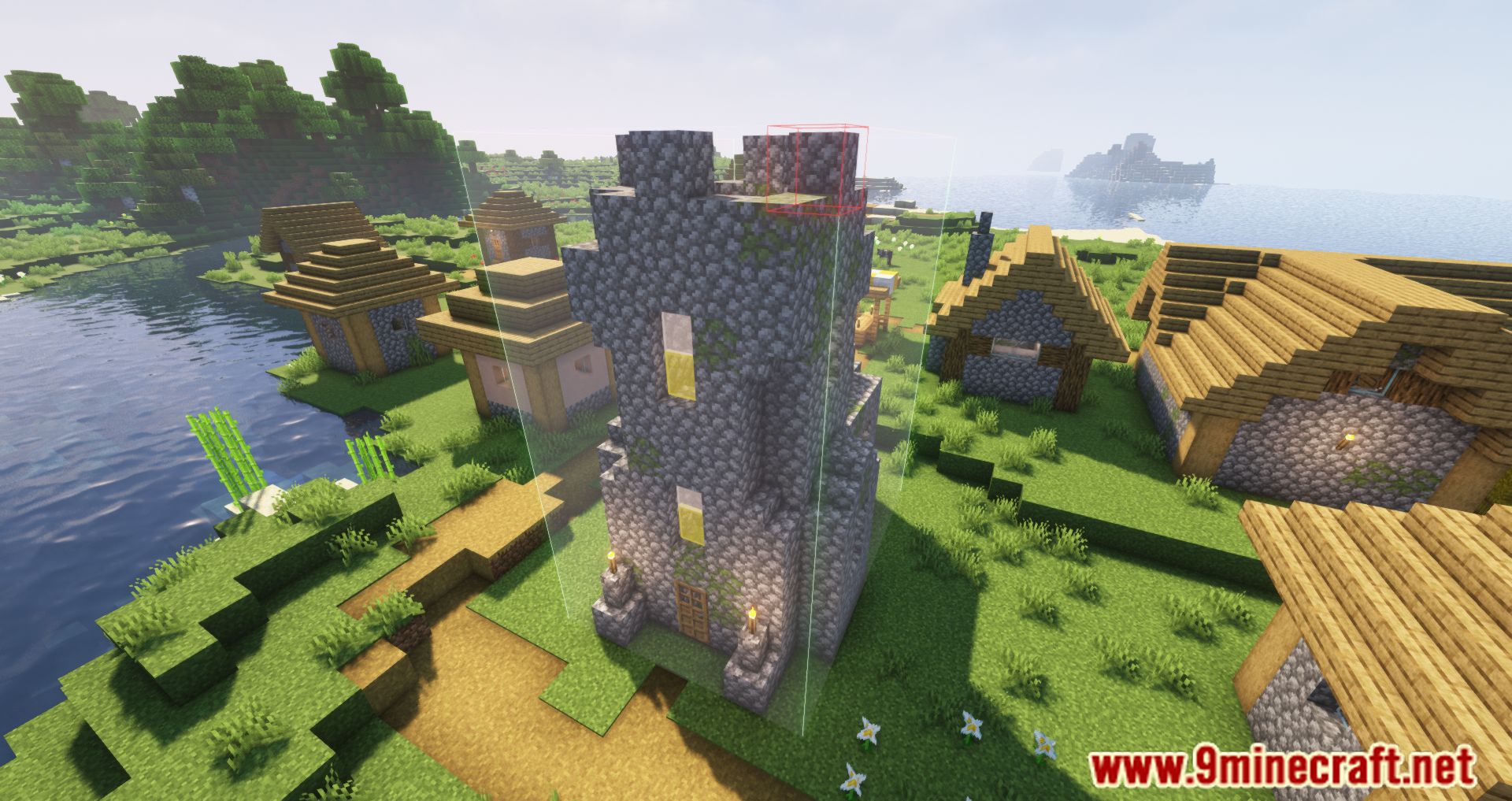
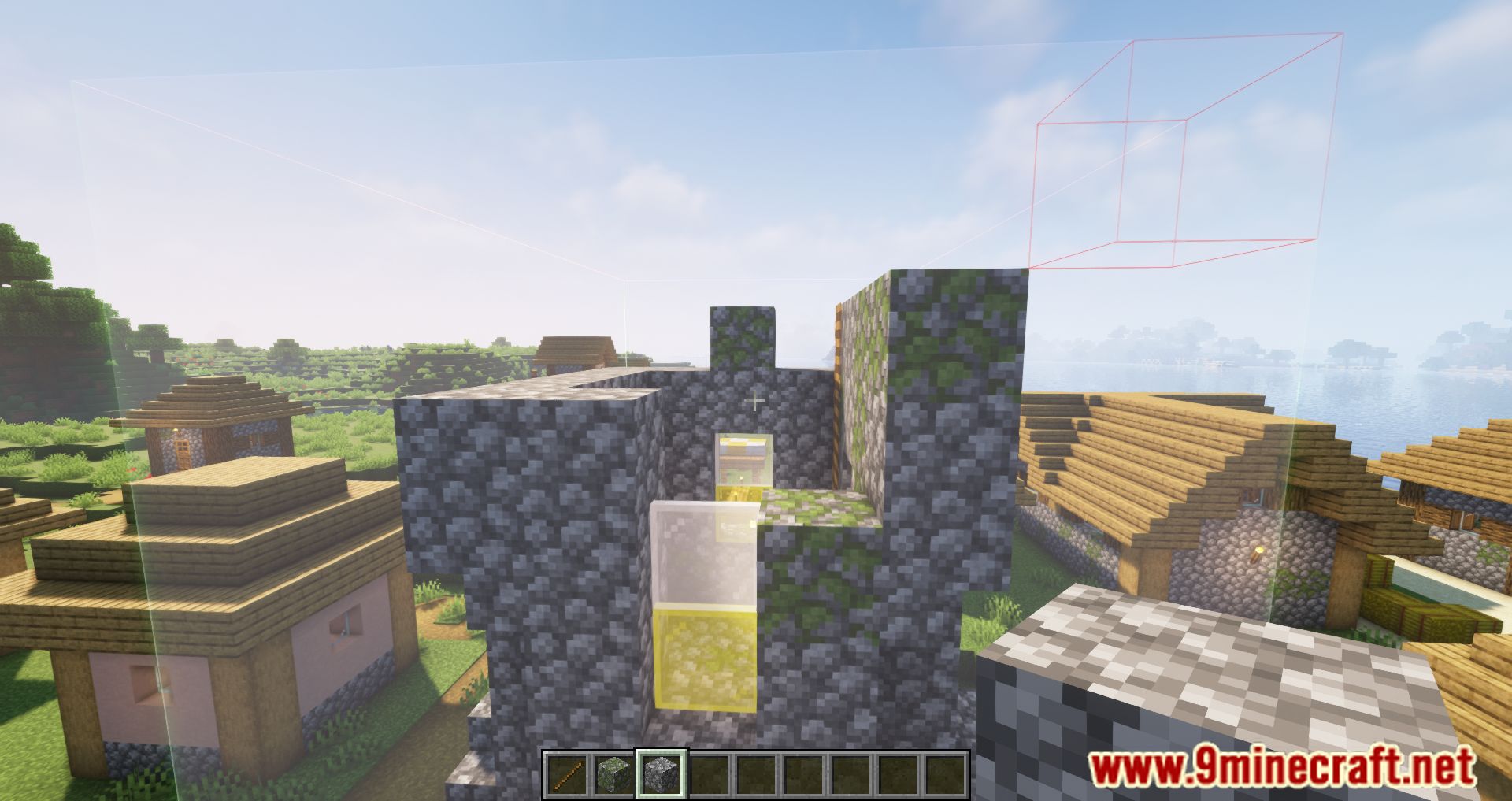
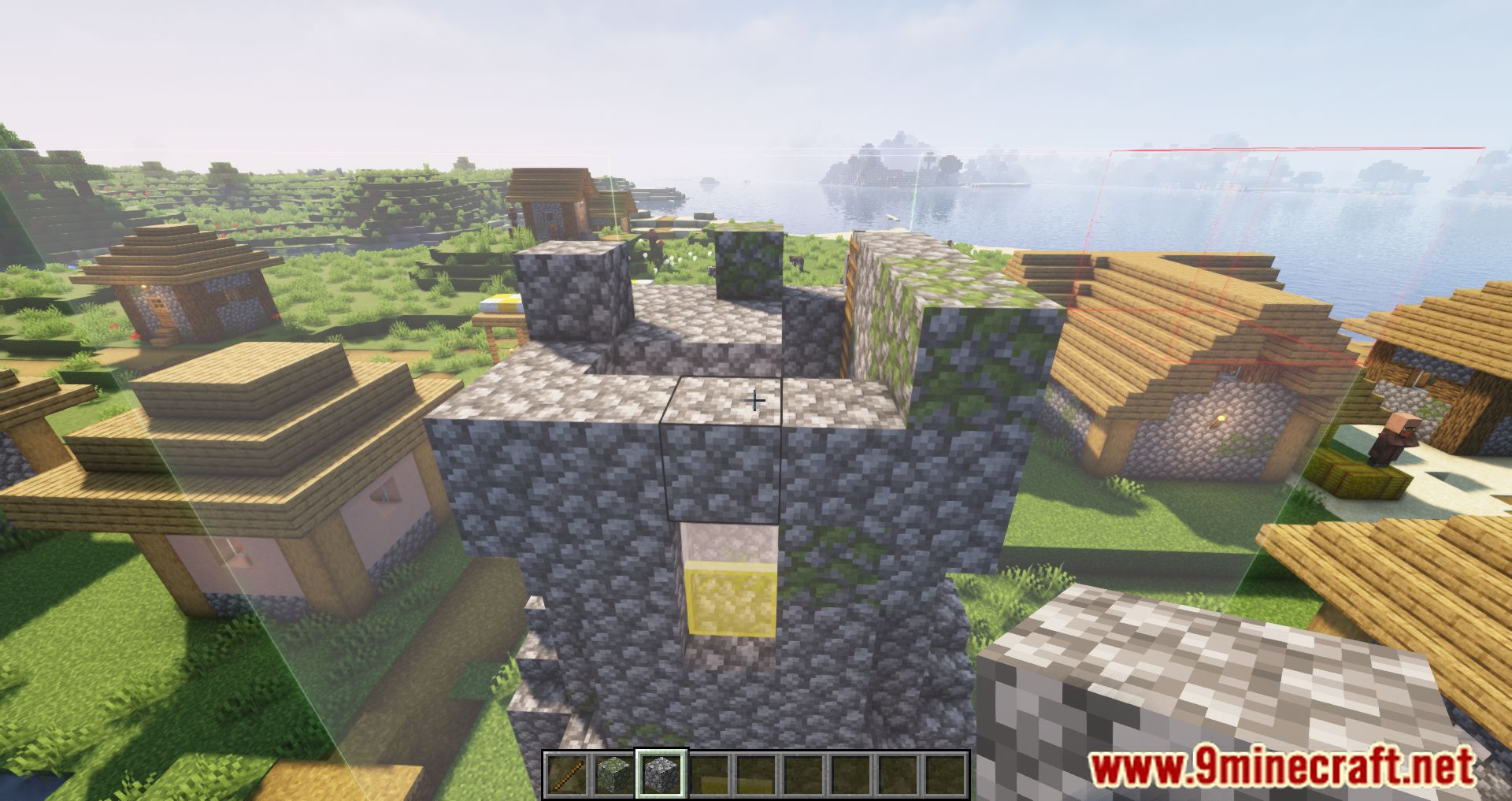
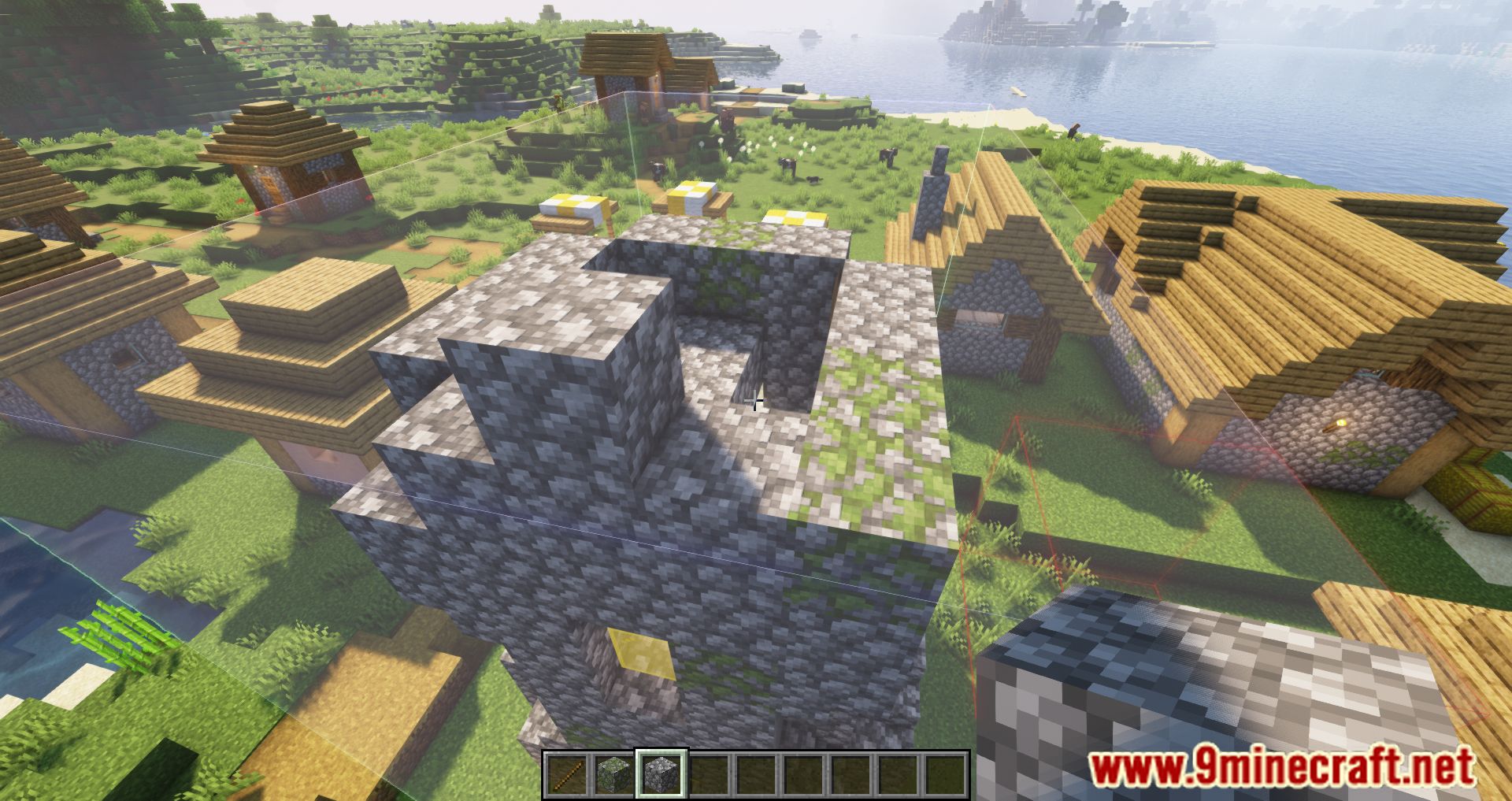
Litematica Printer Mod adds a printer to the Litematica mod that instantly places blocks at the press of a button. This allows you to build structures quickly and easily in Creative Mode. It’s recommended to enable EasyPlaceMode.
Features:
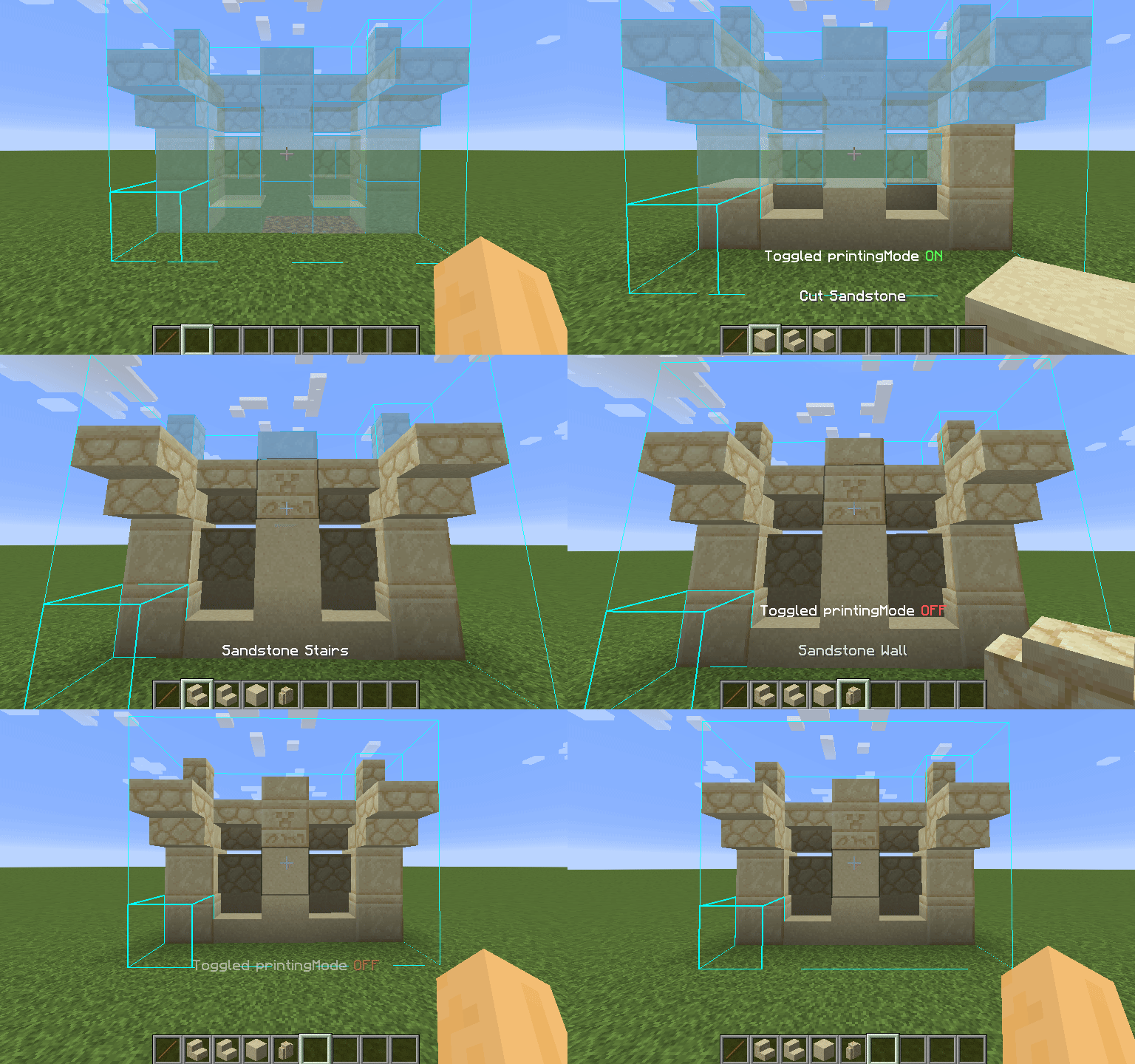
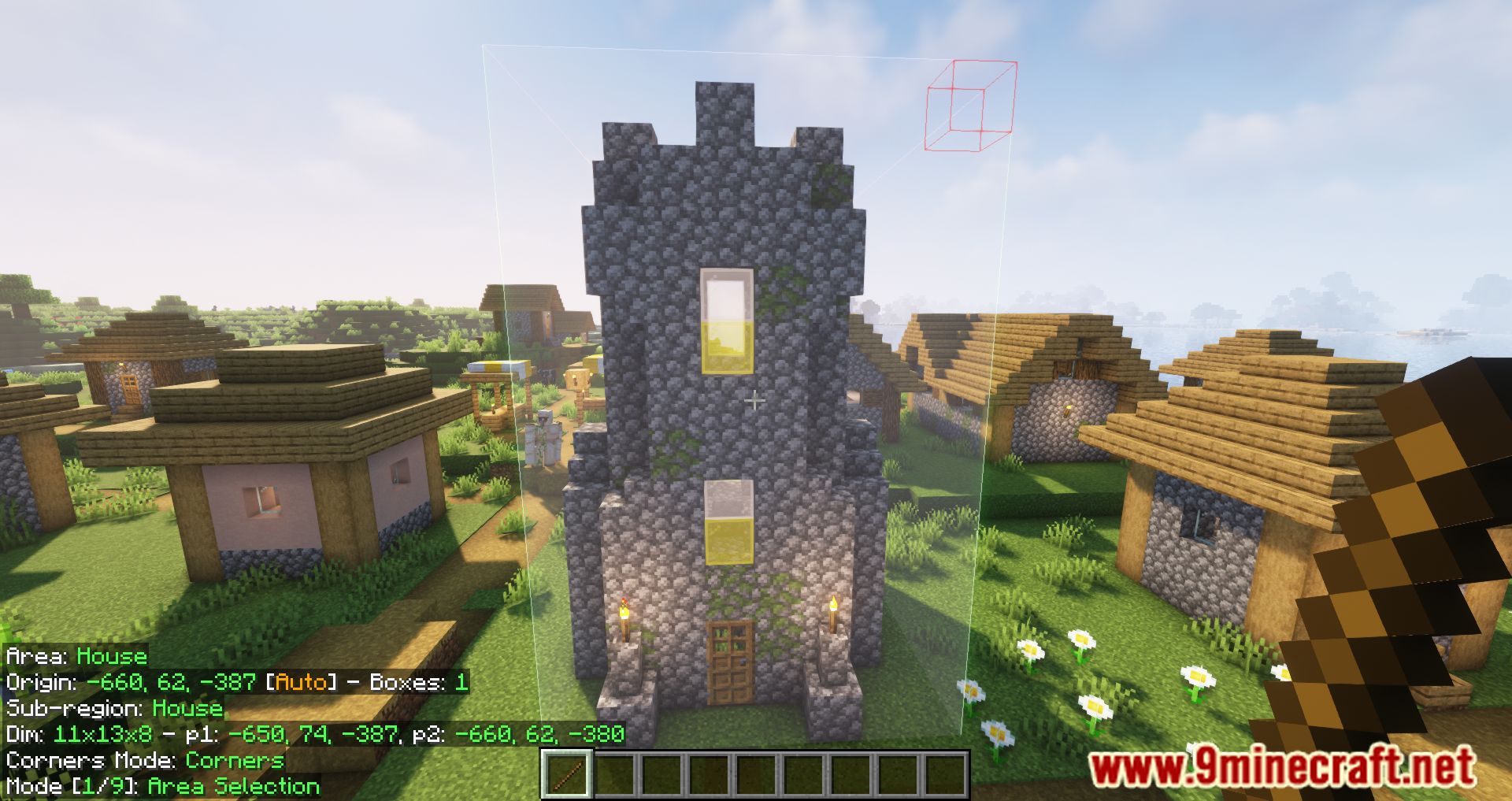
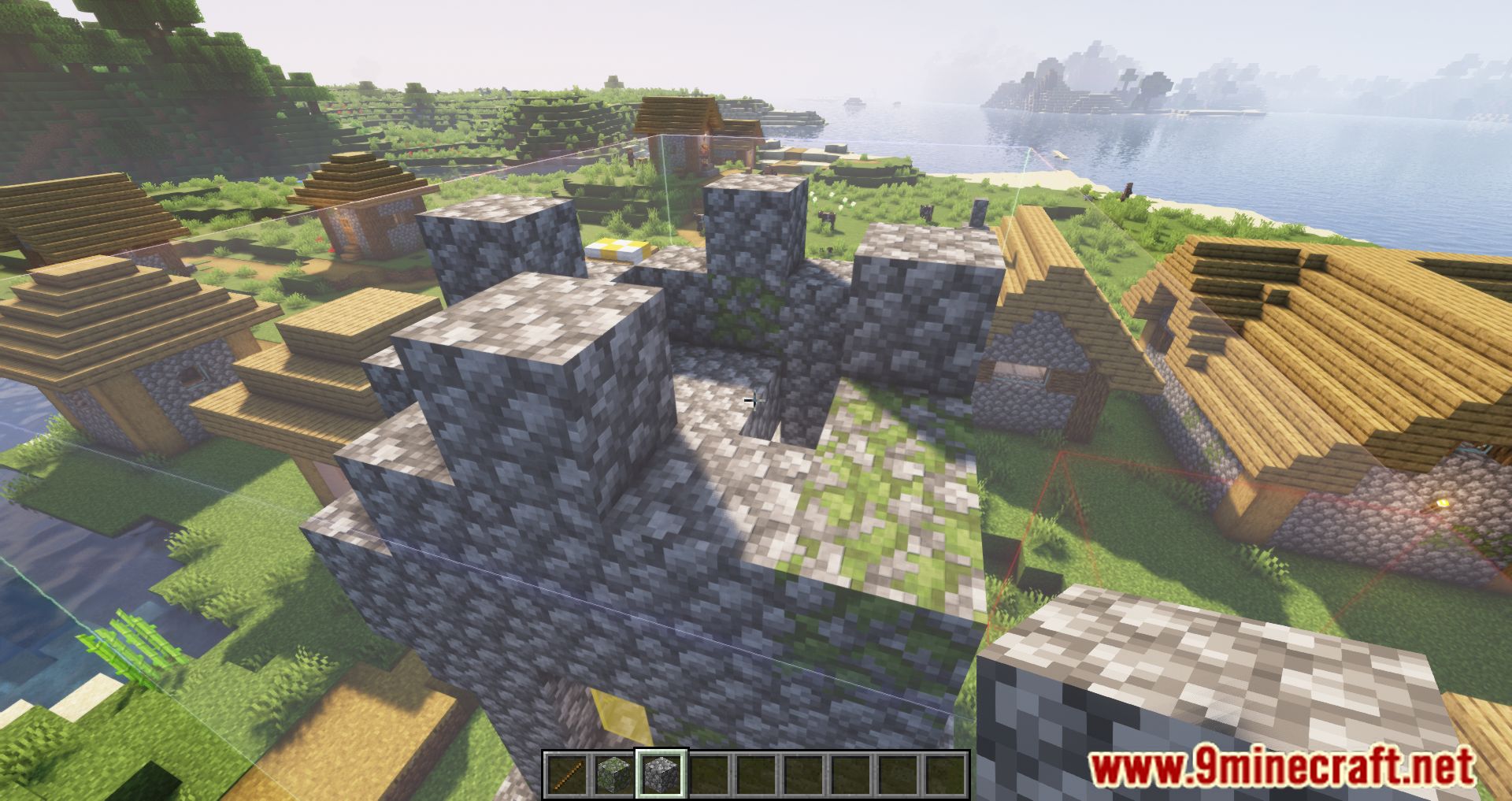
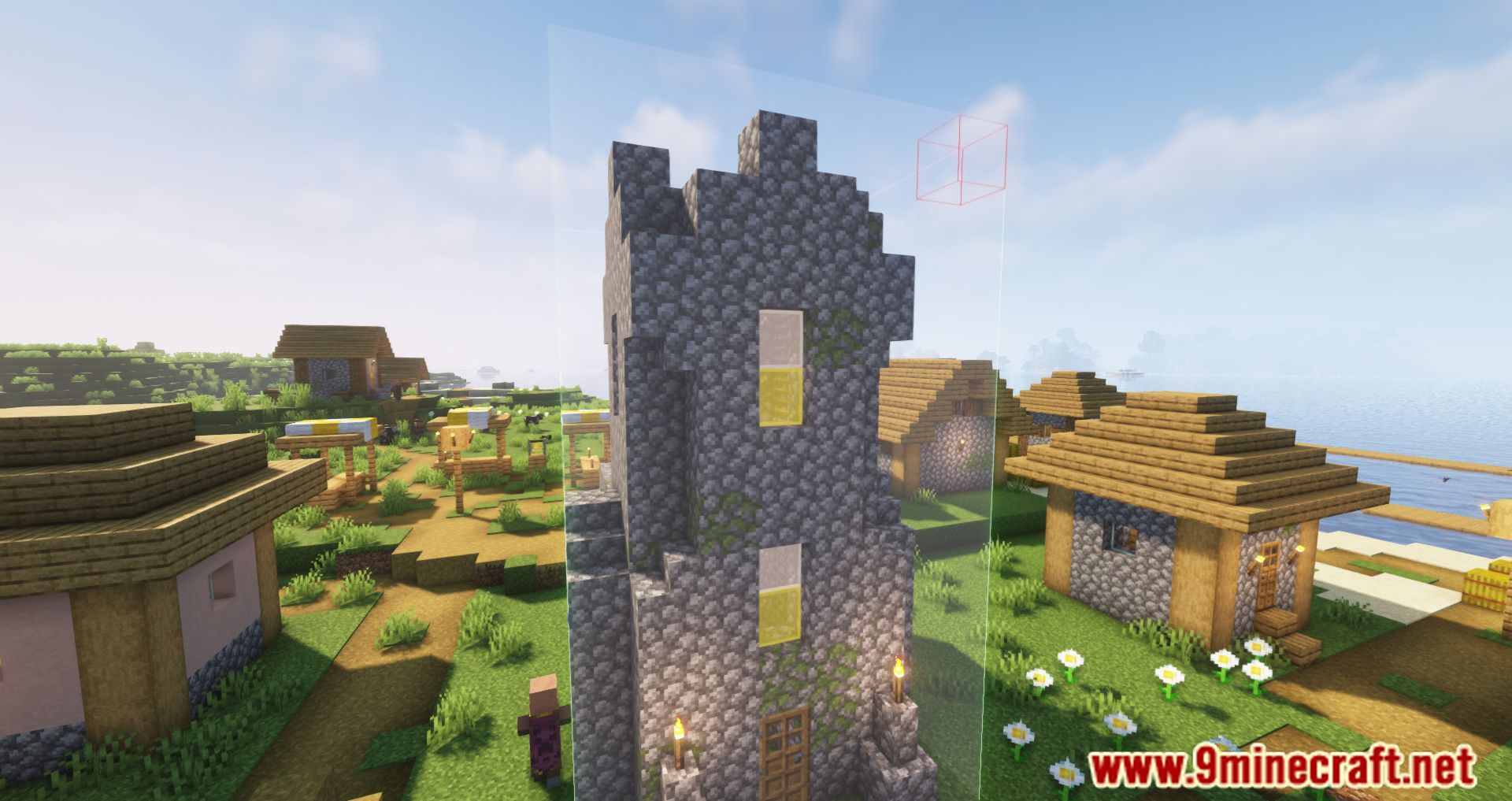
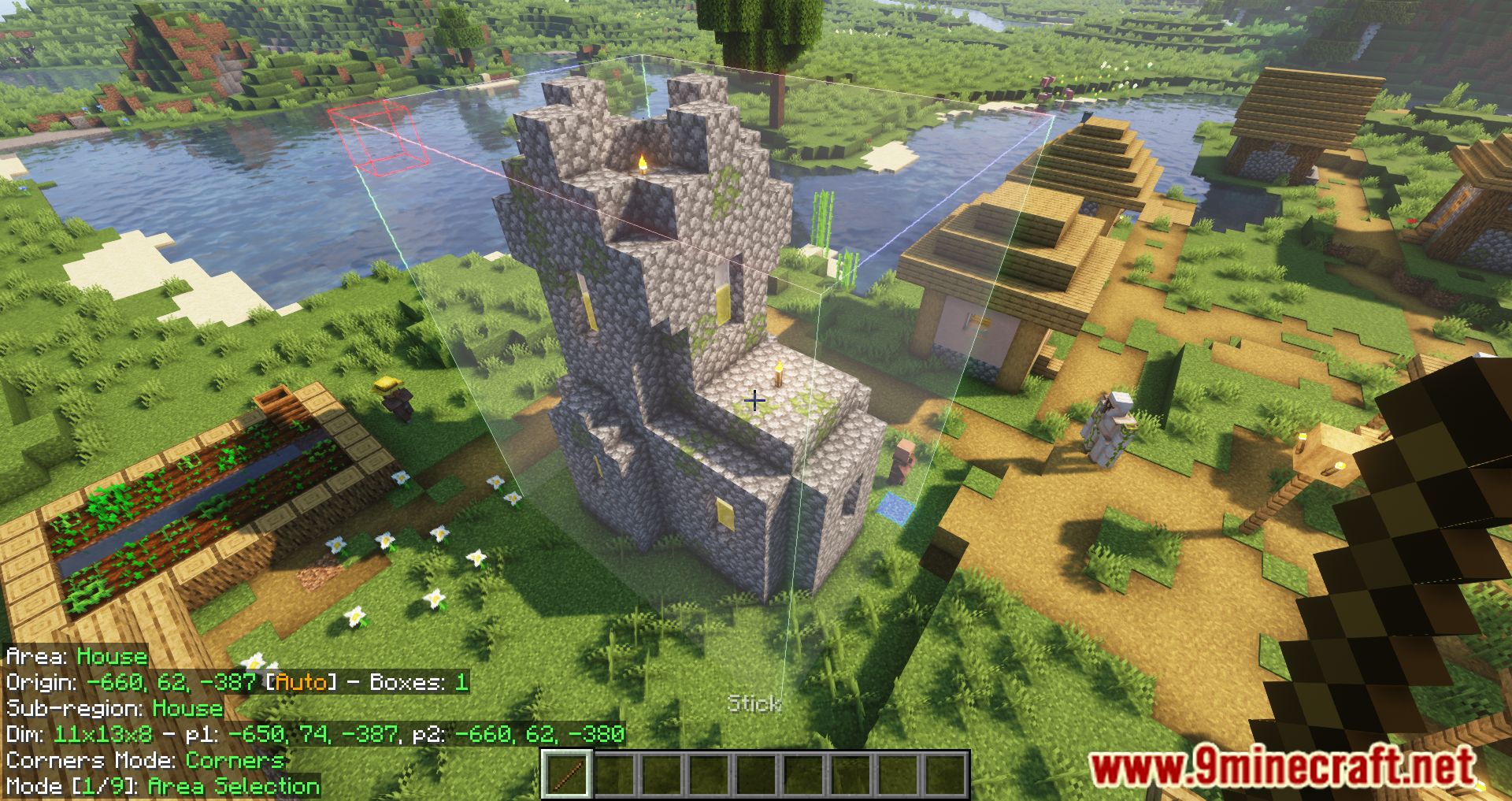
- Schematic Visualization: Load and view schematics directly in-game, giving you a clear blueprint of your build.
- Printer Mode: Automatically places blocks around you based on the loaded schematic-just press CAPS_LOCK to toggle it.
- Customizable Settings: Adjust placement speed and radius in the “Generic” tab of Litematica’s settings (M + C by default).
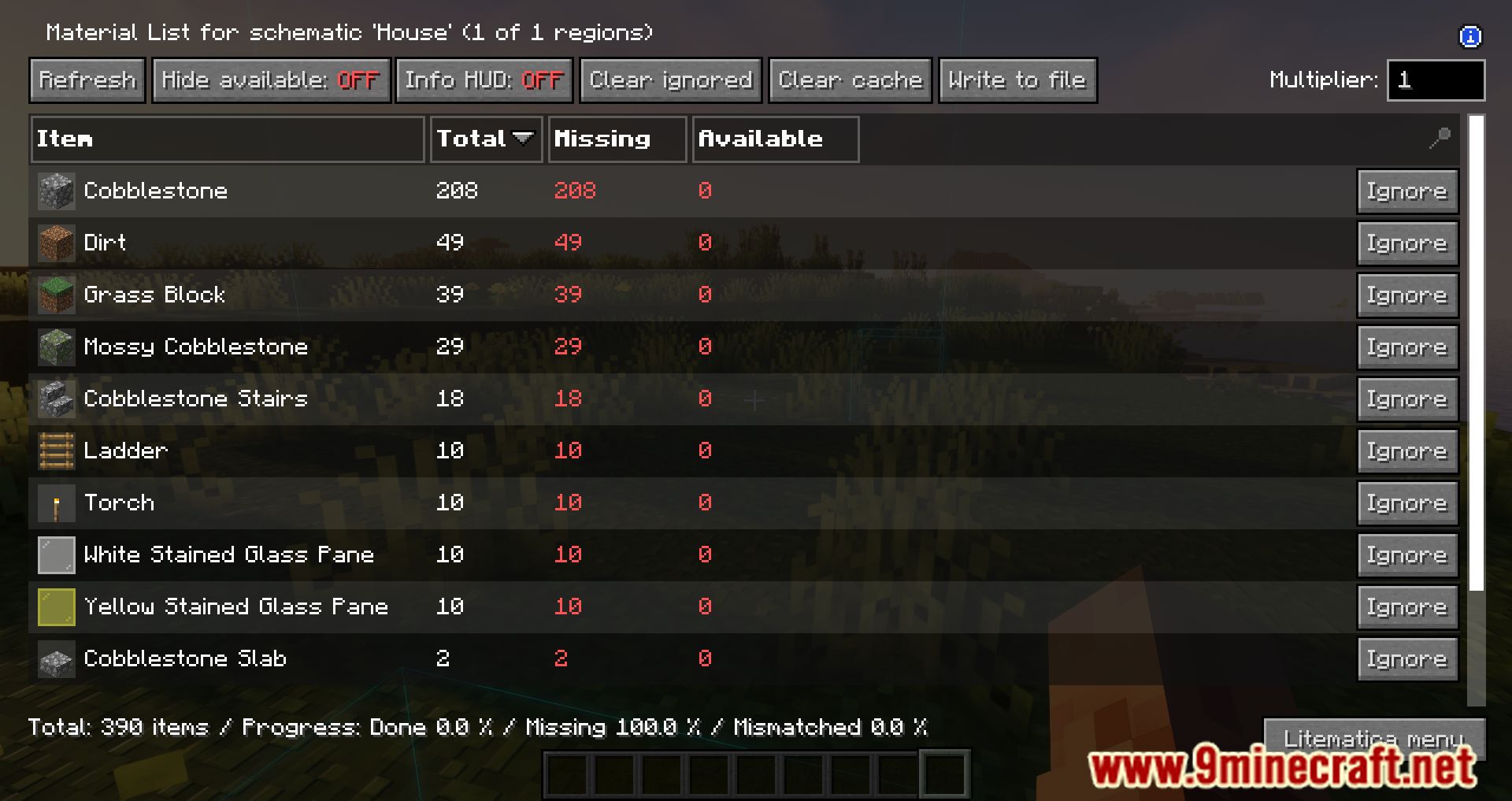
- Material Management: Helps track required materials for your build.
- Undo/Redo Functions: Easily correct mistakes during construction.
- Real-Time Editing: Make changes to your schematic on the fly.
How To Use:
- It’s very simple-press CAPS_LOCK to activate the mode. You can adjust the placement radius and speed in the Litematica settings under the “Generic” section.
Screenshots:
How to Install:
New to Minecraft? Follow our step-by-step guide to install Mods on your PC.View Guide


Litematica Printer Mod Download Links
For Minecraft 26.2
For Minecraft 26.1.2, 26.1.1, 26.1
For Minecraft 1.21.11
For Minecraft 1.21.10
For Minecraft 1.21.8, 1.21.7, 1.21.6
For Minecraft 1.21.6
For Minecraft 1.21.5
For Minecraft 1.21.4
For Minecraft 1.21.3
For Minecraft 1.21.1, 1.21
For Minecraft 1.20.6
For Minecraft 1.20.4, 1.20.3
For Minecraft 1.20.2
For Minecraft 1.20.1, 1.20
For Minecraft 1.19.4
For Minecraft 1.19.3
For Minecraft 1.19.2, 1.19.1
For Minecraft 1.19
For Minecraft 1.18.2
For Minecraft 1.17.1
Click to rate this post!
[Total: 6 Average: 3.5]
You May Also Like













This post has no comments yet. Be the first — your comment will appear here.