
Legendary Tooltips Mod (26.3, 1.20.1) – View Your Gear in Custom RPG Frames

 0


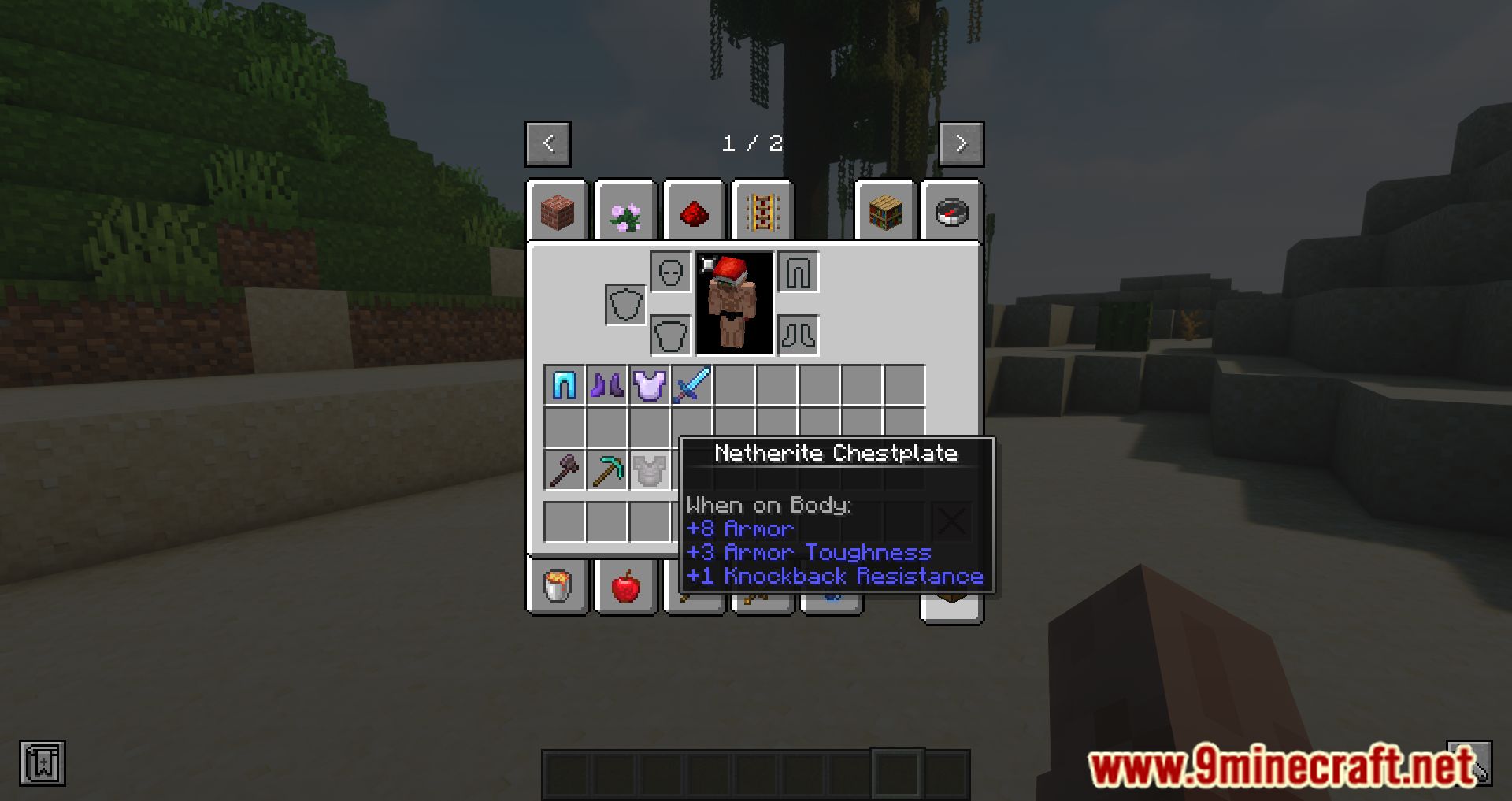
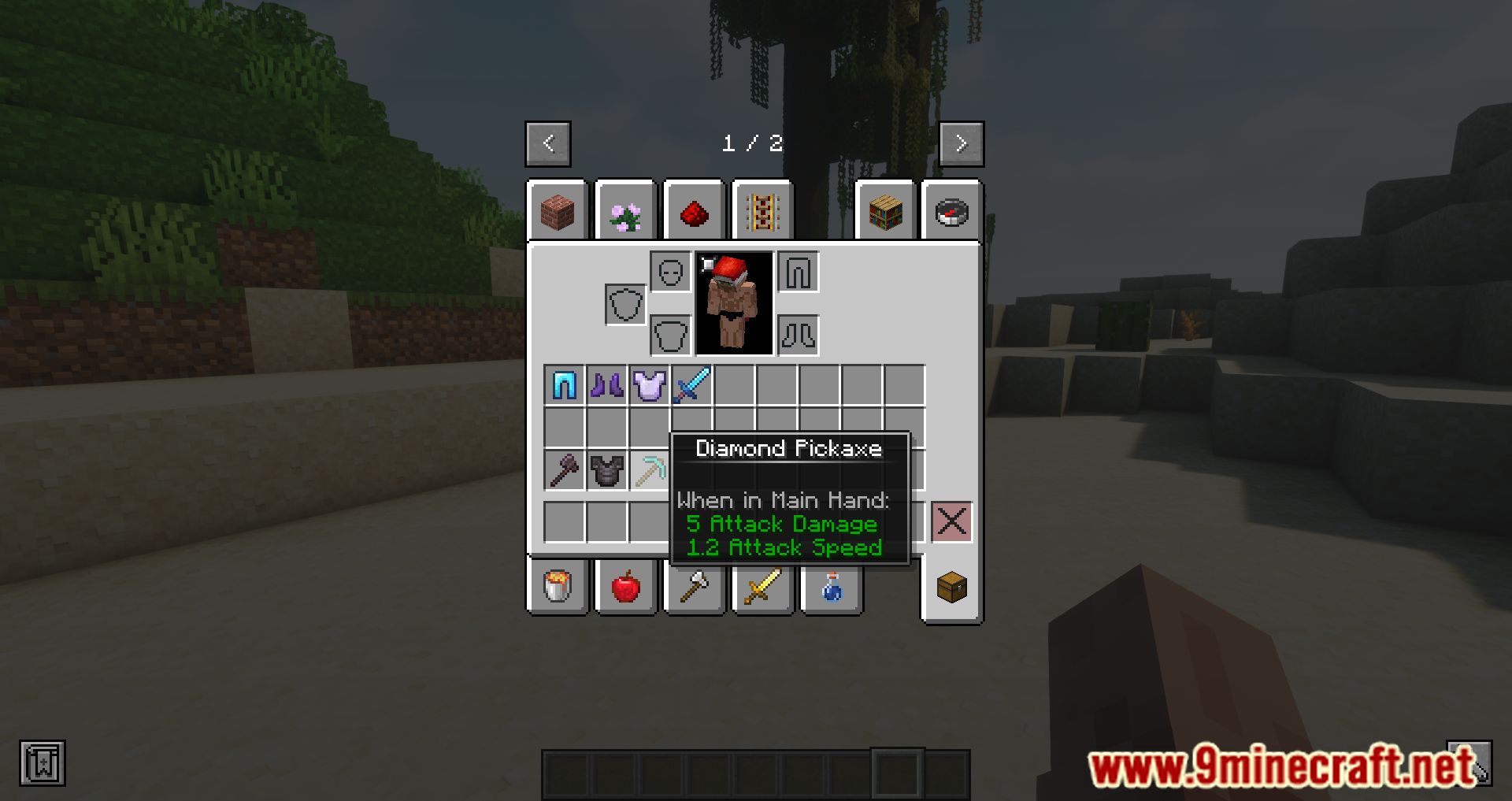
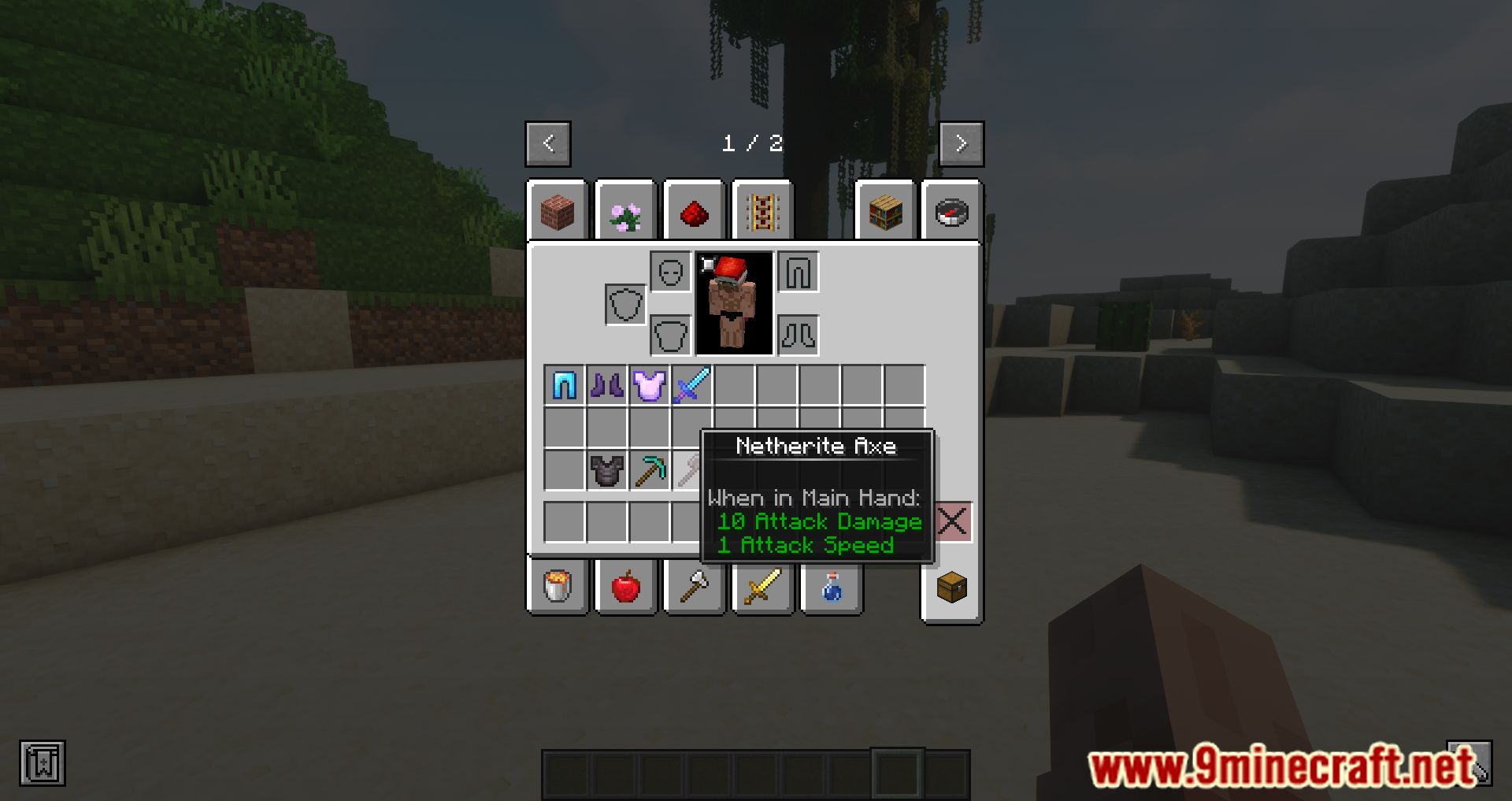
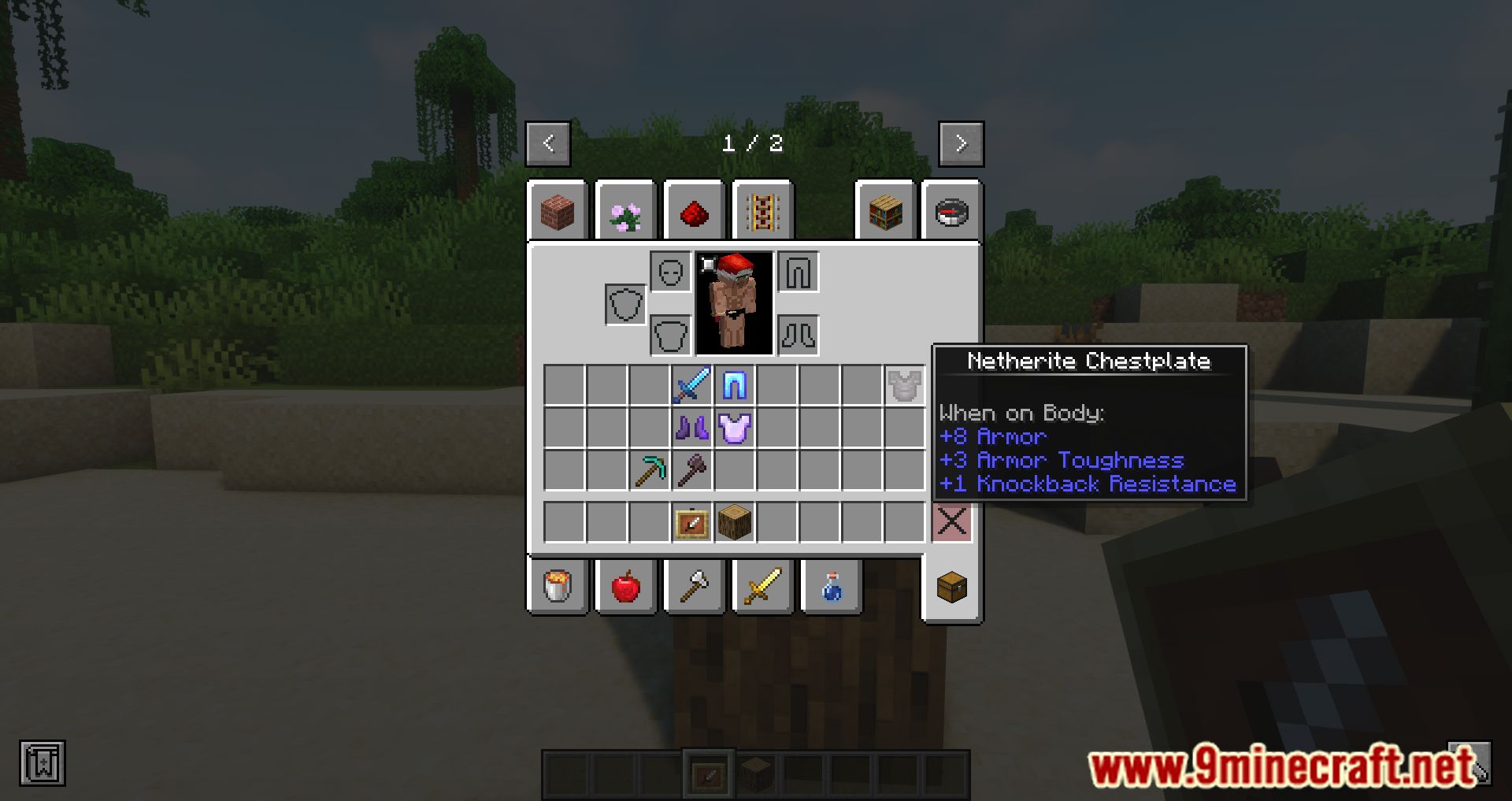
Legendary Tooltips Mod gives plain inventory items fancy framed tooltips and new display styles. This mod adds centered names, drop shadows, separator lines, compact boxes, 3D item previews, and borders that match each item’s colors. It supports up to 16 custom frames you can assign by rarity, mod, tag, name, or NBT data, and it works with Equipment Compare for nicer item comparisons. The mod runs fully on the client side, is free to use in modpacks, and needs Iceberg and Prism to run.
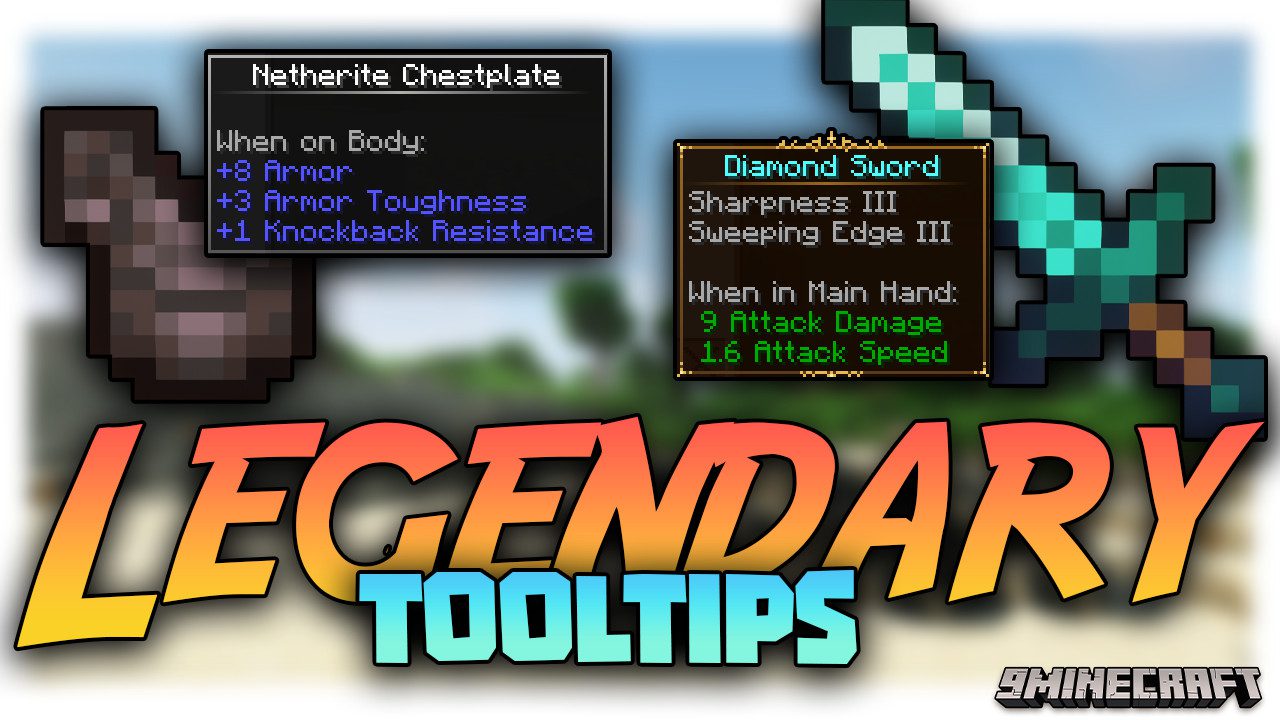
Features:
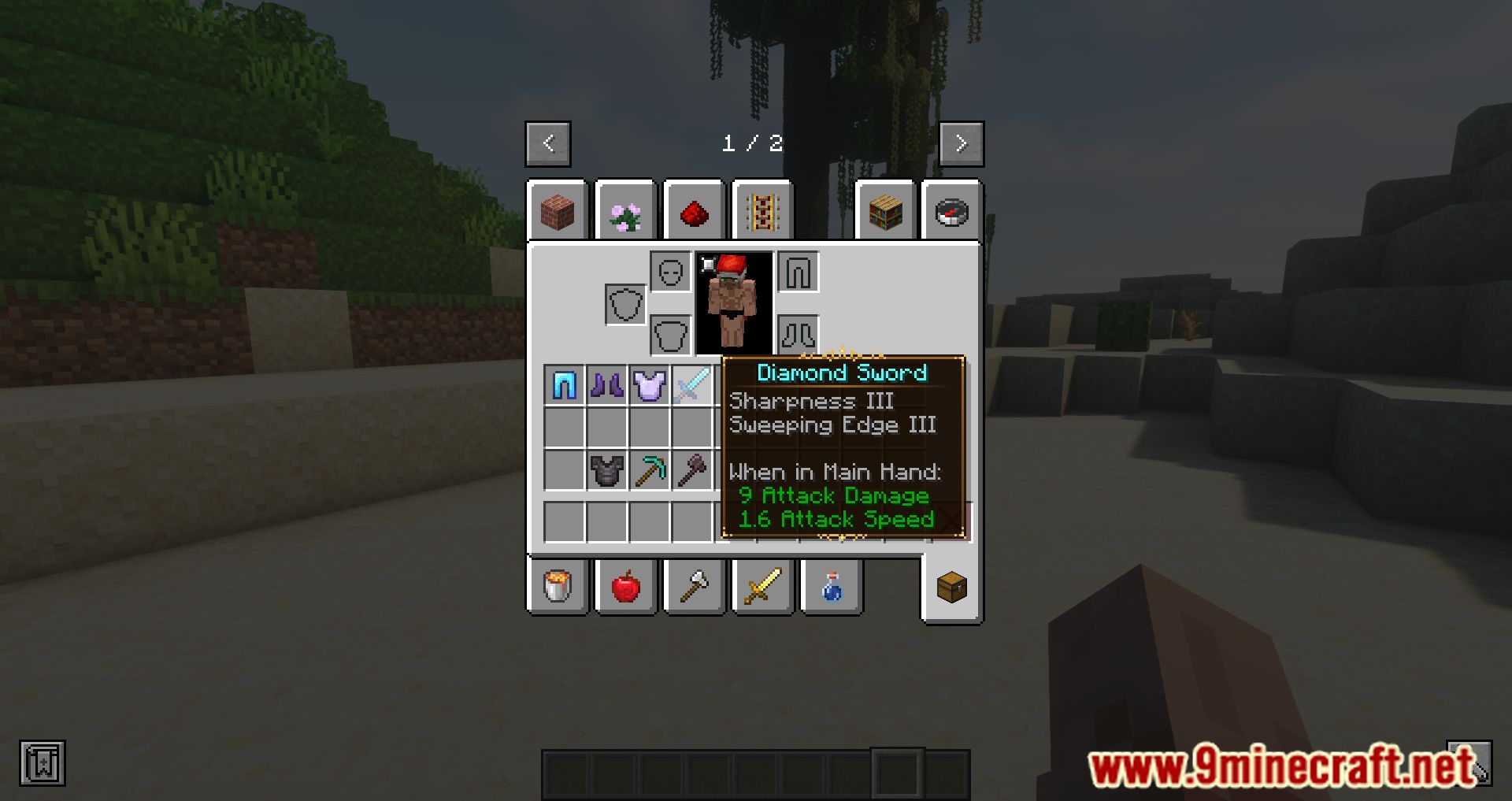
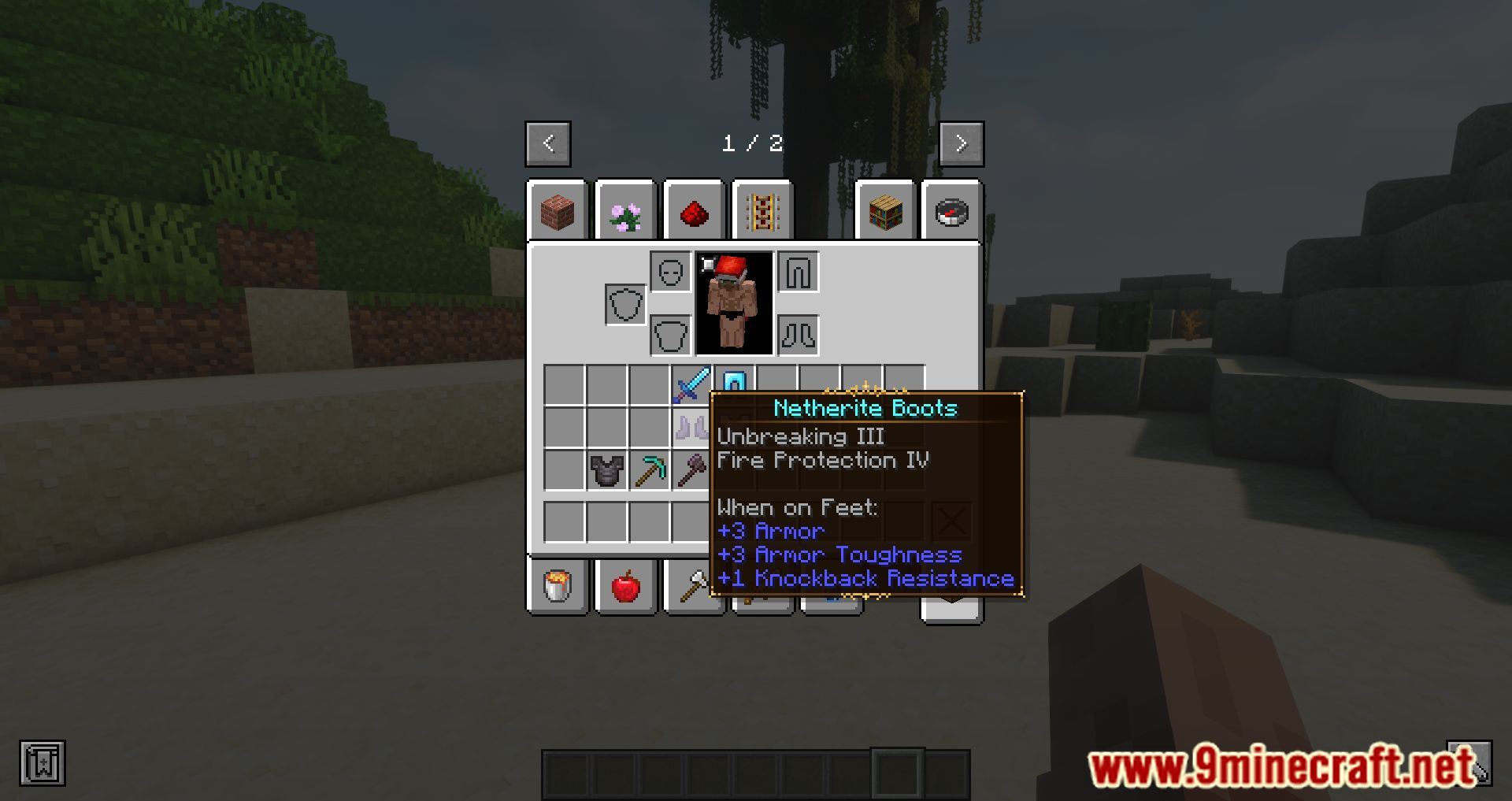
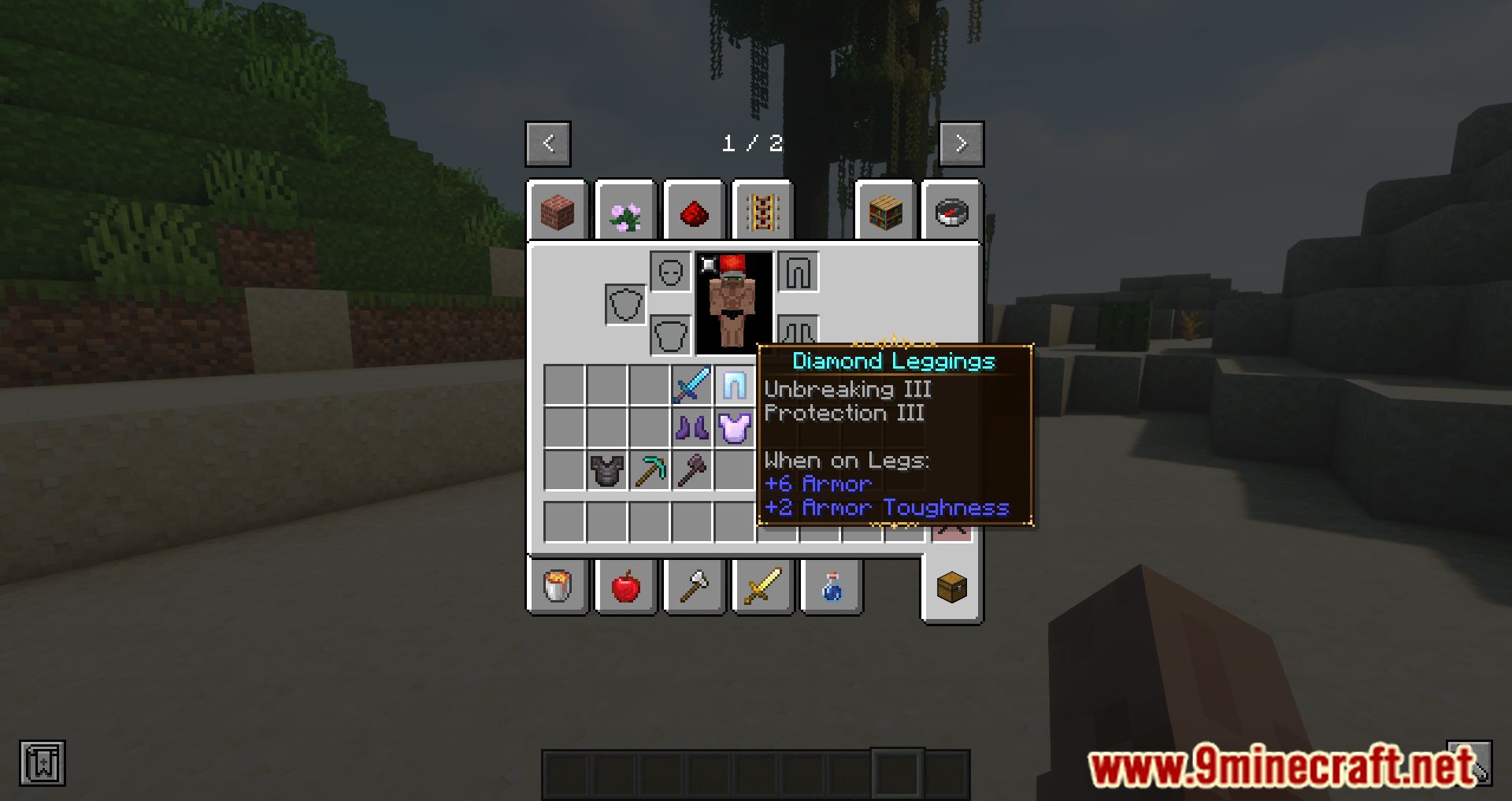
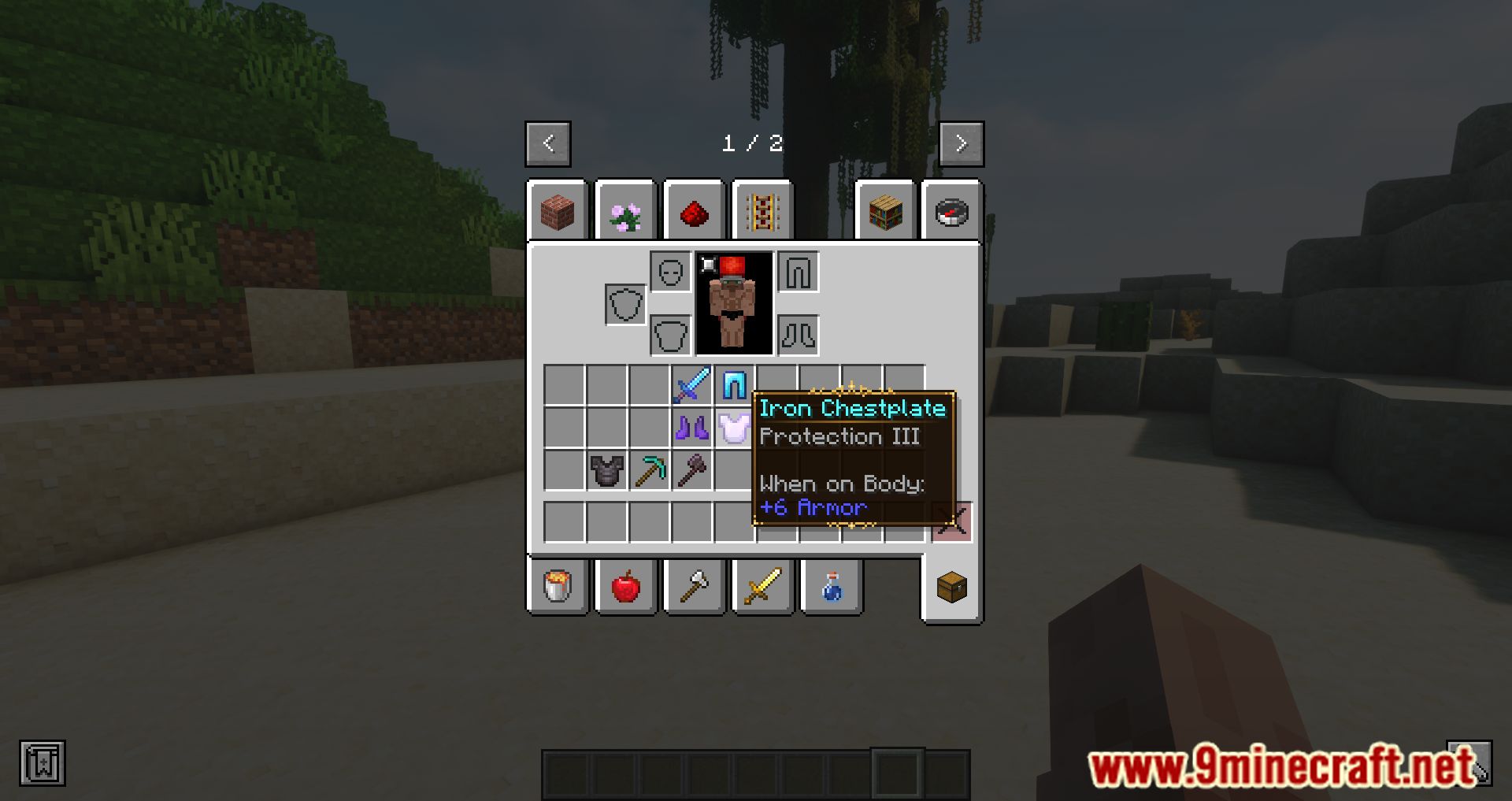
- Custom Tooltip Borders: Turns plain item popups into framed tooltips, starting with one built-in border by default.
- 3D Item Previews: Shows a 3D view of an item right inside its tooltip so you can look at it up close.
- Extra Layout Options: Centers item names, adds drop shadows, places separator lines under names, and offers a compact tooltip layout.
- Matches each tooltip’s border colors to the colors of the item itself.
- Supports up to 16 custom borders in the config file, which you can assign by item name, mod, tag, vanilla rarity, item name color, display name, tooltip text, or NBT tag.
- Lets resource packs replace the default border with up to 16 custom frames, like the Eclectic Trove pack with its 10 custom frames.
- Loads custom border files from multiple resource packs and mods at the same time instead of letting one pack replace another.
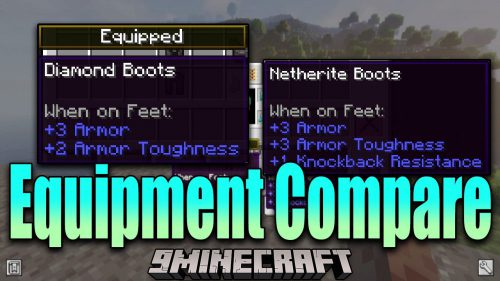
- Pairs with Equipment Compare to show fancier comparison tooltips.
- Works smoothly alongside other mods because it only adds visuals on top without changing how vanilla tooltips work underneath.
- Runs completely on the client side and is free to use in modpacks.
Configuration:
frame_definitions.json: Lets resource packs and mods define custom borders using any properly formatted image and matching colors. All active files load together without replacing one another.tooltip_borders.psd: Template image file you can open in Photoshop or GIMP to help draw up to 16 custom borders for a resource pack.LegendaryTooltipsConfig.addFrameDefinition(): Adds custom border rules for aResourceLocationor frame index from another mod’s code. Because support is limited, using theframe_definitions.jsonfile works better.
Screenshots:
How to Install:
New to Minecraft? Follow our step-by-step guide to install Mods on your PC.View Guide
Requirements:





Legendary Tooltips Mod Download Links
For Minecraft 26.3
For Minecraft 26.2
For Minecraft 26.1.2, 26.1.1, 26.1
For Minecraft
1.21.11,
1.21.10,
1.21.9
All Versions Covered
1.21.11
1.21.10
1.21.9
1.21.8
1.21.7
1.21.6
1.21.5
1.21.4
All Versions Covered
1.21.11
1.21.10
1.21.9
1.21.8
1.21.7
1.21.6
1.21.5
1.21.4
For Minecraft 1.21.4
For Minecraft 1.21.3, 1.21.2
For Minecraft 1.21.1, 1.21
For Minecraft 1.20.6
For Minecraft 1.20.5
For Minecraft 1.20.4, 1.20.3
For Minecraft 1.20.2
For Minecraft 1.20.1, 1.20
For Minecraft 1.19.4
For Minecraft 1.19.3
For Minecraft 1.19.2
For Minecraft 1.19.1
For Minecraft 1.19
For Minecraft 1.18.2
For Minecraft 1.18.1
For Minecraft 1.17.1
For Minecraft 1.16.5
For Minecraft 1.12.2
Click to rate this post!
[Total: 1 Average: 5]
You May Also Like
Picked for this page
 Simple Planes Mod (1.21.1, 1.20.1) – New Vehicles, Flying
 Better Clouds Mod (26.3, 1.20.1) – Realistic Sky
 DefaultSettings Mod (26.3, 1.20.1) – Preserve Local Settings
 Eldritch Mobs Mod (1.21.11, 1.20.1) – Mobs More Dangerous, Exciting
 Loot Journal Mod (26.1.2, 1.20.1) – Pick Up Notifier
 Searchables Mod (26.3, 1.20.1) – Find Any Item in Modpacks
 CraftGR Mod (26.3, 1.20.1) – Bringing Gensokyo Radio To Minecraft
 Boat Break Fix Mod (26.2, 1.20.1) – Hotfix to Prevent Accidental Deaths
 Client Maps Mod (26.3, 1.20.1) – Stores Map Data On Client Side
 Improved Grindstone Mod (26.1.2, 1.20.1) – Enhanced Enchantment Management
 Crash Exploit Fixer Mod (26.3, 1.20.1) – Keep Your Server Running Smoothly
 Cobble Gen Haters Mod (26.2, 1.20.1) – No Cobble/Stone Generation
Most viewed in Mods over the last 7 days
 Ala Industrial Mod (26.3) – Run Electric Power Grids and Automated Factories
 PleasureCraft Mod (26.3, 1.21.1) – Jenny Mod Remake for Fabric
 Jennycraft Mod (26.3, 1.20.1) – Virtual Girlfriend in Minecraft
 Fapcraft Mod (26.3, 1.12.2) – Comprehensive and Detailed Content
 Jenny Mod (Fapcraft) Official Complete Guide – How to use, Tutorial
 BangCraft Mod (1.20.1) – Jenny, Ellie and Elliot
 Fabric Loader (26.3, 1.20.1) – Fabric Installer for All Minecraft Versions
 The Shooting Star Demo Mod (26.3, 1.20.1) – Vaporize Terrain From Orbit
 Meteor Client Mod (26.3, 1.20.1) – Xray, HUD, Fly
 OptiFine HD (26.3, 1.20.1) – Run Faster, FPS Boost, Shaders Support
 Aristois Client Mod (1.21.4, 1.20.1) – World Class Minecraft Utility
 Prestige Client Mod (1.21.11, 1.21.4) – Powerful Ghost Features for Crystal & Sword PvP
More from Mods
 Automobility Autoradio Mod (26.3, 26.1.2) – Trade Custom Mixtapes with Friends
 Towers of the Wild 9minecraft Mod (26.3, 26.2) – Climb Tall Towers for Loot
 Ender Storage 9minecraft Mod (26.3, 26.2) – Send Loot Back Home From Any Dimension
 Snad 9minecraft Mod (26.3, 26.2) – Build Faster Sugar Cane and Nether Wart Farms
 Together Forever Unofficial Mod (1.12.2) – Share Team Advancements
 GroovyDuvet Mod (1.21.11, 1.20.1) – Run Groovy Scripted Addons Without Game
 Swing Through Grass 9minecraft Mod (26.3, 26.2) – Fight Mobs Without Breaking Tall Grass
 Improved Boss Bars 9minecraft Mod (26.3) – Unique Health Bars for Every Boss Fight
 Cozy’s Improved Wolves Mod (26.3, 1.20.1) – Bond with Loyal Dogs That Never Die
 Cuisine Craft Mod (1.21.11, 1.20.1) – Cook Restaurant Dishes with Fresh Farm
 XinexLib Mod (1.21.1) – Keep Your Ultreon Studios Mods Running
 Libvulpes – Fixed Mod (1.12.2) – Launch Rockets with Fewer Bugs

This post has no comments yet. Be the first — your comment will appear here.