
Biome Particle Weather Mod (1.21.8, 1.20.1) – Travel Through Unique Biome Storms
 10,653
 0


Biome Particle Weather Mod replaces the default weather visuals with a full particle system. It brings unique weather effects to different biomes, including rain, heavy rain, wind, sandstorms, red sand, snow, blizzards, fireflies, and Nether weather. You can also add custom particles with a simple resource pack and adjust how particles spawn and move. This mod works completely on the client side, so you can use it on multiplayer servers without installing it on the server.
Features:
- Particle Weather System: Replaces default rain, snow, and wind visuals with a full particle system made for different biomes.
- Resource Pack Support: Lets you add your own custom particle sprites and weather designs using a simple resource pack.
- Client-Side Only: Runs completely on your game client, so you can join multiplayer servers without server setup or gameplay changes.
- Controls where, when, and under what conditions particles appear based on the biome type and weather strength.
- Lets you change the size, shape, color, lifetime, and amount of each particle.
- Adjusts particle gravity, speed, and motion for smooth weather changes.
- Allows mixing different settings together to make complex particle movement beyond vanilla Minecraft weather.
Biome Weather Effects:
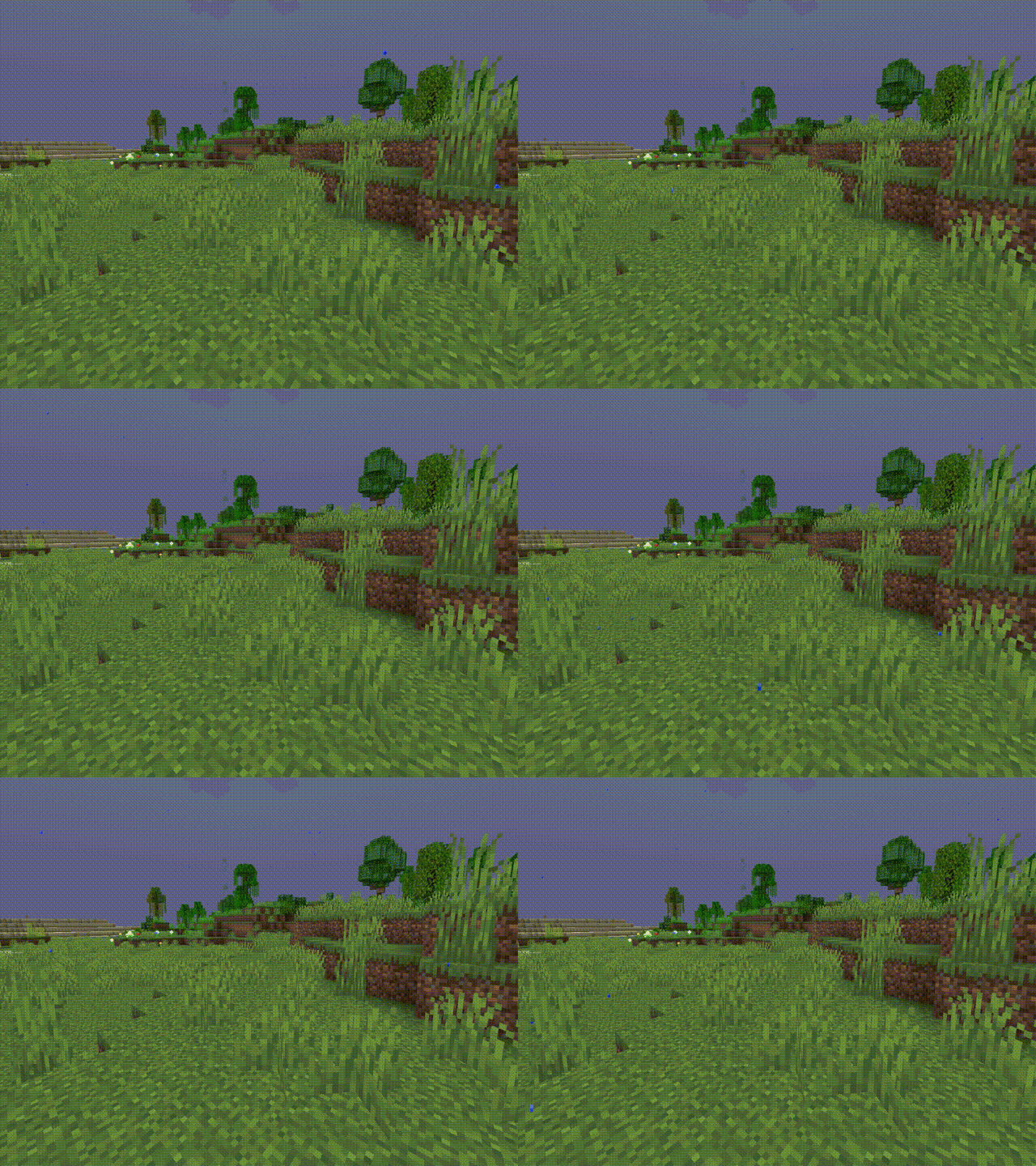
- Rain: Drops water particles across green grassy plains biomes.
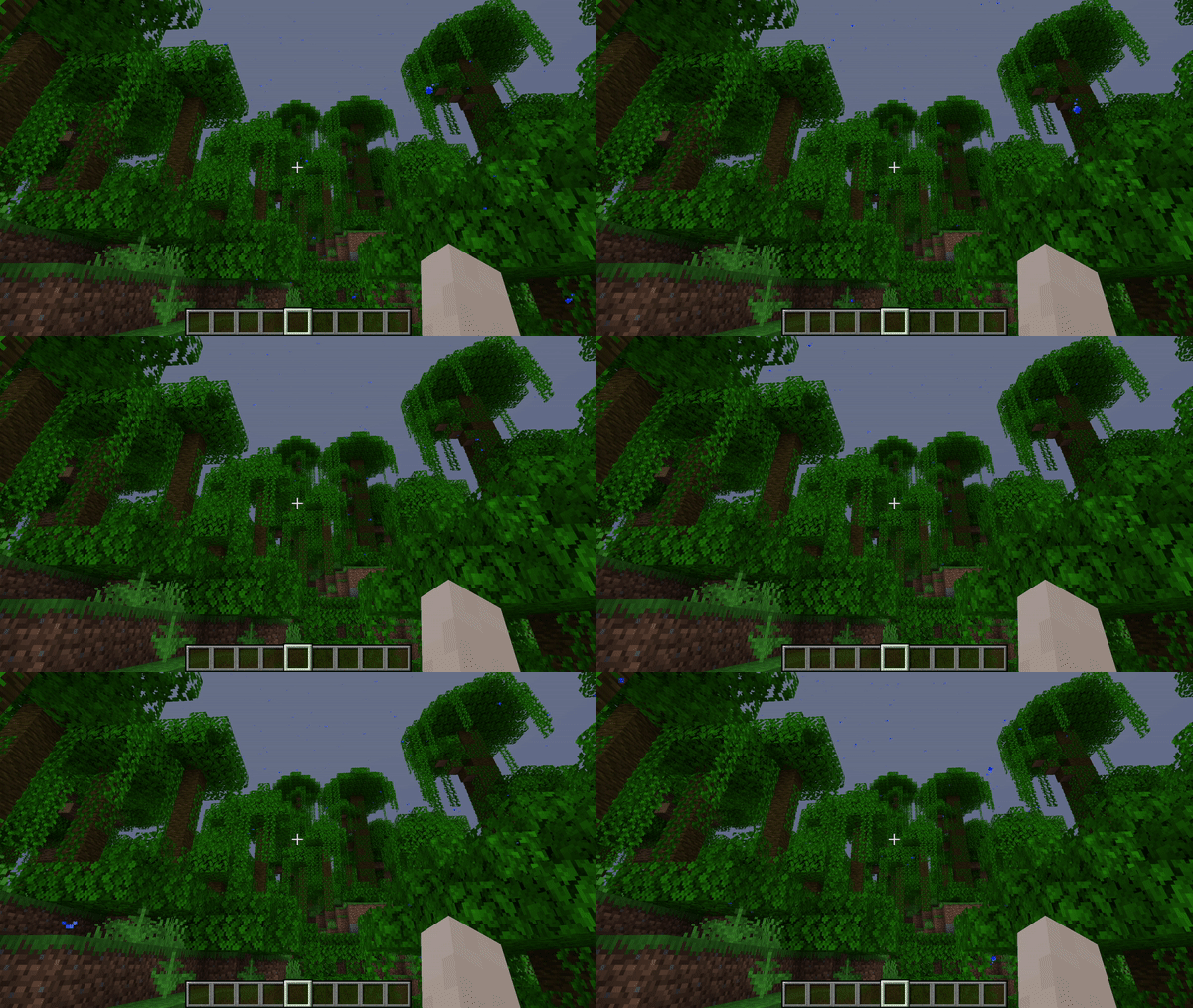
- Heavy Rain: Sends blue rain droplets falling down through tall jungle trees.
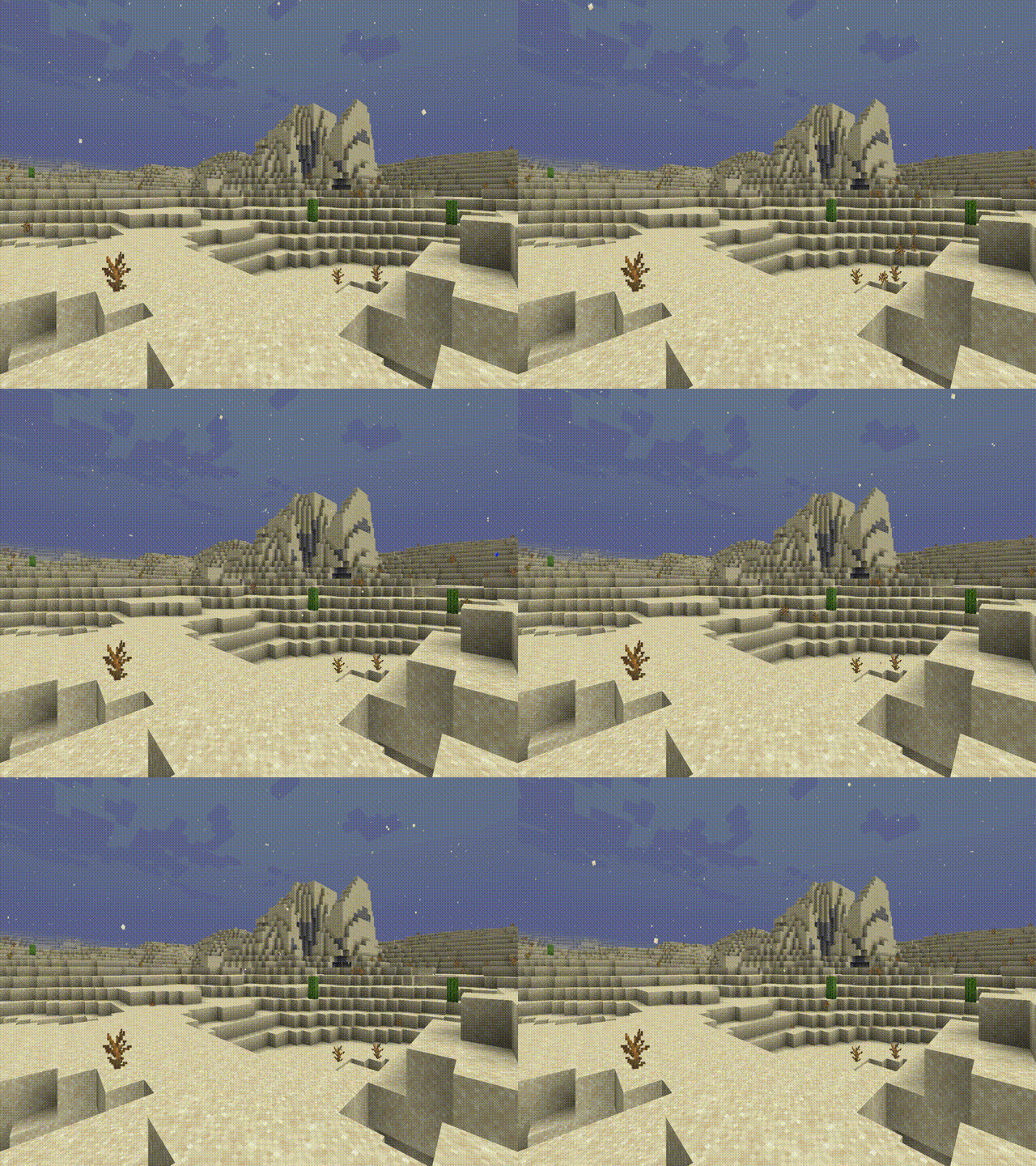
- Sandstorms: Blows floating sand particles through dry desert biomes.
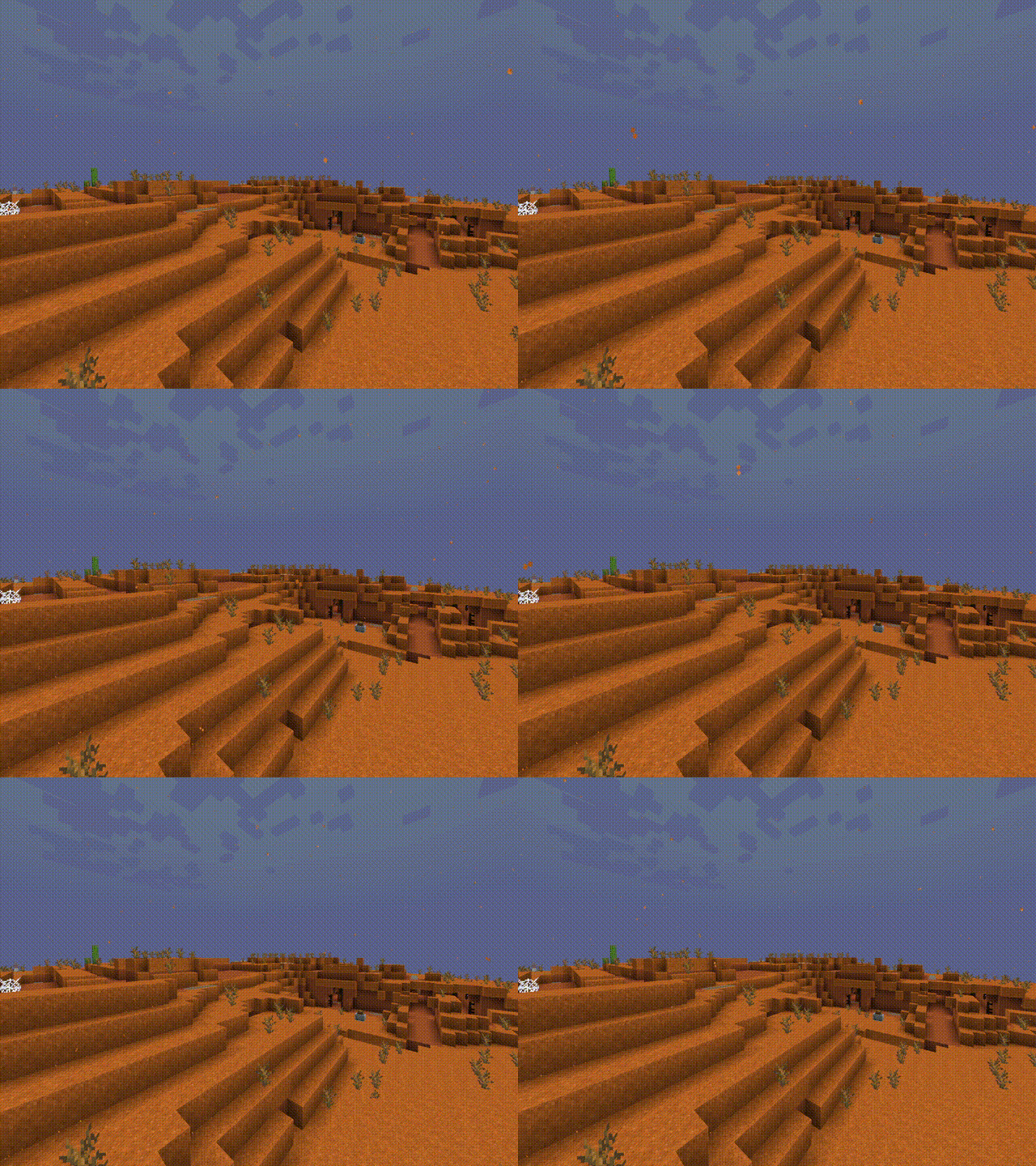
- Red Sand: Blows red sand particles across dry badlands biomes.
- Snow: Drifts snow particles over frozen ice spikes biomes.
- Blizzards: Brings falling snow particles over snowy mountain biomes, including at night.
- Wind: Creates windy weather effects under cloudy skies, such as in savanna biomes.
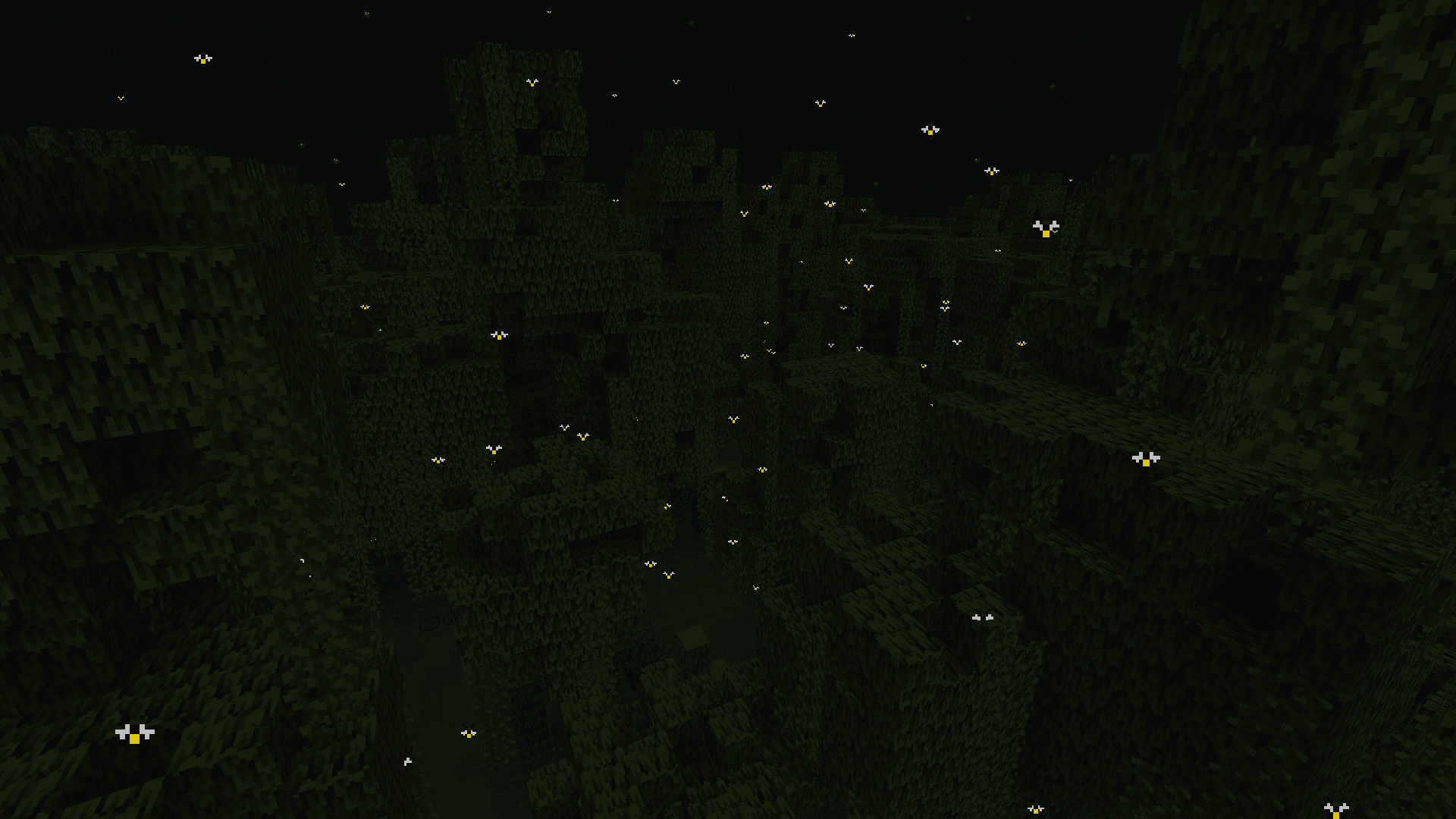
- Fireflies: Spawns glowing firefly particles floating among dark jungle trees and vines at night.
- Nether Weather: Adds unique particle weather effects inside the Nether.
How to Use:
- Open your Complementary Shaders settings if weather particles look too bright (fullbright) in your game.
- Turn on “Compatibility mode” and “do waving in compatibility mode” to fix the bright lighting on particles. Keep in mind that turning on these options also turns off some other shader features.
Screenshots:
Rain
Sand
Red Sand
Snow
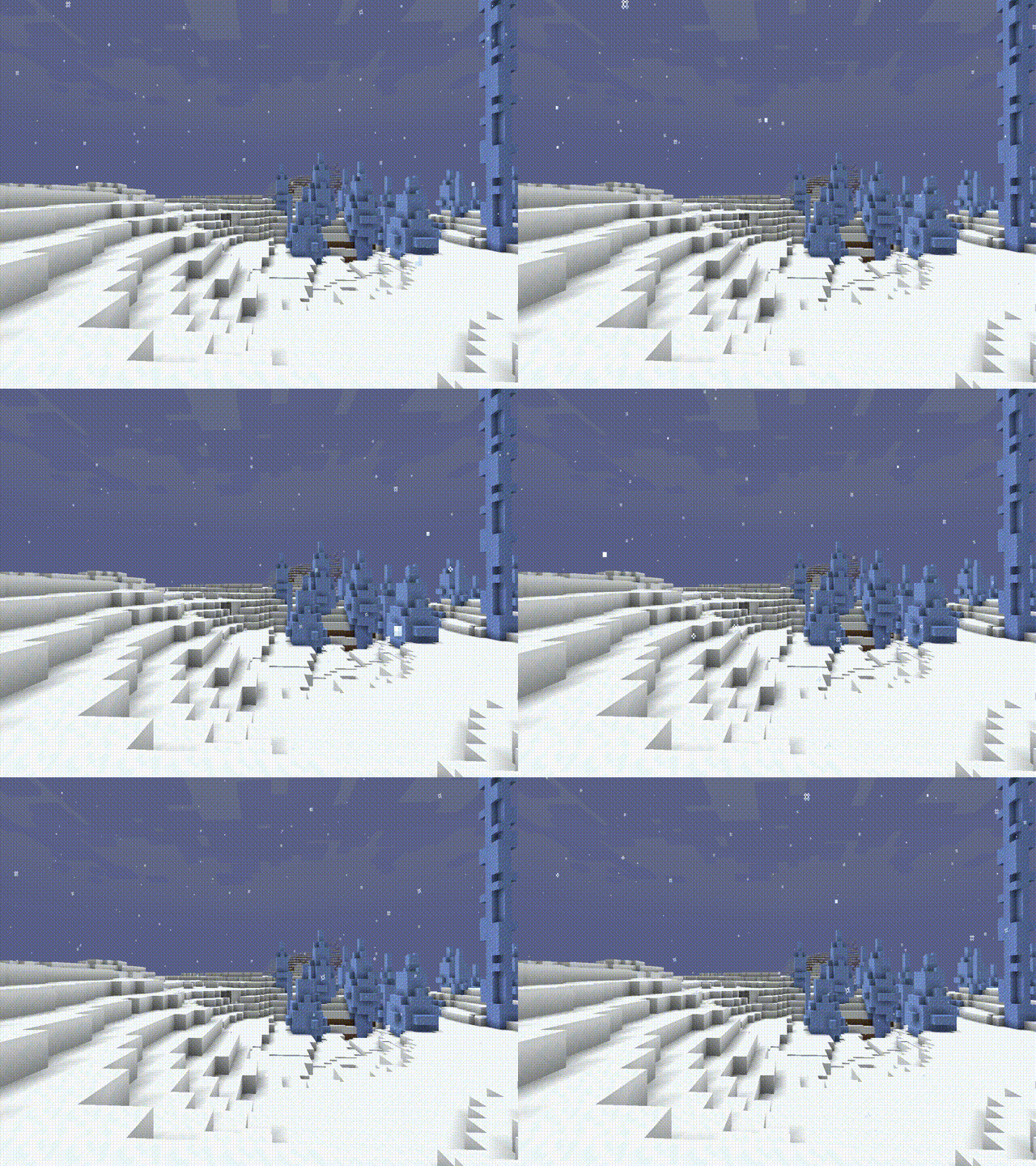
Wind
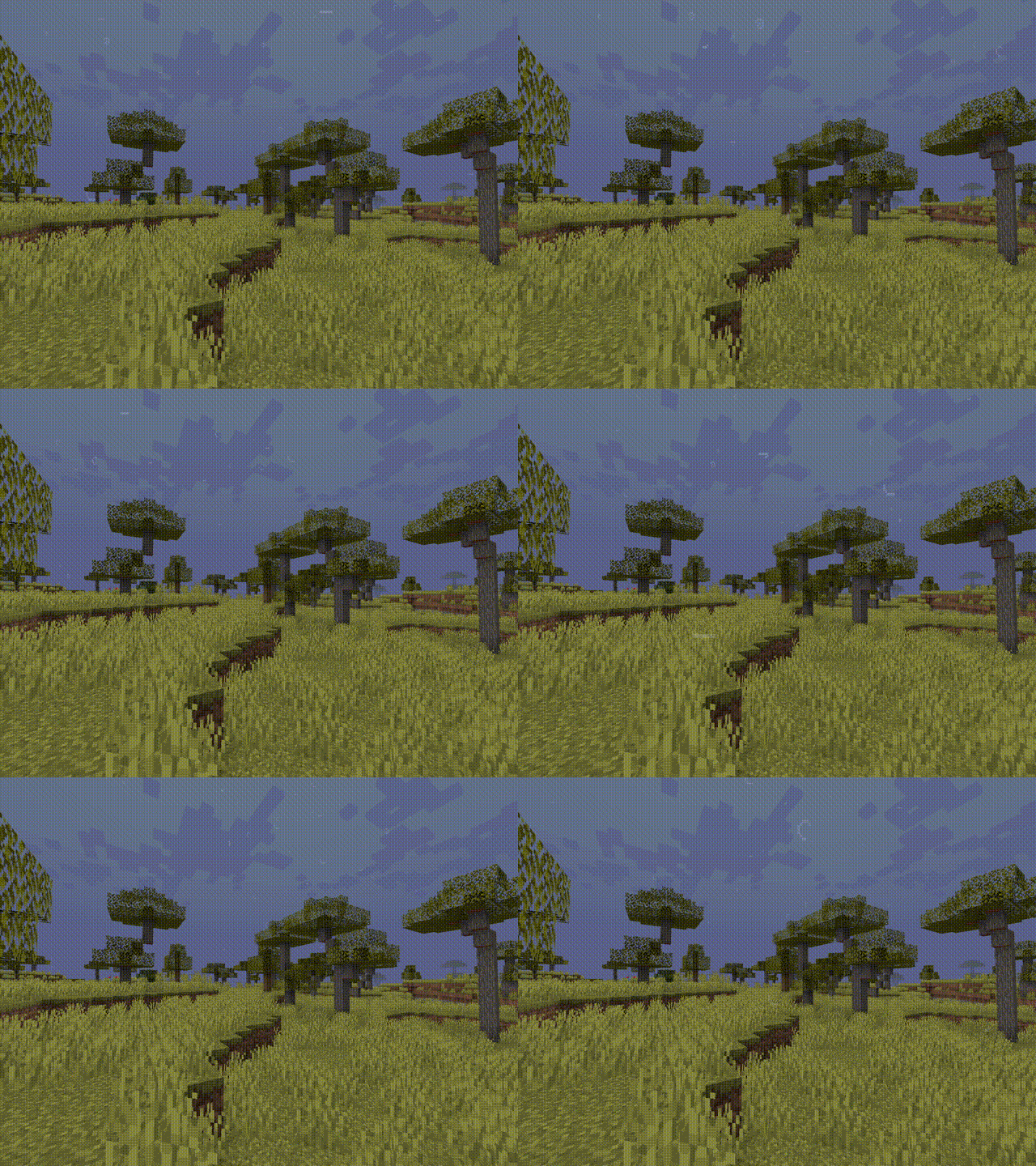
Rain
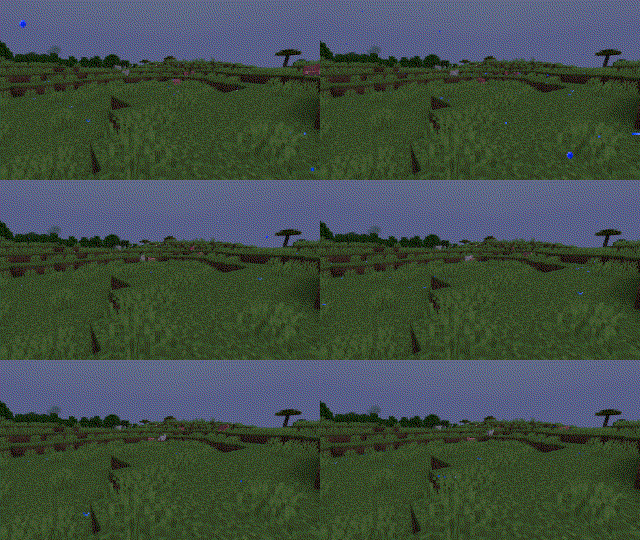
Blizzard
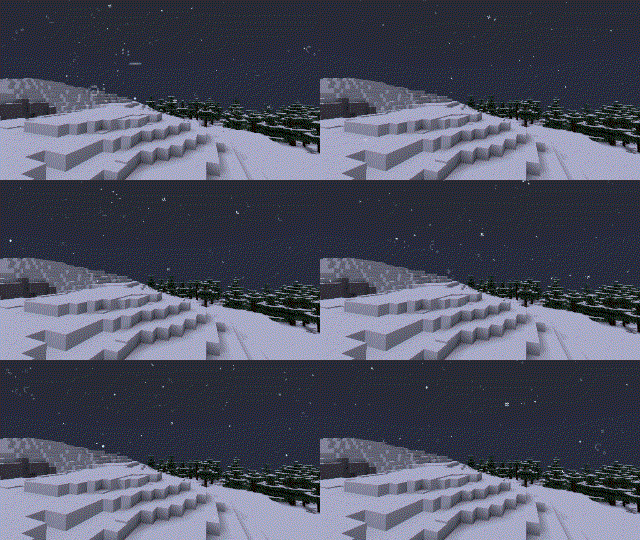
Heavy Rain
Fireflies
How to Install:
New to Minecraft? Follow our step-by-step guide to install Mods on your PC.View Guide
Requirements:

Biome Particle Weather Mod Download Links
For Minecraft 1.18.1
Fabric version: Download from Server 1
For Minecraft 1.18.2
Forge version: Download from Server 1 – Download from Server 2
Fabric version: Download from Server 1 – Download from Server 2
For Minecraft 1.19.2, 1.19.1, 1.19
Forge version: Download from Server 1 – Download from Server 2
Fabric version: Download from Server 1 – Download from Server 2
For Minecraft 1.19.3
Forge version: Download from Server 1 – Download from Server 2
Fabric version: Download from Server 1 – Download from Server 2
For Minecraft 1.20.1, 1.20
Forge version: Download from Server 1 – Download from Server 2
Fabric version: Download from Server 1 – Download from Server 2
For Minecraft 1.20.4
Fabric version: Download from Server 1 – Download from Server 2
For Minecraft 1.20.5
Fabric version: Download from Server 1 – Download from Server 2
For Minecraft 1.20.6
Fabric version: Download from Server 1 – Download from Server 2
For Minecraft 1.21.1, 1.21
Fabric version: Download from Server 1 – Download from Server 2
For Minecraft 1.21.3, 1.21.2
Fabric version: Download from Server 1 – Download from Server 2
For Minecraft 1.21.4
Fabric version: Download from Server 1 – Download from Server 2
For Minecraft 1.21.5
Fabric version: Download from Server 1 – Download from Server 2
For Minecraft 1.21.8, 1.21.7, 1.21.6
Fabric version: Download from Server 1 – Download from Server 2
You May Also Like
Picked for this page
 Falling Leaves Mod (26.3, 1.20.1) – Visually Appealing Addition
 Skin Layers 3D Mod (26.3, 1.20.1) – Render The Player Skin Layer in 3D
 Dynmap Mod (1.21.11, 1.20.1) – Dynamically Updated Web Based Maps
 Flowing Fluids Mod (26.2, 1.20.1) – Realistic Fluid Physics
 Journey Into The Light Mod (1.21.11, 1.20.1) – 8 new Dimensions and Over a Hundred of Mobs
 Spooky Doors Mod (1.21.10, 1.20.1) – Interactive Horror Door Mechanics
 Nether Invader Mod (1.21.11, 1.20.1) – Piglins Raid Your World
 NBT Copy Mod (26.3, 1.20.1) – Adds A Button To Copy NBT Data
 Durability Visibility Options Mod (26.1.2, 1.20.1) – Customize Your Durability Display
 Panoramica Mod (1.20.1) – Capture the World From Every Angle
 Turtle Charging Station Mod (1.21.11, 1.20.1) – Charge CC turtles using Forge Energy
 Multiple Server Lists Mod (1.20.1) – Server Organization
Most viewed in Mods over the last 7 days
 Ala Industrial Mod (26.3) – Run Electric Power Grids and Automated Factories
 PleasureCraft Mod (26.3, 1.21.1) – Jenny Mod Remake for Fabric
 Jennycraft Mod (26.3, 1.20.1) – Virtual Girlfriend in Minecraft
 Fapcraft Mod (26.3, 1.12.2) – Comprehensive and Detailed Content
 Jenny Mod (Fapcraft) Official Complete Guide – How to use, Tutorial
 BangCraft Mod (1.20.1) – Jenny, Ellie and Elliot
 Fabric Loader (26.3, 1.20.1) – Fabric Installer for All Minecraft Versions
 The Shooting Star Demo Mod (26.3, 1.20.1) – Vaporize Terrain From Orbit
 Meteor Client Mod (26.3, 1.20.1) – Xray, HUD, Fly
 OptiFine HD (26.3, 1.20.1) – Run Faster, FPS Boost, Shaders Support
 Aristois Client Mod (1.21.4, 1.20.1) – World Class Minecraft Utility
 Prestige Client Mod (1.21.11, 1.21.4) – Powerful Ghost Features for Crystal & Sword PvP
More from Mods
 Not Just Sandwich Mod (26.3, 1.20.1) – Edibles, Sandwiches
 Waddles Mod (26.3, 1.20.1) – Make Icy Biomes Feel Alive
 Artemis’ Thin Logs Mod (26.3, 1.20.1) – Build Custom Trees and Detailed Wood
 Asterion Mod (26.3, 1.20.1) – Survive Ancient Mazes and Slay the Legendary Minotaur
 Passthrough Signs Mod (26.3, 1.20.1) – Right-Click Through Wall Signs
 Packing Tape Mod (26.3, 1.20.1) – Move Chests, Machines
 No XP Anvils Mod (26.3, 1.20.1) – Repair And Enchant Without XP
 Naruto Shippuden Mod (26.3, 1.16.5) – Immerse Yourself in The World of Ninja
 Araxer’s Bestiary Mod (26.3, 1.20.1) – Build an In-Game Encyclopedia of Every Mob
 Villagers Plus Mod (26.3, 1.20.1) – Expanded Villager Types and Villages
 Ore Excavation 9minecraft Mod (26.3) – Mine Ores and Chop Trees in a Single Swing
 Dirigo Mod (26.1.2, 1.21.1) – Walk Across Nether Lava Seas and Automate Animal

This post has no comments yet. Be the first — your comment will appear here.