


Big Doors Plugin (1.21.10, 1.20.1) – Spigot

 0
0 

Big Doors Plugin creates impressive, animated doors, drawbridges, portcullises, and more!

Features:
- Big, animated doors of these types:
- Big Door
- Drawbridge
- Portcullis
- Sliding Door
- More in development!
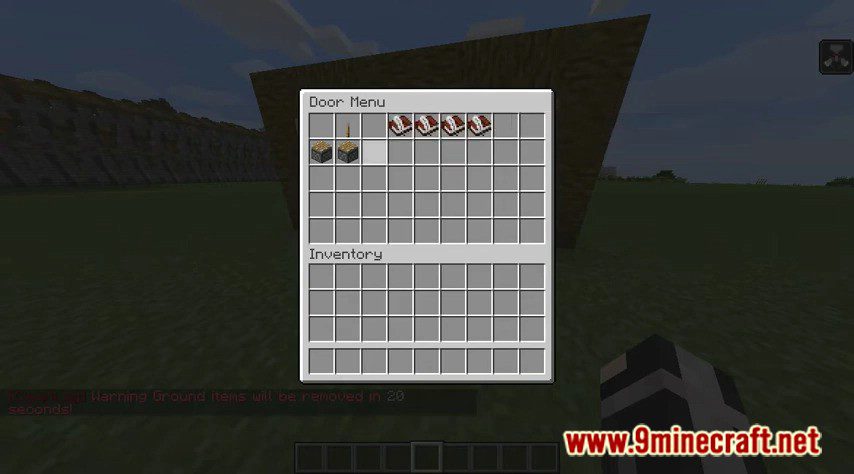
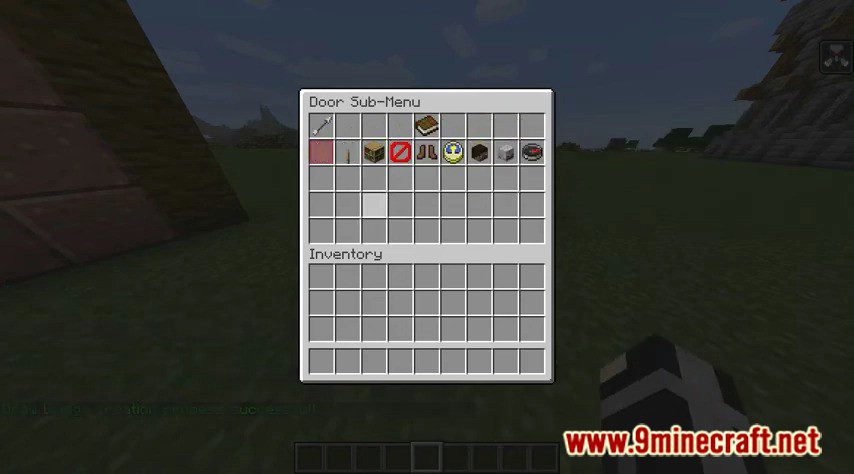
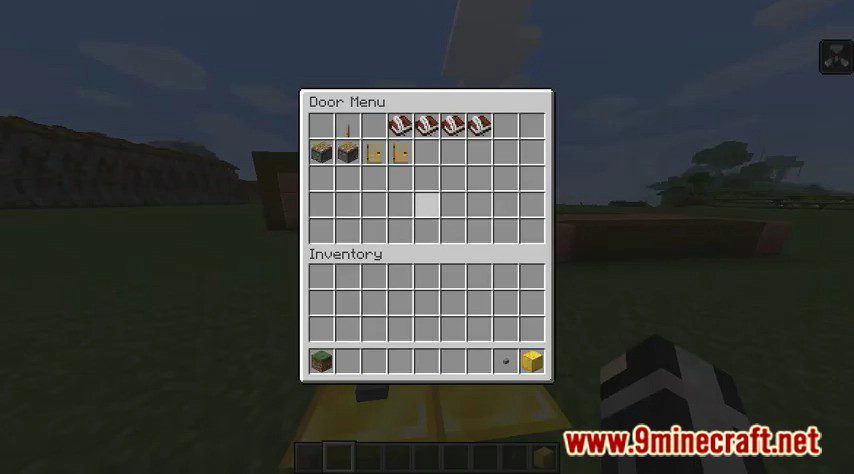
- GUI for door management.
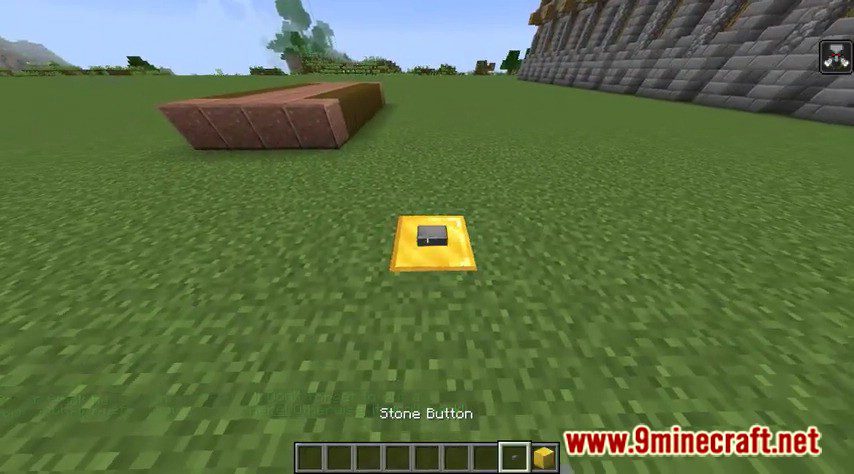
- Redstone support.
- Door creator to guide you through the door creation process.
- Translation support.
- Active developer support.
- Support for various protection plugins
Commands and Permissions:
- bigdoors.own.<numberOfDoors>
Sets the maximum number of doors this group can own. Replace <numberOfDoors> by the actual number of doors. e.g. “bigdoors.own.4”. - bigdoors.user.gui
/BigDoors, /BDM
Allows you to access the BigDoors GUI. - bigdoors.user.createdoor.<type>
Supported types: “door”, “drawbridge”, “portcullis”, “slidingdoor”, “flag”.
/NewDoor [-BD || – PC || -DB] <DoorName>
Initiate door/drawbridge creation process. Use “-BD” to initiate the big door creation process, “-PC” for portcullis, and “-DB” for drawbridge. Defaults to big door.
/NewPortcullis <PortcullisName>
Initiate the portcullis creation process.
/NewDrawbridge <DrawbridgeName>
Initiate the drawbridge creation process. - bigdoors.user.base
/SetBlocksToMove <doorUID> <blocksToMove>
Sets the number of blocks this door will try to move. Only applies to doors such as portcullises and sliding doors.
/SetDoorRotation <doorUID> <direction>
Changes the direction a door will try to move.
/NameDoor <doorName>
Sets the name of the door when you’re in a door creation process.
/BDCancel
Cancel object creation process. - bigdoors.user.deletedoor
/DelDoor <DoorName>
Allows you to delete a Big Door. - bigdoors.user.toggledoor
/OpenDoor <DoorName> [DoorName2] … [DoorNameX]
Allows you to open a Big Door (of any type). Also allows opening more than 1 door at a time.
/CloseDoor <DoorName> [DoorName2] … [DoorNameX]
Allows you to close a Big Door (of any type).
/ToggleDoor <DoorName> [DoorName2] … [DoorNameX]
Allows you to open a Big Door (of any type) when it is closed or close it when it’s open. - bigdoors.user.listdoors
/ListDoors [Name]
List all doors owned by you, with a specific name if provided.
Console: /ListDoors <DoorName || PlayerName || PlayerUUID>
List all doors with a given name (and who owns them) or all doors owned by a player (PlayerName can only be used for online players!). - bigdoors.user.doorinfo
/DoorInfo <DoorName>
Allows you to get information about a given door. - bigdoors.user.relocatepowerblock
/ChangePowerBlockLoc <DoorName>
Allows you to change the location of the powerblock of a given door. - bigdoors.user.inspectpowerblock
/InspectPowerBlockLoc
Gives you a tool that gives you the door info of any powerblock you hit with it. - bigdoors.user.addowner
/BigDoors AddOwner <doorUID> <playerName>
Adds another user as an owner of the given door. - bigdoors.user.removeowner
/BigDoors RemoveOwner <doorUID> <playerName>
Removes another user as an owner of the given door. - bigdoors.user.setclosetime
/SetAutoCloseTime <doorUID> <autoCloseTime>
Sets the amount of time after which a door will try to close itself after it was opened. Negative values mean the door will not try to automatically close (you can still use redstone, of course). - bigdoors.admin.pausedoors
/PauseDoors
Allows an admin to pause all doors. (toggle) - bigdoors.admin.stopdoors
/StopDoors
Forcefully finishes all doors currently in the process of being opened. - bigdoors.admin.unlockdoor
/UnlockDoor <DoorName>
Forcefully unlocks a door not owned by you. - bigdoors.admin.killbigdoorsentities
/KillBigDoorsEntities
Kills all entities that may have been left behind by BigDoors for one reason or another. Should not be necessary to use, but useful just in case. - bigdoors.admin.fillDoor
/FillDoor <doorName || doorUID>
Fills in a door with stone blocks, regardless of whether the user who issues the command is allowed to build there or not or if there are already blocks there. - bigdoors.admin.version
/BigDoors Version
Gets the version of the plugin. If it’s a dev-build, it’ll also show you the build number. - bigdoors.admin.restart
/BigDoors Restart
Restarts the plugin. Almost everything will be reinitialized (config, translation, etc). - bigdoors.admin.bypass.<attribute>
Gives you access to all doors via commands, even if they don’t own them.
The attributes are: “lock”, “toggle”, “info”, “delete”, “relocatepowerblock”, “changetime”, “blockstomove”, “direction”, “addowner”, and “removeowner”. Note that when accessing a door you’re not an owner of, you’ll have to use its UID!
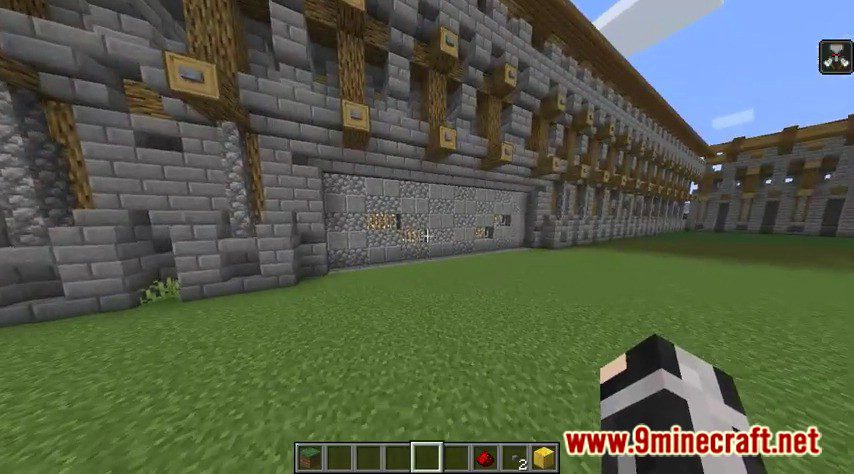
Screenshots:
How to Install:
New to Minecraft? Follow our step-by-step guide to install Plugins on your PC.View Guide
Big Doors Plugin Download Links
For All Versions from Minecraft Spigot 1.11 to Minecraft Spigot 1.19
For Minecraft Spigot 1.20.1, 1.19.4
For Minecraft Spigot 1.20.6, 1.20.4
For Minecraft Spigot 1.21.1, 1.21
For Minecraft Spigot 1.21.4
For Minecraft Spigot 1.21.8, 1.21.7, 1.21.6
For Minecraft Spigot 1.21.10, 1.21.9
Click to rate this post!
[Total: 1 Average: 5]
You May Also Like
















This post has no comments yet. Be the first — your comment will appear here.