


Universal Chat Bridge Plugin (26.2, 1.20.1) – Talk with Friends on Other Apps
 0
0
 0
0

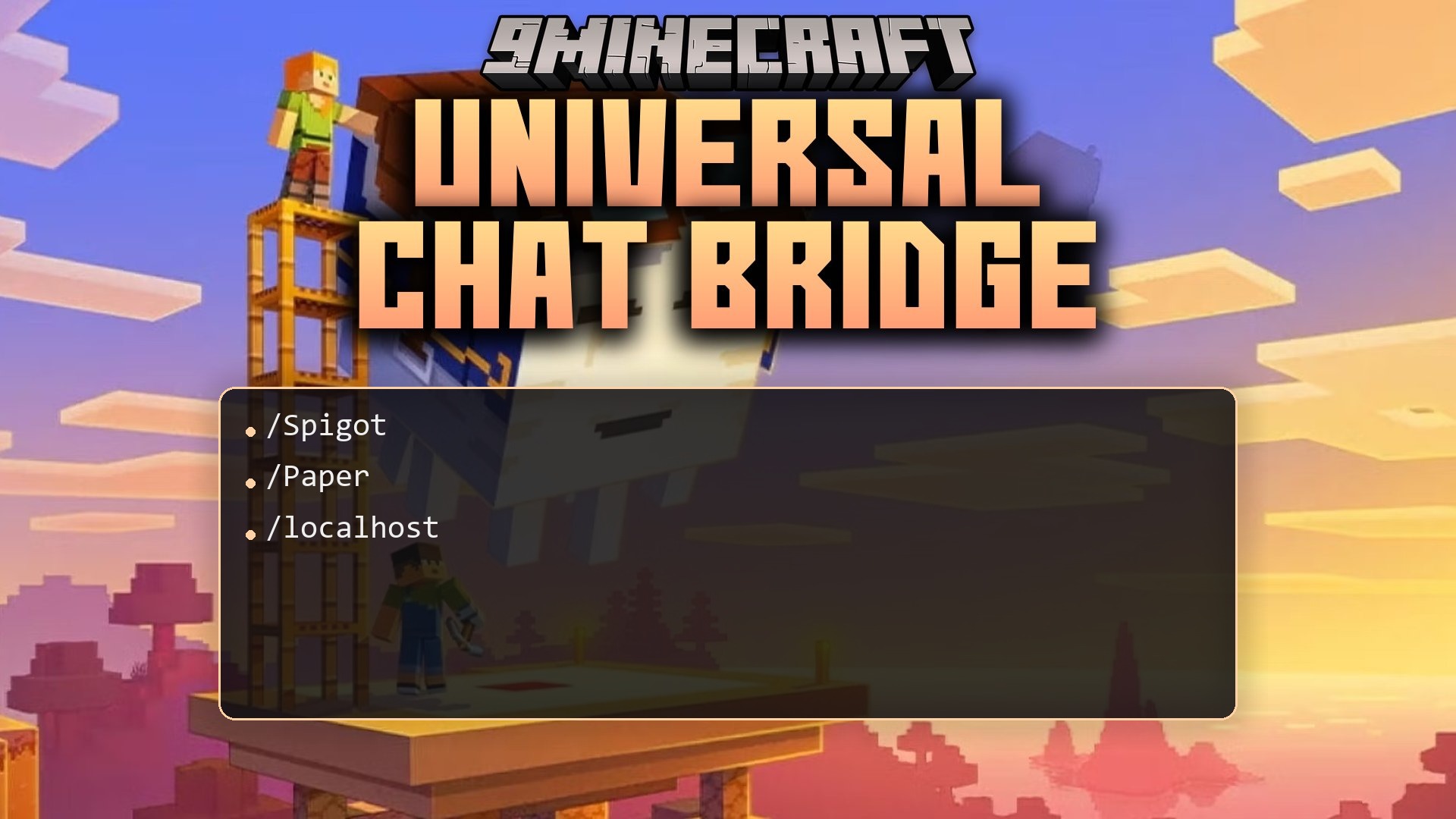
Universal Chat Bridge Plugin relays chat messages between your server and Matterbridge. It lets players talk with friends on other chat platforms directly from the game. The plugin also sends alerts when players join, leave, earn advancements, or die. Server owners can customize every notification to fit their community needs.
Features:
- Relays live player chat between Minecraft and any network connected to Matterbridge.
- Sends alert messages to linked channels whenever a player joins or leaves the server.
- Broadcasts player deaths directly to your external chat rooms.
- Shares advancement popups so outside groups can see player milestones.
- Notifies chat channels when players level up, with options to set custom level intervals.
- Lets server owners customize what text shows up for each event type.
Configuration:
url: The web address and port where your Matterbridge setup runs.gateway: The exact name of your Matterbridge gateway.token: A security key to protect the communication link.
How to Use:
- Start the server with the plugin installed to generate the base files.
- Open the
config.ymlfile found inside the plugin folder. - Set the
urlkey to point to your Matterbridge server address. - Enter your gateway name into the
gatewayline. - Add an optional security token and adjust the event notifications to your preference.
- Save the file and restart the server to start sharing chat messages.
How to Install:
New to Minecraft? Follow our step-by-step guide to install Plugins on your PC.View Guide
Universal Chat Bridge Plugin Download Links
For Minecraft
26.2,
26.1.2,
26.1.1
All Versions Covered
26.2
26.1.2
26.1.1
26.1
1.21.11
1.21.10
1.21.9
1.21.8
1.21.7
1.21.6
1.21.5
1.21.4
1.21.3
1.21.2
1.21.1
1.21
1.20.6
1.20.5
1.20.4
1.20.3
1.20.2
1.20.1
1.20
1.19.4
1.19.3
1.19.2
1.19.1
1.19
All Versions Covered
26.2
26.1.2
26.1.1
26.1
1.21.11
1.21.10
1.21.9
1.21.8
1.21.7
1.21.6
1.21.5
1.21.4
1.21.3
1.21.2
1.21.1
1.21
1.20.6
1.20.5
1.20.4
1.20.3
1.20.2
1.20.1
1.20
1.19.4
1.19.3
1.19.2
1.19.1
1.19
For Minecraft 1.18.2, 1.18
For Minecraft 1.16.5, 1.16
Click to rate this post!
[Total: 0 Average: 0]
You May Also Like

This post has no comments yet. Be the first — your comment will appear here.