


Fancy Holograms Plugin (26.1.2, 1.20.1) – Spigot
 9,209
9,209
 0
0

Fancy Holograms Plugin is a plugin designed for Minecraft servers that allows server administrators and players to create and manage holographic displays within the game. These holograms can be used for a variety of purposes, from providing information and instructions to players, to enhancing the aesthetics of the game world.

Features:
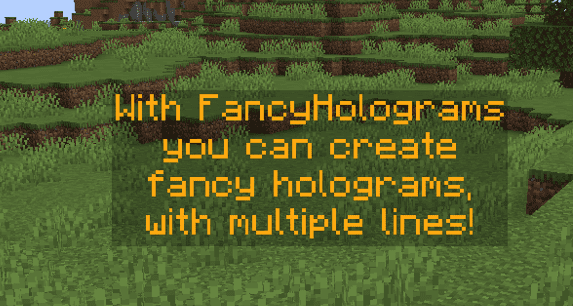
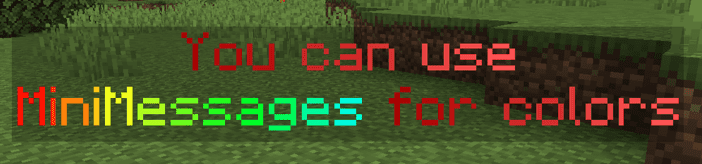
- The plugin allows users to create holograms with custom text, colors, and animations. This means you can tailor your holograms to fit the theme of your server or to convey specific information.
- Fancy Holograms supports interactive holograms, which can respond to player actions. This can be used to create interactive tutorials, quests, or even mini-games within the game.
- The plugin supports dynamic holograms that can change based on certain conditions or events in the game. This can be used to display real-time information, such as server statistics or player rankings.
- Fancy Holograms provides a user-friendly interface for managing your holograms. You can easily create, edit, and delete holograms, as well as control their visibility and location.
Commands:
- /hologram help
- /hologram version
- /hologram list
- /hologram teleport (name)
- /hologram create (name)
- /hologram remove (hologram name)
- /hologram copy (hologram name) (new name)
- /hologram edit (hologram name) addLine (text …)
- /hologram edit (hologram name) removeLine (text …)
- /hologram edit (hologram name) setLine (line number) (text …)
- /hologram edit (hologram name) position
- /hologram edit (hologram name) moveTo (x) ( y ) (z) (optional: yaw)
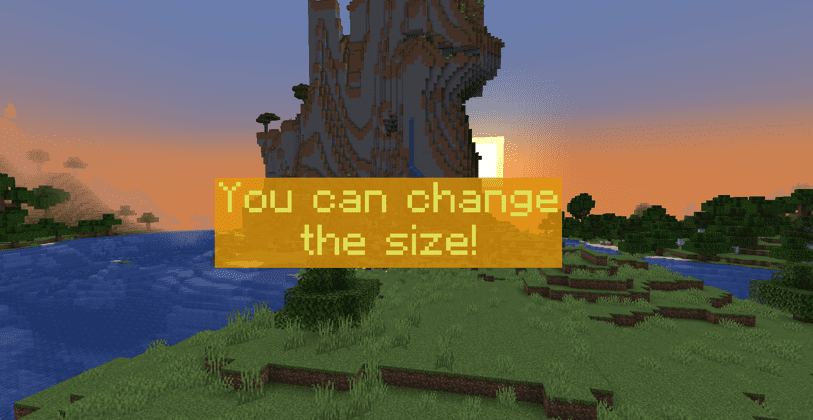
- /hologram edit (hologram name) scale (factor)
- /hologram edit (hologram name) billboard (center|fixed|horizontal|vertical)
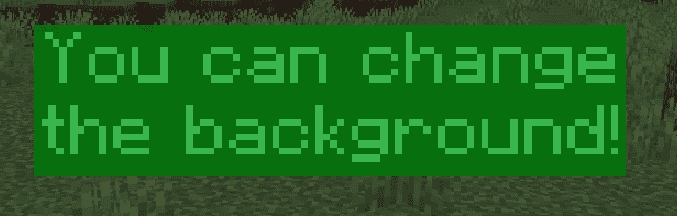
- /hologram edit (hologram name) background (color)
- /hologram edit (hologram name) shadowRadius (value)
- /hologram edit (hologram name) shadowStrength (value)
- /hologram edit (hologram name) updateTextInterval (seconds)
- /hologram edit (hologram) linkWithNpc (npc name)
- /hologram edit (hologram) unlinkWithNpc
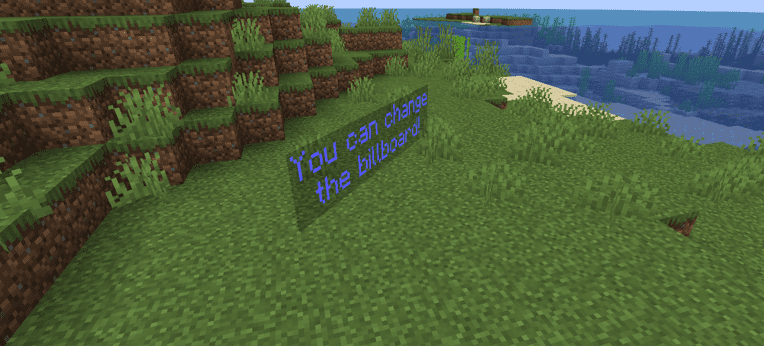
Screenshots:
How to Install:
New to Minecraft? Follow our step-by-step guide to install Plugins on your PC.View Guide
Fancy Holograms Plugin Download Links
For Minecraft
26.1.2,
26.1.1,
26.1
All Versions Covered
26.1.2
26.1.1
26.1
1.21.11
1.21.10
1.21.9
1.21.8
1.21.7
1.21.6
1.21.5
1.21.4
1.21.3
1.21.2
All Versions Covered
26.1.2
26.1.1
26.1
1.21.11
1.21.10
1.21.9
1.21.8
1.21.7
1.21.6
1.21.5
1.21.4
1.21.3
1.21.2
For Minecraft 1.21.11
For Minecraft 1.20.1
Click to rate this post!
[Total: 4 Average: 1.5]
You May Also Like
















This post has no comments yet. Be the first — your comment will appear here.