


FastQuit Mod (26.2, 1.20.1) – Exit Your World Instantly
 4,946
4,946
 0
0


🌐 Read this article in your language! Choose your preferred language below.
Or pick the one you like:
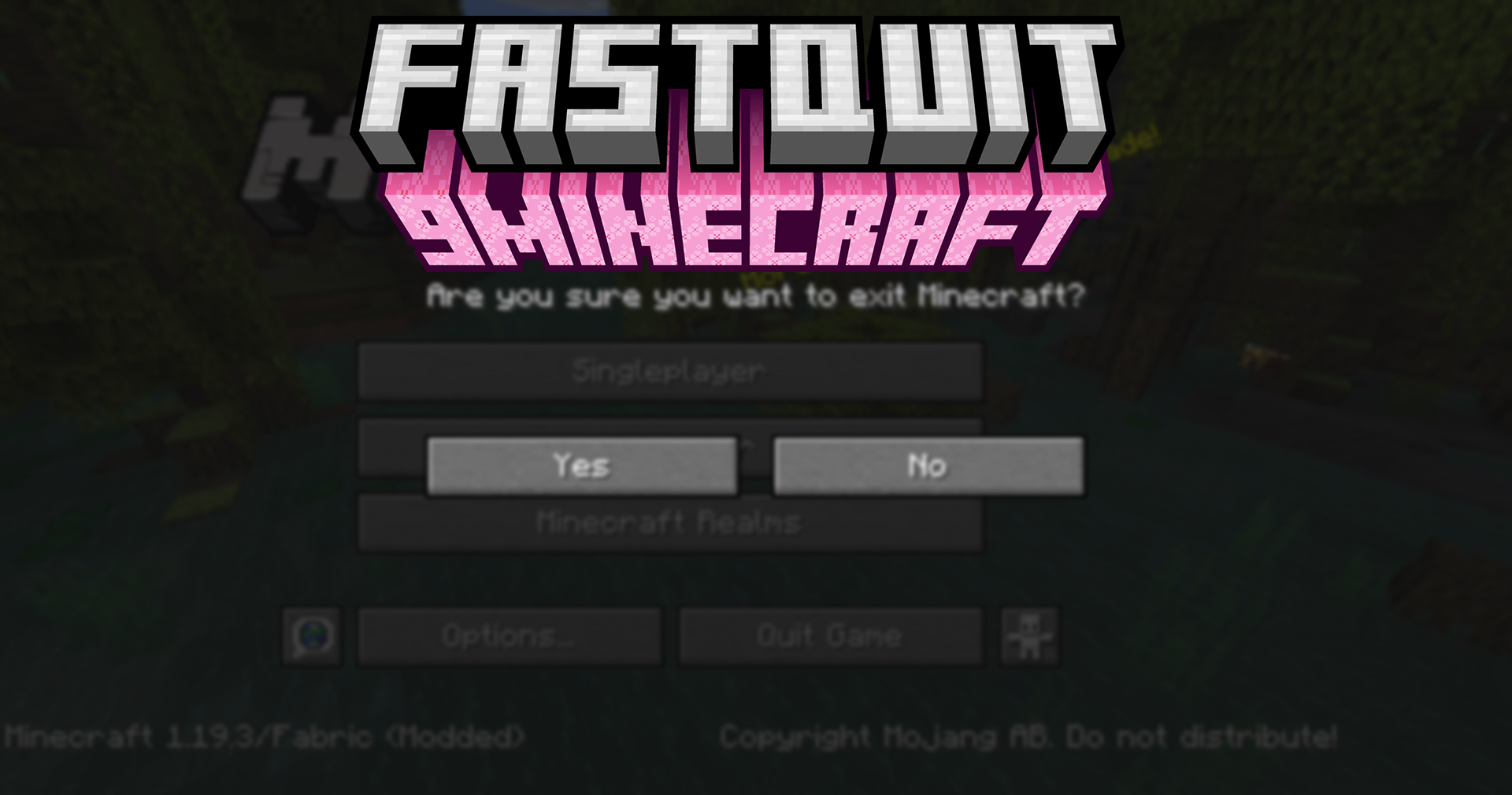
FastQuit Mod lets you return to the main menu right away when you leave a world. You no longer have to wait for the saving process to finish. The mod saves your world in the background, so you can get back to playing faster. While it’s saving, you can still see the world in your list, change its settings, or even delete it.
Features:
- Lets you go back to the title screen instantly while the world saves in the background.
- Keeps your world data safe and prevents any loss during the background save.
- Allows you to see, edit, delete, or recreate a world from the list while it is still saving.
- Provides options to customize your experience, like turning on or off toast notifications.
- Adjust the priority of the background saving process to balance performance.
- Choose whether to show the time it took for a world to save.
Configuration:
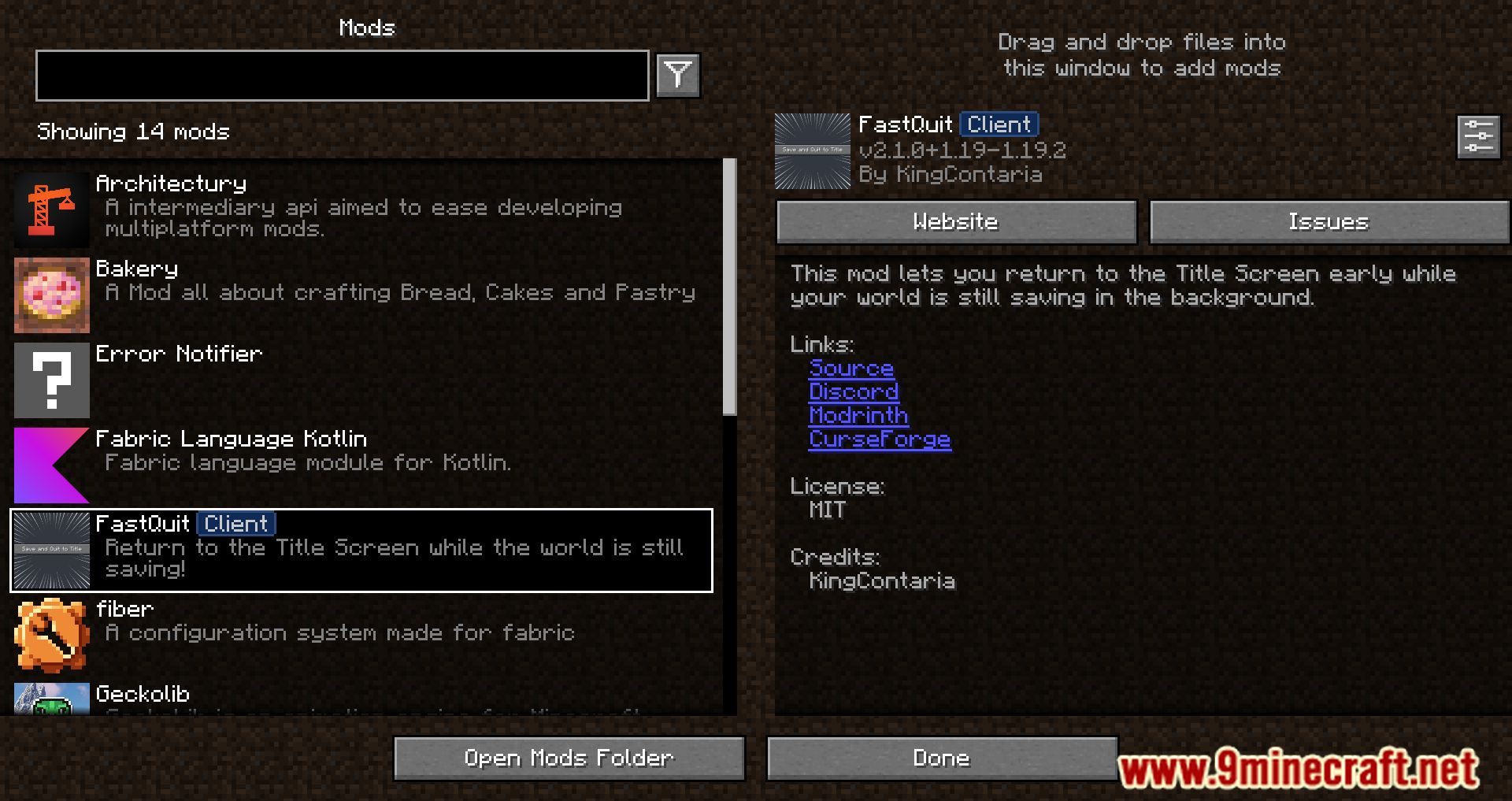
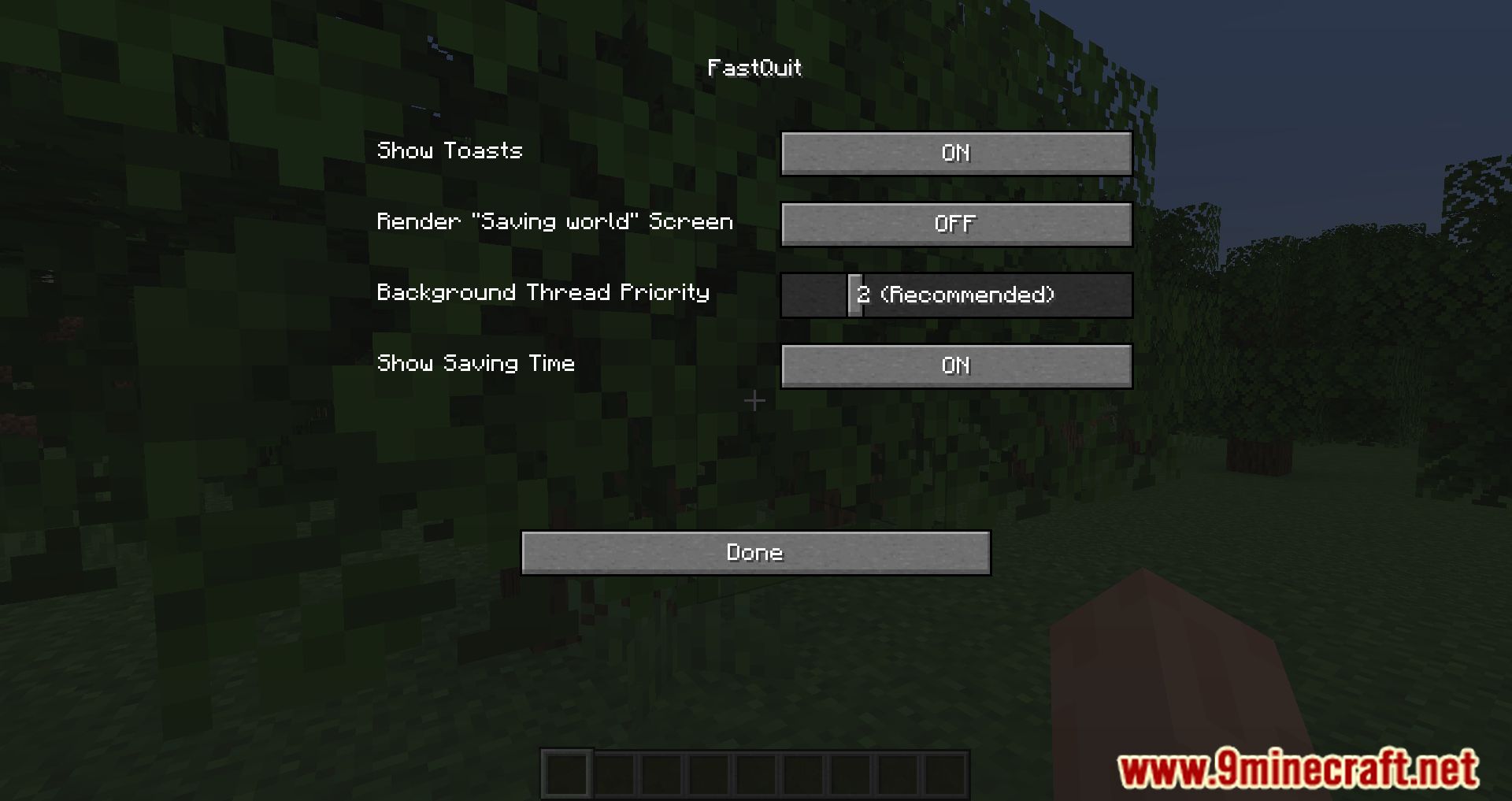
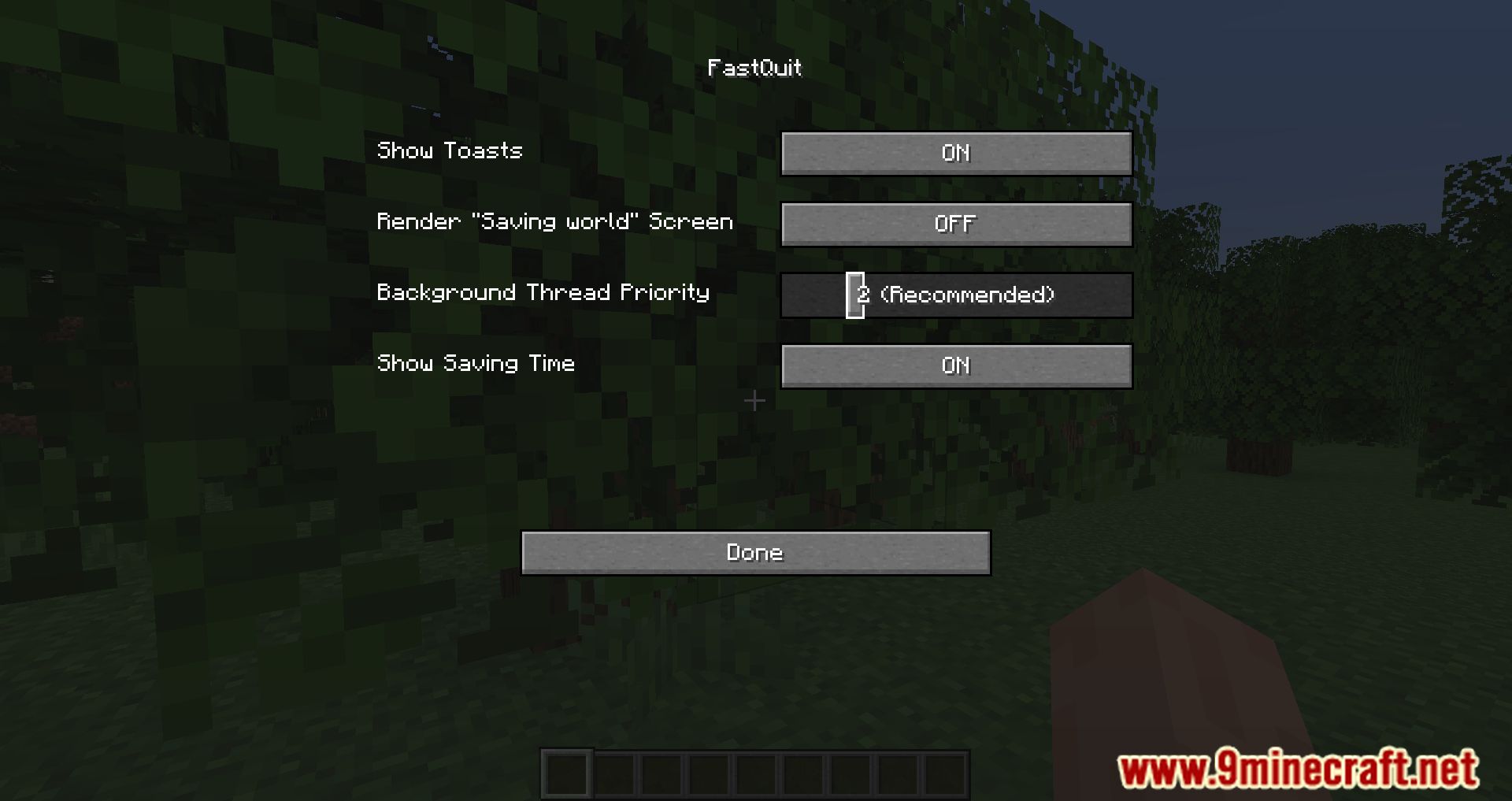
You can change the mod’s settings through Mod Menu or by editing the config file. The available options are:
- Show Toasts: Toggles a notification that appears when a world finishes saving.
- Background Thread Priority: Sets the priority for the background saving task to improve client performance.
- Render “Saving world” Screen: Shows the “Saving world” screen, which can be useful on high render distances.
- Show Saving Time: Displays how long it took to save the world on notifications and the world list.
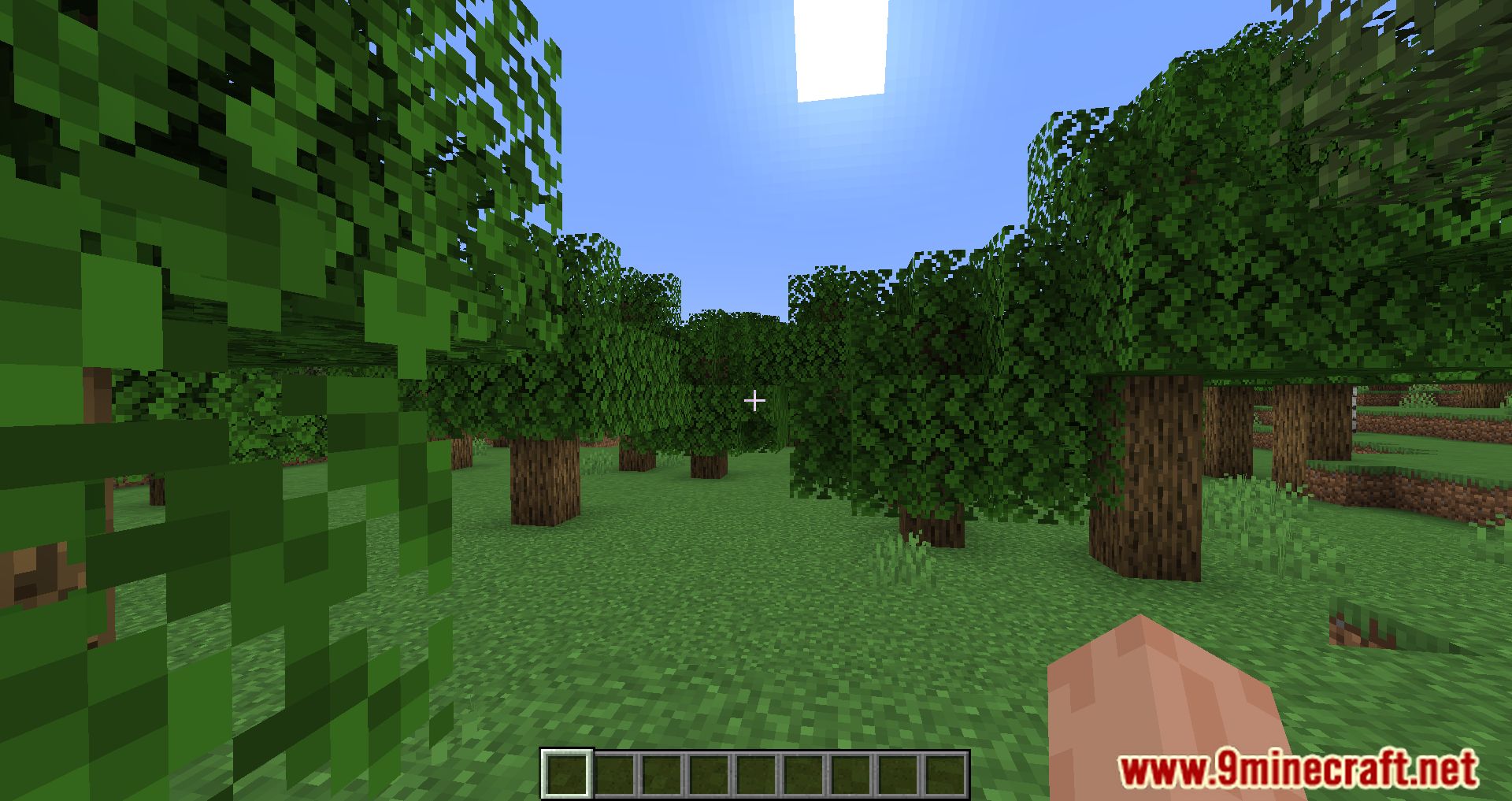
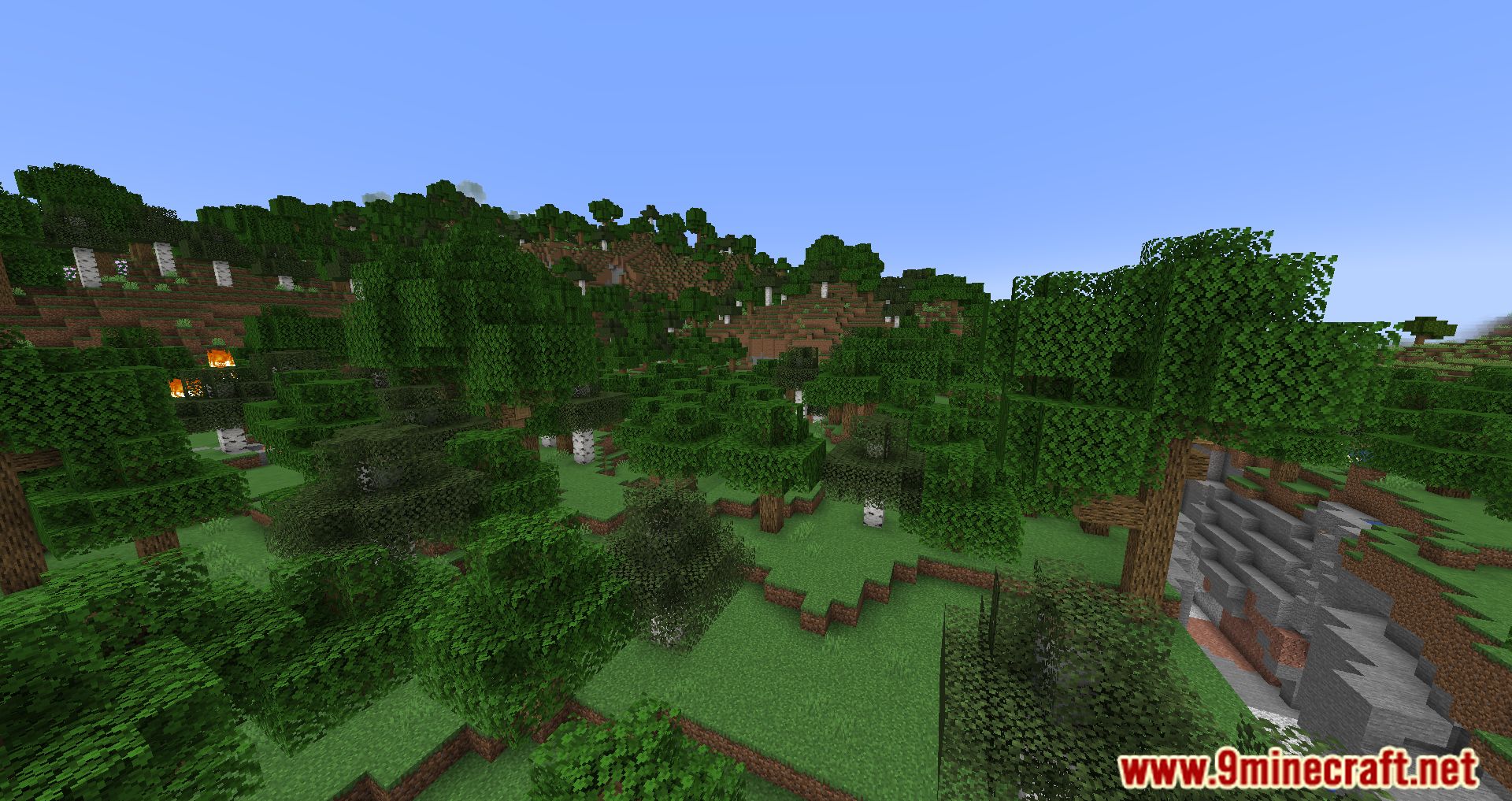
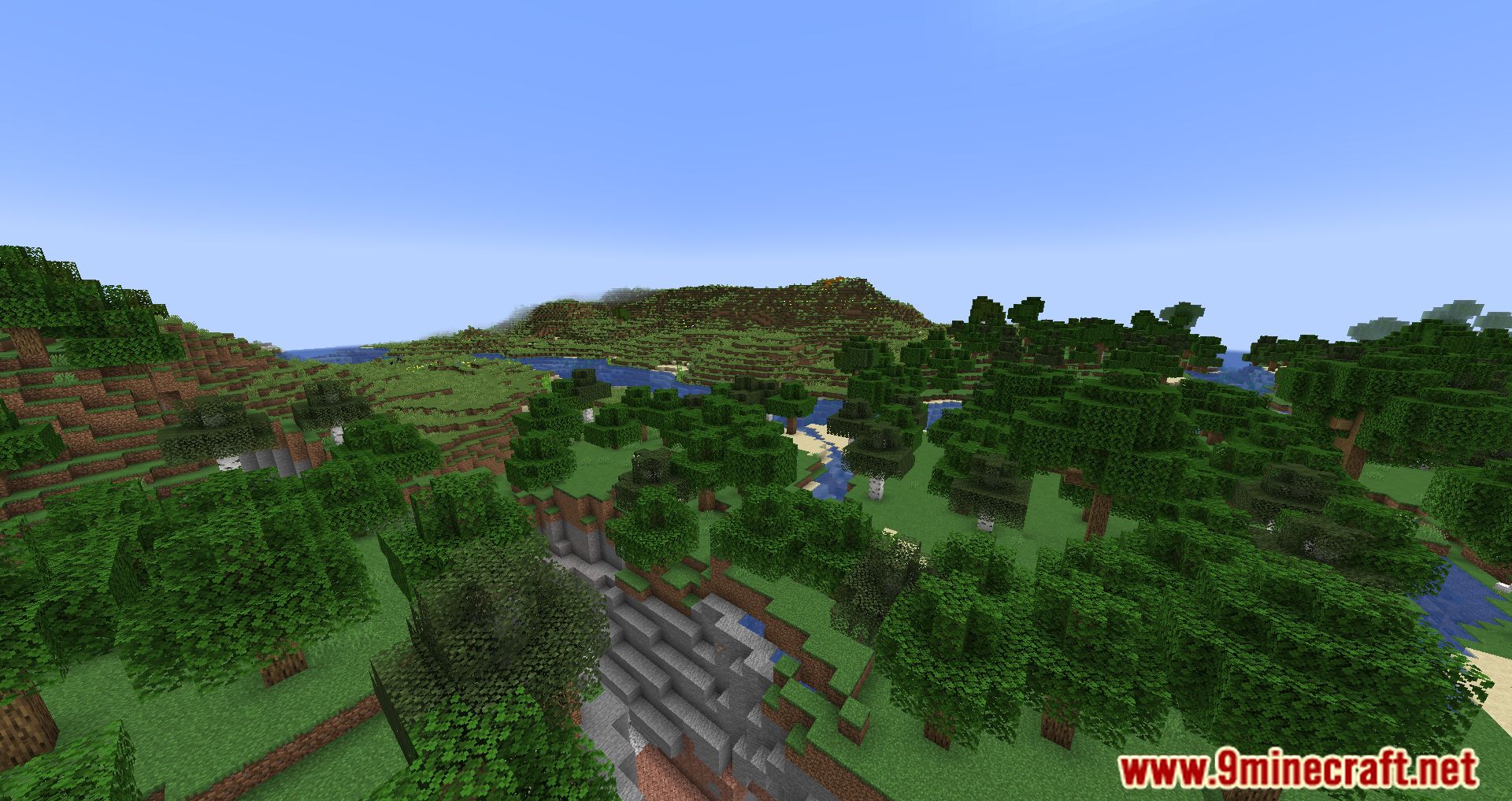
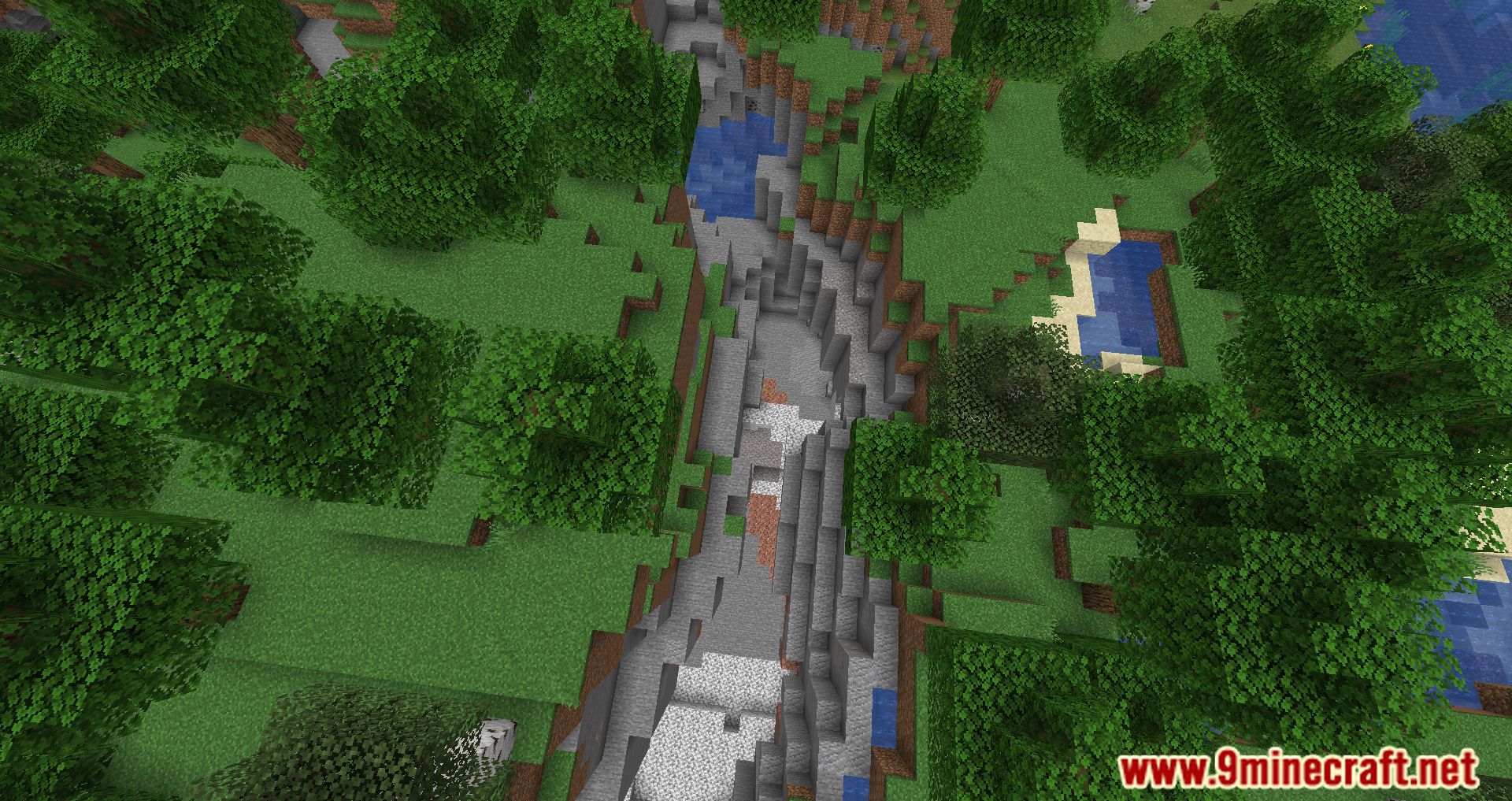
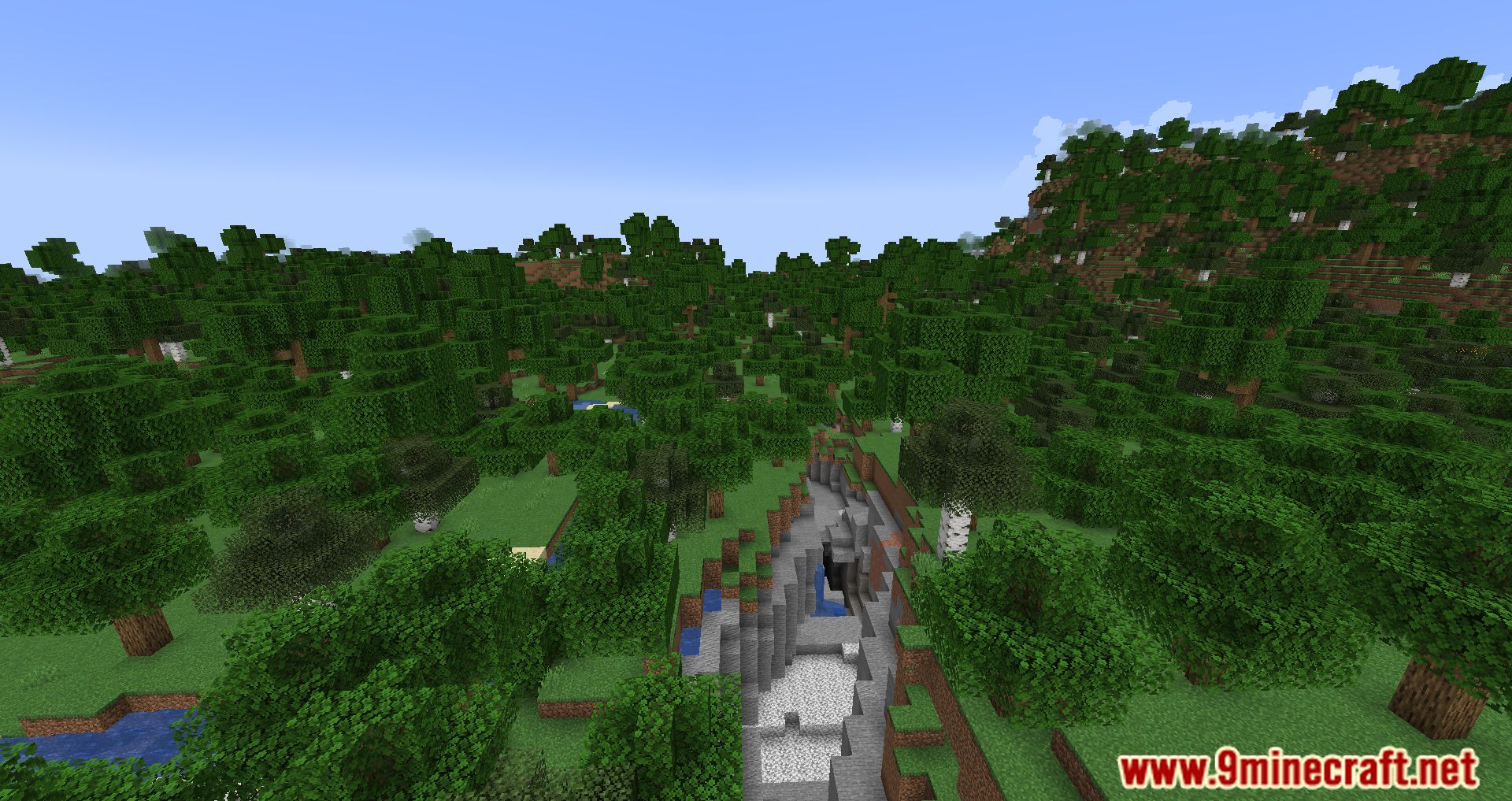
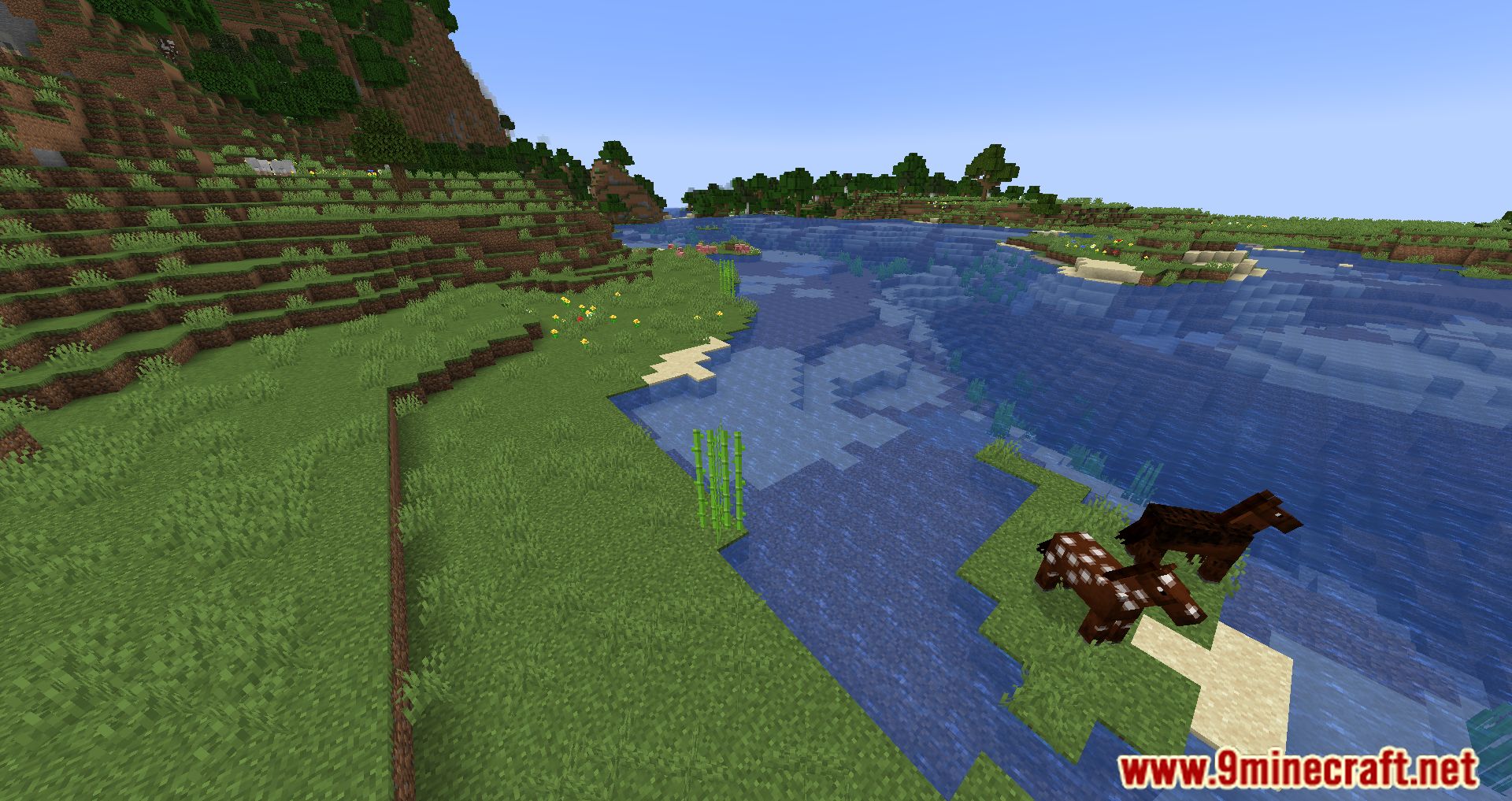
Screenshots:
How to Install:
New to Minecraft? Follow our step-by-step guide to install Mods on your PC.View Guide
Requirements:






FastQuit Mod Download Links
For Minecraft 26.2
For Minecraft 26.1.2, 26.1.1, 26.1
For Minecraft
1.21.11,
1.21.10,
1.21.9
All Versions Covered
1.21.11
1.21.10
1.21.9
1.21.8
1.21.7
1.21.6
1.21.5
1.21.4
1.21.1
1.21
All Versions Covered
1.21.11
1.21.10
1.21.9
1.21.8
1.21.7
1.21.6
1.21.5
1.21.4
1.21.1
1.21
For Minecraft 1.21.10, 1.21.9
For Minecraft 1.21.8, 1.21.7, 1.21.6
For Minecraft
1.21.5,
1.21.4,
1.21.3
All Versions Covered
1.21.5
1.21.4
1.21.3
1.21.2
All Versions Covered
1.21.5
1.21.4
1.21.3
1.21.2
For Minecraft 1.20.6
For Minecraft 1.20.4
For Minecraft 1.20.2, 1.20.1, 1.20
For Minecraft 1.19.4, 1.19.3
For Minecraft 1.19.2, 1.19.1, 1.19
For Minecraft 1.18.2, 1.18
For Minecraft 1.17.1
Click to rate this post!
[Total: 4 Average: 3.3]
You May Also Like


This post has no comments yet. Be the first — your comment will appear here.