
Tool’s Complement Mod (1.20.1, 1.19.2) – Clear Massive Areas in Single Swings

 0


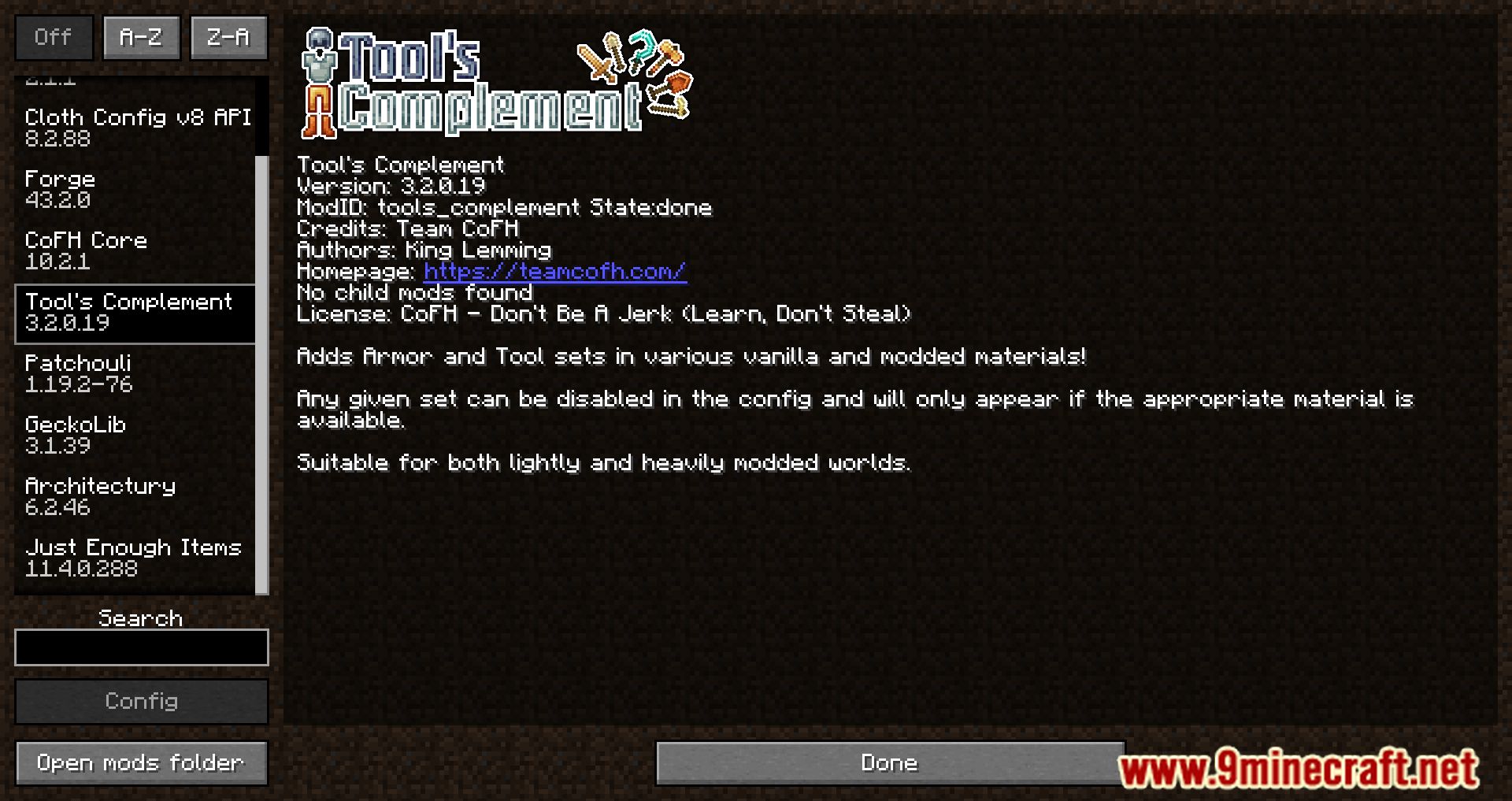
Tool’s Complement Mod adds new weapons, tools, and armor sets for nine standard metals. It also brings four extra tool types to your game, including the Hammer, Excavator, Sickle, and Knife, which are available in vanilla materials like iron and diamond too. This mod fits a Vanilla+ style and gives you faster ways to mine, dig, clear plants, and fight. It requires CoFH Core to run and works well alongside the Thermal Series.

Features:
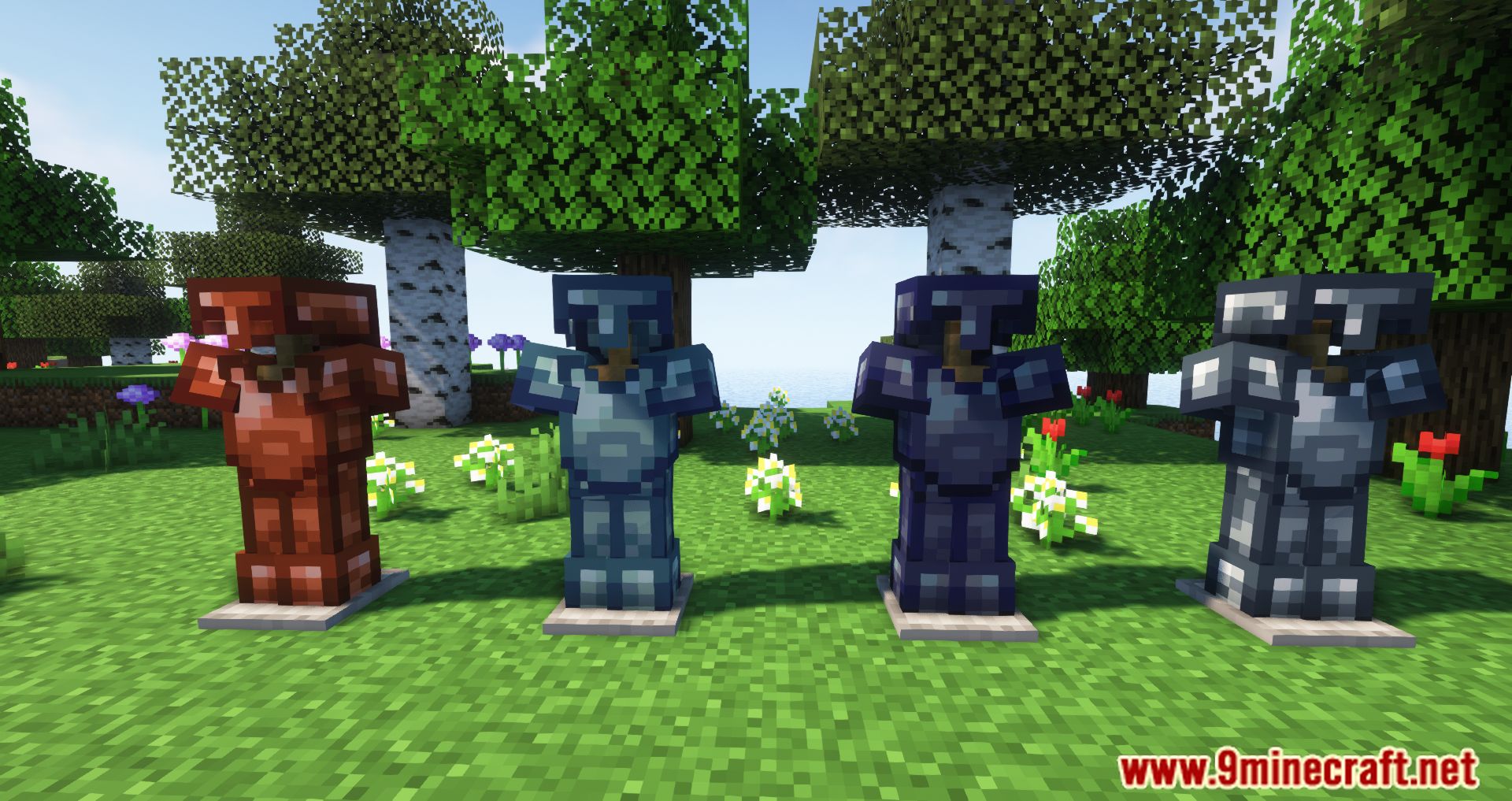
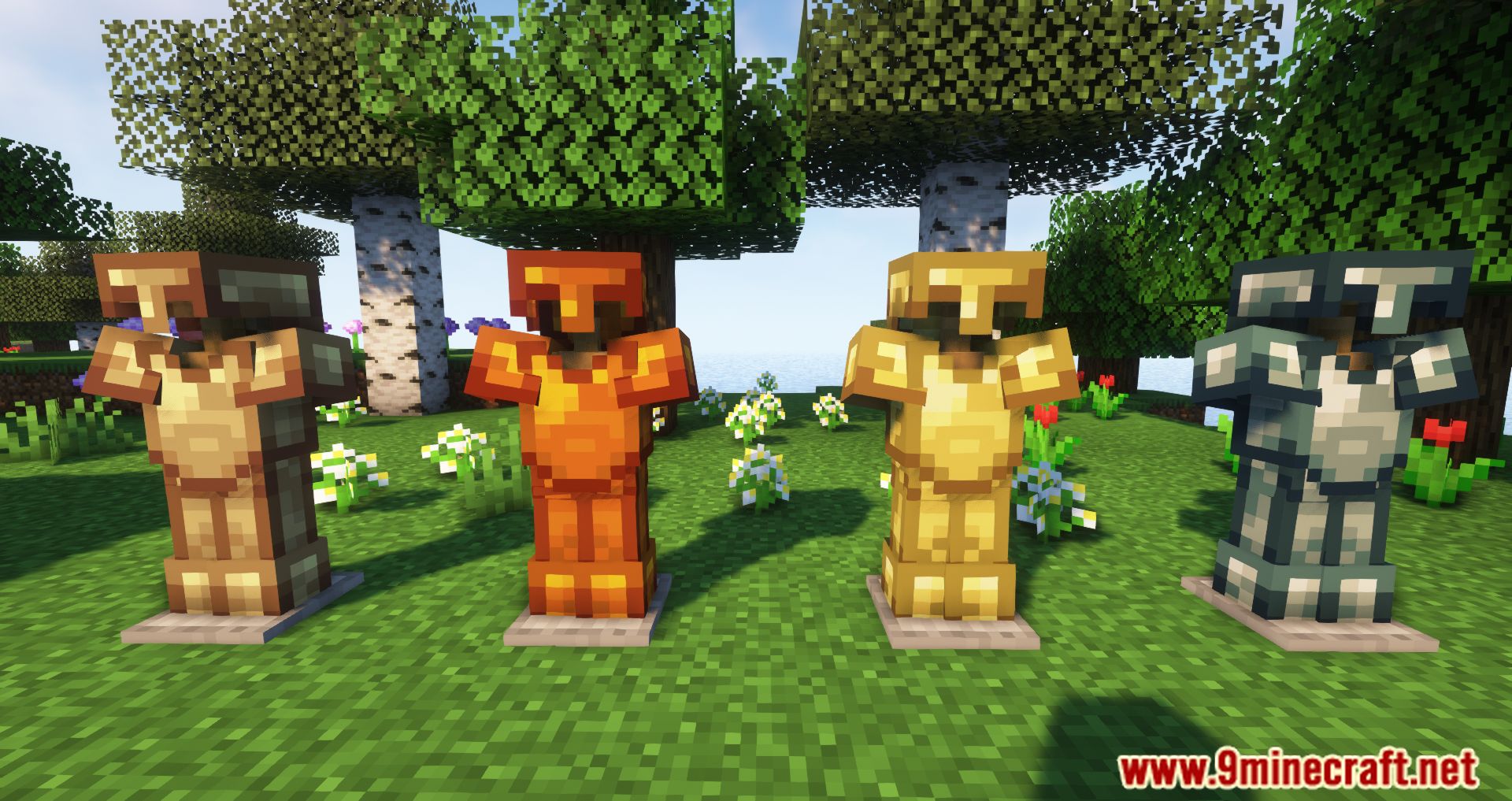
- Adds full tool and armor sets for nine standard metals, including all regular Minecraft tools.
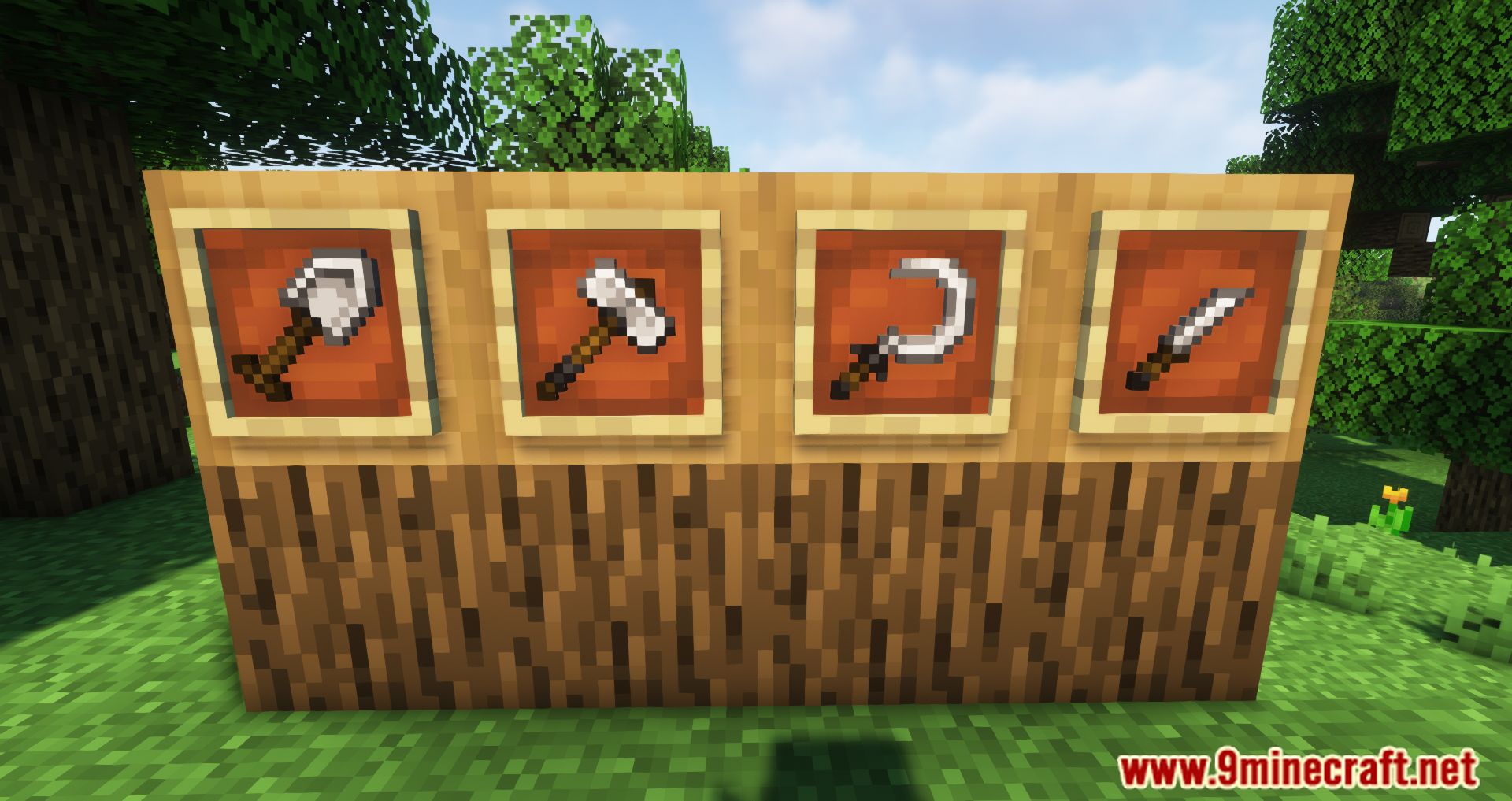
- Brings four new tool types that are also available in standard Minecraft materials like iron and diamond.
- Fits smoothly into a Vanilla+ style while working well alongside the Thermal Series.
- Includes client and server config files so you can change settings for single-player worlds or dedicated servers.
- Requires CoFH Core to run.
New Tool Types:
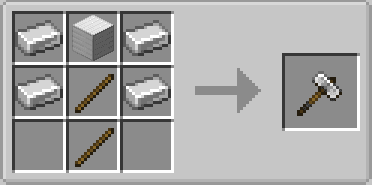
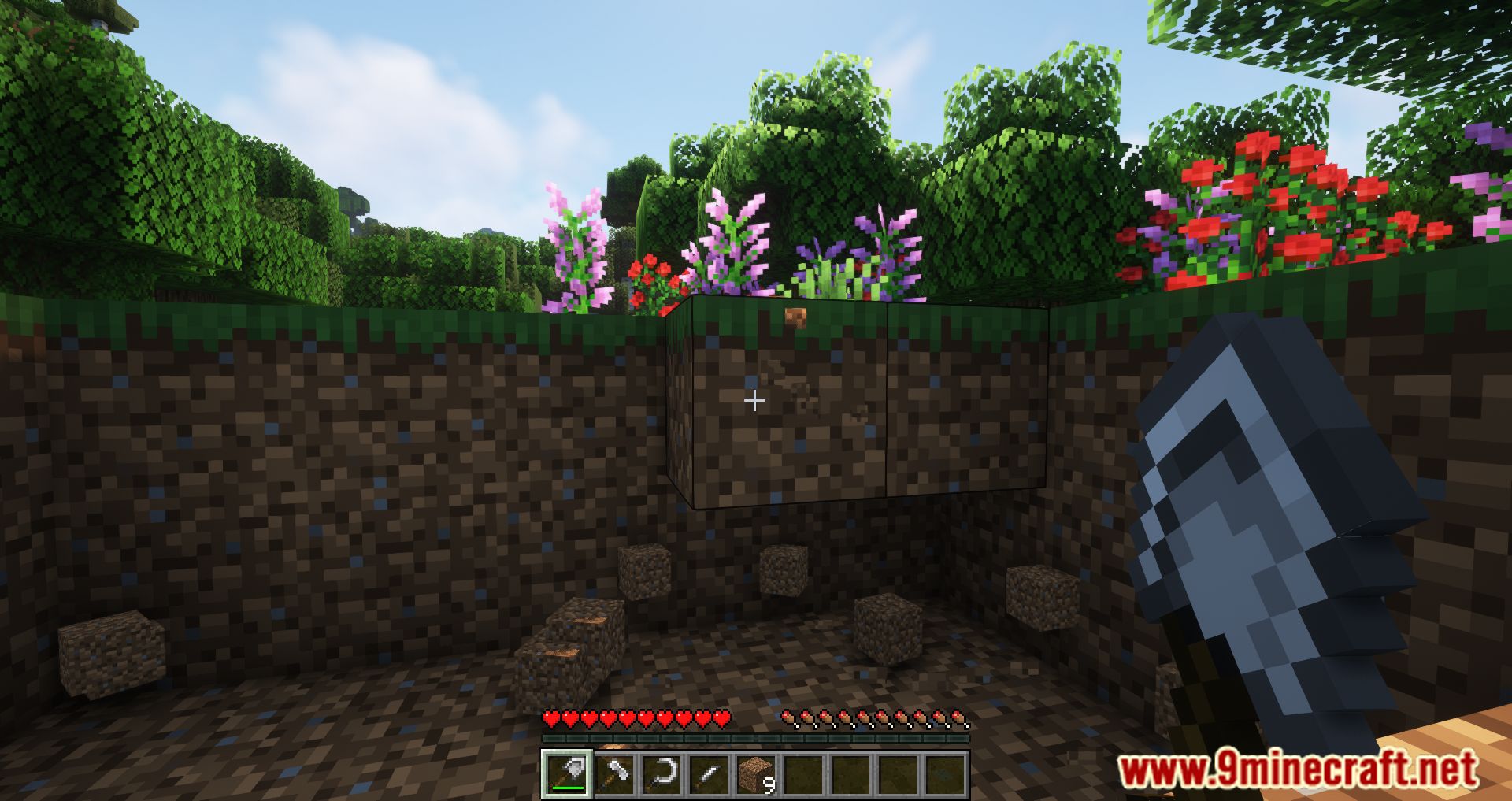
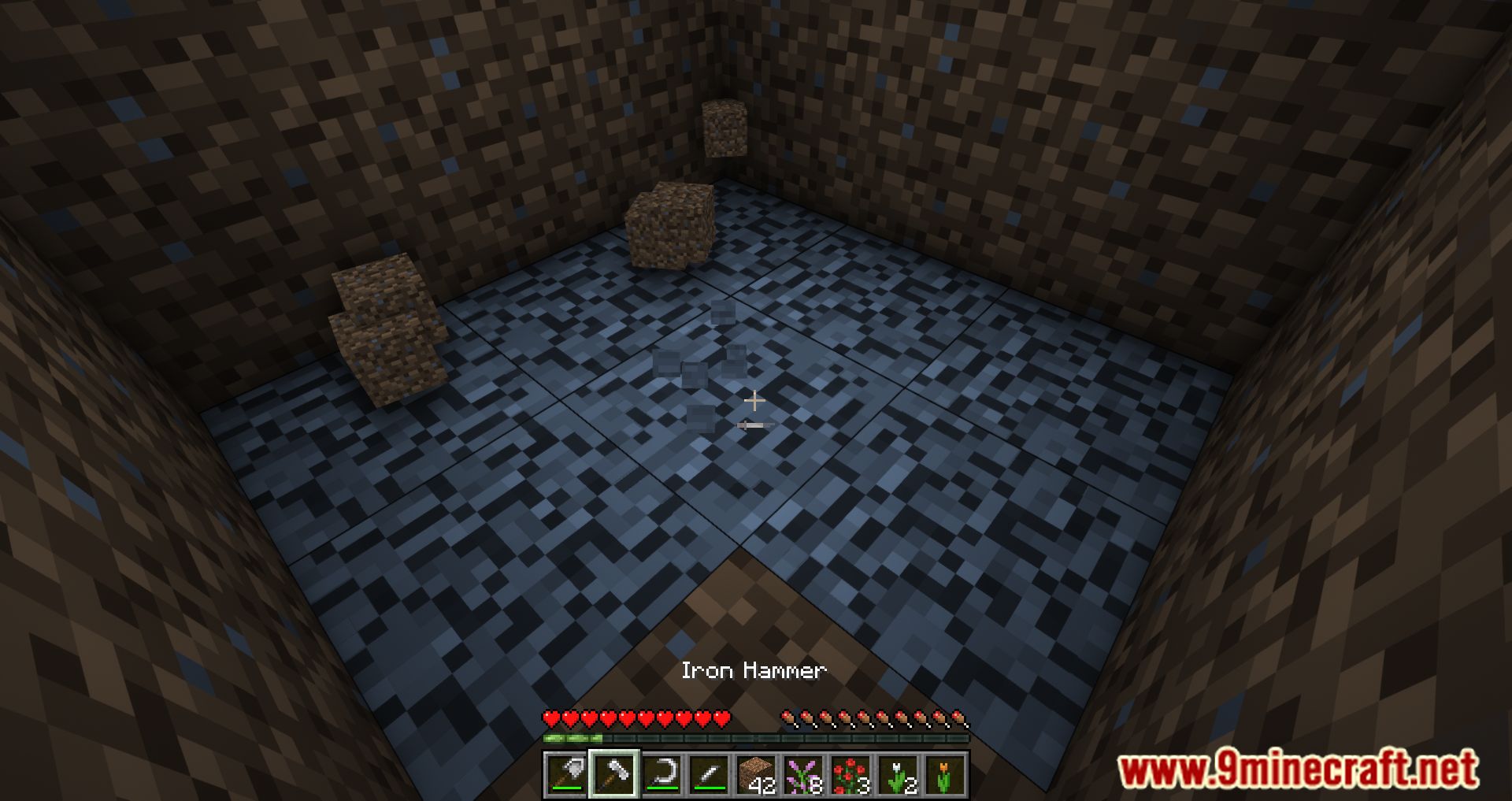
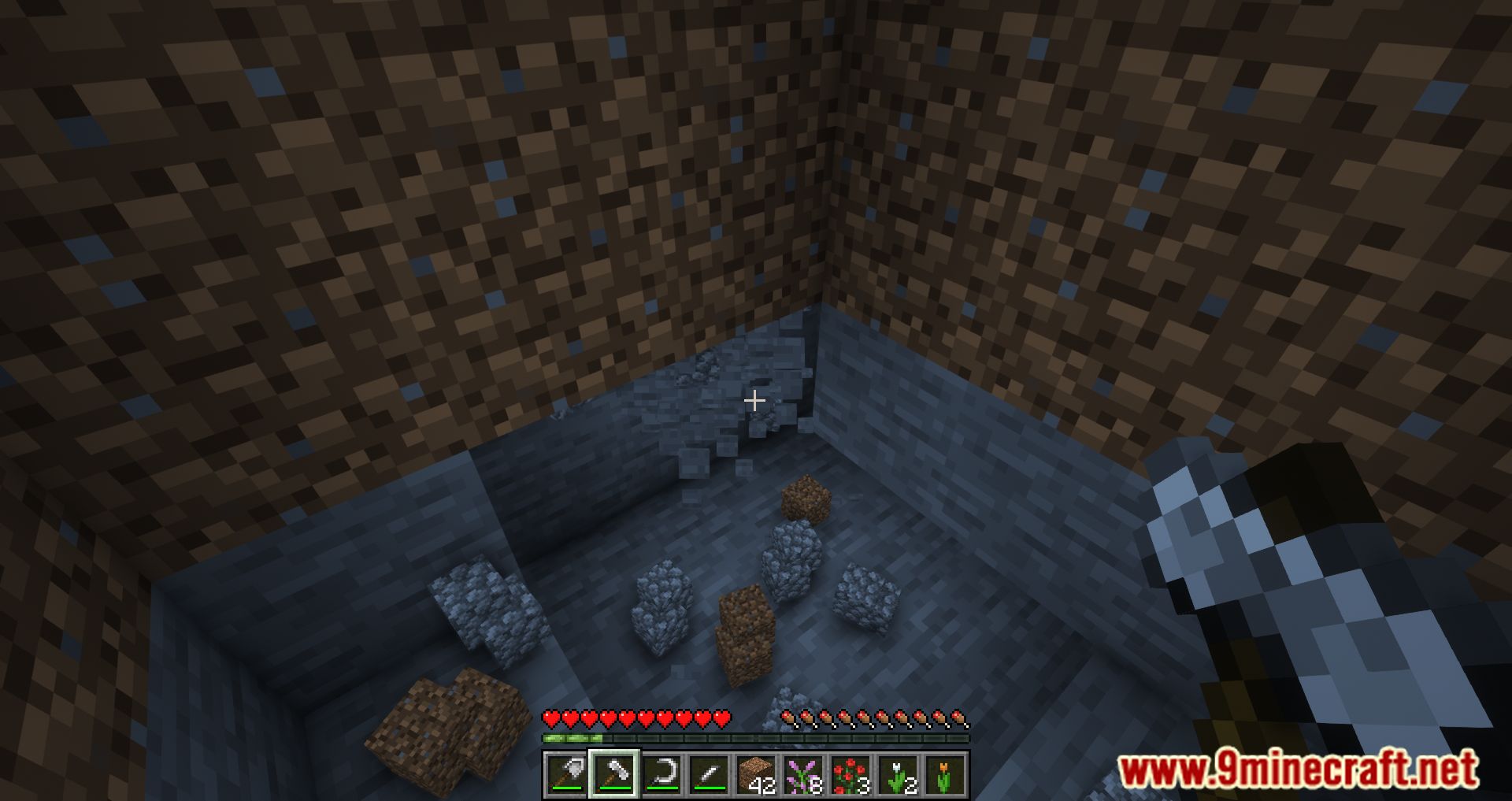
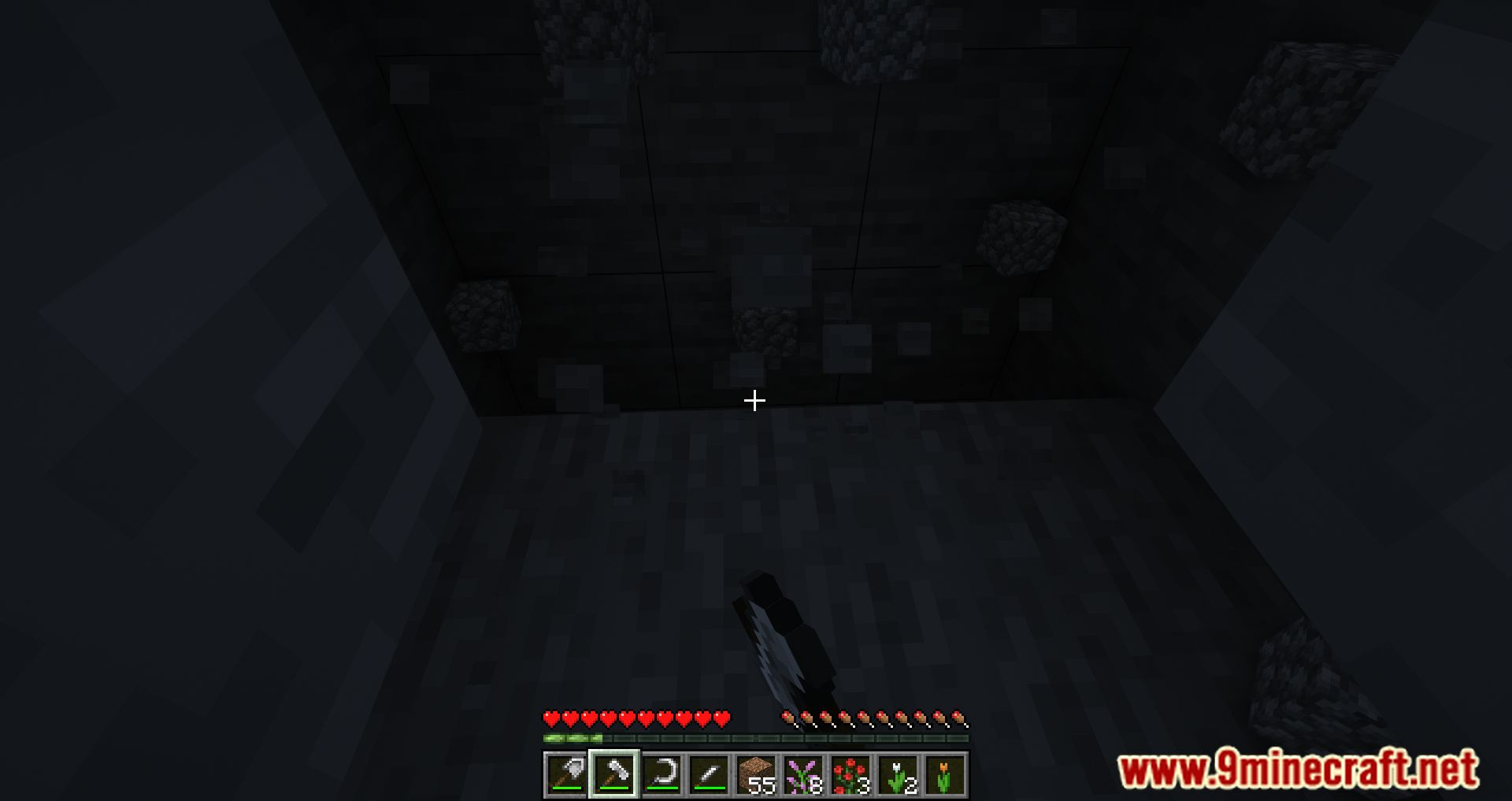
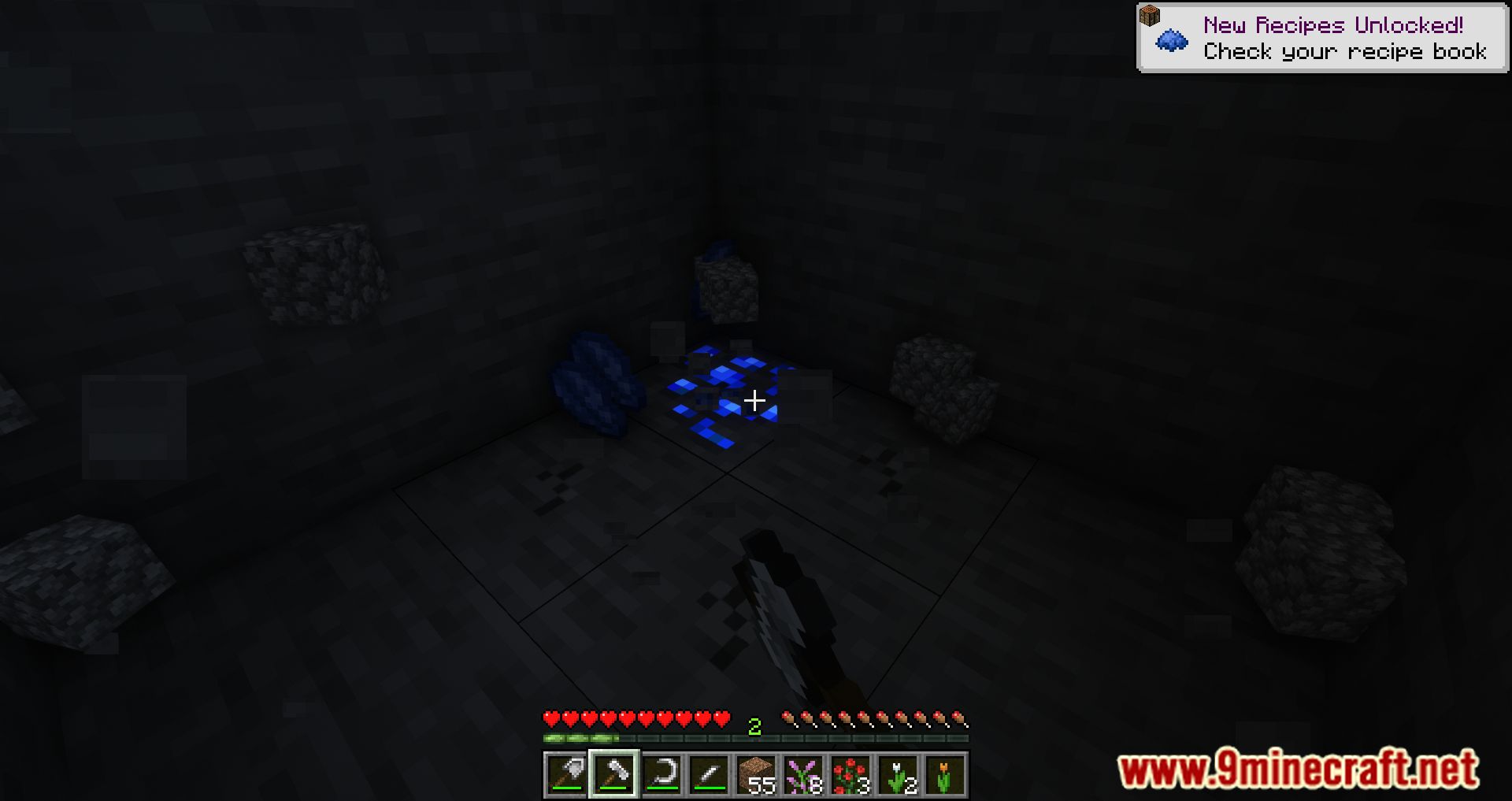
- Hammer: Mines blocks in a wide area at once.
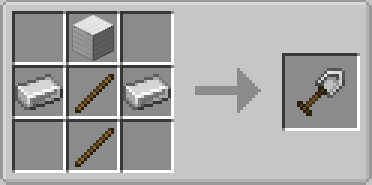
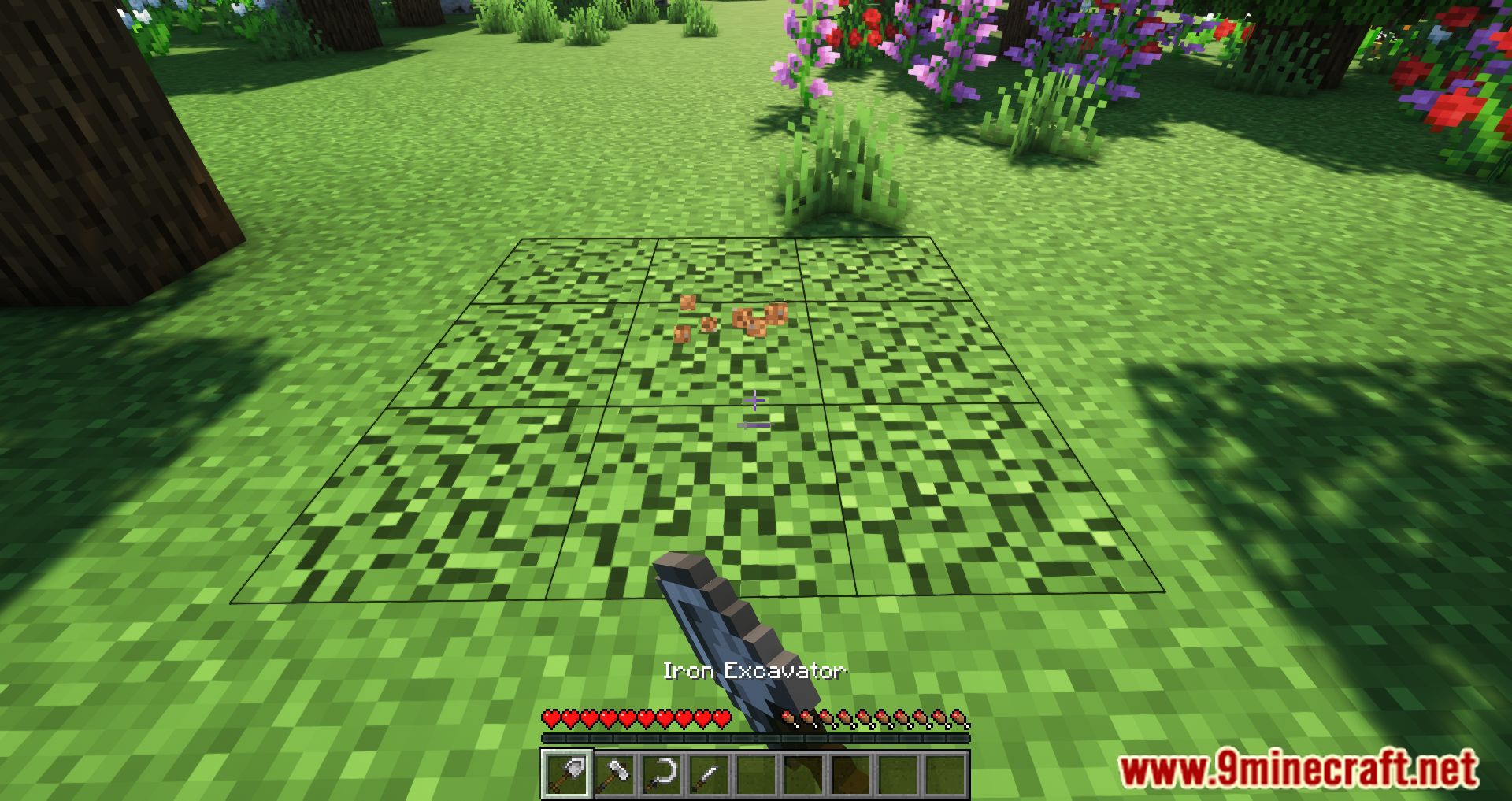
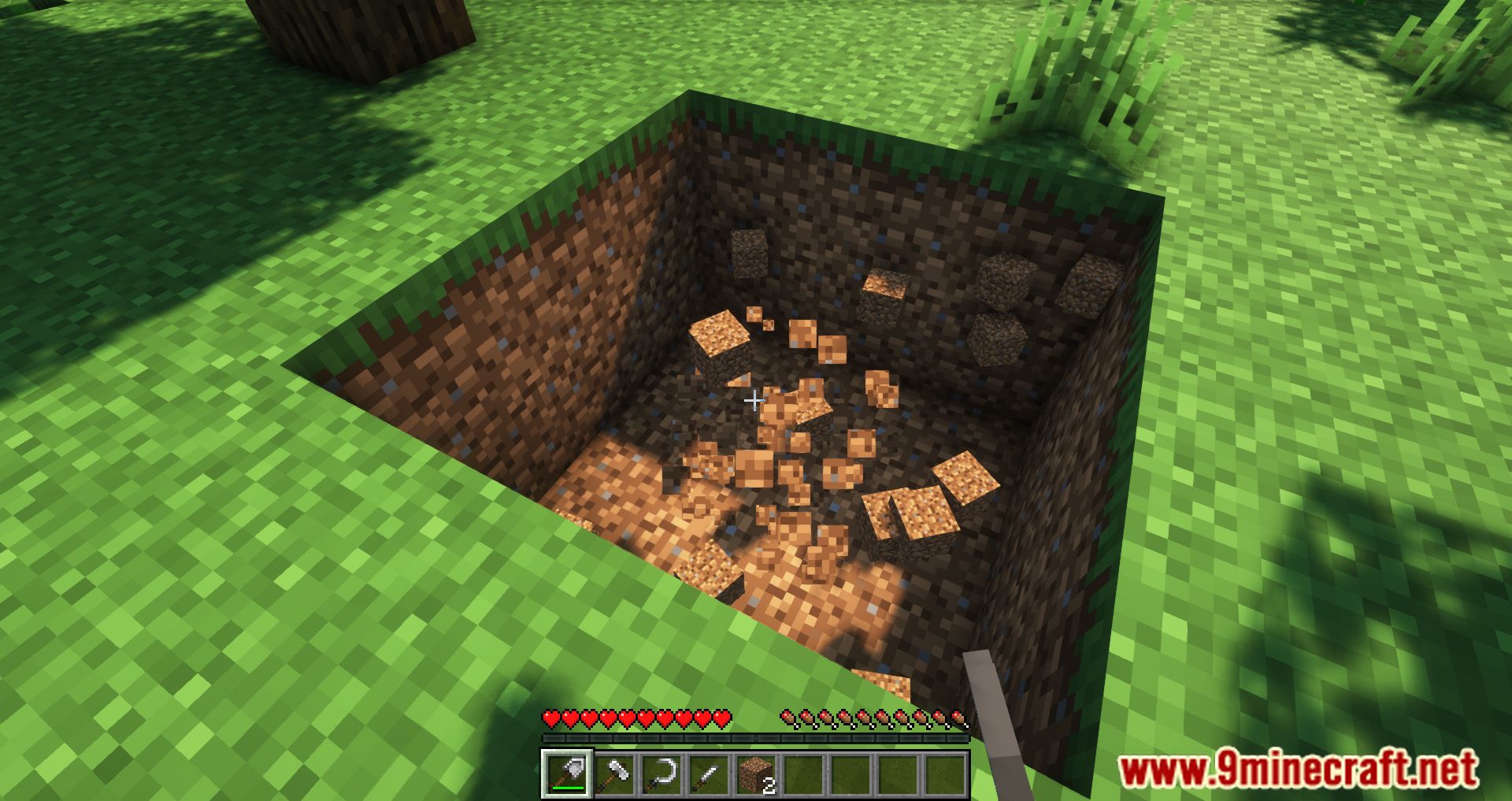
- Excavator: Works like a shovel that clears a wide area at once.
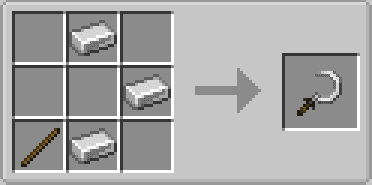
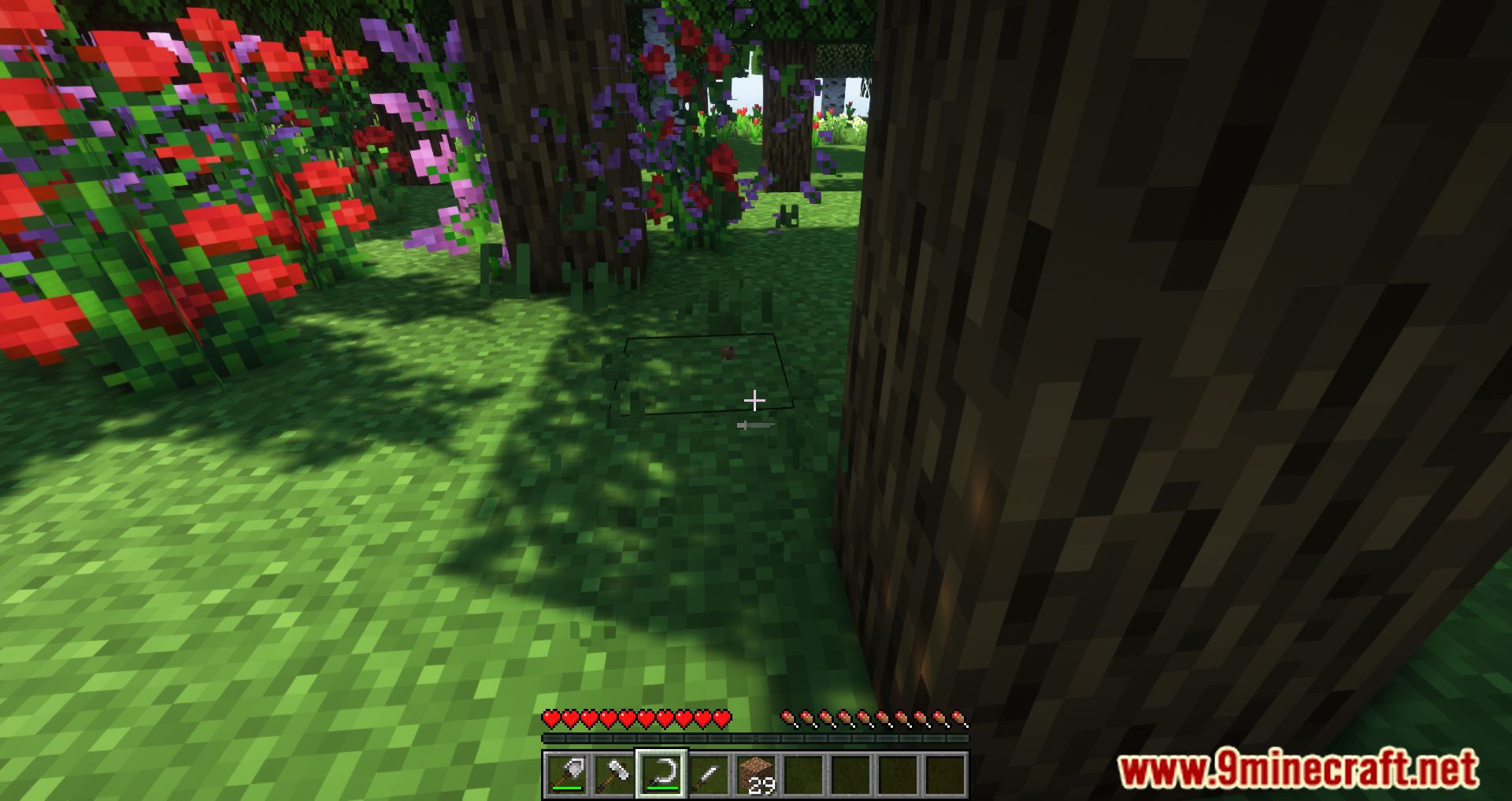
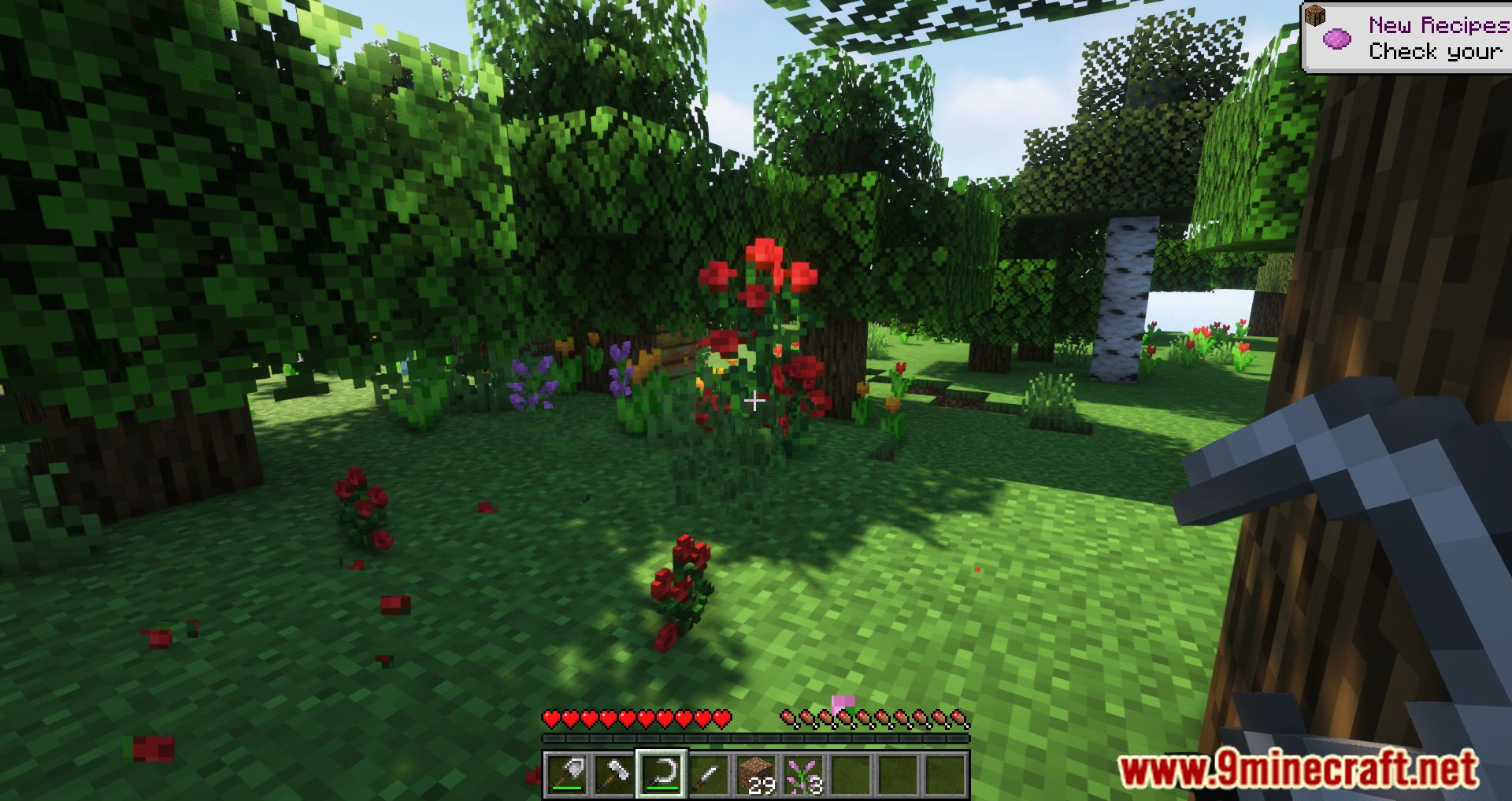
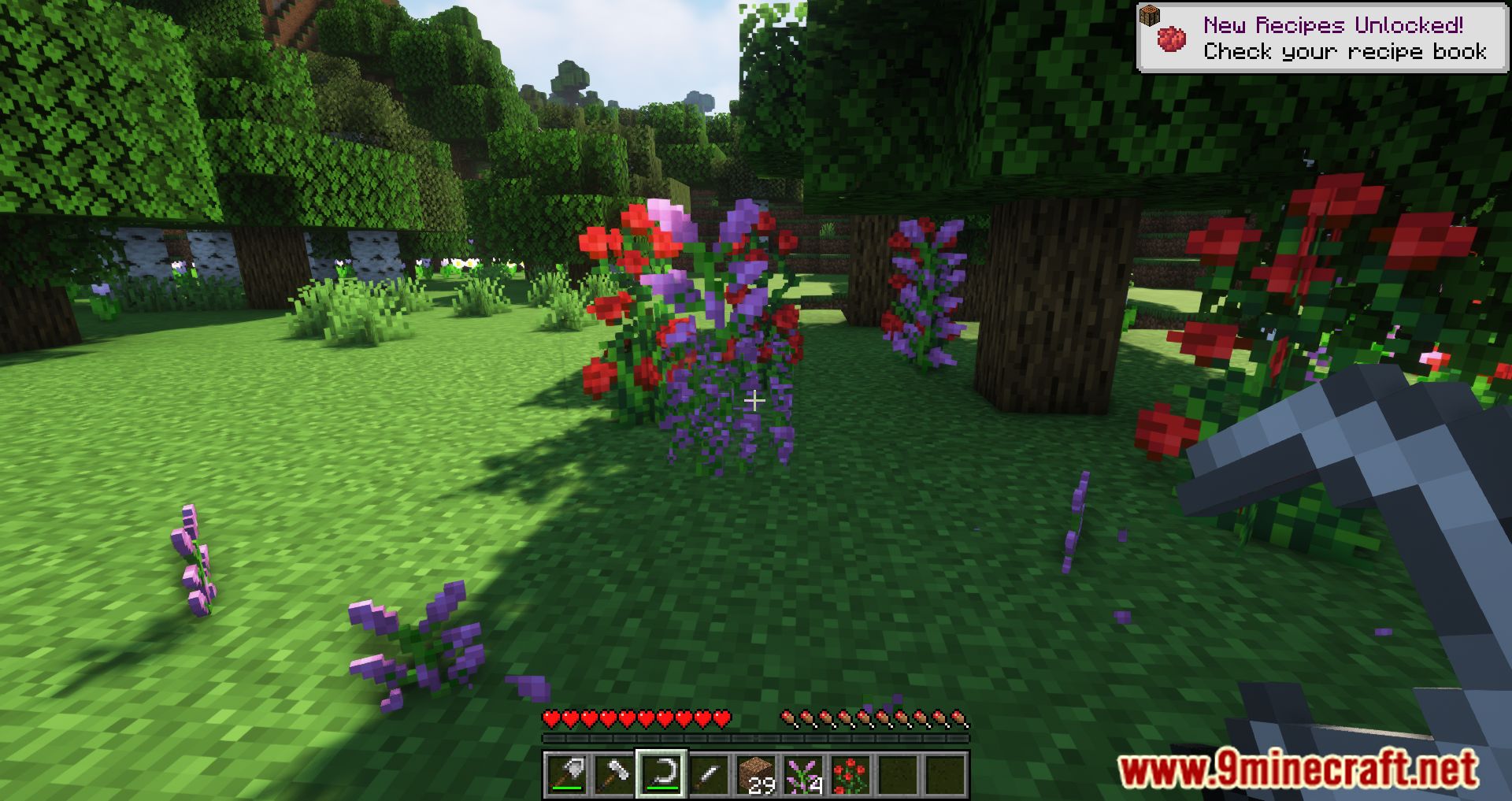
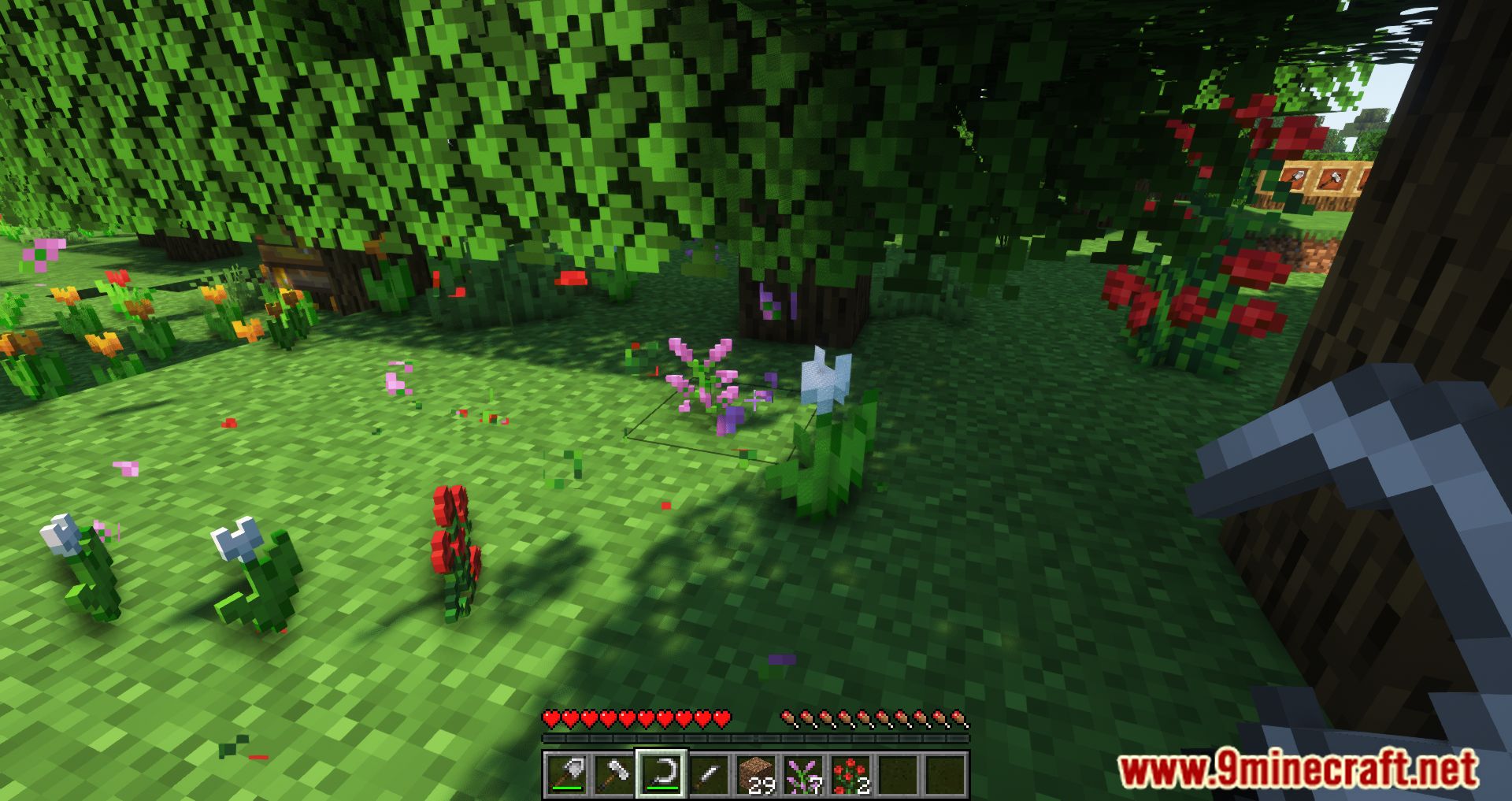
- Sickle: Clears plants across a wide area in one swing.
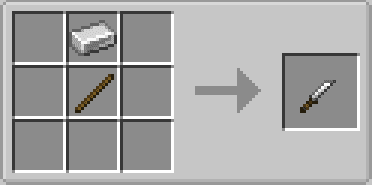
- Knife: Acts like a sword with faster attacks and lower damage per hit.
Configuration:
tools_complement-client.toml: Client settings file located in the/configfolder.tools_complement-server.toml: Server settings file located in the/saves/WORLD_NAME/serverconfigsfolder for single-player worlds, or in/world/serverconfigson dedicated servers./defaultconfigs: Copy the server config file into this folder to apply those settings to all newly created worlds.
Crafting Recipes:
Screenshots:
How to Install:
New to Minecraft? Follow our step-by-step guide to install Mods on your PC.View Guide
Tool's Complement Mod Download Links
For Minecraft 1.20.1, 1.20
Forge Version: Download from Server 1 – Download from Server 2
For Minecraft 1.19.2
Forge Version: Download from Server 1 – Download from Server 2
For Minecraft 1.18.2
Forge Version: Download from Server 1 – Download from Server 2
For Minecraft 1.16.5
Forge Version: Download from Server 1 – Download from Server 2
How do you handle updating your mods when a new Minecraft version drops?
32 responses · See the full results →
You May Also Like
Picked for this page
 Falling Tree Mod (26.3, 1.20.1) – Making The Trees Fall in One Cut
 TrashSlot Mod (26.3, 1.20.1) – Get Rid of Unwanted Items
 UtilitiX Mod (1.21.1, 1.20.1) – Random Content That You May Need
 Global XP Mod (26.3, 1.20.1) – Never Lose Your Levels Again When You Die
 Iron Bookshelves Mod (26.3, 1.20.1) – More Enchantment Power
 First Join Message Mod (26.3, 1.20.1) – Custom Welcome Messages
 Paginated Advancements Mod (26.2, 1.20.1) – Custom Frames
 Simple Discord Link Bot Mod (26.3, 1.20.1) – Chat Relay, Whitelisting
 QuickCraft Mod (26.1.2, 1.20.1) – Simplify Your Crafting Experience
 Doctor Who: Weeping Angels Mod (1.21.11, 1.20.1) – Do Not Blink
 Litematica Enderchest Materials Mod (1.21.11, 1.20.1) – Adds Ender Chest Inventory
 Survivality Mod (1.20.1, 1.19.4) – The Survival Tweaks You Always Wanted
Most viewed in Mods over the last 7 days
 Ala Industrial Mod (26.3) – Run Electric Power Grids and Automated Factories
 PleasureCraft Mod (26.3, 1.21.1) – Jenny Mod Remake for Fabric
 Jennycraft Mod (26.3, 1.20.1) – Virtual Girlfriend in Minecraft
 Fapcraft Mod (26.3, 1.12.2) – Comprehensive and Detailed Content
 Jenny Mod (Fapcraft) Official Complete Guide – How to use, Tutorial
 BangCraft Mod (1.20.1) – Jenny, Ellie and Elliot
 Fabric Loader (26.3, 1.20.1) – Fabric Installer for All Minecraft Versions
 Meteor Client Mod (26.3, 1.20.1) – Xray, HUD, Fly
 OptiFine HD (26.3, 1.20.1) – Run Faster, FPS Boost, Shaders Support
 The Shooting Star Demo Mod (26.3, 1.20.1) – Vaporize Terrain From Orbit
 SchnurriTV Mod (1.12.2) – Characters and Features
 Aristois Client Mod (1.21.4, 1.20.1) – World Class Minecraft Utility
More from Mods
 EasyGui Mod (1.21.11, 1.21.1) – Build Custom Screen Menus and Animated HUD
 Legacy Wavey Capes Mod (1.8.9) – Watch Your Cape Flow Naturally While Sprinting
 Warrior Cats Events Mod (1.21.1, 1.20.1) – Live As a Wild Clan Cat
 Apex Enchantment Freedom Mod (26.3) – Stack Conflicting Enchantments
 Tensura GUI Mod (1.21.1) – Track Your Fantasy Skills and Race Evolutions
 Remnants Roguelite Dungeons Mod (26.3, 1.20.1) – Risk It All in Procedural
 Lib Lib Lib Mod (26.3, 1.20.1) – Keep Your Favorite Modpacks Running Smooth
 Cinematic Interactions Mod (26.3, 1.20.1) – Watch Your Hands Work
 Macro Keybinds Mod (26.3, 1.20.1) – Macro Creation, Keybind Execution
 Better Enchantment Bookshelf Placement Mod (26.3, 1.20.1)
 RFTools Builder Mod (26.3, 1.20.1) – The Builder, Powerful Machine
 Block & Board Mod (26.3, 1.20.1) – Play Classic Tabletop Games with Friends

This post has no comments yet. Be the first — your comment will appear here.