
Quick Connect Button Mod (1.21.11, 1.19.3) – Join Favorite Multiplayer Servers
 732
 0


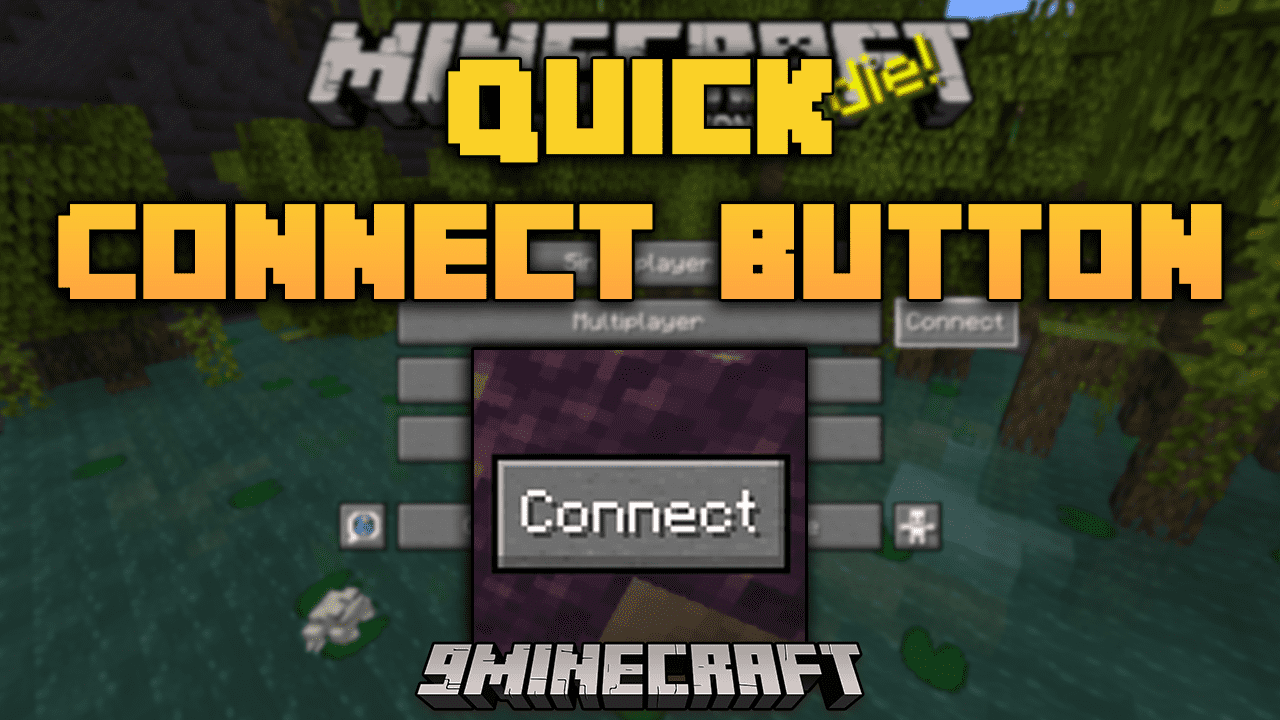
Quick Connect Button Mod adds a handy button to the multiplayer menu for instant server access. It lets you jump straight into your favorite multiplayer server with a single click without opening the main server list.
Features:
- Adds a quick-connect button directly to the multiplayer menu.
- Allows instant one-click connection to a preferred server address.
- Customizes button text and labels for clear server identification.
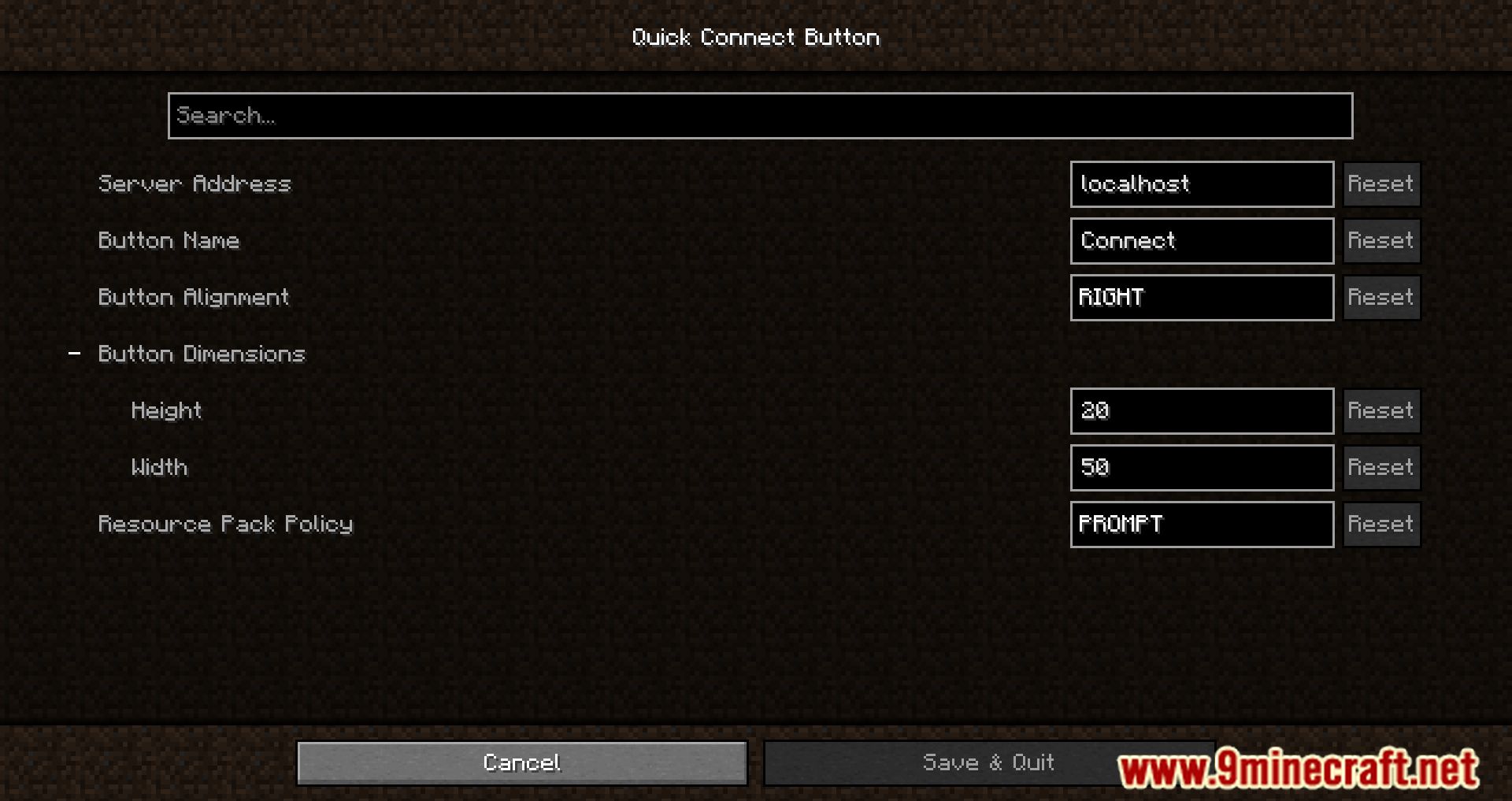
- Sets button width, height, and alignment (left or right) in the config file.
- Controls resource pack loading behavior with prompt, allow, or deny options.
- Simplifies multiplayer navigation by skipping the server list browse step.
How to Use:
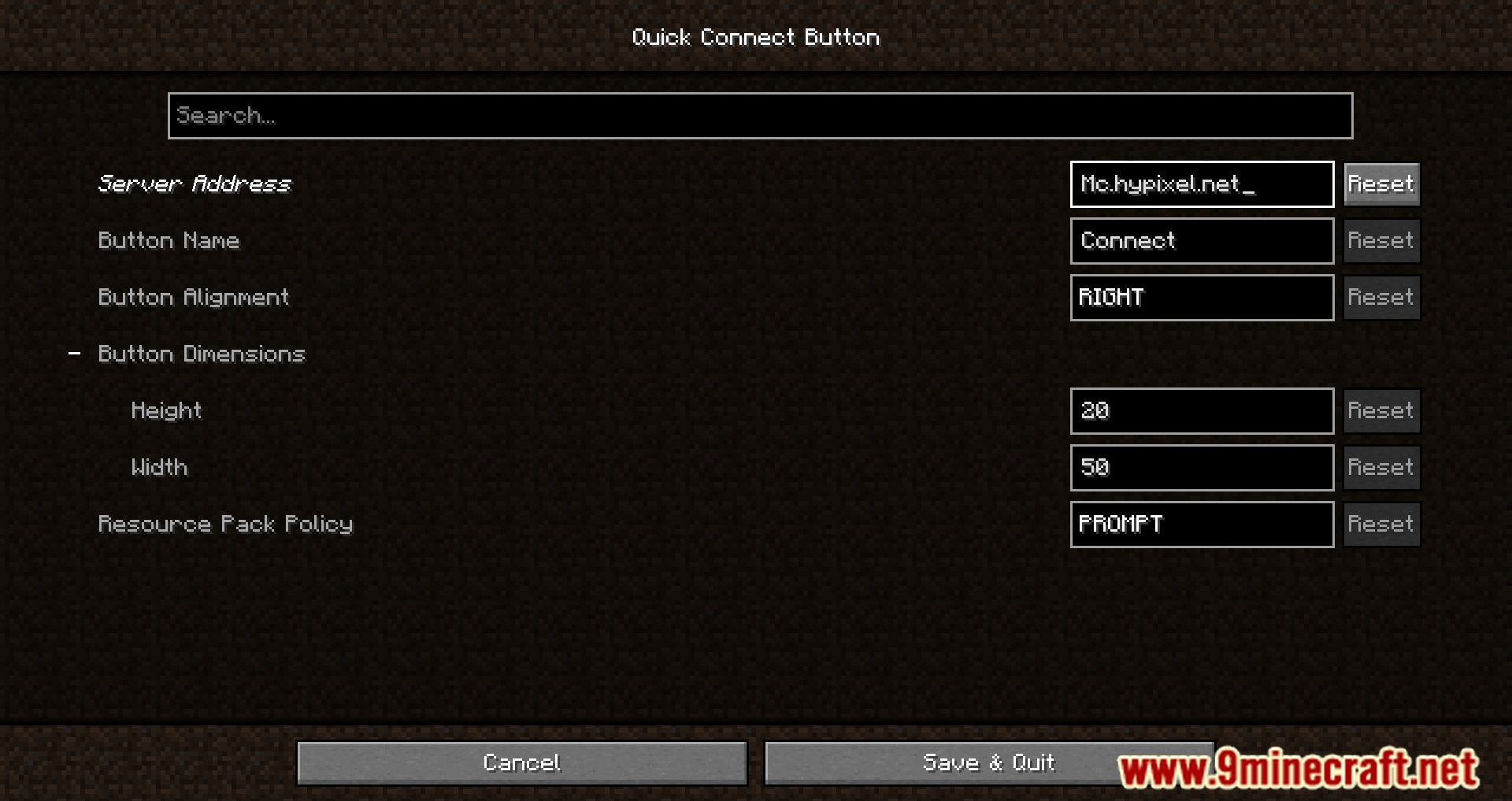
- Open the config file at
config/quickconnectbutton.json5to set up the server. - Change the
addressfield to the IP address of the server you want to join. - Customize the button name, dimensions, side alignment, and resource pack policy in the same file if needed.
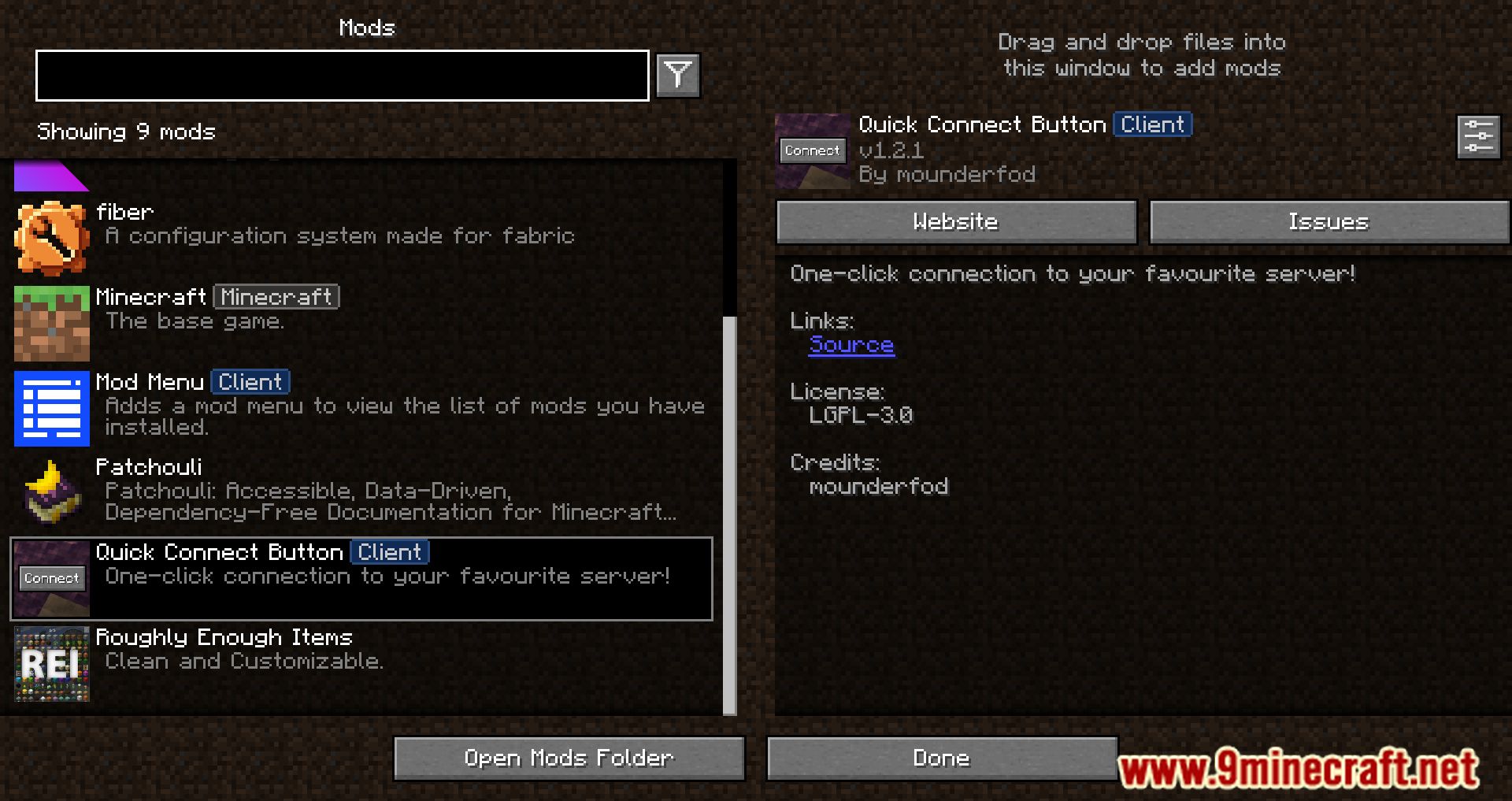
- Launch the game and click the connect button on the multiplayer menu to join the server instantly.
Screenshots:
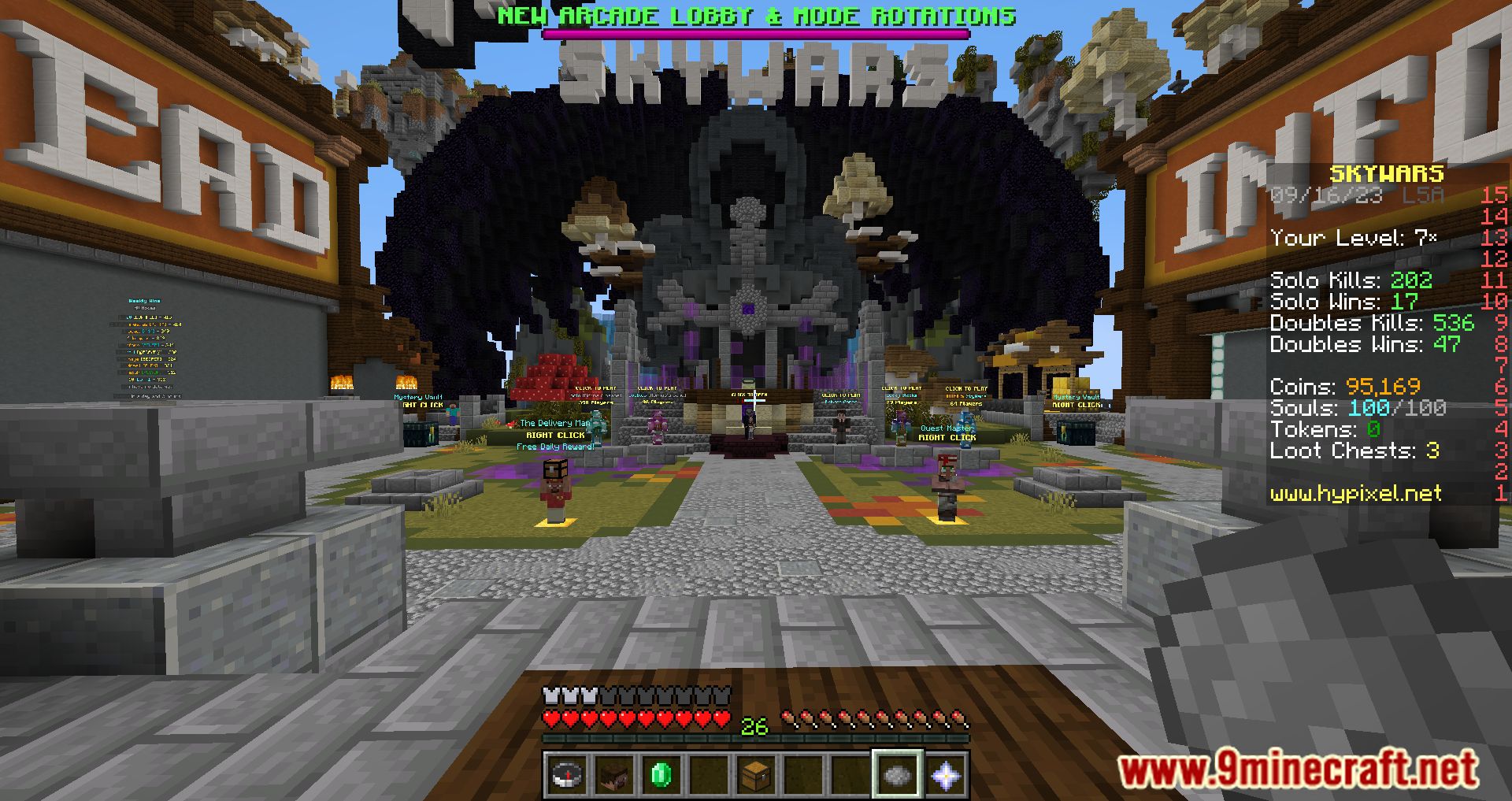
How to Install:
New to Minecraft? Follow our step-by-step guide to install Mods on your PC.View Guide
Quick Connect Button Mod Download Links
For Minecraft 1.21.11
Fabric version: Download from Server 1 – Download from Server 2
For Minecraft 1.19.3
Fabric version: Download from Server 1 – Download from Server 2
For Minecraft 1.19.2, 1.19.1, 1.19
Fabric version: Download from Server 1 – Download from Server 2
For All Versions from Minecraft 1.17 to Minecraft 1.18.2
Fabric version: Download from Server 1 – Download from Server 2
For Minecraft 1.16.5
Fabric version: Download from Server 1 – Download from Server 2
How do you feel about quest books in modpacks?
1 responses · See the full results →
You May Also Like
Picked for this page
 Macaw’s Roofs Mod (26.3, 1.20.1) – Make a Sloped Roof Without Using Stairs
 Patched Mod (26.2, 1.20.1) – Tools for Modifying Parts of JSON Files
 ViaForge Mod (1.21.11, 1.20.1) – Connecting Different Versions of the Game
 Fancy Menu Mod (26.3, 1.20.1) – Create Your Own Main Menu
 Set World Spawn Point Mod (26.3, 1.20.1) – Exact Spawn Location
 Terrestria Mod (26.3, 1.20.1) – Highly Detailed Biomes
 The Plopper Mod (26.3, 1.20.1) – Item Collector Block
 Superflat World No Slimes Mod (26.3, 1.20.1) – Removes Slime from Superflat Worlds
 Daily Dad Mod (26.2, 1.20.1) – One Joke At A Time
 Replay Voice Chat Mod (26.3, 1.20.1) – Records Voice Chat and Player Icons
 Villager Timetable Mod (26.3, 1.20.1) – Master Villager Schedules
 McMouser Mod (26.2, 1.20.1) – Resolving Mouse Woes On MacOS
Most viewed in Mods over the last 7 days
 Ala Industrial Mod (26.3) – Run Electric Power Grids and Automated Factories
 PleasureCraft Mod (26.3, 1.21.1) – Jenny Mod Remake for Fabric
 Jennycraft Mod (26.3, 1.20.1) – Virtual Girlfriend in Minecraft
 Fapcraft Mod (26.3, 1.12.2) – Comprehensive and Detailed Content
 Jenny Mod (Fapcraft) Official Complete Guide – How to use, Tutorial
 BangCraft Mod (1.20.1) – Jenny, Ellie and Elliot
 Fabric Loader (26.3, 1.20.1) – Fabric Installer for All Minecraft Versions
 Meteor Client Mod (26.3, 1.20.1) – Xray, HUD, Fly
 OptiFine HD (26.3, 1.20.1) – Run Faster, FPS Boost, Shaders Support
 The Shooting Star Demo Mod (26.3, 1.20.1) – Vaporize Terrain From Orbit
 Aristois Client Mod (1.21.4, 1.20.1) – World Class Minecraft Utility
 SchnurriTV Mod (1.12.2) – Characters and Features
More from Mods
 Waddles Mod (26.3, 1.20.1) – Make Icy Biomes Feel Alive
 Artemis’ Thin Logs Mod (26.3, 1.20.1) – Build Custom Trees and Detailed Wood
 Asterion Mod (26.3, 1.20.1) – Survive Ancient Mazes and Slay the Legendary Minotaur
 Passthrough Signs Mod (26.3, 1.20.1) – Right-Click Through Wall Signs
 Packing Tape Mod (26.3, 1.20.1) – Move Chests, Machines
 No XP Anvils Mod (26.3, 1.20.1) – Repair And Enchant Without XP
 Naruto Shippuden Mod (26.3, 1.16.5) – Immerse Yourself in The World of Ninja
 Araxer’s Bestiary Mod (26.3, 1.20.1) – Build an In-Game Encyclopedia of Every Mob
 Villagers Plus Mod (26.3, 1.20.1) – Expanded Villager Types and Villages
 Ore Excavation 9minecraft Mod (26.3) – Mine Ores and Chop Trees in a Single Swing
 Dirigo Mod (26.1.2, 1.21.1) – Walk Across Nether Lava Seas and Automate Animal
 HandLib Mod (26.3, 1.21.1) – Keep Your Multiplayer World Stable

This post has no comments yet. Be the first — your comment will appear here.