
Weapon Master Mod (1.20.1, 1.19.2) – Forge Custom Weapons That Grow in Battle
 13,224
 0


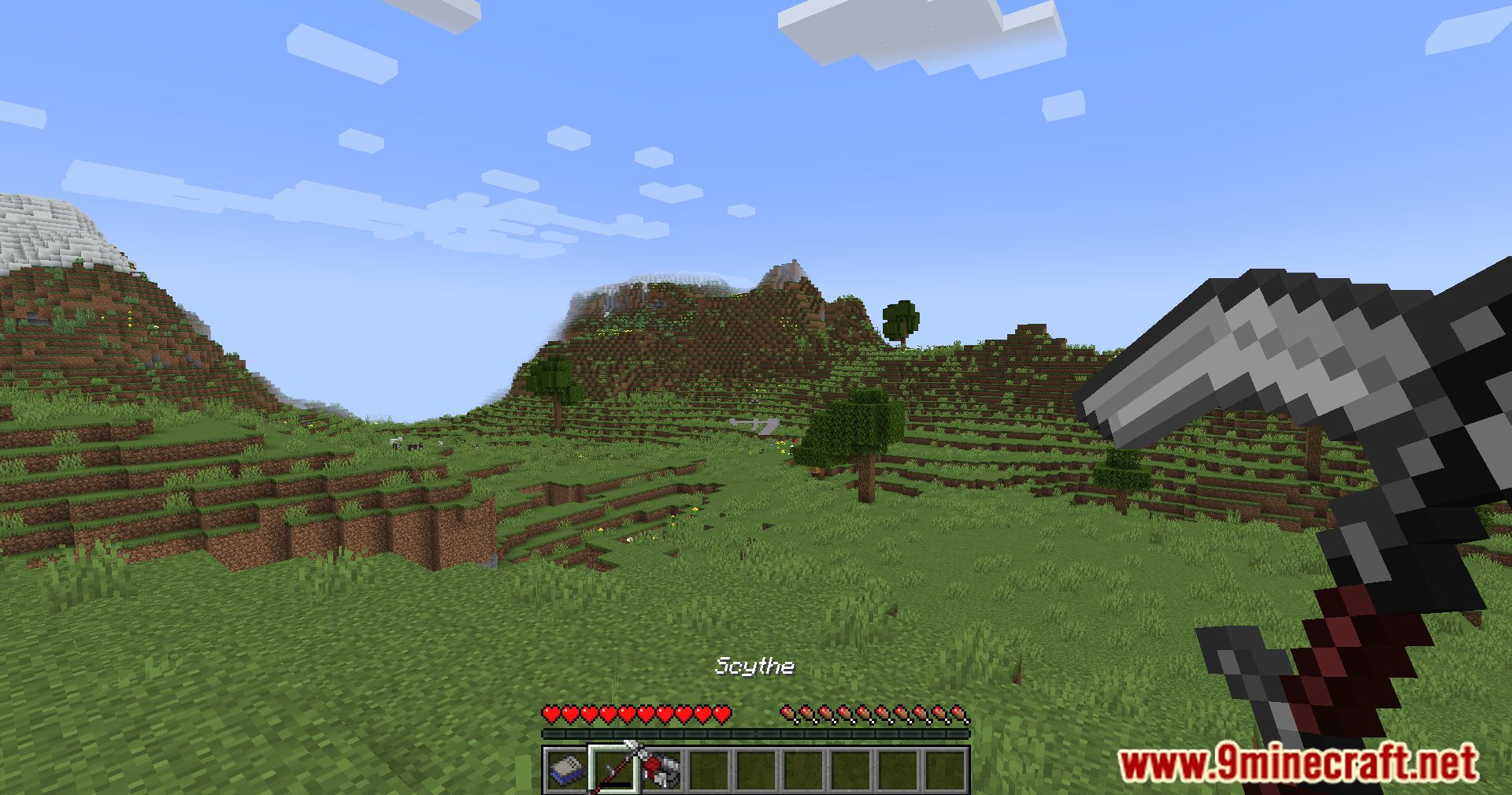
Weapon Master Mod brings custom modular weapons and a fresh melee combat style to Minecraft. It lets you build your own weapon from four melee types, with 3.5 billion part and ability combinations made from just eight base items. As you fight mobs and level up your gear, you unlock hand-sprited cosmetic parts, passive skills, and strong abilities to clear out big groups of enemies. This mod also adds new hit detection, full-damage sweeps, piercing attacks, and settings to change damage, speed, durability, and XP scaling.
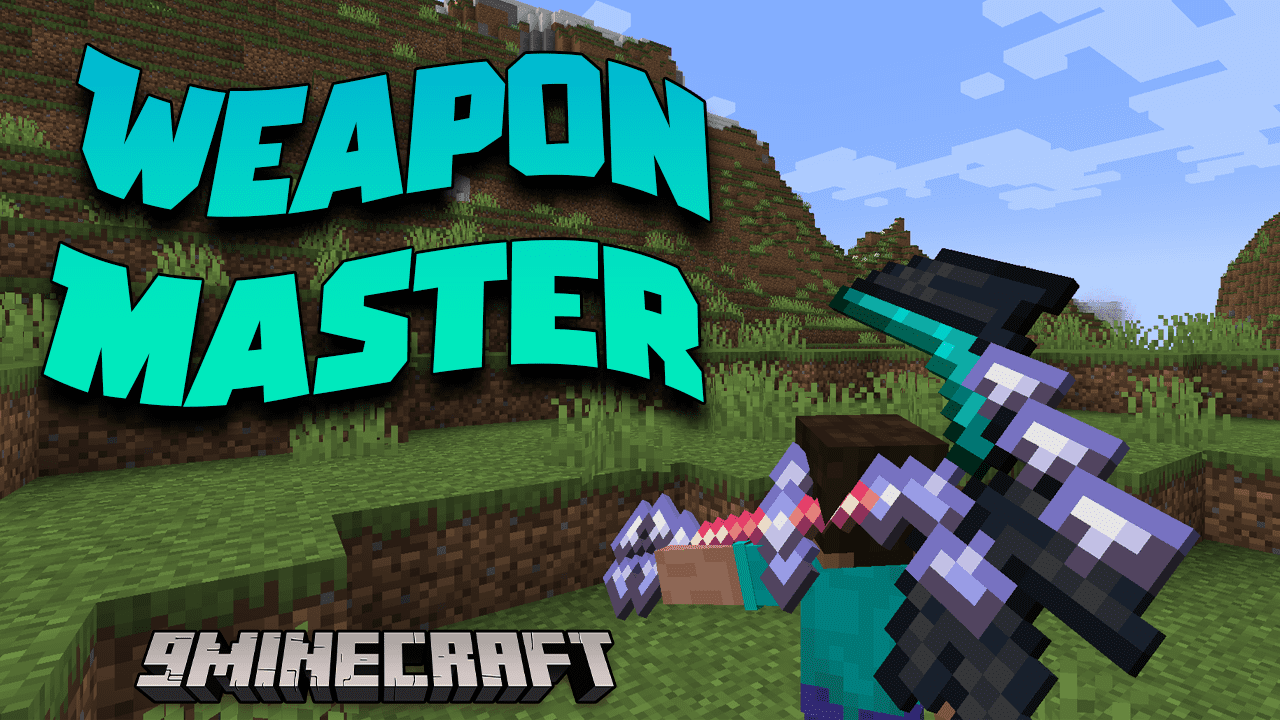
Features:
- Build custom melee weapons with full control over how they look by mixing different parts and abilities.
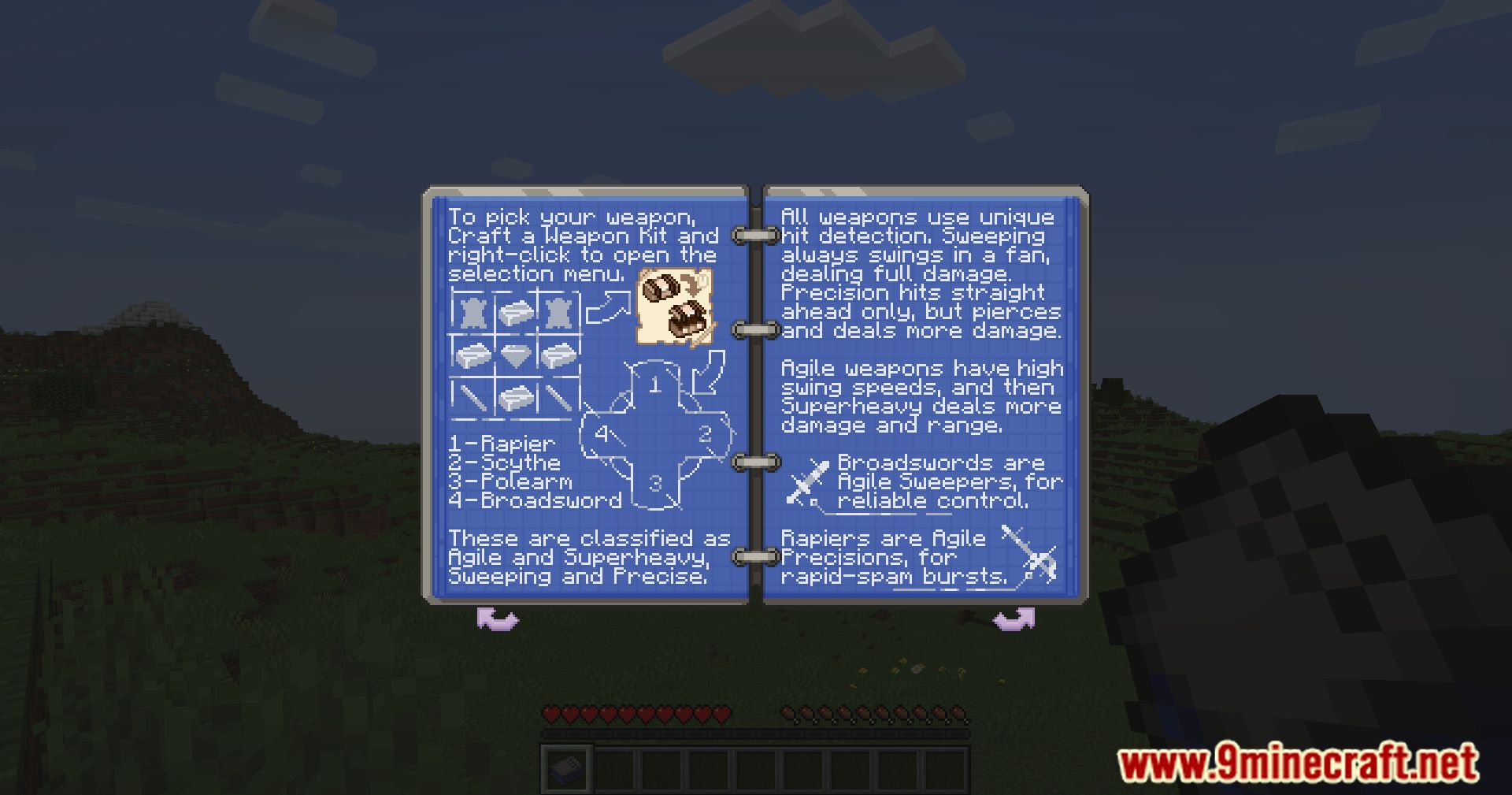
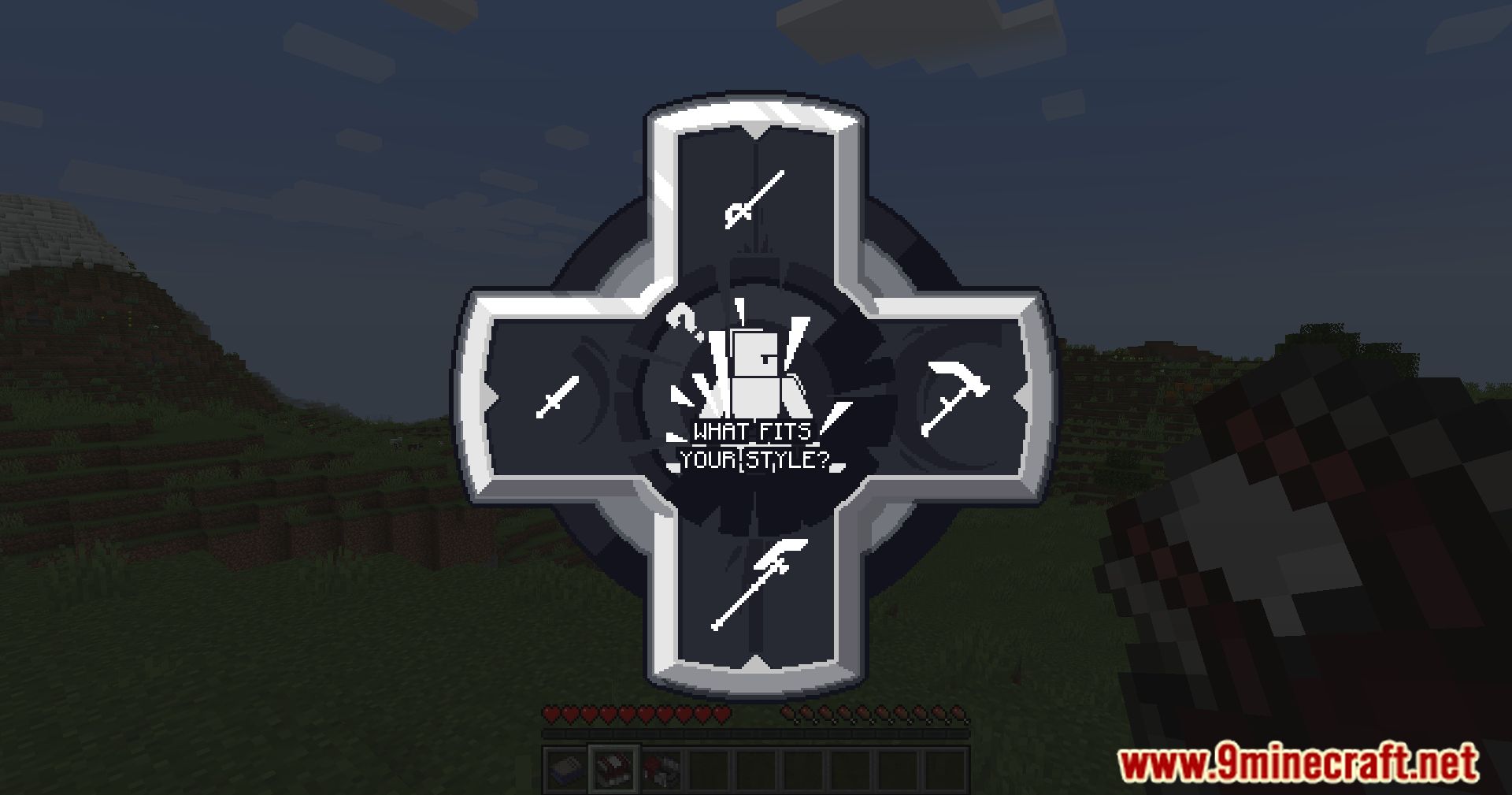
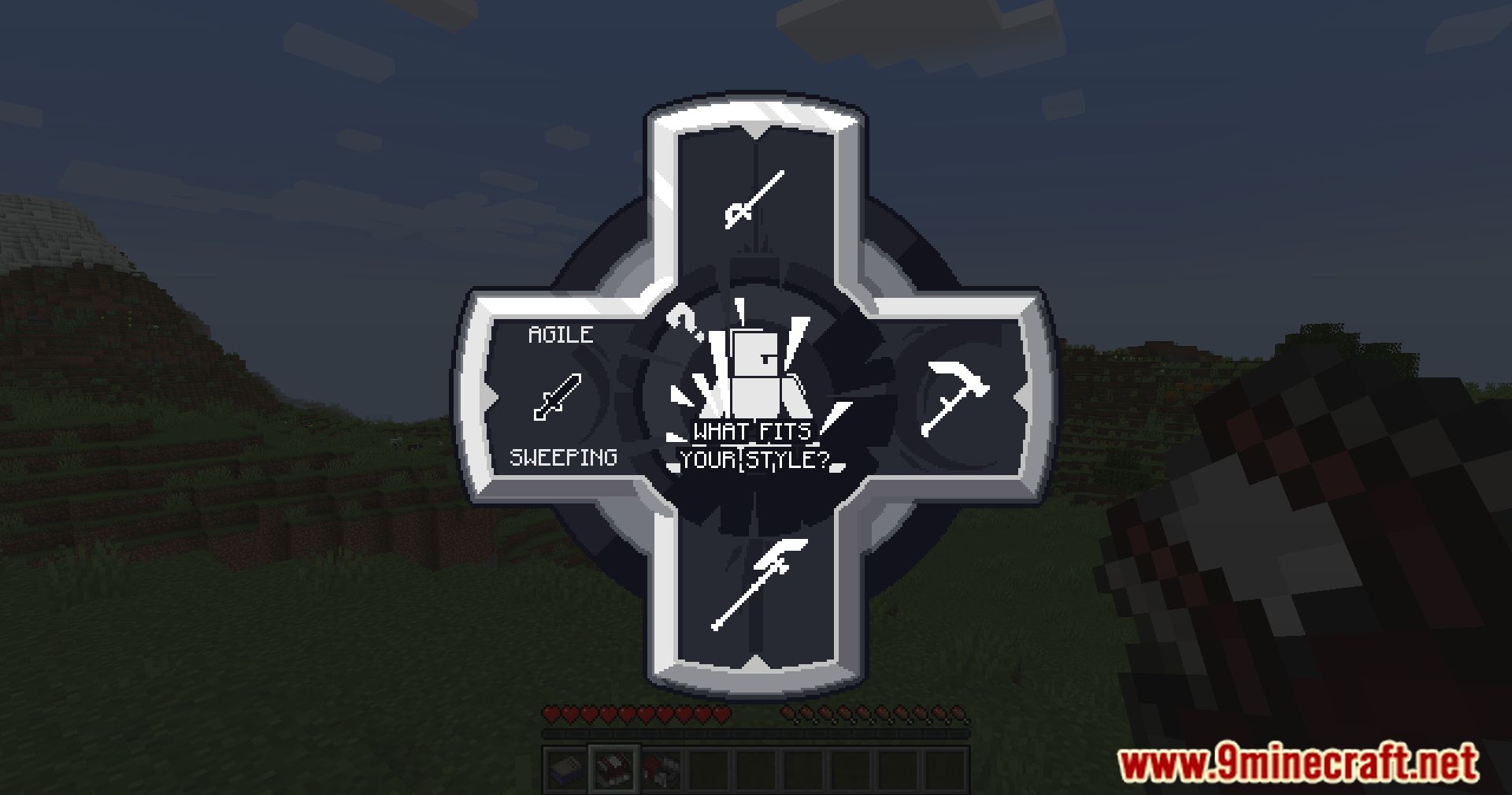
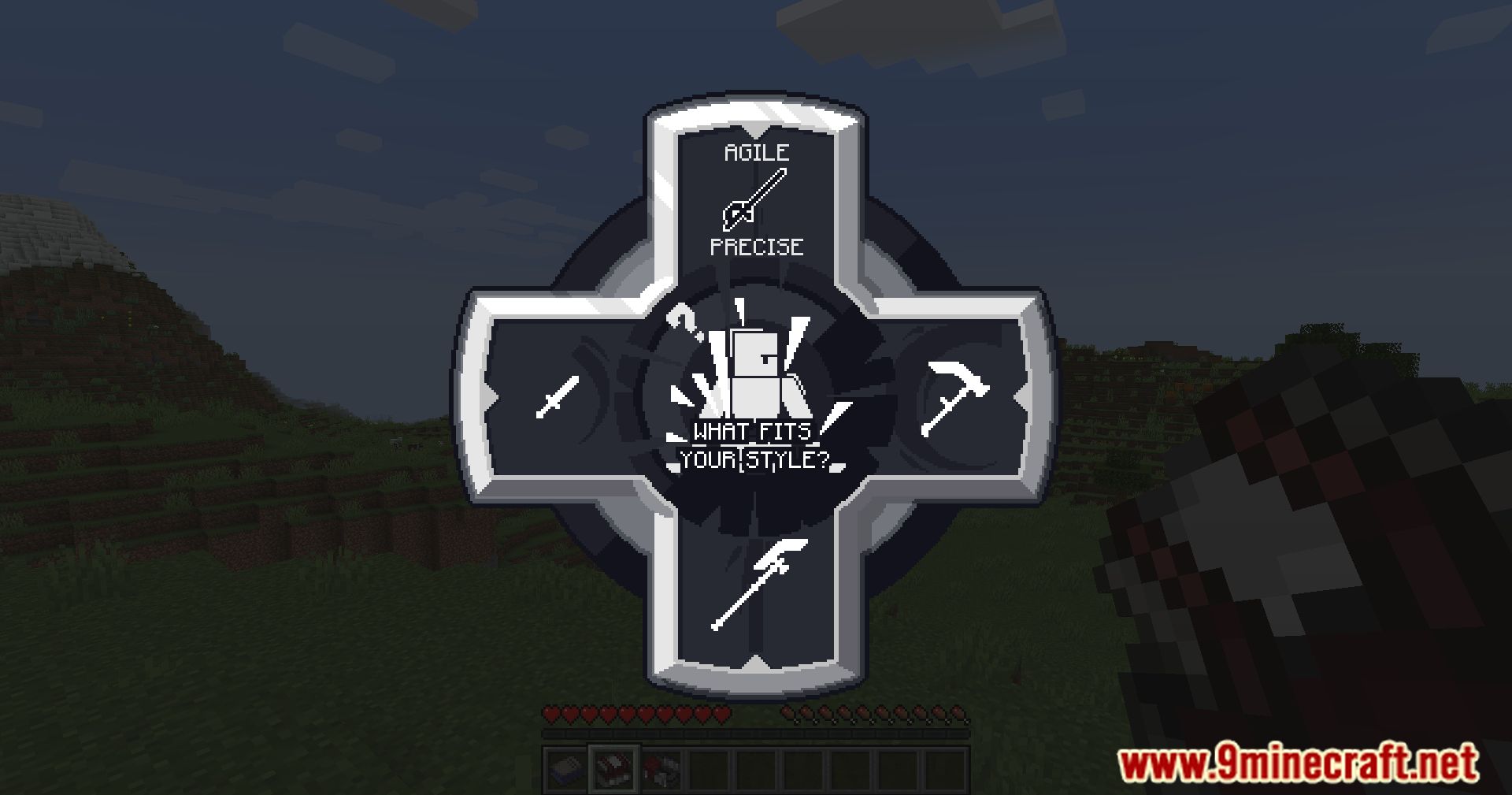
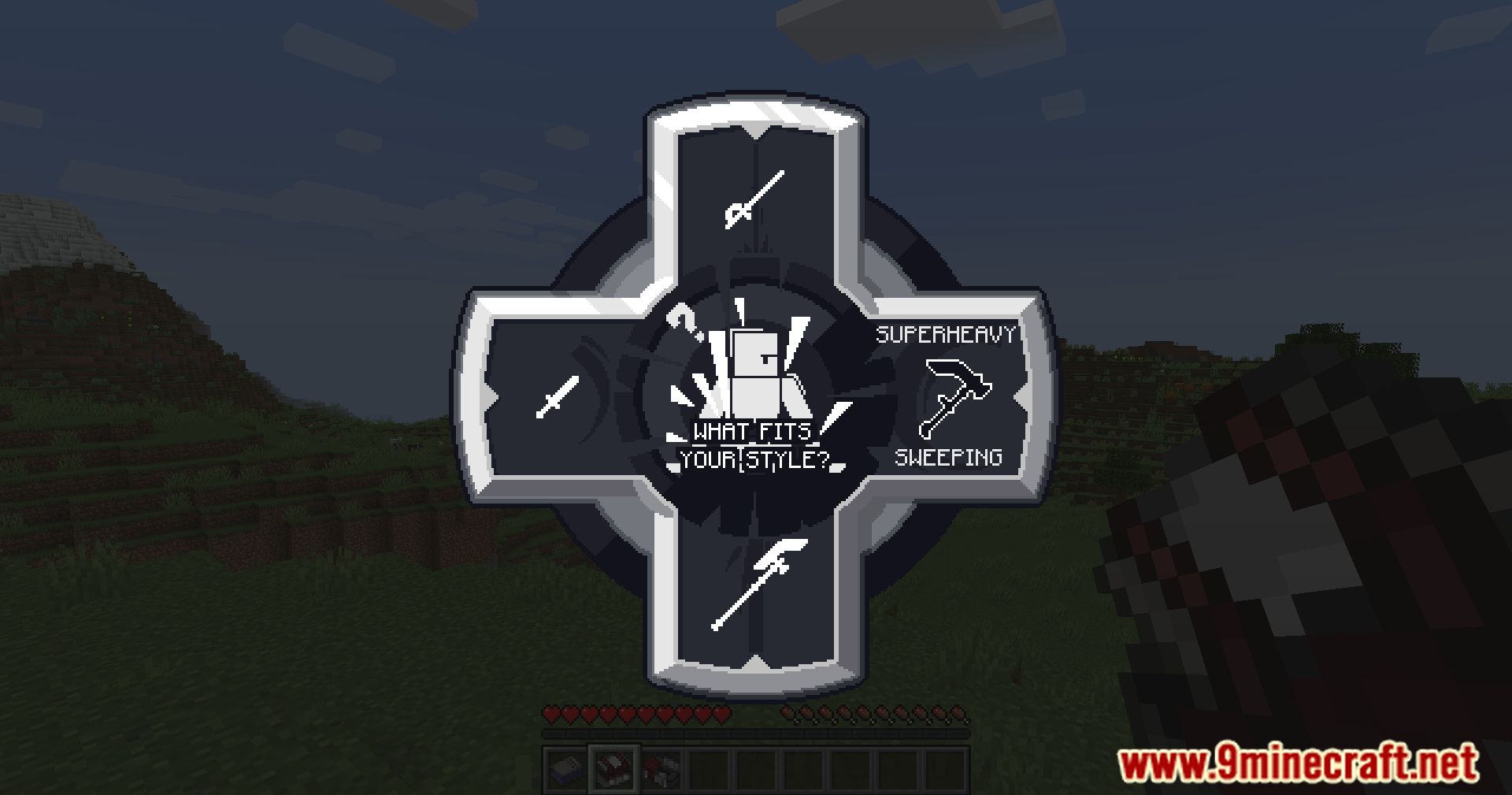
- Pick from four melee combat styles to match how you play, including agile sweeping swords, agile precise rapiers, superheavy sweeping weapons, and superheavy precise weapons.
- Level up your weapon just by using it in battle to unlock hand-sprited cosmetic parts, strong abilities, and passive skills.
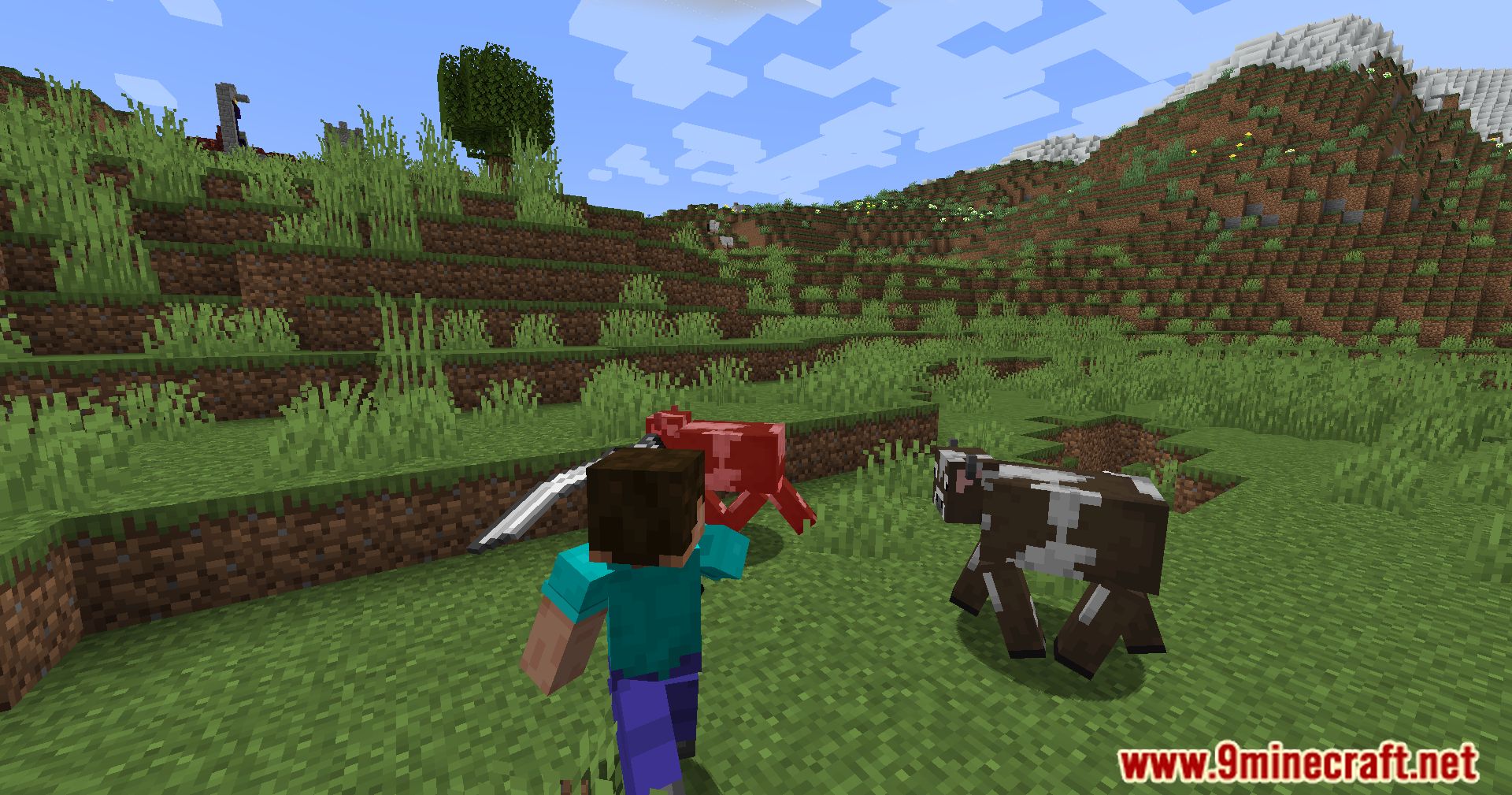
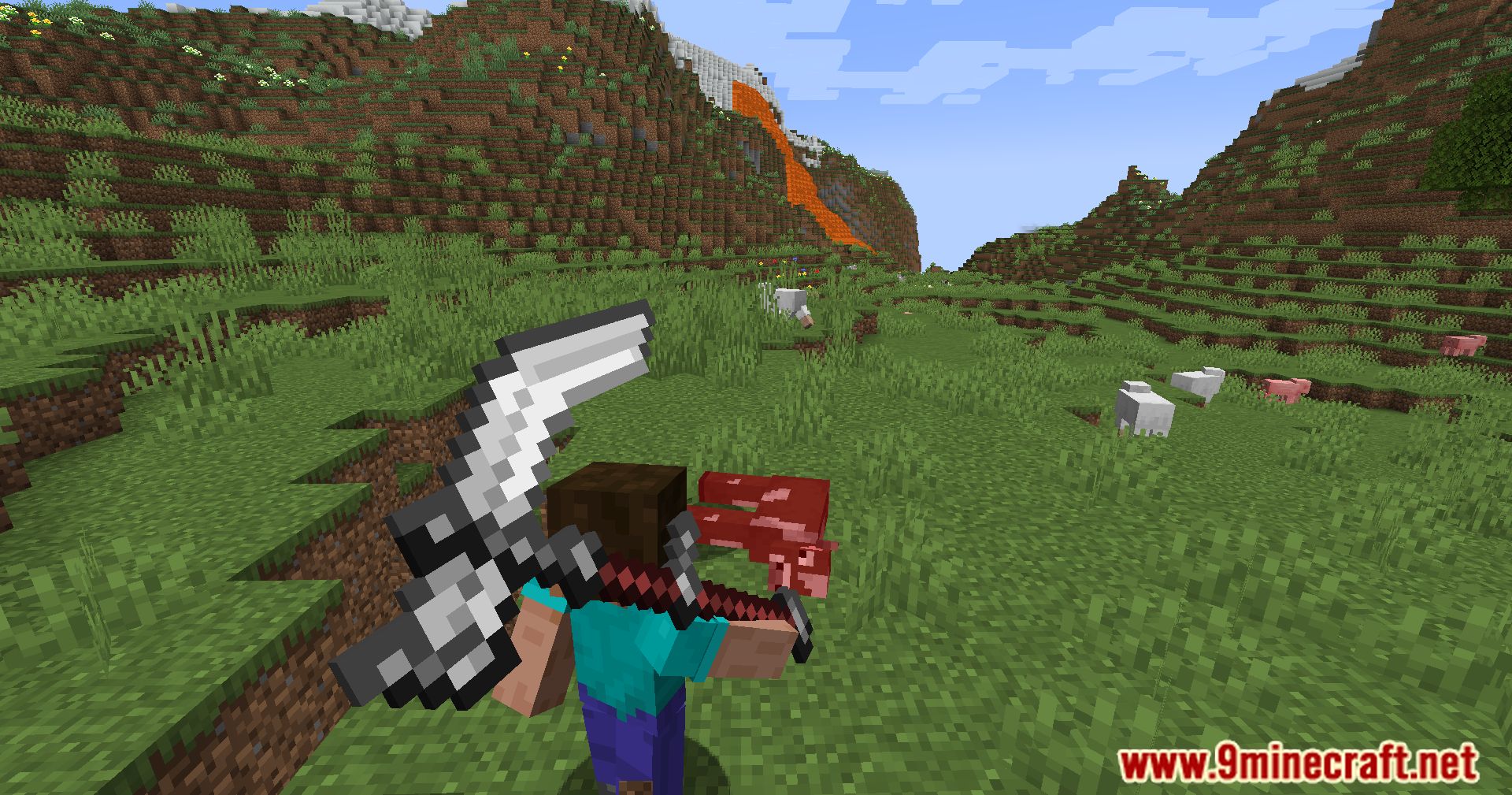
- Fight with reworked hit detection that includes full-damage sweeping strikes and piercing attacks for clearing out groups of mobs.
- Mix and match 3.5 billion possible combinations of parts and abilities using only eight total items in this mod.
- Upgrade and customize your gear using only your base kit and Weapon Studio, with no extra crafting materials needed.
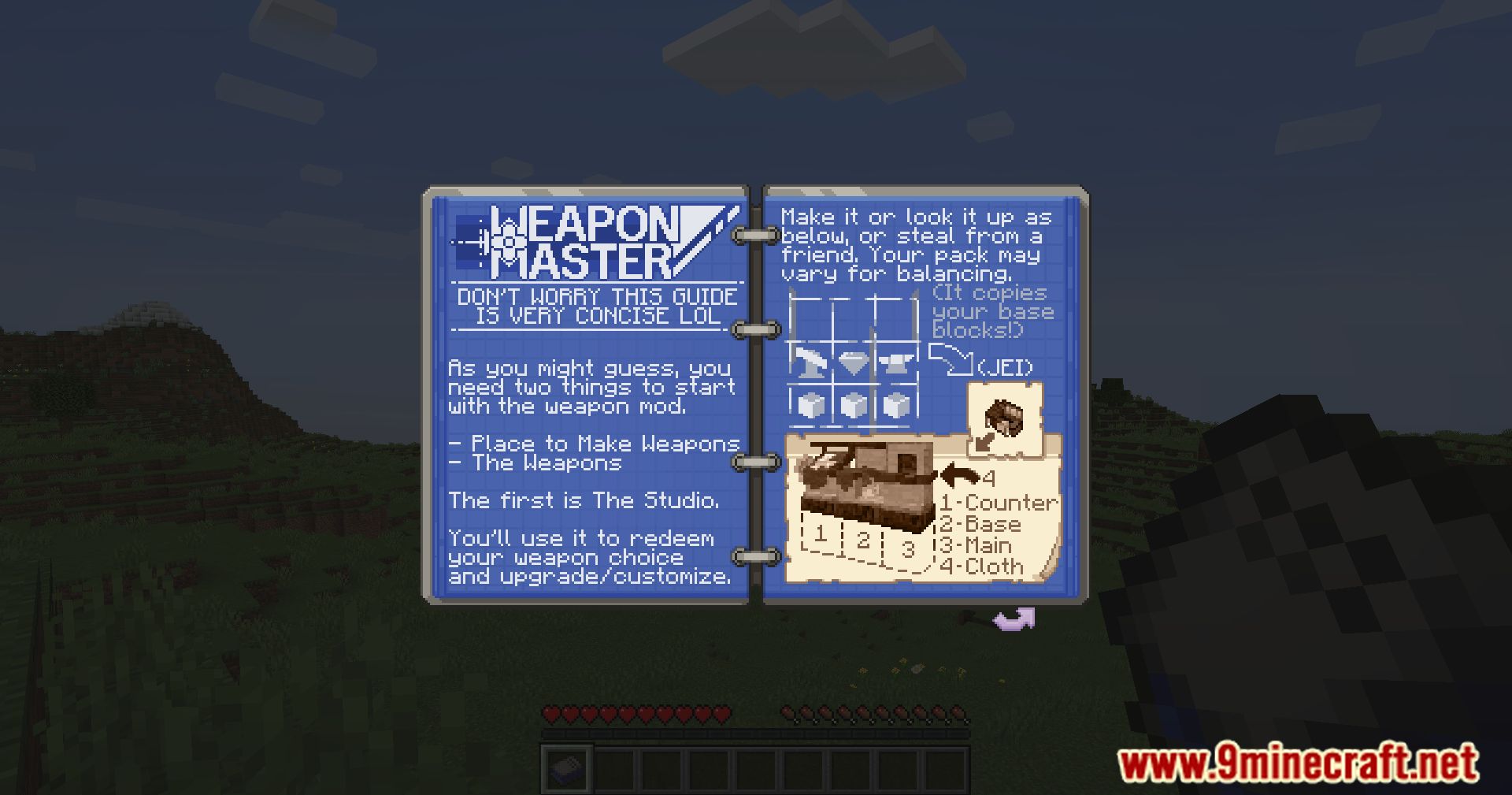
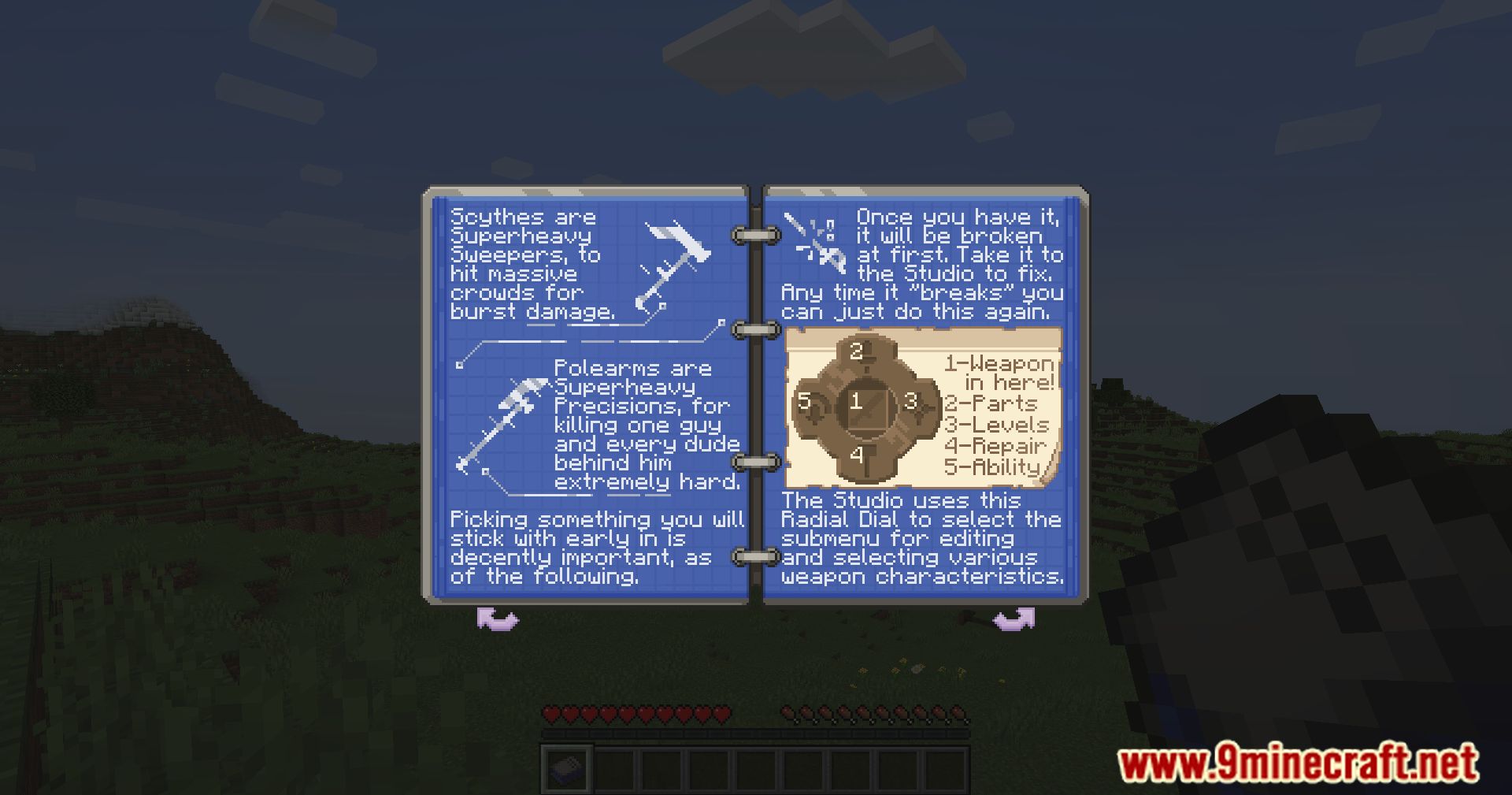
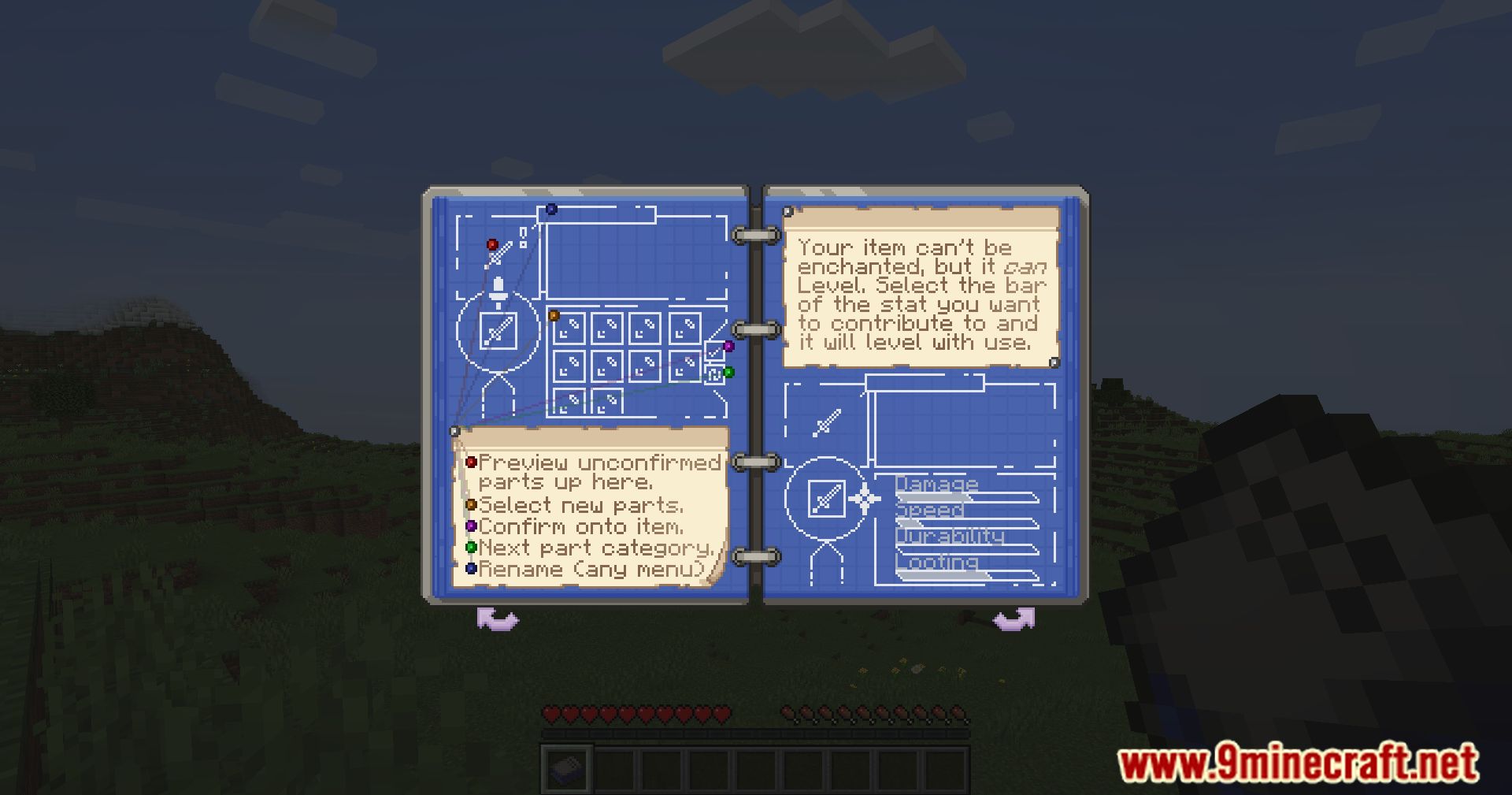
- Spawn with the Blueprint Binder in your inventory to read a short in-game guide on how everything works.
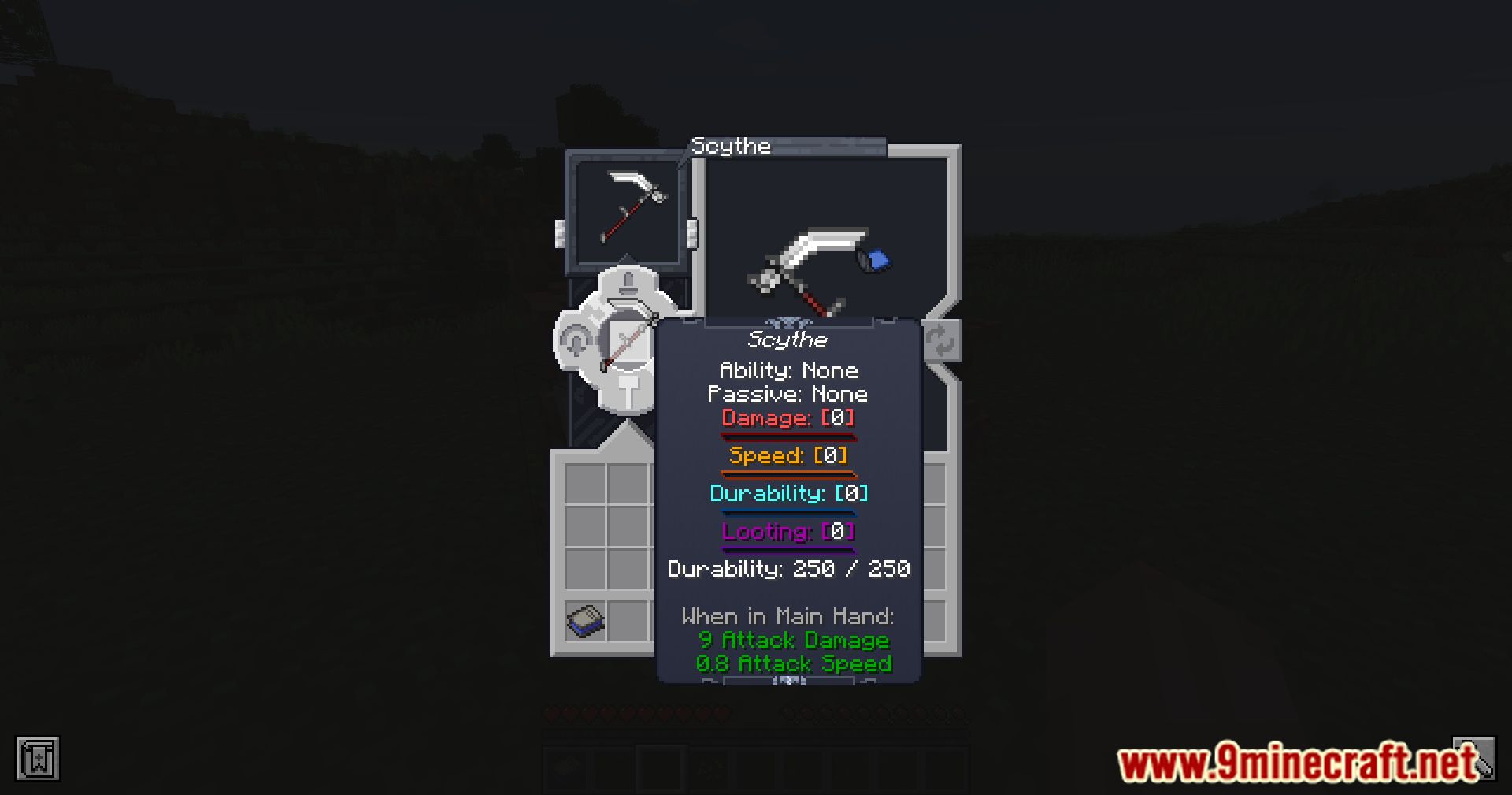
- Change weapon damage, attack speed, durability, and XP scaling in the config to match the challenge you want.
- Keep your custom weapon when you die by default, or turn this feature off in the config for a tougher survival world.
How to Use:
- Spawn into your world and open the Blueprint Binder in your inventory to read the short in-game tutorial on how the weapons and studio work.
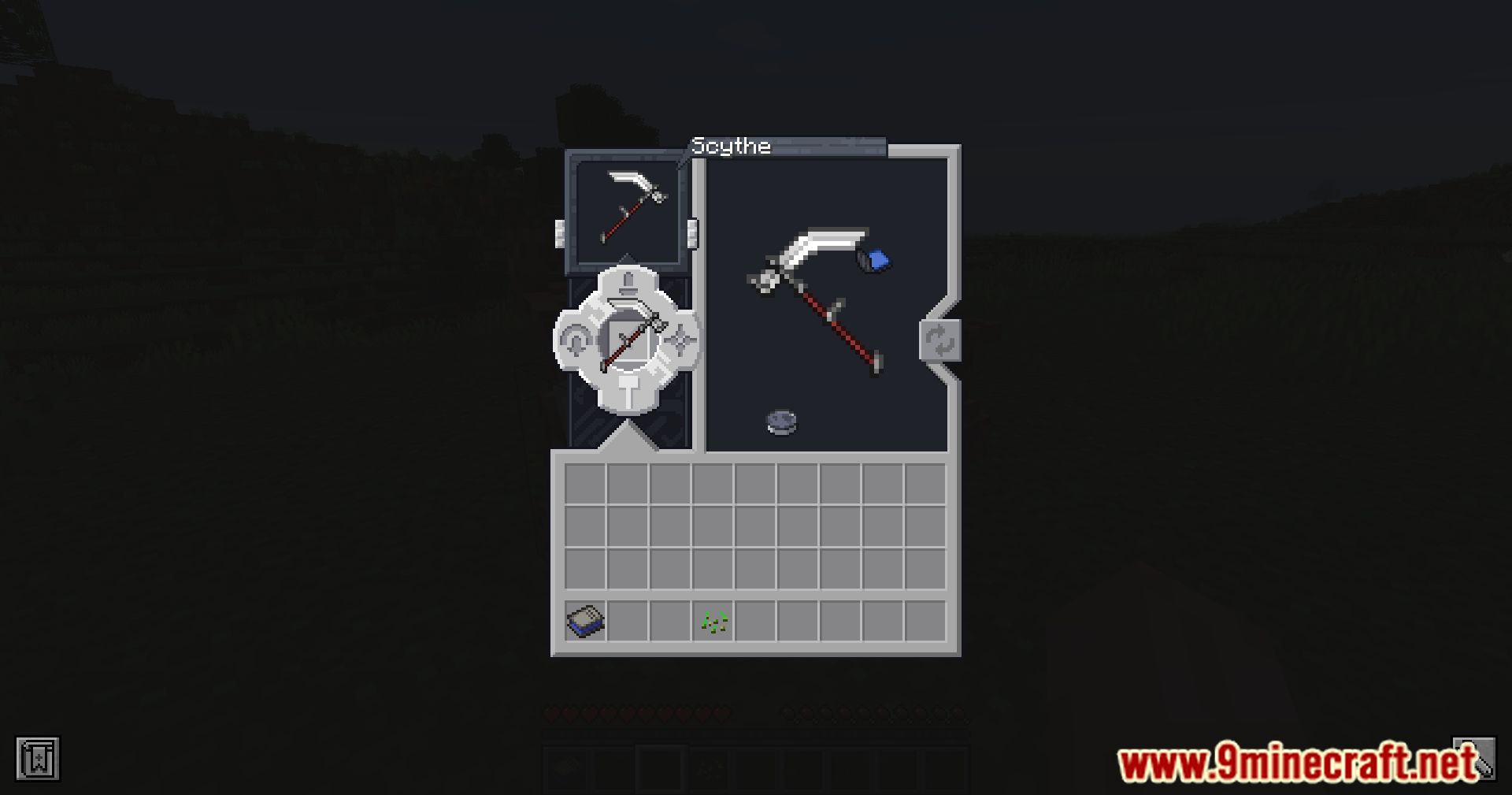
- Use your base kit to open the selection menu and choose one of the four melee combat styles for your weapon.
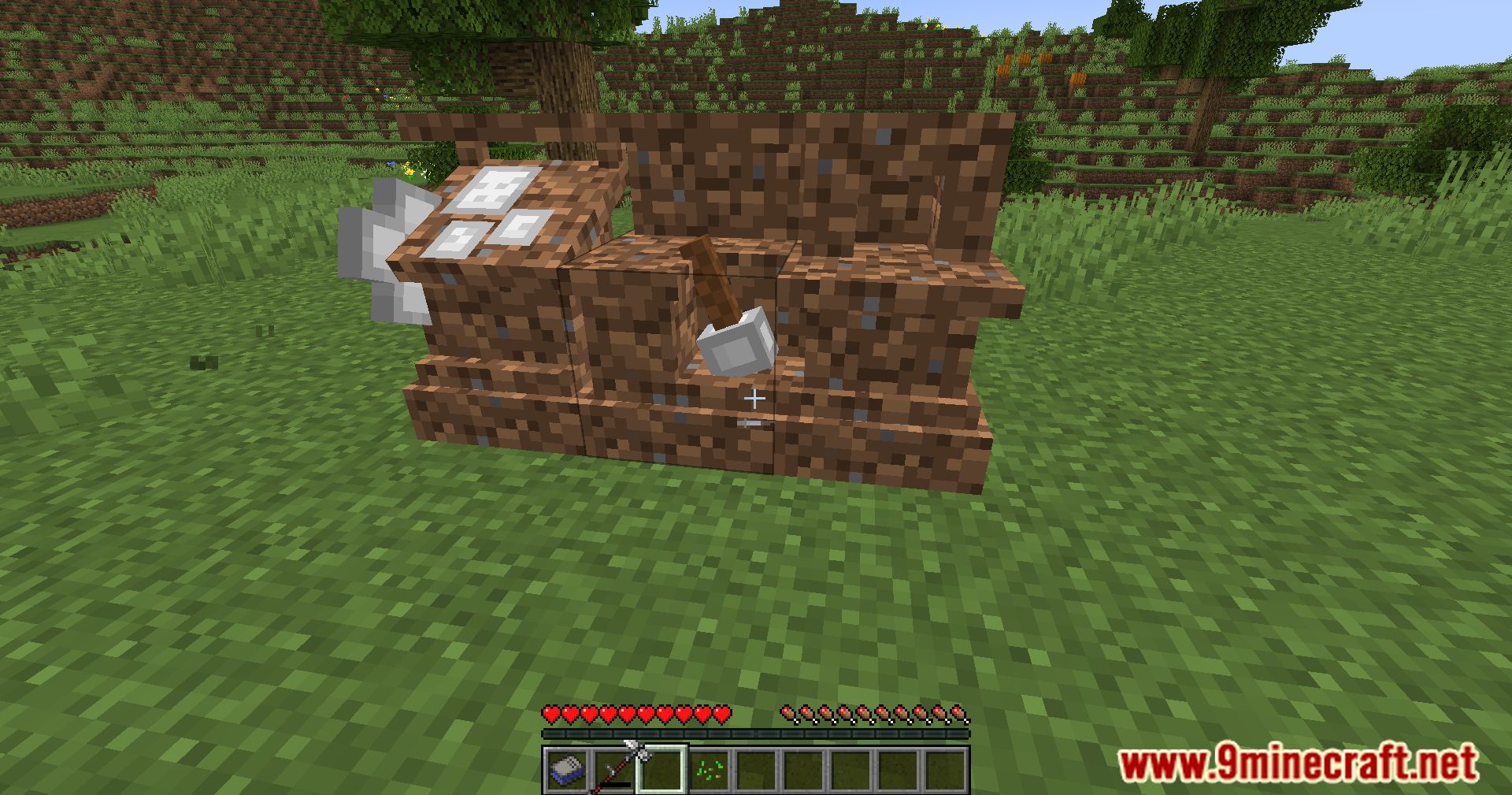
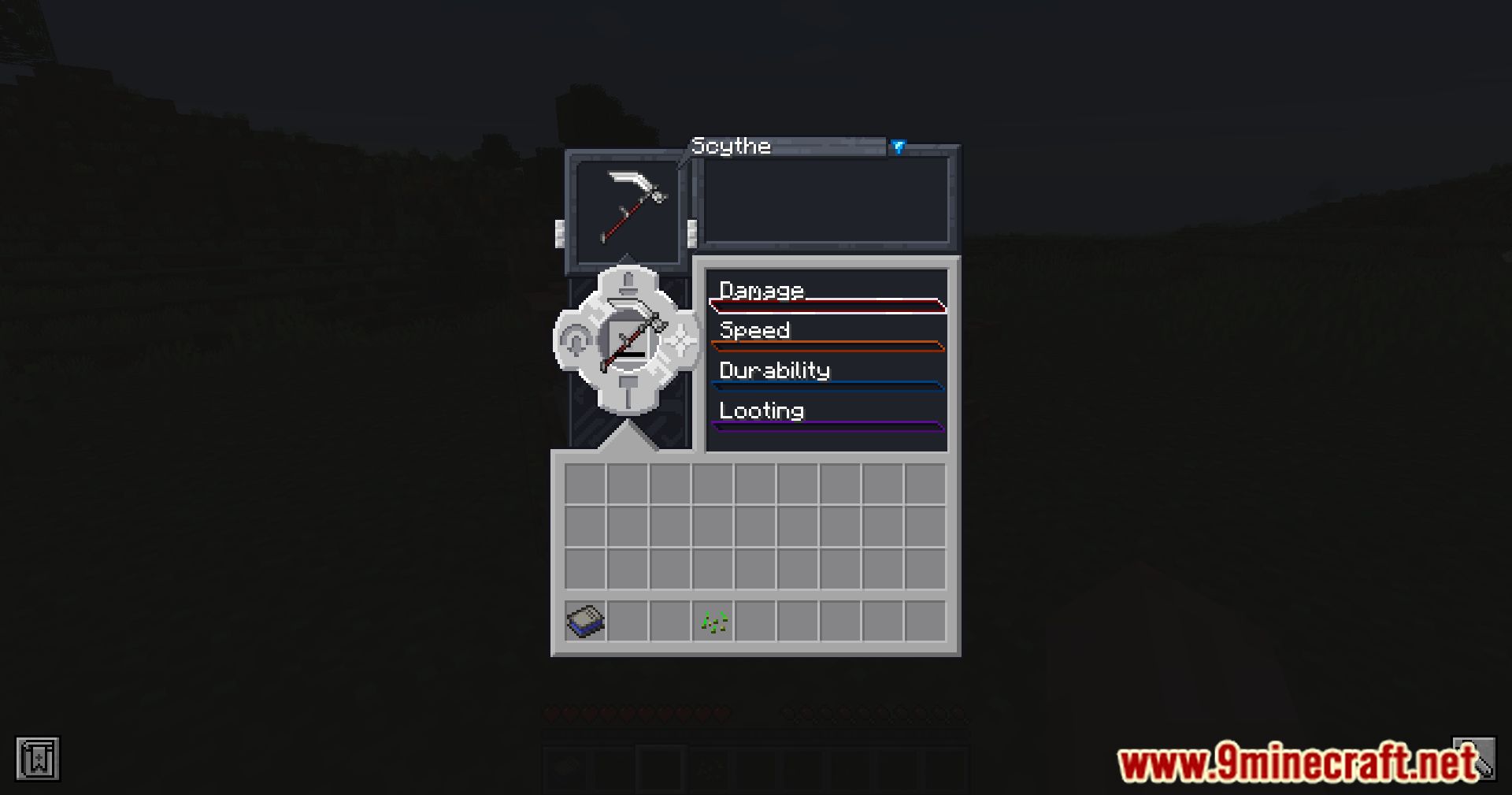
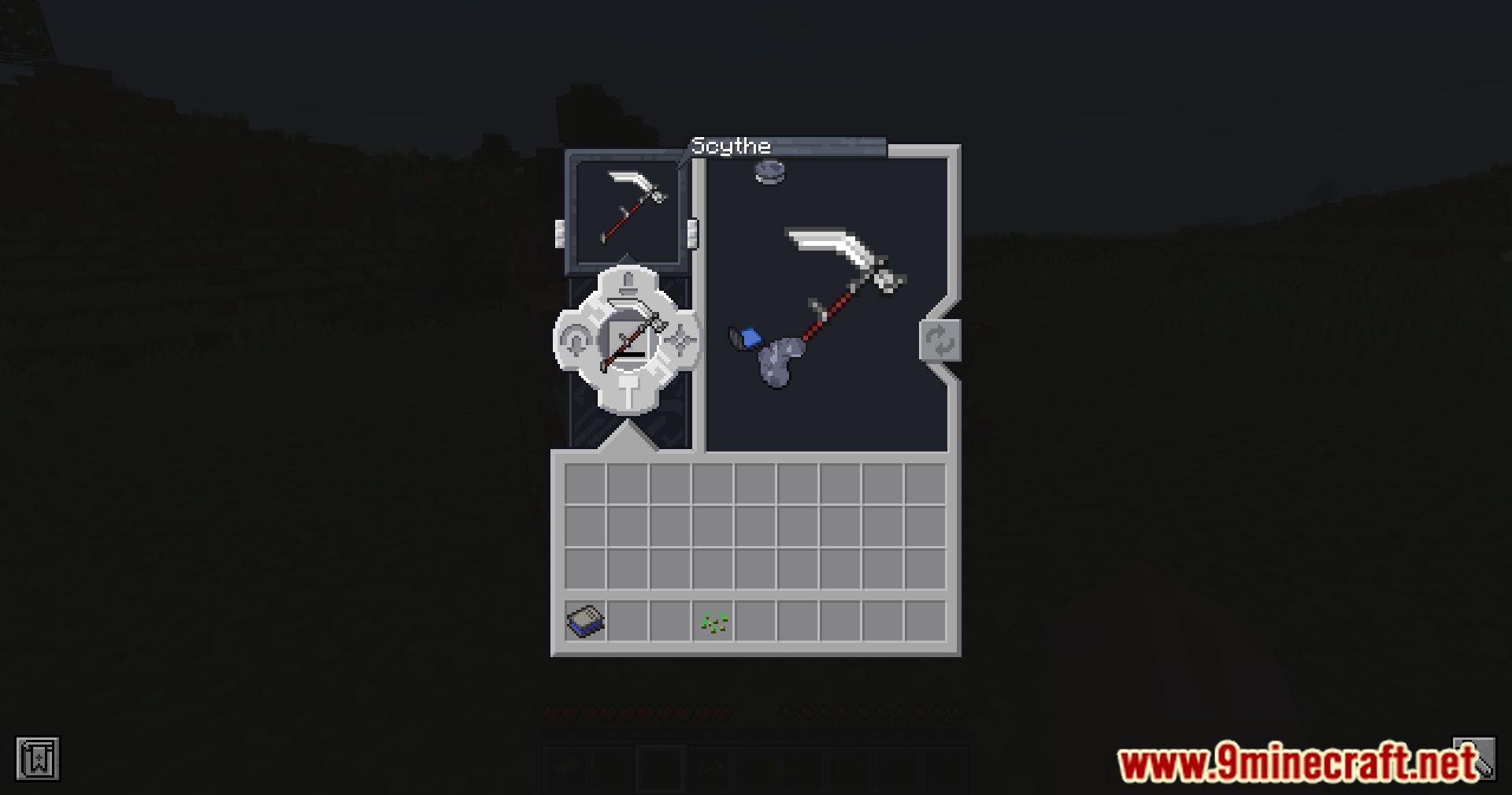
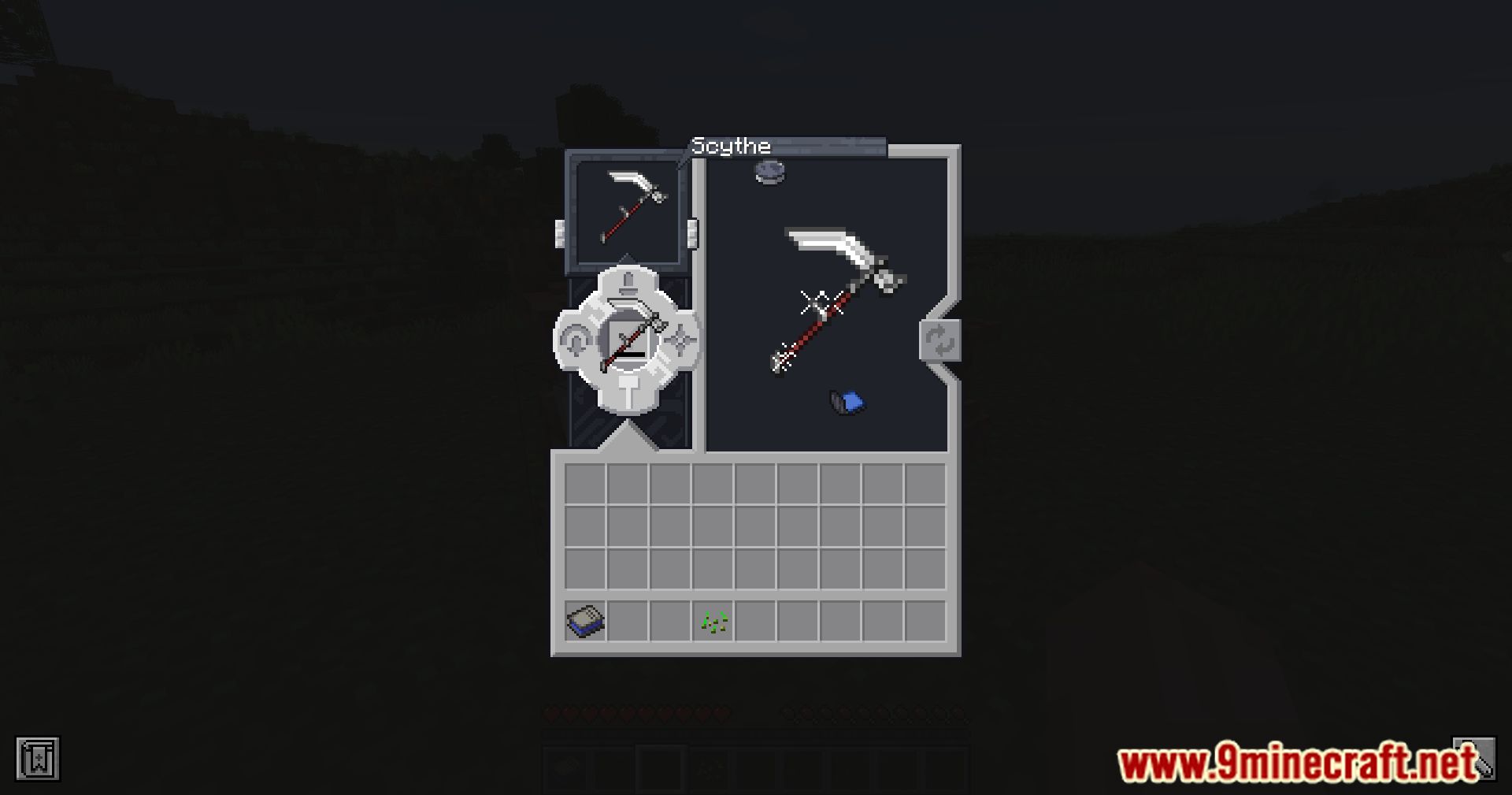
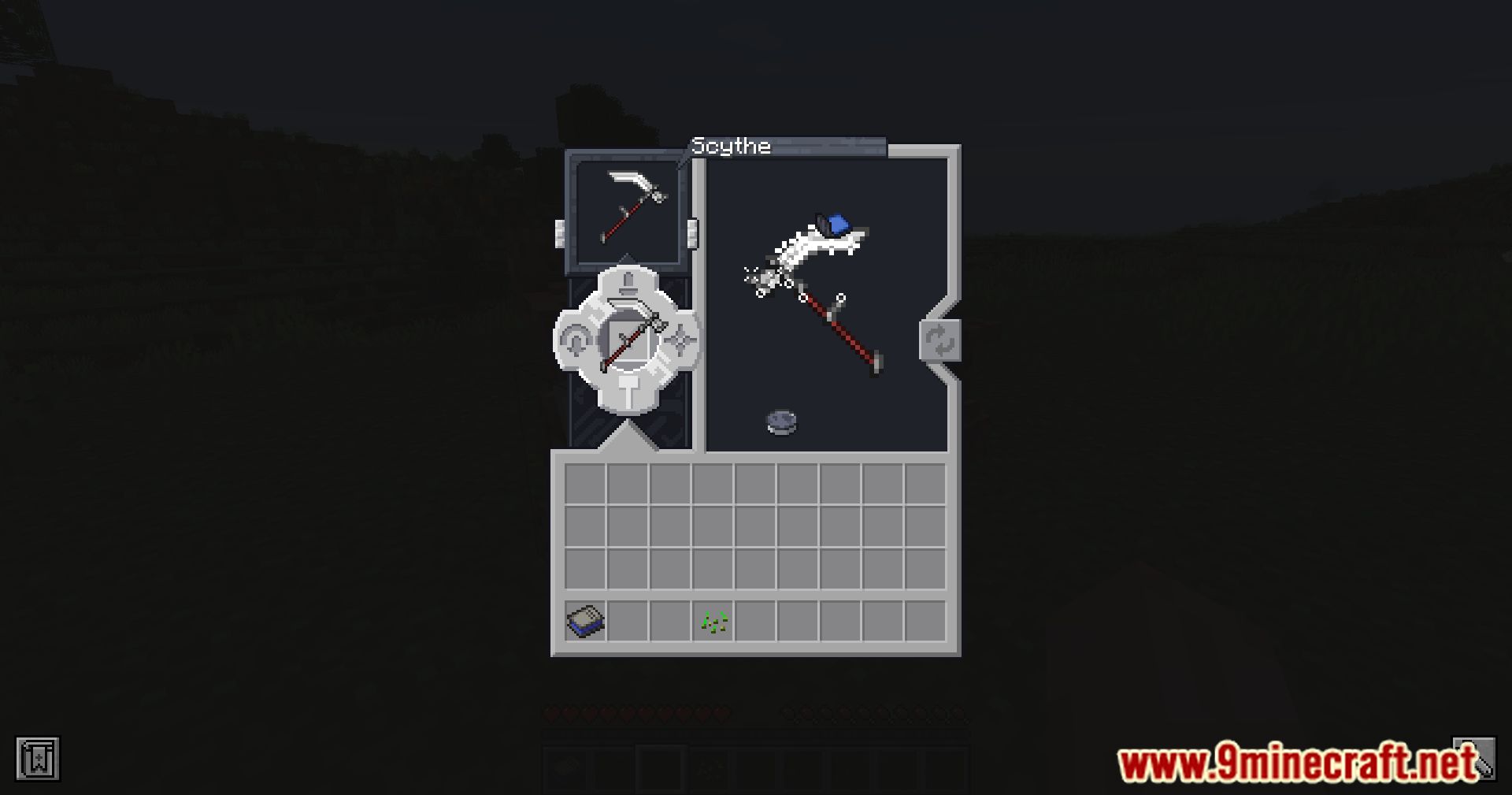
- Place your Weapon Studio and open its menu to swap parts, change your weapon’s look, and pick abilities without needing extra materials.
- Fight mobs with your weapon to earn XP and level it up, unlocking new hand-sprited cosmetic parts, abilities, and passive skills as you play.
- Edit the mod config file if you want to adjust weapon damage, attack speed, durability, XP scaling, or whether you keep your weapon after dying.
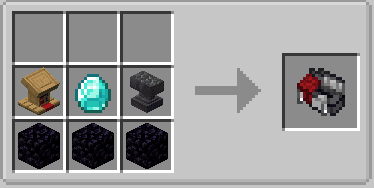
Crafting Recipes:
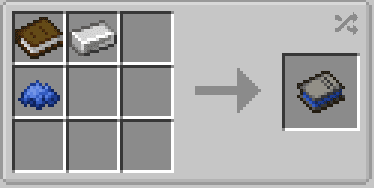
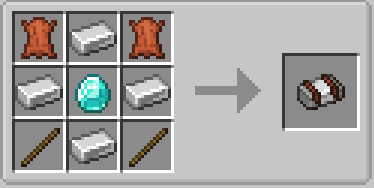
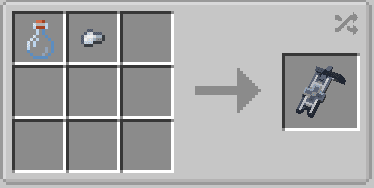
Screenshots:






How to Install:
New to Minecraft? Follow our step-by-step guide to install Mods on your PC.View Guide
Weapon Master Mod Download Links
For Minecraft 1.18.2
Forge Version: Download from Server 1 – Download from Server 2
For Minecraft 1.19.2
Forge Version: Download from Server 1 – Download from Server 2
For Minecraft 1.20.1
Forge/NeoForge Version: Download from Server 1 – Download from Server 2
How do you feel about quest books in modpacks?
27 responses · See the full results →
You May Also Like
Picked for this page
 Cave Dweller Evolved Mod (1.20.1, 1.19.2) – Horror-Themed Cave Exploration
 Extended Enchanting Mod (1.21.11, 1.20.1) – 19 New and Unique Enchantments
 Diagonal Walls Mod (26.3, 1.20.1) – Smooth Angled Wall Connections
 Luna Slimes Mod (26.3, 1.20.1) – Improved Slimes
 Consulars’ Origins Mod (1.20.1, 1.19.2) – Fantasy And Creature-Based Origins
 Syms Armored Industries Mod (1.20.1) – Fly and Blast Mobs in Superhero Armor
 Humanoid Villagers Mod (26.1.2, 1.21.11) – Build a Village with Real Neighbors
 Dragonfire AA Expansion Mod (1.18.2) – Dragon Expansion
 JEI Ores Mod (1.20.1) – Know Exactly Where to Dig for Any Ore in Your World
 Turtle Armor Mod (26.3, 1.20.1) – Rule the Seas Like a Turtle
 Trials Chambers Backport Mod (1.20.1, 1.20) – Custom Dungeon Expansion
Most viewed in Mods over the last 7 days
 Ala Industrial Mod (26.3) – Run Electric Power Grids and Automated Factories
 PleasureCraft Mod (26.3, 1.21.1) – Jenny Mod Remake for Fabric
 Jennycraft Mod (26.3, 1.20.1) – Virtual Girlfriend in Minecraft
 Fapcraft Mod (26.3, 1.12.2) – Comprehensive and Detailed Content
 Jenny Mod (Fapcraft) Official Complete Guide – How to use, Tutorial
 BangCraft Mod (1.20.1) – Jenny, Ellie and Elliot
 Fabric Loader (26.3, 1.20.1) – Fabric Installer for All Minecraft Versions
 The Shooting Star Demo Mod (26.3, 1.20.1) – Vaporize Terrain From Orbit
 Meteor Client Mod (26.3, 1.20.1) – Xray, HUD, Fly
 OptiFine HD (26.3, 1.20.1) – Run Faster, FPS Boost, Shaders Support
 Aristois Client Mod (1.21.4, 1.20.1) – World Class Minecraft Utility
 Prestige Client Mod (1.21.11, 1.21.4) – Powerful Ghost Features for Crystal & Sword PvP
More from Mods
 TRMT Reimagined the Roads More Travelled Mod (26.3, 1.20.1)
 Morrowless Mod (1.21.1) – Defend Your Shelter From Nightmare Creatures
 THE SLOPSTROSITY Mod (1.21.1) – Battle a Ridiculous Slime Boss
 Decoween Mod (1.21.1, 1.20.1) – Transform Ordinary Survival Bases
 Simply Light 9minecraft Mod (26.3) – Decorate Builds Without Torches
 Alex’s Caves Continued Mod (26.3, 1.20.1) – Conquer Six Massive Underground
 Anvil Uses Mod (26.3, 1.20.1) – Track Item Anvil Usage
 Animal Info Mod (26.3, 1.21.11) – Quick Stats For Your Animals
 Timber Tales Dynamic Tree System Mod (26.3, 1.20.1) – Watch Entire Trees Topple
 Gabou’s Libs Mod (26.3, 1.20.1) – Keep Custom Weather and Survival Mods Stable
 /Sit Mod (26.3, 1.21.1) – Make The Player Sit Down
 Arcane Redstone Dial Mod (26.3, 1.20.1) – Trigger Commands and Shortcuts

This post has no comments yet. Be the first — your comment will appear here.