
Advanced Backups Mod (1.21.4, 1.20.1) – Build Freely Without Losing Saves
 1,248
 0


Advanced Backups Mod protects your Minecraft worlds with automatic and flexible save backups. It supports differential and incremental backups to save storage space while keeping all your world data intact. This mod also includes a built-in command-line restore tool, three auto-cleanup options, protected snapshots, and screen pop-up alerts. It runs completely on the server side, so players only need the client version if they want to see backup notifications.
Features:
- Built-in Restore Tool: Includes a command-line restoration tool right inside the mod jar along with helper scripts to run it.
- Space-Saving Backup Modes: Supports optional differential and incremental backups to shrink file sizes while keeping the same world data.
- Automatic Purging: Gives you three different cleanup options for full control over when old backups get deleted.
- Protected Snapshots: Lets you create command-based snapshots that stay safe from automatic purging.
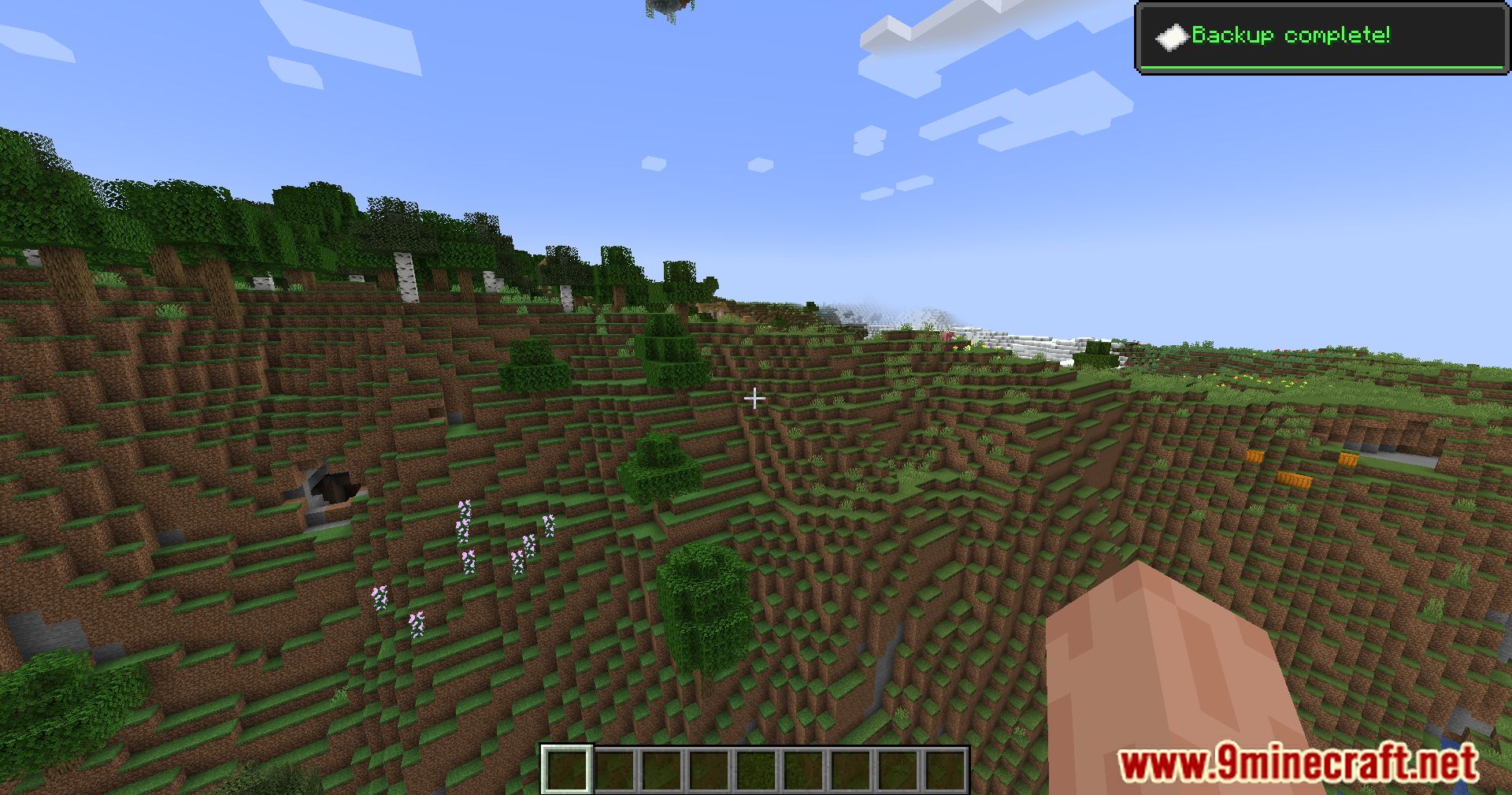
- Client Toast Alerts: Shows pop-up notifications when backups happen, which can be turned off on the client or server and limited to ops or shown to all players.
- Offers many config options to adjust backup schedules, logging, and player activity rules.
- Skips automatic backups by default when nobody has been online since the last save, and you can change this in the config.
- Lets you set a minimum or maximum time between backups to avoid common issues on local worlds.
- Works fully on the server side without requiring client installs, while players on Forge, NeoForge, or Fabric can add it to see backup toasts even on Spigot servers.
How to Use:
- Make sure Java is added to your system PATH so the command-line tool can run.
- Open your backup folder to find the included helper scripts and readme file.
- Run a helper script, or use
java -jaron the mod jar file to start the restoration tool. - Check the readme file in your backup folder if you need more details on using the tool.
Screenshots:
How to Install:
New to Minecraft? Follow our step-by-step guide to install Mods on your PC.View Guide
Advanced Backups Mod Download Links
For Minecraft 1.12.2
Forge Version: Download from Server 1 – Download from Server 2
For Minecraft 1.16.5
Forge Version: Download from Server 1 – Download from Server 2
For Minecraft 1.18.2
Forge Version: Download from Server 1 – Download from Server 2
Fabric/Quilt Version: Download from Server 1 – Download from Server 2
For Minecraft 1.19.2, 1.19.1, 1.19
Forge Version: Download from Server 1 – Download from Server 2
Fabric/Quilt Version: Download from Server 1 – Download from Server 2
For Minecraft 1.19.4, 1.19.3
Forge Version: Download from Server 1 – Download from Server 2
Fabric/Quilt Version: Download from Server 1 – Download from Server 2
For Minecraft 1.20.1, 1.20
Forge/NeoForge Version: Download from Server 1 – Download from Server 2
Fabric/Quilt Version: Download from Server 1 – Download from Server 2
For Minecraft 1.20.2
Forge Version: Download from Server 1 – Download from Server 2
Fabric/Quilt Version: Download from Server 1 – Download from Server 2
NeoForge Version: Download from Server 1 – Download from Server 2
For Minecraft 1.20.4
Forge Version: Download from Server 1 – Download from Server 2
Fabric/Quilt Version: Download from Server 1 – Download from Server 2
NeoForge Version: Download from Server 1 – Download from Server 2
For Minecraft 1.20.6
Forge Version: Download from Server 1 – Download from Server 2
Fabric/Quilt Version: Download from Server 1 – Download from Server 2
NeoForge Version: Download from Server 1 – Download from Server 2
For Minecraft 1.21.1, 1.21
NeoForge Version: Download from Server 1 – Download from Server 2
Fabric/Quilt Version: Download from Server 1 – Download from Server 2
For Minecraft 1.21.4
NeoForge Version: Download from Server 1 – Download from Server 2
Fabric/Quilt Version: Download from Server 1 – Download from Server 2
Do you include client-side quality-of-life mods (like inventory tweaks or mini-maps) when playing on public servers?
15 responses · See the full results →
You May Also Like
Picked for this page
 Camera Mod (26.3, 1.20.1) – In-Game Photography
 Ok Zoomer Mod (26.3, 1.20.1) – Better Zooming
 Enchantment Descriptions Mod (26.3, 1.20.1) – Display a Brief Description
 BackSlot Mod (1.21.11, 1.20.1) – Become a Hero like Dai in Dragon Quest
 Forge Endertech (26.3, 1.20.1) – Library for Endertech Mods
 Floralis Mod (26.2, 1.20.1) – 16 New Types of Flowers
 Enhanced Quarries Mod (26.3, 1.20.1) – Automate Mining With Precision
 Adaptive Performance Tweaks (Bundle) Mod (26.3, 1.20.1) – Support Server Performance
 Cyan Warrior Swords Mod (1.21.1, 1.20.1) – Different Swords, Upgrade and Mix
 Hot Kettles Mod (1.21.11, 1.20.1) – Warm Up Your World
 Cozy’s Improved Cats Mod (26.3, 1.20.1) – Transform Tamed Cats
 Moss Fix Mod (1.21.1, 1.20.1) – Enables Moss Growth Beneath Transparent Blocks
Most viewed in Mods over the last 7 days
 Ala Industrial Mod (26.3) – Run Electric Power Grids and Automated Factories
 PleasureCraft Mod (26.3, 1.21.1) – Jenny Mod Remake for Fabric
 Jennycraft Mod (26.3, 1.20.1) – Virtual Girlfriend in Minecraft
 Fapcraft Mod (26.3, 1.12.2) – Comprehensive and Detailed Content
 Jenny Mod (Fapcraft) Official Complete Guide – How to use, Tutorial
 BangCraft Mod (1.20.1) – Jenny, Ellie and Elliot
 Fabric Loader (26.3, 1.20.1) – Fabric Installer for All Minecraft Versions
 Meteor Client Mod (26.3, 1.20.1) – Xray, HUD, Fly
 The Shooting Star Demo Mod (26.3, 1.20.1) – Vaporize Terrain From Orbit
 OptiFine HD (26.3, 1.20.1) – Run Faster, FPS Boost, Shaders Support
 Aristois Client Mod (1.21.4, 1.20.1) – World Class Minecraft Utility
 SchnurriTV Mod (1.12.2) – Characters and Features
More from Mods
 Load My Tags 9minecraft Mod (26.3) – Mix Mods Without Breaking Recipes
 Kambrik 9minecraft Mod (26.3) – Run Kotlin Mods Without Game Lag
 Fast Paintings 9minecraft Mod (26.3, 26.2) – Place Wall Art Exactly Where You Want It
 Bonsai Trees 9minecraft Mod (26.3, 26.2) – Automate Wood Farming in Tiny Pots
 Enhanced Block Entities 9minecraft Mod (26.3) – Build Lag-Free Storage Rooms
 Better Nether 9minecraft Mod (26.3, 26.2) – Survive Forever in the Nether
 BCLib 9minecraft Mod (26.3, 26.2) – Power Custom Nether and End Overhauls
 ForgedLoaderAPI Mod (1.19.2, 1.18.2) – Bring Ported Fabric Creations
 Shield System Mod (1.21.1) – Tank Heavy Monster Hits Without Losing Hearts
 Shin’s Tensura Race Models Mod (1.19.2) – Play As Unique 3D Anime Race
 Offgrid Mod (26.3, 1.20.1) – Furnish Compact Interiors Without Strict Grid
 Tempest Almanac Iron’s Spells ‘n Spellbooks Mod (1.21.1, 1.20.1)

This post has no comments yet. Be the first — your comment will appear here.