
Sitting+ Mod (1.21.5, 1.20.1) – Rest Anywhere on the Map
 12,367
 0


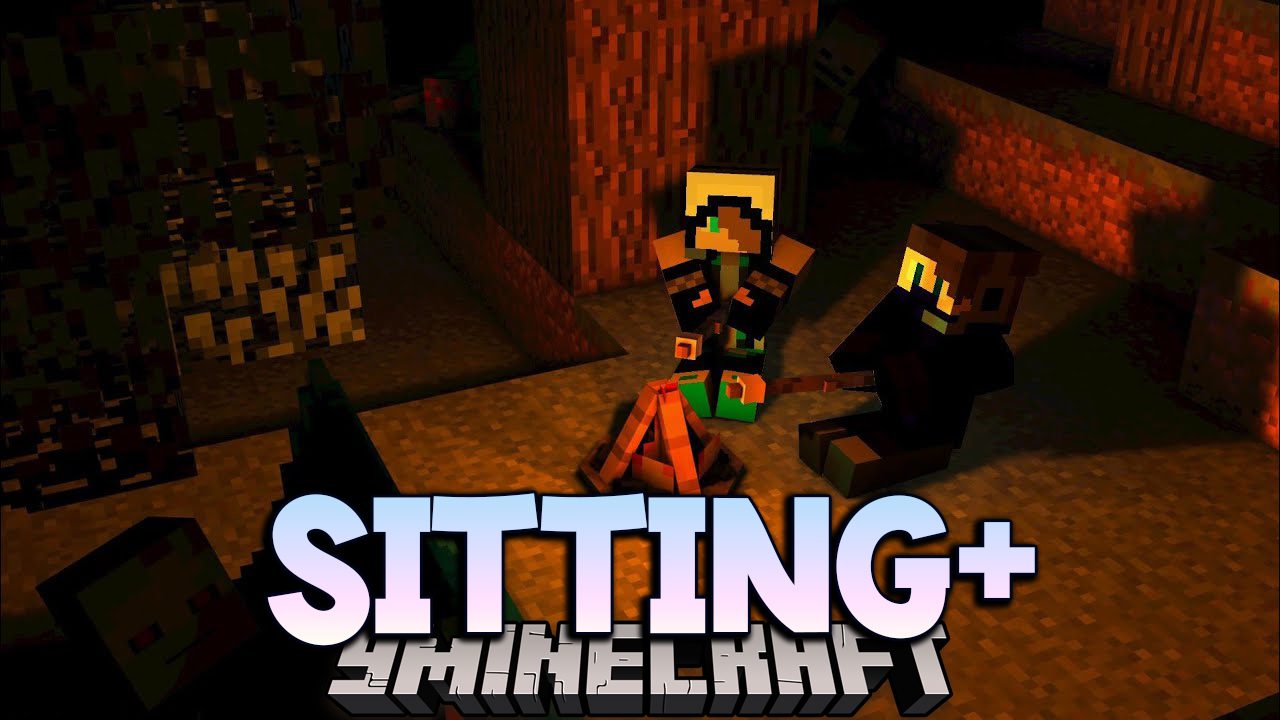
Sitting+ Mod lets you sit down anywhere in the world to rest during your adventures. It is a contextual sitting mod that brings dozens of smooth animations and custom poses to the game. You can use it to relax on fences, kick back on stairs, or express yourself during roleplay sessions.
Features:
- Toggle between different poses to match your current surroundings and roleplay needs.
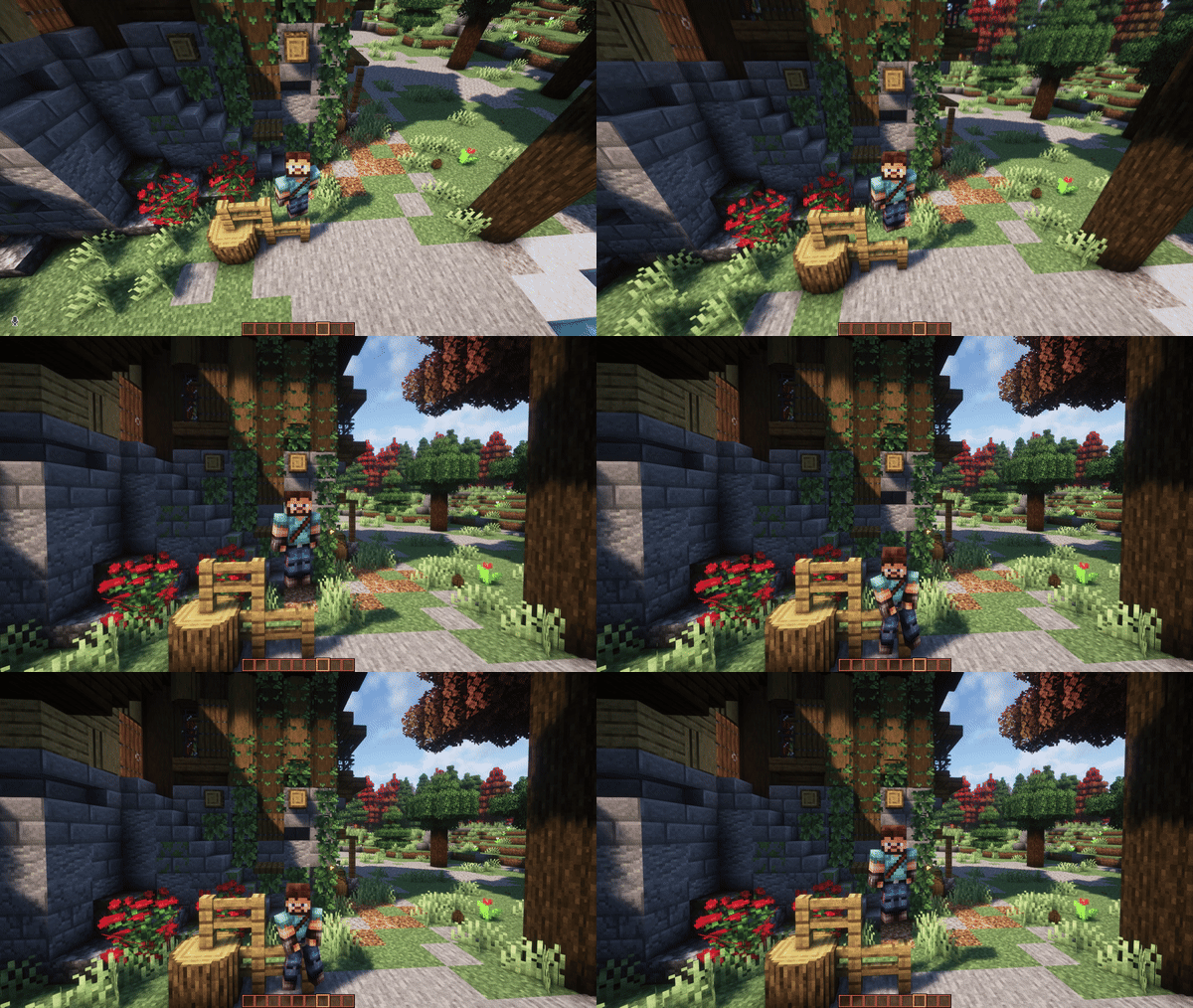
- Sit directly on top of fences anywhere in the world.
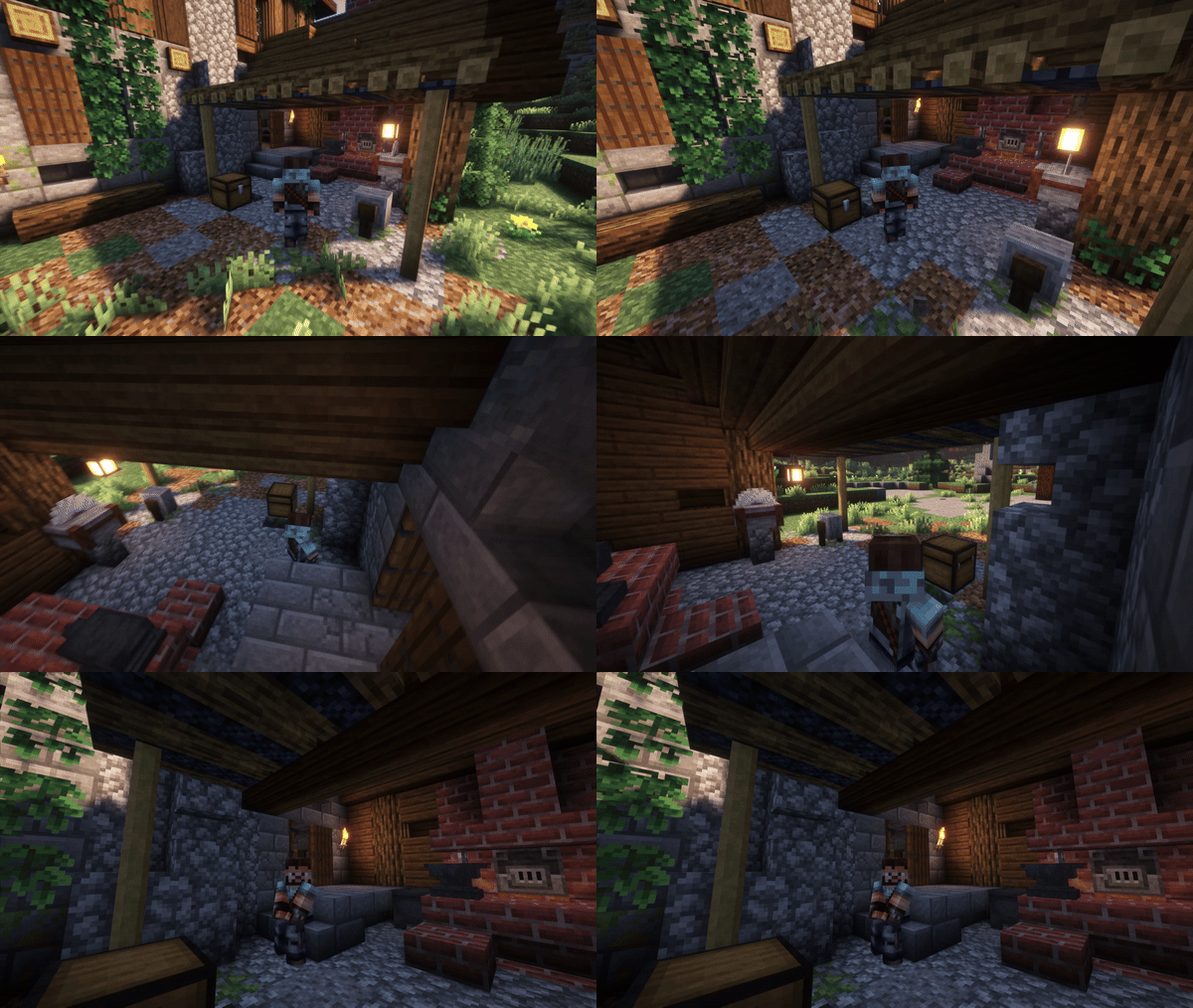
- Relax in style with special resting animations.
- Right-click on any stair block to sit right down on it.
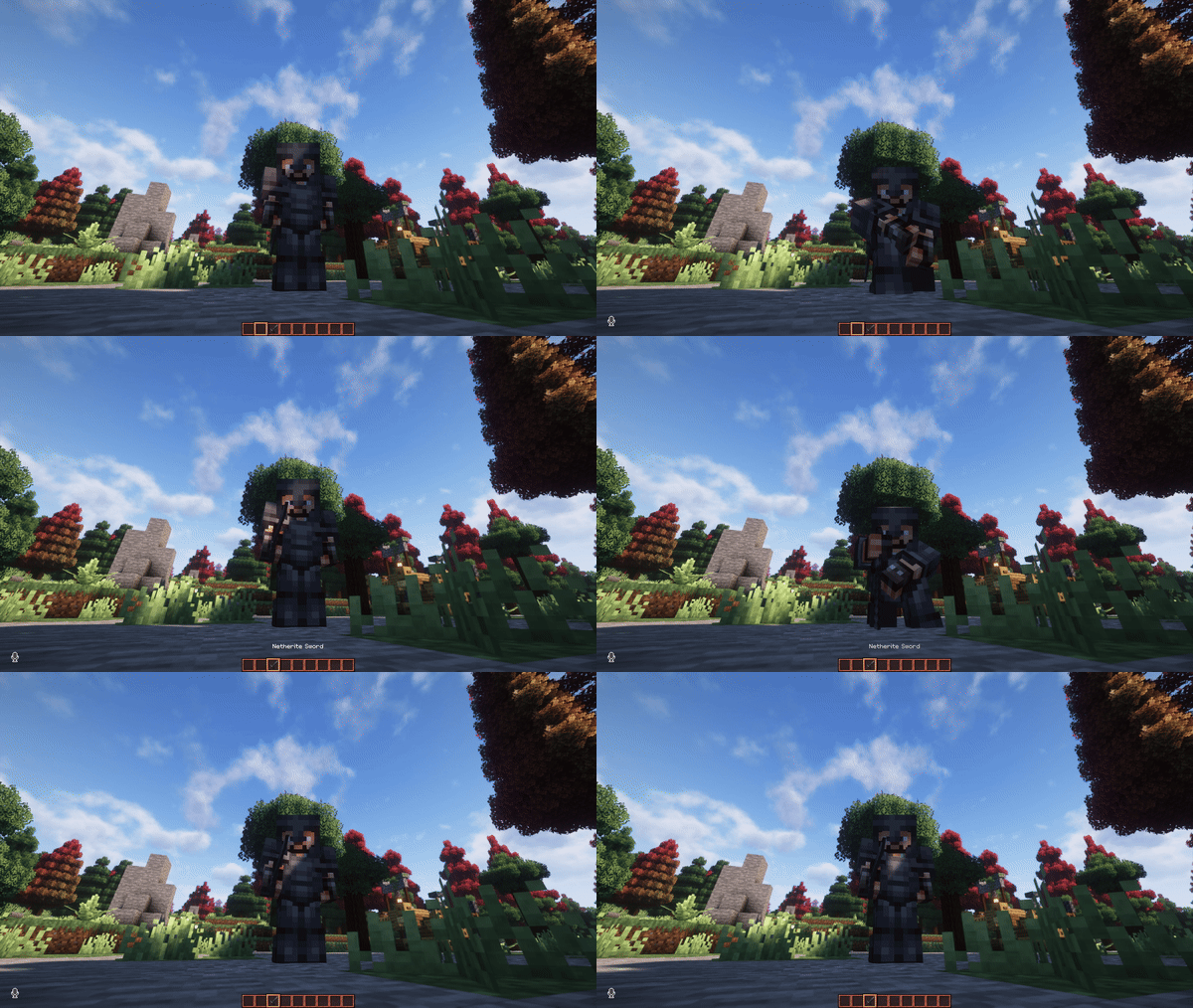
- Trigger specific custom item poses by holding certain items in your hands.
- Switch to different items in your inventory after triggering a pose to keep the animation active.
- Requires players to remain completely immobile for the animation to start.
How to Use:
- Make sure your character is completely still and not moving.
- Press the X key to sit down wherever you stand.
- Hold an item in your hand before sitting down to trigger an item-specific pose.
- Switch to another item in your inventory after the animation starts to keep using that pose with anything you carry.
- Right-click on stairs to sit on them automatically.
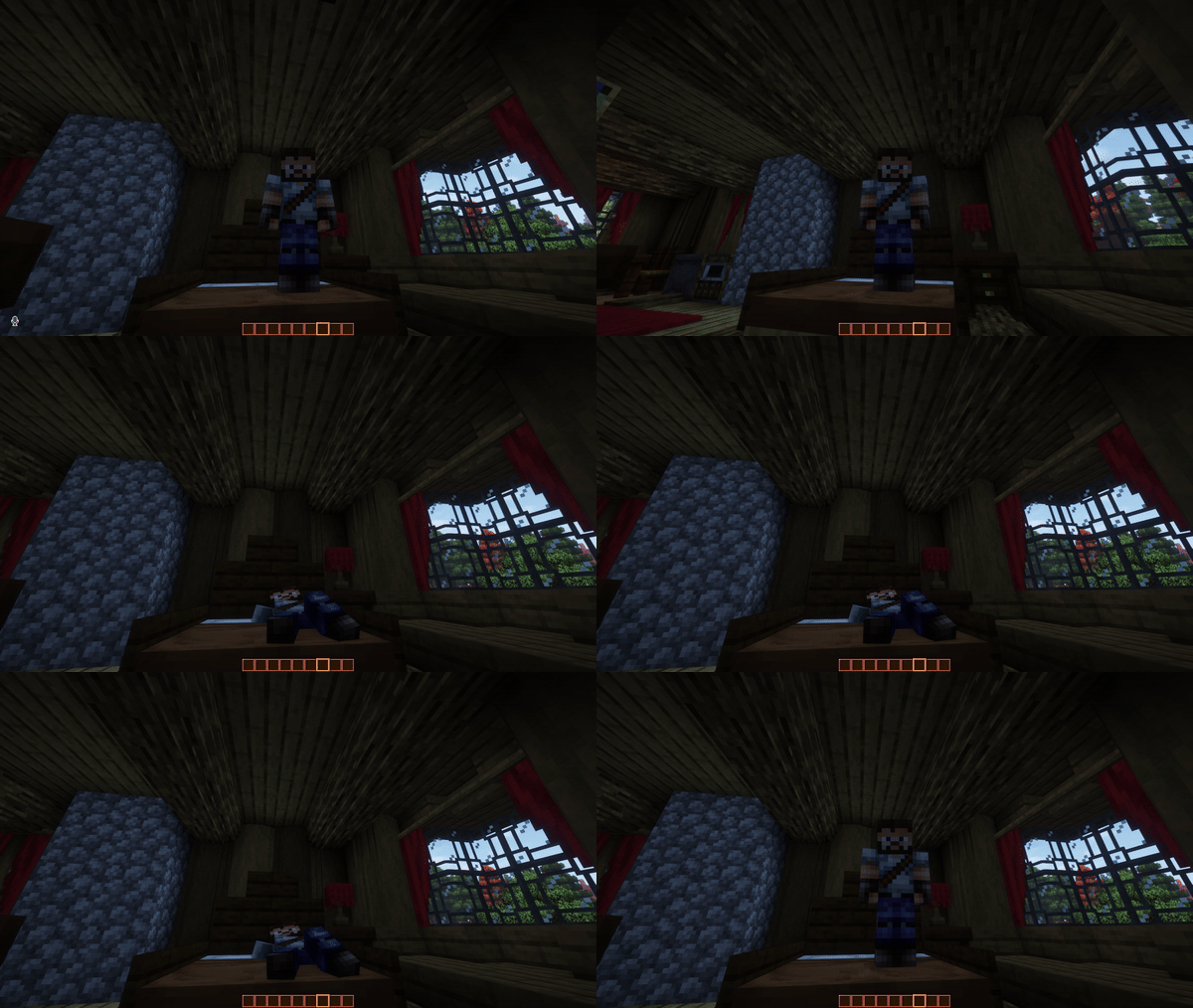
Screenshots:
How to Install:
New to Minecraft? Follow our step-by-step guide to install Mods on your PC.View Guide
Requirements:
Sitting+ Mod Download Links
For Minecraft 1.21.5
Forge version: Download from Server 1 – Download from Server 2
Fabric version: Download from Server 1 – Download from Server 2
For Minecraft 1.21.1, 1.21
Fabric version: Download from Server 1 – Download from Server 2
For Minecraft 1.20.4, 1.20.2
Forge version: Download from Server 1 – Download from Server 2
For Minecraft 1.20.1, 1.20
Forge version: Download from Server 1 – Download from Server 2
For Minecraft 1.19.4, 1.19.3, 1.19.2, 1.19.1, 1.19
Forge version: Download from Server 1 – Download from Server 2
How much RAM do you usually allocate to a modded Minecraft profile?
52 responses · See the full results →
You May Also Like
Picked for this page
 Ultimate Plane Mod (26.3, 1.20.1) – Enjoy Conquering the Sky
 Combat Plus Core Mod (1.21.11, 1.20.1) – Compatibility Layer for The Combat Plus Series
 Bedrock Crafter Mod (26.3, 1.20.1) – Craft Bedrock and Building Blocks
 X-Ray World Generation Mod (1.21.10, 1.20.1) – Like Using X-Ray Resource Pack
 Easy Auth Mod (26.3, 1.20.1) – Authentication for Servers
 CraterLib Mod (26.3, 1.20.1) – A Library Mod for Mod Developers
 Create Encased Mod (1.21.11, 1.20.1) – Enhance Your Create Builds With Casings
 PBOSB Mod (1.21.1, 1.20.1) – Projectiles Bounce Off Slime Blocks
 Ore Deposits Mod (1.21.11, 1.20.1) – Deposits Where Ores Generate Infinitely
 Fish Bonanza Mod (1.21.1, 1.20.1) – New Aquatic Creatures
 Pv Addon Lavaplayer Lib Mod (26.3, 1.20.1) – Audio Backend Utility
 Toggleable Enchantments Mod (26.3, 1.21.1) – Turn Enchantments On/Off Individually
Most viewed in Mods over the last 7 days
 Ala Industrial Mod (26.3) – Run Electric Power Grids and Automated Factories
 PleasureCraft Mod (26.3, 1.21.1) – Jenny Mod Remake for Fabric
 Jennycraft Mod (26.3, 1.20.1) – Virtual Girlfriend in Minecraft
 Fapcraft Mod (26.3, 1.12.2) – Comprehensive and Detailed Content
 Jenny Mod (Fapcraft) Official Complete Guide – How to use, Tutorial
 BangCraft Mod (1.20.1) – Jenny, Ellie and Elliot
 Fabric Loader (26.3, 1.20.1) – Fabric Installer for All Minecraft Versions
 Meteor Client Mod (26.3, 1.20.1) – Xray, HUD, Fly
 The Shooting Star Demo Mod (26.3, 1.20.1) – Vaporize Terrain From Orbit
 OptiFine HD (26.3, 1.20.1) – Run Faster, FPS Boost, Shaders Support
 Aristois Client Mod (1.21.4, 1.20.1) – World Class Minecraft Utility
 SchnurriTV Mod (1.12.2) – Characters and Features
More from Mods
 In-Game Account Switcher with Cookies Mod (1.21.11) – Swap Your Alts Without Relaunching
 CrewX Mod (1.8.9) – Dominate Competitive Server Matches Without Lag
 Vanilla Refit Mod (1.21.1) – Build Thinner Walls with Vertical Slabs
 IZeMod Mod (26.2) – Helpful Survival Tools for Everyday Fabric Adventures
 SkullLIB Mod (1.20.1) – Bring Prehistoric Beasts and New Animals to Your World
 EasyGui Mod (1.21.11, 1.21.1) – Build Custom Screen Menus and Animated HUD
 Legacy Wavey Capes Mod (1.8.9) – Watch Your Cape Flow Naturally While Sprinting
 Warrior Cats Events Mod (1.21.1, 1.20.1) – Live As a Wild Clan Cat
 Apex Enchantment Freedom Mod (26.3) – Stack Conflicting Enchantments
 Tensura GUI Mod (1.21.1) – Track Your Fantasy Skills and Race Evolutions
 Remnants Roguelite Dungeons Mod (26.3, 1.20.1) – Risk It All in Procedural
 Lib Lib Lib Mod (26.3, 1.20.1) – Keep Your Favorite Modpacks Running Smooth

This post has no comments yet. Be the first — your comment will appear here.