
OpenPeripheral Addons Mod (1.7.10) – Turn Any Machine Into a Smart Device

 0


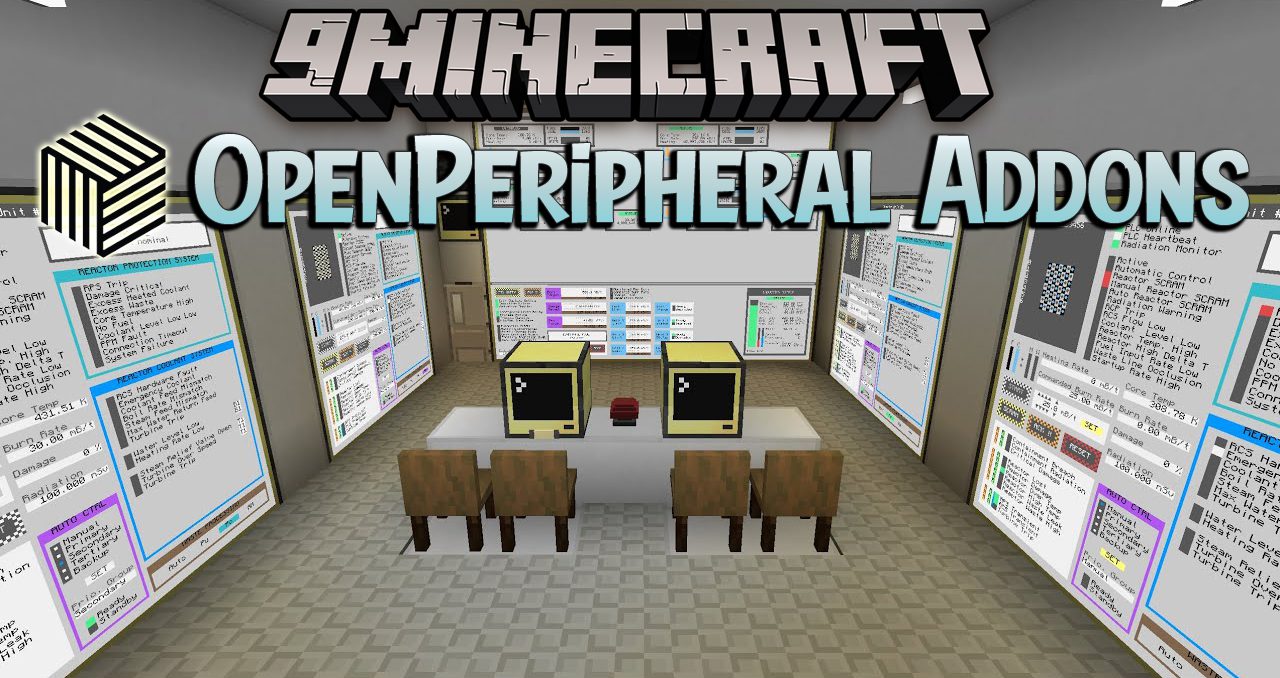
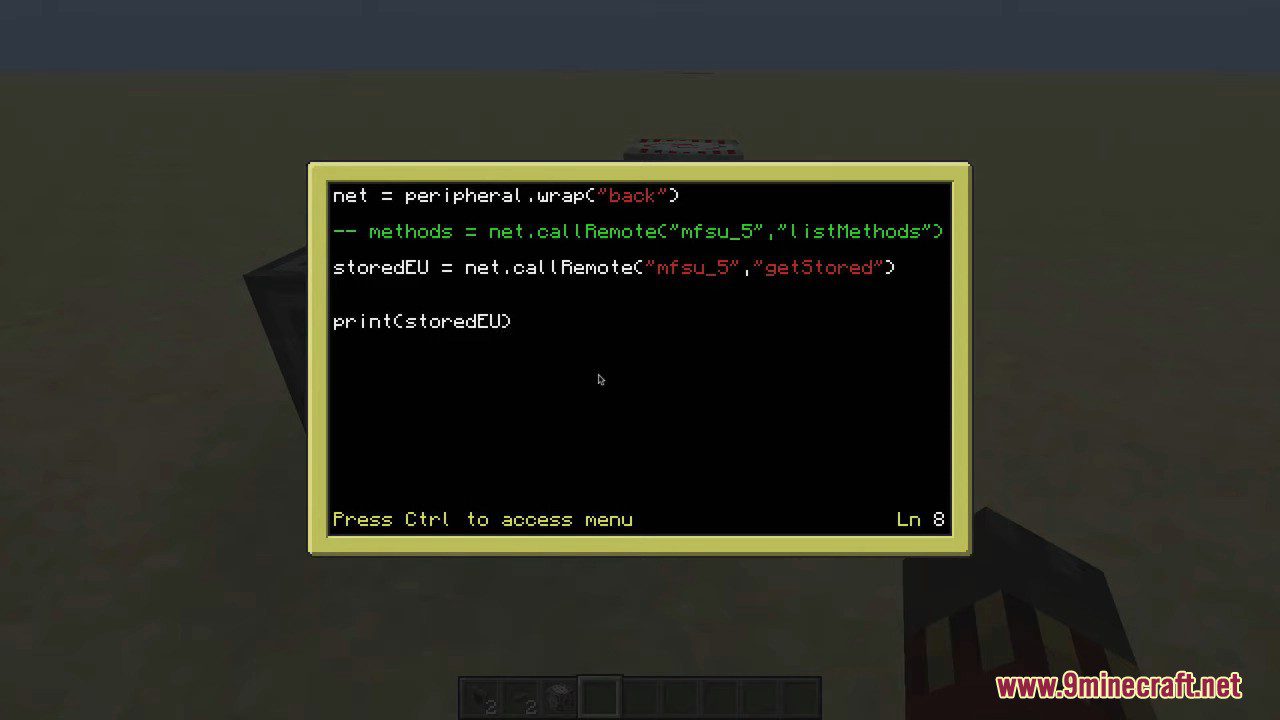
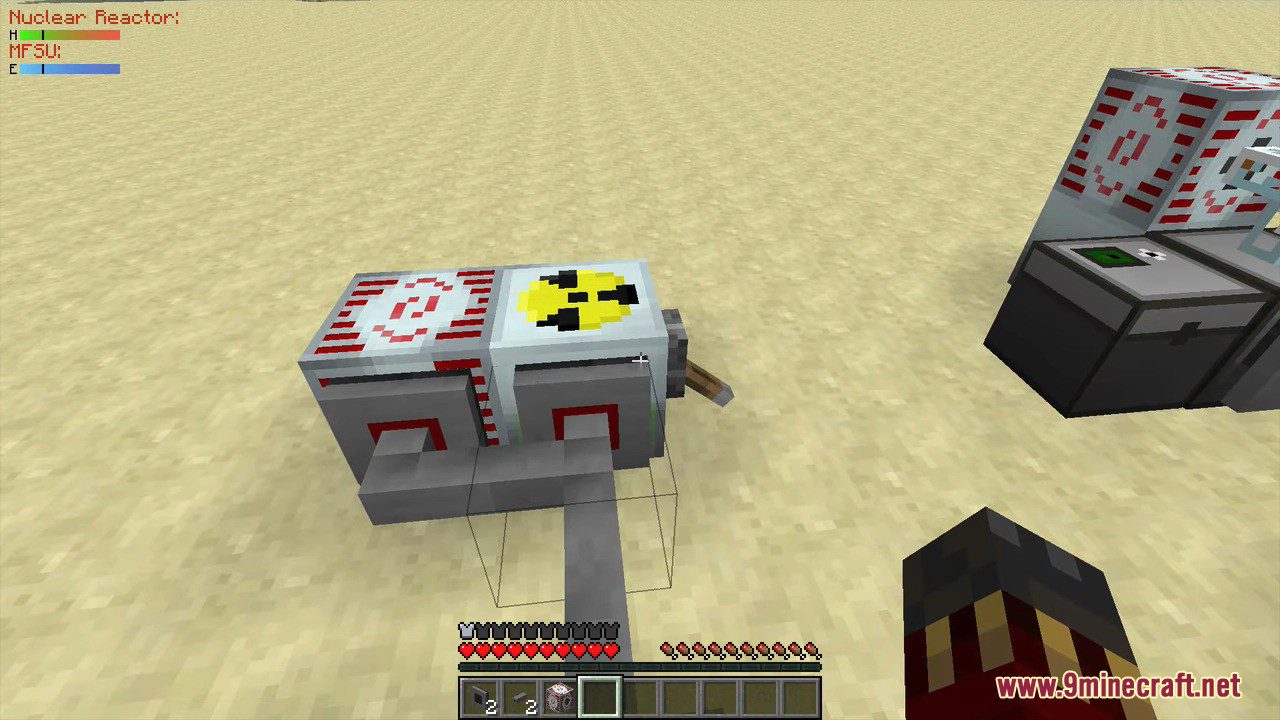
OpenPeripheral Addons Mod extends OpenPeripheralCore with extra peripheral blocks and items you can connect to your computers. It adds useful tools like Terminal Glasses, a Personal Inventory Manager, a Sensor, a Ticket Machine, a Peripheral Proxy, and a Duck Antenna. You can build custom head-up displays, scan nearby areas, automate player inventory tasks, and hand out Railcraft tickets with code. This addon works with anything OpenPeripheralCore supports, including ComputerCraft and OpenComputers, and you can use it in your modpacks.
Features:
- Terminal Glasses: Wear these on your head and connect them with the Terminal Glasses Bridge and ComputerCraft to make your own custom head-up display.
- Personal Inventory Manager (PIM): Connects with a player’s inventory and works with ComputerCraft to put on or take off armor, pull out ores, tidy up items, and automate other inventory tasks.
- Sensor: Scans blocks, mobs, and players nearby.
- Ticket Machine: Automates handing out Railcraft tickets.
- Adds the Terminal Glasses Bridge to act as a link between your machines and the Terminal Glasses.
- Includes the Peripheral Proxy as an extra peripheral you can wrap in your computer setups.
- Brings the Duck Antenna as an extra peripheral for your builds.
- Works with everything OpenPeripheralCore supports, including ComputerCraft and OpenComputers.
How to Use:
- Place your peripheral blocks next to your computers and machines so you can wrap them and make them work together.
- Connect a Terminal Glasses Bridge to your machines and ComputerCraft system so it can send data to your glasses.
- Wear the Terminal Glasses on your head to see and use your custom head-up display.
- Connect a Personal Inventory Manager to ComputerCraft so your code can swap armor, pull out ores, or tidy up a player’s inventory.
Screenshots:
How to Install:
New to Minecraft? Follow our step-by-step guide to install Mods on your PC.View Guide
OpenPeripheral Addons Mod Download Links
For Minecraft 1.7.10
Forge version: Download from Server 1 – Download from Server 2
For Minecraft 1.6.4
Forge version: Download from Server 1
What do you usually do when your modded game crashes on startup?
19 responses · See the full results →
You May Also Like
Picked for this page
 Altered Damage Mod (26.3, 1.20.1) – Customize Minecraft Damage Dynamics!
 Chef’s Delight Mod (1.21.11, 1.20.1) – Cook and Chef
 Symbol Chat Mod (26.3, 1.20.1) – Symbol Panel, Unicode Fonts
 Peek Mod (26.3, 1.20.1) – Elevating Your Minecraft Experience
 Configurable Mob Potion Effects Mod (26.3, 1.20.1) – Set Potion Effects for All Living Entities
 Chiseled Bookshelf Visualizer Mod (26.3, 1.20.1) – Visually Display Books
 Pottery Mod (26.3, 1.20.1) – New Decorative Pots
 Infinities Mod (1.21.10, 1.20.1) – Improved Enchantability For Bows & Crossbows
 TCR Core Mod (1.20.1) – Library for The Casket of Reveries Modpack
 Collect Everything Mod (26.2) – Achieve 100% Completion in Your World
 Isle of Berk Variant Loader Mod (1.18.2) – Create and Customize Dragon Variants
 Starlight with Create Fix Mod (1.20.1) – Build Massive Factories Without Lags
Most viewed in Mods over the last 7 days
 Ala Industrial Mod (26.3) – Run Electric Power Grids and Automated Factories
 PleasureCraft Mod (26.3, 1.21.1) – Jenny Mod Remake for Fabric
 Jennycraft Mod (26.3, 1.20.1) – Virtual Girlfriend in Minecraft
 Fapcraft Mod (26.3, 1.12.2) – Comprehensive and Detailed Content
 Jenny Mod (Fapcraft) Official Complete Guide – How to use, Tutorial
 BangCraft Mod (1.20.1) – Jenny, Ellie and Elliot
 Fabric Loader (26.3, 1.20.1) – Fabric Installer for All Minecraft Versions
 Meteor Client Mod (26.3, 1.20.1) – Xray, HUD, Fly
 The Shooting Star Demo Mod (26.3, 1.20.1) – Vaporize Terrain From Orbit
 OptiFine HD (26.3, 1.20.1) – Run Faster, FPS Boost, Shaders Support
 Aristois Client Mod (1.21.4, 1.20.1) – World Class Minecraft Utility
 Prestige Client Mod (1.21.11, 1.21.4) – Powerful Ghost Features for Crystal & Sword PvP
More from Mods
 Villager Timetable Mod (26.3, 1.20.1) – Master Villager Schedules
 Artemis Laboratory Blocks Mod (26.3, 1.20.1) – Lab Blocks And Dynamic Decorations
 Fabric ORM Jimmer Mod (26.3, 1.20.1) – Prevent Sudden Server Crashes
 Cafe Core Mod (26.2, 1.21.1) – Bypass Anvil Limits and Tame Pets in Seconds
 GTNH’s Forgelin Mod (1.7.10) – Play Kotlin-Powered Mods on Minecraft 1.7.10
 Nodeflow Mod (26.1.2, 1.21.1) – Wire Custom Redstone Logic on Visual Graph
 Winter Client Mod (1.21.11) – Survive Ruthless PvP on Anarchy Servers
 LARP Client Mod (1.21.11) – Dominate Crystal PvP on Anarchy Servers
 Berlin Client Mod (1.21.11) – Hunt Stashes and Win Crystal Fights
 Kaleidoscope Cookery Refabricated Mod (26.3, 1.20.1) – Cook Hearty Meals
 Minecraft MusicBox Mod (1.21.12) – Play Your Favorite Songs While Mining and Building
 Legacy Wavey Capes Mod (1.8.9) – Watch Your Cape Flow Naturally While Sprinting

This post has no comments yet. Be the first — your comment will appear here.