
Embeddium Extras Mod (1.16.5) – Play Without Lag Spikes
 629
 0


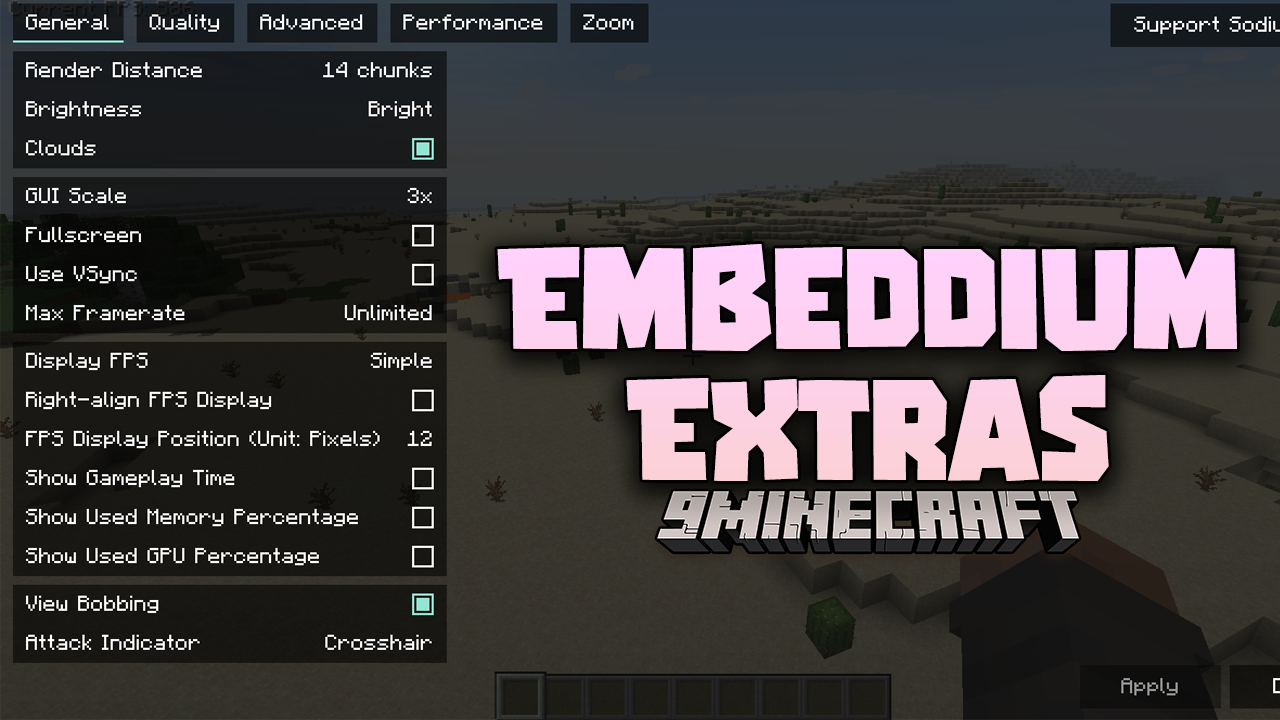
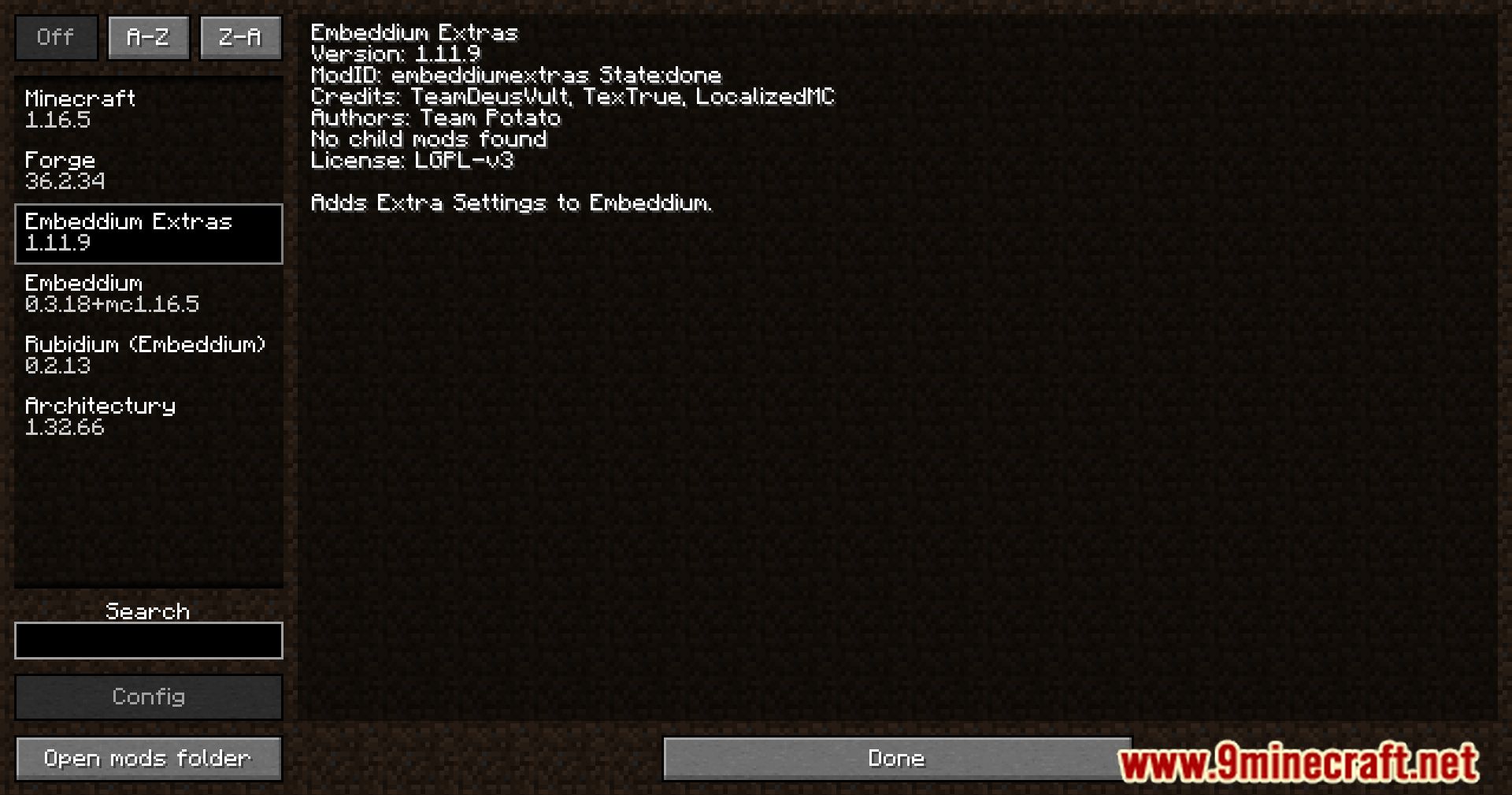
Embeddium Extras Mod adds new performance options, visual settings, and bug fixes for Embeddium and Rubidium. It fixes chunk flickering and removes old or duplicate options like the fog toggle, borderless fullscreen, and true darkness. This mod also brings optional video settings from TDV Tweaks, FastChest, VideoTape, and Clear Skies, along with distance-based particle culling and extra displays for memory usage and playtime. Players can also adjust chunk fade-in speed and add entity names or mod IDs to the config so chosen entities always stay visible.
Features:
- Removes the fog toggle setting because it does not work well and duplicates the setting in Embeddium Extension.
- Removes the old tweak on Rubidium and Embeddium’s MultidrawChunkRenderBackend so chunks stop flickering on newer versions.
- Removes the borderless fullscreen and true darkness features so you can use Windowed Fullscreen and Total Darkness instead.
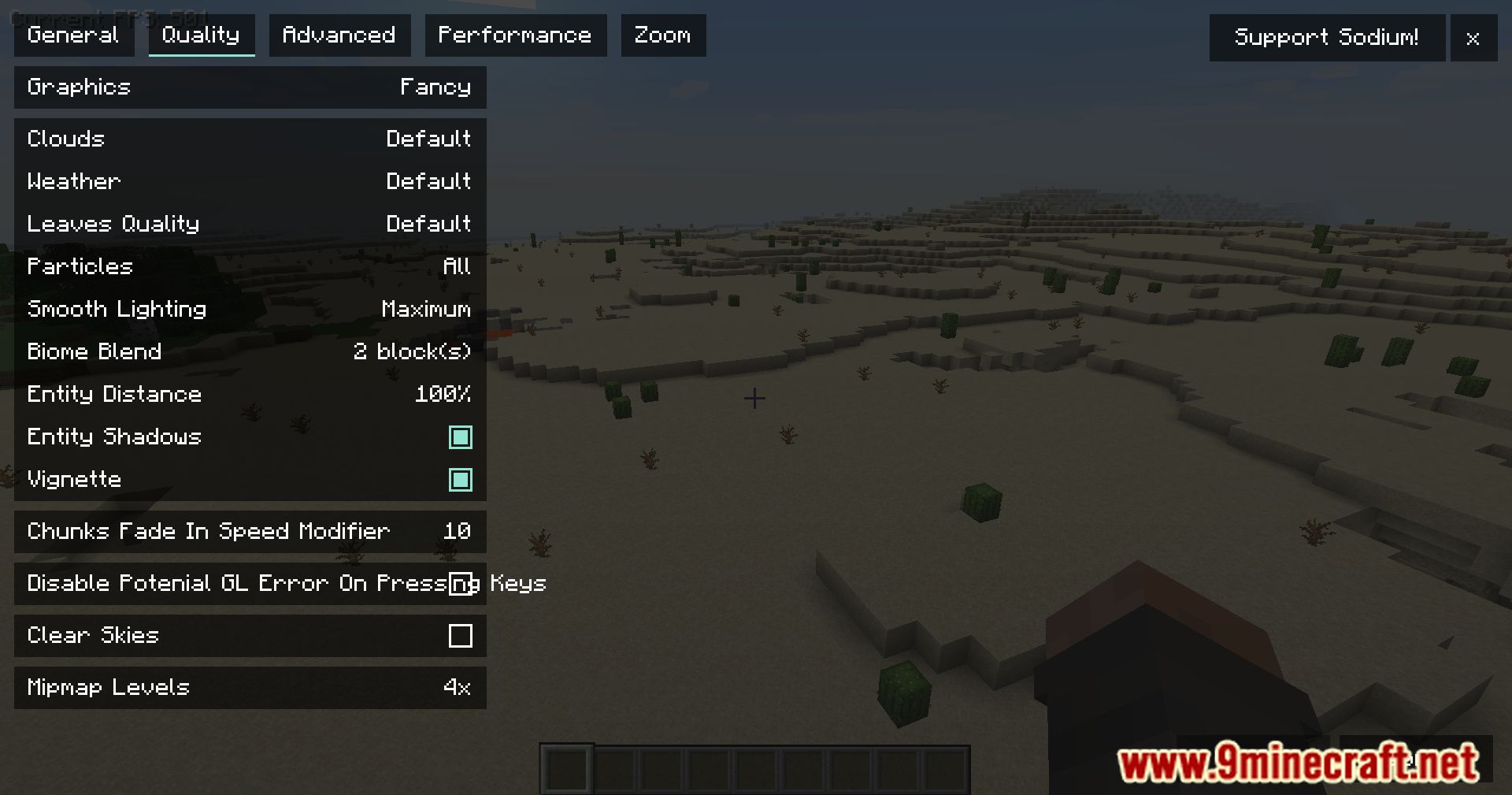
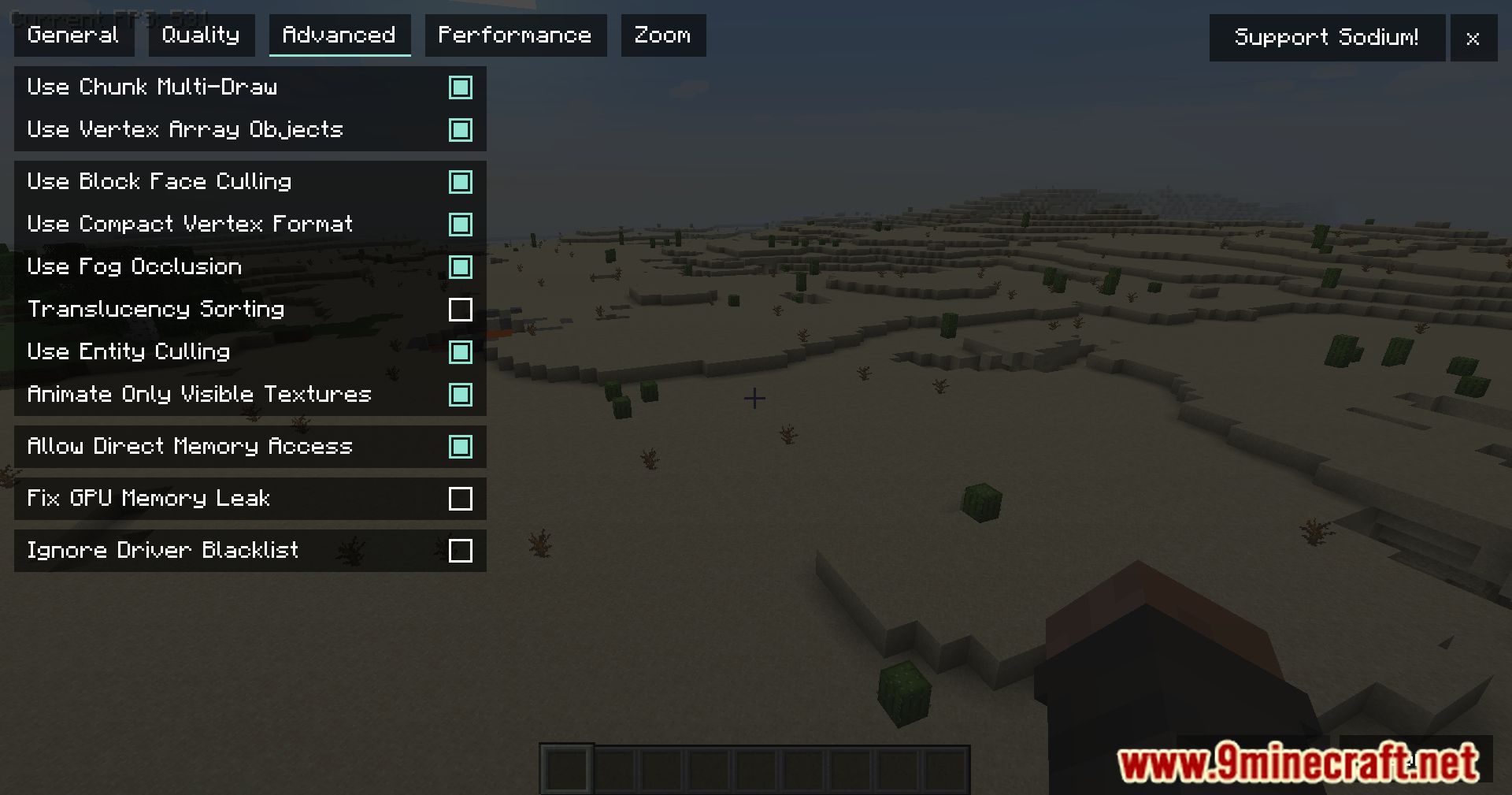
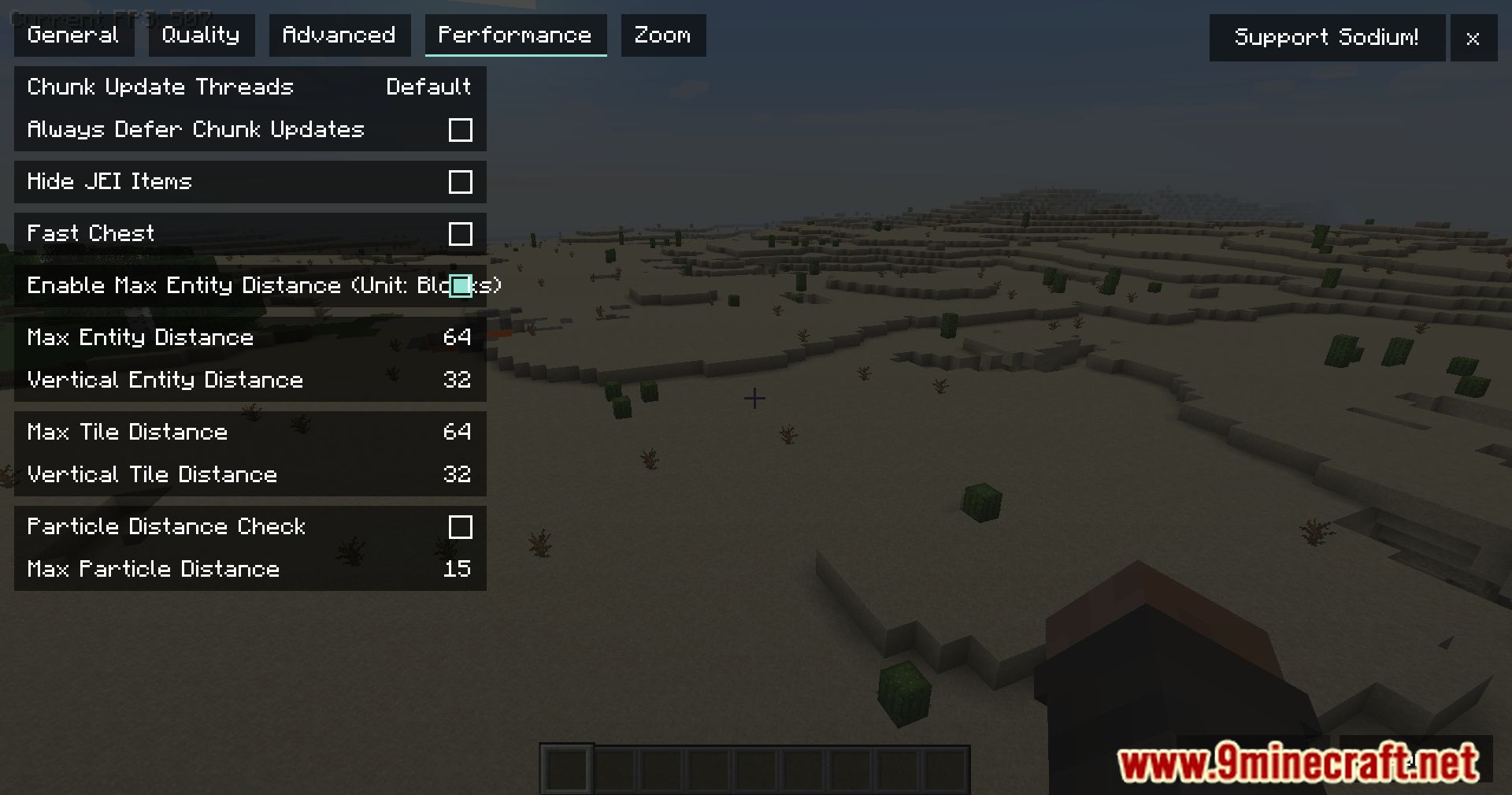
- Adds optional features and video settings from TDV Tweaks, FastChest, VideoTape, and Clear Skies, all disabled by default.
- Updates mixin code so the Fade In Chunks feature stays compatible with the latest Rubidium version.
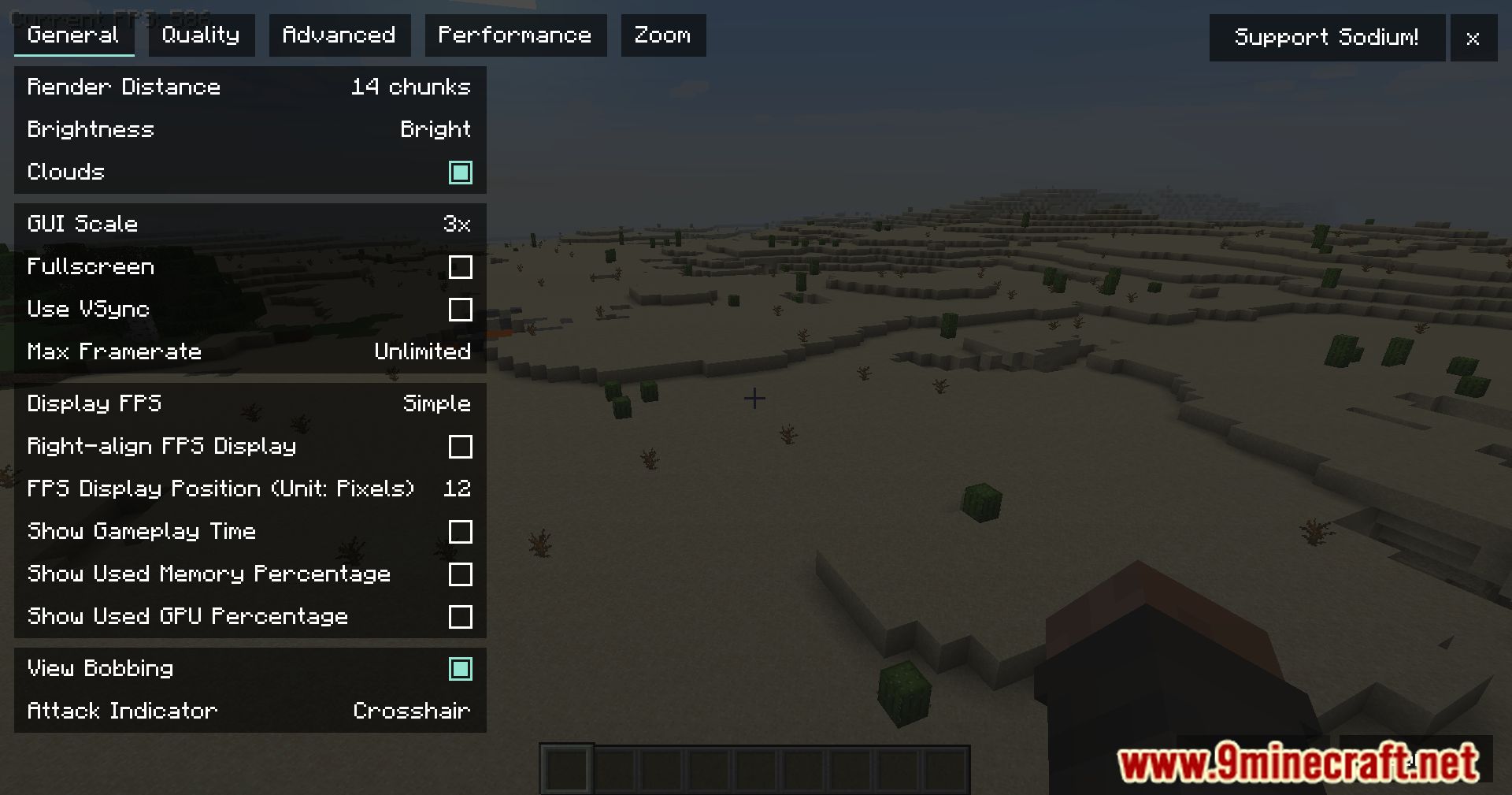
- Shows memory usage percentage and game playing time right after the FPS viewer, with both options disabled by default.
- Adds distance-based particle culling from the player, with a configurable distance setting turned off by default.
- Changes the Chunks Fade In quality config into a custom fading speed option for more control.
- Lets you write entity or tile entity registry names in the entitylist config so they are never affected by the Max Entities View Distance rule.
- Lets you write mod IDs in the entitylist config so all entities and tile entities from those mods always render without distance limits.
Configuration:
Chunks Fade In: Sets a custom chunk fading speed instead of a fixed quality option.entitylist(Entity & Tile Entity List): Add entity or tile entity registry names so they ignore theMax Entities View Distancerule.entitylist(ModID List): Add one or more mod IDs so all entities and tile entities from those mods always render and ignore theMax Entities View Distancerule.
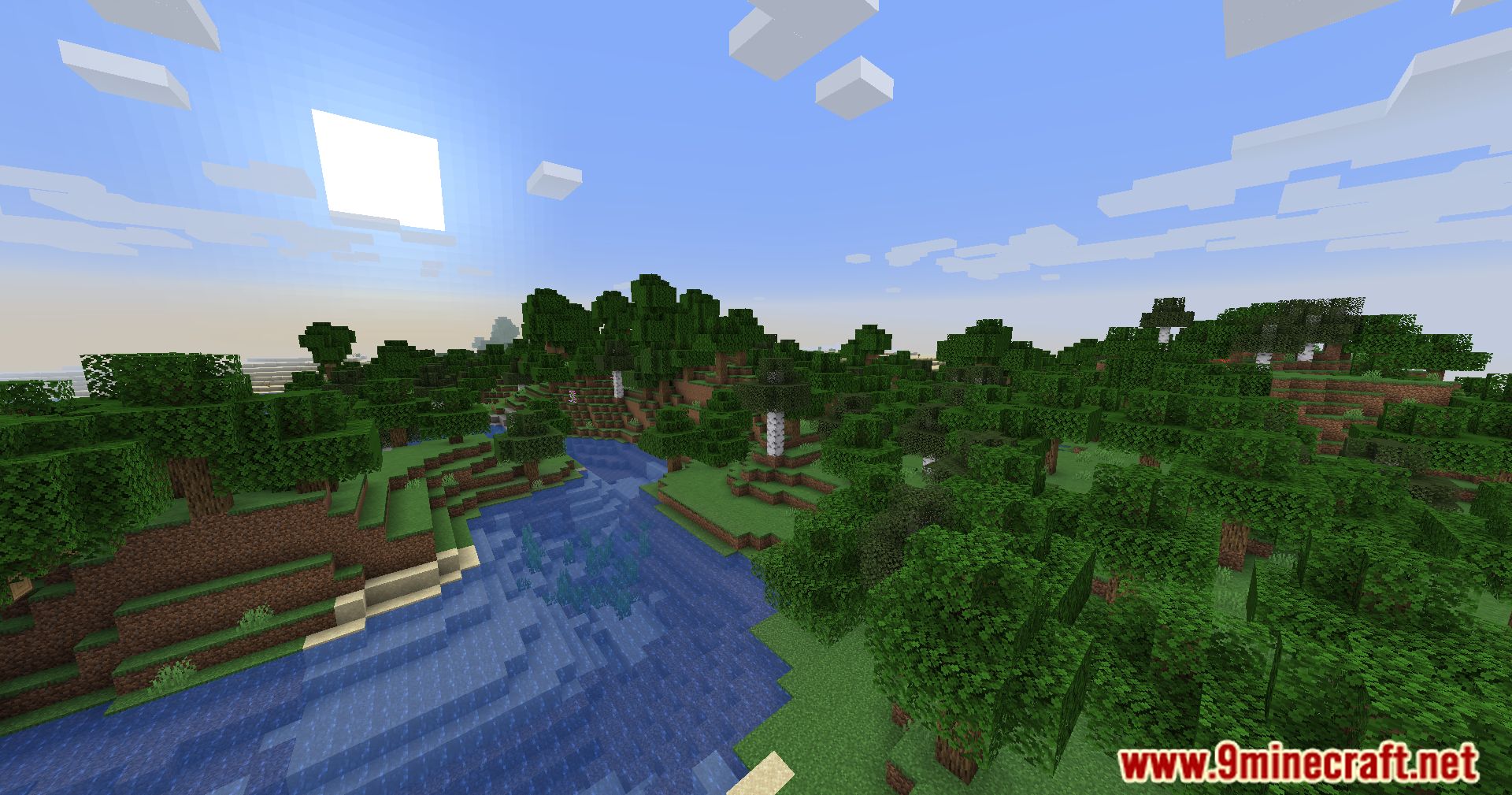
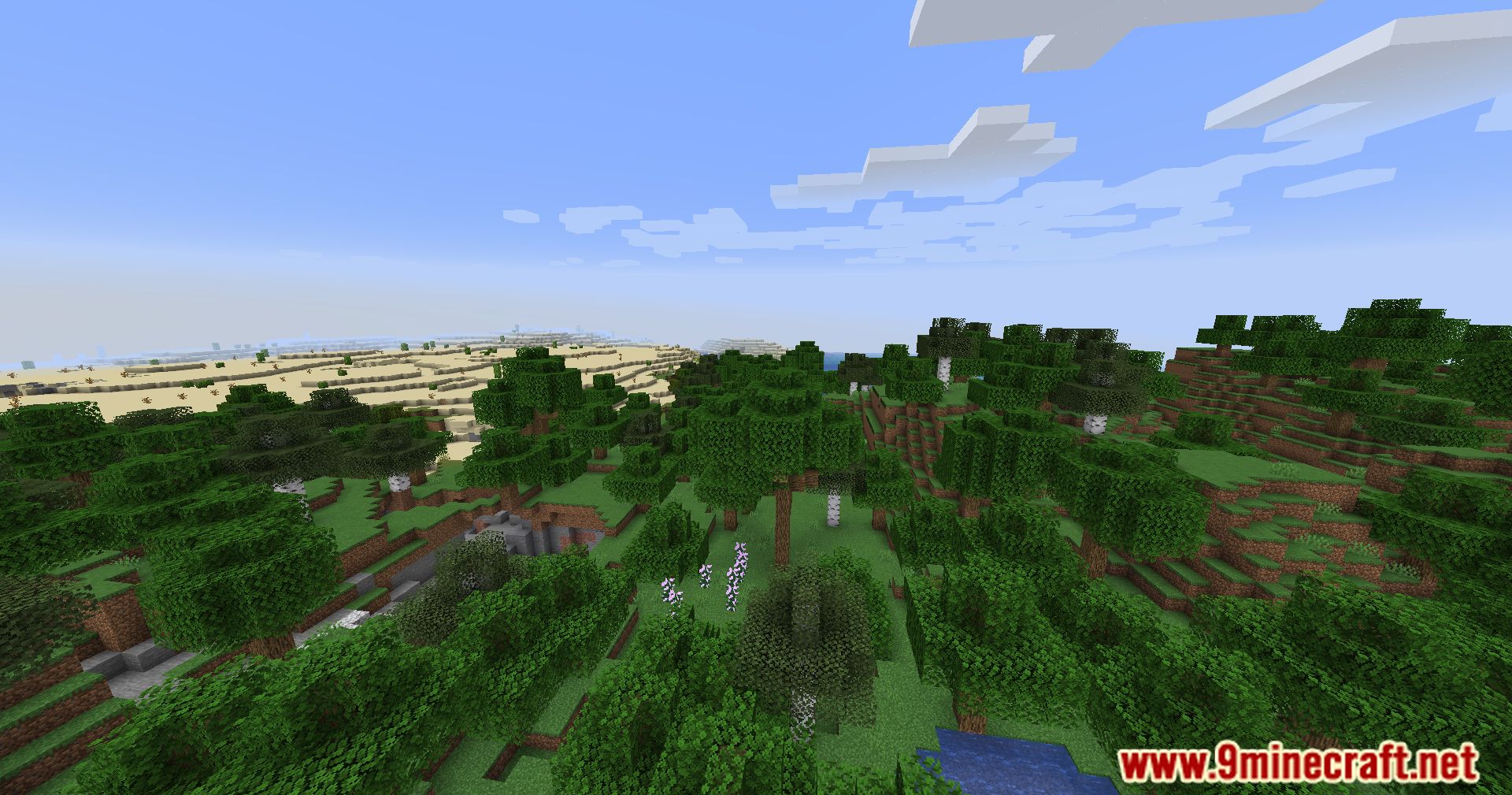
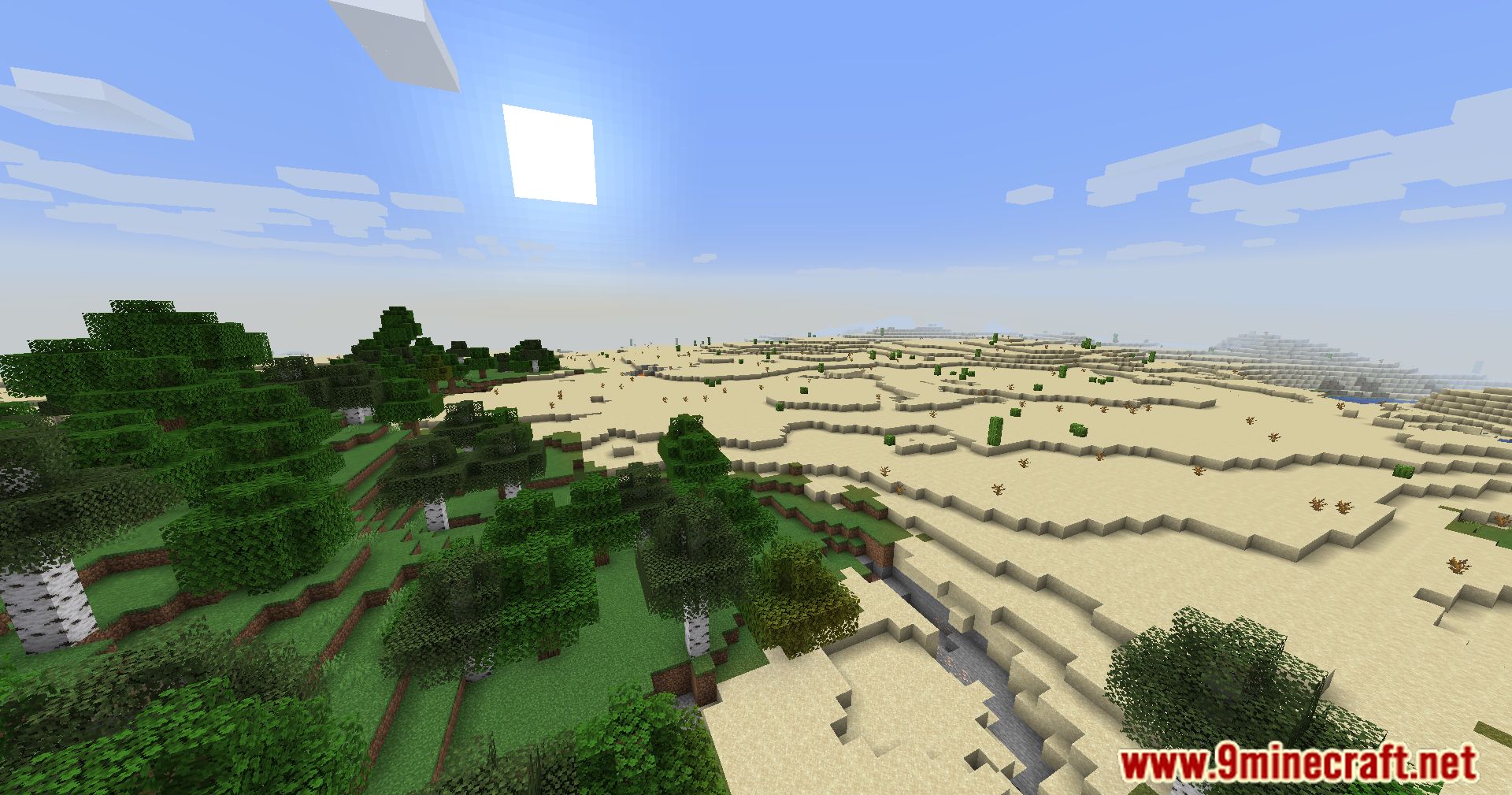
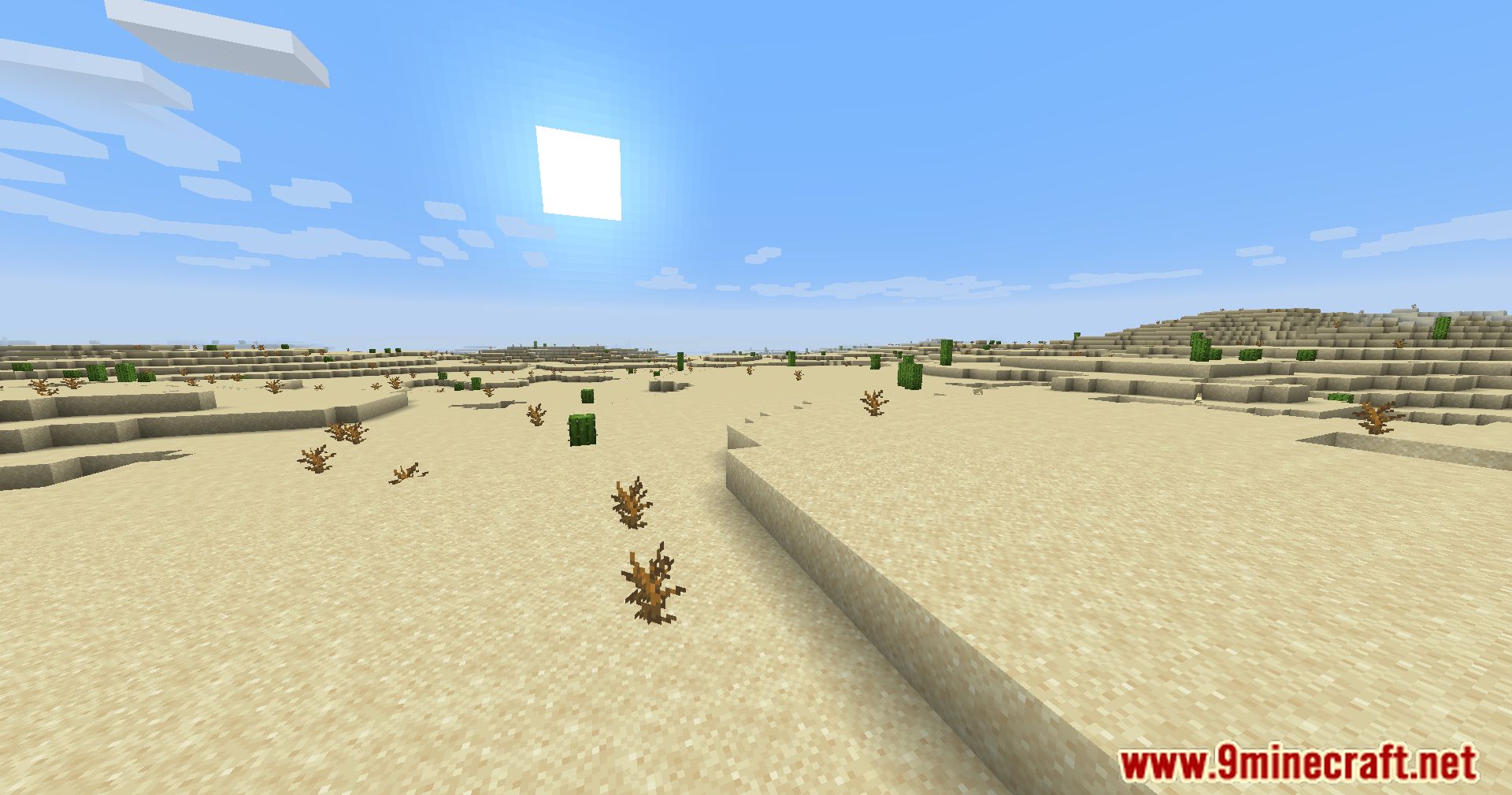
Screenshots:
How to Install:
New to Minecraft? Follow our step-by-step guide to install Mods on your PC.View Guide
Embeddium Extras Mod Download Links
For Minecraft 1.16.5
Forge Version: Download from Server 1 – Download from Server 2
You May Also Like
Picked for this page
 Tweakeroo Mod (26.3, 1.20.1) – Hand Restock, Hotbar Swap
 No Hurt Cam Mod (1.20.1) – Turn Off Damage Camera Shake
 Grindstone Sharper Tools Mod (26.3, 1.20.1) – Increase The Damage of Tools
 Better End Sky Mod (26.3, 1.20.1) – Custom Sky Textures
 JCPlugin Mod (26.3, 1.20.1) – Library for Jomcraft Network
 Better Boat Movement Mod (26.3, 1.20.1) – Allows Boats to Step Up Blocks During Travel
 Project Red Expansion Mod (1.21.1, 1.20.1) – Project Red Mechanical
 Vanilla Shutters Mod (1.21.11, 1.21.1) – 15 Shutter Variants
 TxniLib Mod (1.21.5, 1.20.1) – Develop Mods Simultaneously
 Subtitle Highlight Mod (1.20.1, 1.19.4) – Never Miss a Creeper’s Hiss Again
 Ex Meteor Shower Mod (1.21.1, 1.20.1) – Dynamic Meteor System
 Combat Music Mod (1.20.1, 1.19.2) – Music Matching The Situation
Most viewed in Mods over the last 7 days
 Ala Industrial Mod (26.3) – Run Electric Power Grids and Automated Factories
 PleasureCraft Mod (26.3, 1.21.1) – Jenny Mod Remake for Fabric
 Jennycraft Mod (26.3, 1.20.1) – Virtual Girlfriend in Minecraft
 Fapcraft Mod (26.3, 1.12.2) – Comprehensive and Detailed Content
 Jenny Mod (Fapcraft) Official Complete Guide – How to use, Tutorial
 BangCraft Mod (1.20.1) – Jenny, Ellie and Elliot
 Fabric Loader (26.3, 1.20.1) – Fabric Installer for All Minecraft Versions
 The Shooting Star Demo Mod (26.3, 1.20.1) – Vaporize Terrain From Orbit
 Meteor Client Mod (26.3, 1.20.1) – Xray, HUD, Fly
 OptiFine HD (26.3, 1.20.1) – Run Faster, FPS Boost, Shaders Support
 Aristois Client Mod (1.21.4, 1.20.1) – World Class Minecraft Utility
 Prestige Client Mod (1.21.11, 1.21.4) – Powerful Ghost Features for Crystal & Sword PvP
More from Mods
 HORROR Fake Join Leave Messages Mod (1.20.1) – Trigger Creepy Chat Scares
 Bons Voyage Mod (1.20.1) – Teleport Across Biomes Through Hidden Waystones
 Orbital Railgun UPDATED Mod (26.3) – Flatten Giant Landscapes From Space
 Automobility Autoradio Mod (26.3, 26.1.2) – Trade Custom Mixtapes with Friends
 Towers of the Wild 9minecraft Mod (26.3, 26.2) – Climb Tall Towers for Loot
 Ender Storage 9minecraft Mod (26.3, 26.2) – Send Loot Back Home From Any Dimension
 Snad 9minecraft Mod (26.3, 26.2) – Build Faster Sugar Cane and Nether Wart Farms
 Together Forever Unofficial Mod (1.12.2) – Share Team Advancements
 GroovyDuvet Mod (1.21.11, 1.20.1) – Run Groovy Scripted Addons Without Game
 Swing Through Grass 9minecraft Mod (26.3, 26.2) – Fight Mobs Without Breaking Tall Grass
 Improved Boss Bars 9minecraft Mod (26.3) – Unique Health Bars for Every Boss Fight
 Cozy’s Improved Wolves Mod (26.3, 1.20.1) – Bond with Loyal Dogs That Never Die

This post has no comments yet. Be the first — your comment will appear here.