
Ex Meteor Shower Mod (1.21.1, 1.20.1) – Stargaze Under Radiant Night Skies
 222
 0


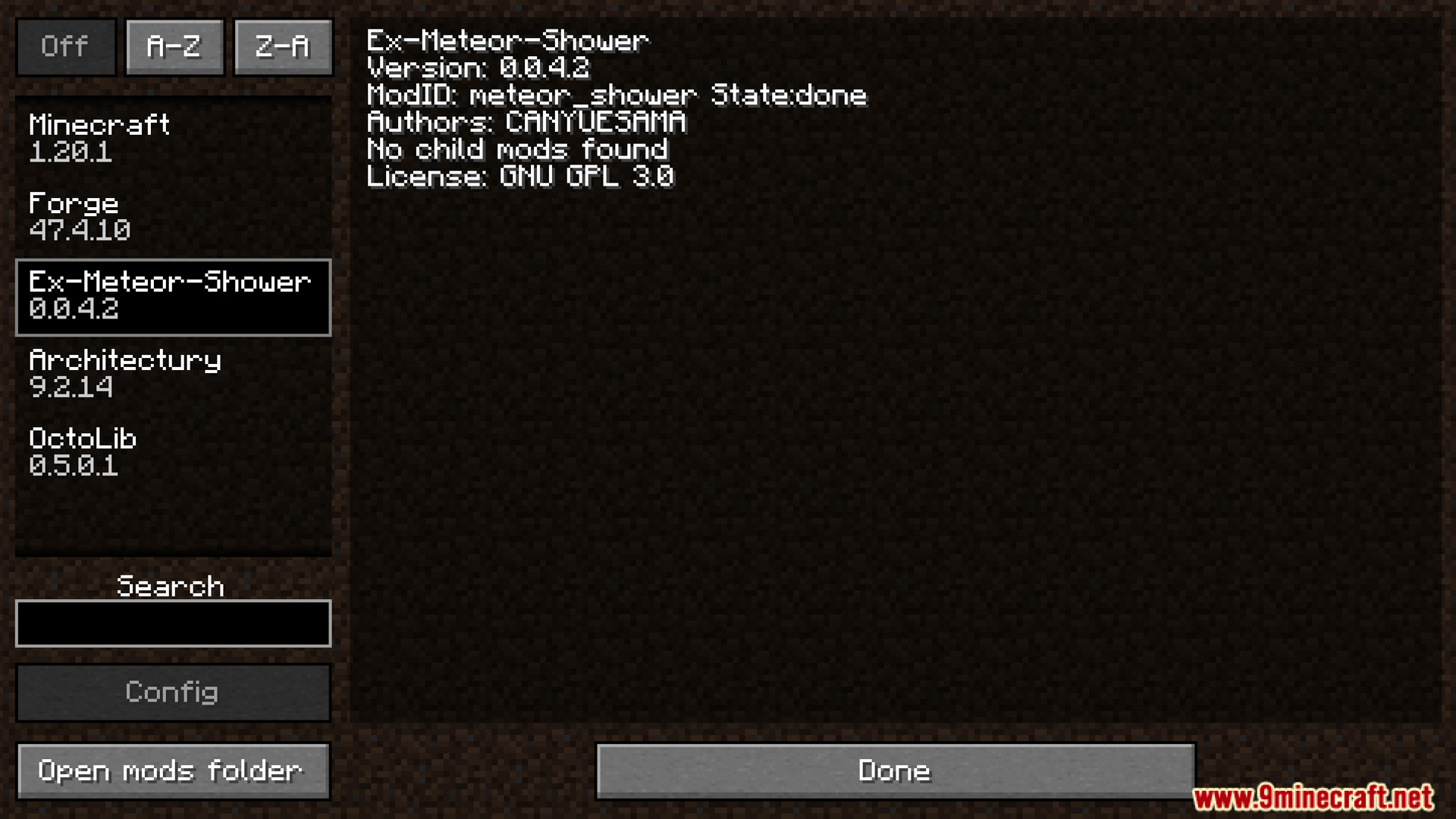
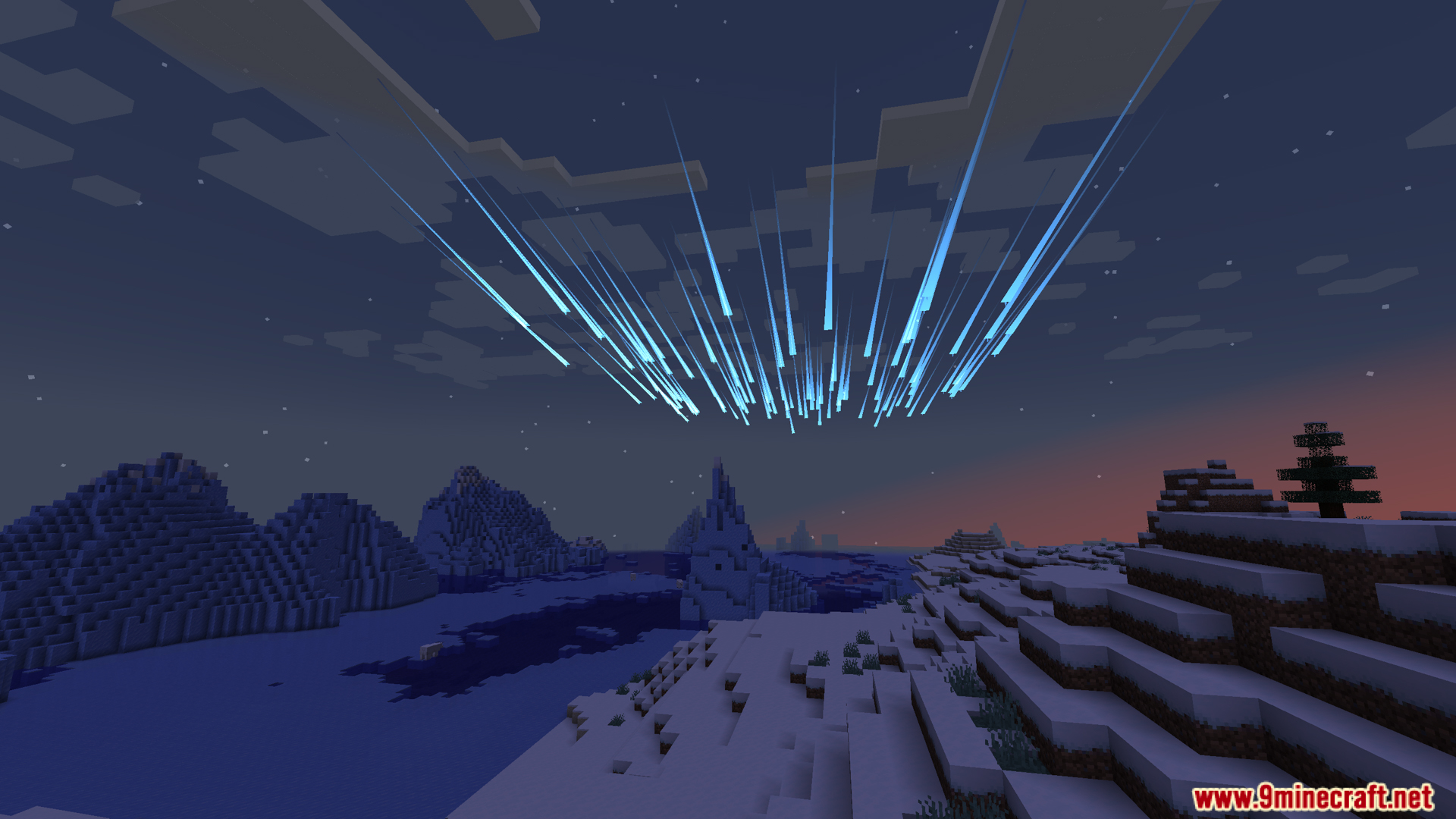
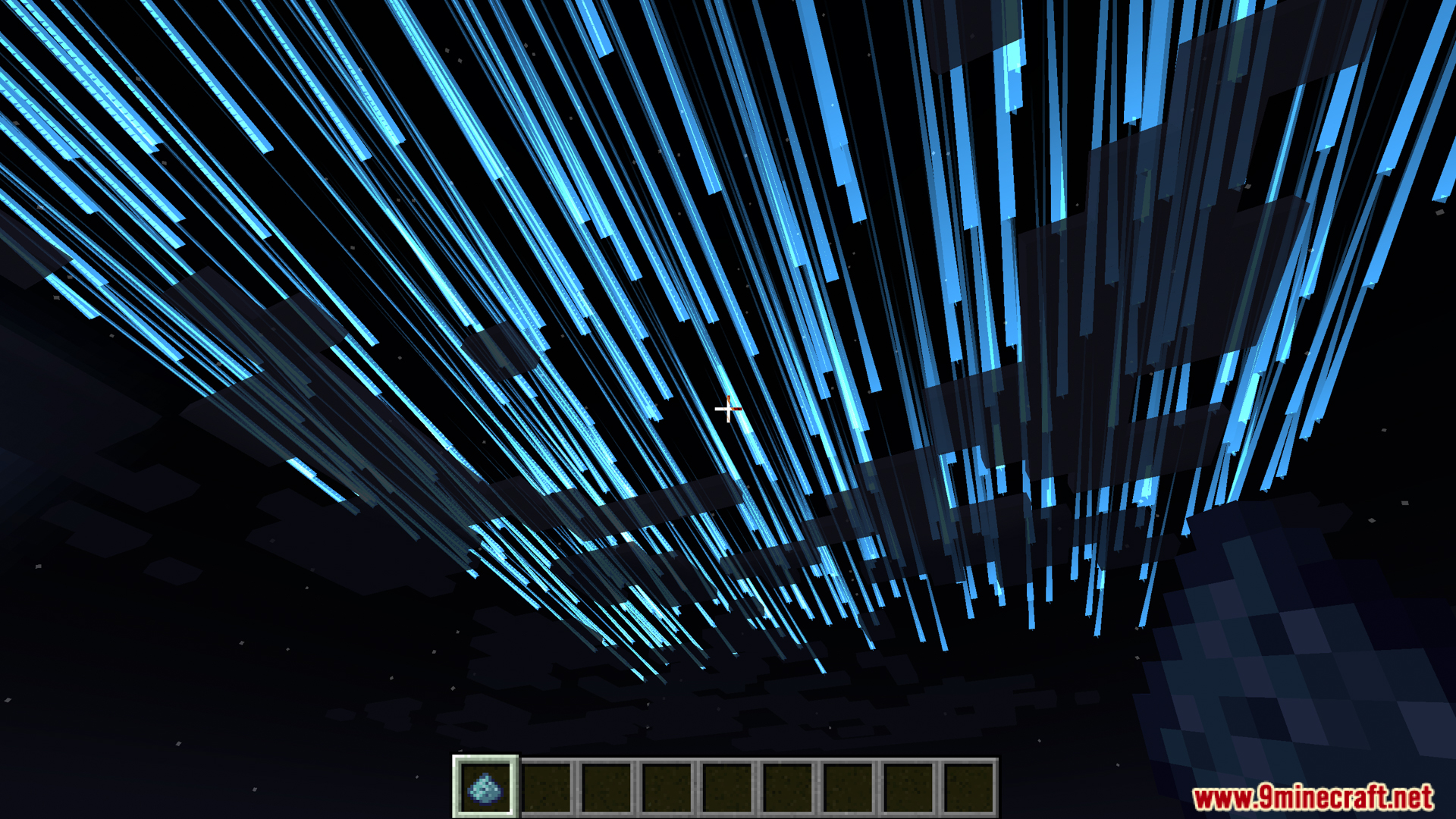
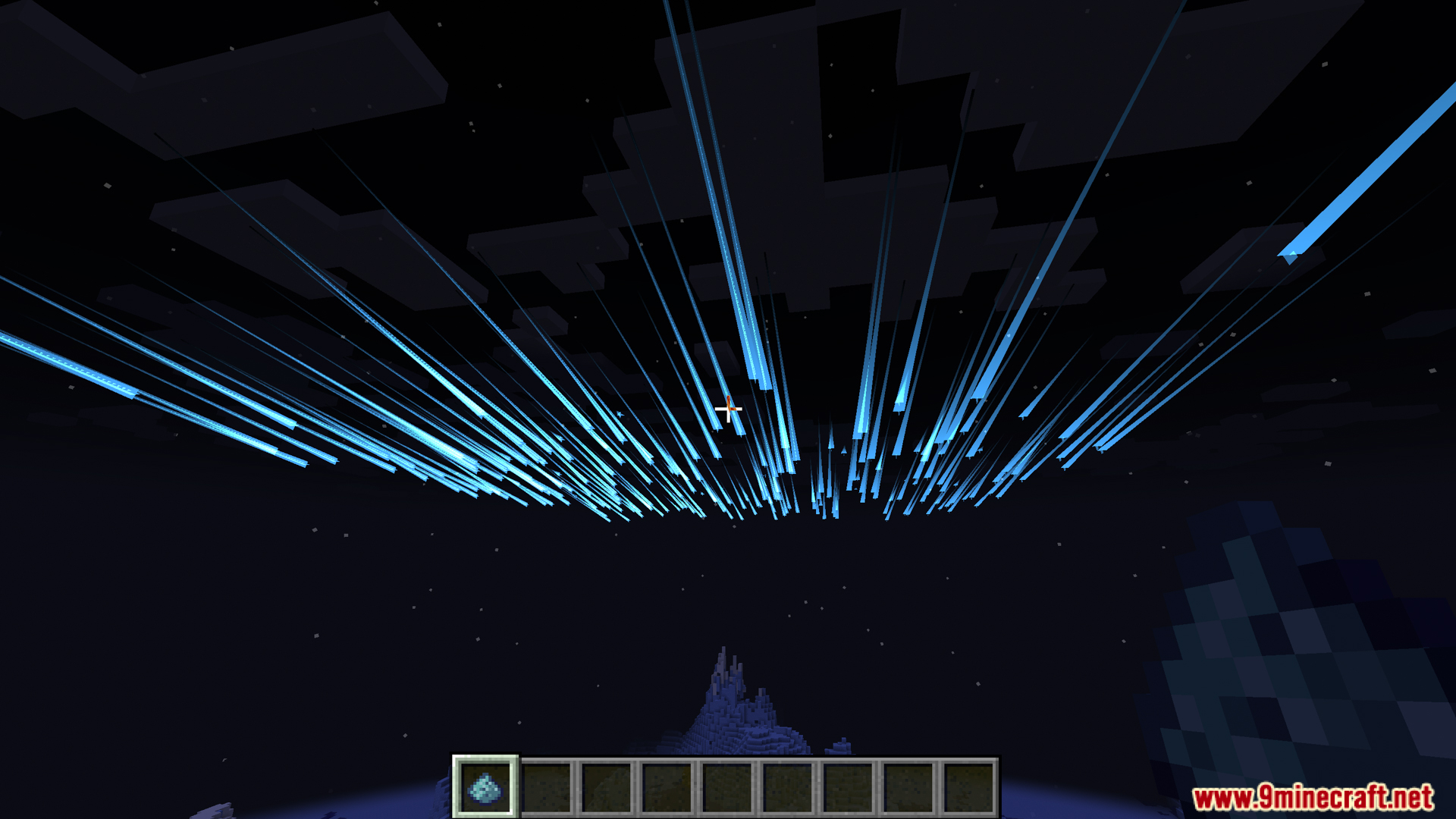
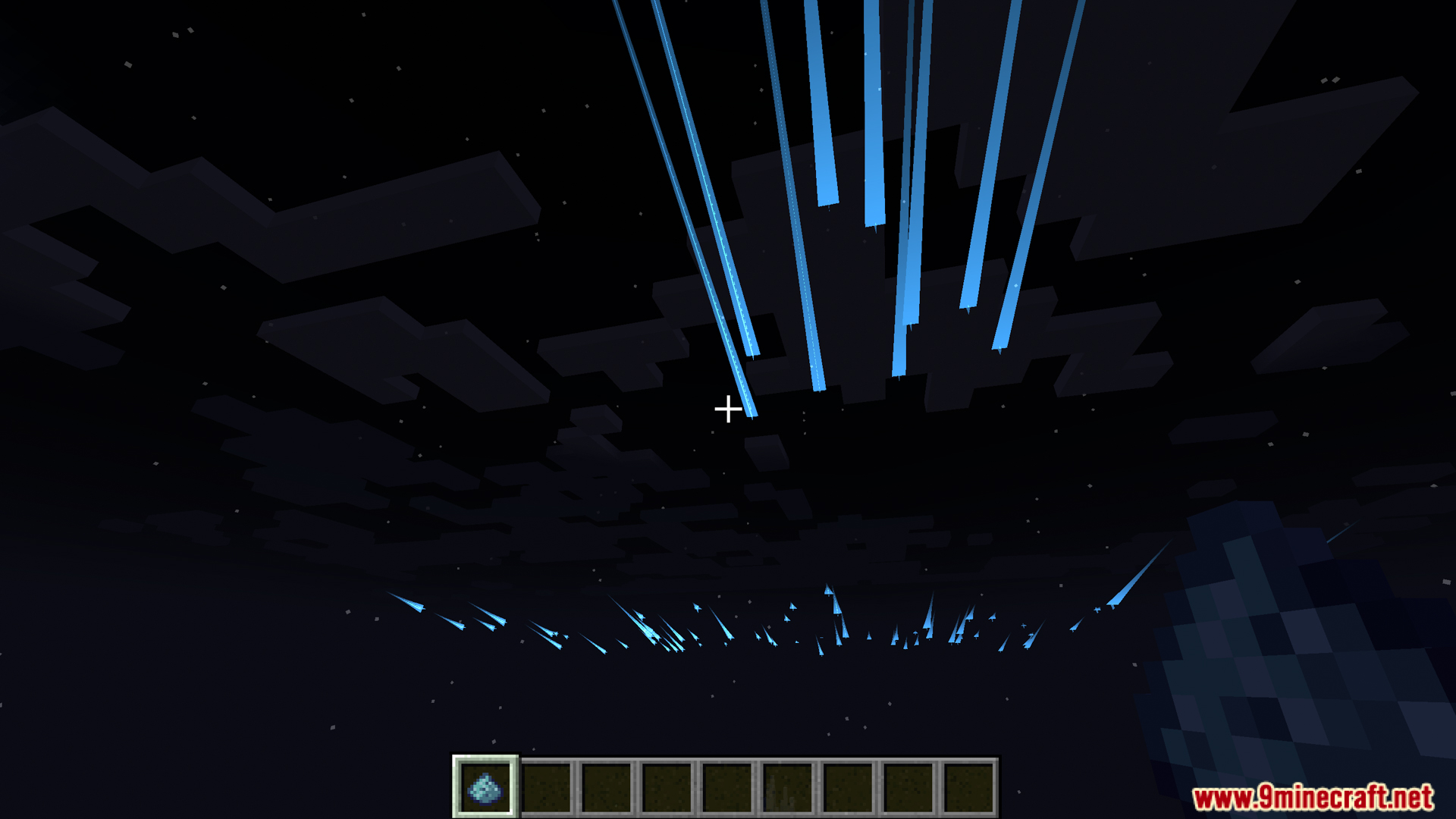
Ex Meteor Shower Mod adds natural meteor showers and a full meteor system to Minecraft. It triggers falling stars across the sky based on the time of day, moon phases, and current weather. This mod comes with four shower sizes, ranging from small showers to huge meteor storms, where every falling star gets its own path, speed, and glowing trail. You can change spawn chances, meteor counts, colors, and sizes through TOML and JSON config files, or control sky events directly with five in-game commands. It syncs between client and server so friends in multiplayer see the same events, and it requires OctoLib to display trail effects.
Ex Meteor Shower Mod – Video Showcase
Features:
- Natural Meteor Showers: Triggers falling stars in the sky automatically based on the time of day, moon phases, and current weather.
- Four Shower Sizes: Spawns four different event scales, going from small meteor showers to huge meteor storms.
- Live Config Reloading: Applies your custom config changes in real time so you do not need to restart the game.
- Gives every meteor its own flight path, speed, and lifespan with realistic physics.
- Adds smooth glowing trail animations across the sky and special impact effects when meteors hit the ground.
- Lets you change meteor counts, sizes, colors, speeds, and spawn chances through JSON and TOML config files.
- Allows you to set separate trail effects for different mobs and other game entities.
- Includes five built-in commands so you can spawn showers at exact spots, run quick presets, check or force events, and clear active meteors.
- Syncs sky events between the client and server so every player in multiplayer sees the same meteor shower.
- Manages active meteors and memory smartly to keep your game running smoothly.
- Uses a clean, modular design that works well alongside other popular mods.
Commands:
/meteor_shower <coordinates> <quantity> [radius] [height]: Spawns a meteor shower at the spot you pick with your chosen count, spread radius, and sky height./quick_meteor <preset>: Starts a quick meteor shower using a built-in preset./meteorevent status|force|reset: Checks the current meteor event status, forces a shower to start, or resets the event system./clearmeteors [all]: Removes active meteors from the world./reload_trail_config: Reloads your trail config settings right away without restarting Minecraft.
Configuration:
You can edit natural spawn settings in config/star_rain_natural.toml and trail effects in config/meteor_shower/trail_config.json:
base_chance: Sets the base chance for a natural meteor shower to start (example value:0.001).night_bonus: Adds extra trigger chance during the night (example value:0.002).min_count_small: Sets the lowest meteor count for a small shower (example value:5).max_count_small: Sets the highest meteor count for a small shower (example value:15).size: Controls how large the glowing trail looks for targets likemeteor_shower:fallen_star_entity(example value:1.5).max_points: Sets the maximum number of points used to draw each smooth trail (example value:200).fade_in_color: Sets the starting color of the trail using a hex color code (example value:#FFFF8800).fade_out_color: Sets the ending color as the trail fades away (example value:#80FF4400).
How to Use:
- Load into your world; natural meteor showers turn on automatically and start based on the time of day, moon phases, and weather.
- Type
/meteorevent statusin chat to check the current event state, or use/meteorevent forceand/meteorevent resetto trigger or reset a shower on demand. - Run
/quick_meteor <preset>to start a preset shower fast, or use/meteor_shower <coordinates> <quantity> [radius] [height]to spawn meteors at an exact spot. - Type
/clearmeteors [all]in chat whenever you want to clear active meteors from the sky. - Edit
config/star_rain_natural.tomlto adjust spawn chances and shower counts, or editconfig/meteor_shower/trail_config.jsonto change trail sizes and colors. - Run
/reload_trail_configin chat to apply your updated trail settings right away without restarting the game.
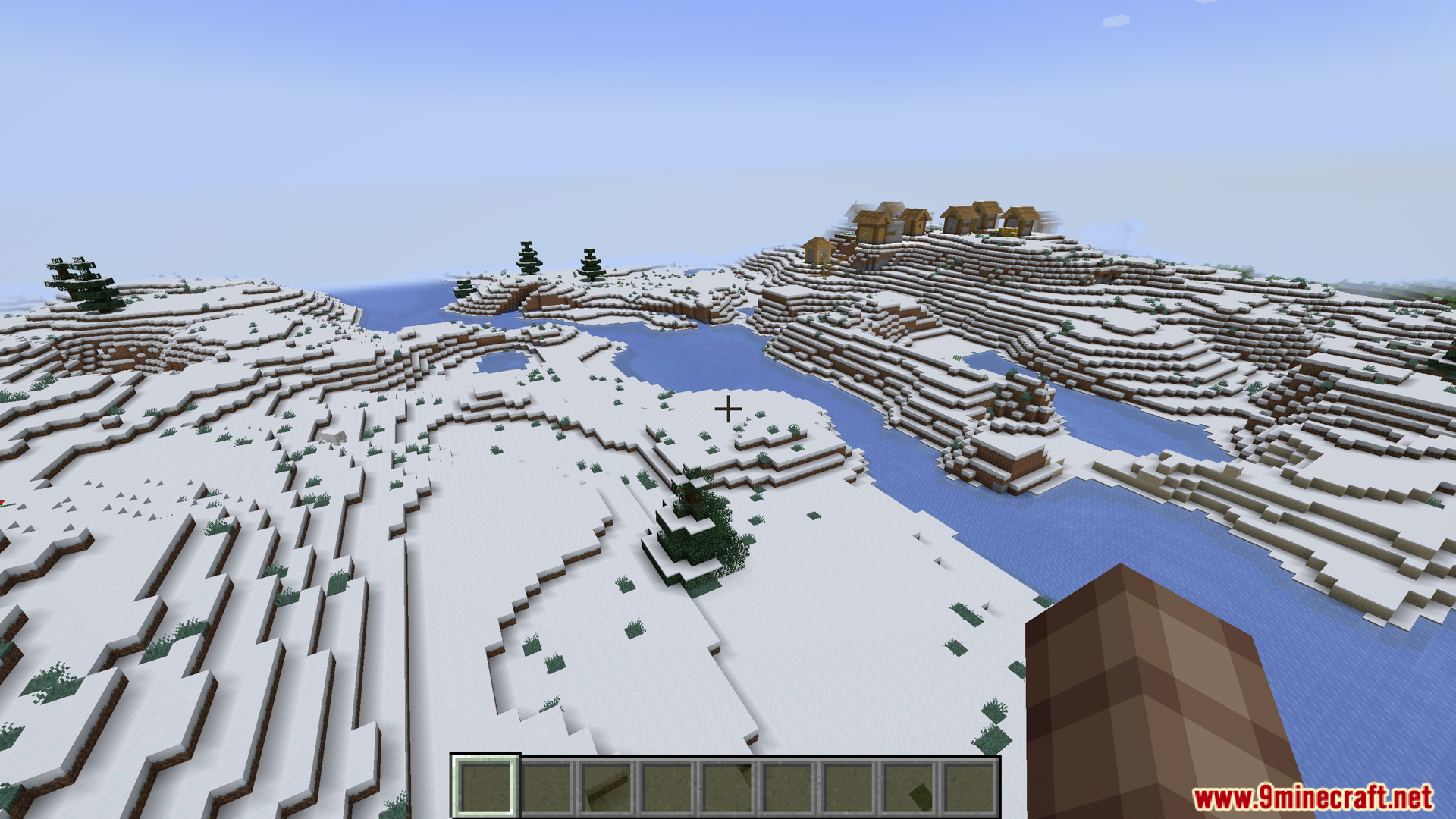
Screenshots:

How to Install:
New to Minecraft? Follow our step-by-step guide to install Mods on your PC.View Guide
Requirements:





Ex Meteor Shower Mod Download Links
For Minecraft 1.21.1, 1.21
For Minecraft 1.20.1
Who do you usually play modded Minecraft with?
55 responses · See the full results →
You May Also Like
Picked for this page
 Multi Mine Mod (26.3, 1.20.1) – Save Block Breaking Progress
 Visuality Mod (26.3, 1.20.1) – A Bunch of New Particles
 Chunk Loaders Mod (26.3, 1.20.1) – Keep Everything Running Even When You’re Away
 Mounted Pearl Mod (1.21.1, 1.20.1) – Stay Mounted When You Use Ender Pearls
 Merge Enchantments Mod (26.1.2, 1.20.1) – Combining All Enchantments
 Mine Spawners Mod (1.21.11, 1.20.1) – Get Spawners Using a Silk Touch Pick
 O-Peepo’s Timber Mod (1.21.10, 1.20.1) – Automatic Tree Felling
 Quick Right-Click Mod (26.3, 1.20.1) – Easy Handheld Workstations
 Peek Mod (26.3, 1.20.1) – Elevating Your Minecraft Experience
 TxniLib Mod (1.21.5, 1.20.1) – Develop Mods Simultaneously
 Desert Oasis Mod (1.21.11, 1.20.1) – New Structure In Deserts
 Better Library Mod (26.3, 1.20.1) – Adds Custom Player Join Messages
Most viewed in Mods over the last 7 days
 Ala Industrial Mod (26.3) – Run Electric Power Grids and Automated Factories
 PleasureCraft Mod (26.3, 1.21.1) – Jenny Mod Remake for Fabric
 Jennycraft Mod (26.3, 1.20.1) – Virtual Girlfriend in Minecraft
 Fapcraft Mod (26.3, 1.12.2) – Comprehensive and Detailed Content
 Jenny Mod (Fapcraft) Official Complete Guide – How to use, Tutorial
 BangCraft Mod (1.20.1) – Jenny, Ellie and Elliot
 Fabric Loader (26.3, 1.20.1) – Fabric Installer for All Minecraft Versions
 The Shooting Star Demo Mod (26.3, 1.20.1) – Vaporize Terrain From Orbit
 Meteor Client Mod (26.3, 1.20.1) – Xray, HUD, Fly
 OptiFine HD (26.3, 1.20.1) – Run Faster, FPS Boost, Shaders Support
 Aristois Client Mod (1.21.4, 1.20.1) – World Class Minecraft Utility
 Prestige Client Mod (1.21.11, 1.21.4) – Powerful Ghost Features for Crystal & Sword PvP
More from Mods
 owo-lib 9minecraft Mod (26.3) – Run Your Favorite Mods Without Errors
 Moonlight 9minecraft Lib (26.3, 26.2) – Run Complex Mods Without Errors
 Load My Tags 9minecraft Mod (26.3) – Mix Mods Without Breaking Recipes
 Kambrik 9minecraft Mod (26.3) – Run Kotlin Mods Without Game Lag
 Fast Paintings 9minecraft Mod (26.3, 26.2) – Place Wall Art Exactly Where You Want It
 Bonsai Trees 9minecraft Mod (26.3, 26.2) – Automate Wood Farming in Tiny Pots
 Enhanced Block Entities 9minecraft Mod (26.3) – Build Lag-Free Storage Rooms
 Better Nether 9minecraft Mod (26.3, 26.2) – Survive Forever in the Nether
 BCLib 9minecraft Mod (26.3, 26.2) – Power Custom Nether and End Overhauls
 ForgedLoaderAPI Mod (1.19.2, 1.18.2) – Bring Ported Fabric Creations
 Shield System Mod (1.21.1) – Tank Heavy Monster Hits Without Losing Hearts
 Shin’s Tensura Race Models Mod (1.19.2) – Play As Unique 3D Anime Race

This post has no comments yet. Be the first — your comment will appear here.