
Create: Interactive Mod (1.20.1, 1.19.2) – Edit Working Machines in Motion

 0


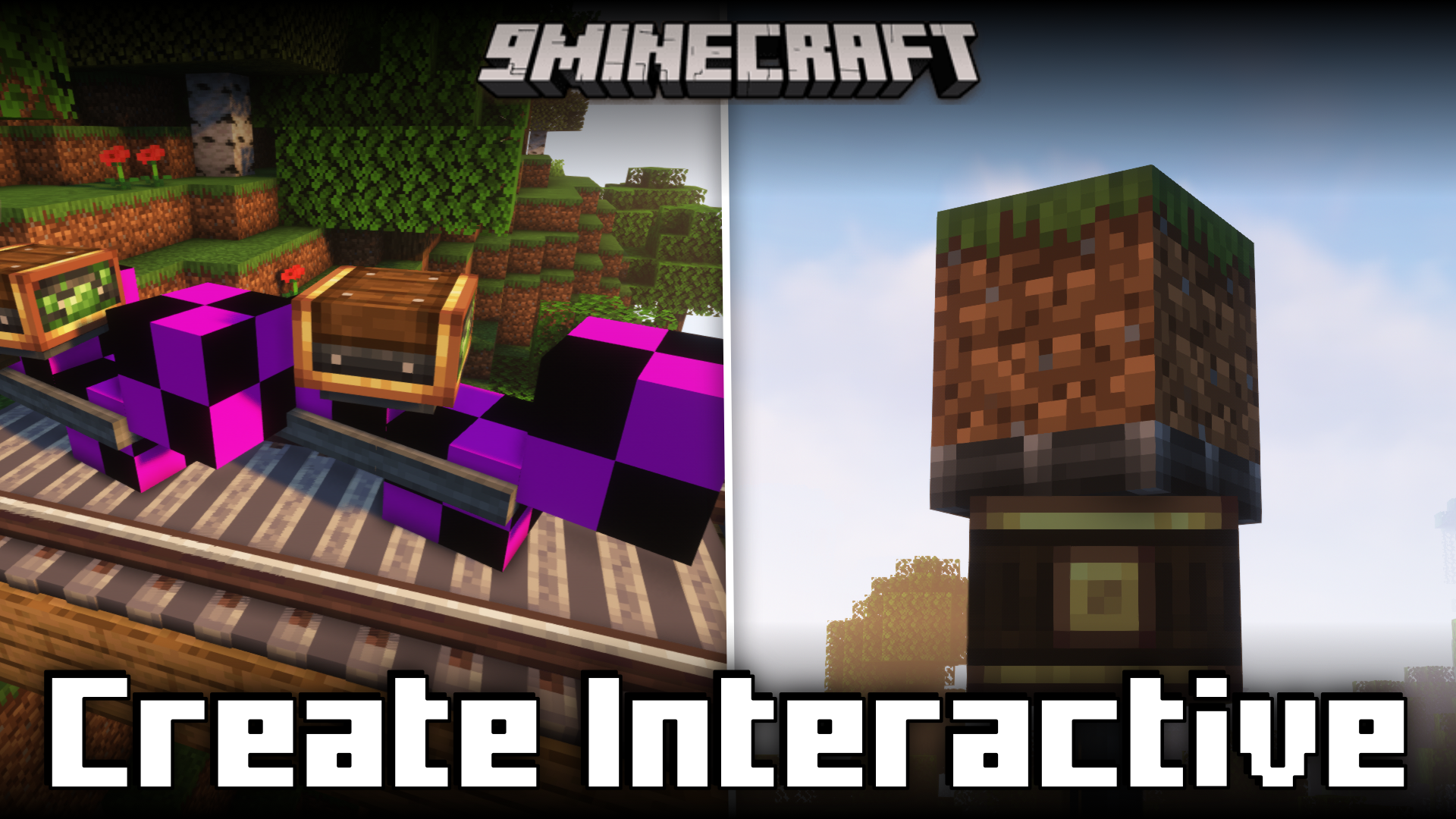
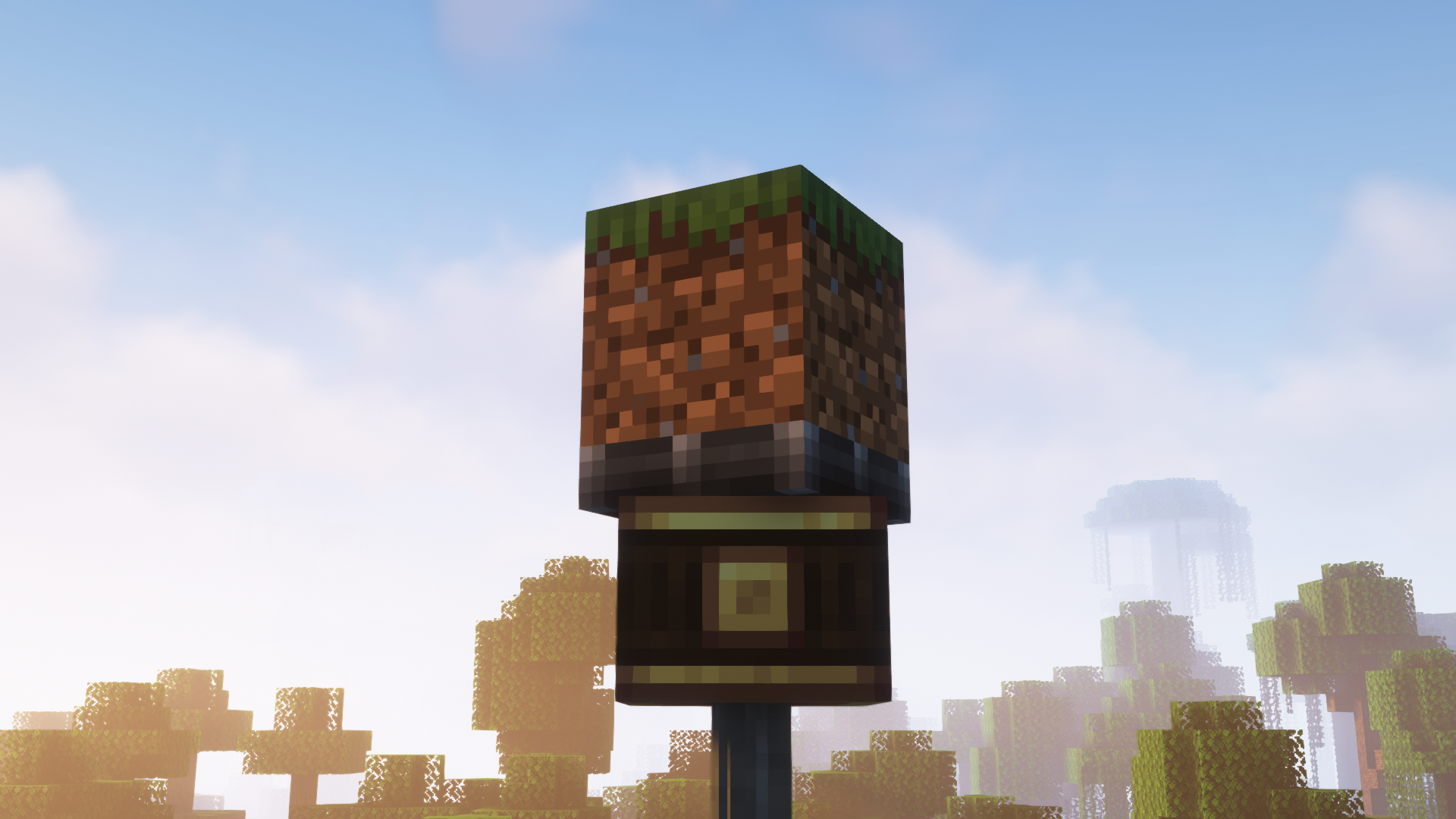
Create: Interactive Mod extends the Create mod with VS2 so contraptions act like regular Minecraft blocks. You can place, break, and stack blocks directly on existing contraptions. Trains can derail off their tracks, keep their momentum, and push other derailed trains while still on the rails. This addon also adds the Interact Me Block, the Rotation Propagator Bearing, and the Train Buffer Stop to control interactive machines, power sub-contraptions, and keep trains on the tracks at the end of a line.
Features:
- Interactive Contraptions: Rebuilds Create contraptions with VS2 so they act like regular Minecraft blocks. You can place, break, and stack blocks directly on existing contraptions.
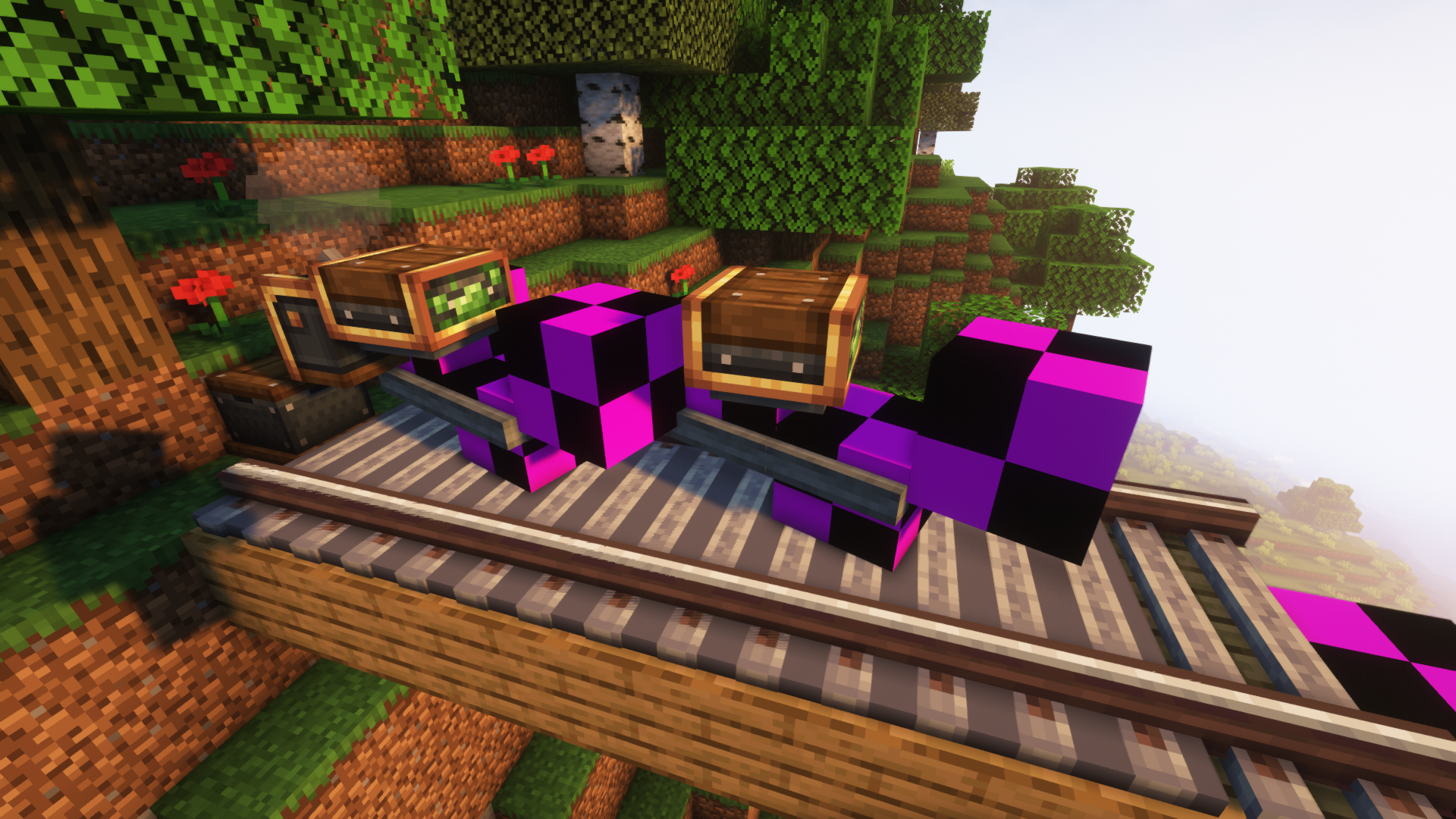
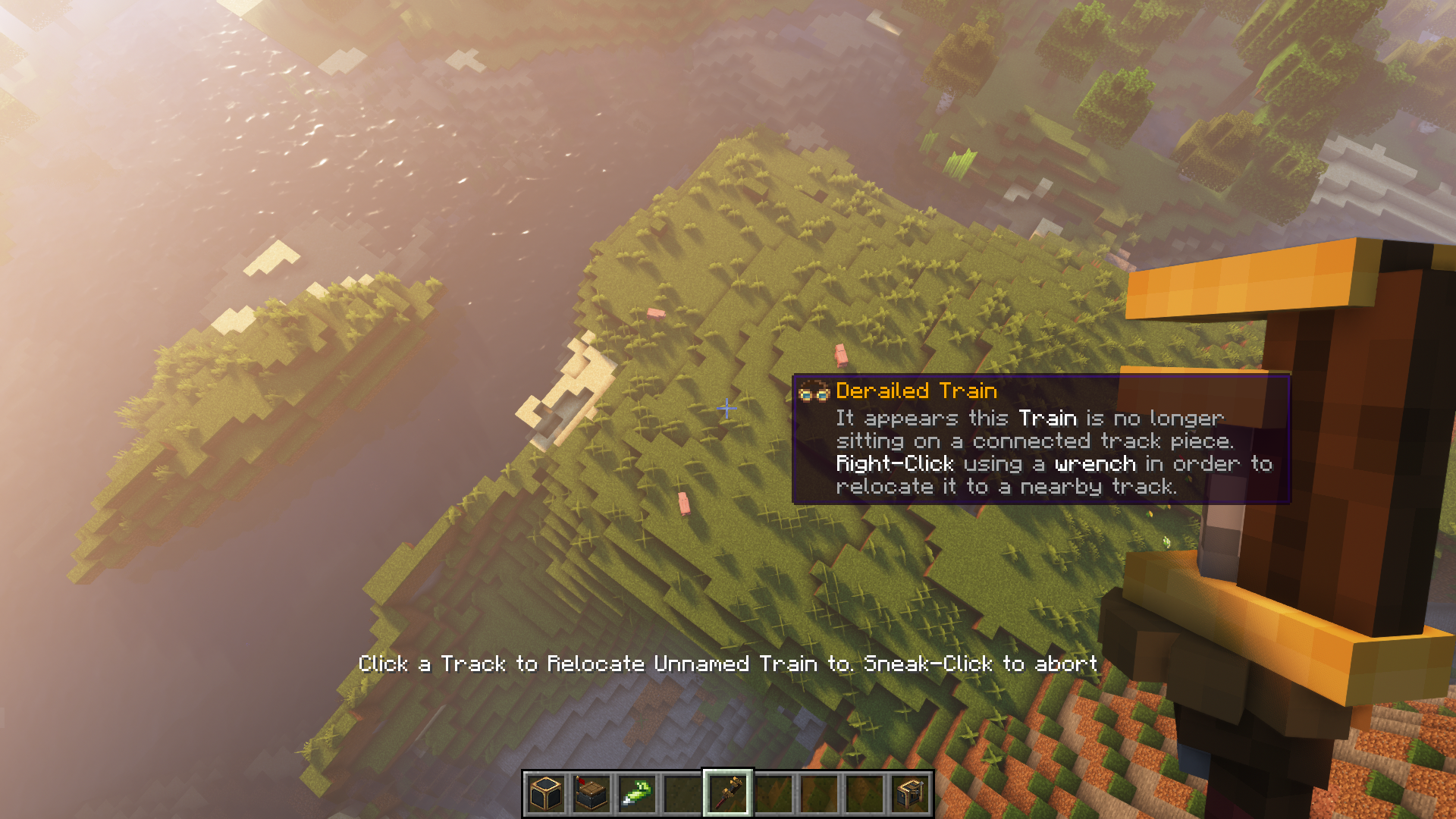
- Train Derailment: Lets trains derail off their tracks and roll off the end of a rail line by default. Trains keep their momentum and can push other derailed trains while still on the tracks.
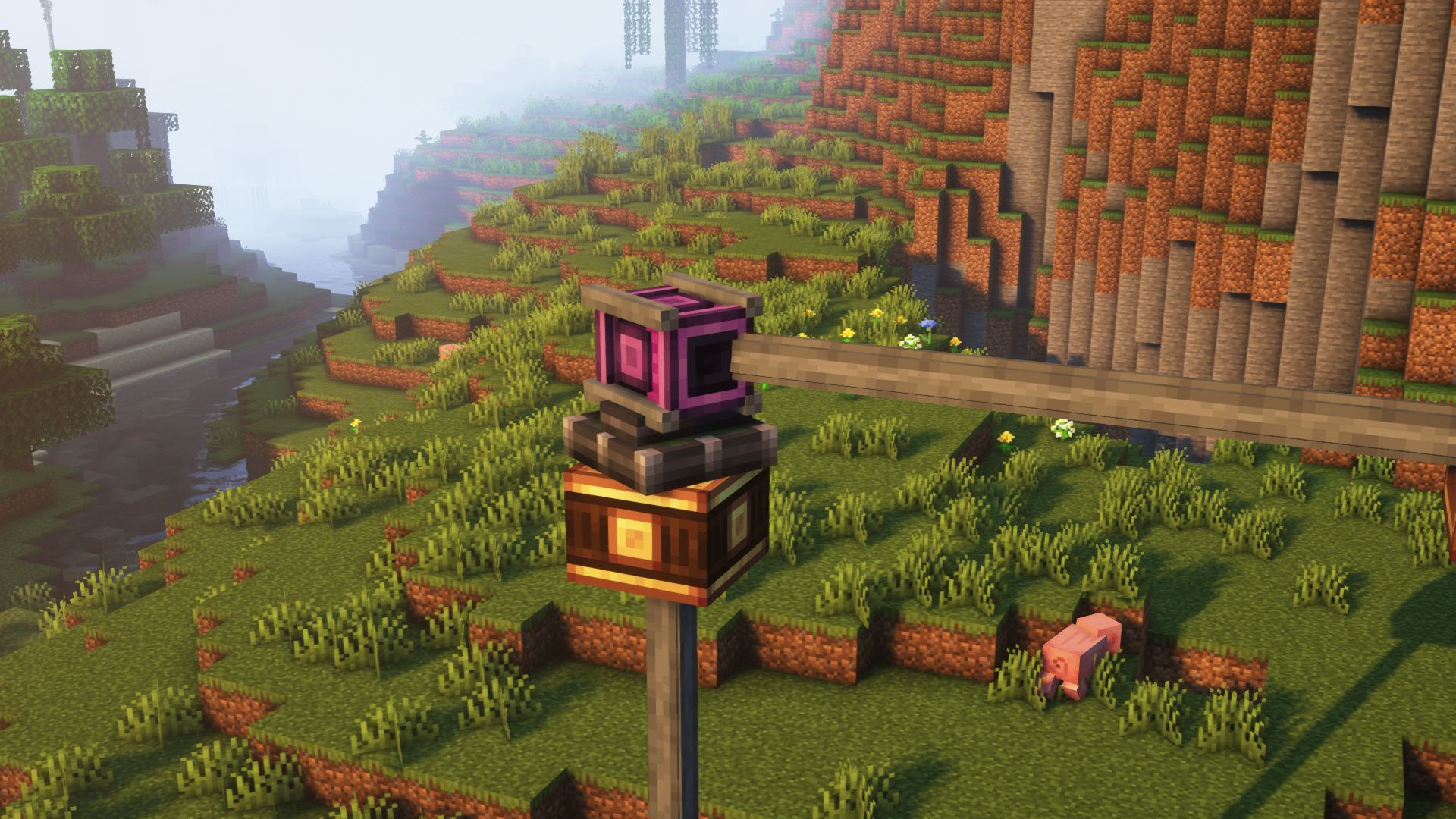
- Adds the Rotation Propagator Bearing, a modified mechanical bearing that passes rotation into its contraption and works great for sub-contraptions.
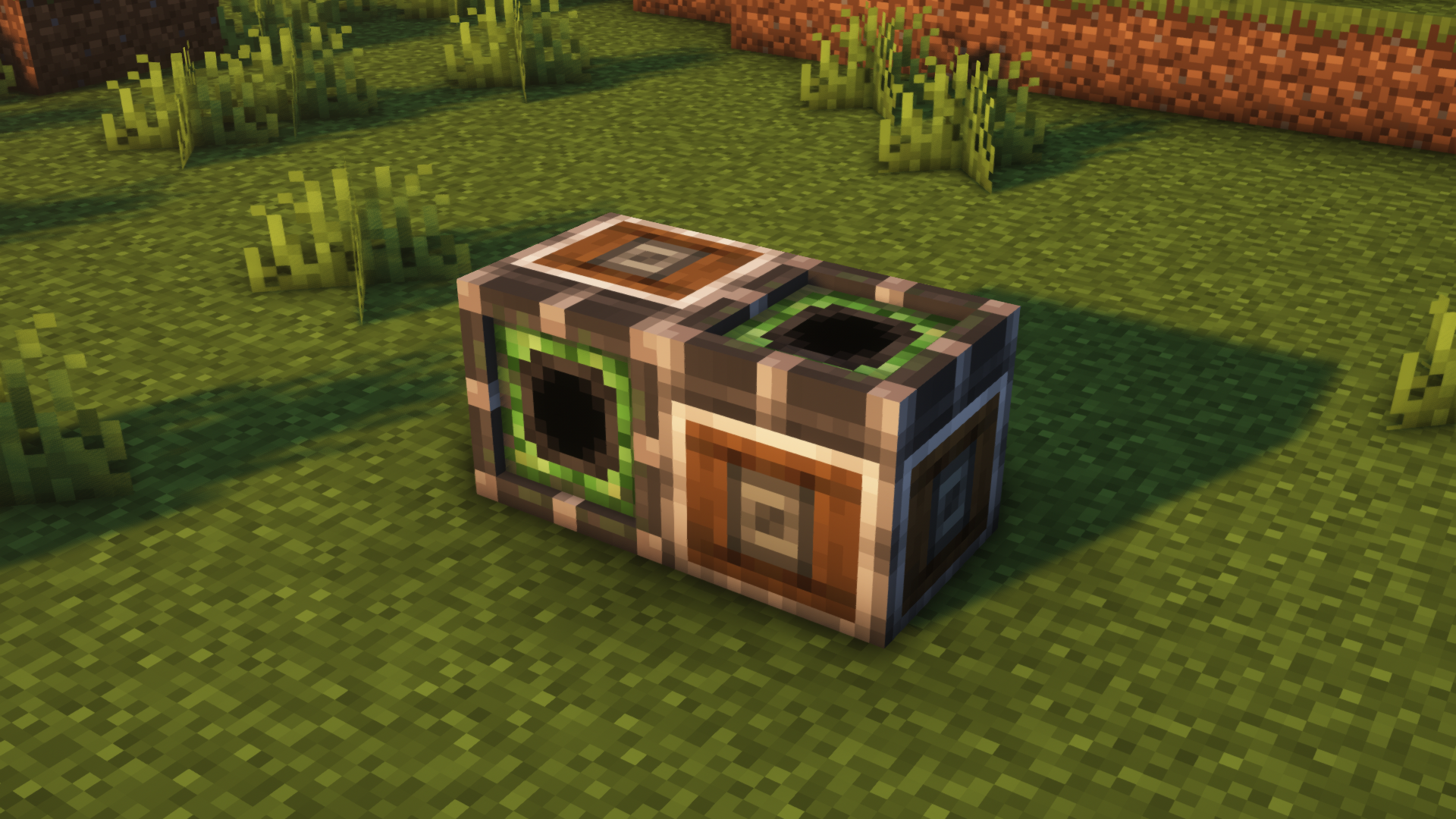
- Adds the Train Buffer Stop to stop trains from rolling off the tracks when they reach the end of a line.
- Adds the Interact Me Block, which you place onto any contraption to make that machine interactive.
- Includes a server config option that lets all contraptions stay interactive by default without placing an Interact Me Block on each build.
How to Use:
- Place an Interact Me Block onto any Create contraption you want to edit so it behaves like regular Minecraft blocks.
- Place, break, or stack blocks directly onto the contraption to change it or build stacked contraptions.
- Use a Rotation Propagator Bearing when you want to send rotational power into a contraption or drive a sub-contraption.
- Place a Train Buffer Stop at the end of your tracks so trains stop instead of rolling off the rails.
- Change the setting in the server config if you want all contraptions to be interactive by default without using an Interact Me Block.
Screenshots:
How to Install:
New to Minecraft? Follow our step-by-step guide to install Mods on your PC.View Guide
Requirements:



Create: Interactive Mod Download Links
For Minecraft 1.20.1
Forge version: Download from Server 1 – Download from Server 2
Fabric version: Download from Server 1 – Download from Server 2
For Minecraft 1.19.2
Forge version: Download from Server 1 – Download from Server 2
Fabric version: Download from Server 1 – Download from Server 2
For Minecraft 1.18.2
Forge version: Download from Server 1 – Download from Server 2
Fabric version: Download from Server 1 – Download from Server 2
What is your favorite type of Minecraft mod?
5 responses · See the full results →
You May Also Like
Picked for this page
 Create Crafts and Additions Mod (1.21.1, 1.20.1) – Electrifying the Create Mod
 Chalk Mod (26.3, 1.20.1) – You’ll Never Lose Your Way Again
 Enchantment Level Break Mod (26.3, 1.20.1) – Break The Limits
 Blade Addons Mod (1.21.8, 1.21.5) – Hypixel Skyblock Utility Mod
 Beyond Enchant Mod (1.21.11, 1.21.1) – Exceed Traditional Enchanments Limits
 DirTNT Mod (26.3, 1.20.1) – TNT Made Out Of Dirt
 NoRollback Mod (26.3, 1.20.1) – Removes Up to 99% of Minecraft Rollbacks
 Cobblemon Field Moves Mod (1.21.1, 1.20.1) – Get Bonus Items After Battles
 Easy Craft of Chainmail Armor Mod (26.3, 1.20.1) – Adds a Crafting Recipe
 Velocity Blur Mod (1.20.1) – Feel the True Speed of Sprinting and Flying
 Clanging Howl Mod (1.20.1) – Survive Alien Crashes and Sci-Fi Horrors
 Taxcavereader Mod (1.20.1) – Adds Horror Audiobooks To Dungeons
Most viewed in Mods over the last 7 days
 Ala Industrial Mod (26.3) – Run Electric Power Grids and Automated Factories
 PleasureCraft Mod (26.3, 1.21.1) – Jenny Mod Remake for Fabric
 Jennycraft Mod (26.3, 1.20.1) – Virtual Girlfriend in Minecraft
 Fapcraft Mod (26.3, 1.12.2) – Comprehensive and Detailed Content
 Jenny Mod (Fapcraft) Official Complete Guide – How to use, Tutorial
 BangCraft Mod (1.20.1) – Jenny, Ellie and Elliot
 Fabric Loader (26.3, 1.20.1) – Fabric Installer for All Minecraft Versions
 The Shooting Star Demo Mod (26.3, 1.20.1) – Vaporize Terrain From Orbit
 Meteor Client Mod (26.3, 1.20.1) – Xray, HUD, Fly
 OptiFine HD (26.3, 1.20.1) – Run Faster, FPS Boost, Shaders Support
 Aristois Client Mod (1.21.4, 1.20.1) – World Class Minecraft Utility
 Prestige Client Mod (1.21.11, 1.21.4) – Powerful Ghost Features for Crystal & Sword PvP
More from Mods
 HandLib Mod (26.3, 1.21.1) – Keep Your Multiplayer World Stable
 Happy Ghasts Boost Mod (26.1.2, 1.20.1) – Fly Across Vast Distances at Top Speed
 LiquidBounce Client Mod (26.3, 1.20.1) – LiquidLauncher, A Free Client
 Create Hand Made Mod (1.21.1) – Craft Create Recipes By Hand in Your Workshop
 Seed Map for Xaero Mod (26.1) – See Rare Biomes and Dungeons Before You Travel
 MCPersist Mod (26.3) – Keep Your World Online for Friends Even After Logging Off
 Minecraft Java MCP Server Mod (1.21.11) – Command Your World Through External AI Tools
 Arcanism Mod (26.2) – Build Magic Factories and Program Custom Spells
 Archangel Client Mod (1.21.11) – Master Every PvP Duel with Clean Screen Stats
 Block Front Survival Patch Mod (1.21.1) – Wage Tactical Warfare in Survival
 Better Enchantment Bookshelf Placement Mod (26.2, 1.20.1)
 SimpleRPGCore Mod (1.21.4, 1.21.1) – Fight with Classic RPG Stats

This post has no comments yet. Be the first — your comment will appear here.