
Fresh Moves Resource Pack (1.21.1, 1.20.1) – Playful Cartoon Character Vibes



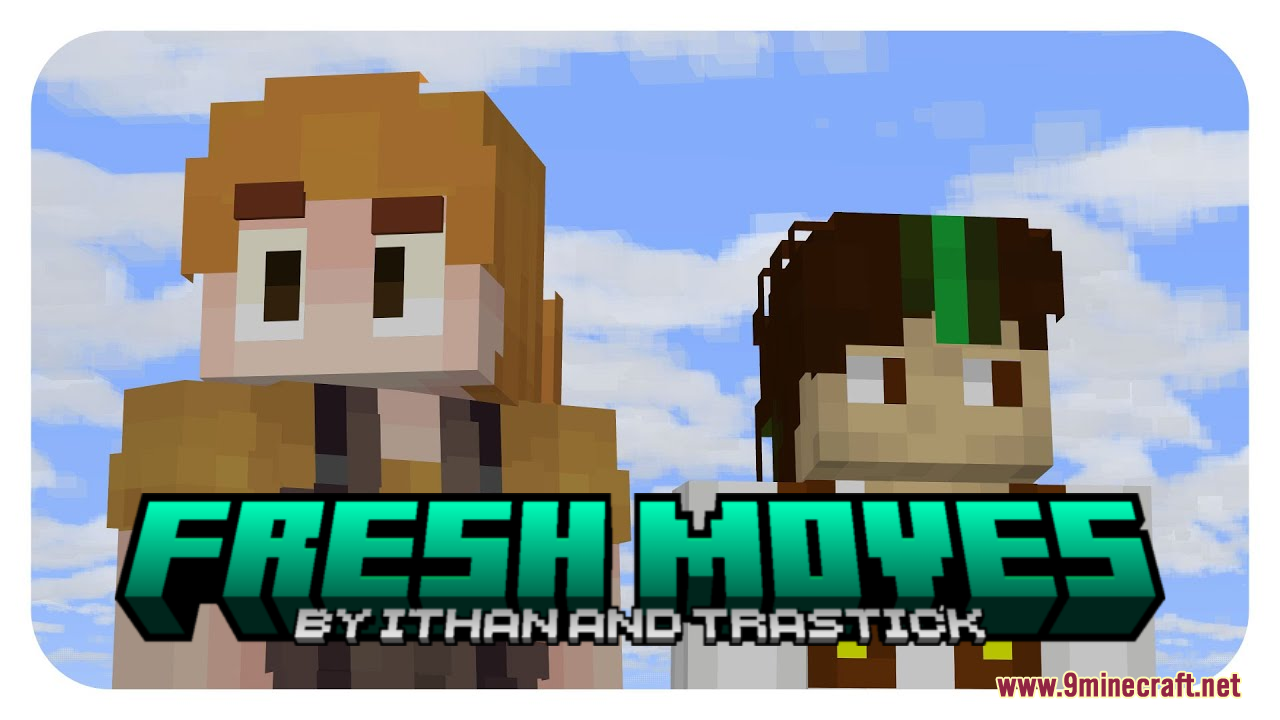
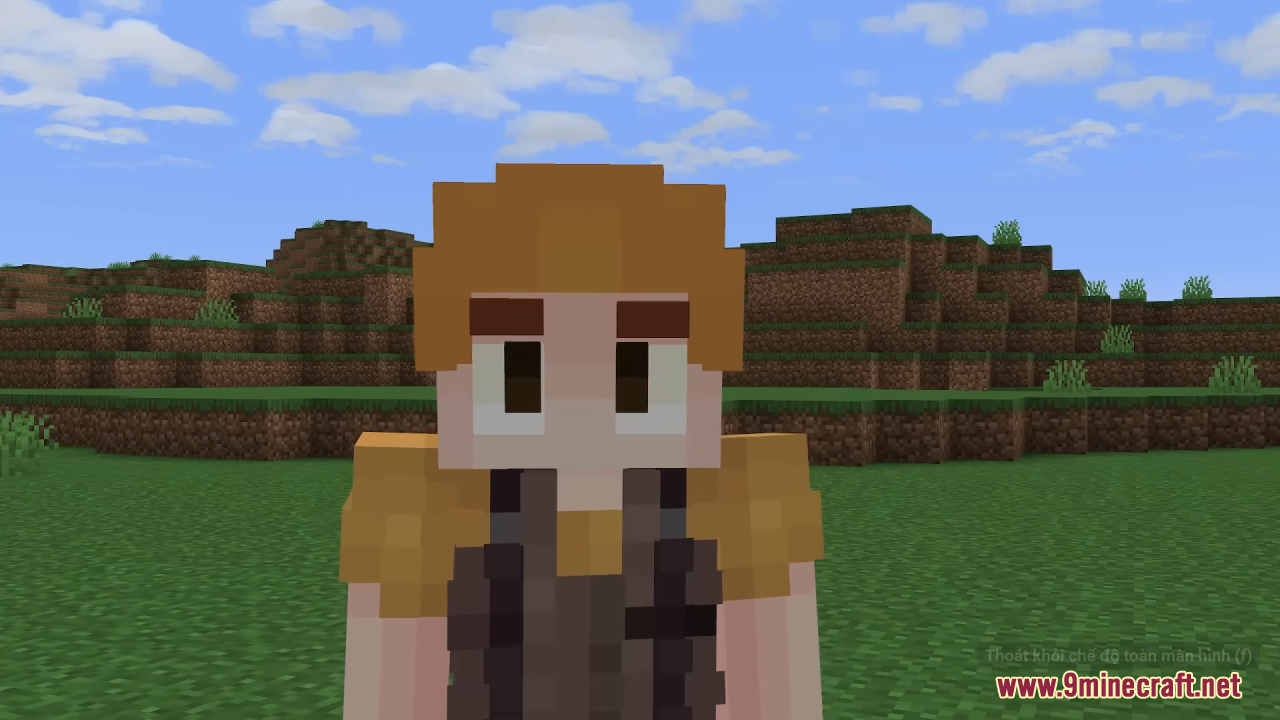
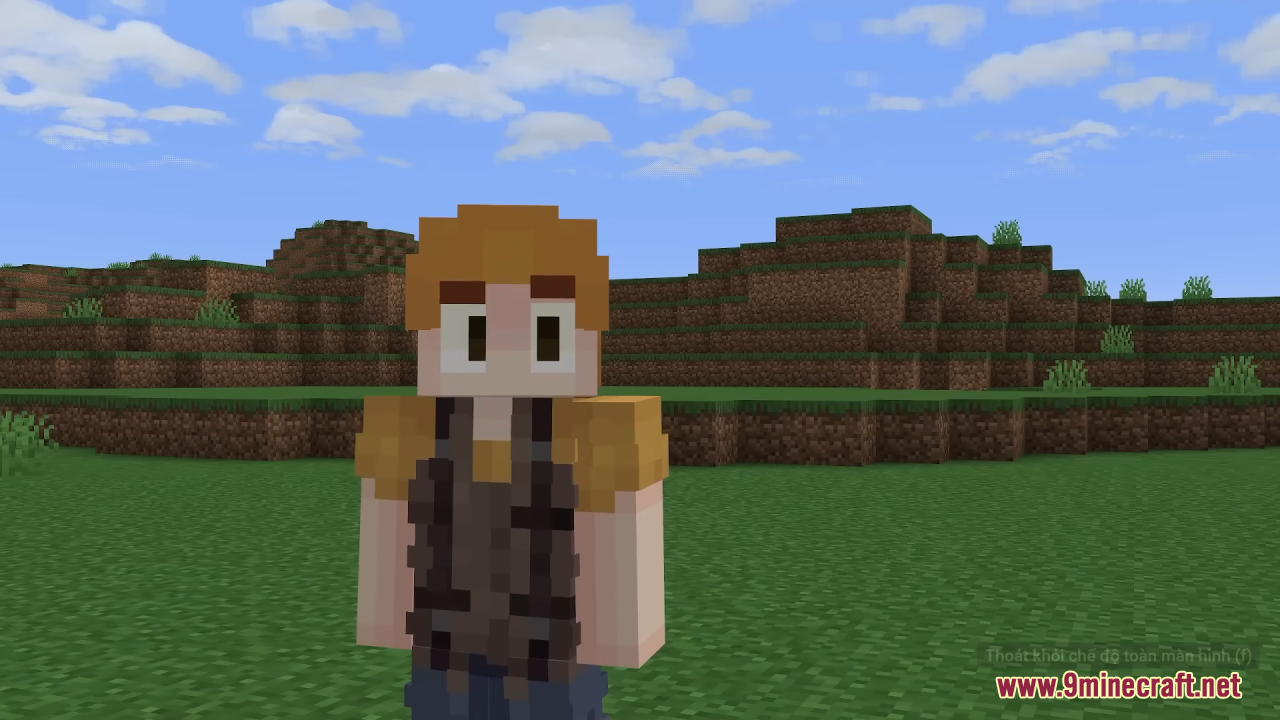
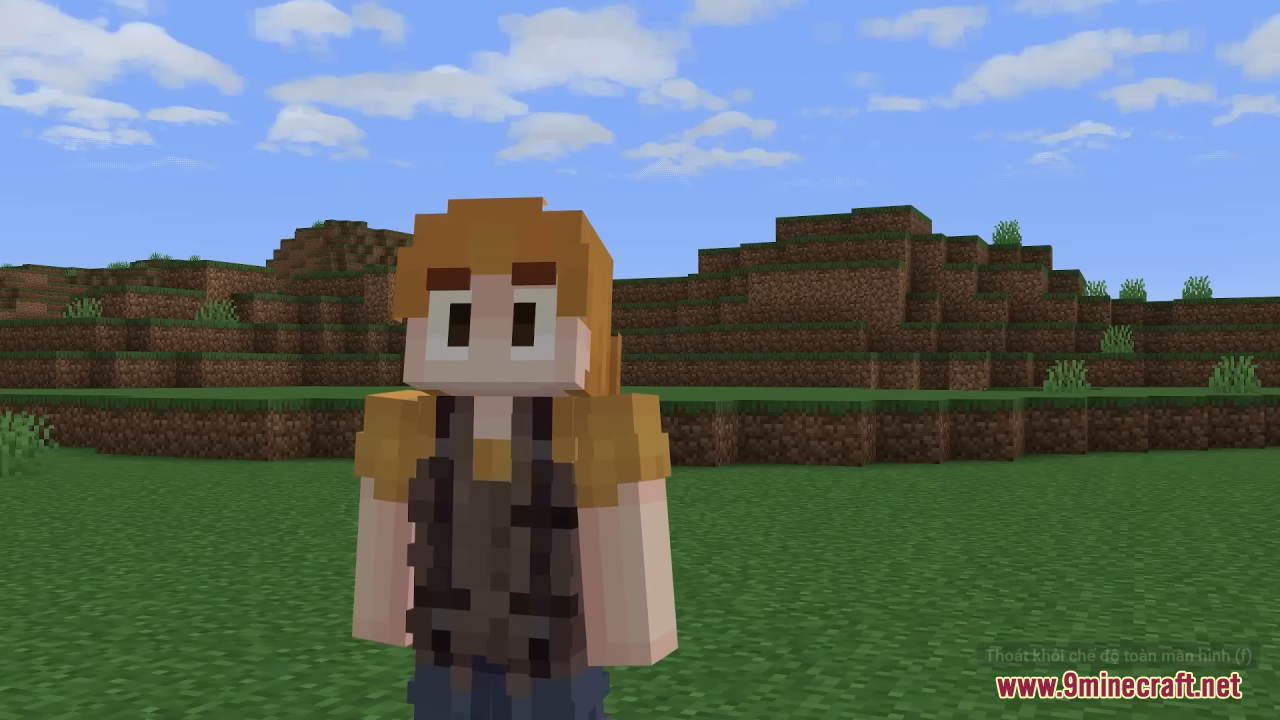
Fresh Moves Resource Pack replaces vanilla idle, walking, and swimming motions with smoother player animations. This pack adds moving eyes and eyebrows to custom skins, and its animated-eyes version comes ready to use on all 9 default Minecraft skins. It also shows animated eyes on other players in multiplayer when their skins include the extra eye pixels. The pack leaves arm animations alone, so it works well with mods like Parcool, Quark, Not Enough Animations, Amendments, Real Camera, and Sleep Tight. You need the client-side Entity Model Features and Entity Texture Features mods on Forge or Fabric to run it, because OptiFine does not support custom player models.
Features:
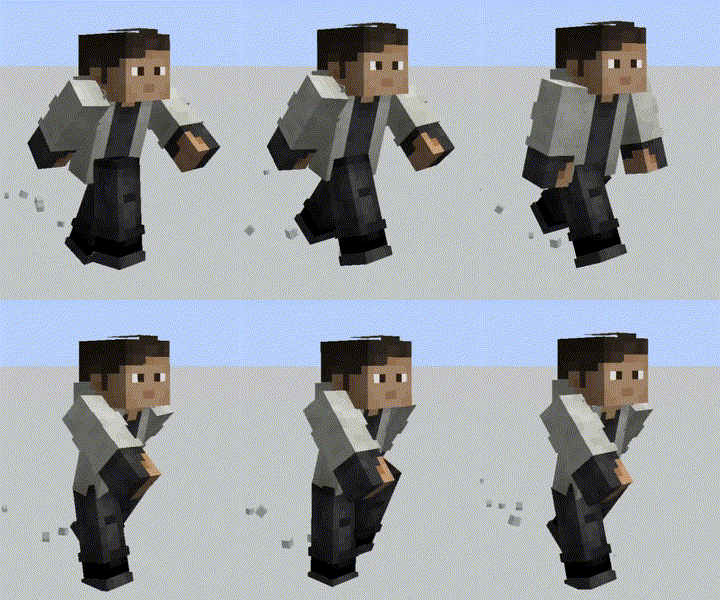
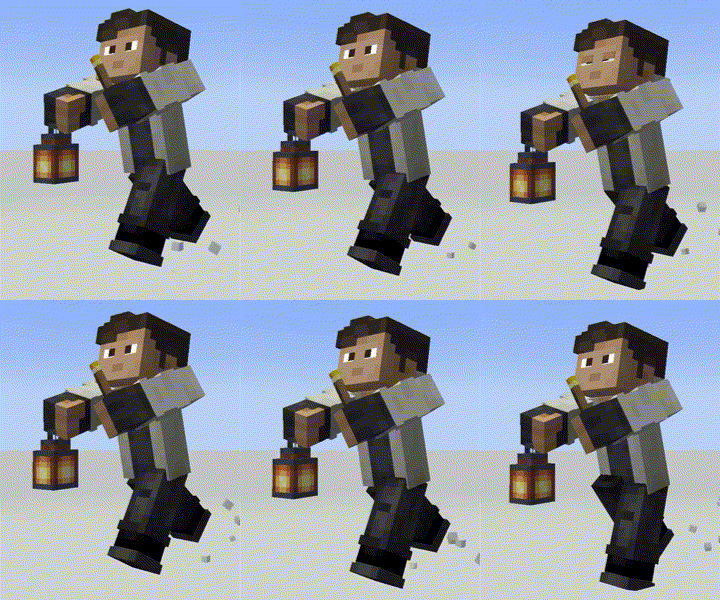
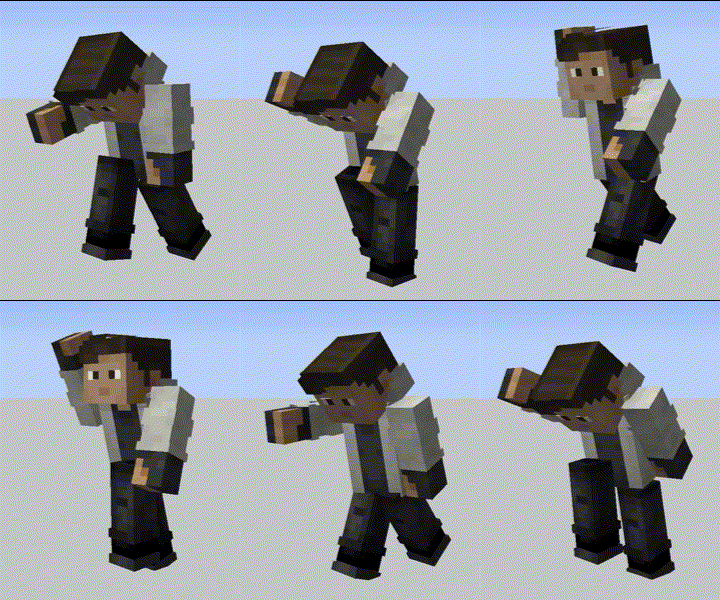
- New Player Animations: Replaces vanilla idle, walking, and swimming animations with smoother movement and extra details on the player model.
- Moving Eyes and Eyebrows: Adds animated eyes and eyebrows to custom skins when you add extra pixels to your skin file.
- Multiplayer Eye Support: Shows animated eyes on other players in multiplayer when their skins also include the extra eye pixels.
- Expands eyewhites to their normal size inside the game, even when part of the eyewhites looks missing on the flat skin texture, with eyebrows placed at the third position.
- Includes an animated-eyes version with the extra pixels already set up on all 9 default Minecraft skins: Steve, Alex, Makena, Efe, Noor, Kai, Ari, Sunny, and Zuri.
- Leaves arm animations untouched so custom arm moves from other mods still play normally.
- Lets you stop your hand from moving in first-person view through the model settings.
- Runs on the client side for Forge and Fabric using Entity Model Features (EMF) and Entity Texture Features (ETF), and does not work with OptiFine because OptiFine lacks custom player model support.
Mod Compatibility:
- Parcool: Supports parkour moves; turning off the “Fast Running” and “Fast Swimming” animators under Animations/Animators in Parcool’s config (using the Configured mod) is recommended.
- Quark: Works smoothly with Quark’s player emotes.
- Not Enough Animations: Plays together with animations from Not Enough Animations without conflict.
- Amendments: Includes special support for player animations in Amendments.
- Real Camera: Works cleanly alongside the Real Camera mod.
- Sleep Tight: Fixes the player’s sleeping position when you play with the Sleep Tight mod.
How to Use:
- Make sure you have the latest client-side Entity Model Features (EMF) and Entity Texture Features (ETF) mods on Forge or Fabric, and pick the version of this pack that matches your animated eye preference.
- Open Minecraft Options, click “Resource Packs”, and turn on this pack.
- Click the ETF and EMF settings button (the white creeper icon) in the Resource Packs menu to open the settings screen.
- Select “Textures” and open “Player Skin Settings”.
- Turn on “Allow skin transparency” and set it to “All skins” so animated eyes show up properly and do not turn black.
- Go back to the ETF and EMF settings screen, select “Models”, and open “Options and Fixes”.
- Set “Prevent first person hand animation” to “On” to stop your hand from moving in first-person view.
- Add the extra eye and eyebrow pixels to your skin.png file and upload that skin if you want animated eyes on a custom skin.
- If you play with Parcool, open its config menu using the Configured mod, go to Animations/Animators, and turn off “Fast Running” and “Fast Swimming” so movement animations play smoothly.
Screenshots:
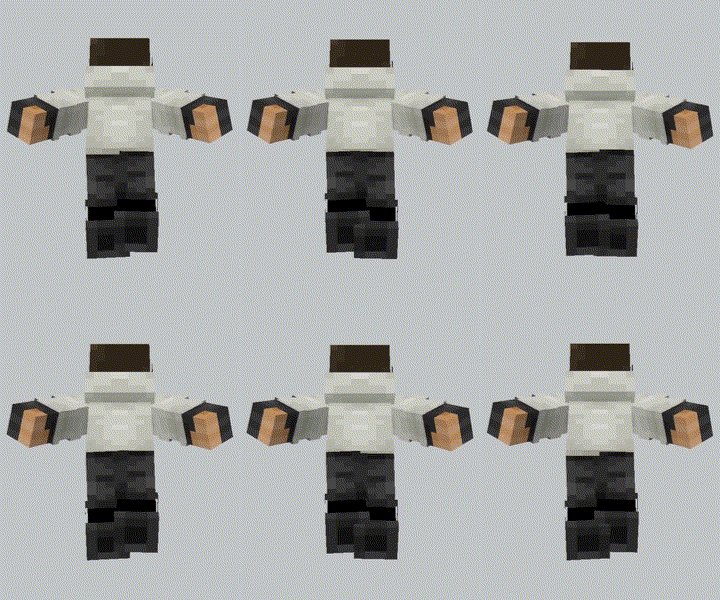
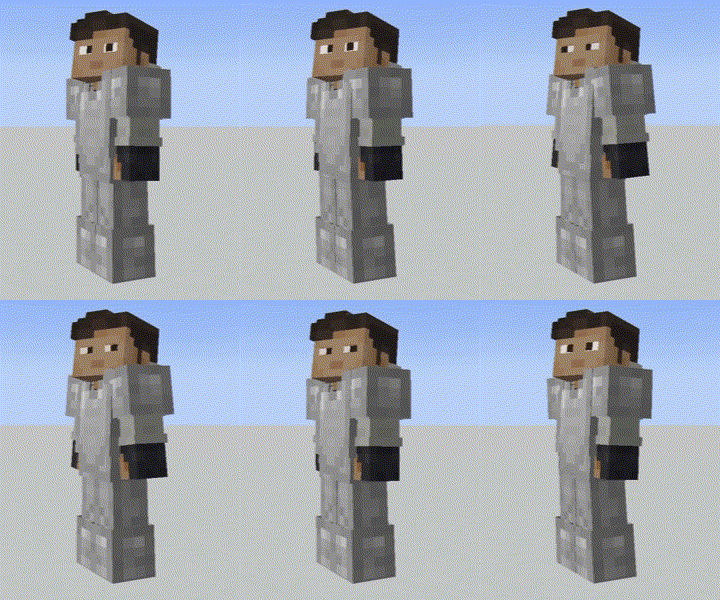
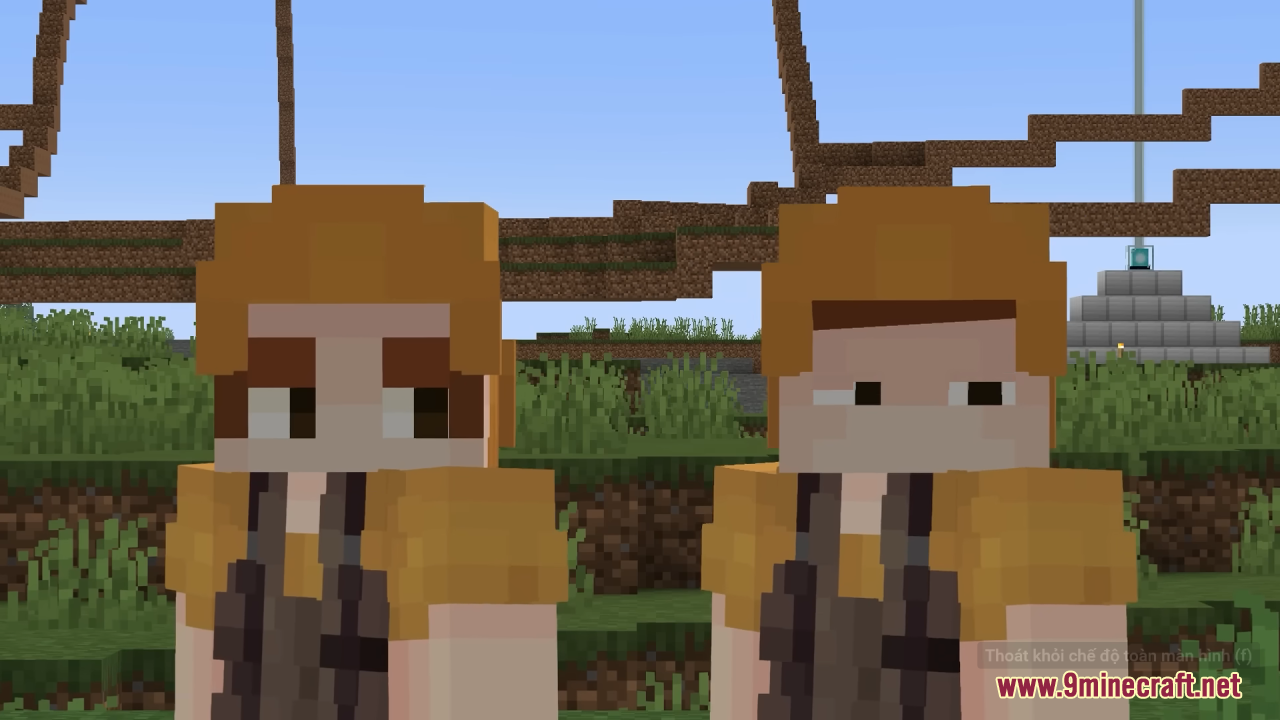
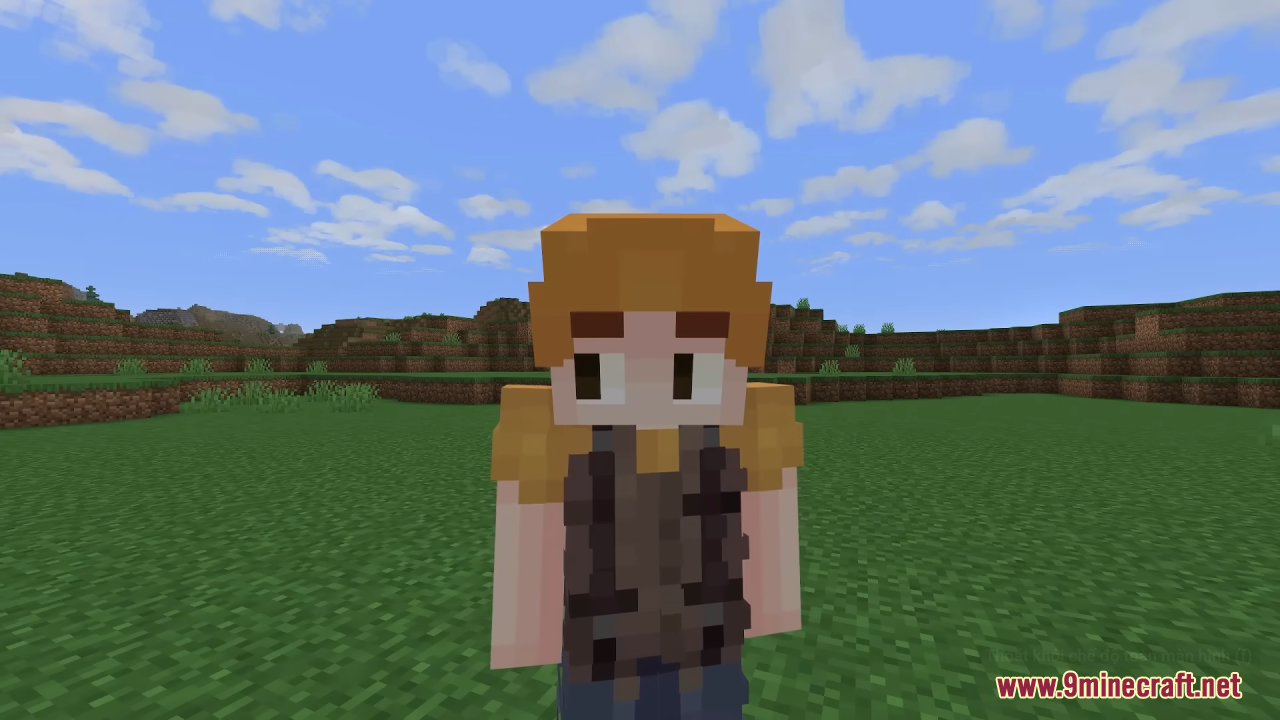
How to Install:
New to Minecraft? Follow our step-by-step guide to install Resource Packs on your PC.View Guide
Requirements:

Fresh Moves Resource Pack Download Links
For Minecraft 1.21.x
For Minecraft 1.20.x
How do you feel about the official Minecraft Marketplace texture packs?
14 responses · See the full results →

1 Comment
 What do you think?
Your opinion means a lot - we'd love to hear from you.
You May Also Like
Picked for this page
 Motschen’s Better Leaves Resource Pack (26.3, 1.20.1) – Texture Pack
 Aimz (26.3, 1.20.1) – PVP Crosshair Resource Pack – Texture Pack
 Dynamic Surroundings Resource Pack (26.3, 1.20.1) – Texture Pack
 Rappenem’s Reforge Resource Pack (26.2, 1.20.1) – Texture Pack
 Visual Armor Trims Resource Pack (26.3, 1.20.1) – Texture Pack
 Mizuno Better Leaves Resource Pack (26.3, 1.20.1) – Texture Pack
 Slim Fire Resource Pack (26.1.2, 1.20.1) – Texture Pack
 No Explosion Particles Resource Pack (26.3, 1.20.1) – Texture Pack
 Better Carpets Resource Pack (26.3, 1.20.1) – Texture Pack
 Visual Potion Effects Resource Pack (26.3, 1.20.1) – Texture Pack
 Prettier Cows Resource Pack (1.21.1, 1.20.1) – Texture Pack
 Plain & Precious Resource Pack (26.3, 1.20.1) – Texture Pack
Most viewed in Resource Packs over the last 7 days
 Jenny Mod Skins Resource Pack (1.12.2) – Uzaki, Klee, Mita, and More
 Jenny Mod Skin Pack Mega Collection – 310+ Characters
 Jennycraft Resource Pack (1.20.1) – Skins for Jennycraft Mod
 Dewier’s 20k Resource Pack (1.8.9) – Texture Pack
 750 Models Addon for Yes Steve Model Mod
 Animation Collection for Jenny Mod – 60+ Animations, Updated Regularly
 Vanilla+ 3D Crystal Resource Pack (1.21.1, 1.20.1) – Texture Pack
 Mandala’s GUI Dark Mode 9minecraft Resource Pack (26.3) – Eye-Soothing Dark Mode Menus
 Bare Bones 9minecraft Resource Pack (26.3) – Official Cinematic Trailer Look
 Mizuno’s Craft 9minecraft Resource Pack (26.3) – A Cozy Handpainted Storybook World
 Patrix Resource Pack (26.3, 1.20.1) – The Peak of Photorealism
 Stay True 9minecraft Resource Pack (26.3) – Crisper Vanilla Without the Noise
More from Resource Packs
 DSWG Weapons Plus Resource Pack (1.19.2, 1.18.2) – Modern Tactical Combat
 Xali’s Enchanted Books 9minecraft Resource Pack (26.3)
 Xali’s Potions 9minecraft Resource Pack (26.3) – Distinct Bottle Shapes for Every Brew
 Creepers Revamped 9minecraft Resource Pack (26.3) – Fresh Looks for Iconic Night Mobs
 Better Dogs 9minecraft Resource Pack (26.3) – Real World Dog Breeds in Vanilla Style
 Better Zombies 9minecraft Resource Pack (26.3) – Terrifying Undead for Darker Nights
 Excalibur | Vanilla Backport Support Resource Pack (1.21.11, 1.21.1)
 Enhanced Bushy Leaves More Culling Compat Resource Pack (26.3, 26.1.2)
 Purple HUD Resource Pack (26.3, 1.21.1) – A Sleek Purple Theme for Classic
 Connected Glass X Bare Bones Resource Pack (26.3, 1.20.1)
 Artemis’ Enhanced Visuals Resource Pack (26.3, 1.20.1)
 Symbolic Subtitles Resource Pack (26.3, 1.20.1) – Quick Visual Cues

minecraft versi 1.26.3