
Better Hidden Chat Mod (1.21.11, 1.20.1) – Clear Your Screen Without Missing

 0


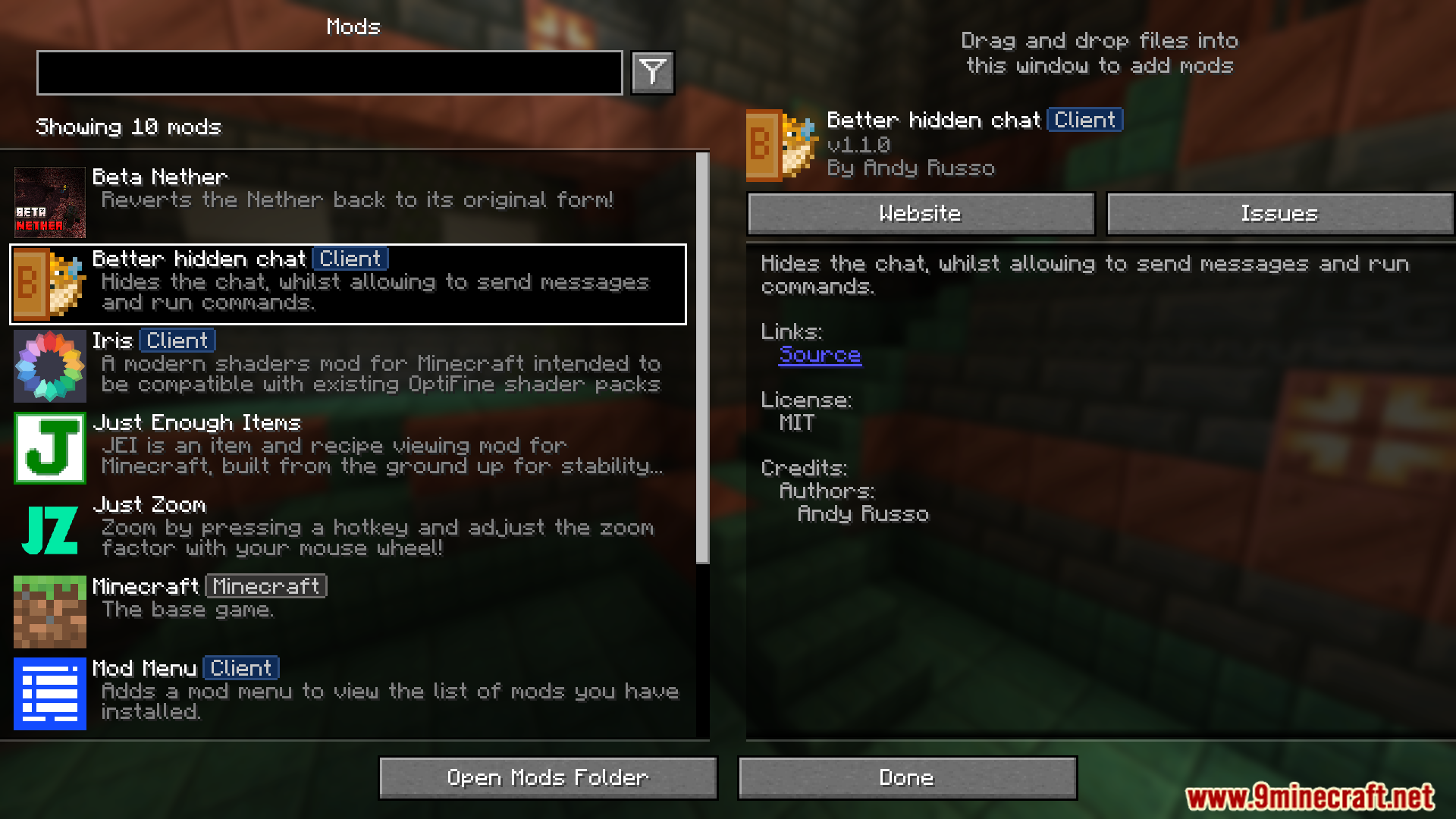
Better Hidden Chat Mod hides the chat screen while still letting you send messages and run commands. The mod adds a handy keybinding and a simple command to turn chat visibility on or off. You get extra settings to save your chat preference when you close the game, pick how notifications pop up, and show the chat box while you type.
Features:
- Hides the chat window completely while still letting you send messages and run commands.
- Toggles chat visibility instantly using a custom keybinding or a simple command.
- Provides multiple subcommands to customize notifications, persistence, and typing visibility.
- Saves your chat hidden state across game sessions when persistency is turned on.
- Switches notification popups between chat messages and screen overlays.
- Shows chat automatically while typing even if the main chat window is hidden.
Commands:
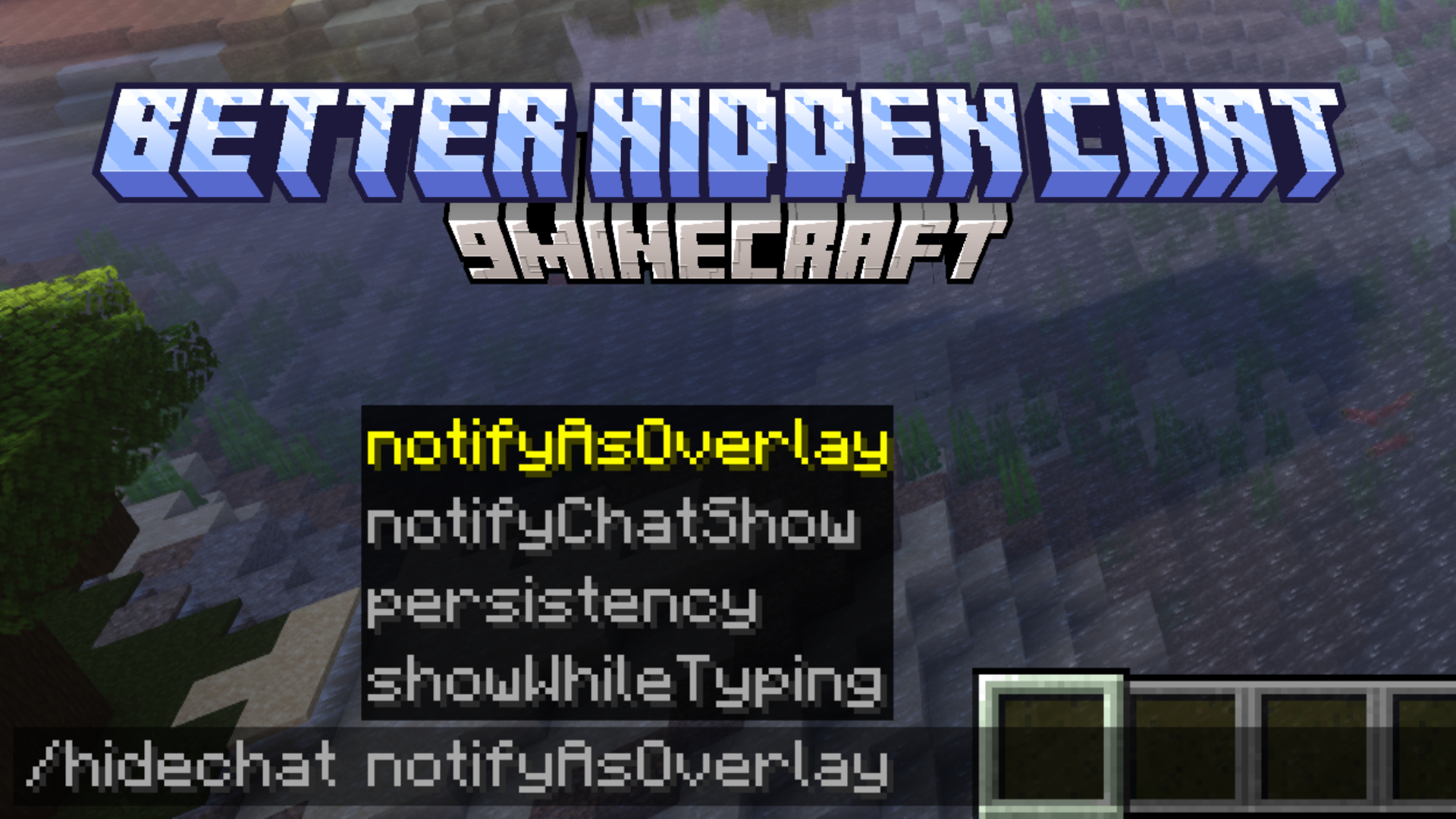
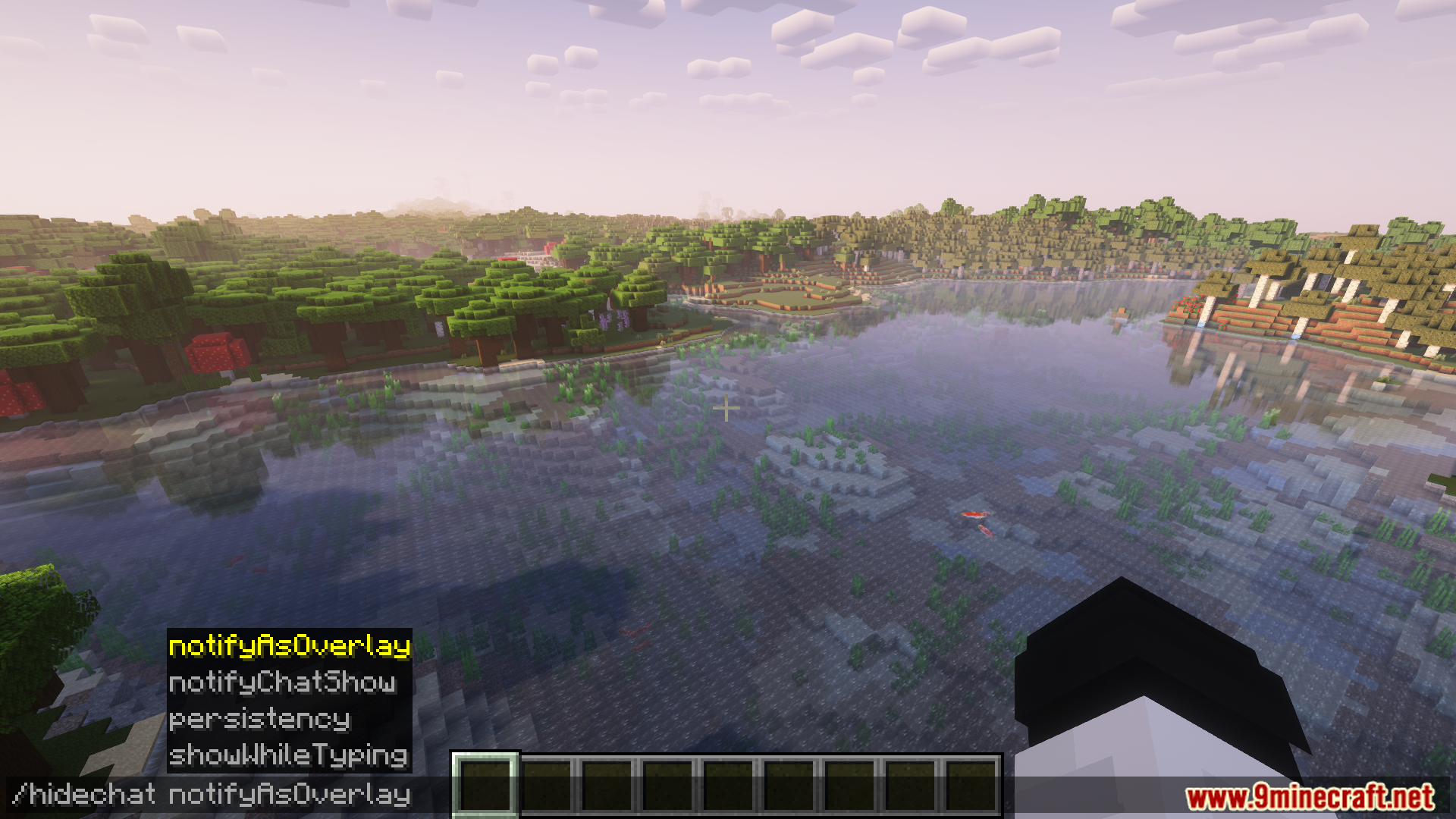
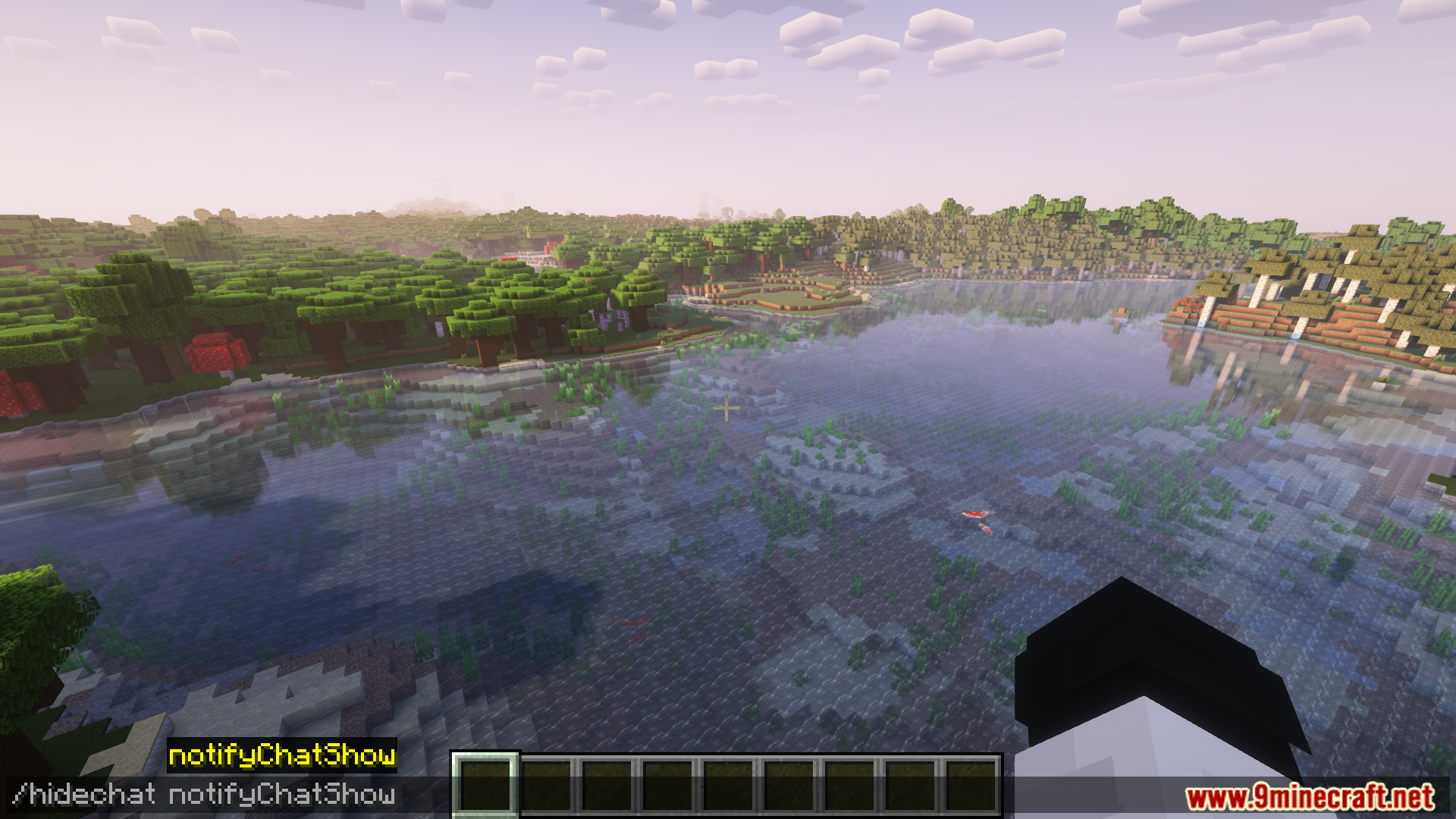
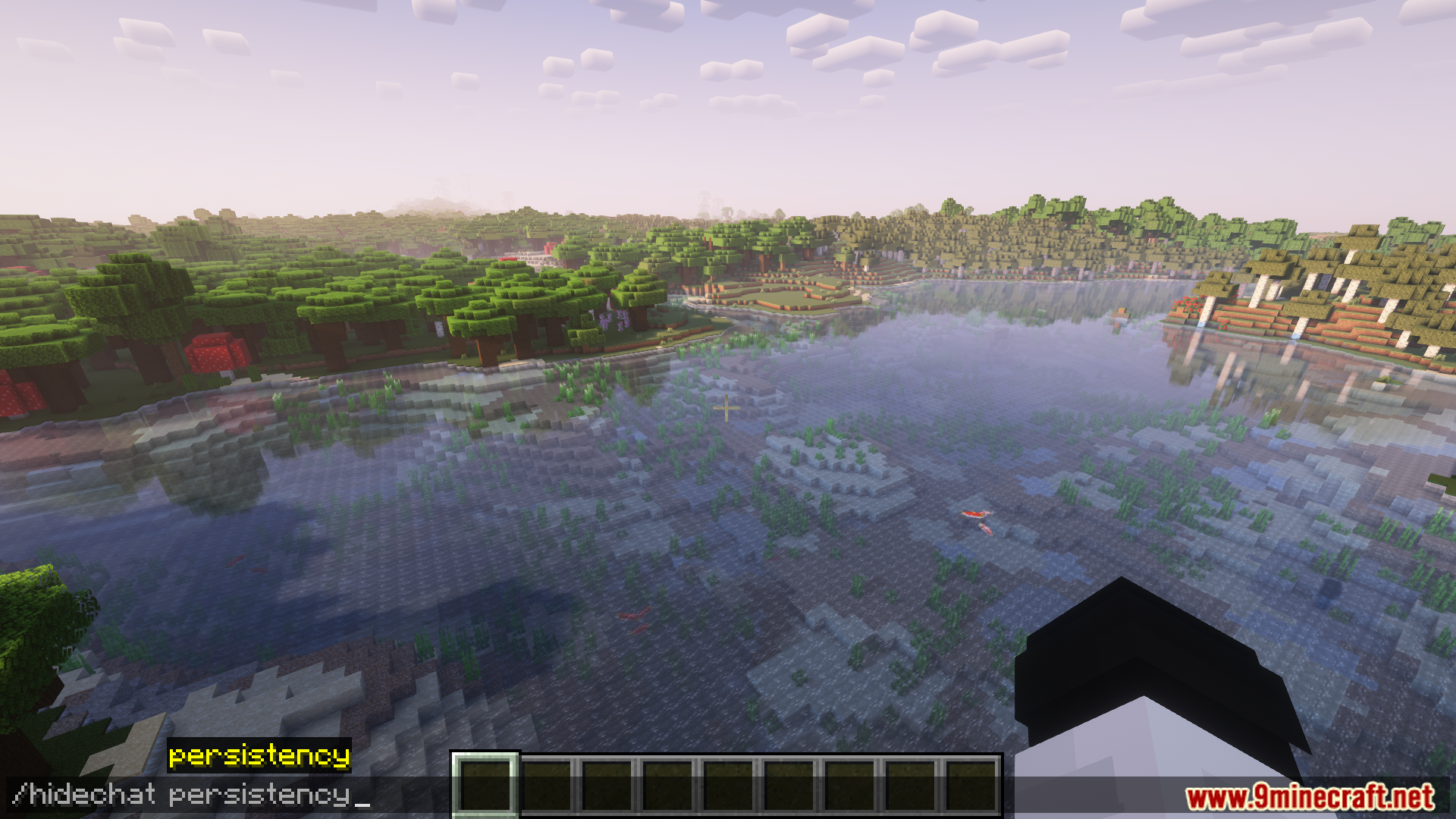
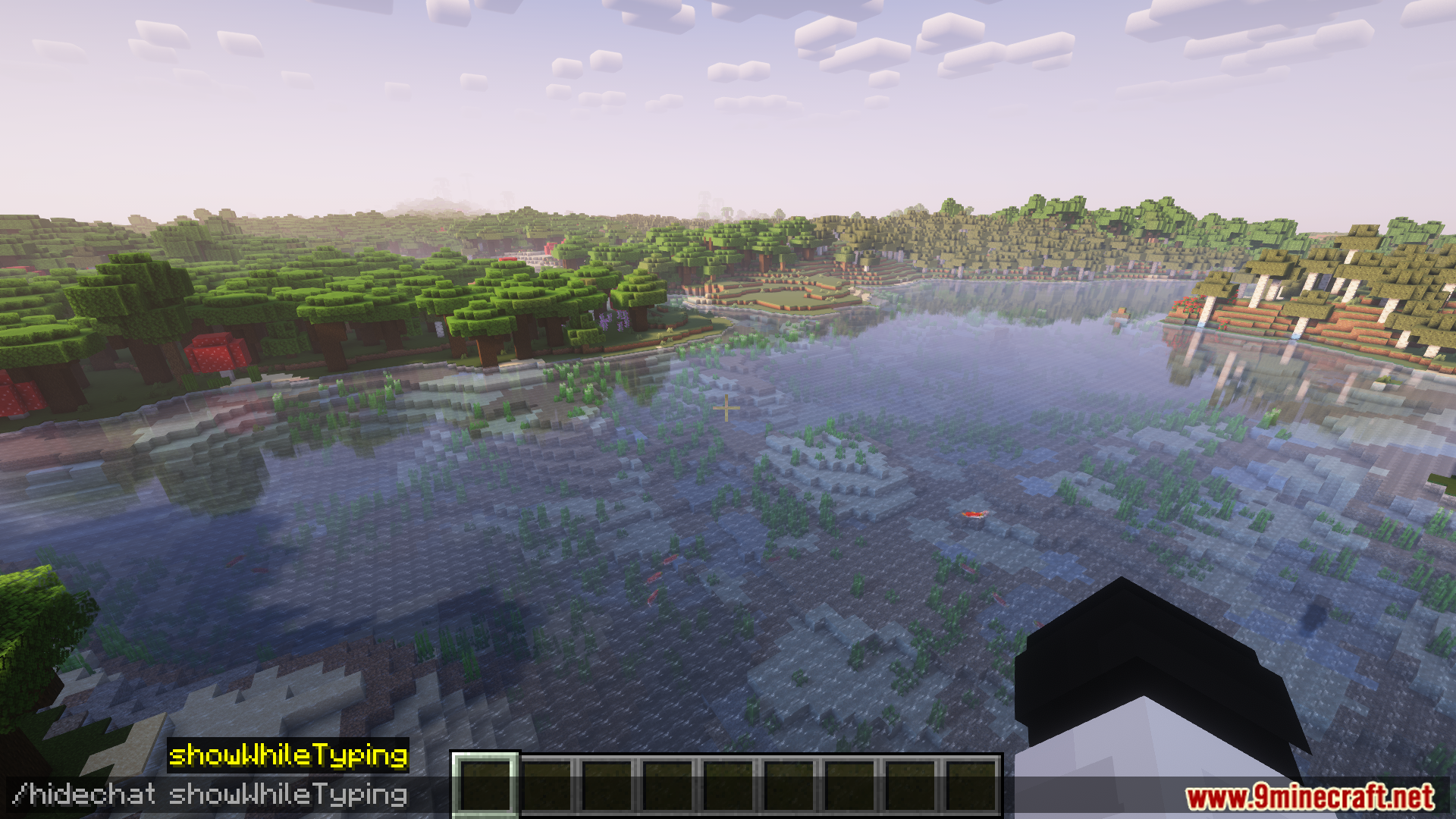
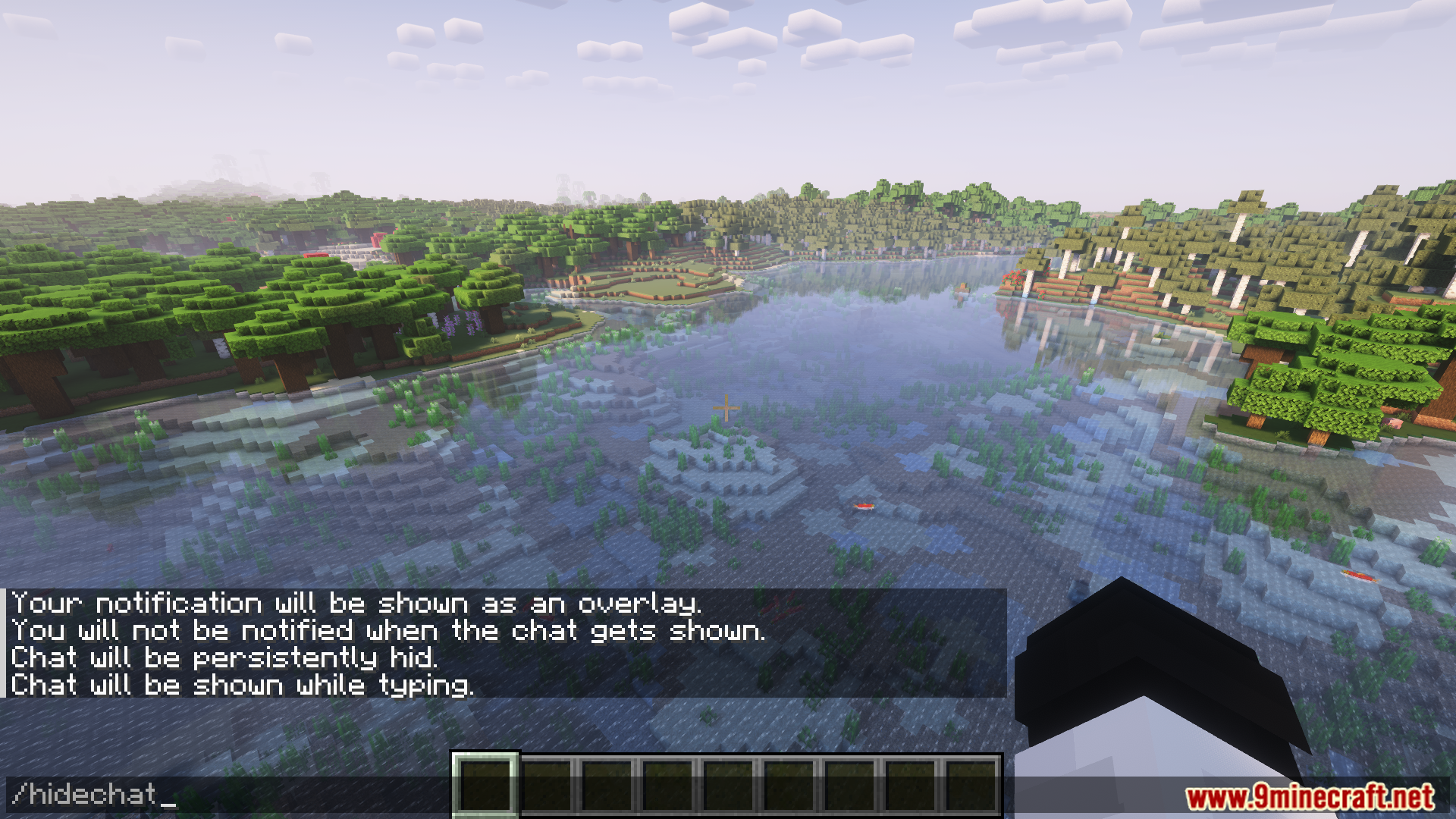
/hidechat: toggles or manages chat visibility settings./hidechat notifyAsOverlay: toggles the notification between a chat message and an overlay message./hidechat notifyChatShow: toggles whether to send a notification when the chat is shown./hidechat persistency: keeps the chat hidden the next time you open the game if it was hidden when closed./hidechat showWhileTyping: toggles whether to show the chat when typing if the chat is hidden.
How to Use:
- Press the assigned keybinding to hide or show your chat instantly.
- Type
/hidechatin the chat box to toggle visibility via commands. - Use the available subcommands like
/hidechat persistencyor/hidechat showWhileTypingto customize how the mod behaves.
Screenshots:
How to Install:
New to Minecraft? Follow our step-by-step guide to install Mods on your PC.View Guide
Better Hidden Chat Mod Download Links
For Minecraft 1.21.11, 1.21.10, 1.21.9
Fabric/Quilt Version: Download from Server 1 – Download from Server 2
For All Versions From Minecraft 1.19.2 to Minecraft 1.21.4
Fabric/Quilt Version: Download from Server 1 – Download from Server 2
Click to rate this post!
[Total: 1 Average: 3]
You May Also Like
Picked for this page
 Nameless Trinkets Mod (26.1.2, 1.20.1) – More Powerful Trinkets
 Elytra Chestplate Swapper Mod (26.3, 1.20.1) – Functionality to Keystroke
 Wynntils Mod (1.21.11, 1.21.1) – Utilities for Wynncraft
 Better Tridents Mod (26.3, 1.20.1) – Destroy Everything
 More Crafting Tables Mod (1.21.11, 1.20.1) – Made from All Types of Wood
 Noxesium Mod (26.3, 1.20.1) – Elevate Your Minecraft Experience
 Plushables Mod (26.3, 1.20.1) – Cute Plushies & Headwear
 Mob Filter Mod (26.3, 1.20.1) – Managing Mob Populations
 Cardboard Mod (26.1.2, 1.20.1) – Implements Plugins API as a Fabric Mod
 ArisuwuMei’s Deer Mod (26.3, 1.20.1) – Deer In Minecraft
 Reimagined Trims Mod (26.3, 1.20.1) – A New Era For Armor Trims
 Modify Player Data Mod (26.3, 1.20.1) – Allows Data Commands To Modify Player Data
Most viewed in Mods over the last 7 days
 Ala Industrial Mod (26.3) – Run Electric Power Grids and Automated Factories
 PleasureCraft Mod (26.3, 1.21.1) – Jenny Mod Remake for Fabric
 Jennycraft Mod (26.3, 1.20.1) – Virtual Girlfriend in Minecraft
 Fapcraft Mod (26.3, 1.12.2) – Comprehensive and Detailed Content
 Jenny Mod (Fapcraft) Official Complete Guide – How to use, Tutorial
 BangCraft Mod (1.20.1) – Jenny, Ellie and Elliot
 Fabric Loader (26.3, 1.20.1) – Fabric Installer for All Minecraft Versions
 The Shooting Star Demo Mod (26.3, 1.20.1) – Vaporize Terrain From Orbit
 Meteor Client Mod (26.3, 1.20.1) – Xray, HUD, Fly
 OptiFine HD (26.3, 1.20.1) – Run Faster, FPS Boost, Shaders Support
 Aristois Client Mod (1.21.4, 1.20.1) – World Class Minecraft Utility
 Prestige Client Mod (1.21.11, 1.21.4) – Powerful Ghost Features for Crystal & Sword PvP
More from Mods
 Alex’s Caves Continued Mod (26.3, 1.20.1) – Conquer Six Massive Underground
 Anvil Uses Mod (26.3, 1.20.1) – Track Item Anvil Usage
 Animal Info Mod (26.3, 1.21.11) – Quick Stats For Your Animals
 Timber Tales Dynamic Tree System Mod (26.3, 1.20.1) – Watch Entire Trees Topple
 Gabou’s Libs Mod (26.3, 1.20.1) – Keep Custom Weather and Survival Mods Stable
 /Sit Mod (26.3, 1.21.1) – Make The Player Sit Down
 Arcane Redstone Dial Mod (26.3, 1.20.1) – Trigger Commands and Shortcuts
 The Graveyard Mod (26.3, 1.20.1) – Cemeteries in Minecraft
 Enhanced Overlay Mod (26.3, 1.21.11) – Remove Screen Clutter
 Flint Mod (1.21.11) – Run DiamondFire Community Addons Without Crashing
 Not Just Sandwich Mod (26.3, 1.20.1) – Edibles, Sandwiches
 Waddles Mod (26.3, 1.20.1) – Make Icy Biomes Feel Alive

This post has no comments yet. Be the first — your comment will appear here.