
Island Border Plugin (26.1.2, 1.20.1) – See Exact Island Limits and Keep

 0


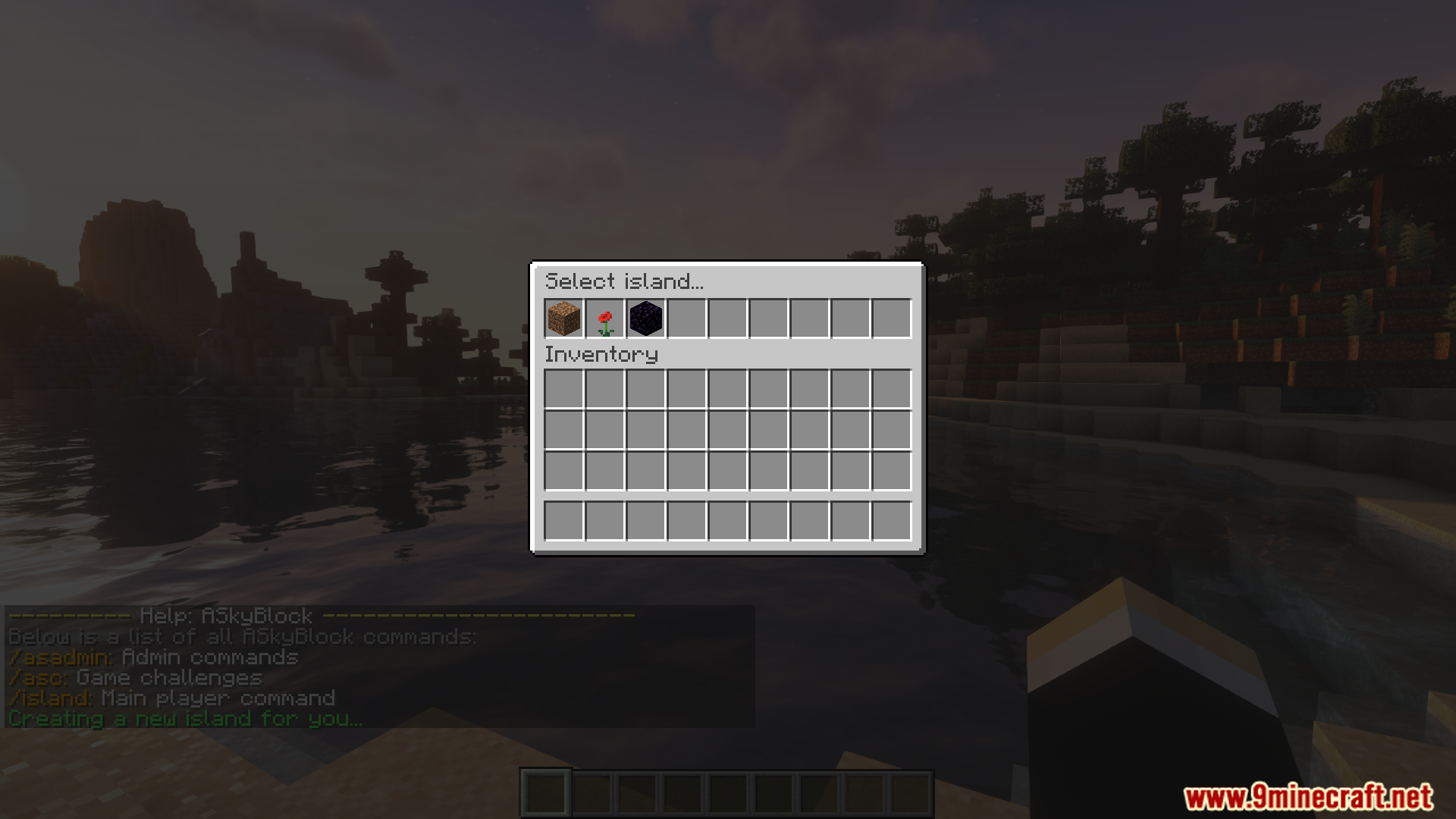
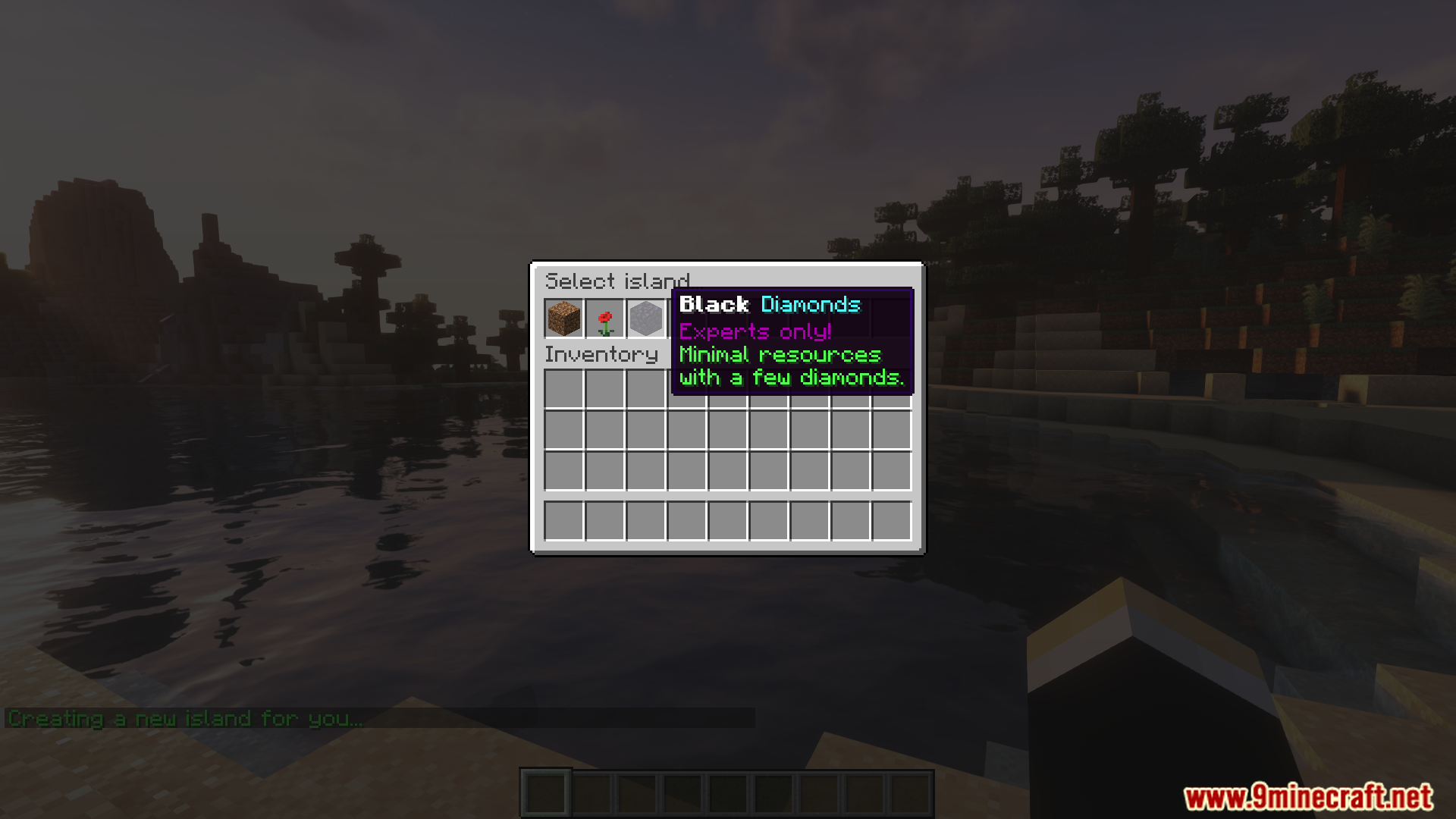
Island Border Plugin adds a visible world border around each player’s skyblock island. Players can see exactly where their island ends, which stops accidental wandering and keeps neighboring islands safe. It works smoothly with popular skyblock setups and supports various BentoBox game modes.

Screenshost:






Requireds:
ASkyBlock Plugin (Optional)
Acid Island Plugin (Optional)
BentoBox Plugin (Optional)
USkyBlock Plugin (Optional)
Features:
- Visual border: Players see the boundary clearly as they walk near the edge.
- Configurable appearance: Change the wall style, particle effects, or vanilla world border look.
- Per-island sizing: Borders automatically match each island’s actual protection range.
- Performance friendly: Runs with minimal impact on server performance.
- Works smoothly with all BentoBox game modes.
- Helps players stay safely within their island limits.
Commands:
/isborder gui: Open the border settings menu./isborder enable: Turn on the border around your island./isborder disable: Turn off the border around your island./isborder toggle: Switch the island border on or off./isborder color: Change the color of your island border./isborder language: Change your player language setting.
How to Install:
New to Minecraft? Follow our step-by-step guide to install Plugins on your PC.View Guide
Requirements:
Poseidon – Underwater Survival Required
Boxed – Advancement Survival Required

CaveBlock – Underground Survival Required
SkyBlock (BSkyBlock) Required
 AcidIsland Plugin Required
 BentoBox Plugin Required
Skygrid Required
Island Border Plugin Download Links
For Minecraft
26.1.2,
26.1.1,
26.1
All Versions Covered
26.1.2
26.1.1
26.1
1.21.11
1.21.10
1.21.9
1.21.8
1.21.7
1.21.6
1.21.5
1.21.4
1.21.3
1.21.2
1.21.1
1.21
All Versions Covered
26.1.2
26.1.1
26.1
1.21.11
1.21.10
1.21.9
1.21.8
1.21.7
1.21.6
1.21.5
1.21.4
1.21.3
1.21.2
1.21.1
1.21
For Minecraft
1.21.11,
1.21.10,
1.21.9
All Versions Covered
1.21.11
1.21.10
1.21.9
1.21.8
1.21.7
1.21.6
1.21.5
1.21.4
1.21.1
1.21
All Versions Covered
1.21.11
1.21.10
1.21.9
1.21.8
1.21.7
1.21.6
1.21.5
1.21.4
1.21.1
1.21
For Minecraft
1.20.4,
1.20.3,
1.20.2
All Versions Covered
1.20.4
1.20.3
1.20.2
1.20.1
1.20
All Versions Covered
1.20.4
1.20.3
1.20.2
1.20.1
1.20
Click to rate this post!
[Total: 2 Average: 5]
You May Also Like
Picked for this page
 WorldGuard Plugin (26.1.2, 1.20.1) – Bukkit, Spigot, Paper
 Quests Plugin (26.1.2, 1.20.1) – Bukkit, Spigot, Paper
 Orebfuscator Plugin (26.1.2, 1.20.1) – Bukkit, Spigot, Paper
 ValhallaMMO Plugin (26.1.2, 1.20.1) – Bukkit, Spigot, Paper
 Fancy Holograms Plugin (26.1.2, 1.20.1) – Spigot
 Chunky Plugin (1.21.10, 1.20.1) – Pre-Generates Chunks
 SuperVanish Plugin (26.2, 1.20.1) – Bukkit, Spigot, Paper
 Interaction Visualizer Plugin (26.1.2, 1.20.1) – Spigot
 Grim Anticheat Plugin (26.3, 1.20.1) – Realtime Cheat Detection Plugin
 BetterGUI Plugin (26.1.2, 1.20.1) – A Simple Menu Designing Tool
 Multiverse Netherportals Plugin (26.3, 1.20.1) – Fixes Portal Links Across Worlds
 Multiverse Portals Plugin (26.3, 1.20.1) – Create Custom Teleportation Portals
Most viewed in Plugins over the last 7 days
 Vulcan Anti Cheat Plugin (1.21.8, 1.20.1) – A Powerful Shield Against Cheating
 Citizens Plugin (1.21.10, 1.20.1) – The Best NPC Plugin
 Displaymotion Plugin (1.21.4) – Amaze Players with Custom Animations and No Client Mods
 Dynmap 9minecraft Plugin (26.3) – A Live Google-Maps-Style View of Your Whole Server
 Ultimate Donut SMP Plugin (26.3, 1.20.1) – Build Teams Trade Goods
 MMOItems Premium Plugin (1.21.8, 1.20.1) – Create Stunning Custom Items
 WorldEdit Plugin (1.21.11, 1.20.1) – Easy In-Game Minecraft Map Editor
 Citizens2 Plugin (1.21.8, 1.20.1) – Craft Unique NPCs
- Grim Anticheat Plugin (26.3, 1.20.1) – Realtime Cheat Detection Plugin
 MythicCrucible Plugin (1.21.8, 1.20.1) – Addon for MythicMobs
 MythicMobs Premium Plugin (1.21.9, 1.20.1) – Craft Epic Custom Mobs And Bosses
 Vehicles Plus Plugin (1.21.11, 1.20.1) – Realistic Vehicle Plugin
More from Plugins
 BarterShops Plugin (1.21.10) – Turn Empty Towns Into Bustling Player Markets
 BirdMessenger Plugin (1.21.10) – Carrier Birds Deliver Mail Across Roleplay Towns
 VehicleFramework Plugin (1.21.4) – Drive, Sail, and Fly Across the Map Together
 RPCharacters Plugin (1.21.10) – Let Players Build Deep Personas and Rich Stories
 TLibs Plugin (1.21.4) – Custom Gear That Actually Looks Right with Shaders
 Games Plugin (1.21.10) – Gather Around Tavern Tables for High-Stakes Card Games
 Infestations Plugin (1.21.10) – Rally Factions to Purge Spreading Monster Invasions
 Bliss Smp C3 Plugin (1.21.11, 1.21.1) – Turn Survival Battles Into High-Stakes
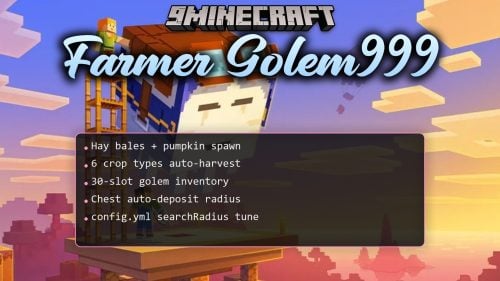 Farmer Golem999 Plugin (1.21.11, 1.21.1) – Automate Farm Chores So Towns Never
 TrialRooms Plugin (1.21.10) – Give Players Repeatable Dungeon Raids for Rare Loot
 Research Plugin (1.21.10) – Turn Idle Lecterns Into Secret Recipe Stations
 CompanionPets Plugin (1.21.10) – Give Players Cute Animal Friends to Raise Together

This post has no comments yet. Be the first — your comment will appear here.