
Insider Trading Mod (1.7.10) – Pick What Villagers Sell
 734
 0


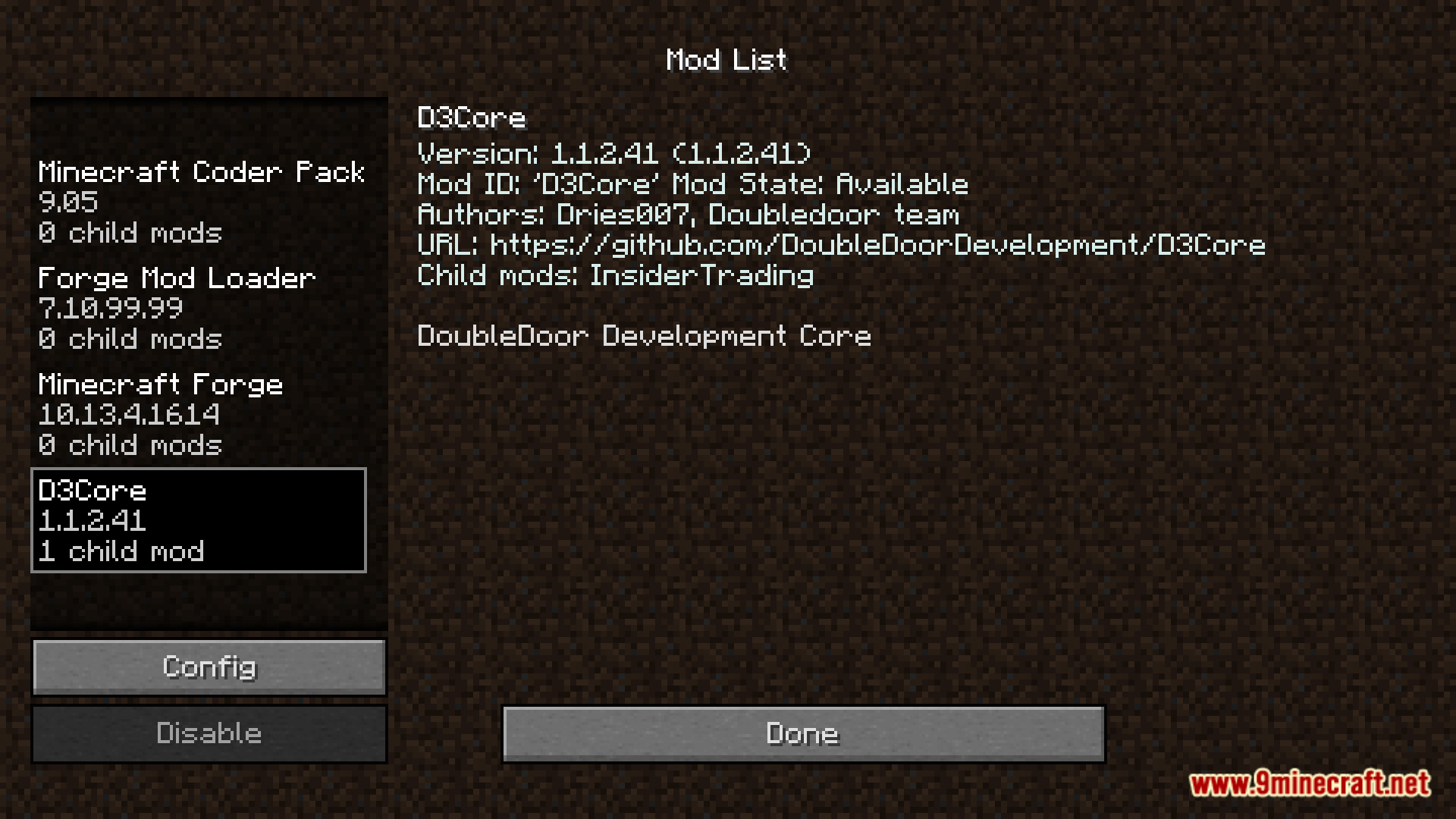
Insider Trading Mod lets you change and manage villager trades in Minecraft. You can add new deals, remove old ones, or clear out every villager trade at once with commands, in-game menus, and a config setting. This mod also shows each villager’s profession ID on the F3 screen so you can target specific villager types. You need D3 Core to run it, and you also need VillagerMetaFix if you want trade inputs to check NBT and Meta values.
Features:
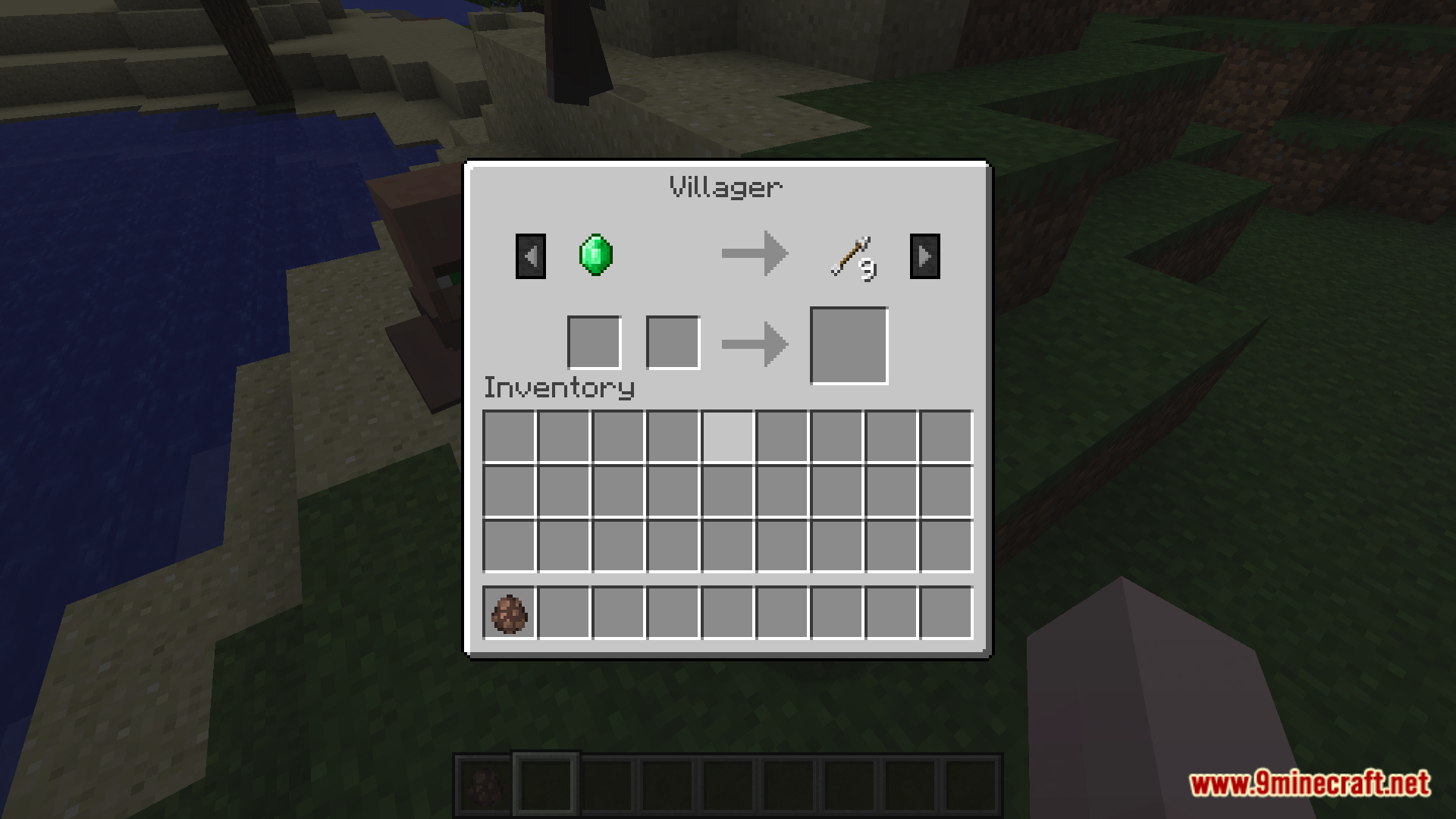
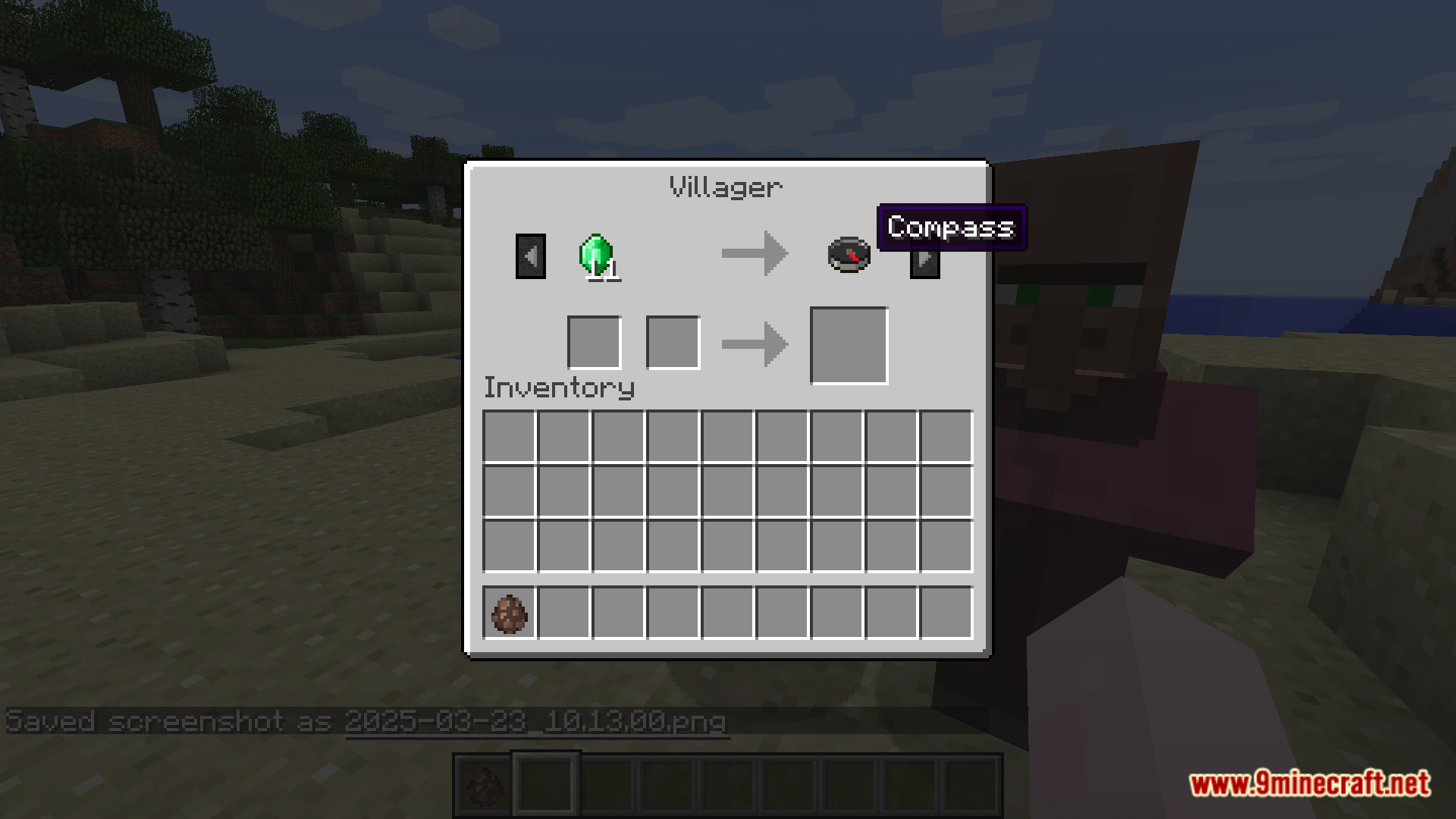
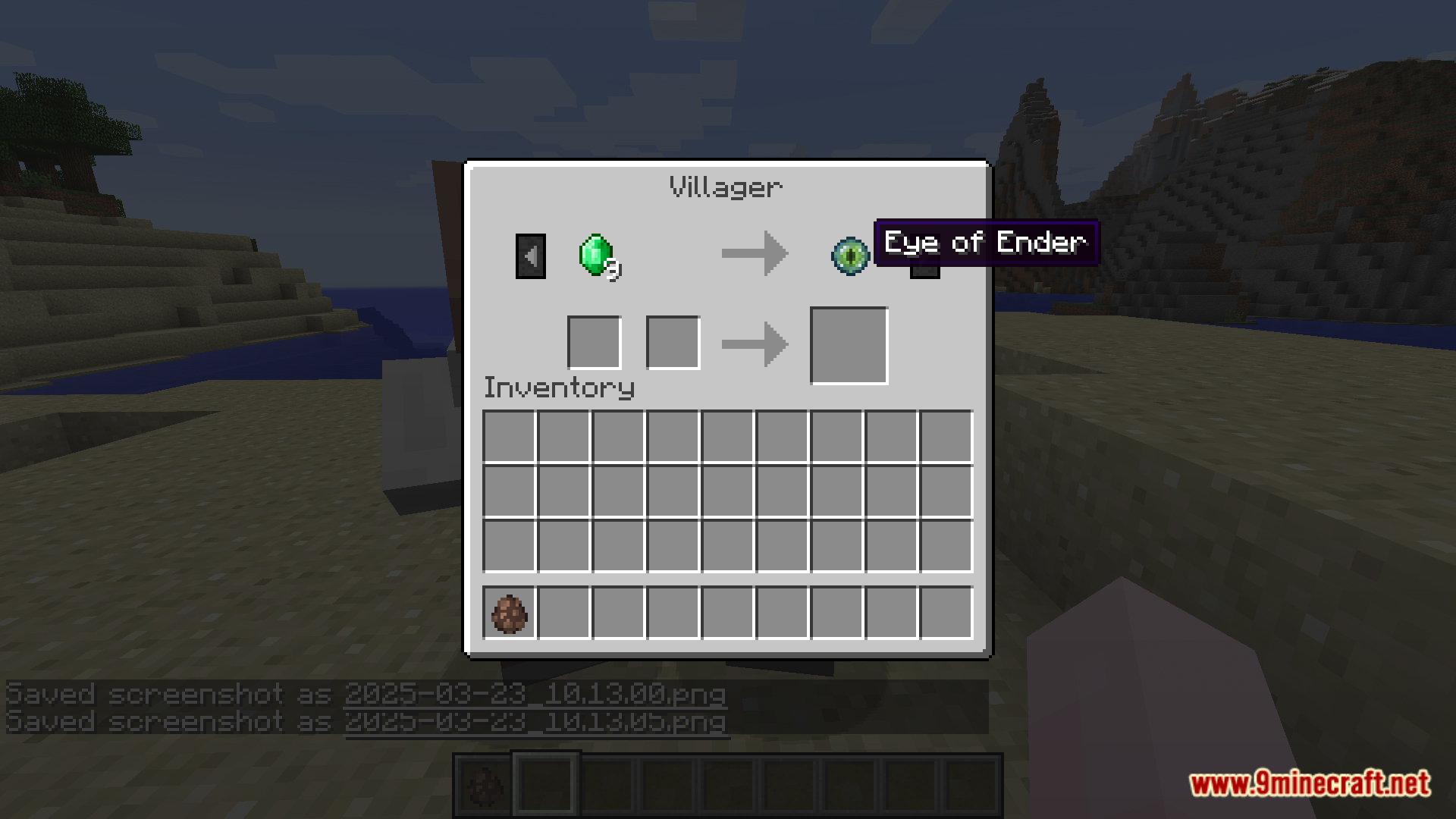
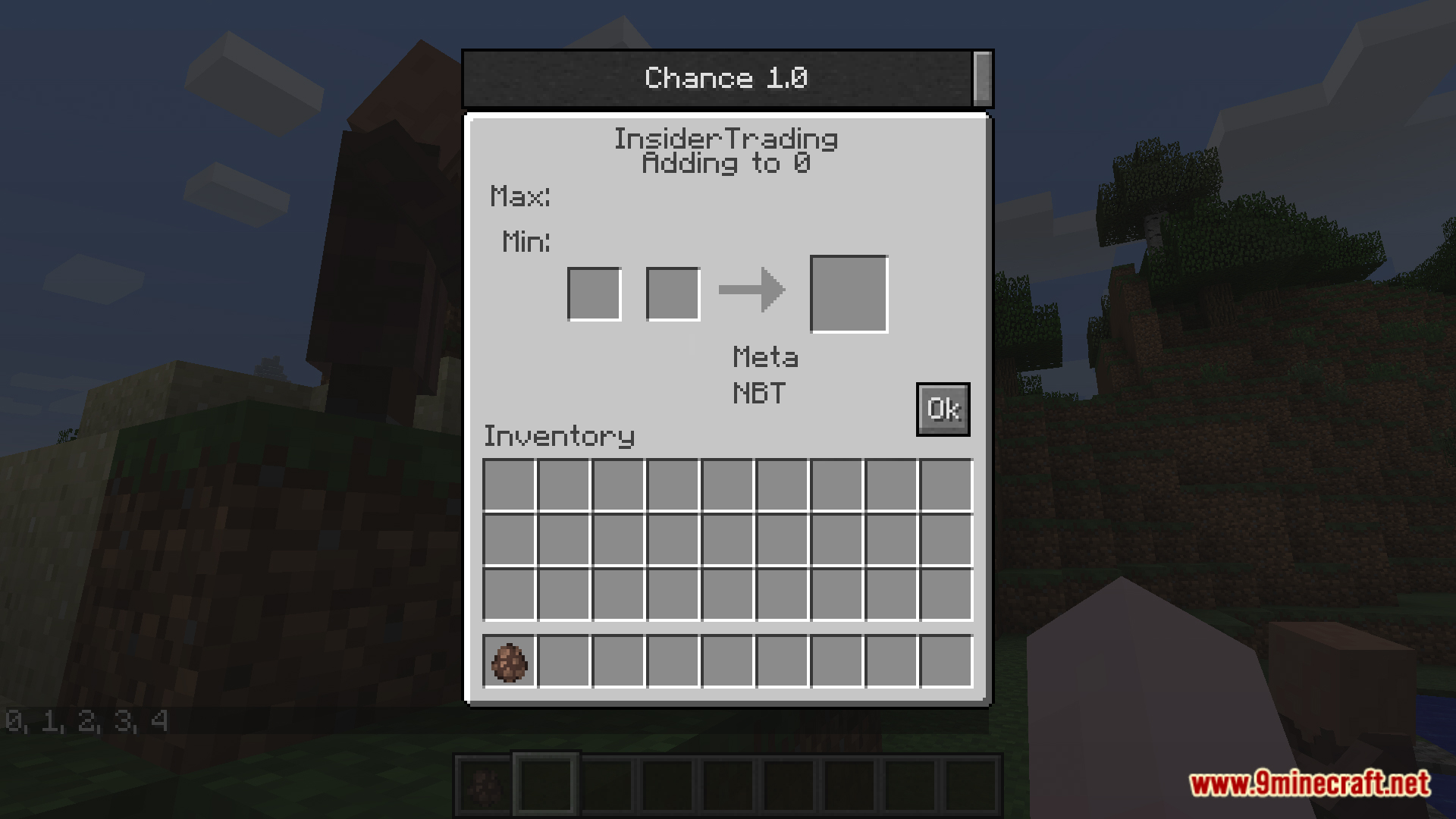
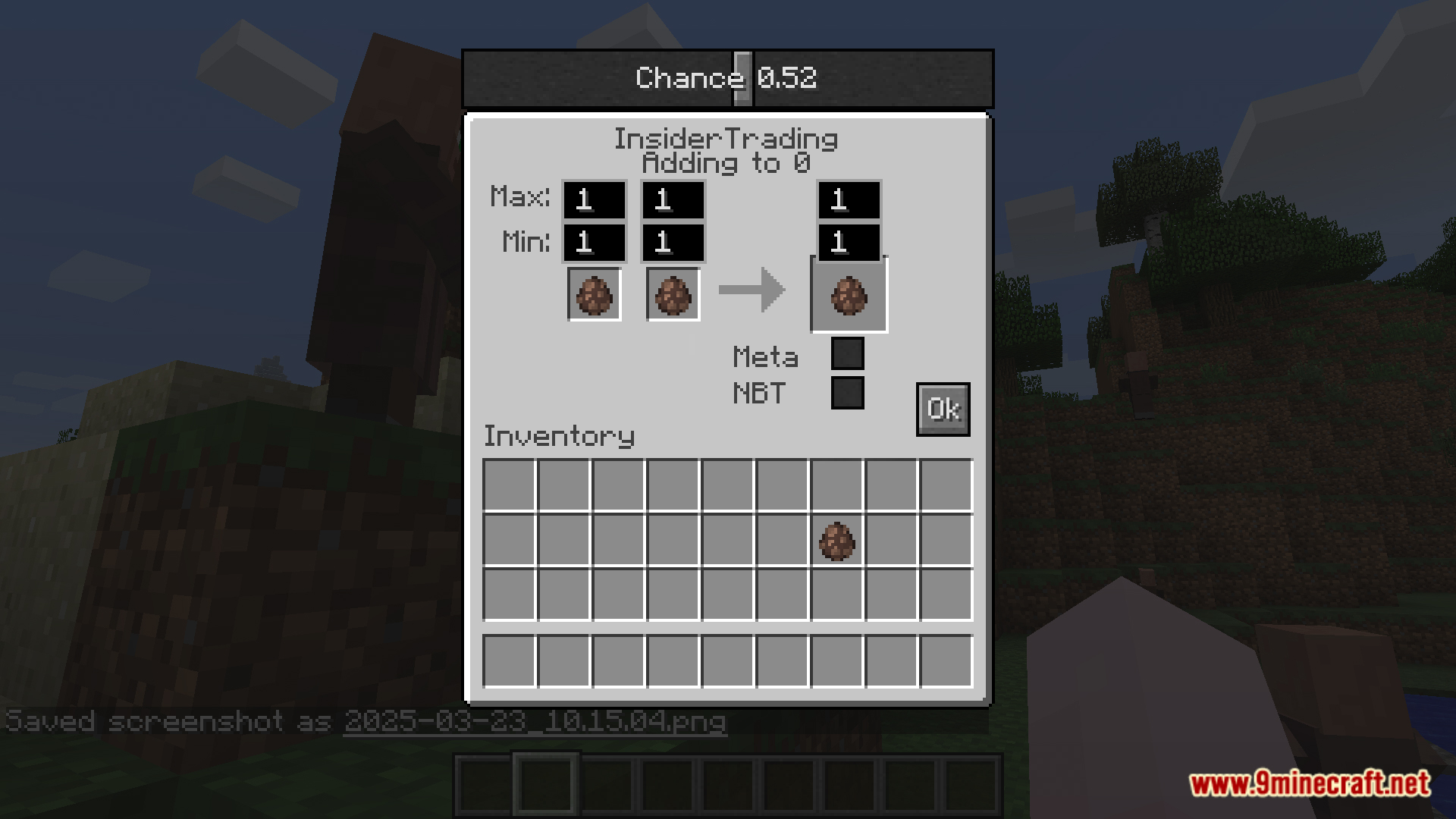
- Adds new custom trades to all villagers or to one chosen villager profession through an in-game Adding GUI.
- Removes old trades from all villagers or from a specific profession ID using a Remove GUI.
- Clears all villager trades at once when you open
InsiderTrading.Jsonand set"clearFirst"totrue. - Displays the villager profession ID in bright green text on the right side of the F3 debug screen whenever you look at a villager.
- Supports TAB completion on commands so you can check available options and view a full list of villager profession IDs.
- Lets you control how often a trade shows up with a chance setting, where 1.0 equals a 100% chance.
- Allows you to set Min and Max cost limits for each trade, keeping the final price anywhere within that range including the Min and Max numbers.
- Includes a small match-anything checkbox in the corner of each slot to make removing recipes much easier.
- Gives you NBT and Meta sensitivity on slots when removing trades, and pairs with VillagerMetaFix if you also want NBT and Meta sensitivity for trade inputs.
Commands:
/insidertrading: Shows all options for the command./insidertrading add: Adds a trade chance to all villager professions./insidertrading remove: Removes a trade from all villager professions./insidertrading add [ID]: Adds a trade chance to the chosen villager profession./insidertrading remove [ID]: Removes a trade from the chosen villager profession.
Configuration:
clearFirst: Set this option totrueinsideInsiderTrading.Jsonto remove all villager trades.
How to Use:
- Press F3 and look at a villager to see its profession ID in bright green text on the right side of your screen, or press TAB while typing a command to pull up a list of IDs.
- Type
/insidertrading addor/insidertrading removeto open the trade menu for all villagers, or include a profession[ID]at the end to change only that villager type. - Set the Chance value to pick how likely a trade is to show up (
1.0equals 100%), and set Min and Max to choose the lowest and highest item cost. - When removing recipes, check the small match-anything box in the corner of both input slots, then set the output Max to 64 and Min to 0.
- Use the NBT/Meta slot option only when you need NBT and Meta sensitivity while removing trades, since input sensitivity requires VillagerMetaFix.
- To change an existing trade, remove it first and then add it back with your new settings, because existing trades cannot be edited directly.
- To wipe every villager trade at once, open
InsiderTrading.Jsonand set"clearFirst"totrue. - Watch the order you add trades: deals near the start of the list are more likely to get picked, and if two trades use the same input, the newer trade replaces the older one (for example, 4 wheat for 1 emerald overwrites 2 wheat for 1 bread).
Screenshots:
How to Install:
New to Minecraft? Follow our step-by-step guide to install Mods on your PC.View Guide
Requirements:
Insider Trading Mod Download Links
For Minecraft 1.7.10
Forge version: Download from Server 1 – Download from Server 2
What do you usually do when your modded game crashes on startup?
22 responses · See the full results →
You May Also Like
Picked for this page
 Bad Mobs Mod (1.21.1, 1.20.1) – Banning Mob Spawning
 No Resource Pack Warnings Mod (26.3, 1.20.1) – Disable Pop-up Warning
 Sewing Kit Mod (26.2, 1.20.1) – Sewing Recipes for Tailoring and Leatherworking
 More Food To Go Mod (1.21.11, 1.21.1) – 90 Plus Tasty Additions For Your World
 Spice Of Fabric Mod (26.1.2, 1.20.1) – Food Containers
 Crossbow Enchants Mod (26.3, 1.20.1) – Allows Bow-exclusive Enchantments on Crossbows
 My Lucky Block Mod (26.3, 1.21.1) – Lucky Block That Triggers Events
 Prickle Mod (26.3, 1.21.1) – Lightweight JSON-Based Config System
 Custom Piglin Bartering Mod (26.3, 1.20.1) – Unique Loot For Every Trade
 One Warden For Each Ancient City Mod (26.1.2, 1.20.1)
 Frostbyte’s Maximum Mobility Mod (26.3, 1.20.1) – Smooth Movement For Minecraft
 TFC Grooming Station Mod (1.20.1, 1.20) – Never Hand-Feed Your Animals Again
Most viewed in Mods over the last 7 days
 Ala Industrial Mod (26.3) – Run Electric Power Grids and Automated Factories
 PleasureCraft Mod (26.3, 1.21.1) – Jenny Mod Remake for Fabric
 Jennycraft Mod (26.3, 1.20.1) – Virtual Girlfriend in Minecraft
 Fapcraft Mod (26.3, 1.12.2) – Comprehensive and Detailed Content
 Jenny Mod (Fapcraft) Official Complete Guide – How to use, Tutorial
 BangCraft Mod (1.20.1) – Jenny, Ellie and Elliot
 Fabric Loader (26.3, 1.20.1) – Fabric Installer for All Minecraft Versions
 Meteor Client Mod (26.3, 1.20.1) – Xray, HUD, Fly
 OptiFine HD (26.3, 1.20.1) – Run Faster, FPS Boost, Shaders Support
 The Shooting Star Demo Mod (26.3, 1.20.1) – Vaporize Terrain From Orbit
 Aristois Client Mod (1.21.4, 1.20.1) – World Class Minecraft Utility
 SchnurriTV Mod (1.12.2) – Characters and Features
More from Mods
 Gabou’s Libs Mod (26.3, 1.20.1) – Keep Custom Weather and Survival Mods Stable
 /Sit Mod (26.3, 1.21.1) – Make The Player Sit Down
 Arcane Redstone Dial Mod (26.3, 1.20.1) – Trigger Commands and Shortcuts
 The Graveyard Mod (26.3, 1.20.1) – Cemeteries in Minecraft
 Enhanced Overlay Mod (26.3, 1.21.11) – Remove Screen Clutter
 Flint Mod (1.21.11) – Run DiamondFire Community Addons Without Crashing
 Not Just Sandwich Mod (26.3, 1.20.1) – Edibles, Sandwiches
 Waddles Mod (26.3, 1.20.1) – Make Icy Biomes Feel Alive
 Artemis’ Thin Logs Mod (26.3, 1.20.1) – Build Custom Trees and Detailed Wood
 Asterion Mod (26.3, 1.20.1) – Survive Ancient Mazes and Slay the Legendary Minotaur
 Passthrough Signs Mod (26.3, 1.20.1) – Right-Click Through Wall Signs
 Packing Tape Mod (26.3, 1.20.1) – Move Chests, Machines

This post has no comments yet. Be the first — your comment will appear here.