


Player Particles Mod (26.2, 1.21.1) – Make Players Emit Particles
 1,562
1,562
 0
0


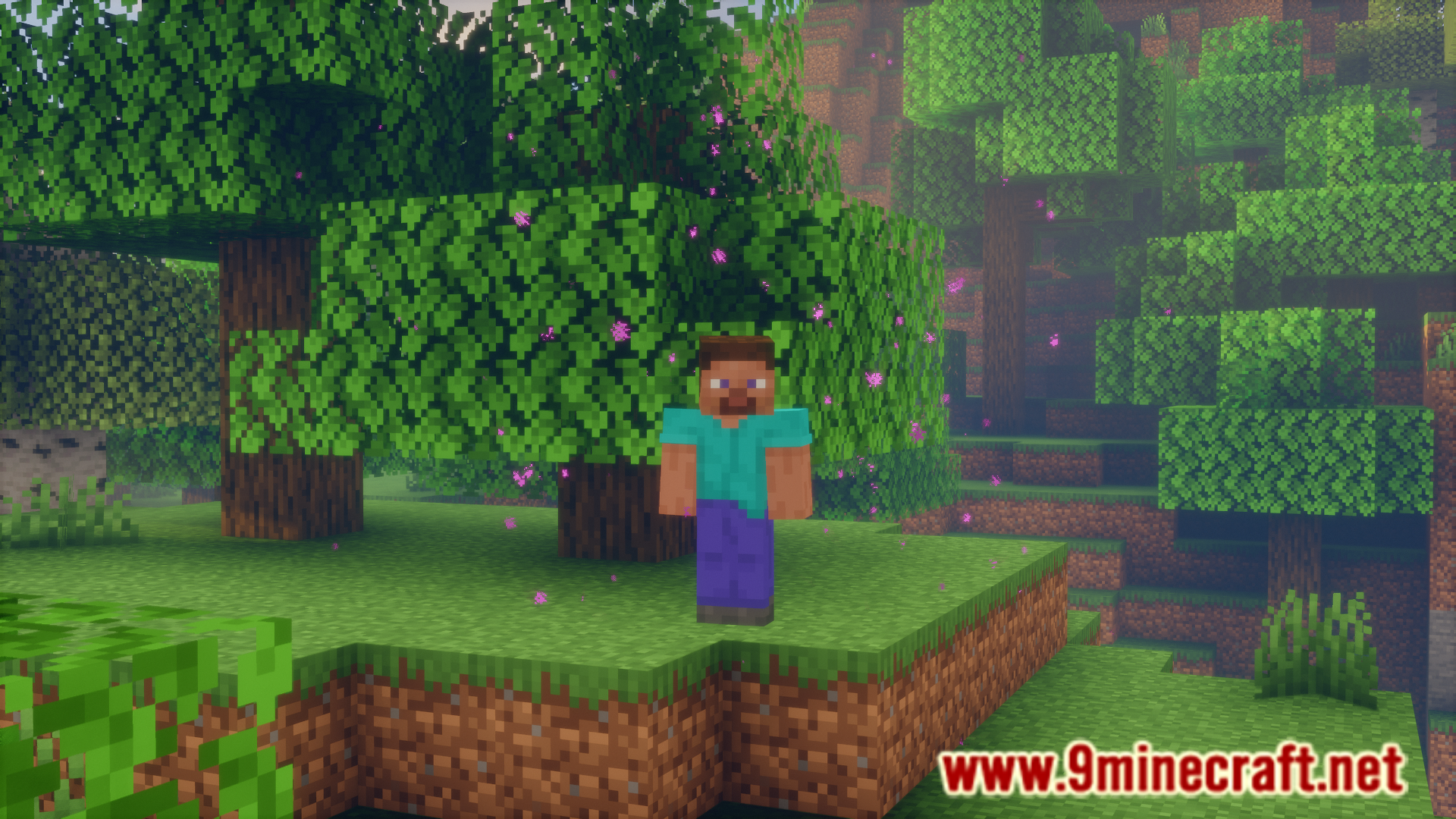
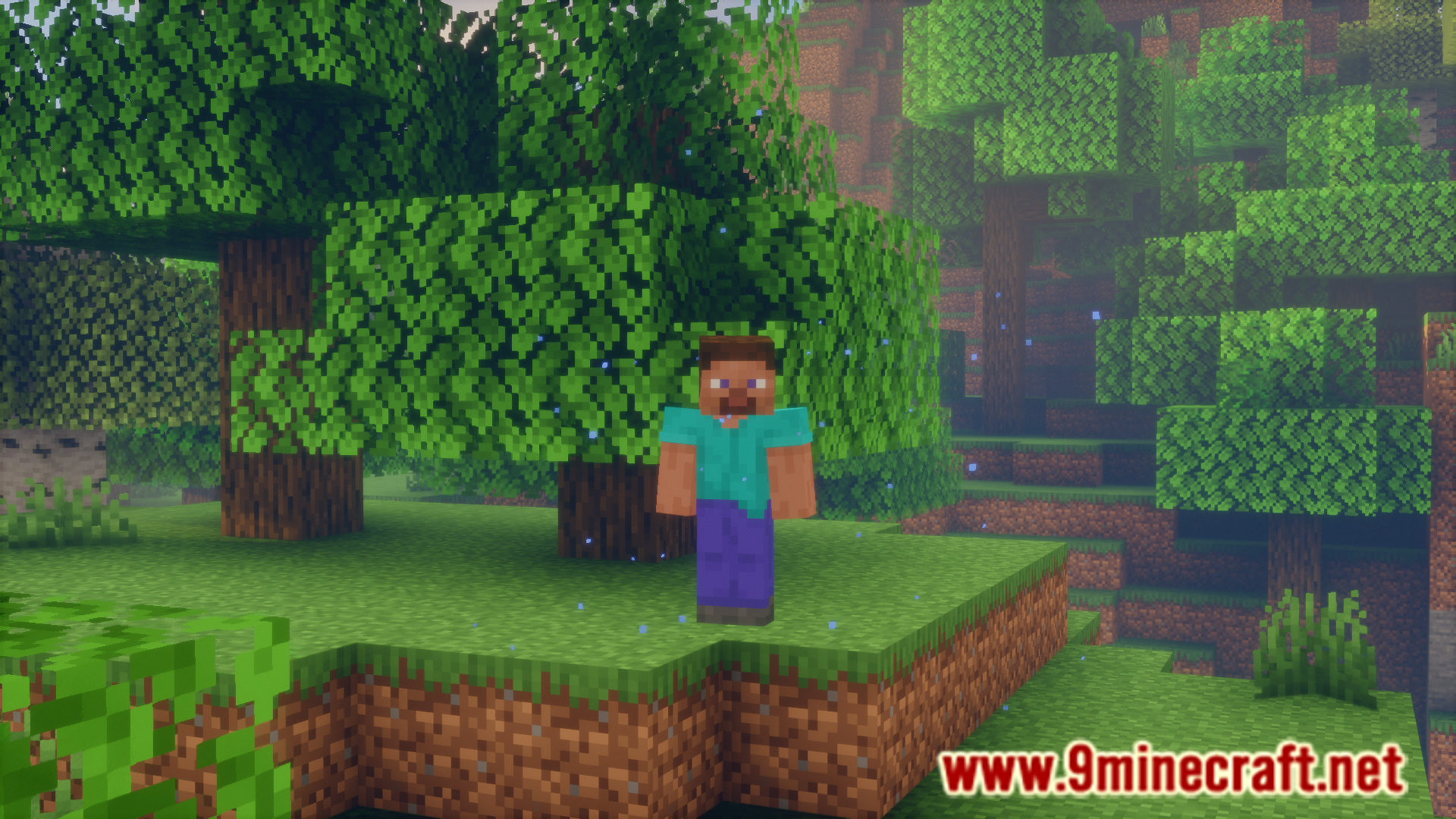
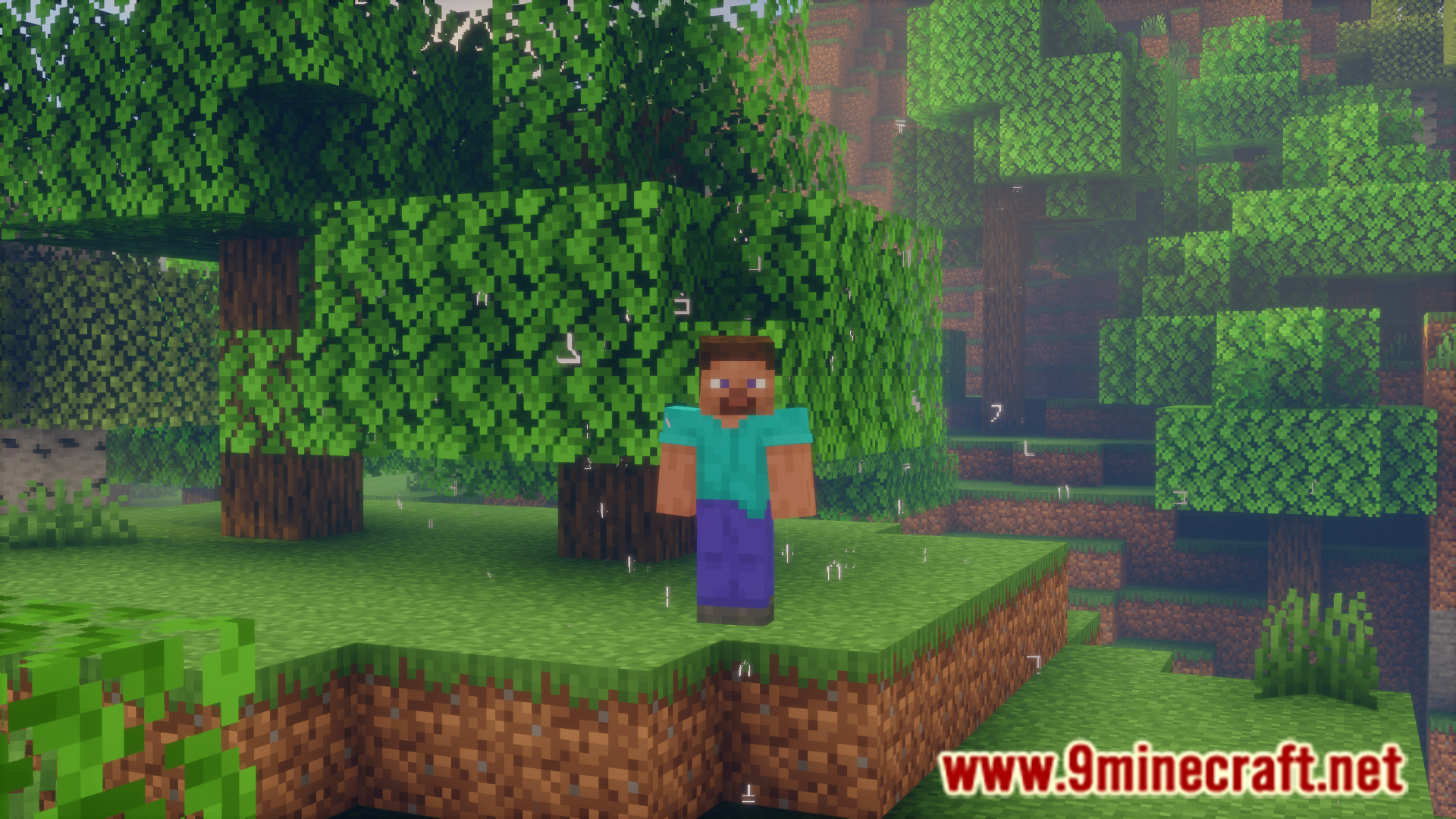
There are many different particle effects in the game. While many effects can be applied to the player with the help of potions, some others, like the enchantment table particles and smoke particles from campfires are block specific. Player Particles Mod allows you to apply almost any particle effect in the game onto the player. This is done using commands and they are listed below.
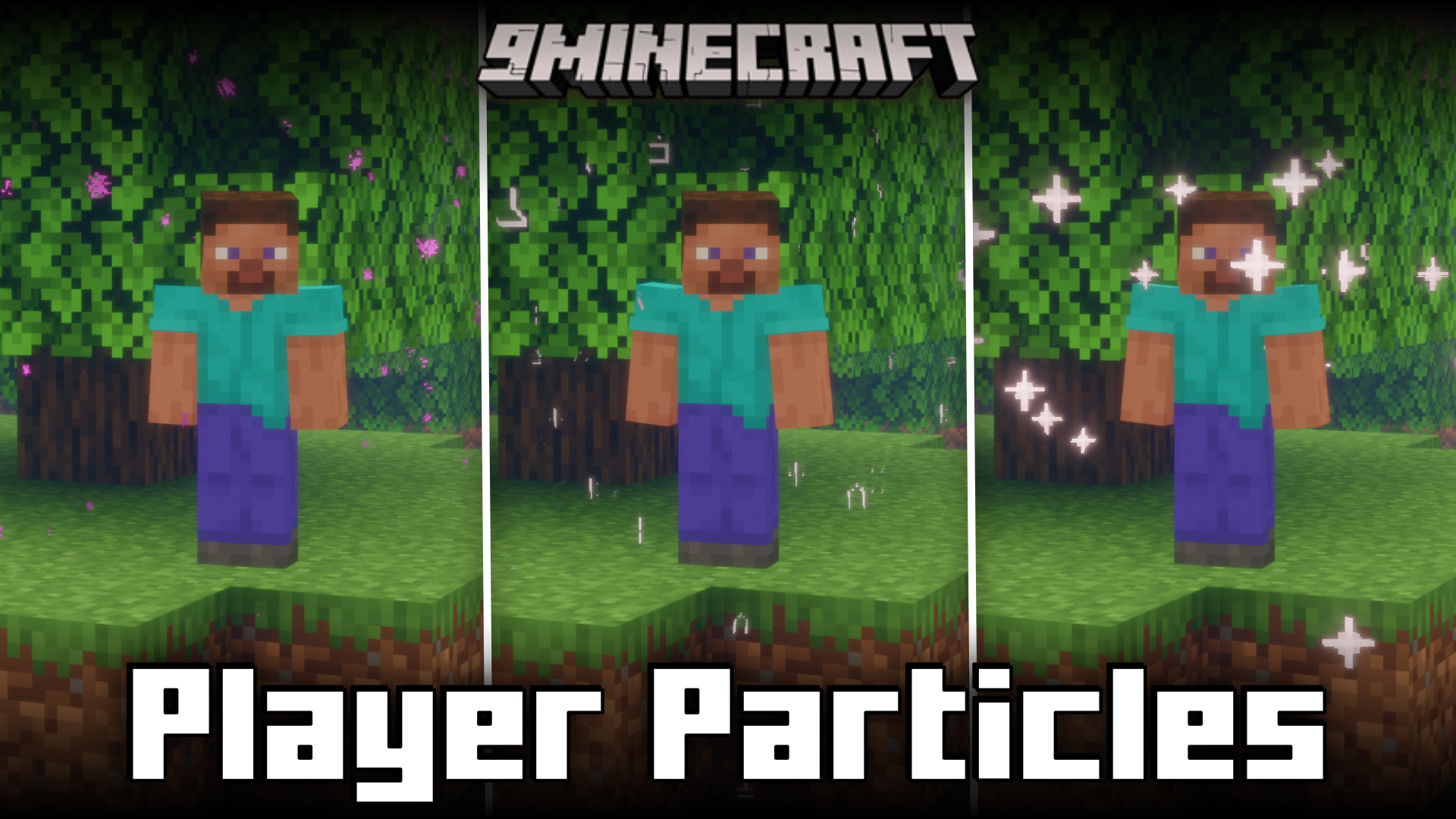
Features:
Commands:
- /playerparticles off – turns your particles off.
- /playerparticles on – turns your particles on.
- /playerparticles reset – resets your particles in all slots.
- /playerparticles <particle|reset> – sets a particle in one of your slots, or resets it.
is only necessary for some particles. - /playerparticles disable-all – disables rendering all (yours and others) player particles for you. Useful when player particles are laggy for you.
- /playerparticles enable-all – enables rendering all (yours and others) player particles for you.
At the moment, 3 particle slots are available:
- above – displays above you.
- around – displays around you.
- below – displays below you.
Screenshots:
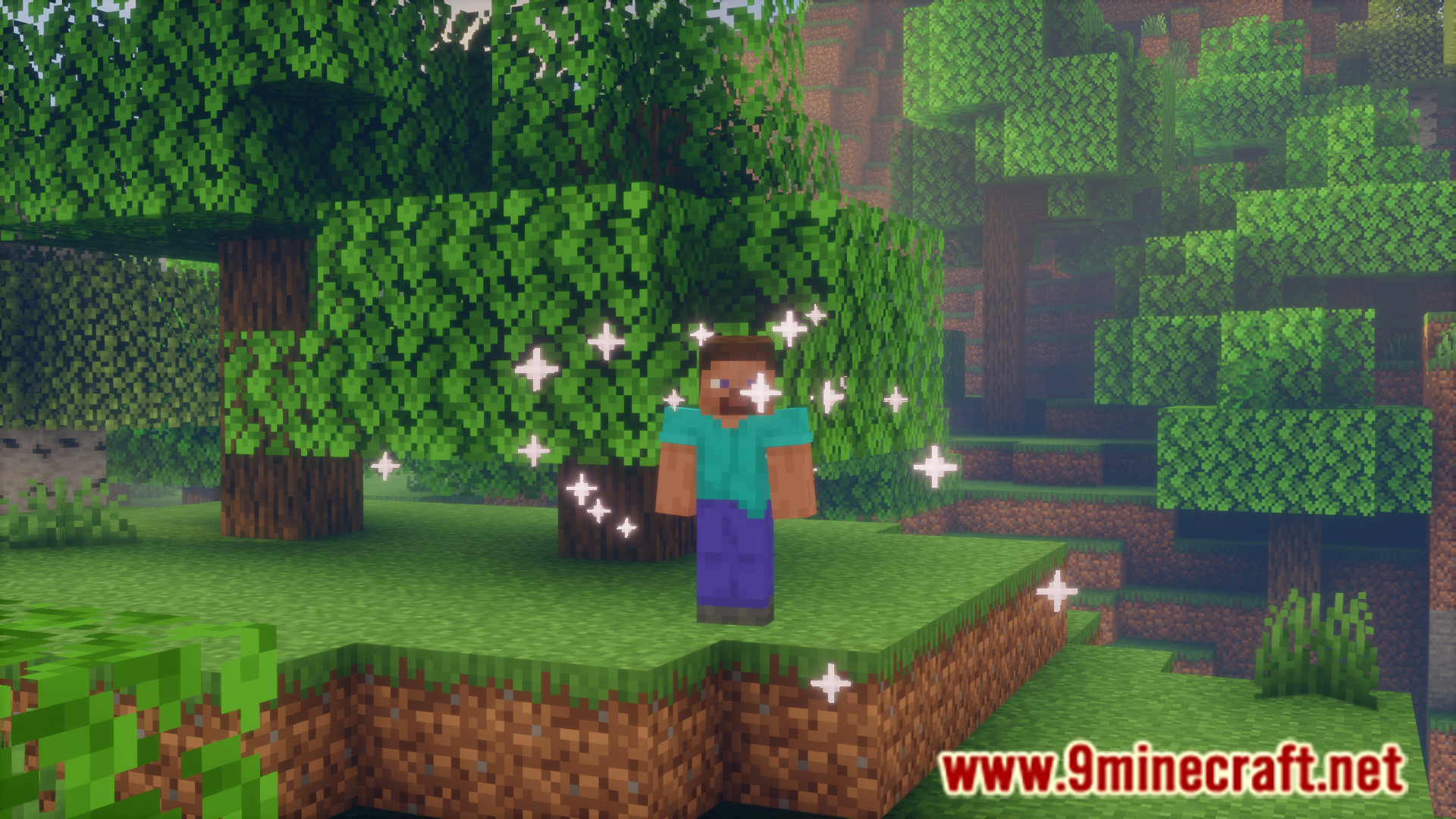
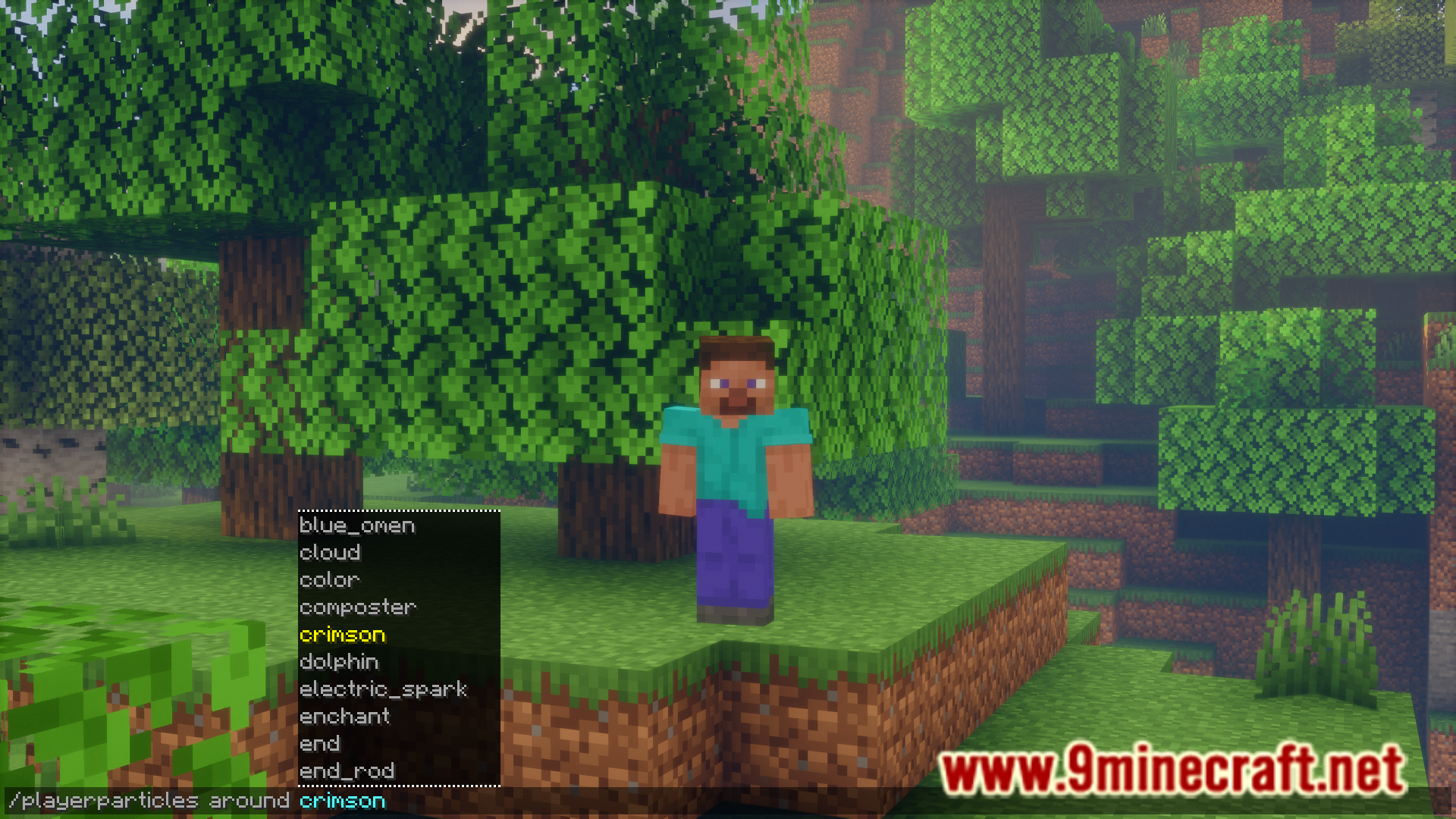
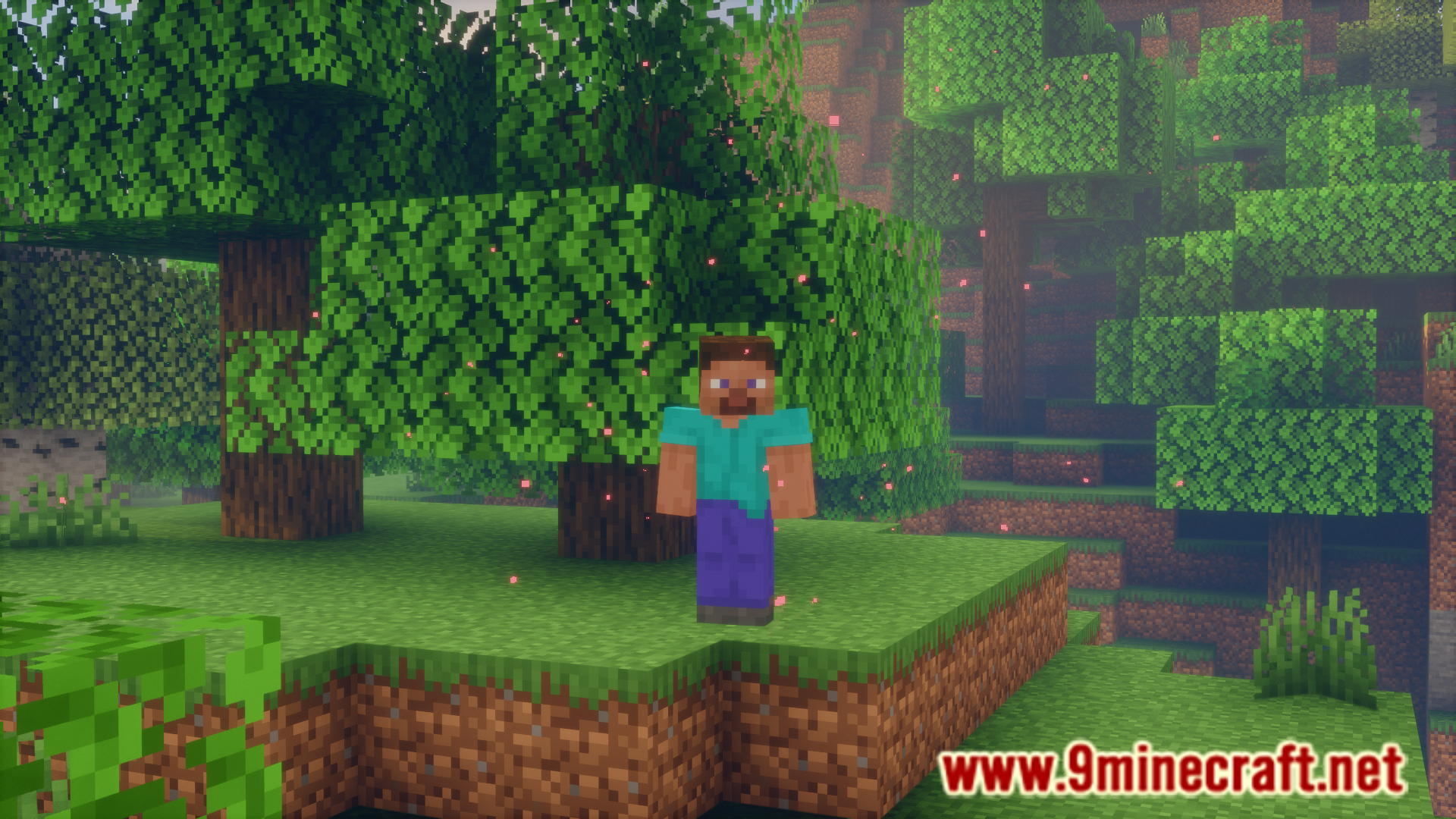
How to Install:
New to Minecraft? Follow our step-by-step guide to install Mods on your PC.View Guide


Player Particles Mod Download Links
For Minecraft 26.2
For Minecraft 26.1.2, 26.1.1, 26.1
For Minecraft 1.21.11
For Minecraft 1.21.10, 1.21.9
For Minecraft 1.21.8, 1.21.7, 1.21.6
For Minecraft 1.21.5
For Minecraft 1.21.4
For Minecraft 1.21.1, 1.21
For Minecraft 1.20.6
For Minecraft 1.20.4
Click to rate this post!
[Total: 1 Average: 5]
You May Also Like

This post has no comments yet. Be the first — your comment will appear here.