


TexTrue’s Rubidium Options Mod (1.20.1, 1.19.2) – Tweak Graphics with Ease
 375
375
 0
0


🌐 Read this article in your language! Choose your preferred language below.
Or pick the one you like:
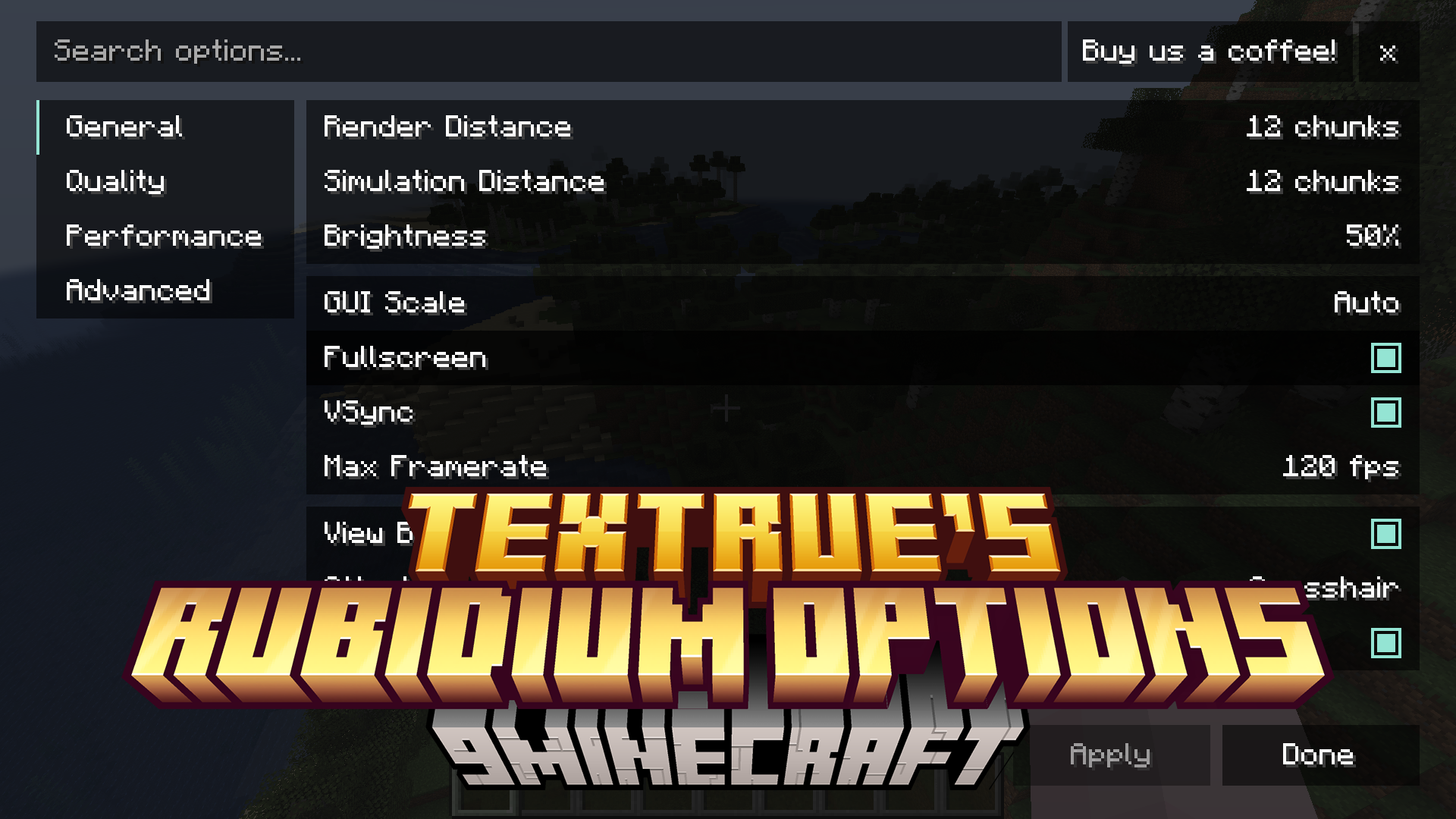
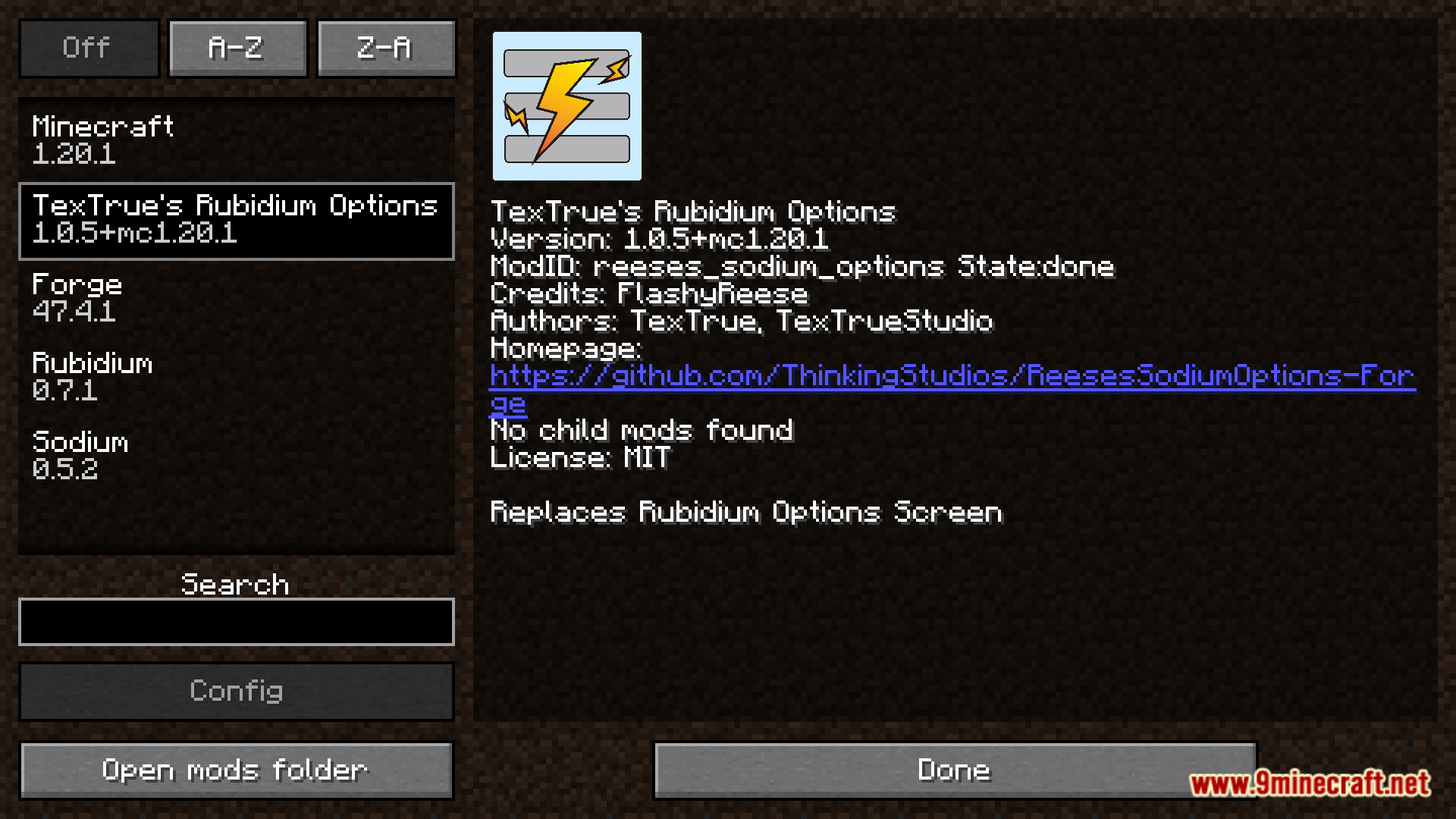
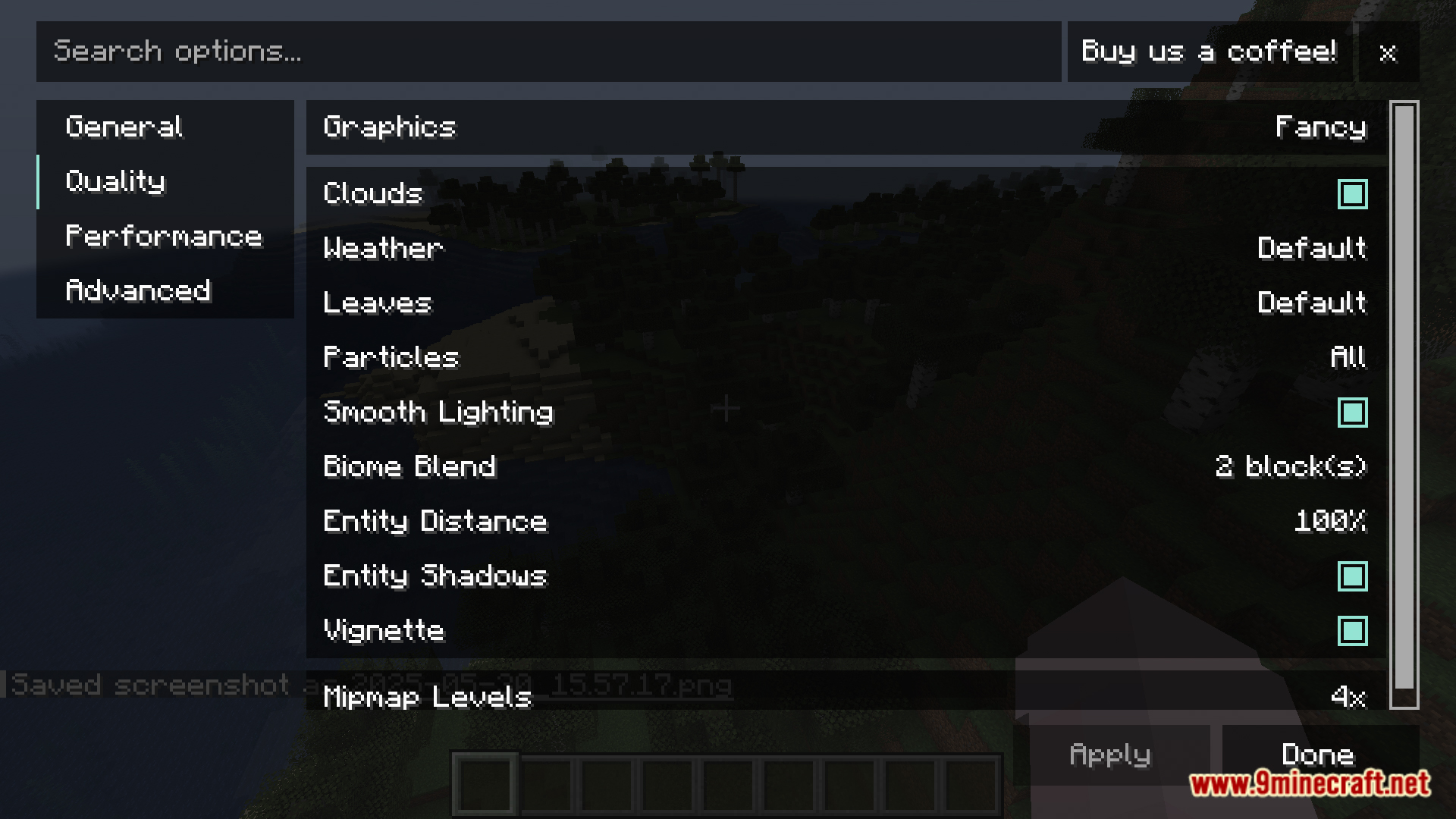
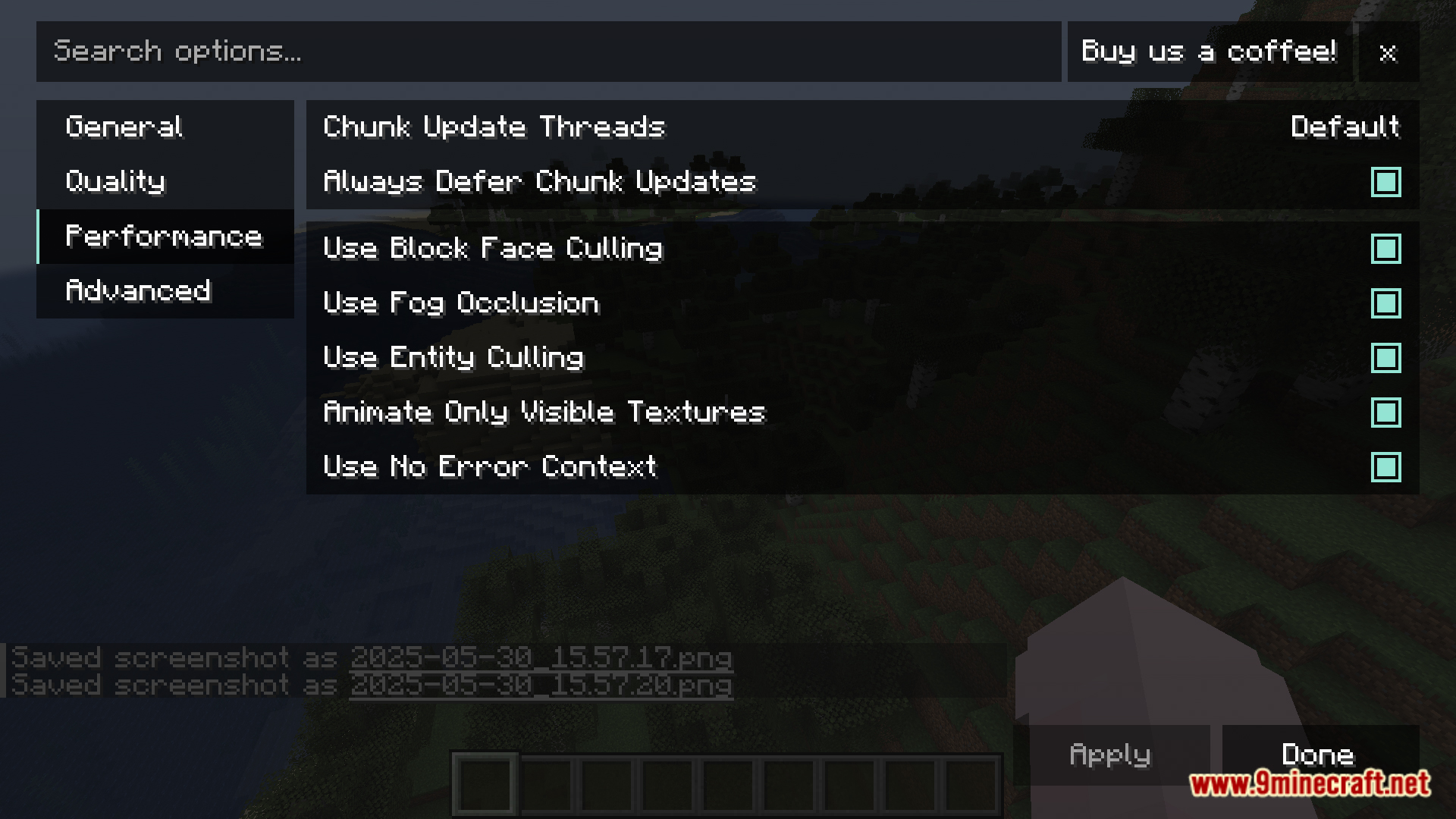
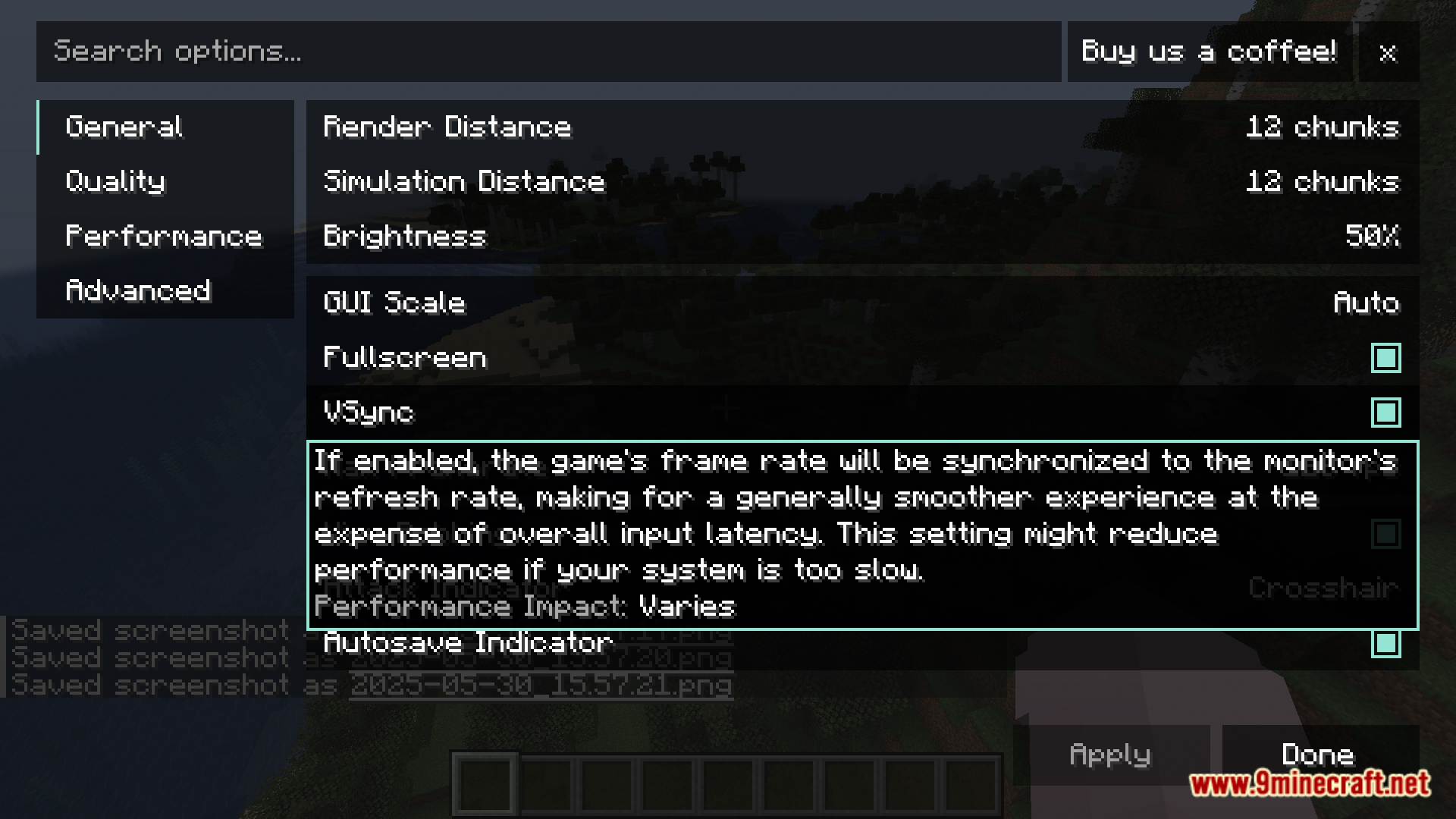
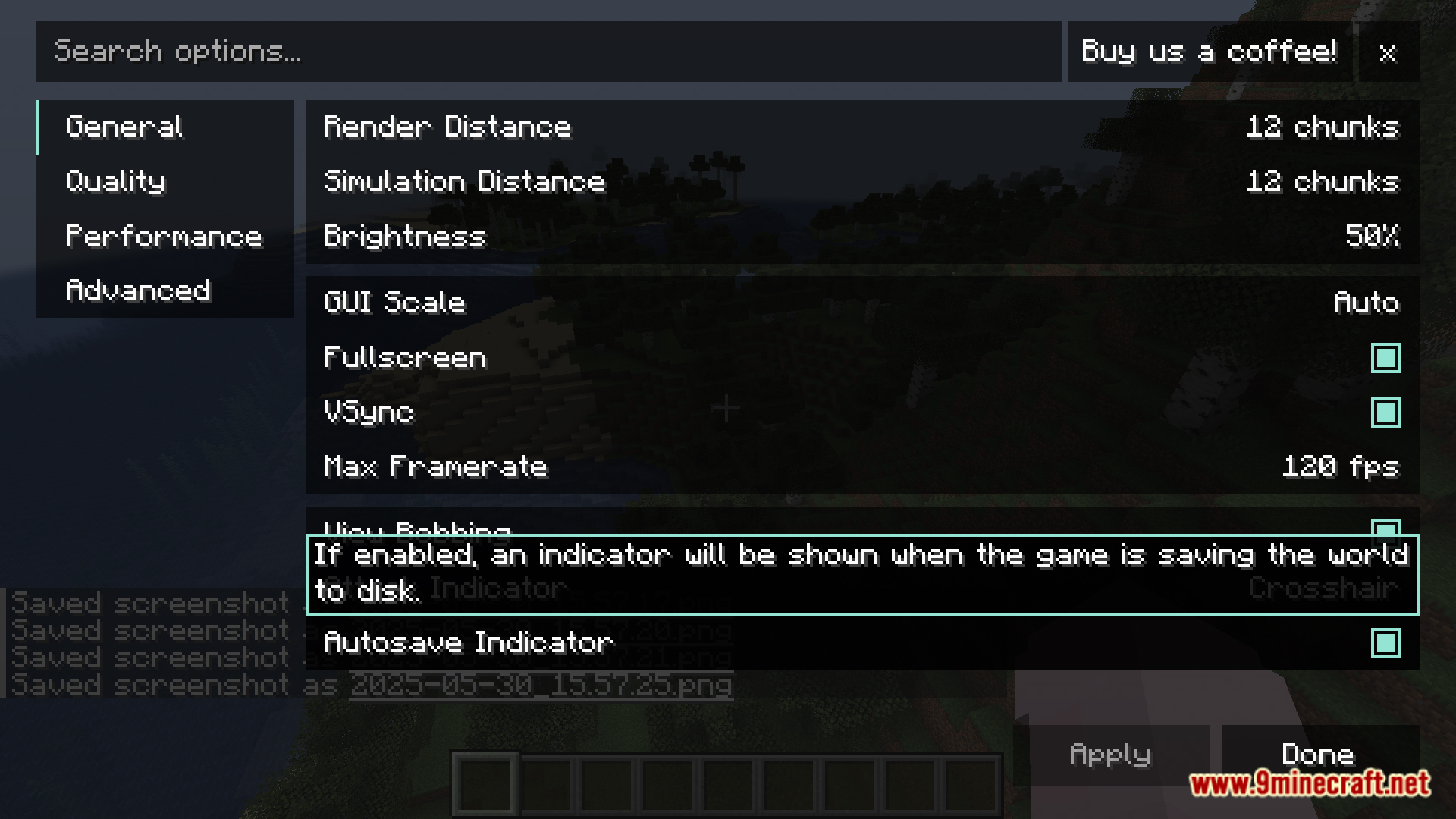
TexTrue’s Rubidium Options Mod brings the popular video settings menu from Reese’s Sodium Options to players using the Rubidium mod. It replaces the default settings screen with a more user-friendly interface. This makes it easier to change your graphics options and improve game performance.
Features:
- Adds a new, easy-to-use video settings menu for the Rubidium mod.
- Gives you more control over graphics options to fine-tune your game.
- Helps you adjust settings easily to get better performance and smoother gameplay.
Screenshots:
How to Install:
New to Minecraft? Follow our step-by-step guide to install Mods on your PC.View Guide
TexTrue's Rubidium Options Mod Download Links
For Minecraft 1.20.1
Forge/NeoForge version: Download from Server 1 – Download from Server 2
For Minecraft 1.19.2
Forge version: Download from Server 1 – Download from Server 2
For Minecraft 1.18.2
Forge version: Download from Server 1 – Download from Server 2
For Minecraft 1.16.5
Forge version: Download from Server 1 – Download from Server 2
Click to rate this post!
[Total: 0 Average: 0]
You May Also Like



This post has no comments yet. Be the first — your comment will appear here.