
Sky Cubed Mod (26.3, 1.21.11) – Track Dungeons and Stats Without Clutter

 0


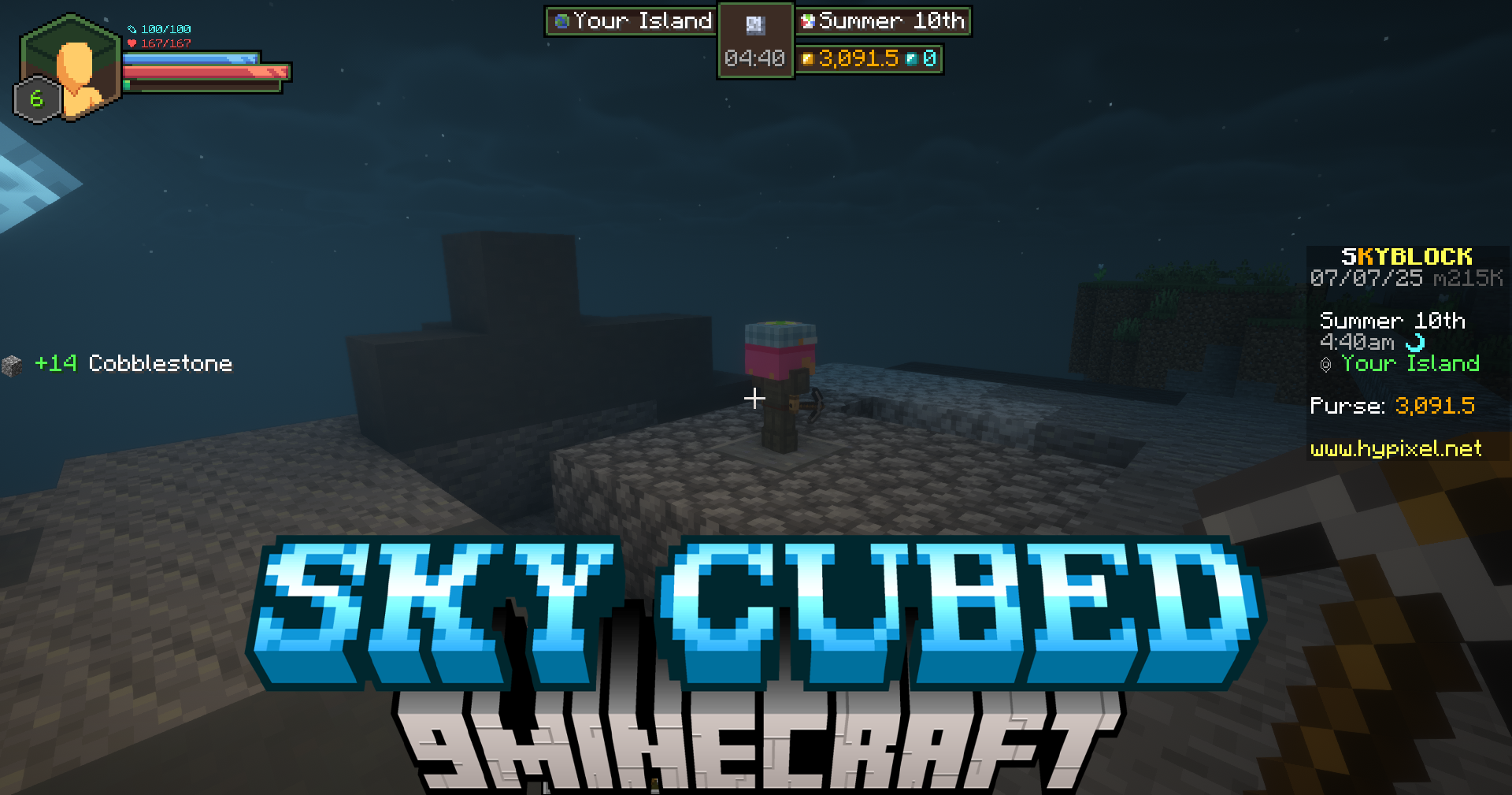
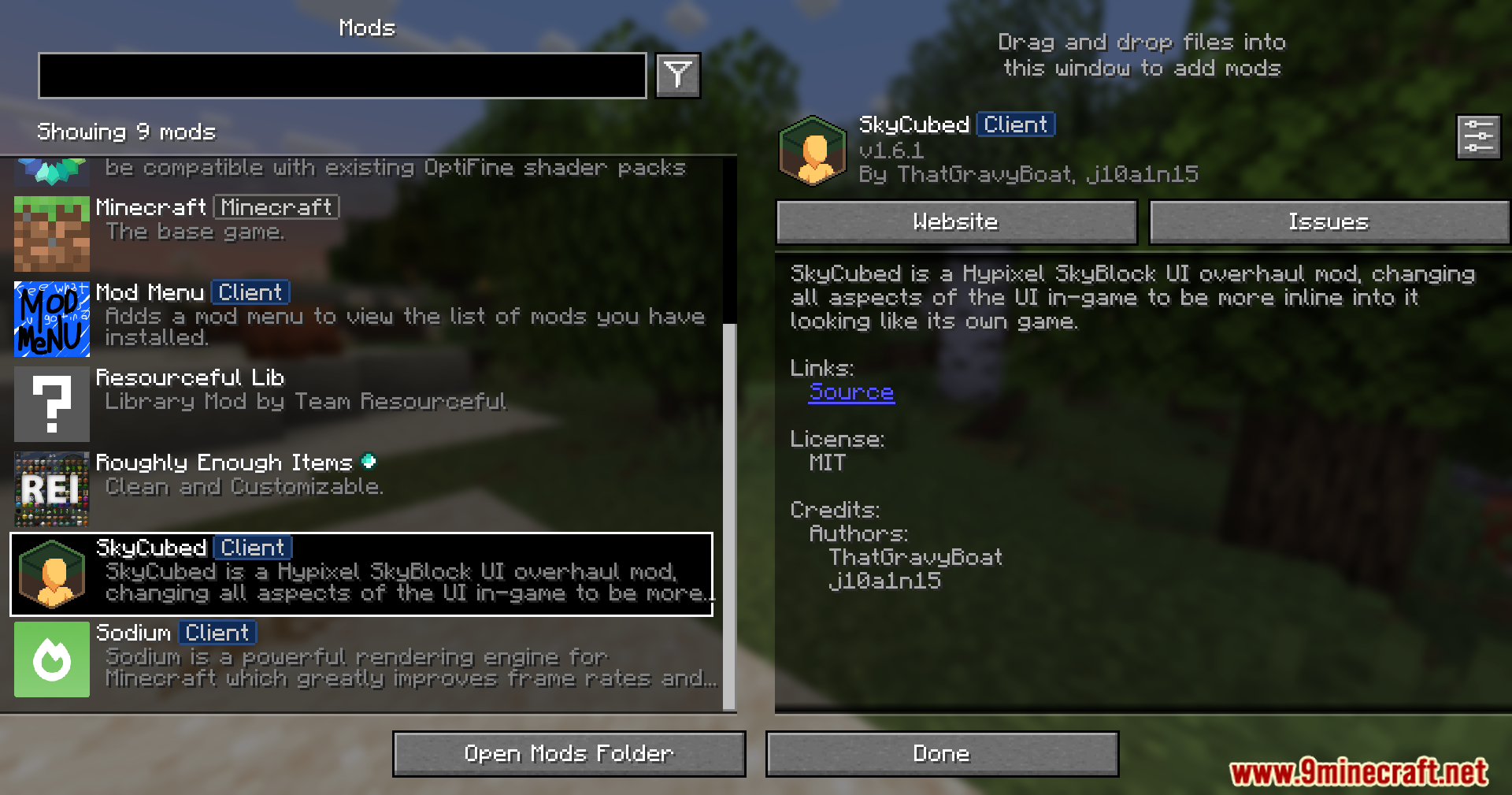
Sky Cubed Mod transforms your Hypixel SkyBlock experience by turning the standard user interface into an RPG-style interface. It brings custom overlays, reworked HUD elements, chat filters, and dynamic maps directly into your game.
Features:
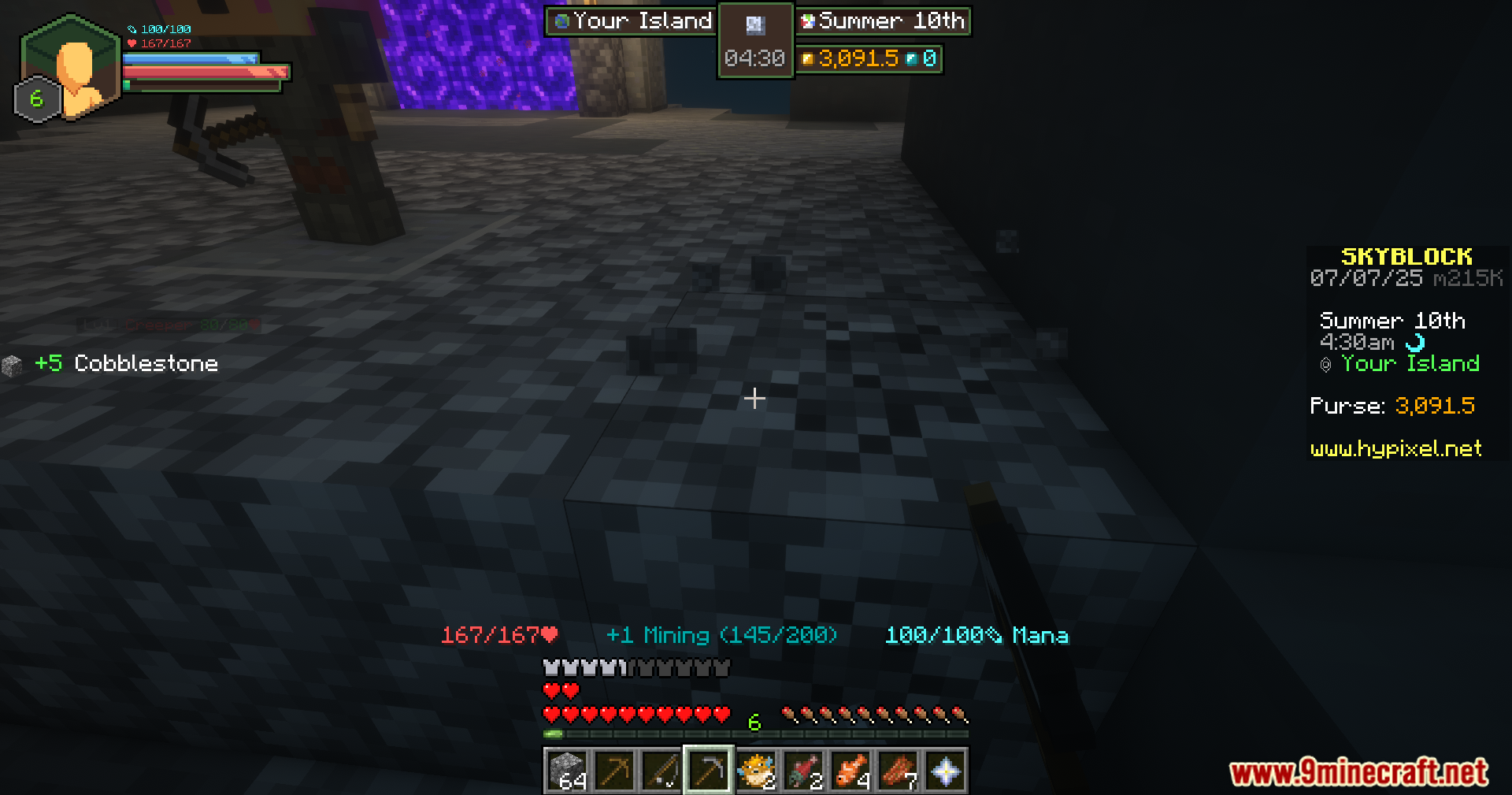
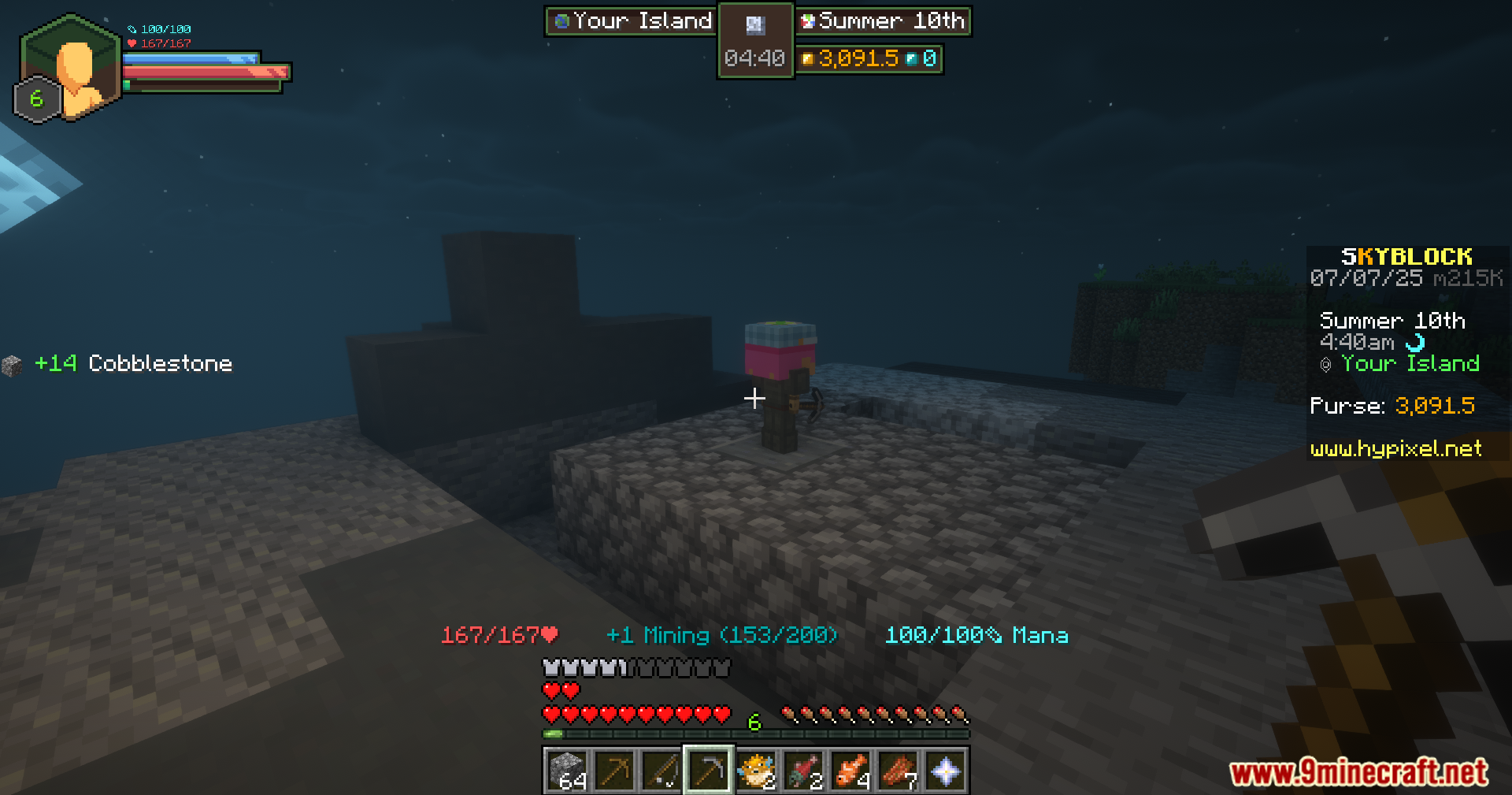
- Adds an RPG-style display with health, mana, XP, and air bars.
- Includes area maps, minimaps, and dedicated dungeon maps with customizable colors and rotatable viewing options.
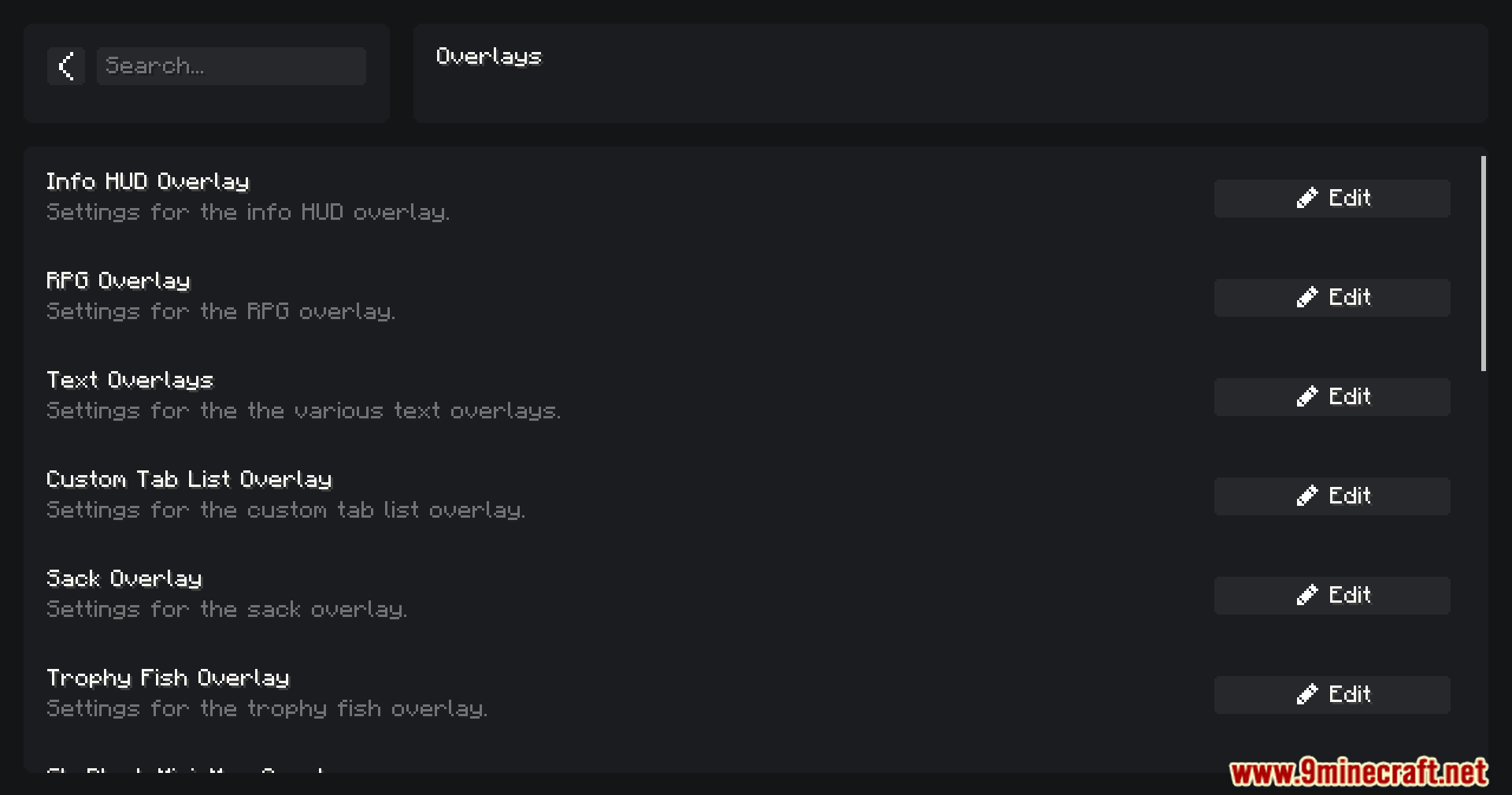
- Displays pickup logs, commission progress, trophy fish trackers, and sack items right on your screen.
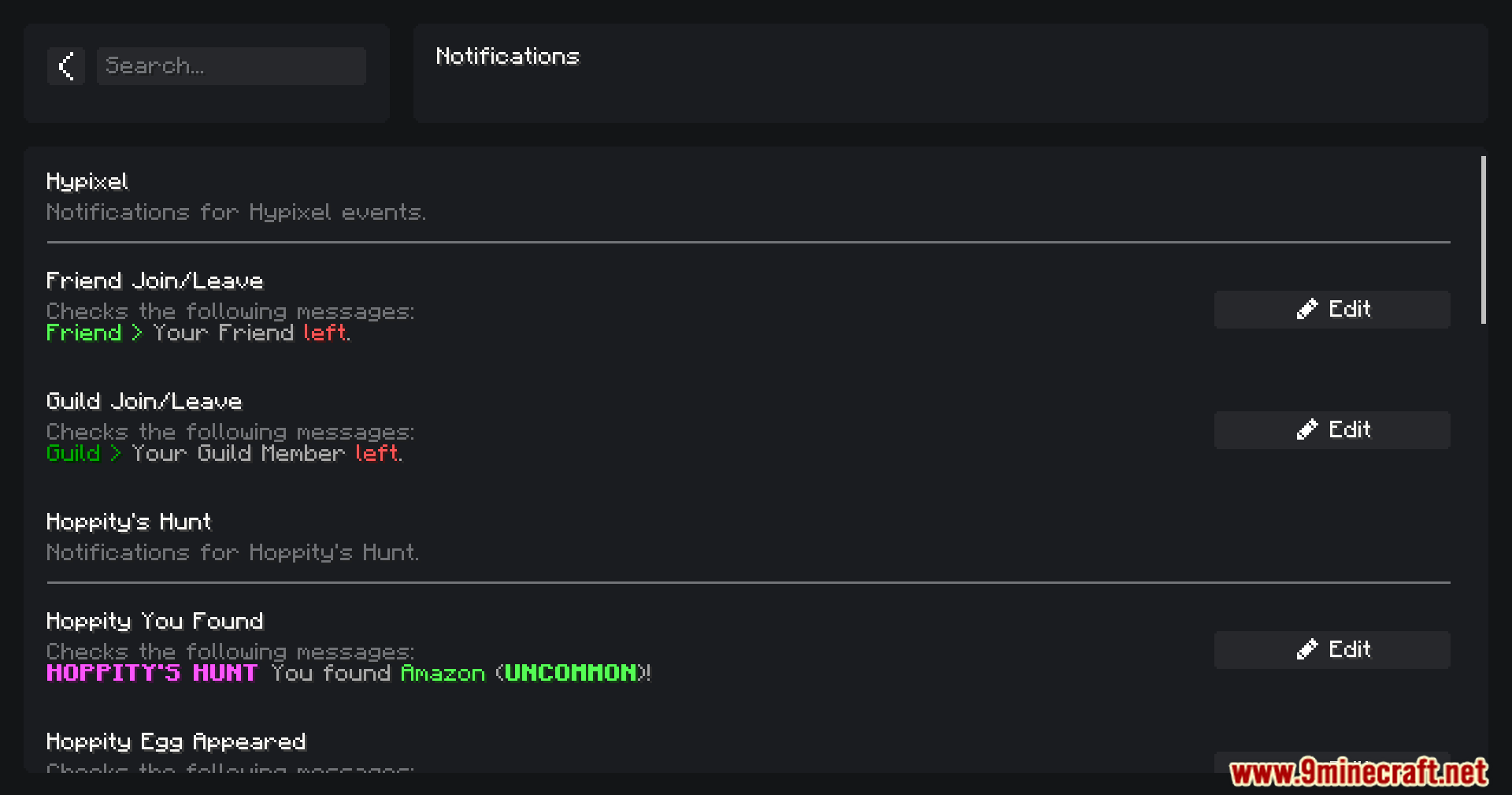
- Provides customizable notifications that show up as toast alerts in the corner of the screen.
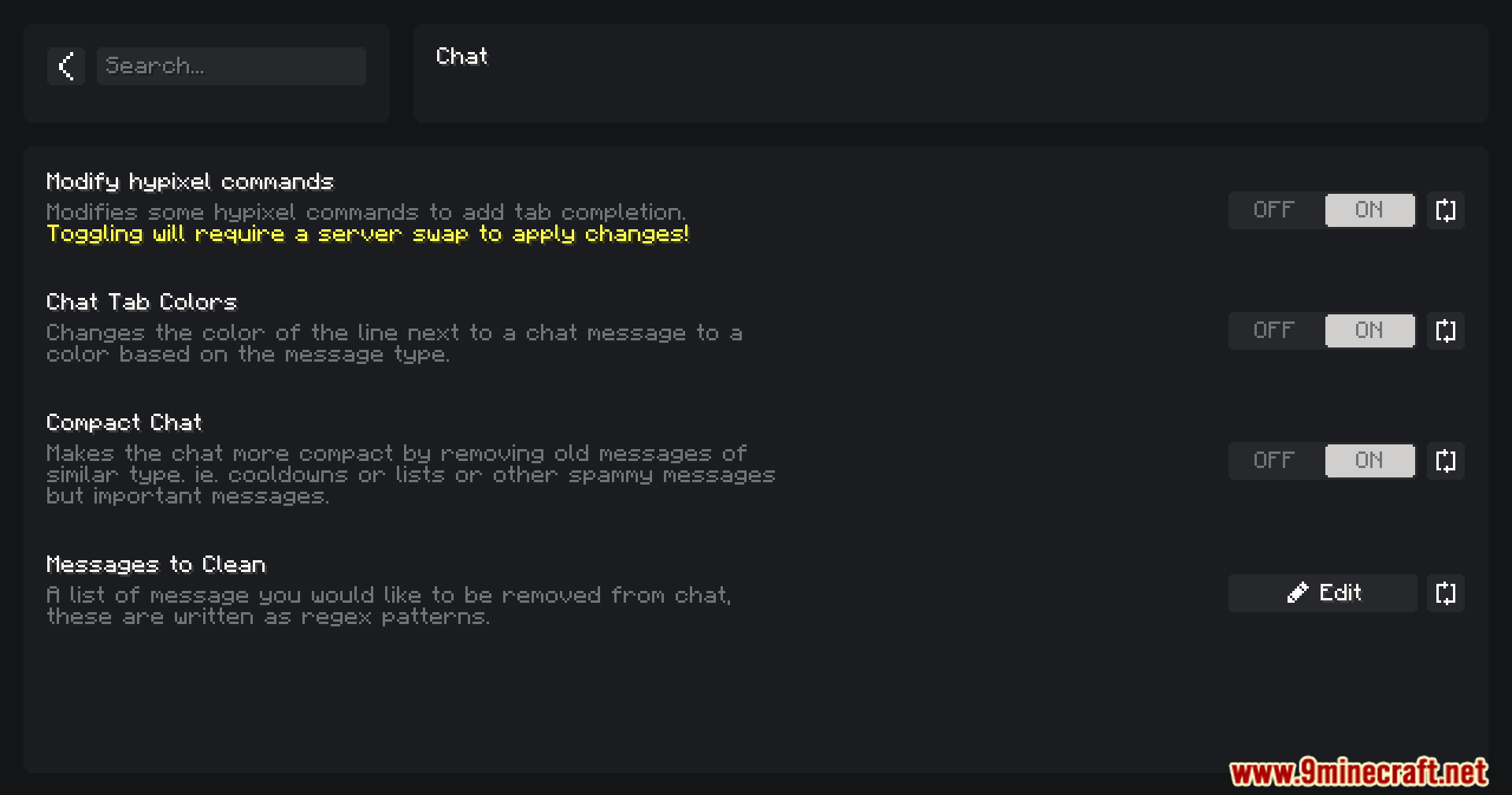
- Reworks chat functionality with tab completion for Hypixel commands, message coloring, compact views, and custom regular expression filters.
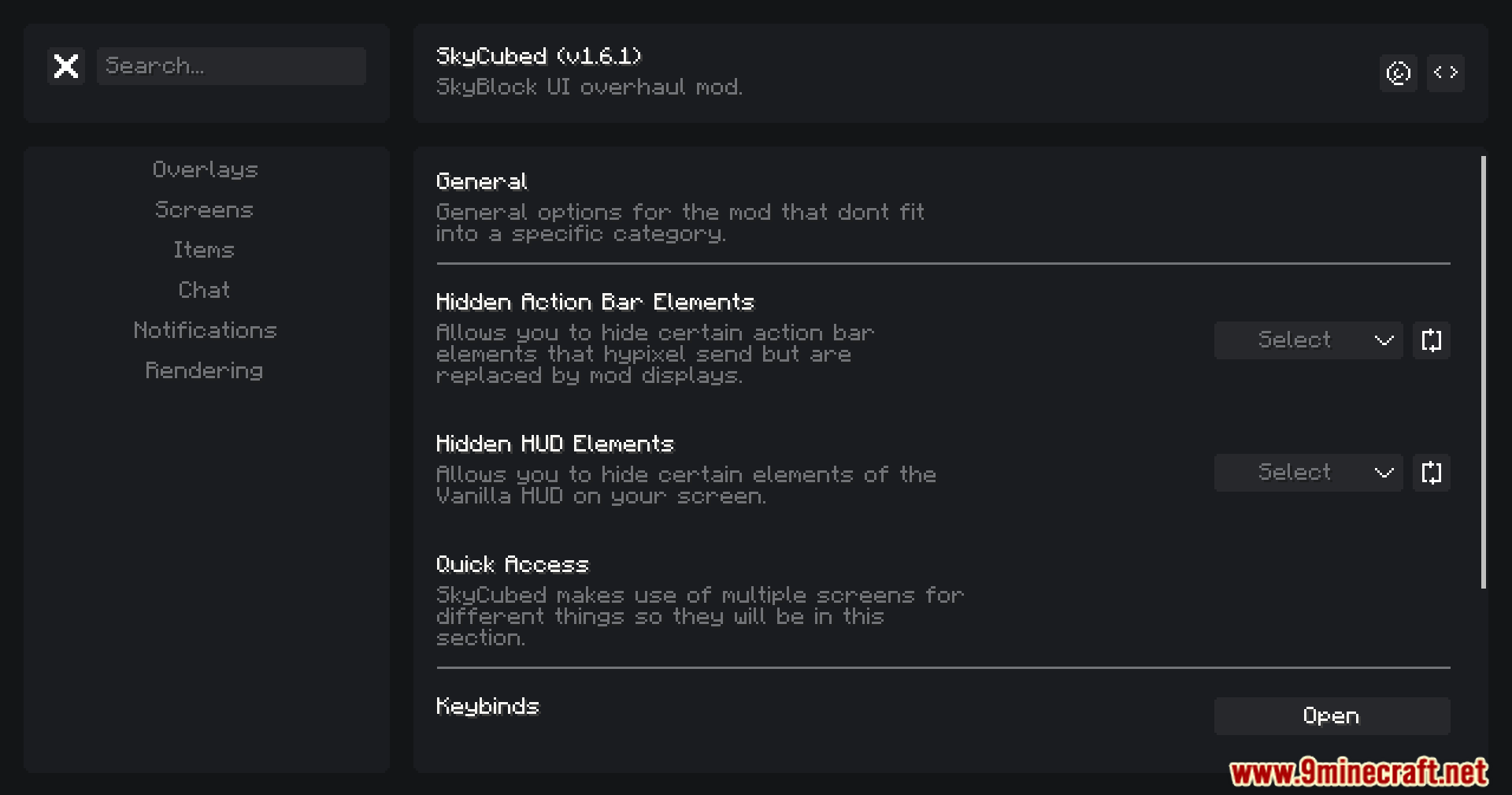
- Hides unwanted vanilla elements like bossbars and actionbar widgets to keep your screen clean during fights.
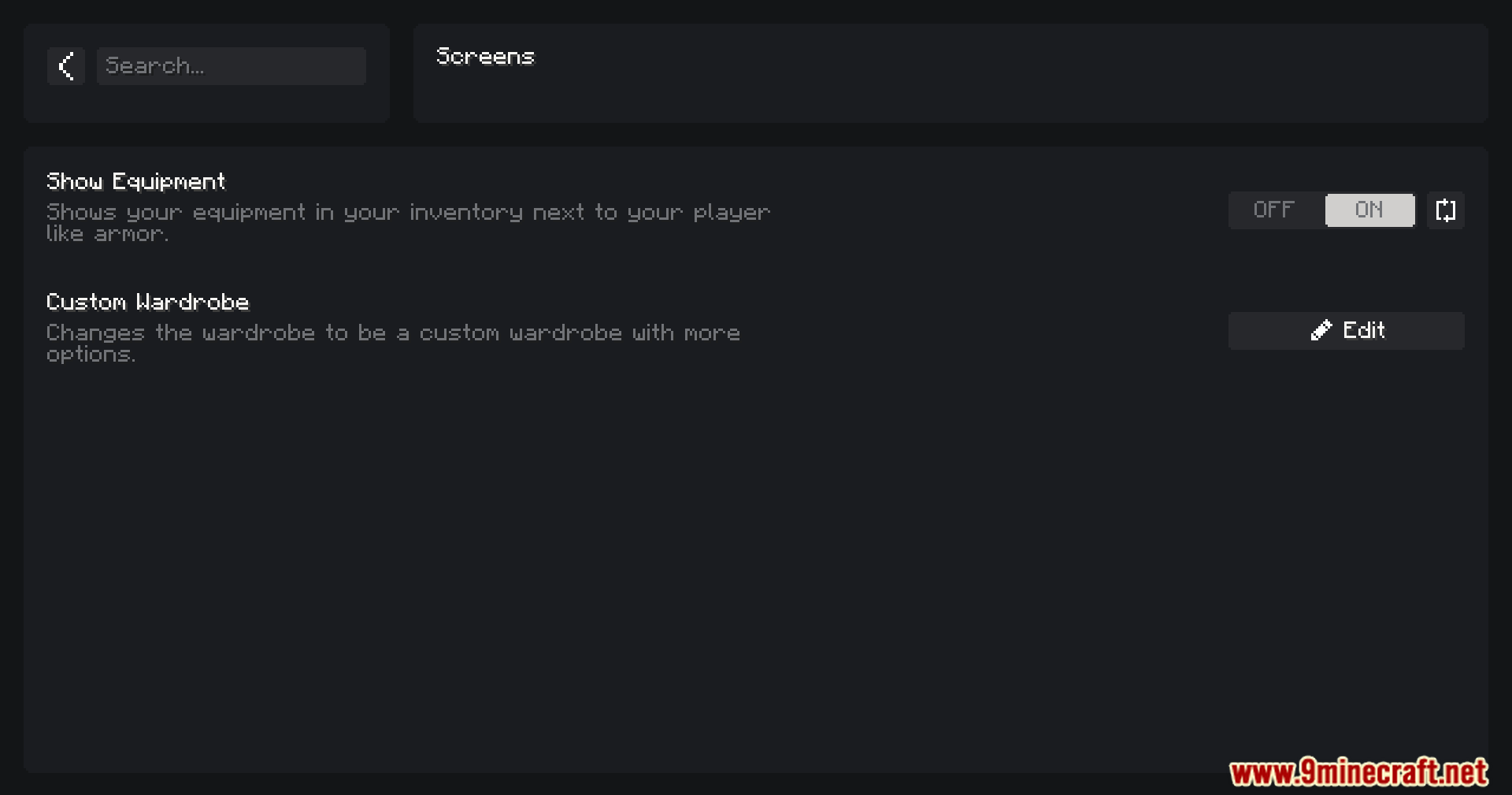
- Shows equipment previews next to your player in inventory screens and updates the wardrobe overlay.
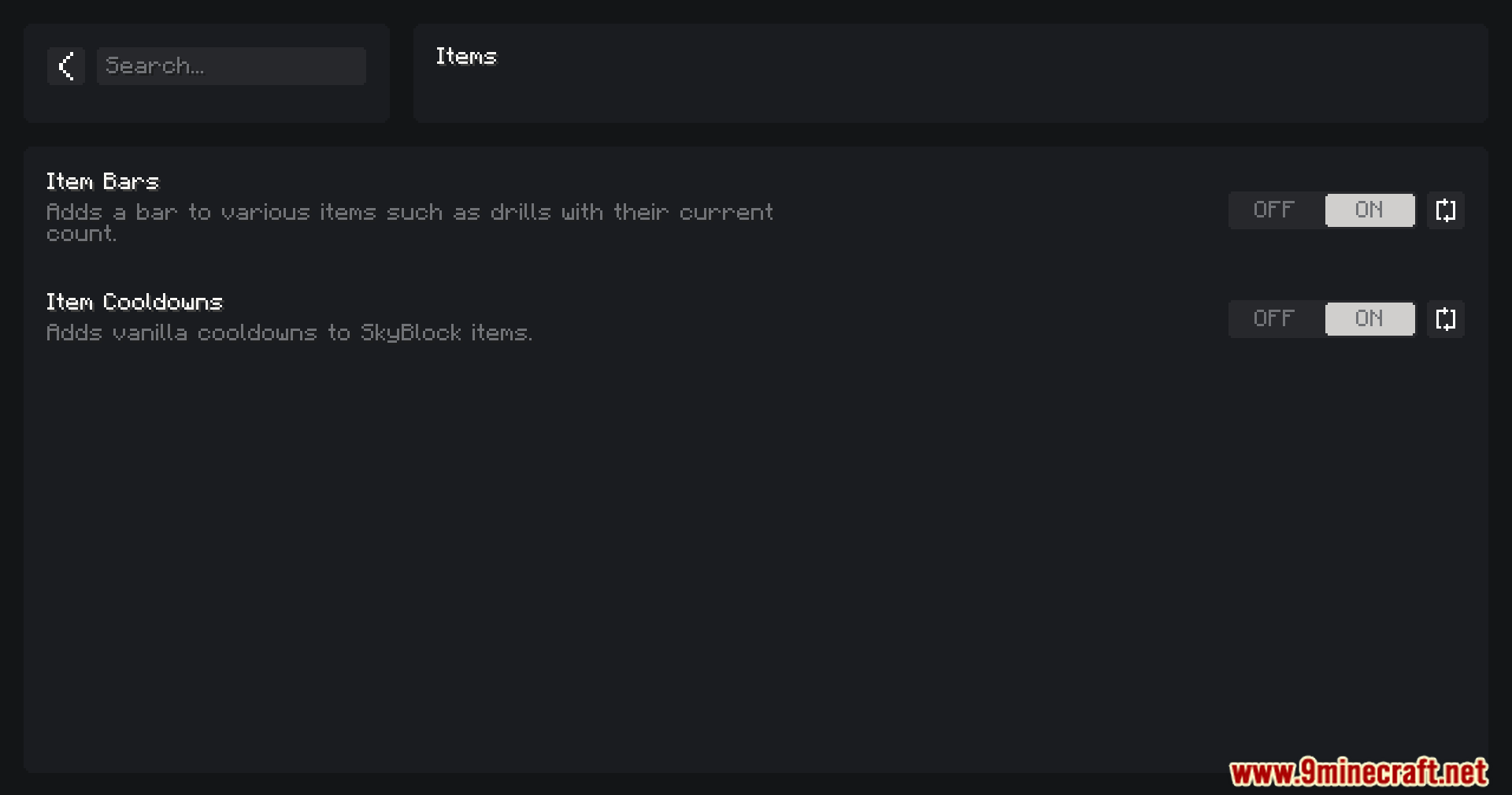
- Applies durability and fuel bars to items alongside standard cooldown visual effects.
Commands:
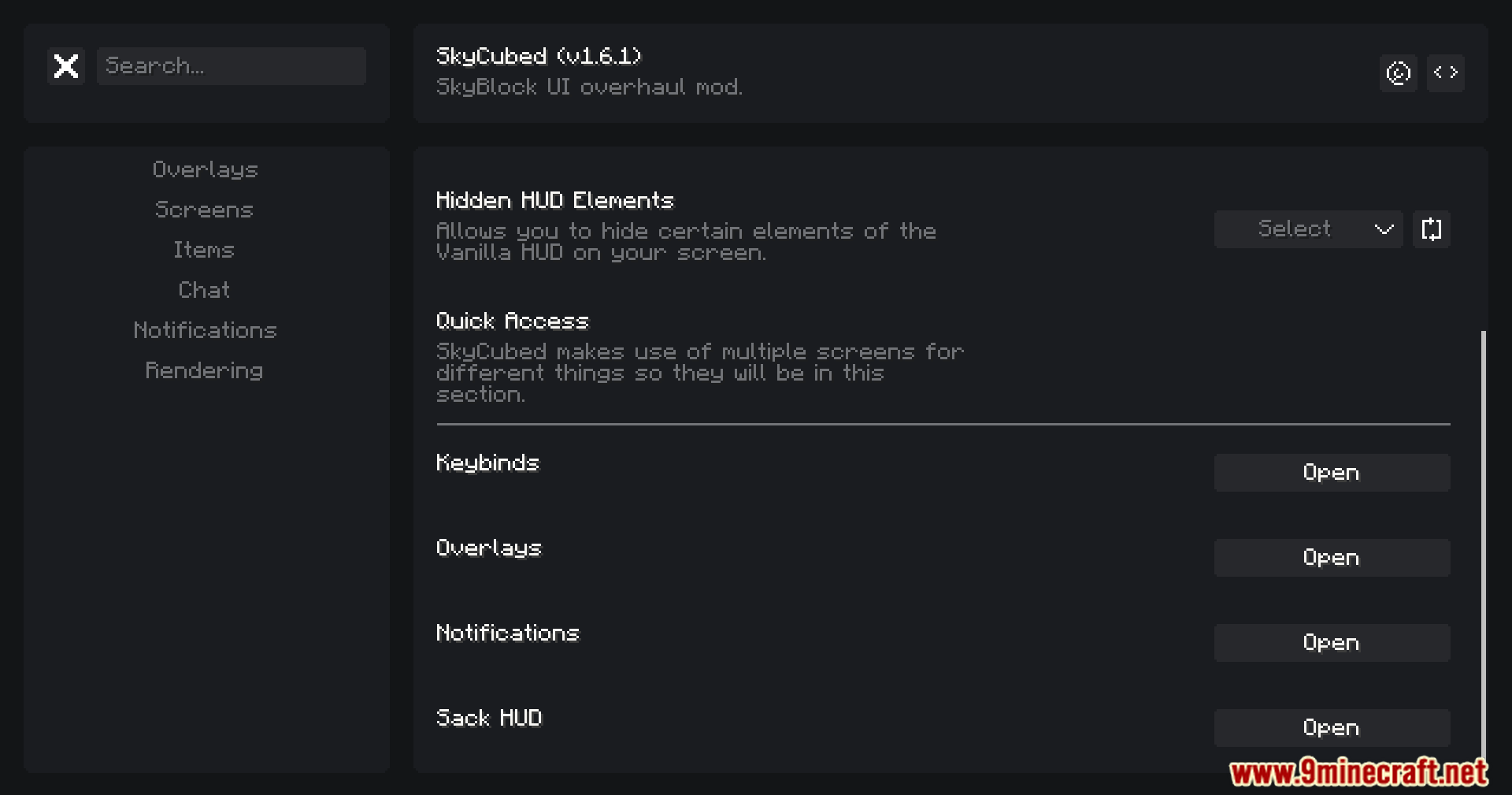
/skycubed sackhud: opens the configuration screen for sack overlay items.
How to Use:
- Open your game launcher and install the required Fabric Language Kotlin dependency.
- Place the mod file directly into your mods folder.
- Press your configured menu keys in-game to open and adjust the various overlay and general config screens.
Screenshots:
How to Install:
New to Minecraft? Follow our step-by-step guide to install Mods on your PC.View Guide

Sky Cubed Mod Download Links
For Minecraft 26.3
For Minecraft 26.2
For Minecraft 26.1.2, 26.1.1, 26.1
For Minecraft 1.21.11
For Minecraft 1.21.10, 1.21.9
For Minecraft 1.21.8, 1.21.7, 1.21.6
For Minecraft 1.21.5
For Minecraft 1.21.4
For Minecraft 1.21.3, 1.21.2
Click to rate this post!
[Total: 2 Average: 5]
QUICK MINECRAFT SURVEY · ONE TAP
Mods & Modpacks
What do you usually do when your modded game crashes on startup?
1 responses · See the full results →
You May Also Like
Picked for this page
 Tschipcraft’s More Mobs Mod (26.3, 1.20.1) – Humanoid Mobs
 Vanilla One Block Mod (26.2, 1.20.1) – An Ultimate SkyBlock Experience
 TrimsEffects Mod (26.2, 1.20.1) – Armor Trims with Special Effects
 Health Levels Mod (26.2, 1.20.1) – Maximizing Experience Gains
 Blossom Homes Mod (26.3, 1.20.1) – Easy Home Teleports
 Skyblock Addons Unofficial (26.3, 1.21.11) – Skyblock QoL And New Features
 Mixin Conflict Helper Mod (26.2, 1.20.1) – User-friendly Errors for Mixin Conflicts
 Modern Warp Menu Mod (26.2, 1.21.11) – Hypixel-Style Warping
 SkyBlock Profile Viewer Mod (26.3, 1.21.11) – Profile Viewer For Hypixel Stats And Gear
 No Portals Mod (26.3, 1.20.1) – Take Control Of Dimensional Access
 Companions Dogfolk Mod (1.21.11, 1.20.1) – Cute Little Helpers
 Simple Modpack Update Checker Mod (26.3, 1.21.1) – Check Modpack Updates Automatically
Most viewed in Mods over the last 7 days
 Ala Industrial Mod (26.3) – Run Electric Power Grids and Automated Factories
 PleasureCraft Mod (26.3, 1.21.1) – Jenny Mod Remake for Fabric
 Jennycraft Mod (26.3, 1.20.1) – Virtual Girlfriend in Minecraft
 Fapcraft Mod (26.3, 1.12.2) – Comprehensive and Detailed Content
 Jenny Mod (Fapcraft) Official Complete Guide – How to use, Tutorial
 BangCraft Mod (1.20.1) – Jenny, Ellie and Elliot
 Fabric Loader (26.3, 1.20.1) – Fabric Installer for All Minecraft Versions
 The Shooting Star Demo Mod (26.3, 1.20.1) – Vaporize Terrain From Orbit
 Meteor Client Mod (26.3, 1.20.1) – Xray, HUD, Fly
 OptiFine HD (26.3, 1.20.1) – Run Faster, FPS Boost, Shaders Support
 Aristois Client Mod (1.21.4, 1.20.1) – World Class Minecraft Utility
 Prestige Client Mod (1.21.11, 1.21.4) – Powerful Ghost Features for Crystal & Sword PvP
More from Mods
 Kambrik 9minecraft Mod (26.3) – Run Kotlin Mods Without Game Lag
 Fast Paintings 9minecraft Mod (26.3, 26.2) – Place Wall Art Exactly Where You Want It
 Bonsai Trees 9minecraft Mod (26.3, 26.2) – Automate Wood Farming in Tiny Pots
 Enhanced Block Entities 9minecraft Mod (26.3) – Build Lag-Free Storage Rooms
 Better Nether 9minecraft Mod (26.3, 26.2) – Survive Forever in the Nether
 BCLib 9minecraft Mod (26.3, 26.2) – Power Custom Nether and End Overhauls
 ForgedLoaderAPI Mod (1.19.2, 1.18.2) – Bring Ported Fabric Creations
 Shield System Mod (1.21.1) – Tank Heavy Monster Hits Without Losing Hearts
 Shin’s Tensura Race Models Mod (1.19.2) – Play As Unique 3D Anime Race
 Offgrid Mod (26.3, 1.20.1) – Furnish Compact Interiors Without Strict Grid
 Tempest Almanac Iron’s Spells ‘n Spellbooks Mod (1.21.1, 1.20.1)
 Chat Guides Mod (26.3, 1.21.11) – Never Memorize Complex Server Commands Again

This post has no comments yet. Be the first — your comment will appear here.